Explore Your Space withAI Cafe Design
How to Create a Cafe Design with AI
Set the Scene
Visualize the First Direction
Resolve the Awkward Areas
Share the Concept

Explore the Decisions That Shape Your Coffee Shop
Start Before You Have a Photo
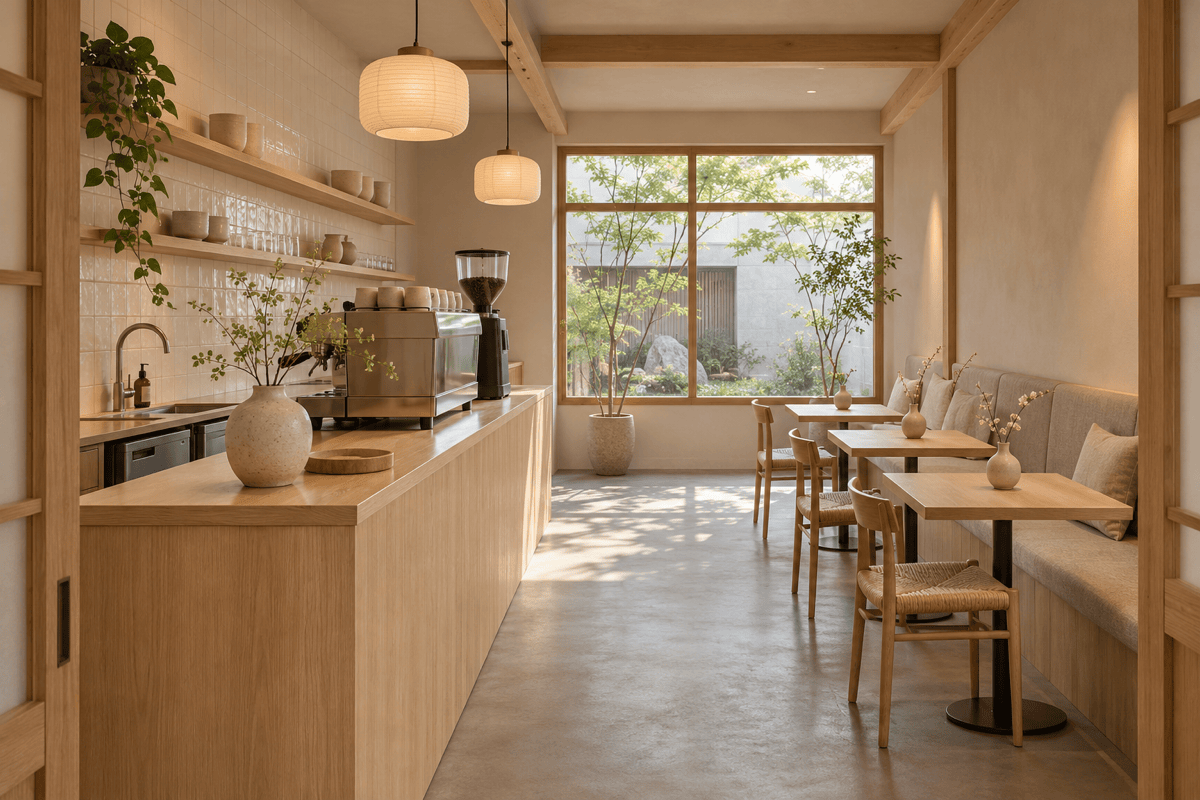
Describe a small cafe interior design in plain language. Explore a visual direction while you are still choosing a location.
Work from Your Actual Space
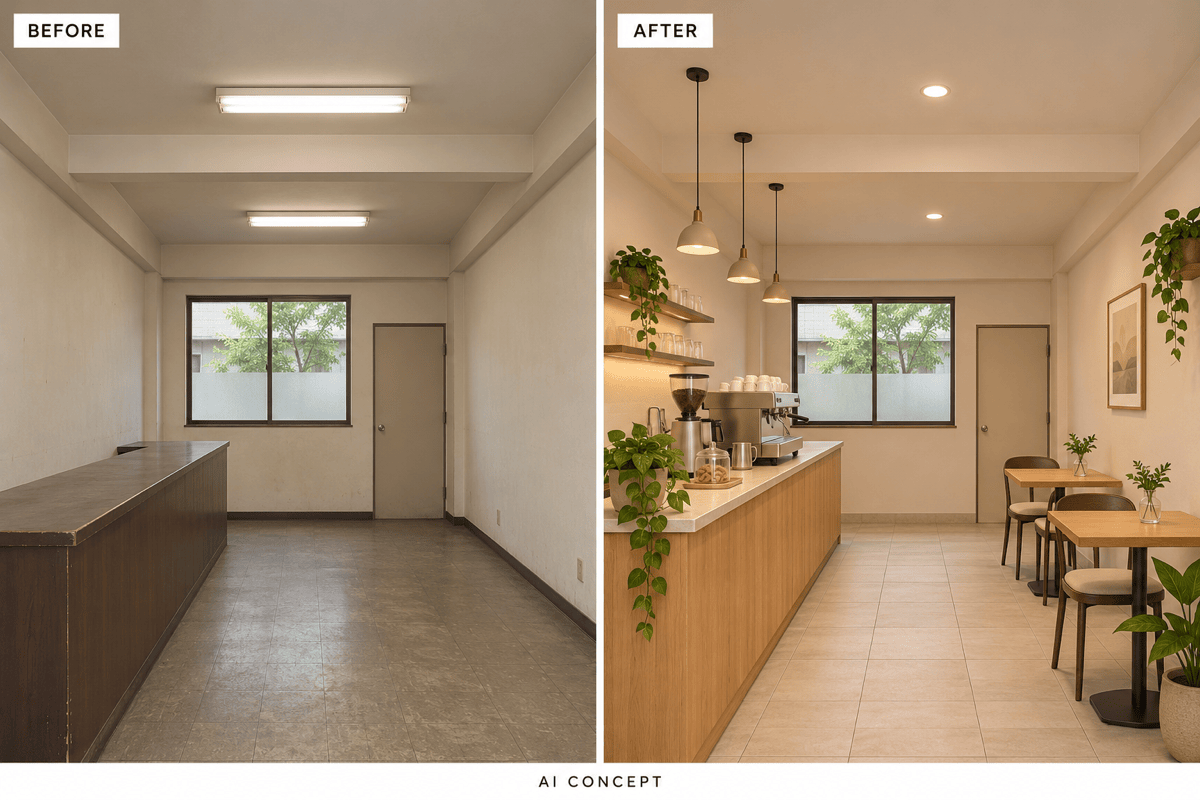
Upload an existing cafe photo and specify what to retain. The AI coffee shop design workflow gives you a reference-based starting point for renovation ideas.
Compare Materials and Mood
Try pale timber, exposed brick, or colorful tile against the same brief. Compare how each direction changes the atmosphere.
Refine the Counter and Seating
Ask for a shorter display case, fewer tables, or a different banquette. Chat-based edits help you develop the selected concept.
Choose How Your Concept Is Generated
Select a preferred image model or use Mew Auto to match your request. Access leading image models in one workflow, with new releases added promptly.
Make Your Brief Easier to Discuss
Share visual options with a partner or designer. Use the images to explain finishes and mood before commissioning detailed plans.
Define Your Cafe Before Choosing the Decor
- Fixed Elements: Identify doors, windows, columns, and the existing counter. In photo edits, state which should stay in place.
- Service and Seating: Explain whether customers collect drinks, stay for brunch, or work on laptops. Include your preferred seating mix.
- Materials and Light: Choose a few finishes and describe daylight and evening lighting. A specific palette is clearer than “cozy.”
- Reality Check: Review routes, furniture scale, and changed openings. An attractive image does not verify measurements or buildability.
Six Cafe Design Problems to Explore
Explore a minimalist small cafe with wall seating and compact two-person tables. Keep the entrance-to-counter route visibly open and avoid bulky lounge chairs.
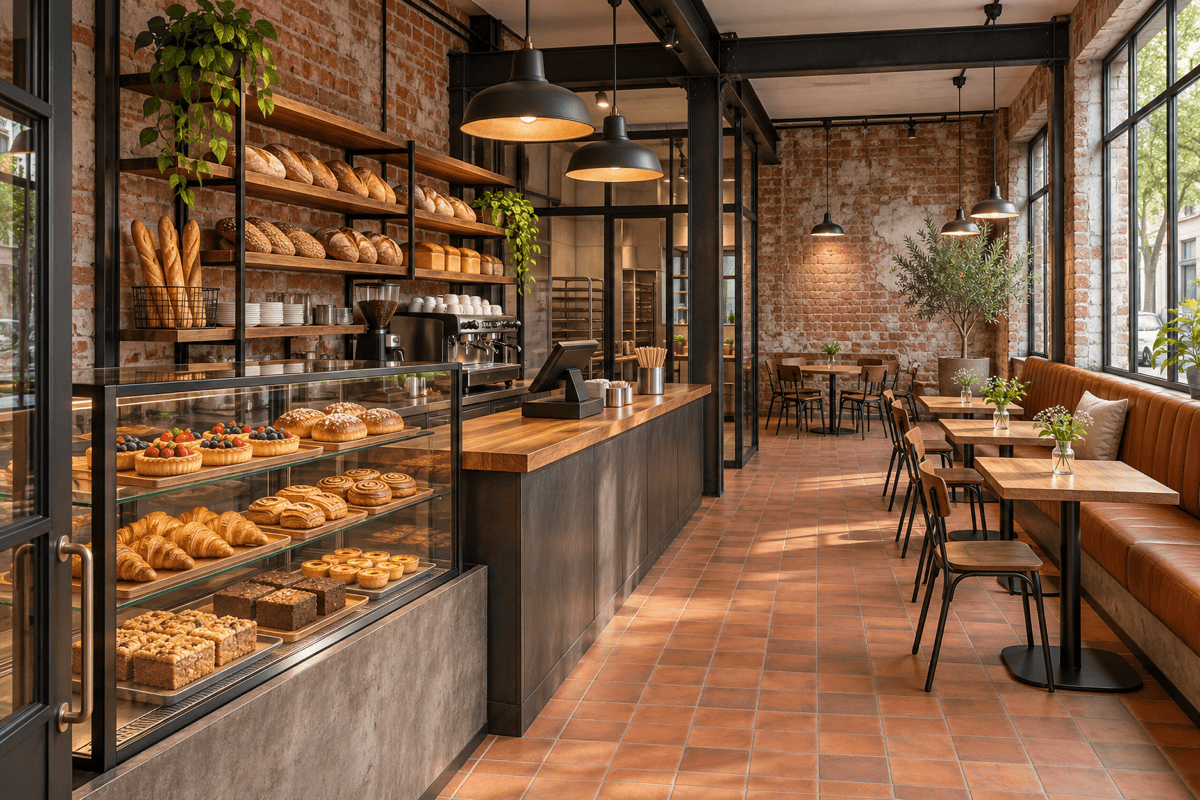
Create a takeaway coffee shop counter design with distinct ordering and collection points. Show the espresso machine, pastry display, and an uncluttered customer approach.
Visualize a bakery cafe with a pastry case near the entrance, bread shelving behind the counter, and a separate seating zone. Use warm tile and timber.
Restyle my uploaded cafe photo with painted walls, updated pendants, and lighter furniture. Keep the camera angle, windows, doors, and counter position; compare the result against the source.
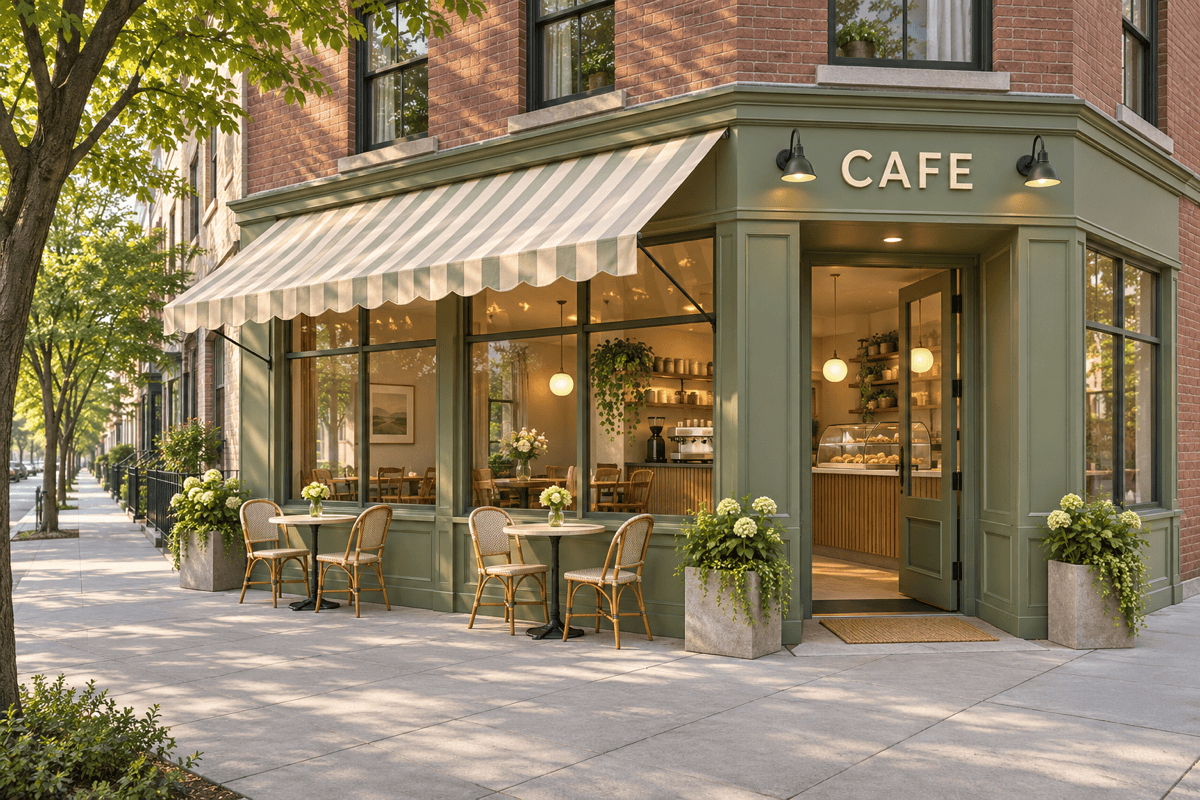
Generate a corner cafe exterior design with a visible entrance, large windows, a simple sign, and a few outdoor tables. Keep the pedestrian route clear.
Create a cafe interior for reading and laptop work. Group individual seats near windows, add a shared table, and suggest upholstered surfaces for a softer atmosphere.





