See Your Burger Idea with anAI Burger Generator
How to Create a Burger Image from an Ingredient List
Name What Goes in the Bun
Decide Where the Camera Goes
Inspect the Stack Before Downloading

What Kind of Burger Image Do You Need?
Compare Menu Concepts
Compare a mushroom topping with caramelized onions before arranging a shoot. The AI burger image generator lets you explore combinations visually; taste and preparation still need a kitchen test.
Leave Space for a Social Offer
A burger filling the entire frame leaves nowhere for a price or headline. Request a wider composition with clear space, then adapt the crop for your post.
Cutouts for Menus and Flyers
Need the burger on a menu board or flyer? Ask to remove the background. Check the edges around sesame seeds, lettuce, and sauce before placing the cutout.
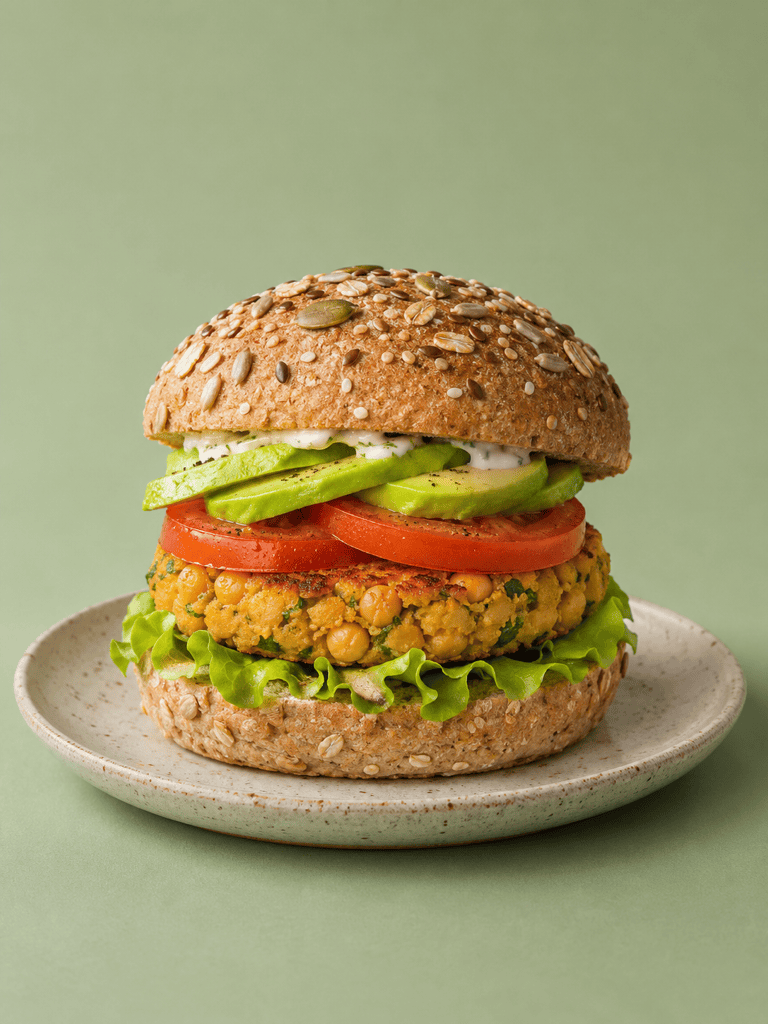
Show the Plant-Based Ingredients
Describe the chickpea texture, mushroom cap, or bean patty you want to show. Naming the filling gives a vegan burger image a more specific direction than simply asking for a green-looking burger.
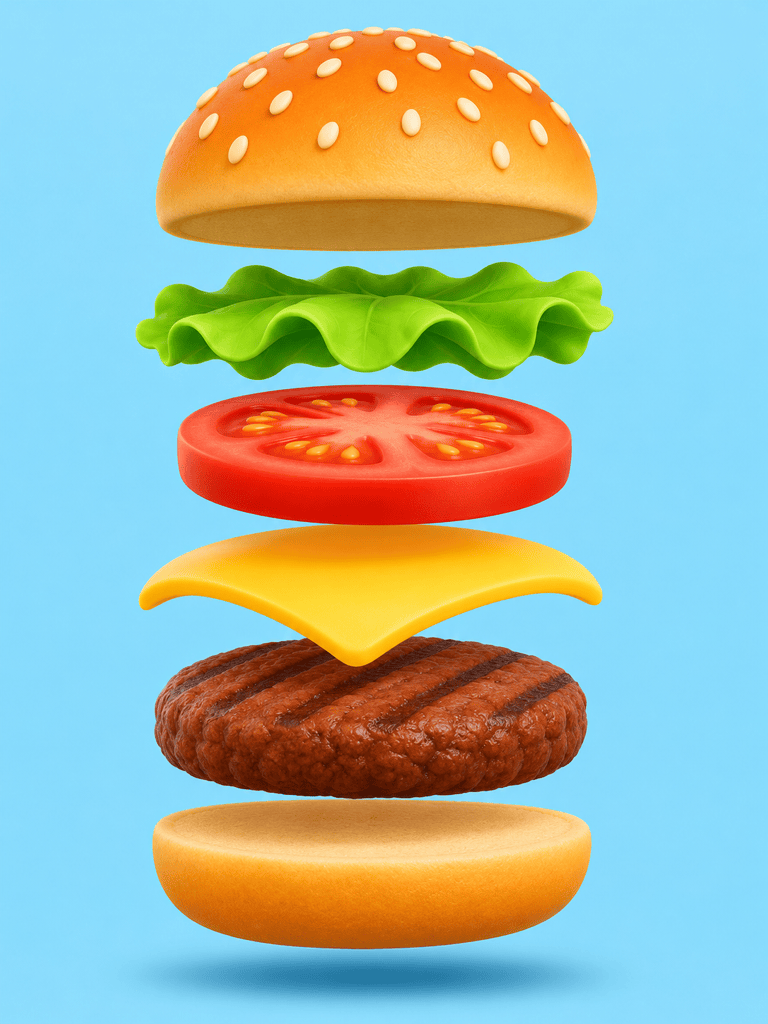
Pull Apart a 3D Burger
For an illustration, request floating layers, rounded shapes, or a bold color palette. Separate the bun, tomato, lettuce, cheese, and patty so the stack stays easy to read.
Your Burger, a Different Background
Upload a photo of the burger you serve and request a different backdrop or softer light. Compare the edited result with the original before using it to represent the dish.
What Makes an AI Burger Look Real?
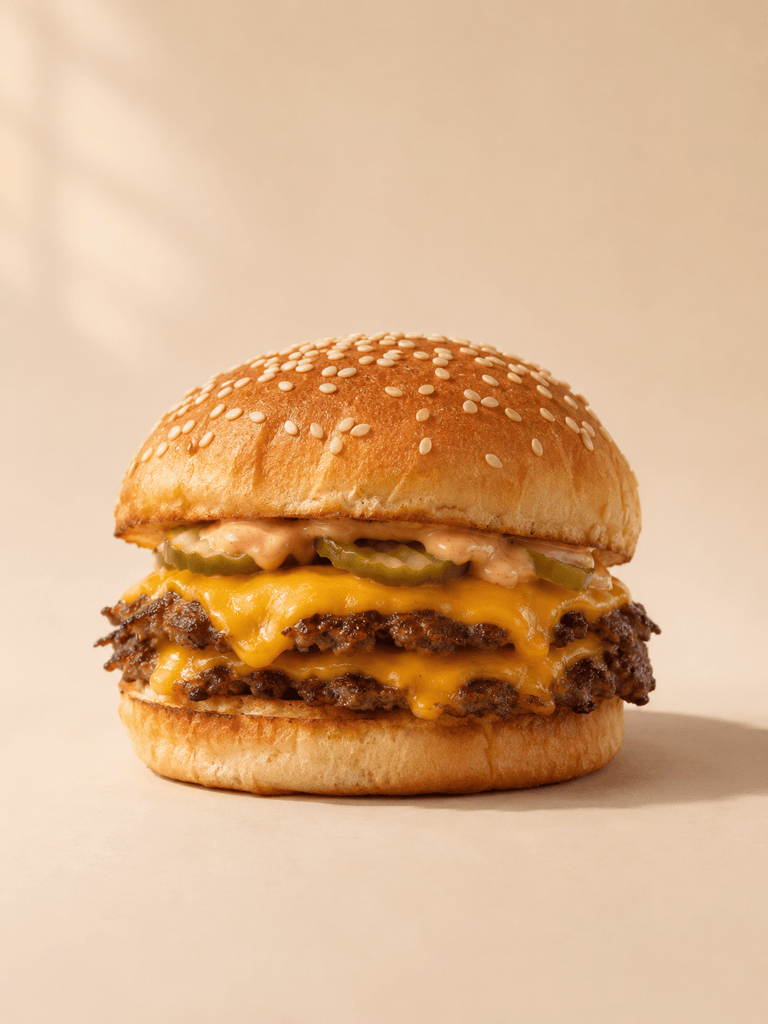
- Weight and Contact: Each layer should rest on the next. Gaps, hovering pickles, and cheese passing through meat make a realistic food photo less believable.
- Different Surface Textures: Bread needs a visible crumb, a seared patty needs irregular edges, and lettuce should look thin. One glossy texture across all three makes the burger look artificial.
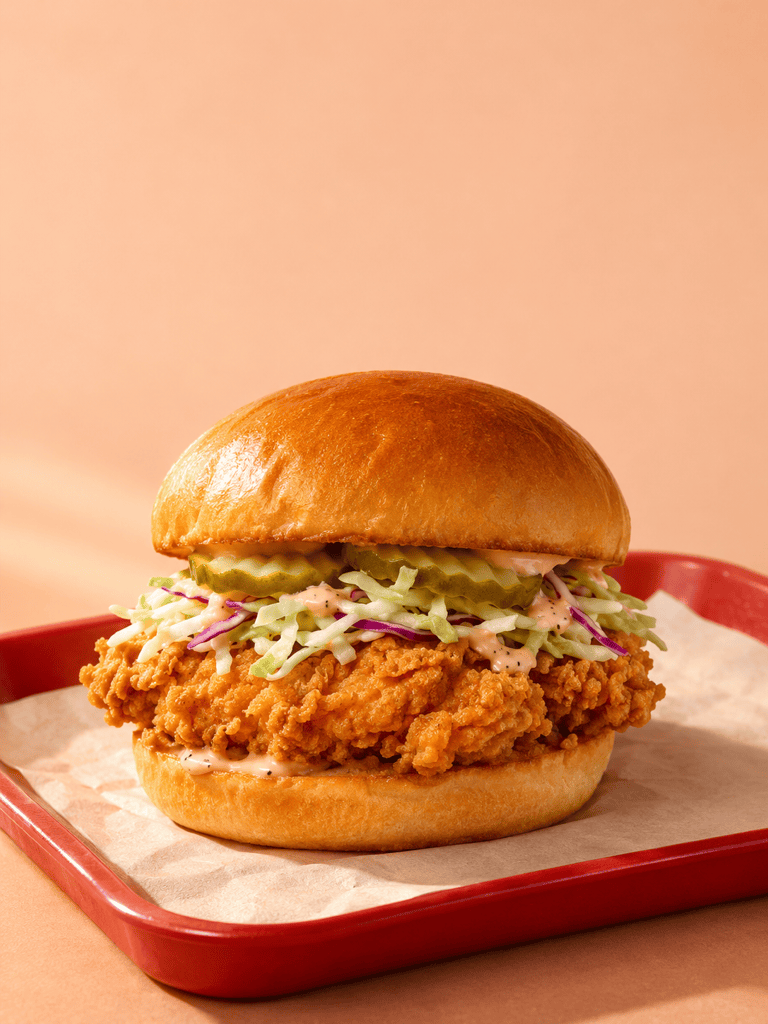
- Sauce in Proportion: A little shine can suggest moisture. Thick, repeated drips can hide the filling and make the stack hard to understand.
- A Useful Crop: Keep the whole bun in view for a standalone product image. For a close-up, make the cut intentional and leave enough of the filling to identify the burger.
Fix the Toppings, Texture, or Crop
Remove every cheese slice and all cheese sauce from this hamburger image. Keep the patty count, vegetables, bun shape, and camera angle unchanged. Do not replace the cheese with another topping.
This should be a single-patty burger. Remove the extra patties and close the gaps so the bun rests naturally on the remaining filling. Preserve the background and lighting.
Reduce the plastic-like shine on this burger. Add subtle bread texture and irregular seared edges to the patty. Keep the existing ingredients and avoid adding more sauce.
Bring the floating toppings back into contact with the filling. Make the cheese follow the patty surface and place the top bun naturally on the stack. Keep the burger fully assembled.
Extend the background above this burger to leave clear space for a headline. Keep the complete burger visible at the same proportions. Do not add words, a price, or a logo.
The sauce is hiding the filling. Reduce it to a thin layer and remove the large drips over the patty. Keep the existing bun, vegetables, and food-photo lighting.





