Free OnlineAI Breast Expansion
How to Make a Bust-Size Preview with AI
Upload a Clear Adult Portrait
Describe the Exact Adjustment
Generate and Inspect the Edit
Refine One Detail and Export

More Control for Natural AI Bust Enhancement
Start From the Photo You Choose
Upload a permitted portrait and use image-to-image editing instead of recreating the entire person from text. The original provides context for identity, clothing, pose, lighting, and background.
Set the Amount in Plain Language
Tell the online AI breast enhancer whether the change should be slight, balanced, or more visible. Add proportional and natural-looking as constraints when realism matters.
Lock the Details That Matter
State clear invariants such as keep my face, waist, posture, hands, neckline, and background unchanged. Review the output because every generative edit can still introduce drift.
Refine Edges, Light, and Shape
Ask Chat Edit to correct an uneven contour, stray detail, mismatched shadow, or exaggerated curve without restarting the whole image. Focused follow-ups make the edit easier to evaluate.
Choose a Strong Image Model
Try capable image models such as Nano Banana Pro or GPT Image 2.5, then compare which version best preserves the original portrait.
Test the Workflow Before Committing
Start the free AI breast expansion workflow with credits after signup. Generate a first draft, refine it through chat, and export approved work without a watermark.
How to Prompt AI for Natural Bust Enhancement
- Choose an Intensity: Use words such as subtle, moderate, or noticeable instead of leaving the scale open-ended.
- Name the Invariants: Explicitly keep the face, pose, waist, hands, hairstyle, background, crop, and camera angle unchanged.
- Protect Visual Details: Ask the AI to preserve the garment cut, colors, accessories, skin texture, lighting direction, and realistic material tension.
- Review One Change at a Time: If a detail drifts, use Chat Edit for one correction before requesting another variation.
AI Breast Expansion Prompts for Different Photos
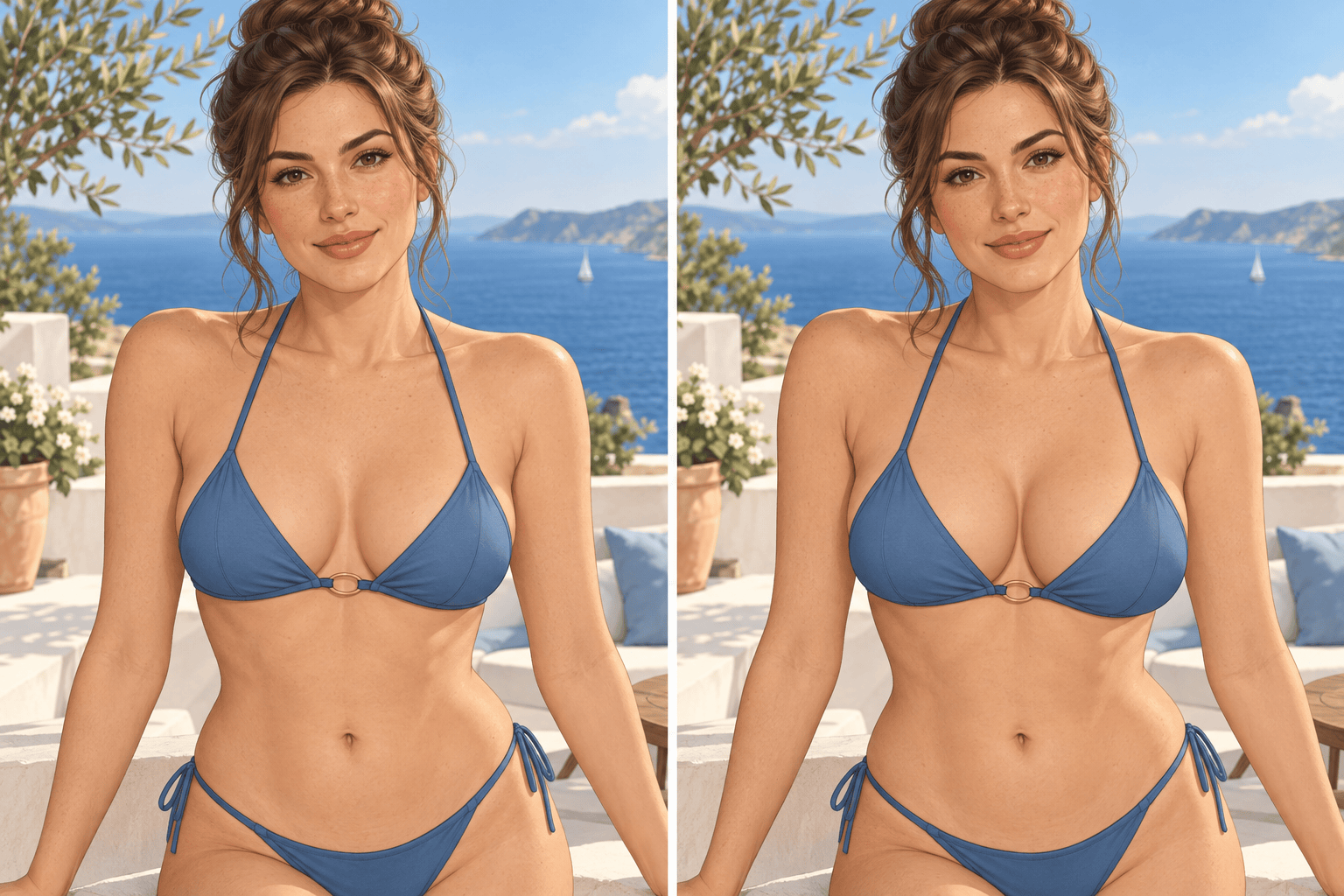
Beachwear before and after: Edit @[uploaded image], an adult wearing a non-transparent two-piece bikini. Make the bust moderately fuller and proportionate. Keep the face, pose, waist, bikini design, beach setting, crop, and sunlight unchanged. Adapt only the body contour, fabric tension, and matching shadows.
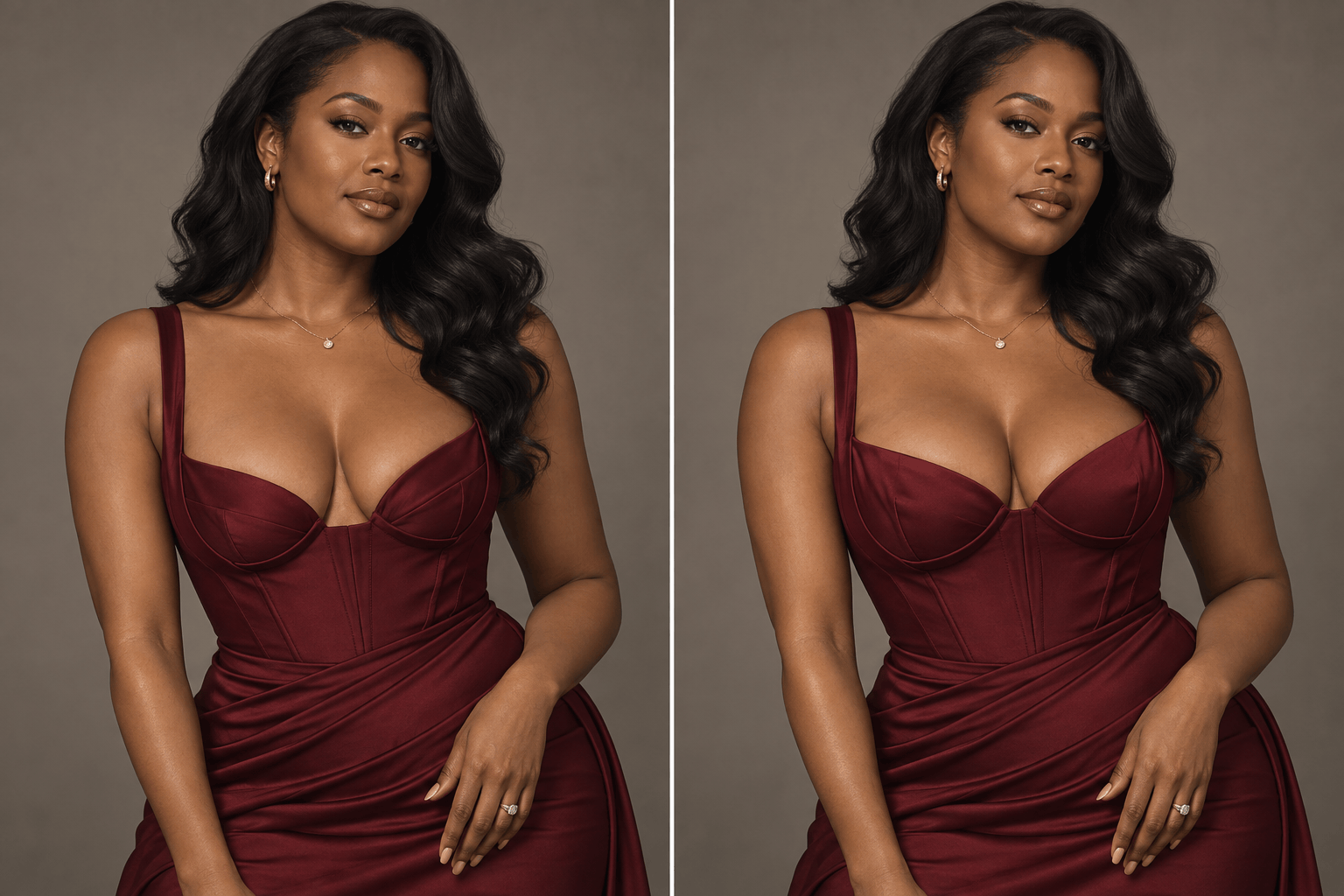
Low-cut evening dress: Apply a natural-looking bust increase to the adult in @[uploaded image]. Preserve her identity, elegant pose, dress neckline, waist, jewelry, studio background, and lighting direction. Keep the material and support structure believable without changing other body proportions.
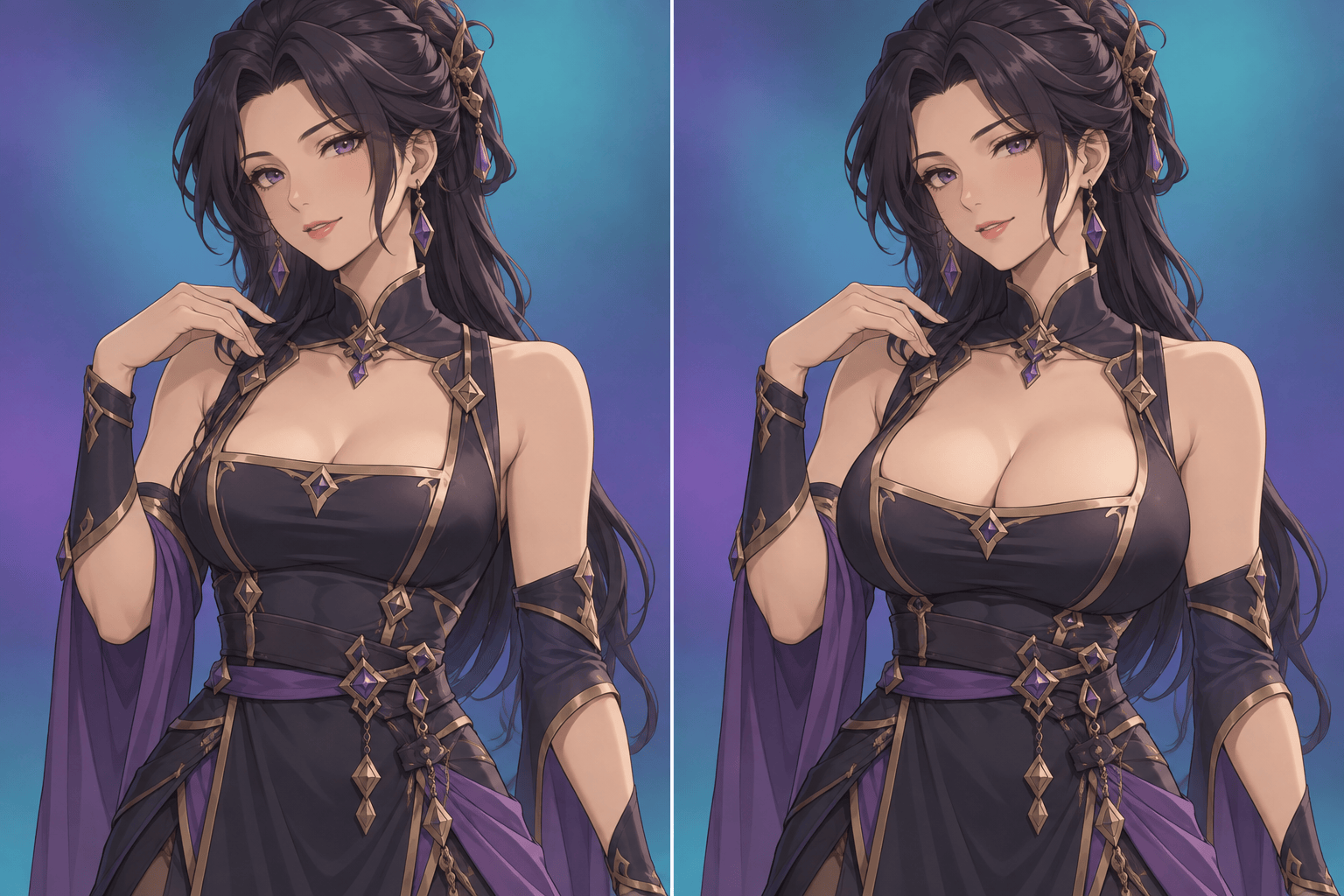
Adult anime character variation: Create a fuller but balanced bust-size version of the clearly adult original anime character in @[uploaded image]. Preserve the face, hairstyle, expression, costume design, pose, background, linework, and color palette. Change only the upper-body proportions and related shading.
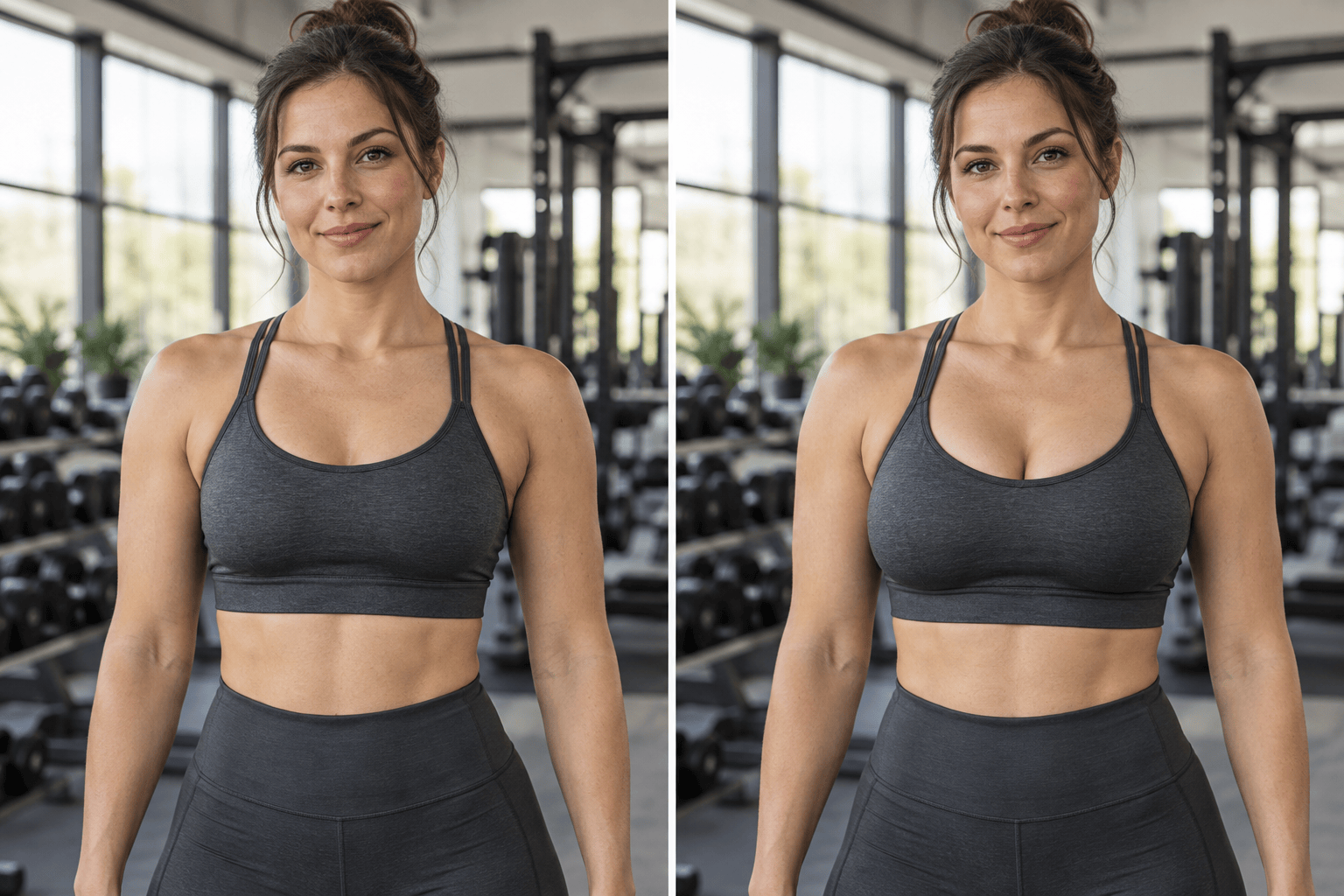
Fitness portrait edit: Use @[uploaded image] to make a noticeable but realistic bust adjustment for an adult wearing a sports bra and high-waisted workout leggings. Keep the same identity, athletic pose, waist, gym background, camera angle, and light. Maintain natural anatomy and consistent garment edges.
Three-quarter fashion portrait: Edit the adult portrait in @[uploaded image] with a subtle breast enlargement that follows the existing three-quarter angle. Preserve facial features, shoulders, hands, waist, outfit, background blur, lens perspective, and light. Avoid asymmetry or extra changes.
Strict single-area edit: In @[uploaded image], change only the adult subject's bust size to a moderately fuller, anatomically balanced shape. Do not change the face, hair, expression, arms, hands, waist, hips, pose, styling, background, framing, color, or image quality.





