Free OnlineAI Body Generator
How to Generate Human Body Images with AI
Describe a Person or Upload a Reference
Choose the Visual Direction
Adjust Proportions and Details
Export Your Character Image
Why Use Mew Design as Your AI Human Body Generator
Create Male and Female Body Images
Describe an adult male or female character with broad shoulders, a slender frame, a fuller figure, or an athletic build. Our AI human body generator lets you explore different body types through words instead of a fixed template.
Visualize Outfits for Fashion Concepts
Pair a chosen build with a suit, casual layers, or a fantasy costume. Create fashion concepts without arranging a photo shoot.
Generate Realistic and Anime Body Art
Create realistic human body images with studio lighting, or turn the same character idea into anime art. Upload a reference to guide the colors, linework, or overall visual style.
Customize Body Poses and Proportions
Request a standing pose, a side view, or a walking gesture. Use Chat Edit to adjust the silhouette, limb placement, or clothing while specifying the character details to keep.
Download Human Figures as Transparent PNGs
Ask to remove the background and export a transparent PNG. Place the character into a presentation, moodboard, or poster.
Try the AI Body Generator Online for Free
Free AI credits after signup let you test body image generation in your browser. Generation and edits use credits; exports are watermark-free.
How to Write Prompts for Realistic Human Body Images
- Build: Describe visible proportions rather than exact weight or measurements. Those numbers do not reliably determine an image.
- Pose: State the body angle, arm position, and where the weight rests. Start with a simple stance before trying complex movement.
- Clothing: Name the outfit and footwear. Specify fitted or loose clothing depending on how clearly the silhouette should show.
- Review: Check hands, joints, and left-right proportions. Treat figure references as creative aids, not verified anatomy diagrams.
AI Body Generator Prompts for Fashion, Art, and Characters
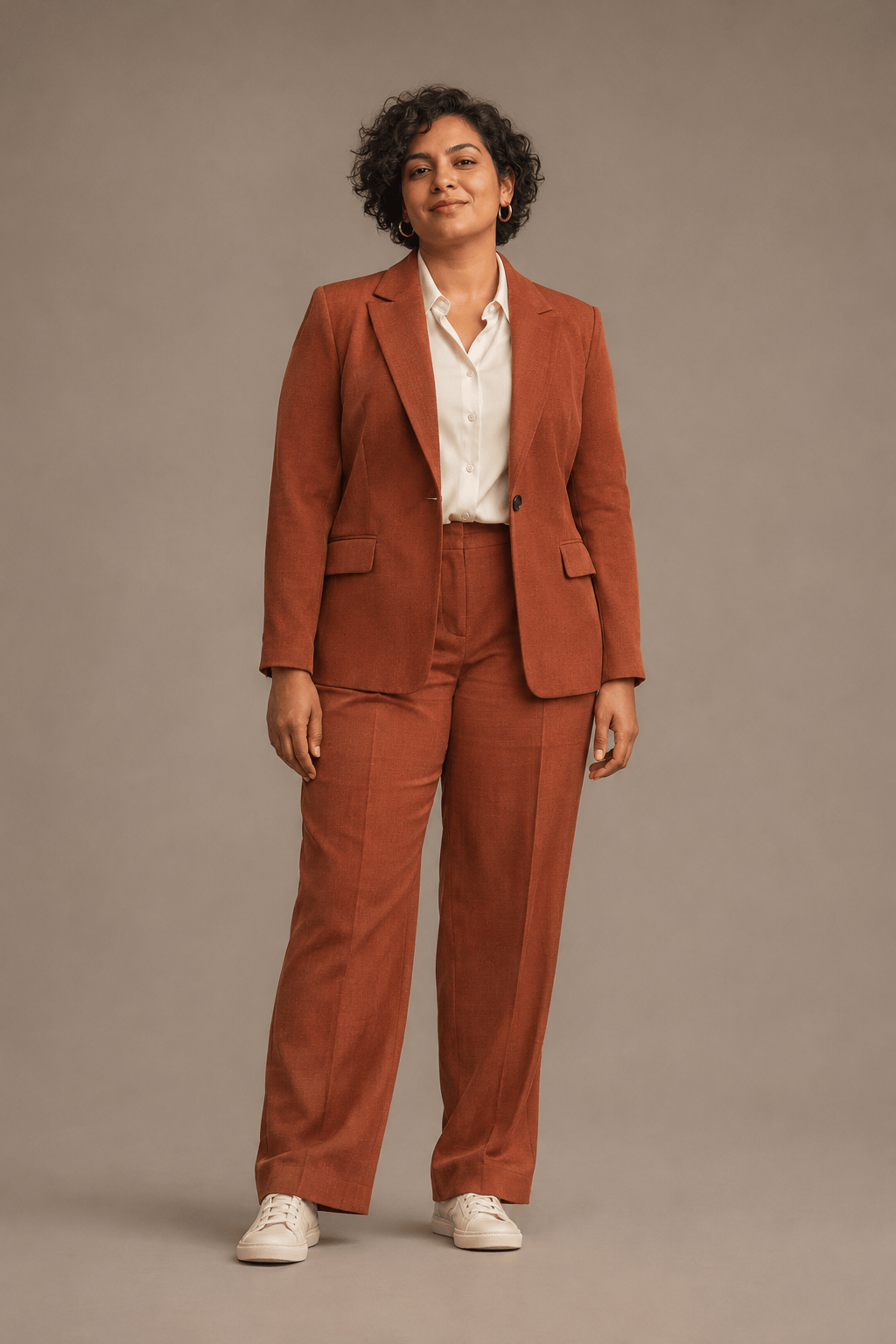
Create a realistic full-body fashion concept: an adult woman with a fuller build in a terracotta trouser suit and cream sneakers. Use soft studio light, a relaxed stance, and a warm gray backdrop.
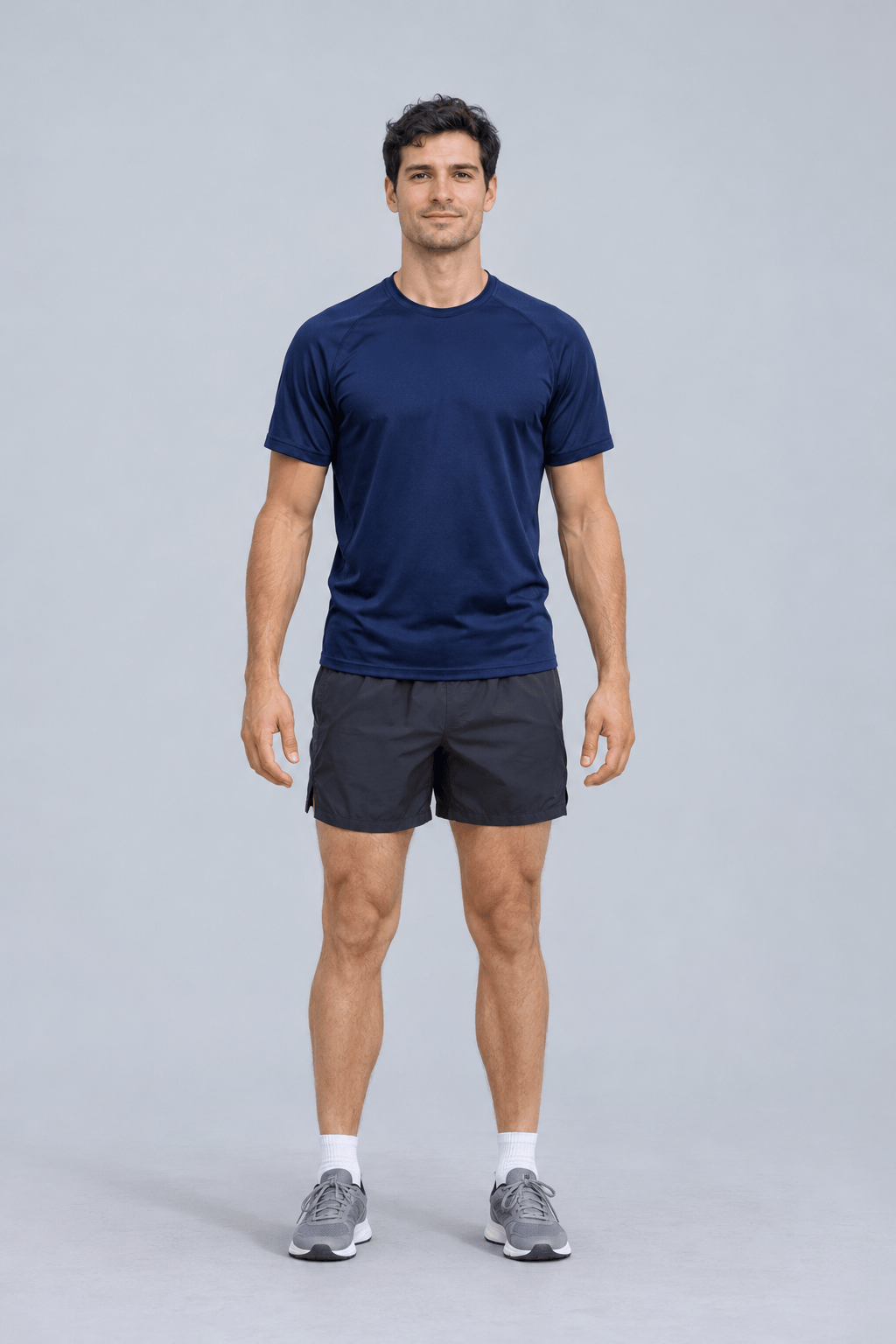
Generate an adult male runner with a lean athletic build, wearing a navy T-shirt, training shorts, and running shoes. Show a relaxed standing pose, natural proportions, and the complete figure.
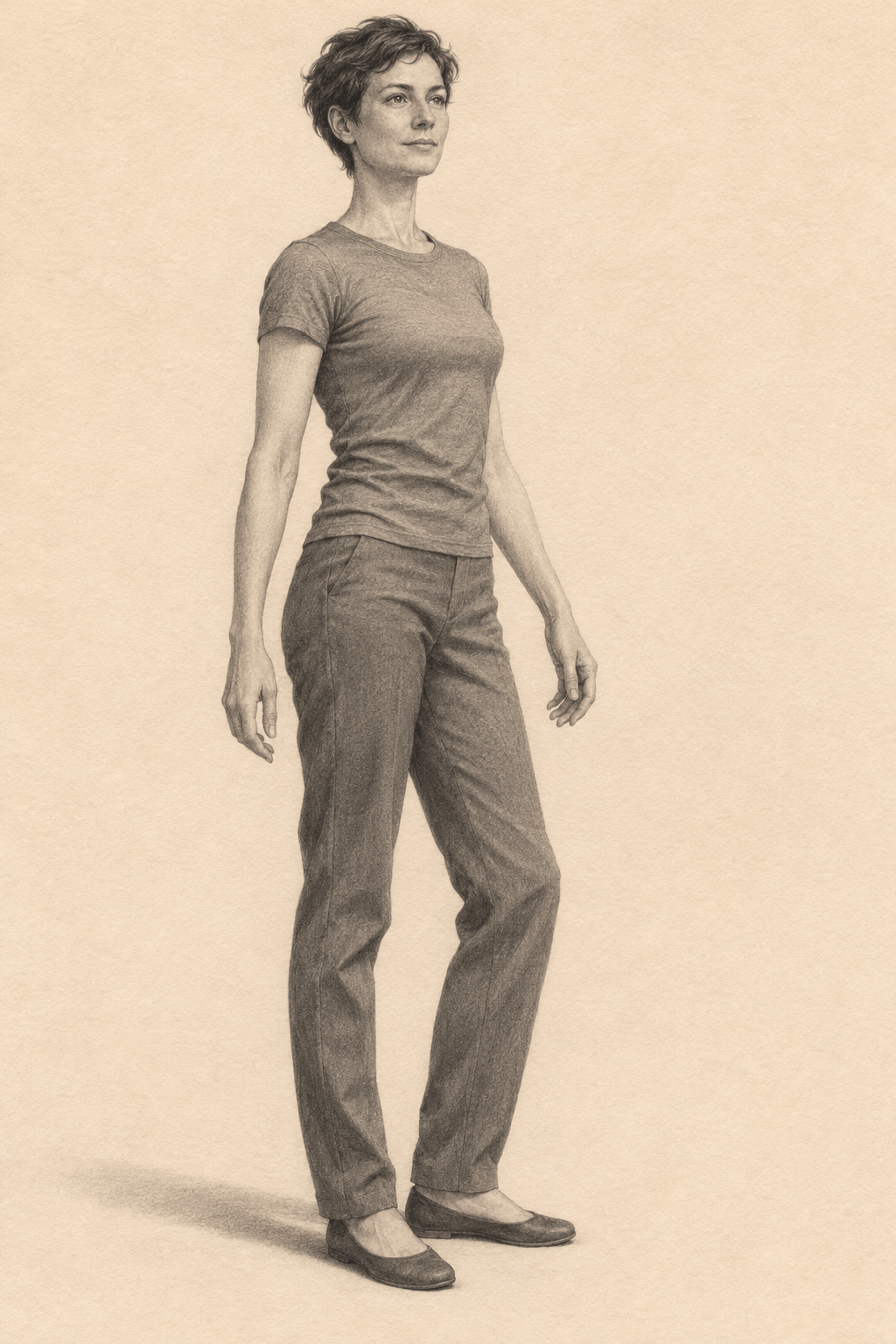
Create a clothed figure drawing reference of an adult with a slender build in a fitted gray T-shirt and trousers. Use a three-quarter standing pose, arms away from the torso, and simple directional light.
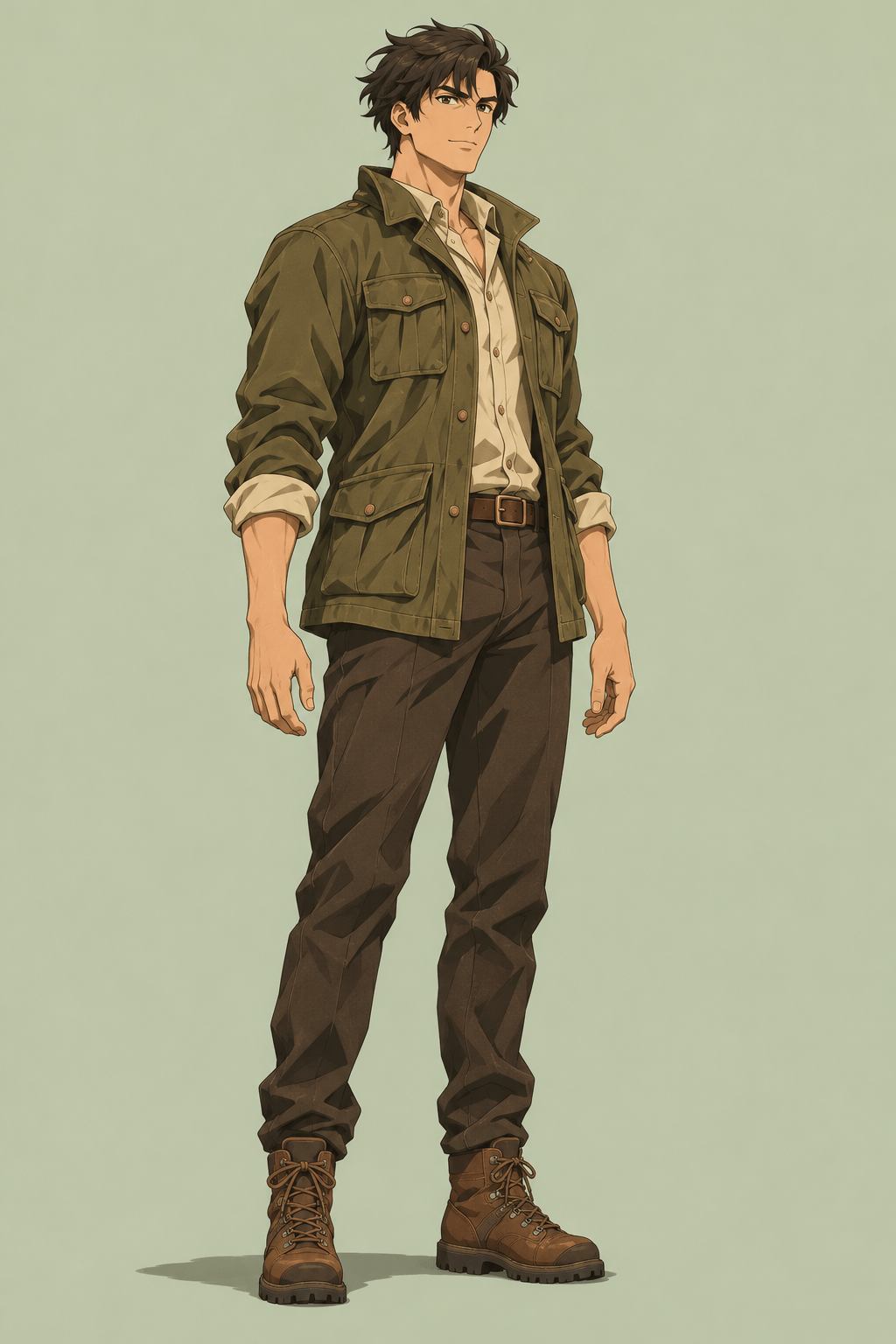
Design an original adult anime explorer with broad shoulders, an olive field jacket, dark trousers, and hiking boots. Show the complete silhouette in clean linework against a plain background.
Generate a realistic full-length image of an older adult with a stocky build, silver hair, a blue overshirt, cream trousers, and loafers. Use a calm standing pose and natural skin texture.
Use my uploaded character drawing as a reference for a realistic full-body image of an adult. Follow the sketch’s pose, body proportions, and outfit, with natural fabric textures, soft studio lighting, and a plain background. Keep the entire figure in view.