Free OnlineAI Full Body Generator
How to Create Full-Body Images with AI
Choose a Photo or Describe a Character
Set the Head-to-Toe Composition
Check the Face, Hands, and Feet
Download Your Full-Length Image

Build the Whole Character with Mew Design
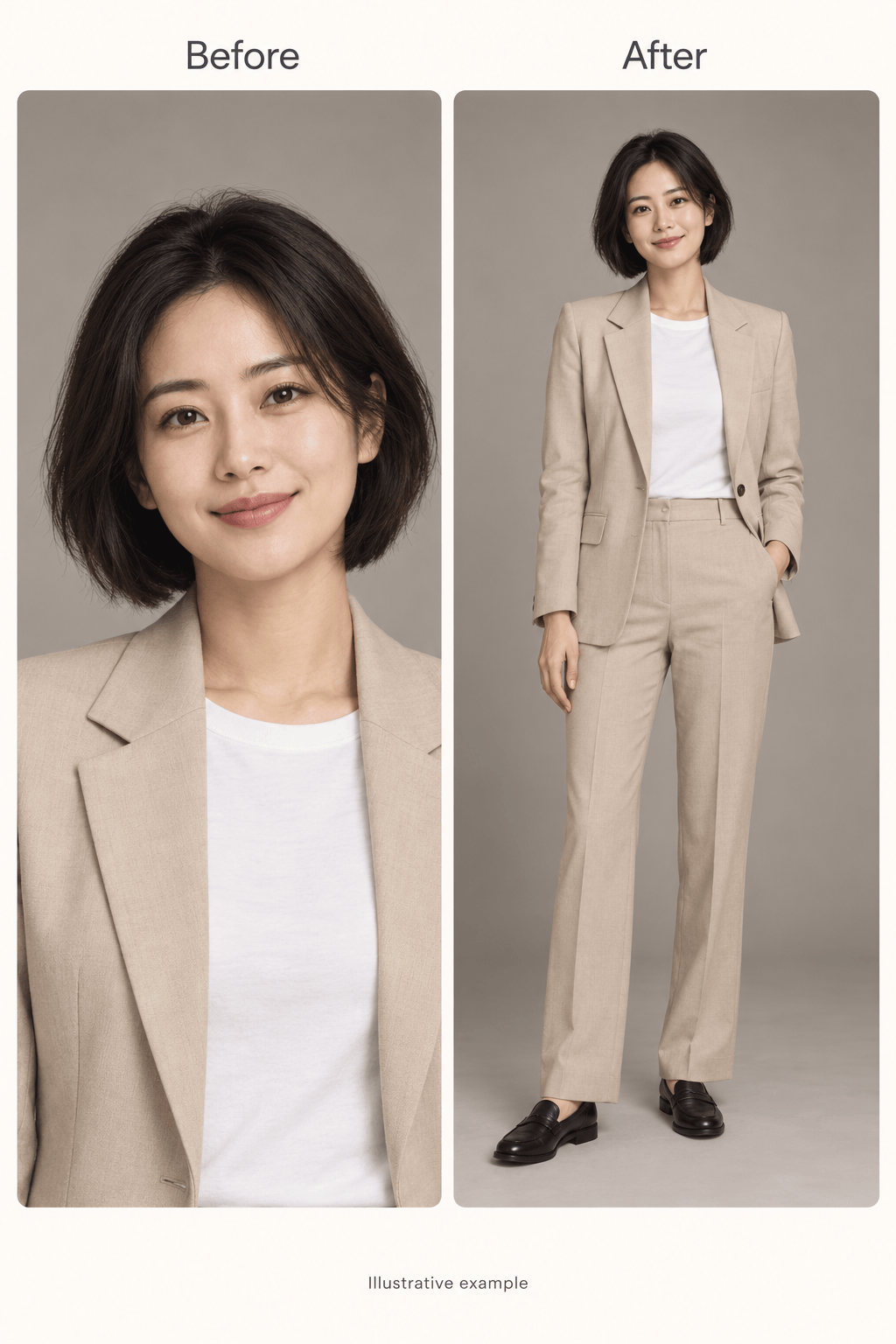
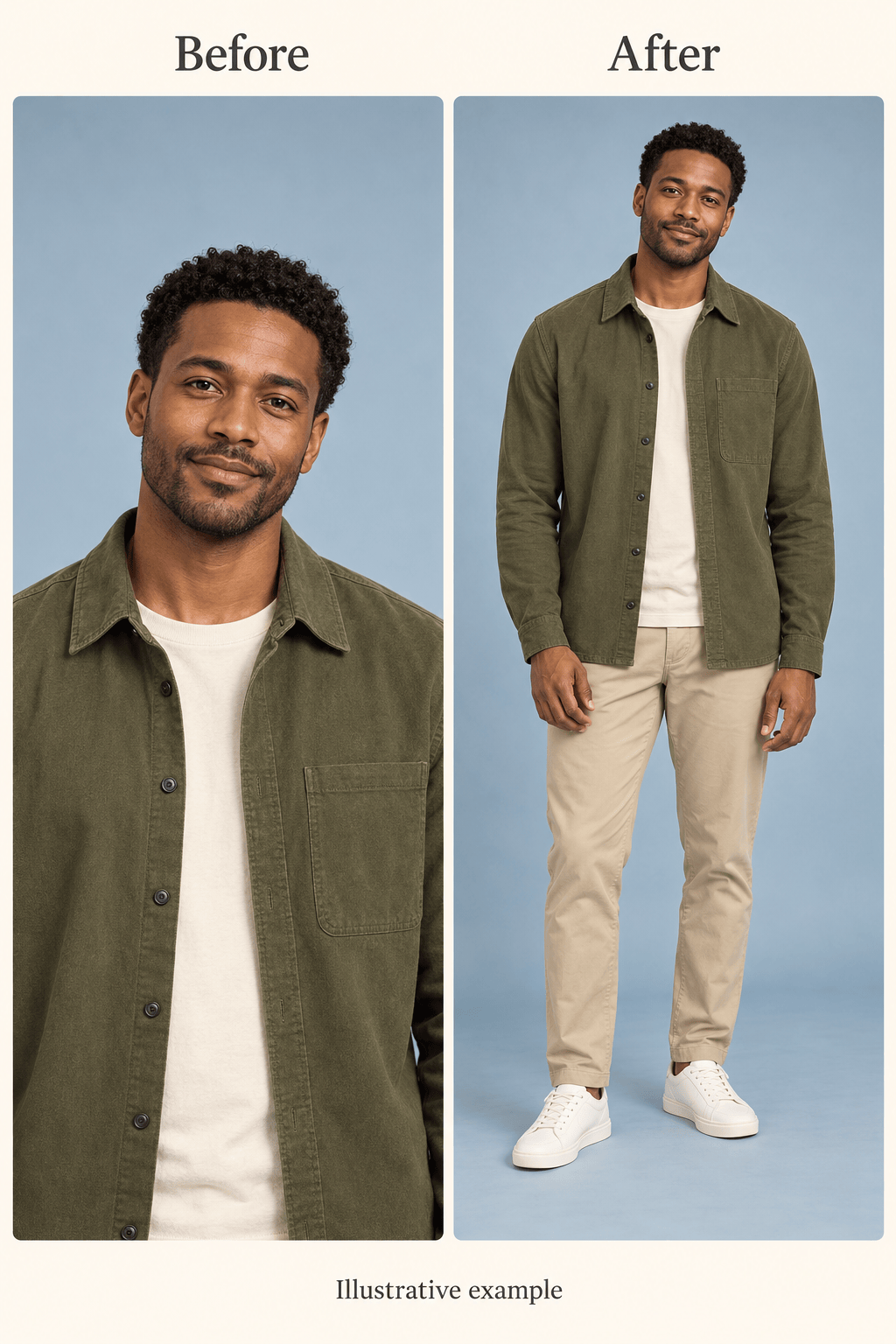
Start from a Familiar Face
Use a portrait as a visual reference for a full-body image. Specify the facial features, hairstyle, and visible clothing to retain, then review the generated likeness.
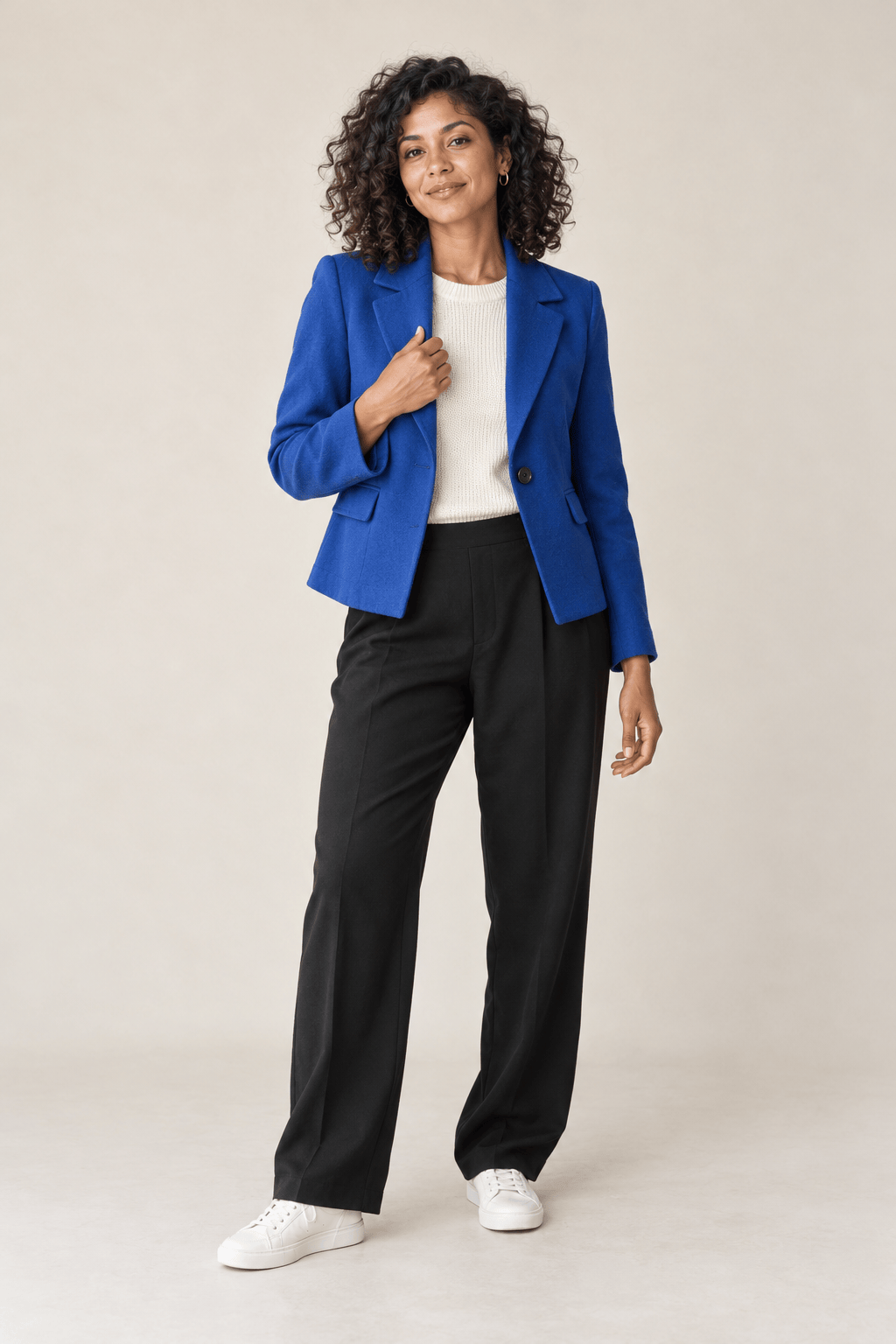
Invent a Person from Text
No source photo is required. This AI full body character generator turns descriptions of appearance, clothing, and personality into original character concepts.
Direct the Outfit and Stance
Explore a relaxed standing pose, a walking scene, or a different outfit. Use Chat Edit to describe the change without rewriting the entire brief.
Explore Realistic and Anime Styles
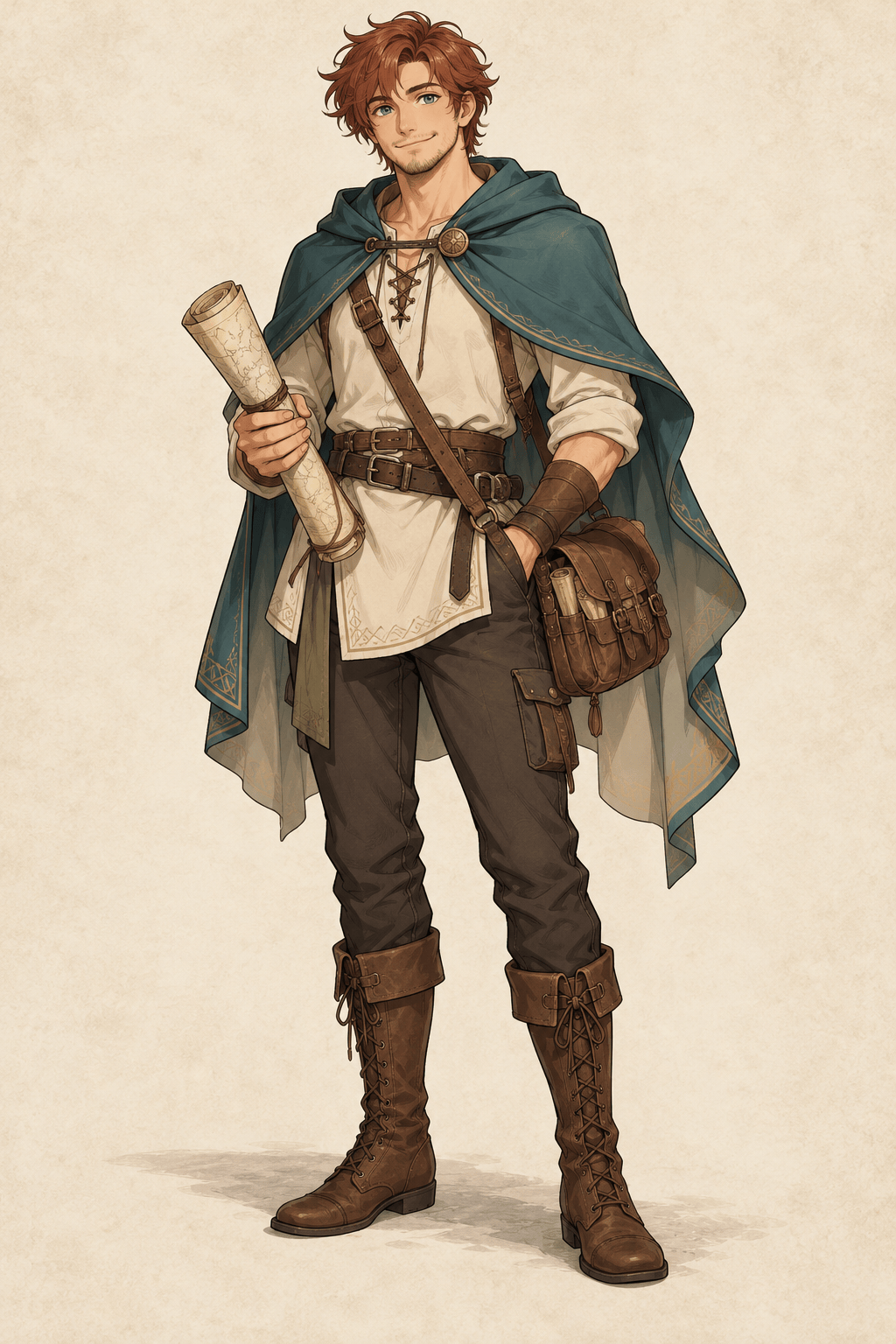
Create realistic full-body portraits or anime character art. Upload a style reference to guide the look, from studio lighting to illustrated costume details.
Take the Character off the Background
Ask to remove the background and export a transparent PNG for a character board or another design. Inspect hair, hands, and shoe edges before placing it.
Reuse Your Character Art Workflow
Turn a successful visual approach into a Mew Skill for later images. Reuse style, framing, and outfit rules with less repeated briefing; review consistency across the set.
Get a Complete Figure in the Frame
- Choose a Clear Reference: Use a well-lit photo with an unobstructed face. Include visible clothing when you want the outfit to continue naturally.
- Describe the Whole Outfit: Name trousers or a skirt, shoes, and accessories. A headshot alone cannot establish those details.
- Leave Space Around the Figure: Ask for head-to-toe framing and visible shoes. A vertical canvas often helps a standing person fit without a tight crop.
- Review Before Reusing: Check likeness, limb proportions, hands, and footing. Generated details outside the source frame are imagined, not recovered.
Full-Body Requests and Fixes to Try
Turn my uploaded headshot into a full-body portrait. Keep the face and hairstyle recognizable. Add a navy suit and brown shoes, a relaxed standing pose, and a neutral studio background. Leave space around the complete figure.
Generate a realistic full-body image from text: an adult woman with dark curls, a cobalt jacket, black trousers, and white sneakers. Use soft studio light, a relaxed pose, and natural proportions. Show both shoes.
Create an original full-body anime character: an adult fantasy cartographer in a teal cloak, travel trousers, and brown boots, holding a rolled map. Use clean linework and a simple background. Keep the entire silhouette visible.
Reframe my uploaded image to show the complete person. Extend the canvas below the feet, include both shoes, and add a small floor margin. Keep the face, outfit, and lighting as close to the reference as possible.
Use my uploaded full-body character as a reference for a new outfit concept. Replace the jacket with a rust-colored coat and add dark boots. Keep the face, hairstyle, stance, and plain background consistent.
Remove the background from my uploaded full-body character and prepare a transparent PNG. Keep the hair, fingers, clothing, and both shoes intact, with clean edges and space around the figure.





