Free OnlineAI Muscle Generator
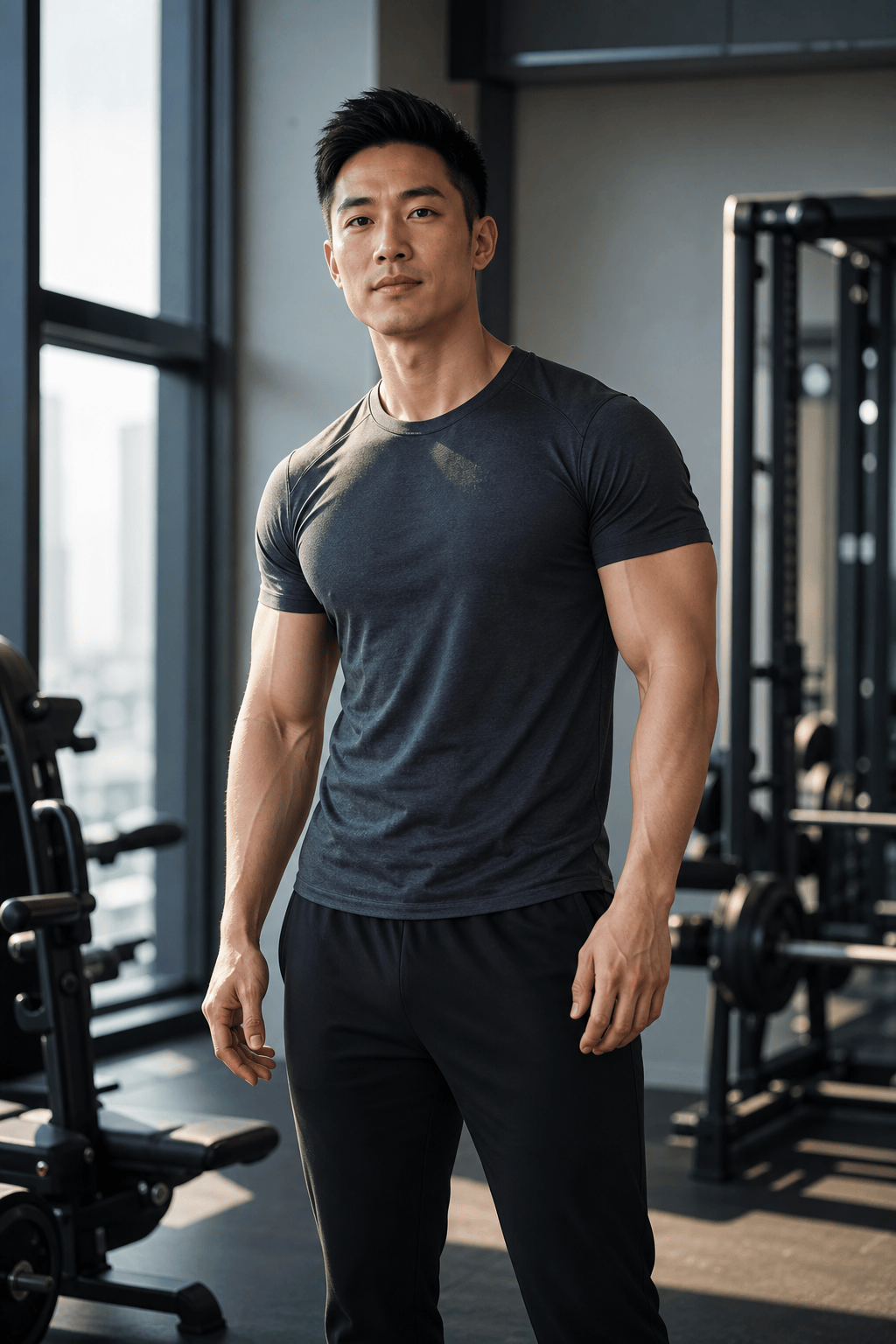
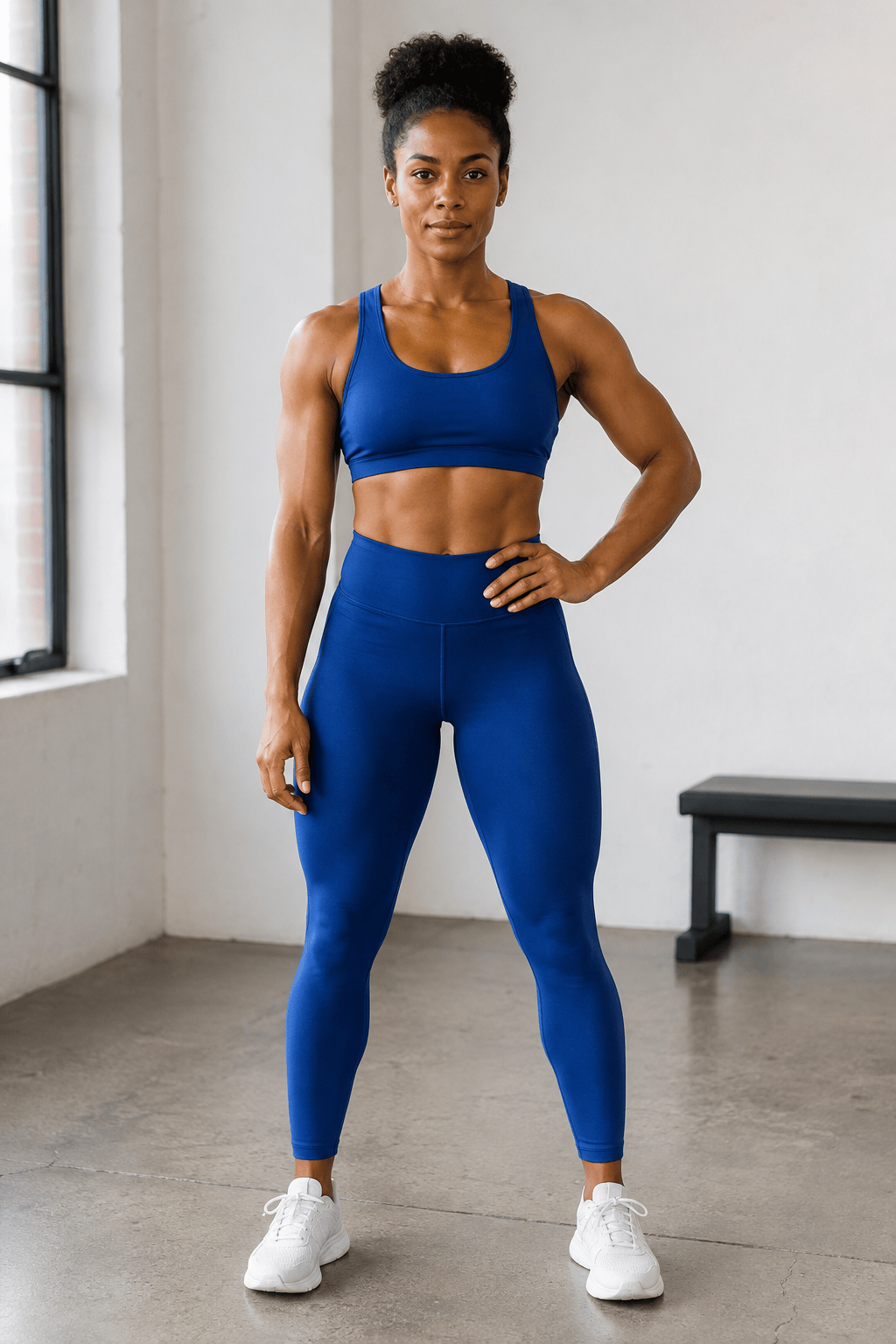
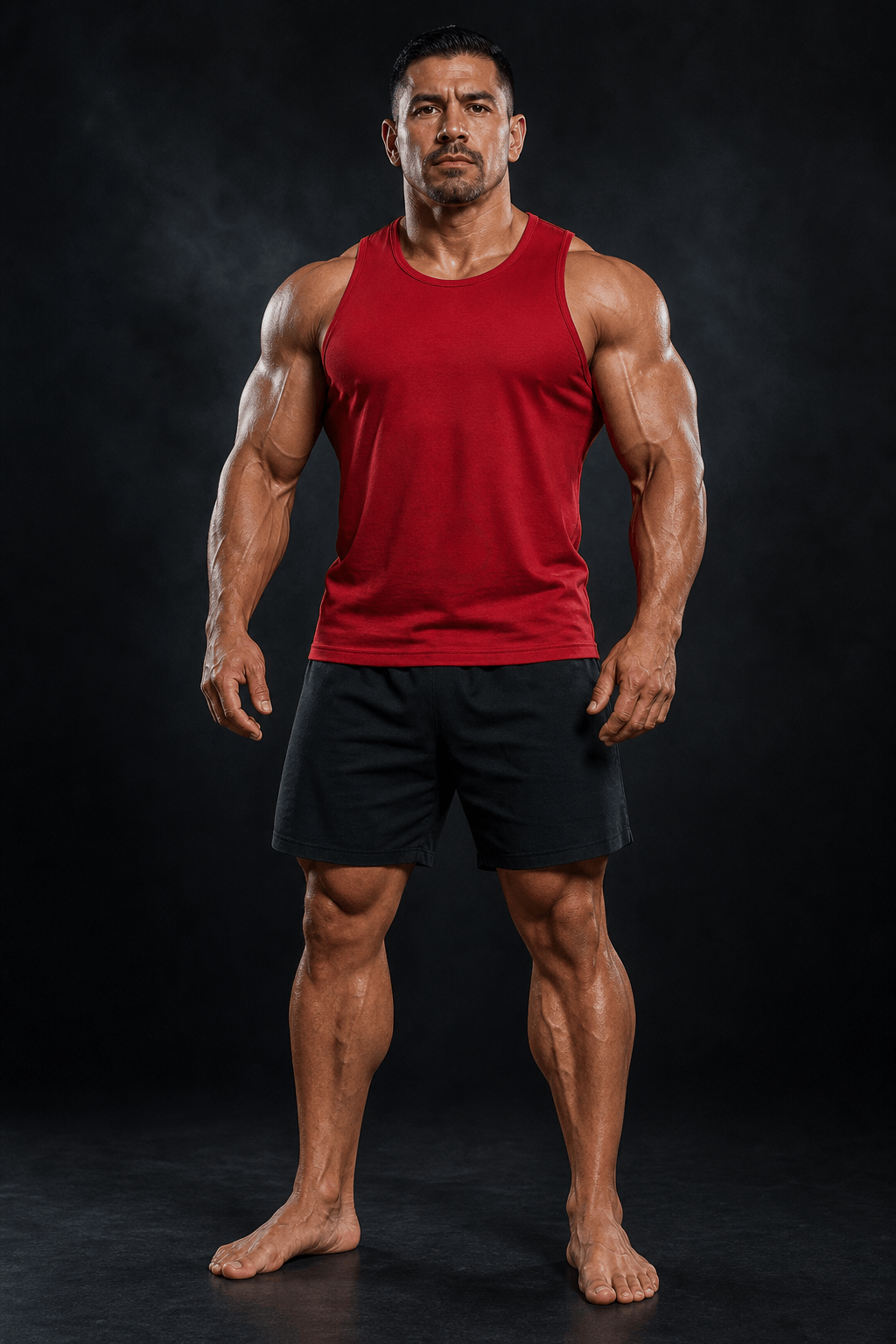
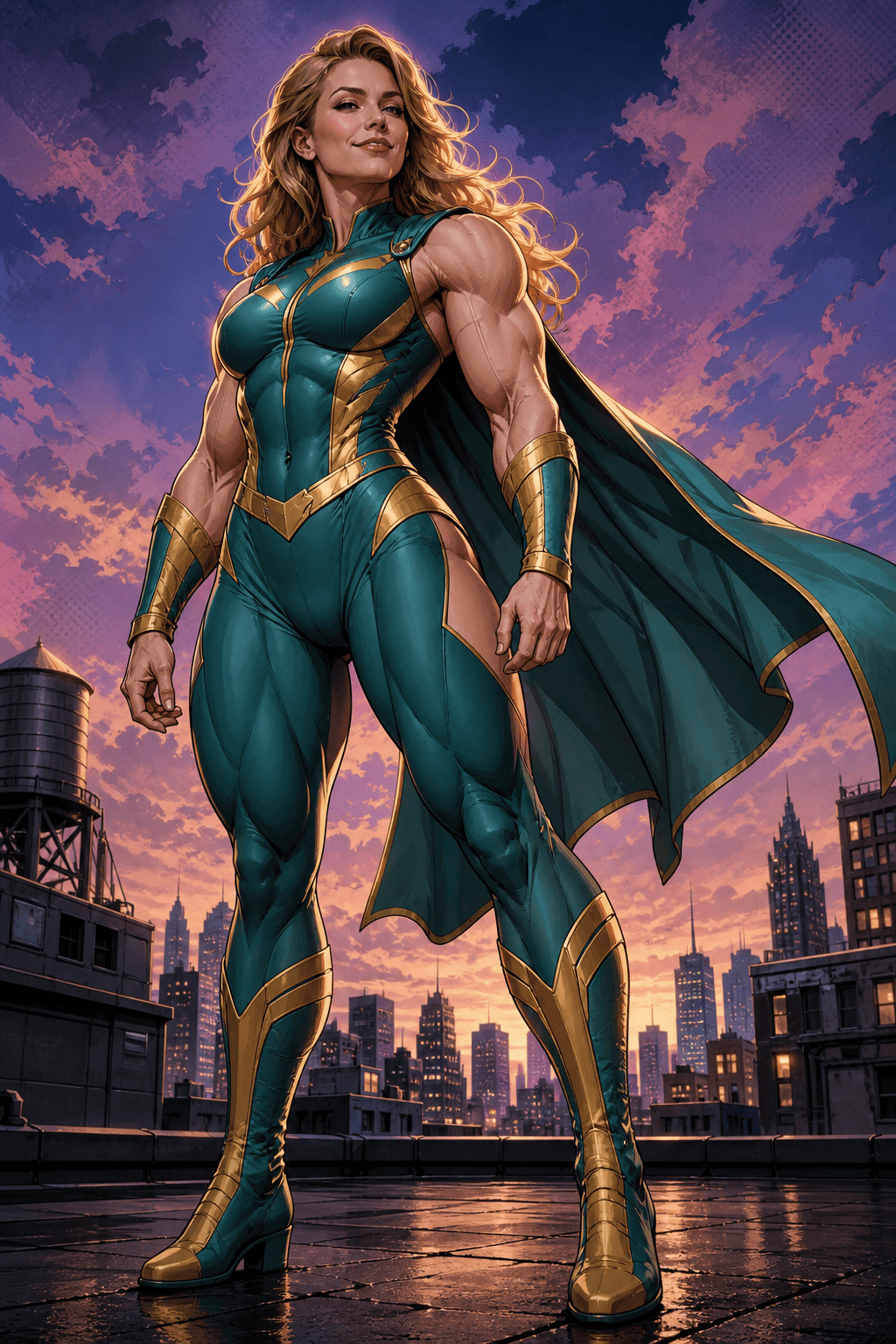
How to Add Muscles to a Photo with AI
Choose a Clear Adult Photo
Name the Muscles and Intensity
Generate and Inspect the Whole Frame
Refine the Edit and Download

Muscle Photo Editing with More Control
Direct the Physique in Plain Language
Skip a fixed one-click filter. Tell our AI muscle enhancer whether you want lightly defined arms, broader shoulders, a balanced athletic build, or a dramatic bodybuilding style.
Set Clear Preservation Boundaries
Make identity part of the brief. Ask Mew Design to retain the face, expression, hairstyle, tattoos, clothing, pose, crop, and light while it creates the requested muscle definition.
Correct One Detail Through Chat
If an arm looks too large or a shirt seam shifts, use Chat Edit to request a smaller adjustment or restore that detail. You can refine from the generated result instead of restarting the entire edit.
Explore Realistic and Creative Directions
Use this online AI muscle generator for restrained fitness retouching, an editorial gym portrait, a bodybuilder-inspired image, or an exaggerated comic-book character concept.
Work from Photos and Visual References
Upload a source portrait and optional reference images to clarify a target style, lighting direction, or physique. For broader proportion changes, explore the AI body editor.
Compare Versions Before You Share
Generate more than one muscle-enhanced photo, review each at full size, and download the version you prefer as PNG or JPG. New users can test the workflow with free signup credits, and exports are watermark-free.
How to Prompt an AI Muscle Photo Edit
- Locate the Change: Name the arms, shoulders, chest, back, core, or legs. If clothing covers an area, ask for a believable change in silhouette and fabric tension instead of exposed anatomy.
- Control the Degree: Use terms such as subtle definition, athletic, lean and sculpted, bulky, or competition bodybuilder. Add “keep natural proportions” when realism matters.
- Protect Recognizable Details: List the face, hair, tattoos, hands, clothes, pose, crop, lighting, shadows, mirrors, and nearby straight lines that should remain consistent.
- State the Destination: Mention whether the muscular portrait is for a square profile, 4:5 fitness post, 16:9 thumbnail, character concept, or private comparison so the composition fits its use.
AI Muscle Prompts for Six Different Looks
Subtle arm definition: Add light, natural definition to the visible biceps, triceps, and shoulders in my uploaded adult gym portrait. Keep the same arm size, face, gray T-shirt, hands, pose, equipment, reflections, and overhead lighting. Avoid exaggerated veins or harsh shadows.
Athletic upper body: Make the adult in my photo look moderately more athletic, with broader shoulders, a defined upper back, and balanced arms. Keep the waist, face, hairstyle, navy tank top, tattoos, pose, and gym background consistent. Use realistic anatomy and fabric tension.
AI abs generator edit: Add believable core definition to the visible midriff of the adult runner in my photo. Retain the face, body size, skin texture, sports top, shorts, hands, outdoor track, camera angle, and daylight. Keep the result fit and natural, not extreme.
Bodybuilder-style portrait: Transform my uploaded adult fitness photo into an editorial bodybuilder portrait with larger but proportionate shoulders, arms, chest, and legs. Keep my recognizable face, hair, red posing suit, stance, and skin tone. Add controlled stage lighting and a dark neutral backdrop.
Fitness social post: Add moderate shoulder and arm definition to my adult training portrait and crop the result for a vertical 4:5 post. Preserve my face, black workout outfit, dumbbells, gym signage, and warm side light. Keep the retouching realistic at full size.
Comic-book cosplay: Turn the adult hero cosplay photo into a stylized, exaggerated muscular character portrait. Keep the person’s face recognizable and preserve the costume colors, emblem, stance, cape, and city backdrop. Use graphic-novel lighting and clearly fictional proportions.





