Free OnlineAI Black Friday Ad Generator
How to Create Black Friday Ads with AI
Set the Offer and Placement
Build the Ad Around the Deal
Make the Important Details Clear
Export and Preview the Placement

Black Friday Ads Built Around Your Brand and Offer
Give the Offer a Clear Hierarchy
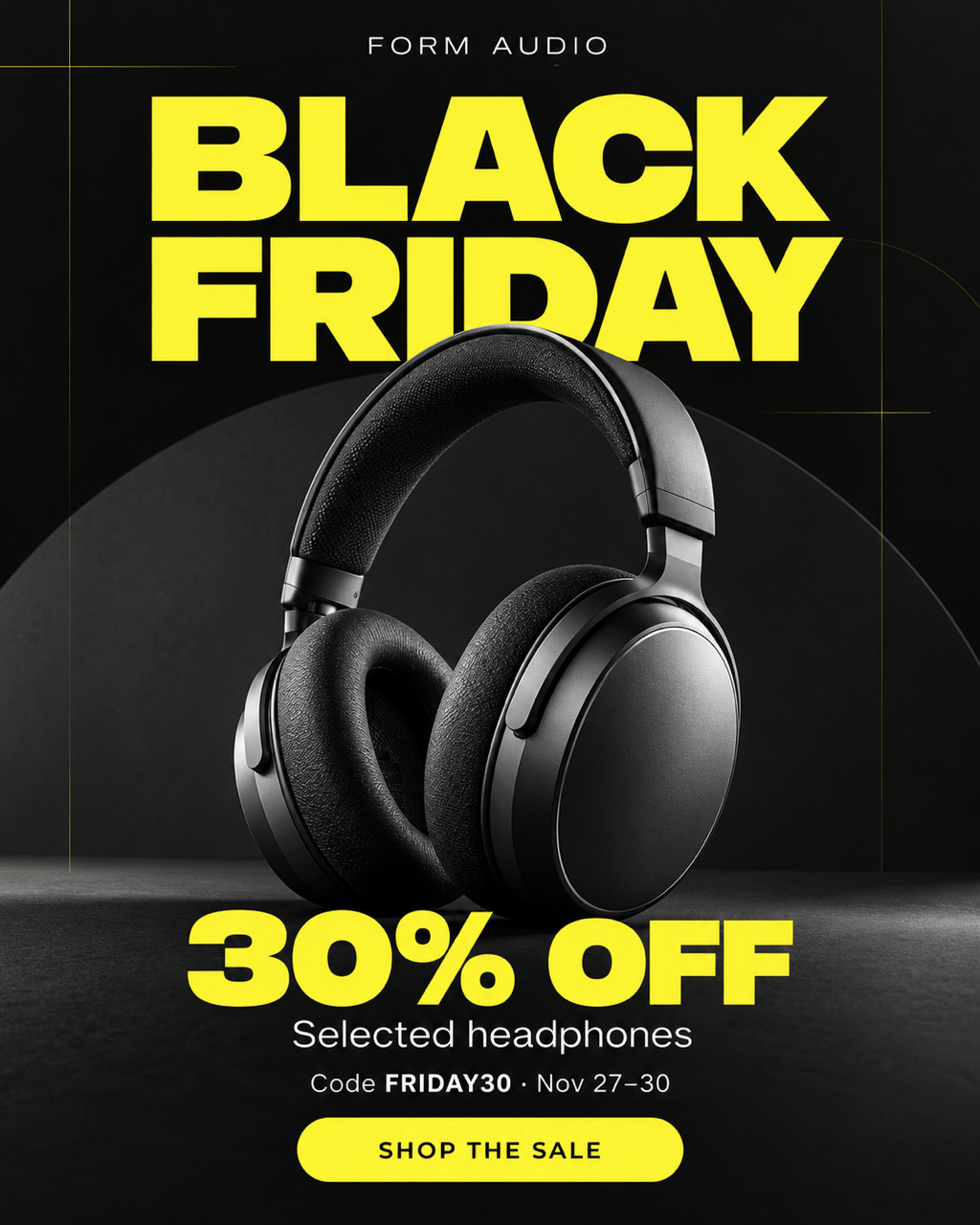
Our AI Black Friday ads maker can arrange the product, savings, deadline, and action in one layout. Ask for a larger headline or quieter background when the deal needs more space.
Use the Products You Actually Sell
Upload product photos to guide the design. Ask to remove a busy background or create a seasonal setting, then check that packaging, colors, and included items remain accurate.
Create Versions for Each Placement
Make Black Friday Facebook ads, Instagram feed graphics, and sale banners from the same brief. Request a new composition for each format so important copy stays visible.
Bring Your Own Brand Assets
Use your logo, brand colors, and reference images to set the direction. Your sale can feel bold without losing the visual identity customers recognize.
Carry the Campaign Through Cyber Monday
Create related early-access, launch, and final-day visuals. Update the real offer and dates for Cyber Monday while keeping a familiar campaign style.
Reuse Your Campaign Design Method
Save a successful approach as a Mew Skill with your brand rules, layout preferences, and output formats. Reuse that workflow for the next sale with less repeated briefing.
Make Your Black Friday Offer Easy to Understand
- Choose One Main MessageLead with a discount, bundle price, or early-access benefit. Avoid making several offers compete for attention.
- Supply the Exact TermsInclude eligible products, the code, dates, and any minimum spend. Use only real deadlines and match the landing-page offer.
- Check at Phone SizeKeep the product and headline clear when the image is small. Give terms enough contrast, and leave room around the edges for cropping.
- Make the Next Step ObviousUse one action that matches the destination, such as shopping the sale or getting early access. Put extra details on the landing page.
Black Friday Ad Ideas for Every Campaign Stage
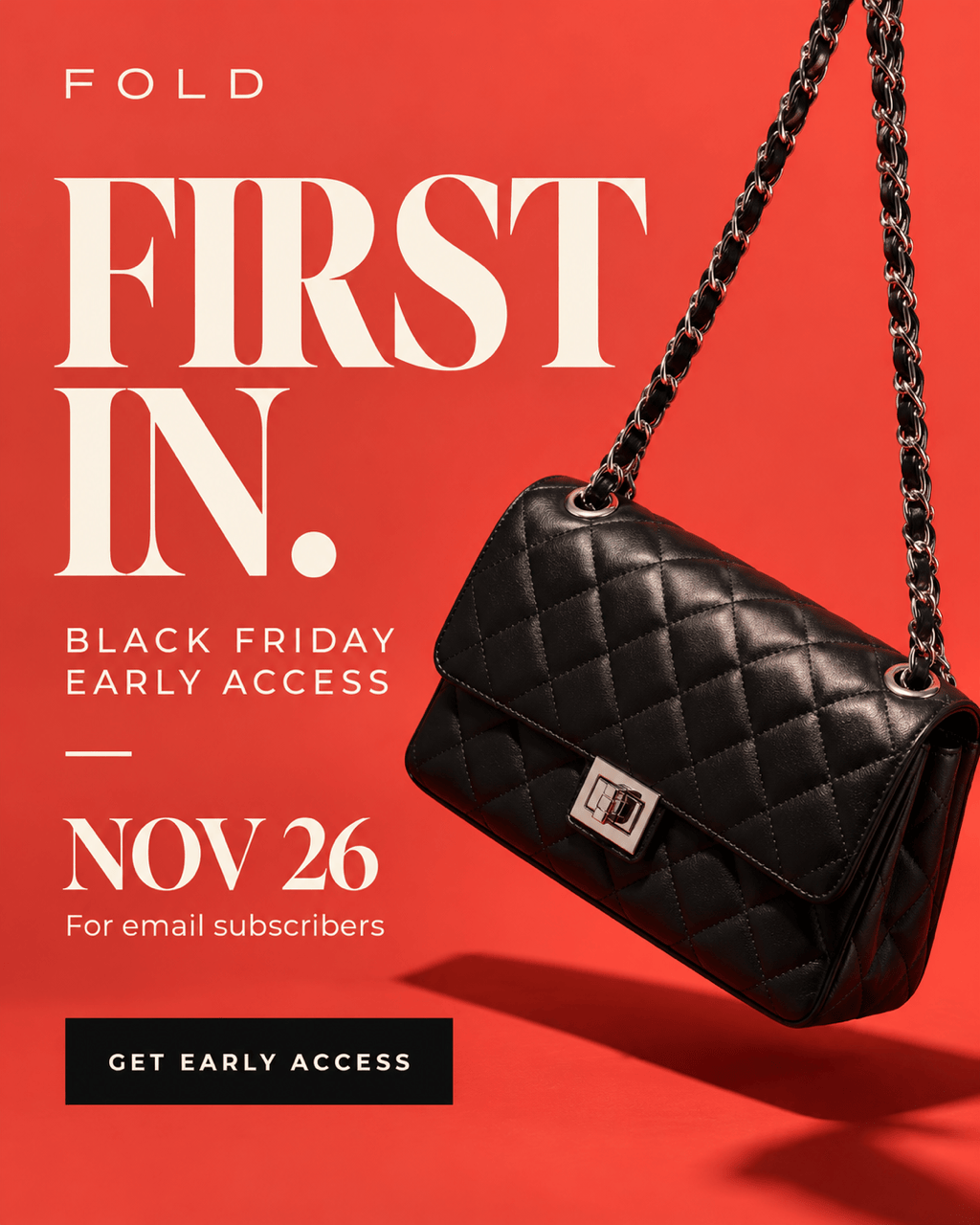
Early Access: Create an ad inviting subscribers to my Black Friday sale. Ask me for the access date, audience, and confirmed benefit first. Use my brand colors and one clear sign-up action; do not invent a discount.
Product Promotion: Build a Black Friday Instagram ad around my uploaded bestseller photo. Use a 4:5 layout with one large offer, a readable product name, and a shopping action. Ask for my exact offer and dates before adding text.
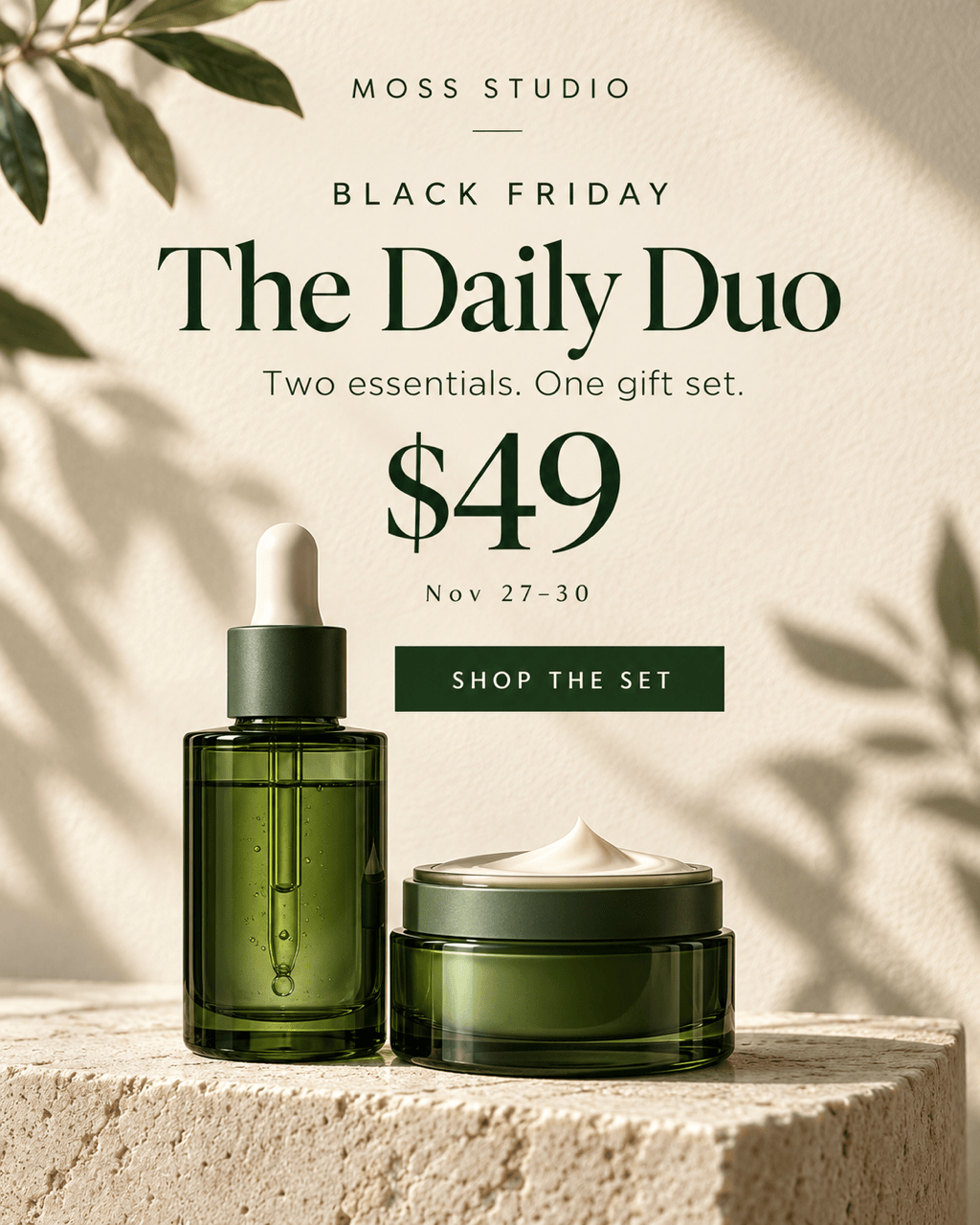
Bundle Promotion: Make a Black Friday Facebook ad for my gift set. Show only the products included, with the bundle price and one action. Ask me for the product list and price; keep decorative props separate from the set.
Website Sale Banner: Adapt my approved ad into a wide Black Friday sale banner. Ask for the display dimensions, keep the main offer prominent, and leave space for my website’s live button. Avoid tiny text.
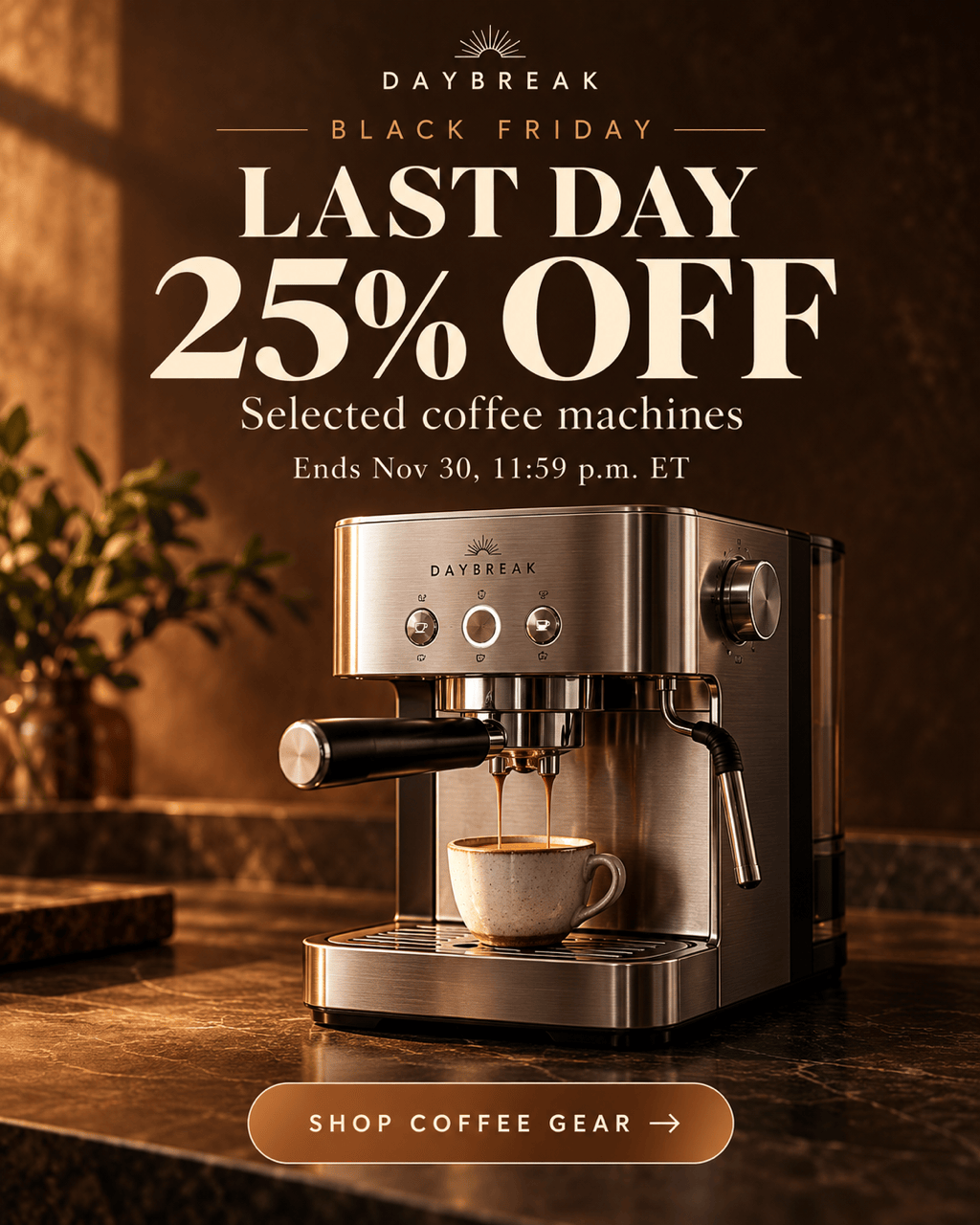
Final-Day Reminder: Revise my approved ad around the confirmed closing date and time. Keep the product and discount unchanged, make the deadline readable, and do not add stock counts or an invented countdown.
Cyber Monday Follow-Up: Create a matching Cyber Monday version of my Black Friday ad. Ask for the new offer, eligible products, and dates. Reuse the visual direction and replace all outdated sale details.





