Free OnlineAI Backyard Design Generator
How to Create a Backyard Design with AI
Upload a Photo of Your Backyard
Generate a Layout for Your Priorities
Refine Seating, Screening, and Paths
Download Your Backyard Design Concept

AI Backyard Design Ideas for Small Yards, Privacy, and Family Use
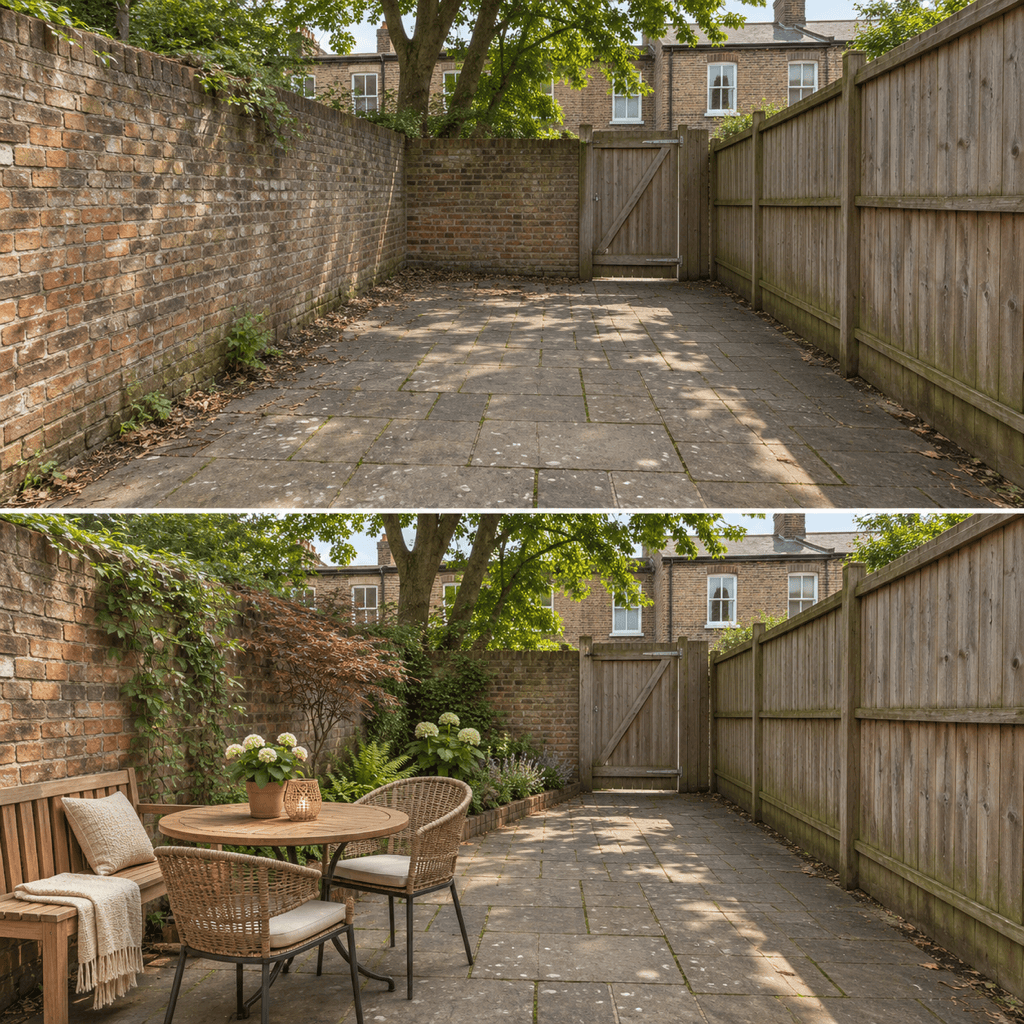
Fit Dining and Seating into a Small Backyard
Use the AI backyard designer to compare a table near the house with a bench along the fence. For a narrow yard, ask for one main activity zone and a continuous route to the gate. Generate alternatives to see how much open space each arrangement leaves, then check the furniture dimensions in your actual yard.
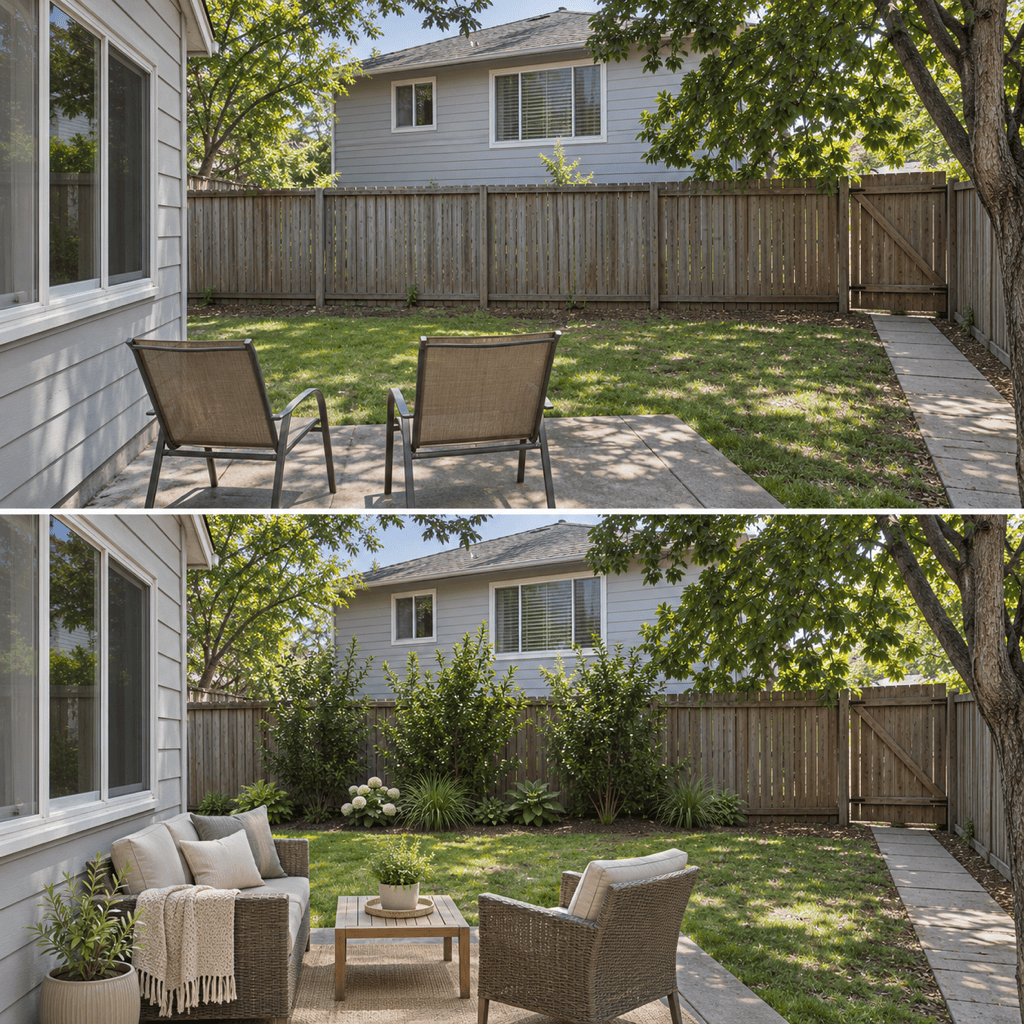
Add Backyard Privacy Around Existing Features
Upload your yard photo and identify the neighboring window or exposed seating area you want to screen. Explore a planted border or a freestanding screen while asking to retain the patio, fence, tree, and shed. Review the sightline and gate access in each version; the AI may change fixed details.
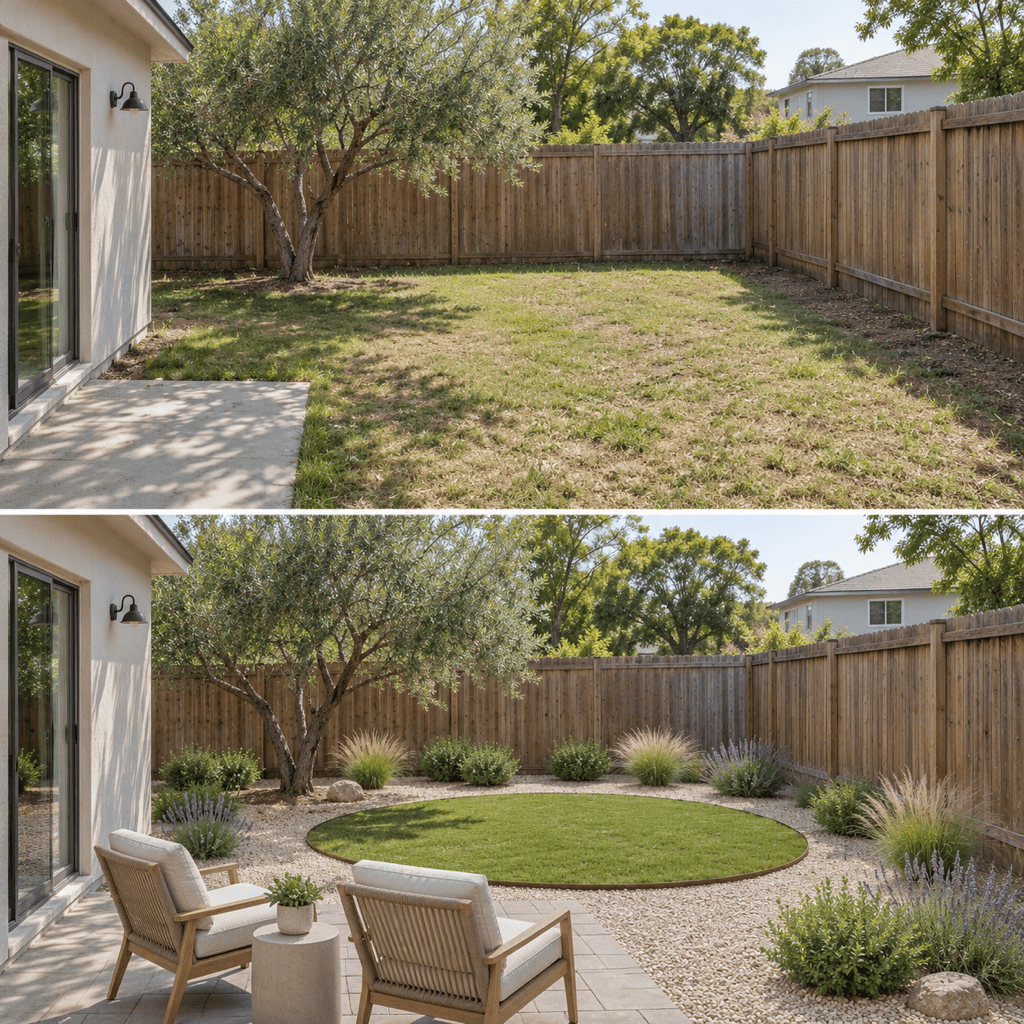
Compare Low-Maintenance Backyard Styles
Bring a reference image and compare a smaller lawn with gravel borders, simple planting groups, or a paved seating area. Ask for the same viewpoint so the alternatives are easier to assess. Choose the look you prefer, then check local plant suitability, drainage, and upkeep before buying materials.
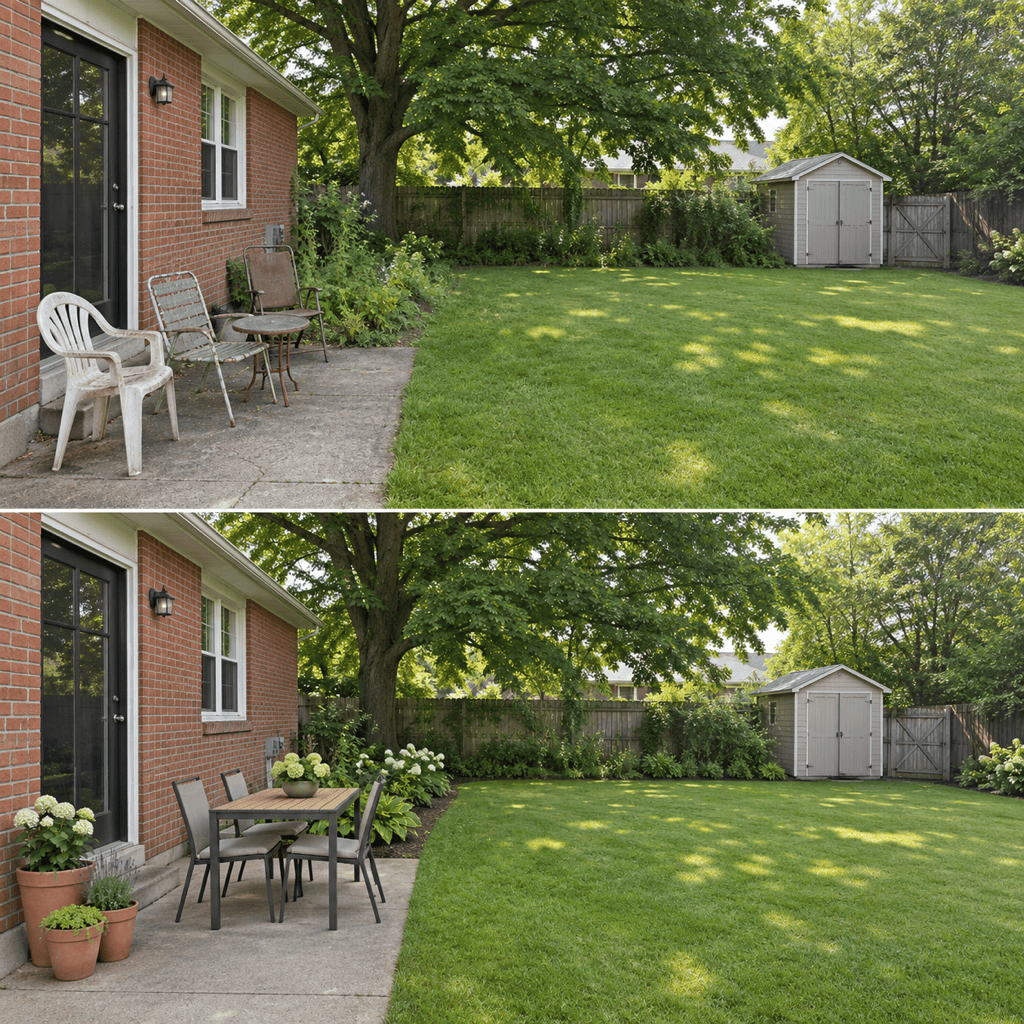
Visualize a Backyard Makeover on a Budget
Keep usable paving and existing trees in your brief, then generate a first phase with movable furniture, a few planters, and tidier borders. Compare it with a later version that adds a larger dining area or more planting. This helps you define the scope to discuss with a contractor; it is not a cost estimate.
Select an Image Model for Your Yard Photo
Select an available image model for your photo and brief, or let Mew Auto choose a suitable one. Mew Design offers leading image models and adds new releases promptly.
Test Backyard Layouts Online Before Buying
Try AI backyard design online to compare a few ideas before choosing furniture or landscaping materials. The free trial uses credits included with a new account. Download watermark-free concepts; additional generation and editing depend on your credits and plan.
What to Include in a Photo-Based Backyard Redesign
- List What Must Stay: List doors, utility equipment, fences, trees, and paths that must stay. Include a clear photo showing their positions.
- Set the Upkeep Level: Say whether you want less lawn to mow, fewer planting beds to weed, or simpler pruning. Include whether you need an open area for children or pets. Ask for a design that balances those uses; low-maintenance does not mean maintenance-free.
- Add Site Context: Mention your region, sun exposure, approximate dimensions, and known wet or sloping areas. Images cannot verify drainage or scale.
- Check the Everyday Routes: Can you pull out a chair, reach the shed, and open the gate? Check proposed furniture sizes and plant growth against your real yard.
Small Backyard, Privacy, and Low-Maintenance Design Ideas
Small backyard dining: Use my yard photo to fit a compact table and bench along one edge. Keep the center open and retain a continuous route from the back door to the gate.
Low-maintenance backyard: Show a version of my yard with less lawn, simple planting groups, and a small seating area. Keep the existing tree and avoid filling every corner with plants.
Backyard privacy: Add a planting screen behind the seating area facing the neighboring windows. Keep the existing fence height, leave the gate clear, and avoid enclosing the whole yard.
Budget-conscious makeover: Keep my patio, fence, and trees. Show a first phase with movable furniture, a few planters, and tidier borders. Leave major construction for a later concept.
Family backyard layout: Preserve an open central lawn for play and place adult seating near the house with a clear view across it. Keep circulation separate from the furniture and planting.
No photo yet: Generate a backyard concept for a narrow rectangular space behind a brick house. Include a small dining corner, a planted boundary, and open space. Present it as inspiration, not a measured plan.





