Free OnlineAI Aurora Generator
How to Make Northern Lights Art with AI
Start from Text or a Night Photo
Direct the Light in the Sky
Balance Glow and Reflection
Export for Your Story

Shape the Aurora and the Landscape Together
Create from a Written Scene
Build a polar night from scratch by naming the location, foreground, weather, aurora form, palette, lens feel, and visual style. A short idea can become a complete landscape rather than a generic green sky.
Add Aurora to Your Photo
Upload a night landscape or outdoor portrait and ask the AI design agent to introduce northern lights while preserving the main subject, horizon, and composition.
Control Curtain, Arc, and Corona
Specify a low arc above mountains, vertical rays across the horizon, broad folded curtains, or a crown-like corona overhead. Direction words help the light support—not cover—the focal point.
Match Light to Snow and Water
Request restrained green or violet spill on ice, snow, clouds, glass, and rippled water. Coherent secondary light makes an edited sky feel connected to the original ground.
Move Between Real and Mythic
Compare long-exposure photography, painterly travel art, anime scenery, children’s-book illustration, or impossible gold auroras without rebuilding the composition from zero.
Refine with Conversation
Keep the cabin and mountains, soften the stars, make the aurora narrower, or recover shadow detail through Chat Edit. Mew Design creates images; it does not forecast real aurora activity or certify scientific accuracy.
How to Write a Natural Aurora Prompt
- Name the formation: Use arc, curtain, rays, bands, spiral, or overhead corona, then state where it enters and exits the frame.
- Set believable brightness: Ask for visible stars, controlled highlights, and subtle ground illumination when you want a photographic result rather than neon fantasy art.
- Protect the subject: For photo edits, identify the person, cabin, mountain, or skyline that must remain unchanged and keep the brightest light away from it.
- Direct reflections: Mention snow tint, cloud glow, wet glass, or broken water reflections, and check that their position follows the aurora above.
Aurora Prompts for Realistic and Dreamlike Nights
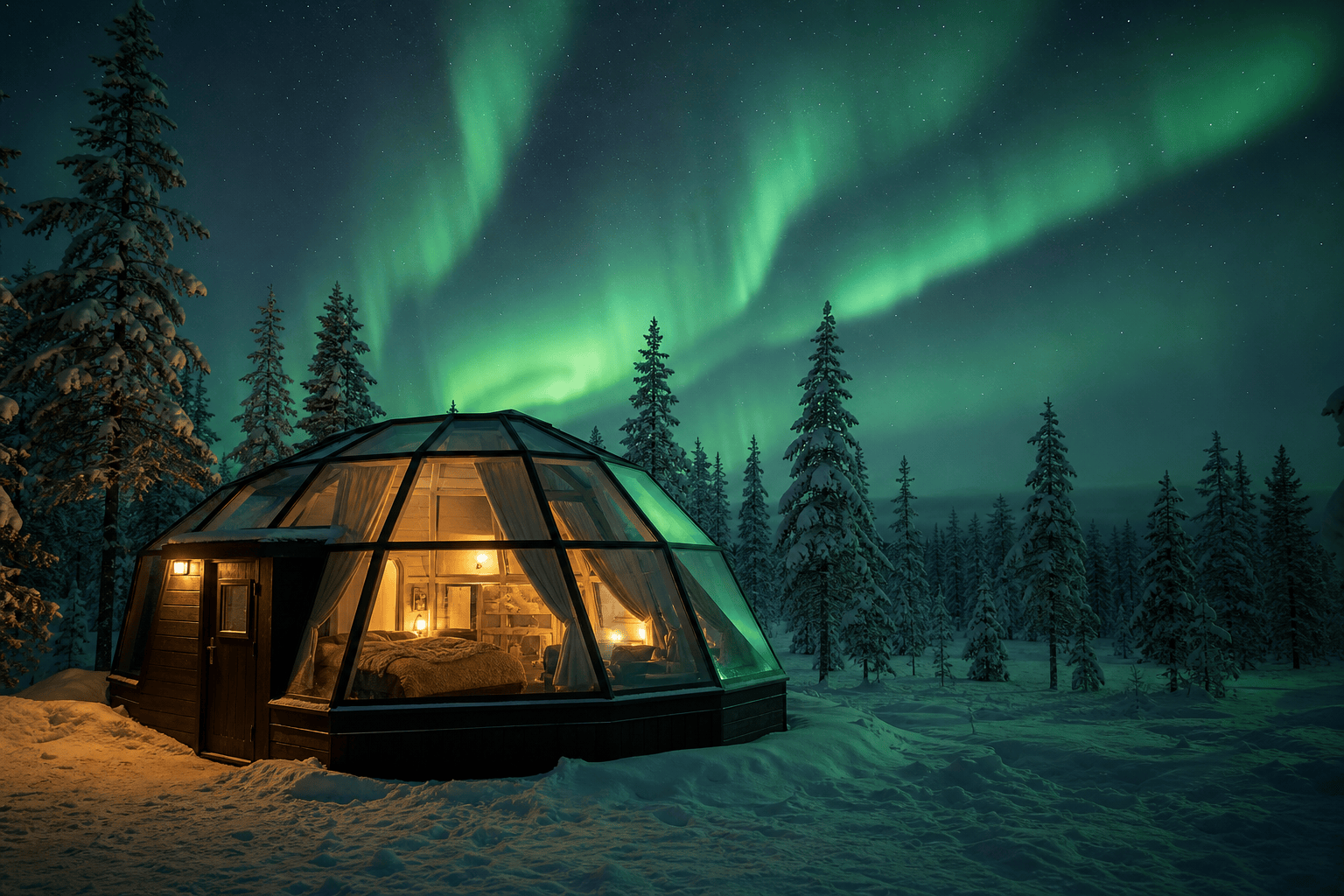
Lapland cabin: a warm glass-roof cabin among snow-covered pines, soft emerald aurora curtains overhead, amber window light and faint green illumination across fresh snow, realistic night travel photography, no people.
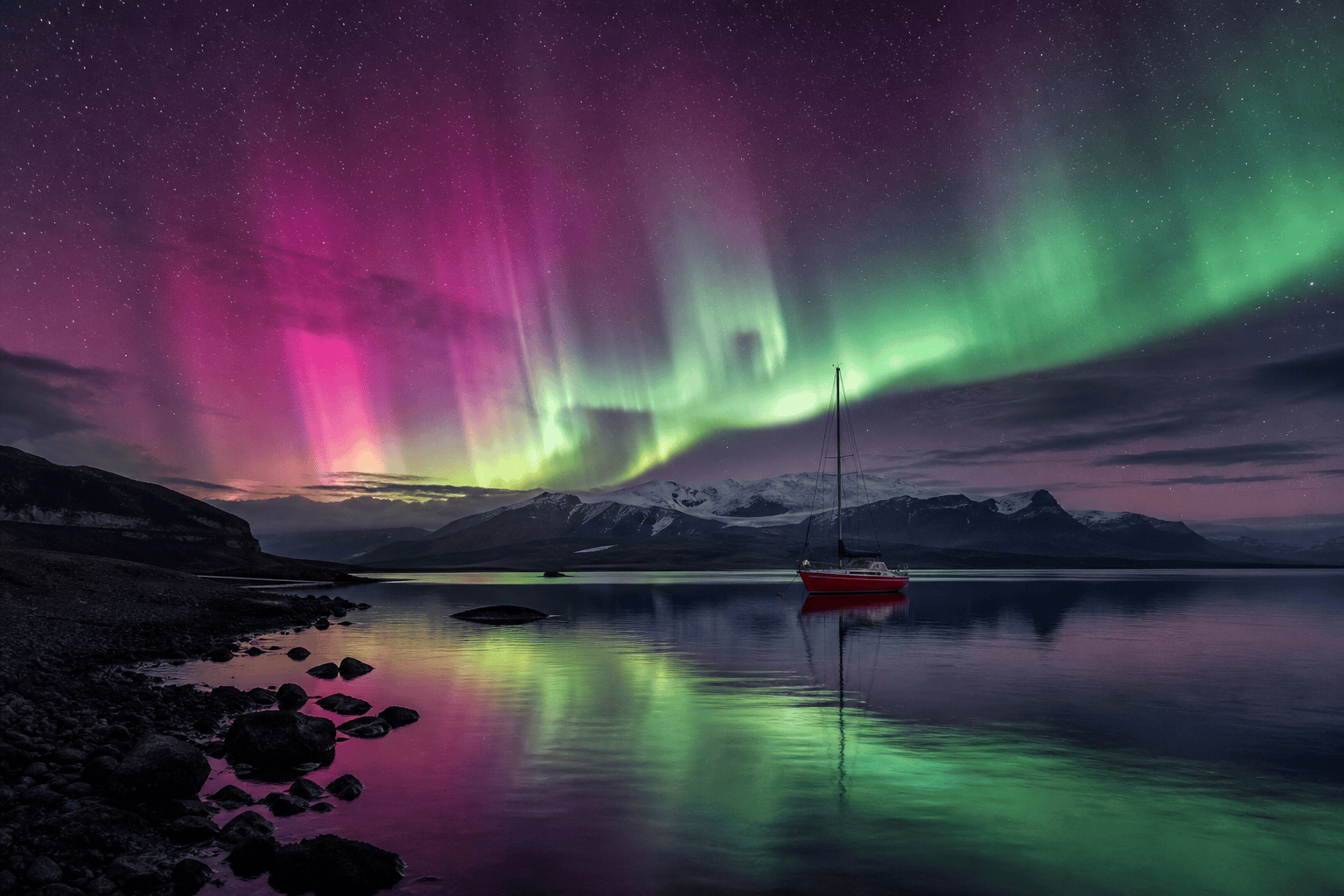
Iceland lagoon: a small red sailboat on dark still water, magenta and green aurora rays behind distant mountains, reflections broken by gentle ripples, cinematic long exposure with balanced color.
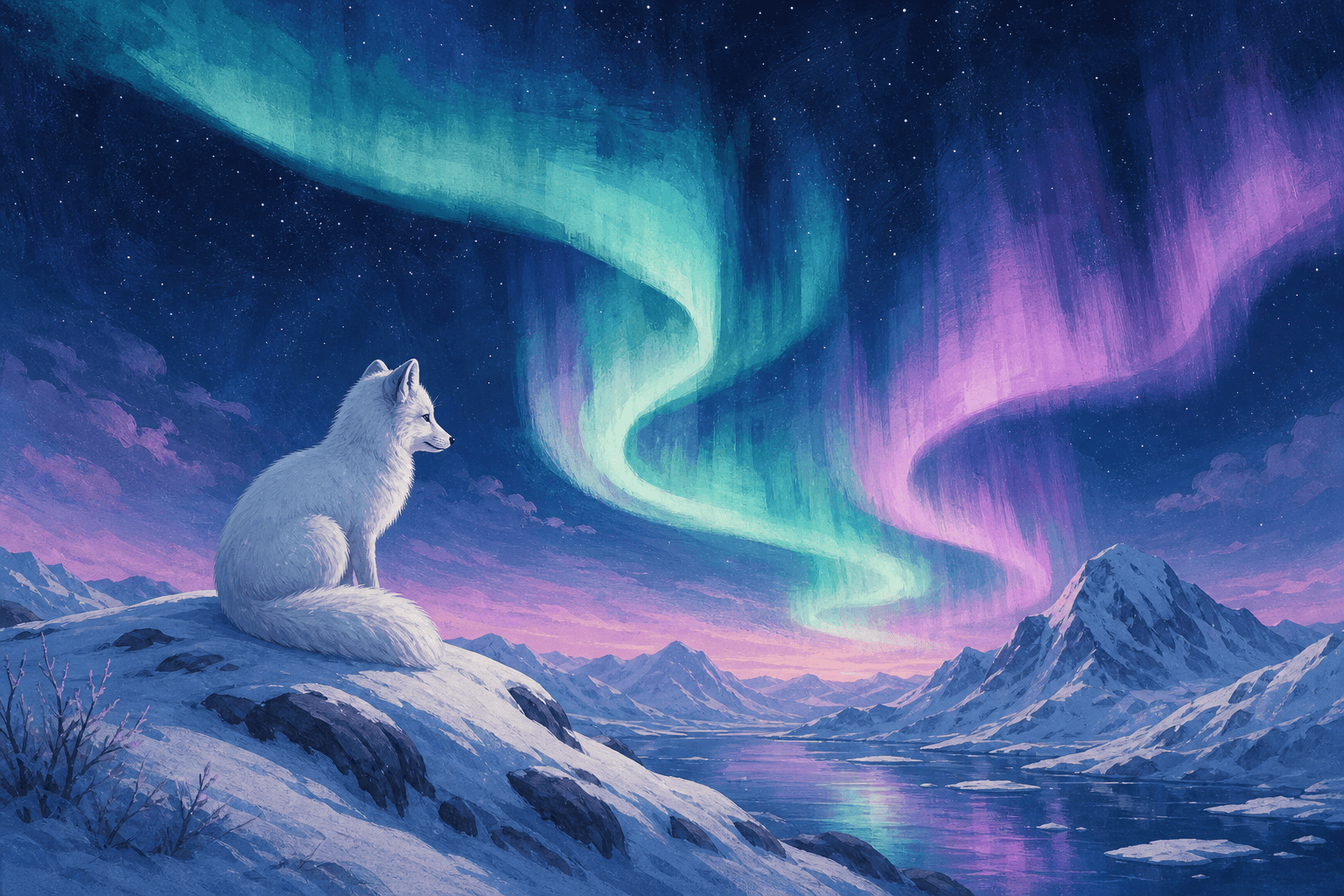
Arctic fox illustration: a white fox on a snowy ridge beneath turquoise and lavender aurora ribbons, deep navy sky, elegant gouache texture, quiet storybook mood and ample negative space.
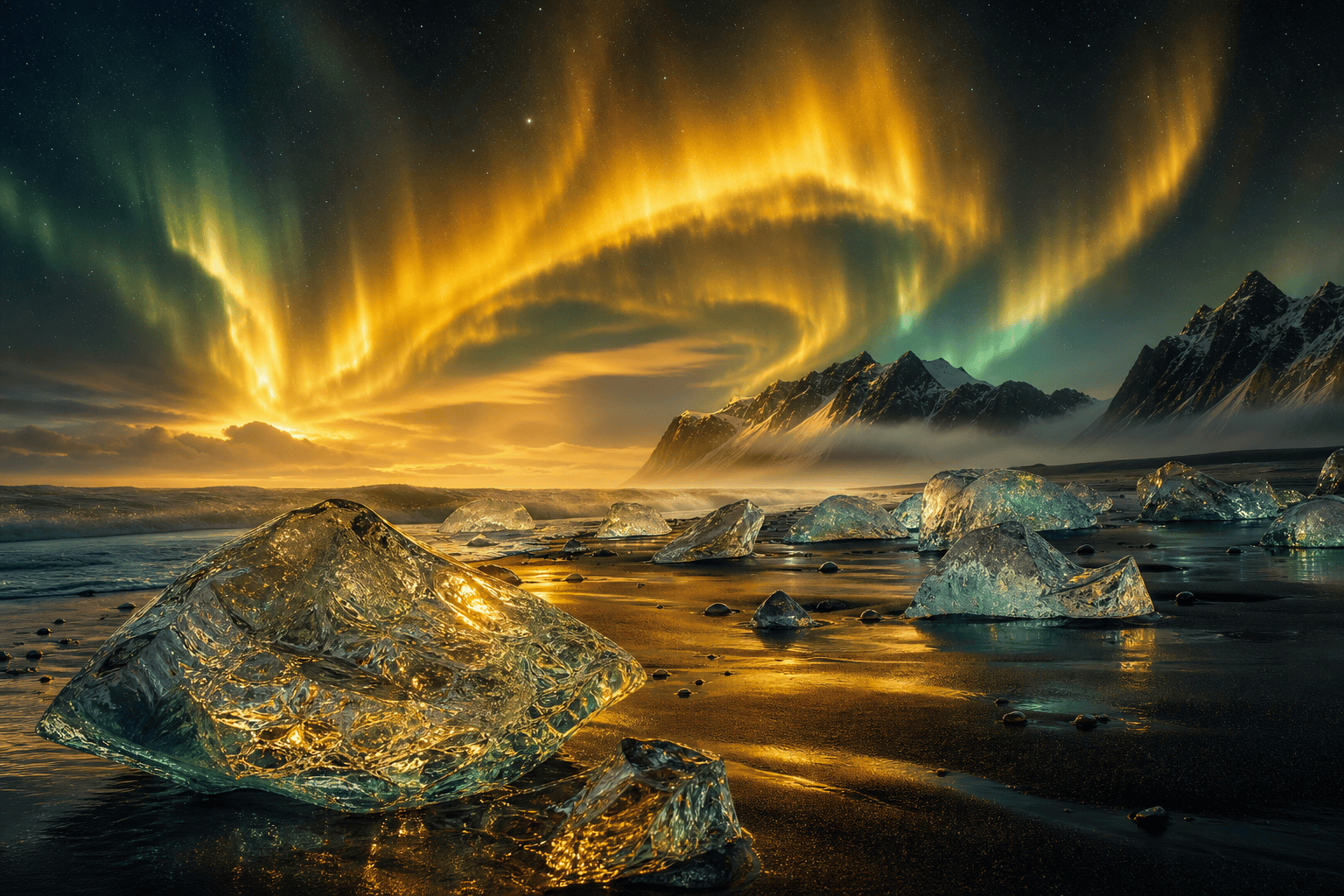
Black-sand ice beach: translucent ice fragments under an impossible golden aurora, teal reflections, volcanic mountains in mist, refined fantasy concept art with physically coherent light.
Aurora portrait edit: preserve the person’s face, coat, and pose; replace only the empty night sky with a subtle green arc, add soft matching rim light and keep skin tones natural.
Southern lights: aurora australis above a remote Tasmanian coast, low red-violet bands on the southern horizon, Milky Way visible, dark sea cliffs, restrained documentary photography.





