Free OnlineAI Abstract Art Generator
How to Create Abstract Art with AI
Describe the Feeling and Format
Generate a Composed First Draft
Refine Color, Energy, and Texture
Download and Put It to Work

A More Controllable AI Abstract Art Maker
Direct the Mood in Plain Language
Describe “restless,” “meditative,” or “optimistic” and connect the feeling to colors, movement, and density. Mew Design turns creative intent into visual decisions without requiring design terminology.
Explore More Than One Abstract Style
Move between color-field painting, geometric abstraction, fluid ink, collage, minimalist linework, and abstract expressionism. The free AI abstract art generator helps you test directions before committing.
Guide Results With References
Upload a photo, palette, texture, or moodboard to create AI abstract art from visual inspiration. Ask the agent to preserve the color atmosphere or motion while developing a new composition.
Edit the Composition Through Chat
Abstract does not mean random. Use Chat Edit to strengthen a focal point, remove clutter, rebalance negative space, simplify shapes, or shift visual weight without rebuilding the image from scratch.
Create a Coherent Series
Generate related variations for a triptych, campaign set, or wallpaper collection. Keep the palette and texture consistent while changing shape placement, intensity, and crop.
Make Clean, Watermark-Free Images
Try the online abstract art generator with free AI credits after signup. Create high-quality artwork with GPT Image 2.5 or Nano Banana Pro, then export without a watermark.
How to Prompt AI for Better Abstract Art
- Control the visual language: Choose geometric or organic shapes, crisp or broken lines, sparse or dense marks, and calm or energetic movement.
- Build a focused palette: Name two to four core colors and explain which should dominate. Add one contrasting accent if the composition needs a focal point.
- Describe a real surface: Use medium-specific cues such as impasto, dry brush, ink bloom, marbled pigment, torn paper, canvas grain, or risograph texture.
- Define order and breathing room: Say whether you want a centered, asymmetrical, grid-based, or all-over composition, and specify the amount of negative space.
Abstract Art Prompts for Real Creative Projects
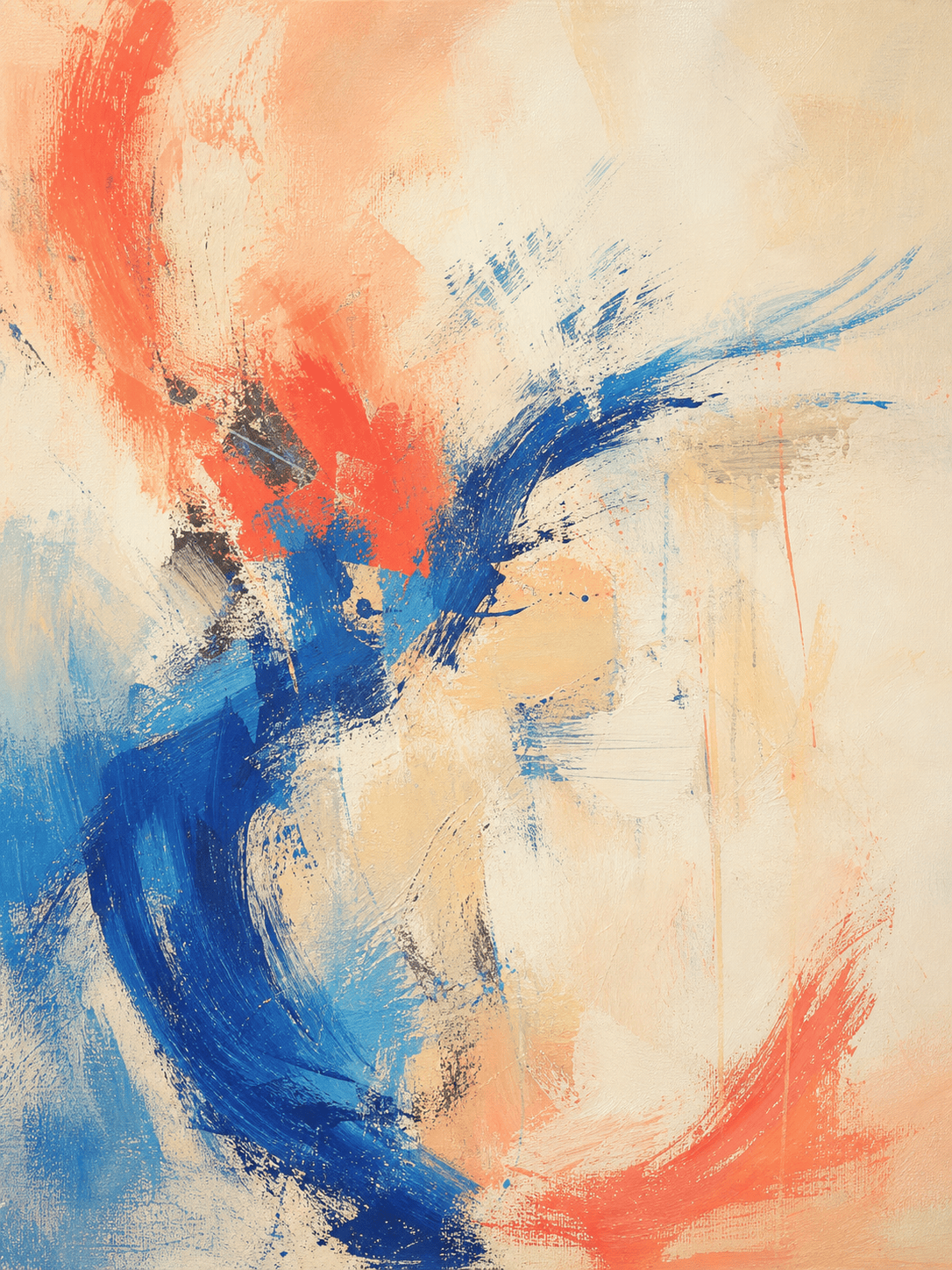
Create a portrait-format abstract expressionist wall print about renewal, with sweeping cobalt and coral gestures, cream color fields, visible dry-brush texture, restrained paint drips, an off-center focal area, and quiet negative space. No text, frame, signature, or recognizable objects.
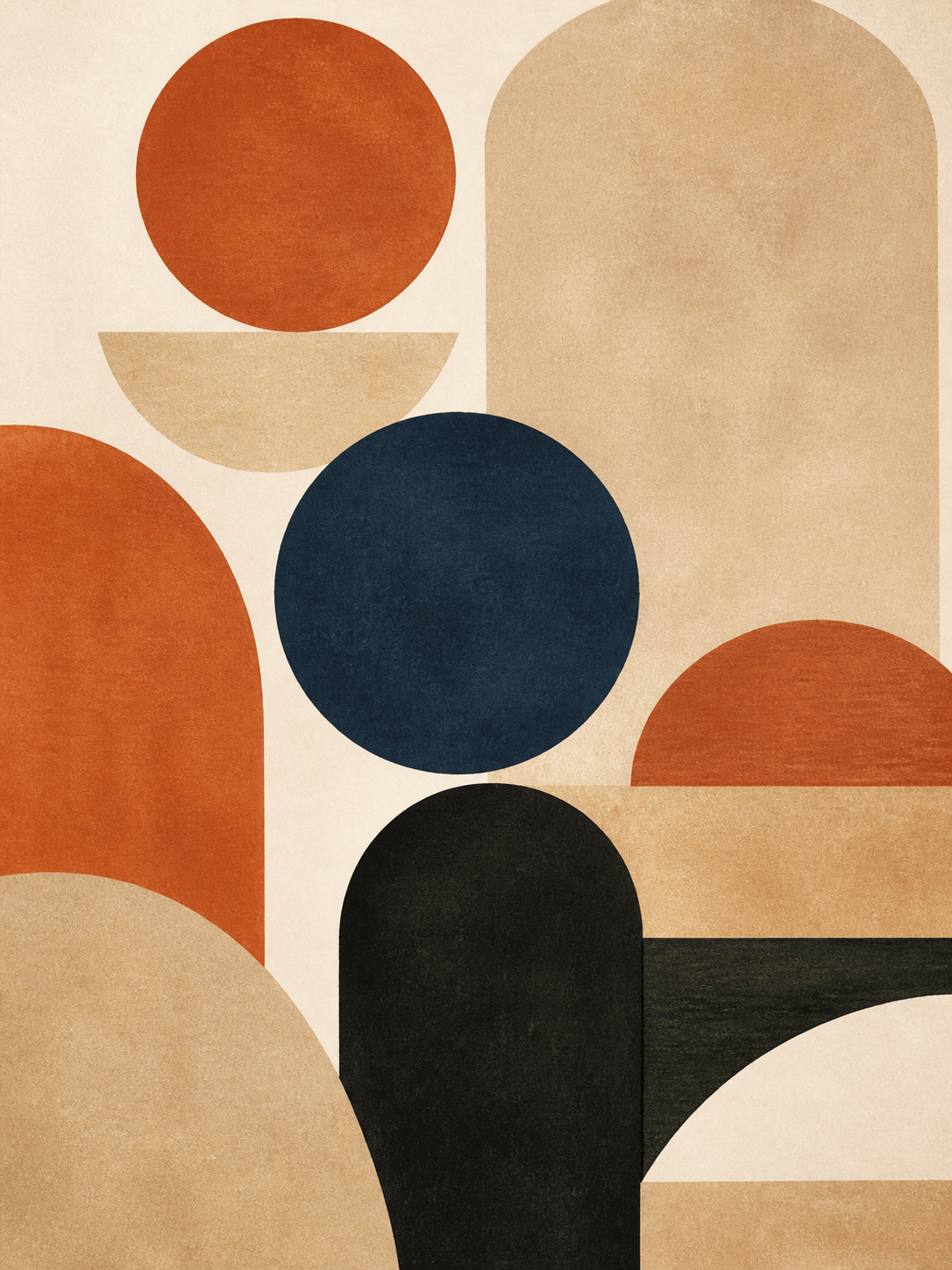
Design modern geometric abstract wall art for a mid-century living room. Use stacked circles, arches, and imperfect rectangles in terracotta, sand, deep navy, and matte black, with paper grain, asymmetrical balance, and a clean 3:4 composition.
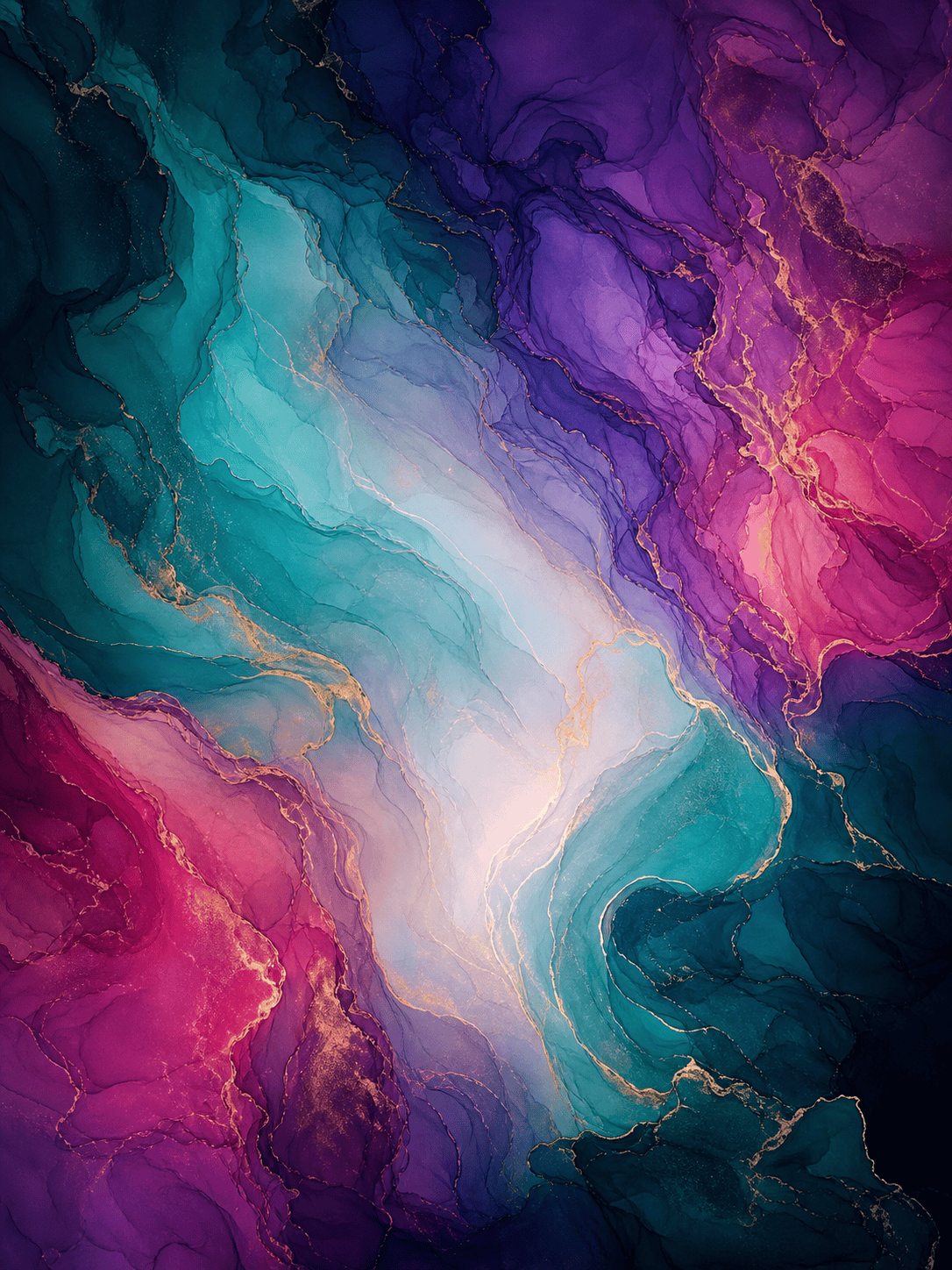
Generate an abstract fluid ink wallpaper with translucent teal, violet, and magenta currents, delicate mineral-like veins, smooth depth, slow wave motion, and darker edges that leave a calm central area for desktop icons. No text or logo.
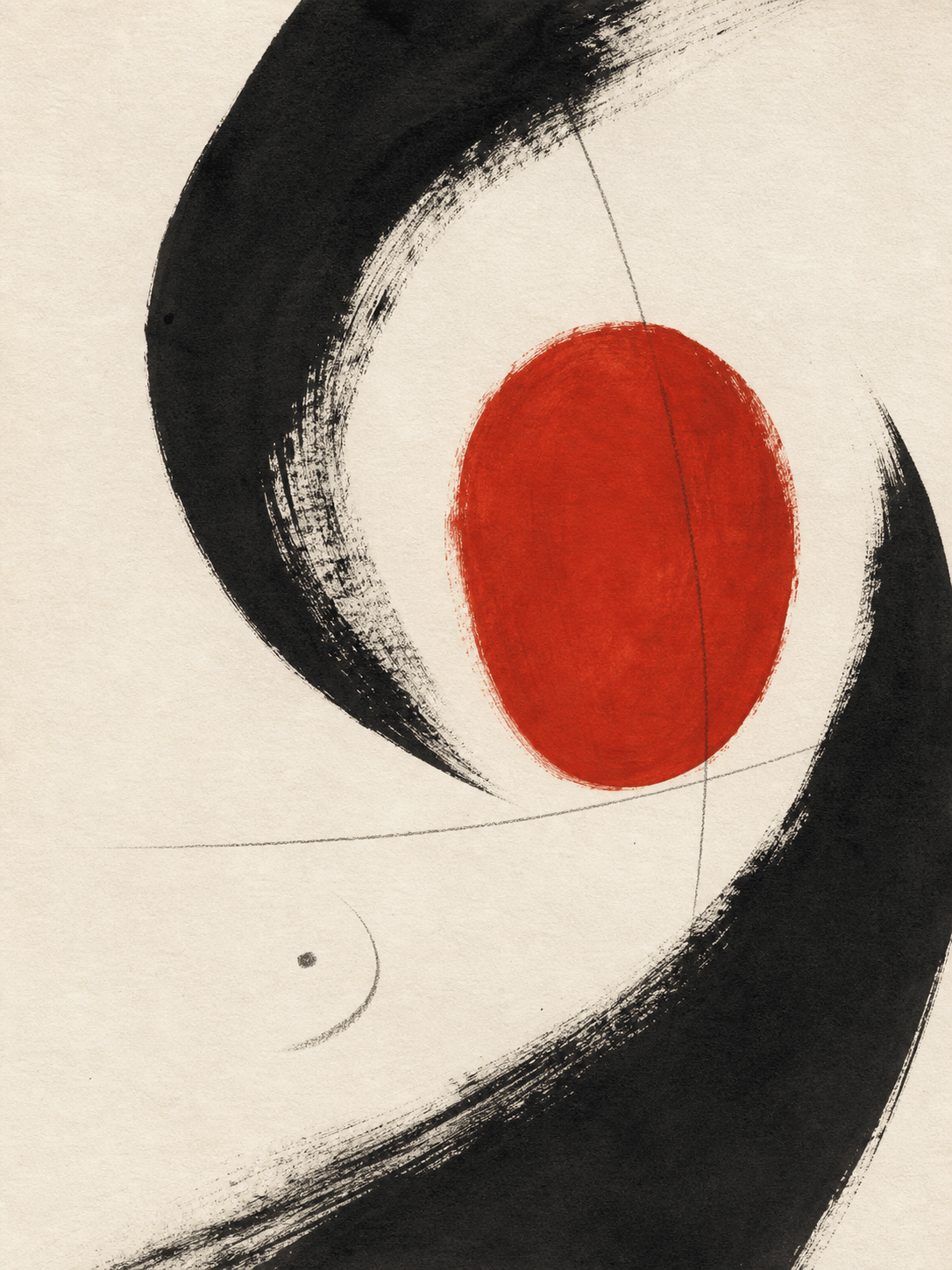
Create minimal abstract album artwork built from black calligraphic arcs, one vermilion oval, and fine graphite marks on warm off-white paper. Use bold negative space and a memorable focal hook, but leave the image free of titles and typography.
Make a wide abstract brand background that communicates inventive technology without literal devices. Combine soft indigo gradients, translucent glass-like forms, fine grain, and one electric-lime accent with generous copy space and controlled visual rhythm.
Transform the uploaded city-at-night photo into an original abstract composition. Preserve only its blue-orange palette, vertical rhythm, and reflected light; replace recognizable buildings with layered rectangles, scraped paint, blurred bands, and broken luminous marks.





