Free OnlineAI 3D Fashion Design
How to Create 3D Fashion Design with AI
Name the garment and 3D goal
Add sketches, references, and materials
Generate views and design variations
Refine and export the concept

Why Use Mew Design for AI 3D Fashion Design
Brief to dimensional concept
Turn a natural-language fashion brief into a garment concept with readable volume, proportion, construction details, and a clear presentation direction.
Sketch or photo to 3D-inspired garment
Use an online AI 3D fashion design generator to reinterpret a sketch, technical flat, garment photo, or moodboard as a dimensional visual reference while preserving the key design idea.
Check silhouette from multiple angles
Request front, back, side, and three-quarter views to spot proportion shifts, panel placement, sleeve volume, hem length, and styling inconsistencies before investing in a full 3D model.
Study material and colorway options
Compare the visual effect of wool, nylon, denim, knit, leather-like surfaces, translucent layers, trims, and controlled colorways without claiming calibrated fabric physics.
Present digital fashion directions
Build clean product boards, runway-style renders, avatar concepts, or editorial moodboards for collection reviews and pitches. Treat these images as concept references, not a true 3D asset or fit simulation.
Edit conversationally and export
Refine a first draft with Chat Edit, then export PNG or JPG. Mew Design can draw on Nano Banana Pro and GPT Image 2.5 for additional visual directions.
How to Write a Strong AI 3D Fashion Design Prompt
- Define the 3D output: Choose a product board, turntable-style view, avatar look, runway render, flat lay, or close-up material study instead of asking vaguely for “3D fashion.”
- Anchor the silhouette: State the garment archetype, volume, length, seams, panels, closures, trims, and what must remain recognizable from the sketch or reference.
- Describe surfaces, not tested physics: Ask for matte nylon, brushed wool, translucent organza, rib knit, glossy coated fabric, or visible topstitching as visual cues; do not imply measured drape or performance.
- Request useful views: Specify front, back, side, three-quarter, detail, avatar, or clean product views and say whether the concept is for a portfolio, digital fashion pitch, or sampling review.
AI 3D Fashion Design Prompts for Garments and Digital Looks
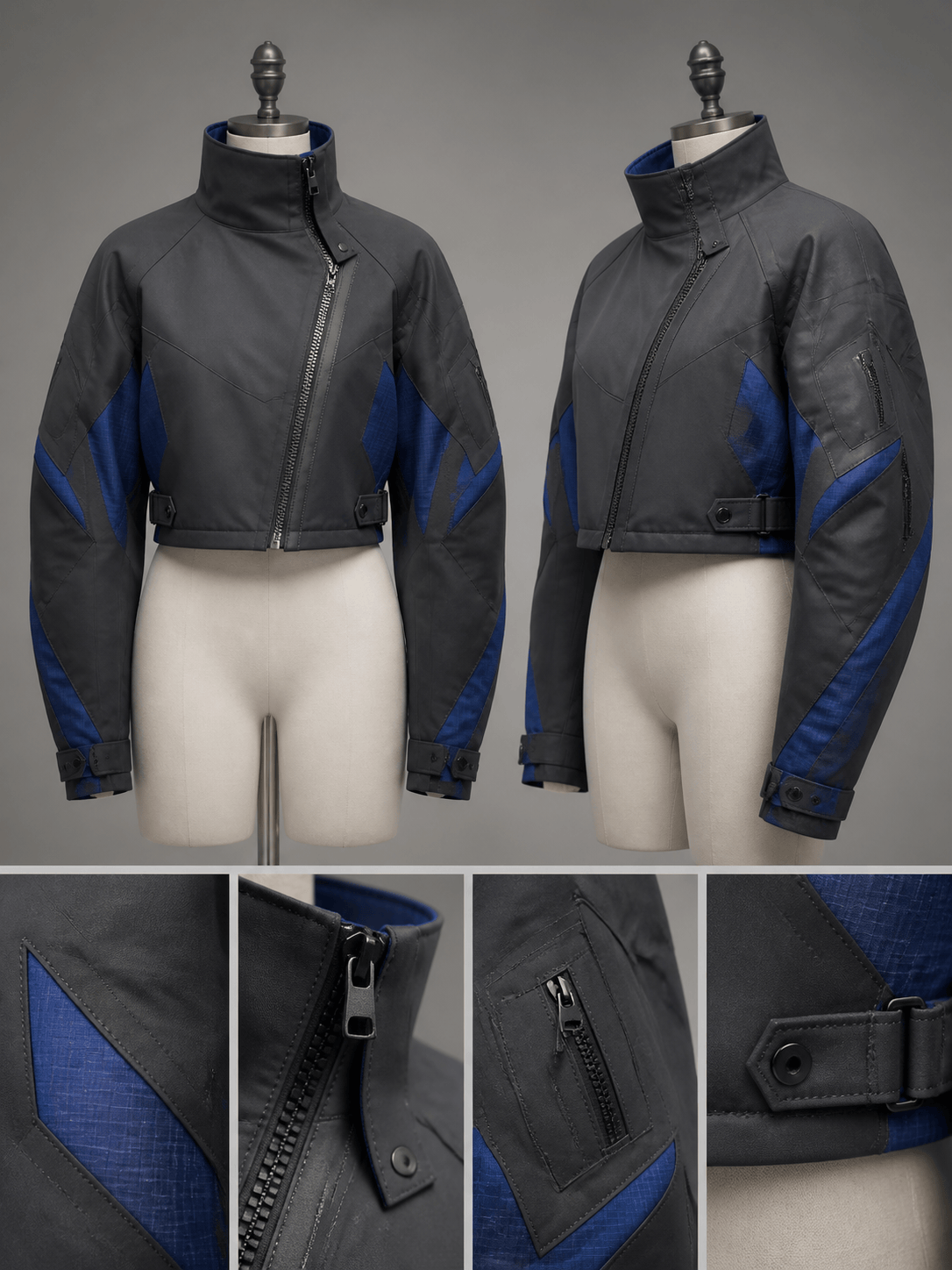
Turn this tailored blazer sketch into a 3D-inspired garment concept: single-breasted charcoal jacket, sculpted shoulder, curved seam lines, exposed topstitching, tonal lining, front/back/side product board, neutral studio light, no logo or text.
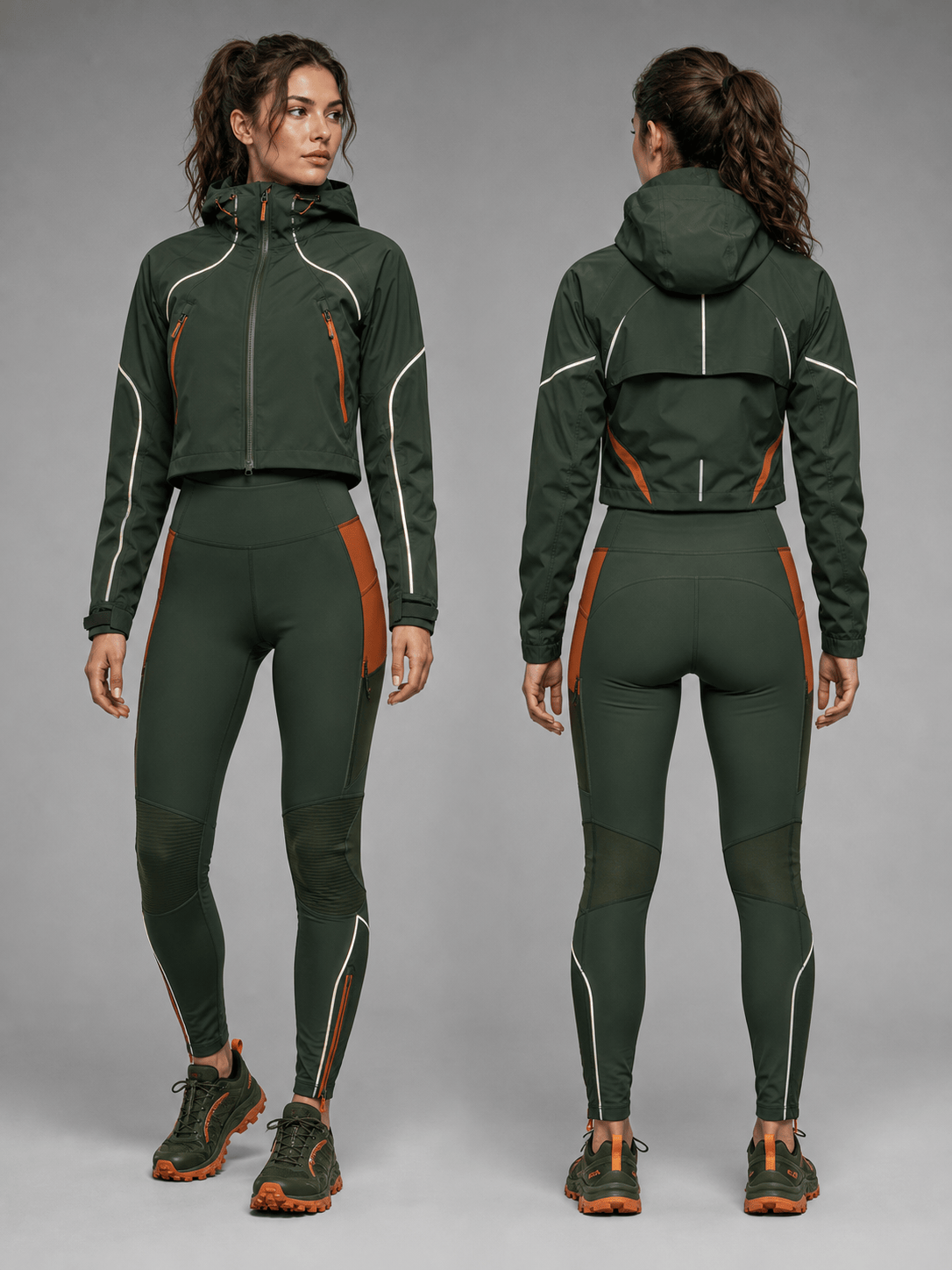
Create a 3D apparel visualization for a women’s trail-running set: cropped shell, high-rise tights, articulated knees, reflective piping, deep forest and oxide orange colorway, material close-up plus front and back model views, concept only.
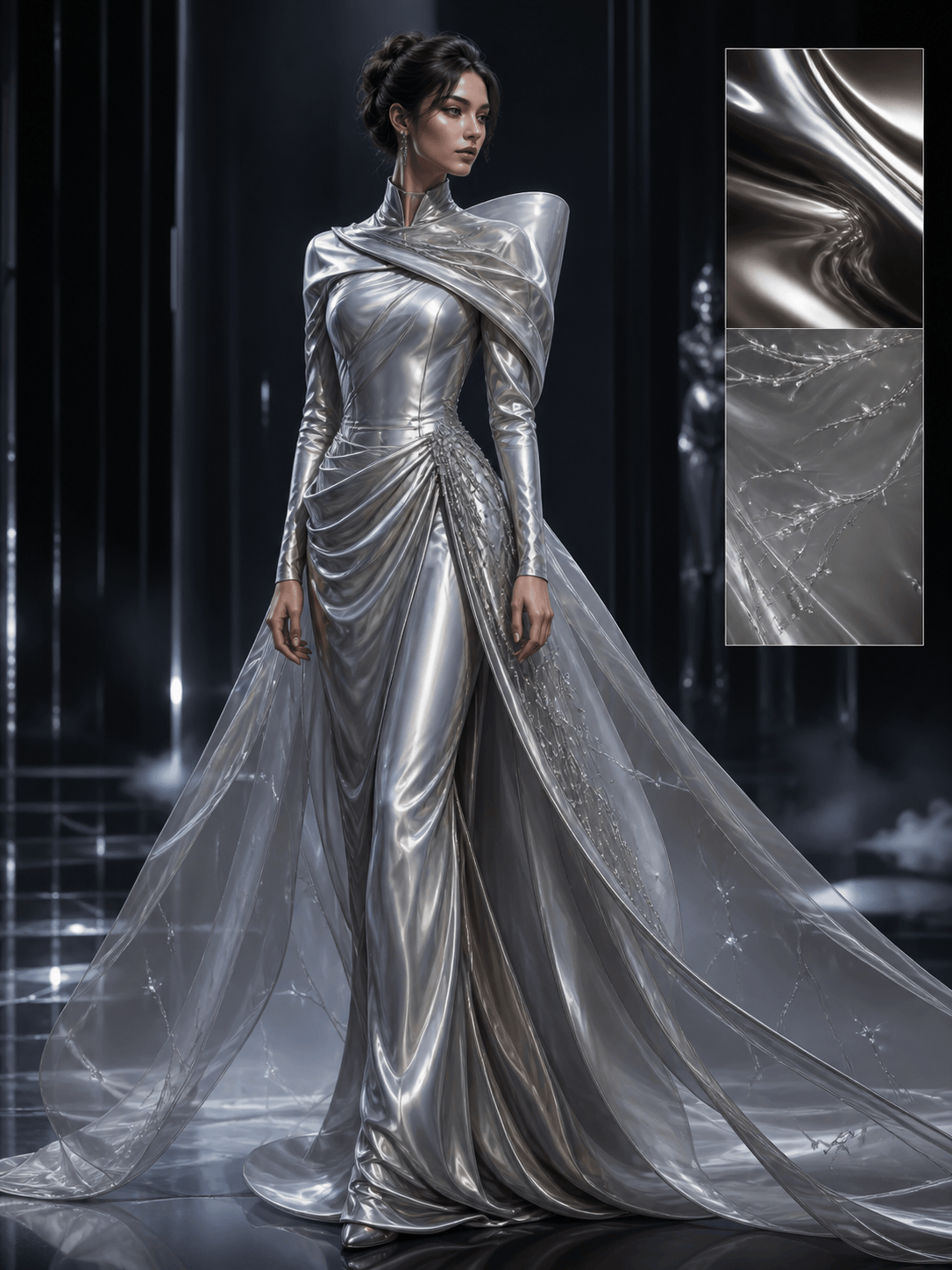
Design a digital couture look for an avatar: silver liquid satin gown, asymmetric folded bodice, detachable translucent train, sculptural volume, dark virtual runway, three-quarter model render and clean detail board, no physical-fit claim.
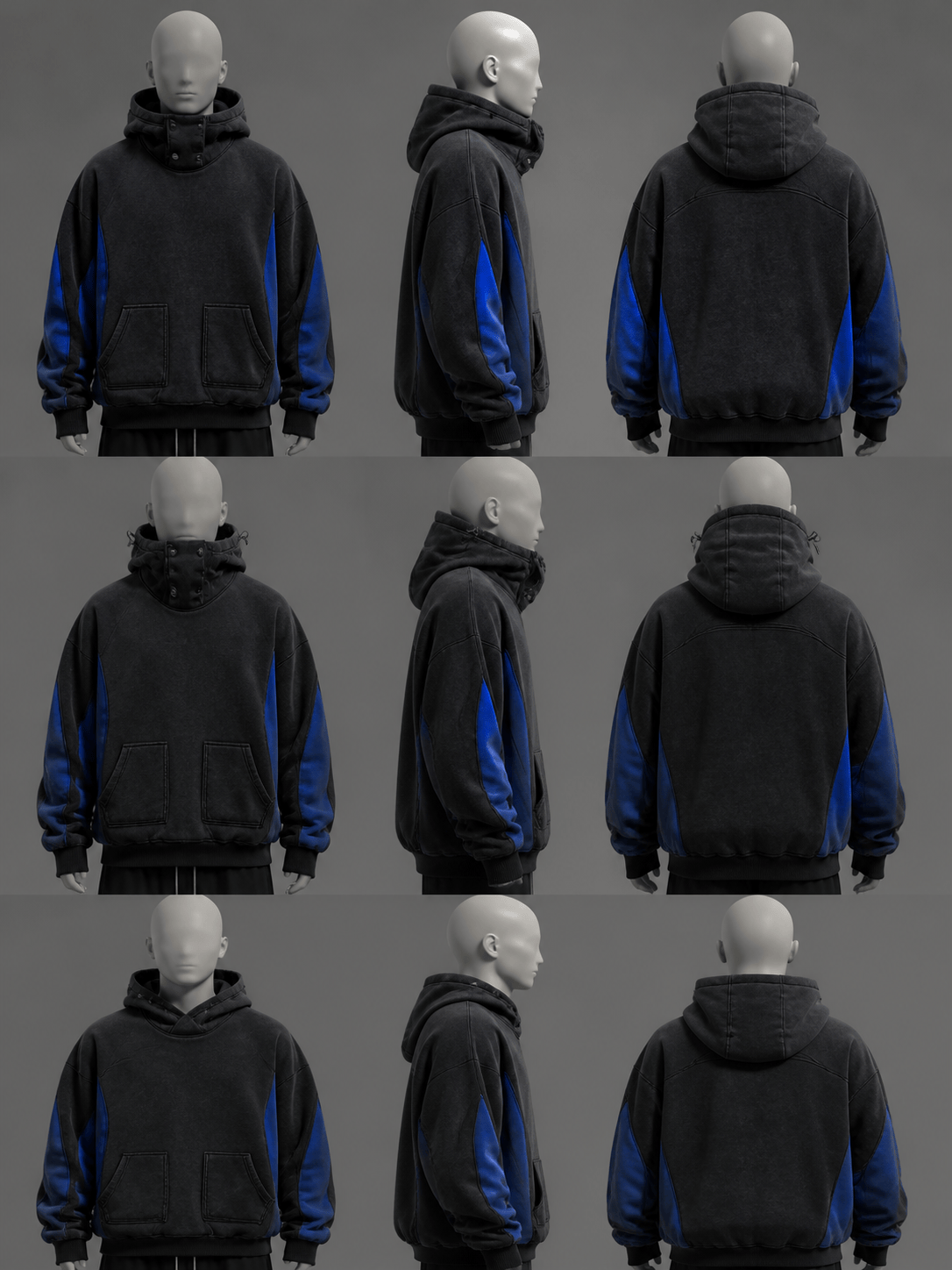
Generate a 3D clothing design from this hoodie reference: oversized streetwear hoodie, split kangaroo pocket, modular hood, ribbed cuffs, washed black fleece with cobalt panels, front/back/side views on a mannequin, no invented brand marks.
Compare three visual material directions for one pleated midi dress: crisp recycled-looking nylon, soft wool jersey, and translucent organza overlay. Keep the same silhouette and show a clean three-quarter product board for each.
Transform this fashion sketch into a coherent 3D-inspired capsule: preserve the neckline, waist seam, and asymmetric hem, then develop a jacket, dress, and trouser with shared materials, a restrained palette, and front/side/editorial views.





