ChatGPT MS Paint Prompts: Turn Any Photo into a Funny Bad Drawing
The MS Paint AI trend is all over social media: people are turning normal photos into awkward, scribbly drawings that look funny on purpose. If you want to try this style, Mew Design makes it easy to use a ChatGPT MS Paint prompt with GPT Image 2 for free. You can redraw a selfie, convert an image to MS Paint style, or make a whole set of ugly doodles in minutes.
MS Paint-style AI images created with GPT Image 2 on Mew Design
20+ ChatGPT MS Paint Prompts for Viral Bad Drawing Images
Use these ready-made ChatGPT MS Paint prompt templates to redraw selfies, pets, travel photos, food shots, and more in a funny MS Paint style.
Food Photo as MS Paint Drawing
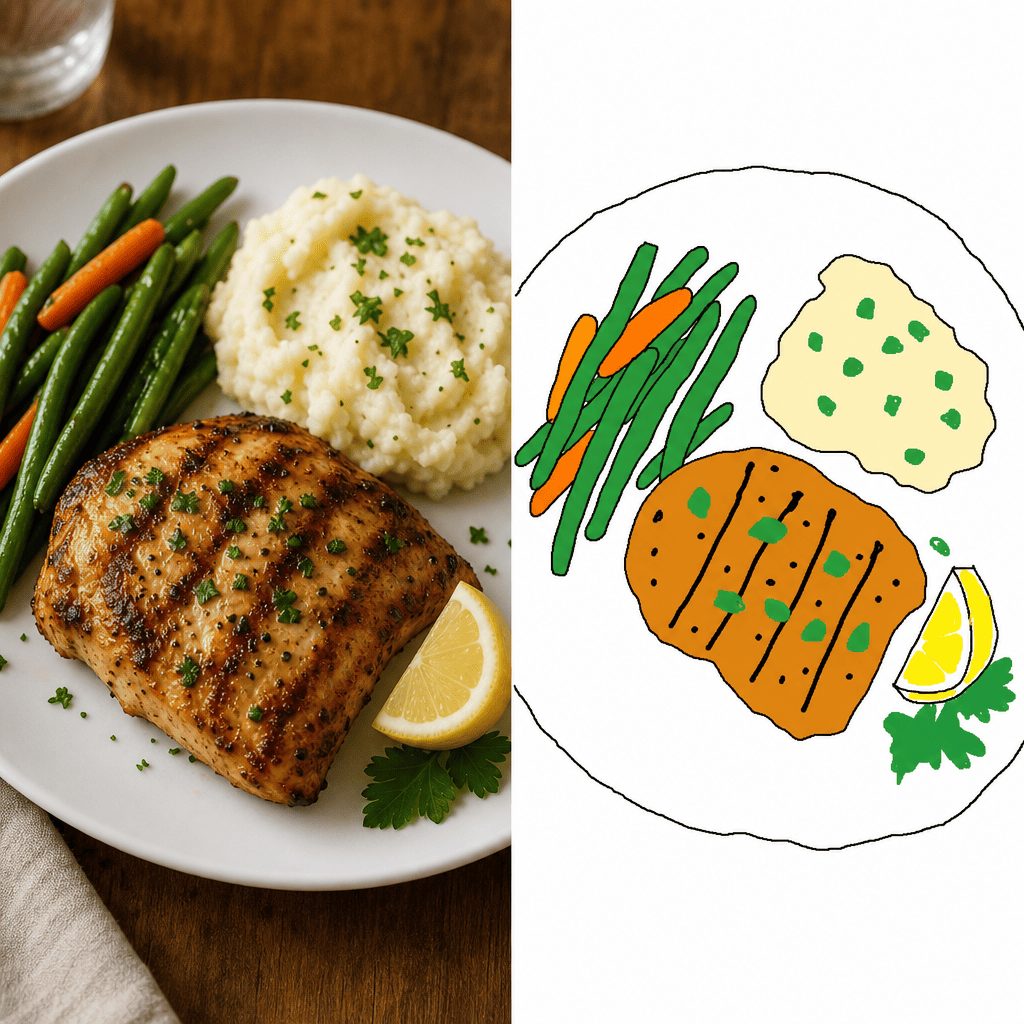
Redraw the attached food photo in the most clumsy MS Paint mouse-drawn way possible. Wobbly plate outline, lopsided food shapes, jagged toppings drawn as crude blobs, flat paint-bucket fill colors with no gradient or shading, shaky black pencil-tool outlines, pure white background, intentionally pathetic — looks like a hungry kid drew it from memory.
Group Photo to MS Paint Doodle
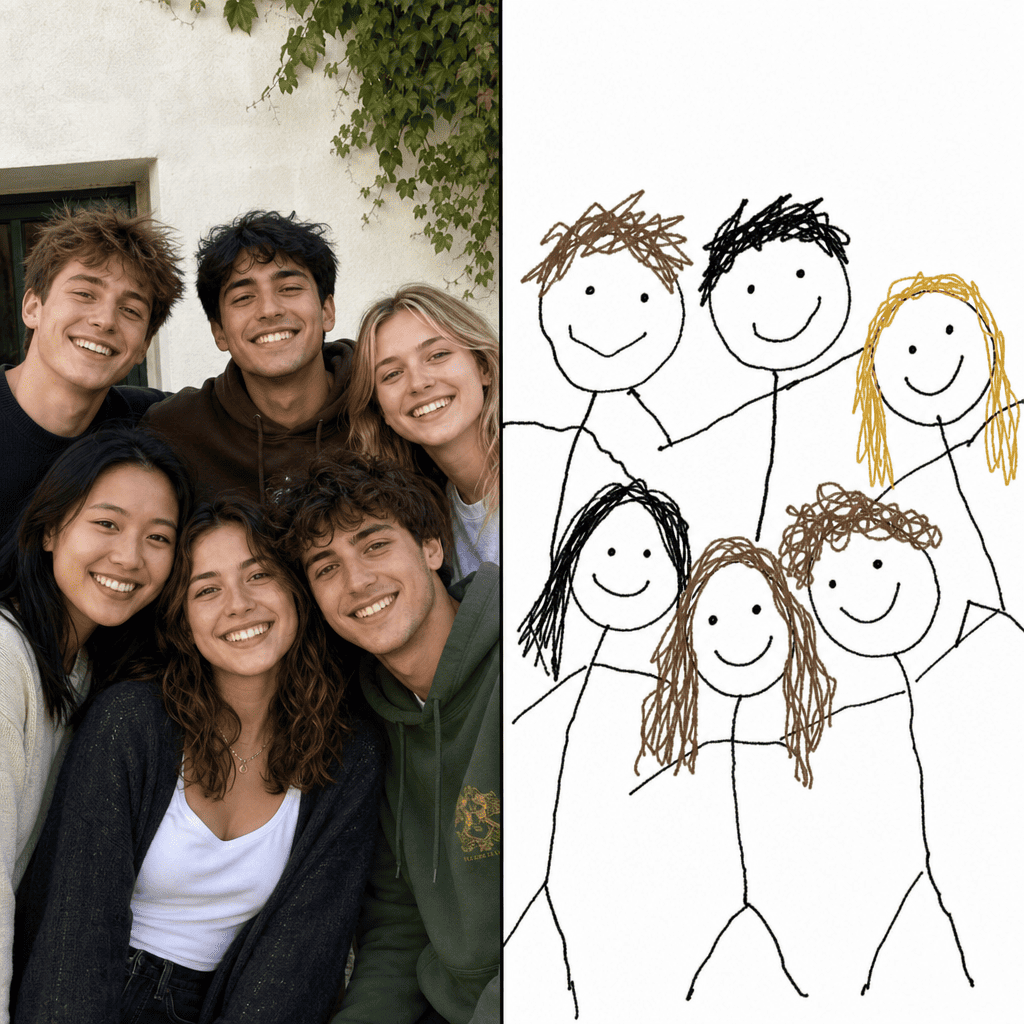
Redraw the attached group photo of friends in MS Paint style. Convert each person into a clumsy stick figure with a big round head, dot eyes, and a wobbly smile, keeping their relative positions and rough hair colors. Make it ridiculously bad and asymmetric, with shaky pencil-tool outlines and flat paint-bucket fill, white background.
Redraw Your Profile Pic as MS Paint Art
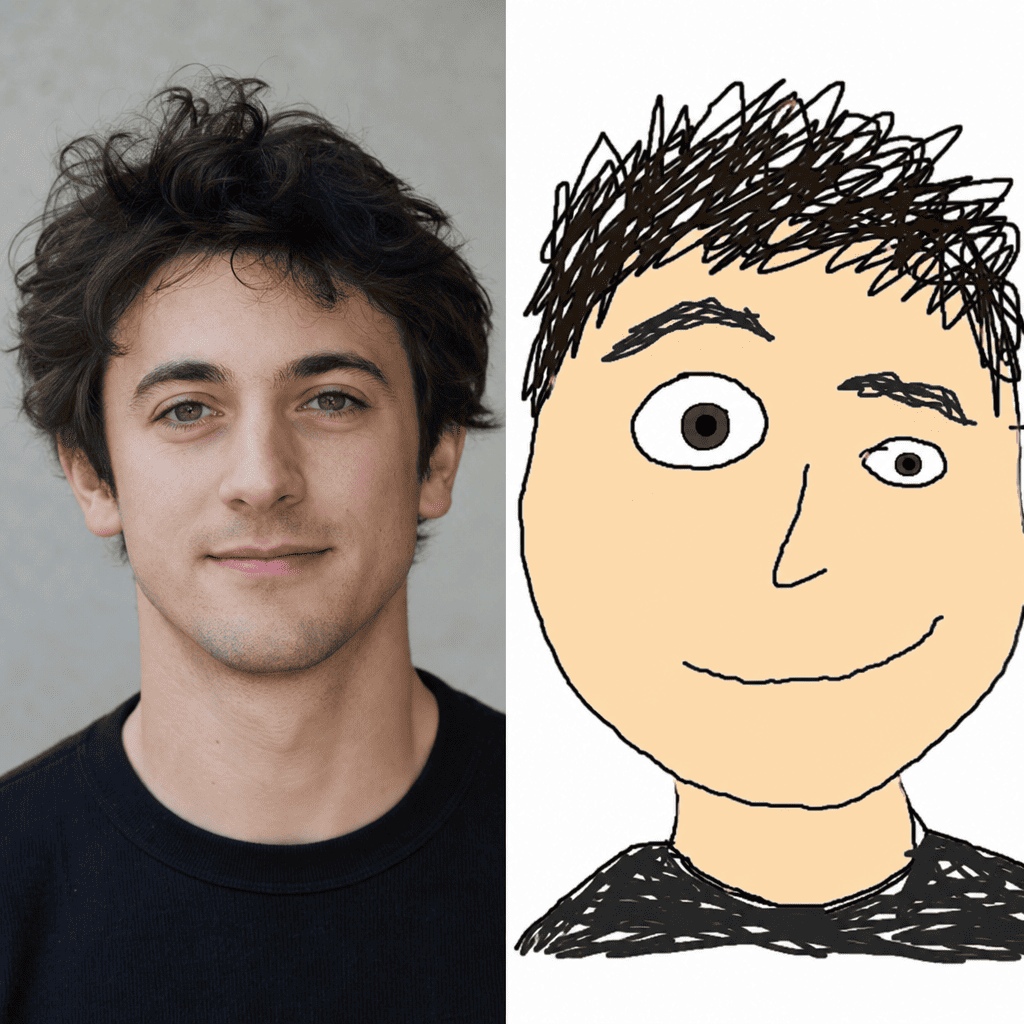
Redraw the attached profile photo in clumsy MS Paint style for a new social media avatar. Square format, oversized round head fills the frame, one eye bigger than the other, a wobbly half-smile, a few jagged hair scribbles, shaky black pencil-tool outline, flat paint-bucket skin fill, pure white background, vaguely similar to the original but pathetically bad.
OOTD Photo to MS Paint Drawing
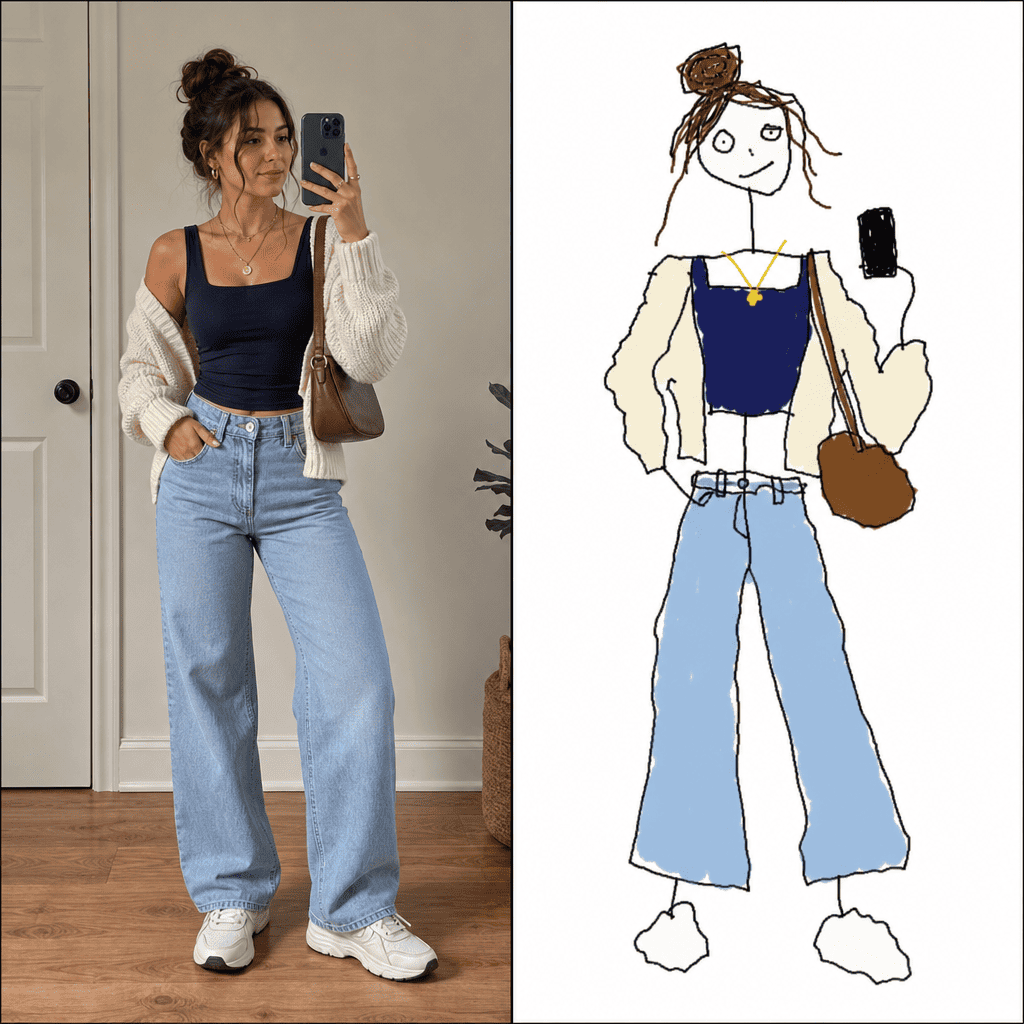
Redraw the attached outfit-of-the-day photo in MS Paint style. A clumsy full-body stick figure with a lopsided head, wobbly clothing shapes in the original outfit's colors, jagged shoes drawn as two blobs, mismatched accessories, shaky pencil-tool outlines, flat paint-bucket fill, white background, intentionally pathetic and ridiculously bad fashion illustration.
Redraw You and Your Pet as MS Paint Drawing AI Prompt
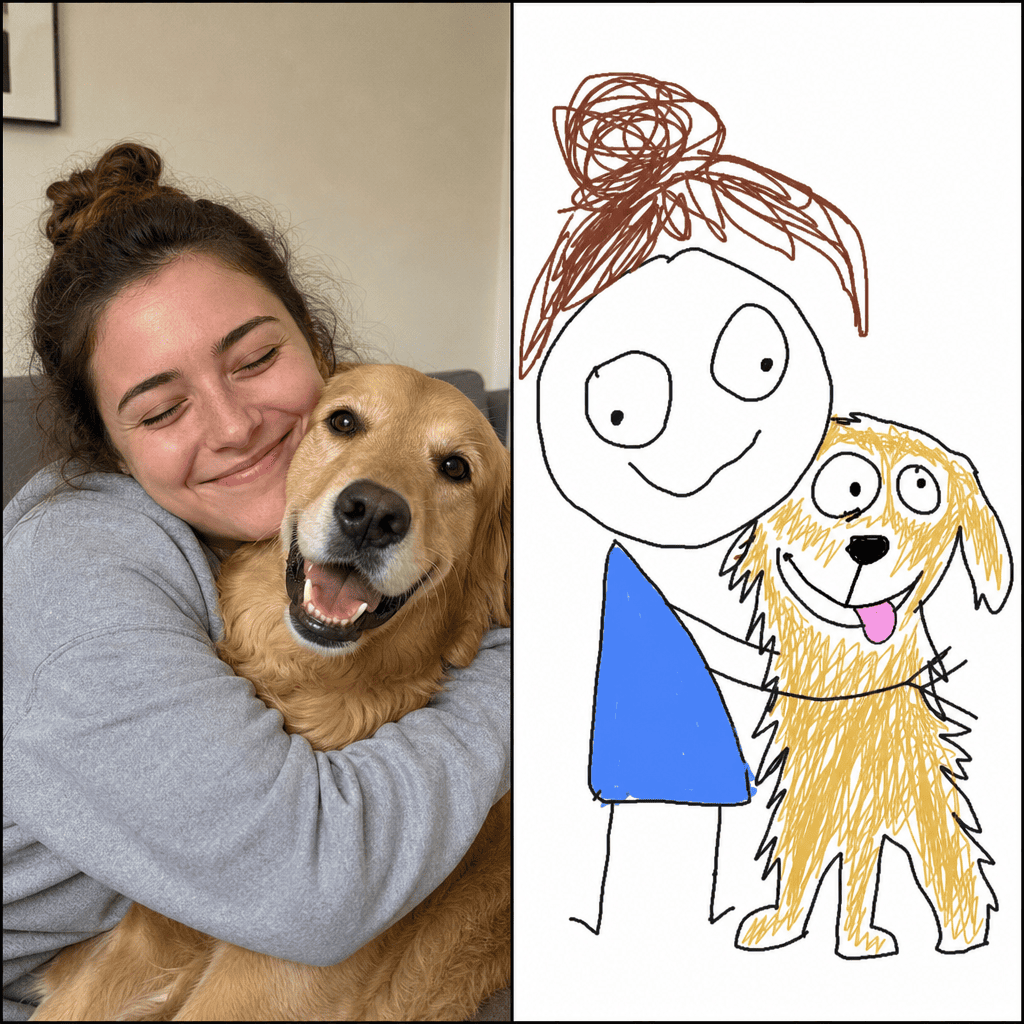
Redraw the attached photo of me and my pet in MS Paint mouse-drawn style. A clumsy stick figure of me hugging a lopsided wobbly version of my pet, both with oversized round heads, mismatched eyes, crooked smiles, jagged fur scribbles on the pet, shaky black pencil-tool outlines, flat paint-bucket fill, pure white background, pathetic but adorable.
Scribbly MS Paint Cat Drawing
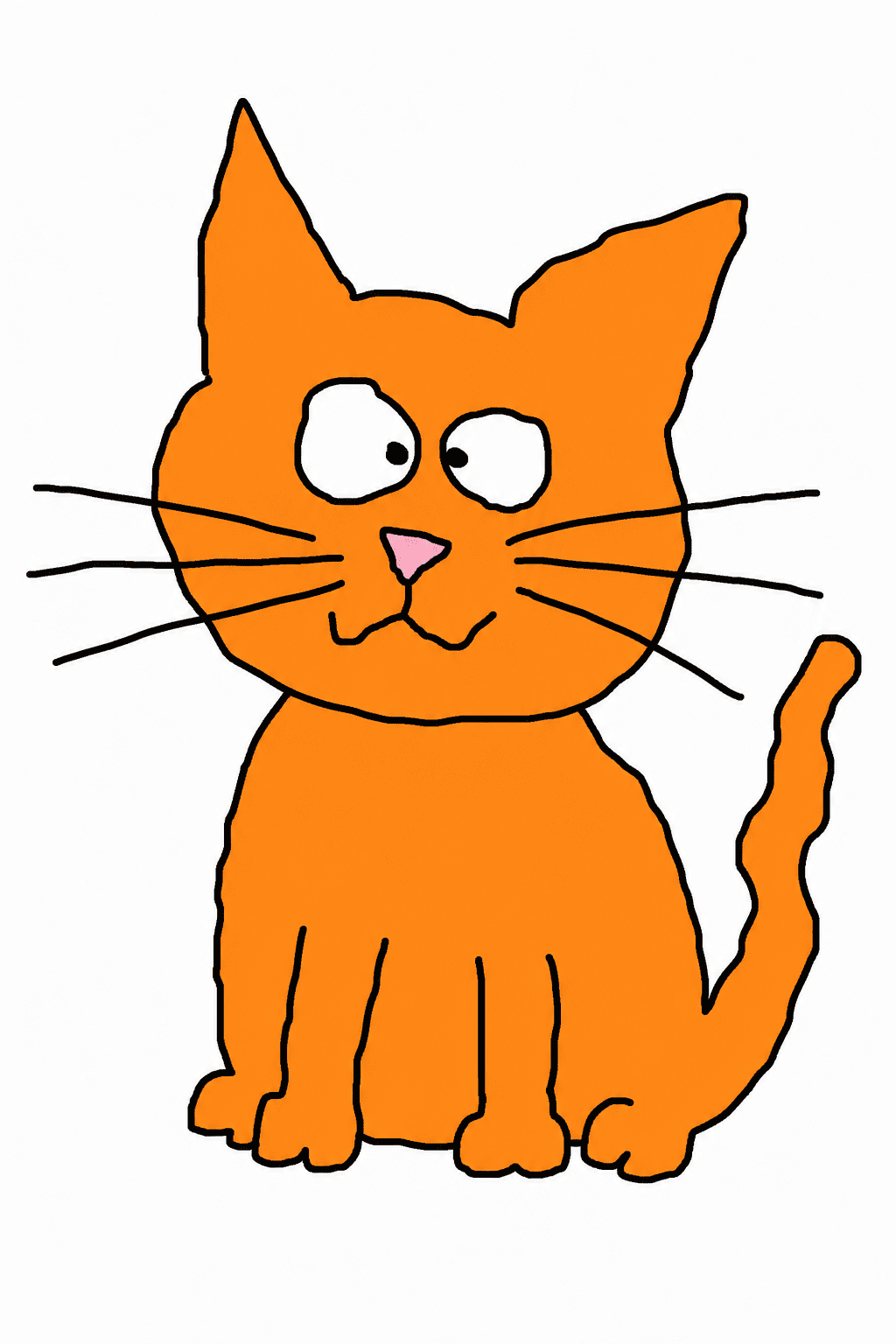
A messy MS Paint style drawing of an orange cat with crossed eyes, lopsided triangular ears, jagged whiskers drawn as straight lines, a wobbly tail, paint-bucket-filled body in flat orange, thick black mouse outline, pathetic and crude, white empty background, no anti-aliasing.
Childlike MS Paint House Drawing
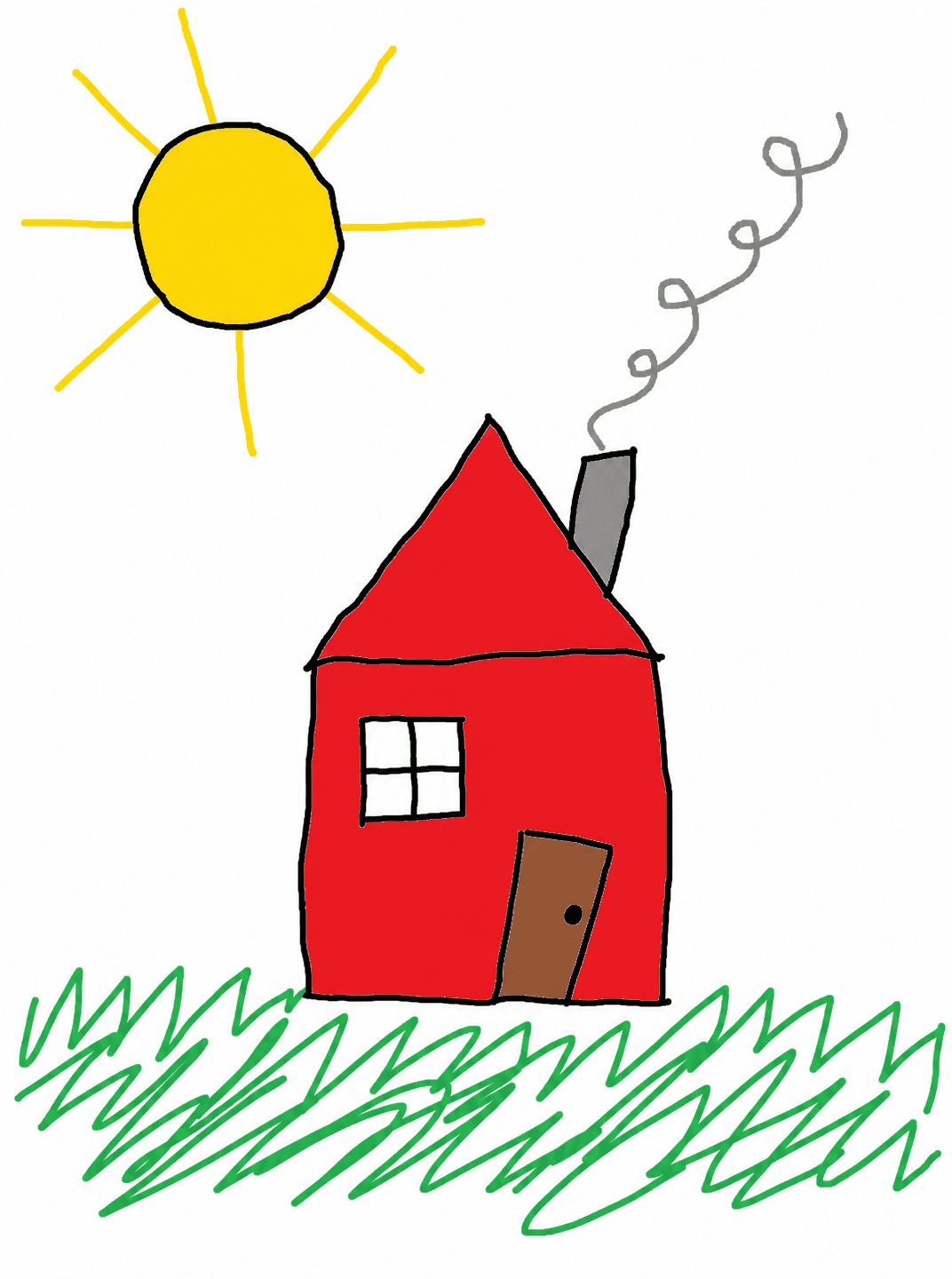
A childlike MS Paint drawing of a tiny red house with a crooked triangular roof, one square window, a slanted door, a curly grey chimney with smoke squiggles, a giant yellow sun with eight straight ray lines in the corner, scribbled green grass at the bottom, all drawn with shaky black mouse lines and flat paint-bucket fill.
Funny MS Paint AI Pizza Doodle - ChatGPT Trend
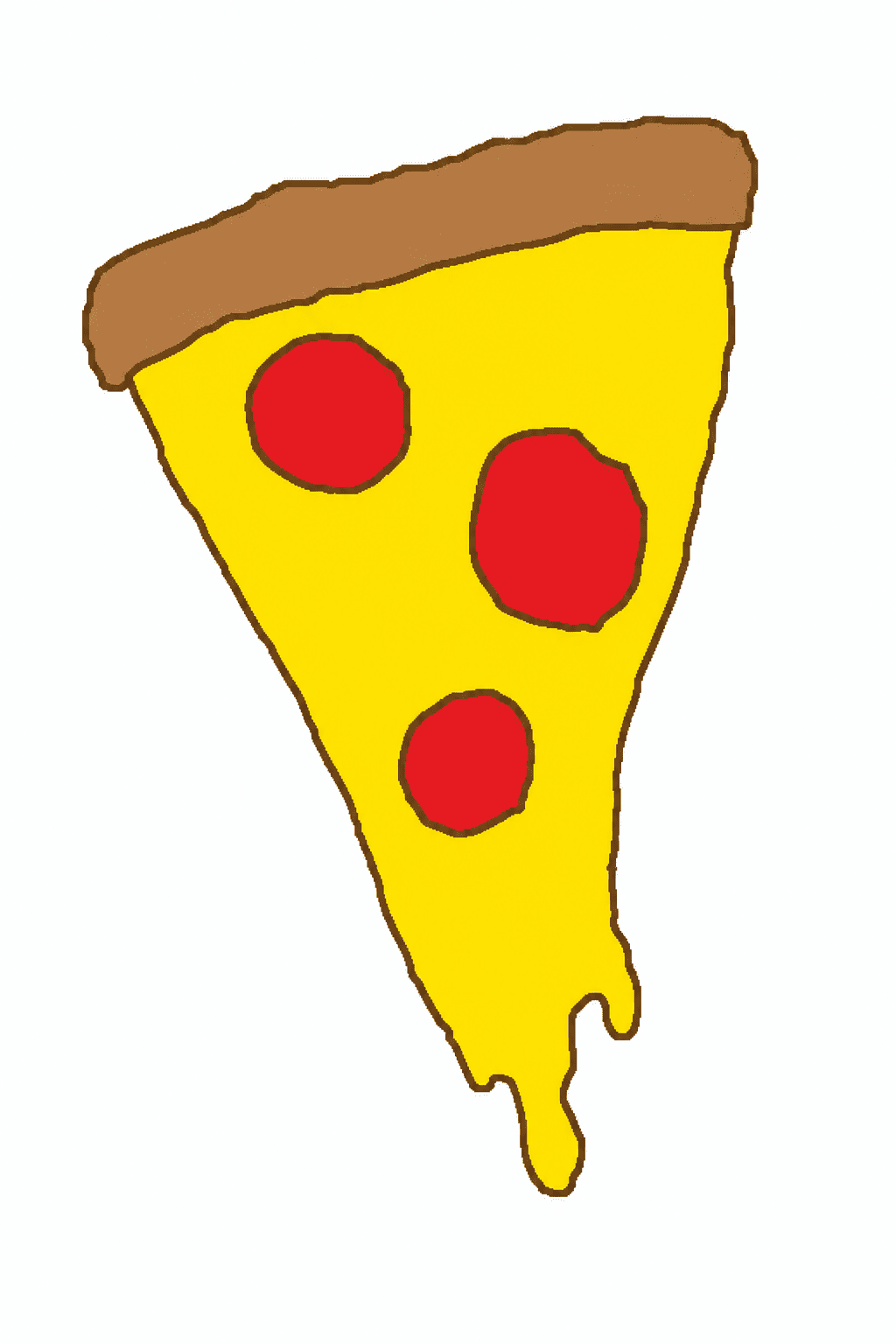
A funny MS Paint drawing of a pizza slice, lopsided triangle shape, three uneven red circles for pepperoni, a bumpy yellow cheese drip, brown wobbly crust outline, drawn with the pencil tool only, flat paint-bucket fill, no gradient, white background, looks like a 6-year-old's mouse doodle.
How to Create ChatGPT MS Paint Images on Mew Design
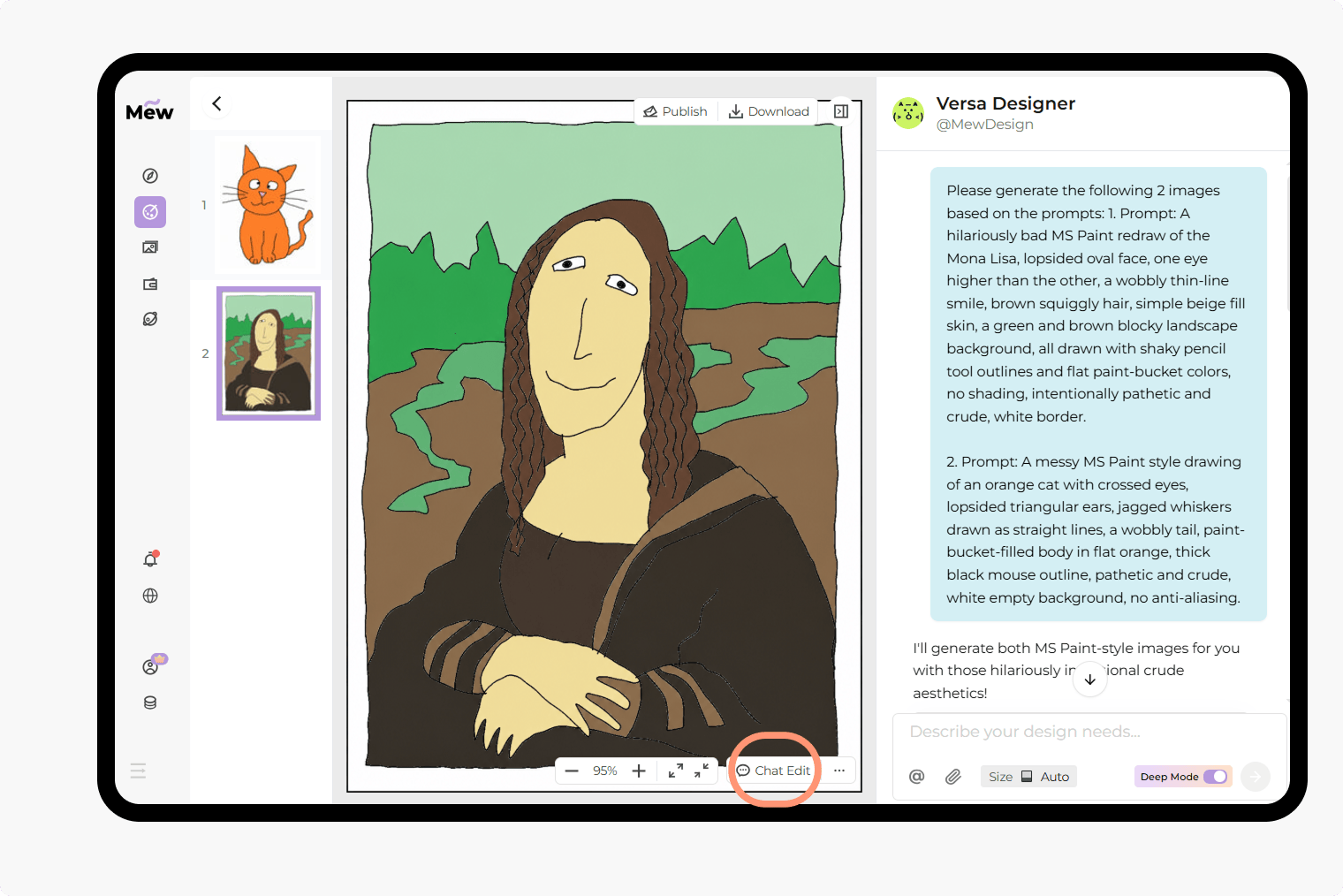
Creating ChatGPT MS Paint images on Mew Design is simple. Just upload a photo or paste a prompt, and gpt-image-2 can turn it into a messy MS Paint-style doodle with shaky mouse lines, awkward proportions, and intentionally bad drawing details. You can also refine the result step by step using Chat Edit.
Paste a prompt and start with “use gpt-image-2”
Copy one of the prompt templates from this page, or write your own. When you enter it in Mew Design, begin with “use gpt-image-2” so the agent knows which model to use for your MS Paint style image.
Generate one image or a full series
Tell the agent exactly what you want. You can create a single image, such as a selfie redraw, or ask for a full set of MS Paint AI images in the same theme.
Refine the result with Chat Edit
If the first draft is not quite right, click the Chat Edit button and add a follow-up instruction. You can ask for shakier outlines, uglier facial features, flatter colors, or a more childlike bad drawing look.
Export or share your image
Once you are happy with the result, export the image or share it directly. This makes it easy to post your viral ChatGPT MS Paint prompt result on social platforms or send it to friends.
Why Mew Design Is a Smart Choice for MS Paint AI Image Generation
Free GPT Image 2 Access
Try GPT Image 2 on Mew Design for free upon signing up and test MS Paint style prompts without extra setup.
Built for Prompt-Based Creation
Paste a prompt, describe your idea, and let the agent turn it into a funny bad drawing.
Works for Many Photo Types
Redraw selfies, pets, couple photos, family shots, food pictures, and profile images in one place.
Easy Multi-Image Requests
Generate one image or ask for a themed series if you want several MS Paint style results at once.
Quick Revisions with Chat Edit
Adjust your draft in chat instead of starting over from the beginning every time.
Simple Export and Sharing
Save your final image or share it once your ugly doodle is ready to post.

FAQs About ChatGPT MS Paint Prompts
A ChatGPT MS Paint prompt is a text instruction that tells an image model to redraw a photo in a messy, clumsy, mouse-drawn style inspired by classic MS Paint. It often includes details like shaky outlines, flat fill colors, uneven eyes, and a white background.
The trend is popular because the results look intentionally awkward and funny. Instead of polished AI art, people want images that feel silly, low-effort, and human in a playful way.
Yes. You can upload a selfie, pet photo, travel picture, or other image and use a prompt to redraw it as an MS Paint style doodle. The result keeps the basic subject while making it look badly drawn on purpose.
A strong prompt should mention shaky black outlines, flat paint-bucket colors, a white background, no shading, uneven facial features, and a clumsy mouse-drawn look. If you want a more comic result, add words like “scribbly,” “childlike,” or “intentionally bad.”
Yes. On Mew Design, you can try GPT Image 2 for free and use it to create MS Paint style images from prompt templates or your own custom ideas.
Ask for more uneven eyes, wobblier smiles, thicker shaky outlines, flatter colors, and worse proportions. You can also use Chat Edit to make the second version more awkward than the first.
Yes. You can ask Mew Design to generate a single image or a themed series based on the same style or subject.
No. They also work for pets, couples, family photos, group pictures, food images, outfits, travel shots, and profile pictures.

