GPT Image 2.6 GIF Prompts: 10 Ideas to Copy and Customize
Turn a Monday mood, a favorite pet or a brand mascot into a short loop. These GPT Image 2.6 GIF prompts describe the subject, one clear movement and the details to keep still. Browse ChatGPT GIF prompts for reactions, character stickers, cozy scenes and product visuals, then adapt the colors or add your own reference image.
Choose a Prompt and Make It Your Own
10 ChatGPT GIF Prompts for Reactions and Seamless Loops
Start with AI reaction GIF prompts for expressive faces, photo-based prompts for pets and selfies, or seamless loop GIF prompts for subtle motion. Each template requests one animated file. The prompts are original adaptations of community formats and creative use cases; timing, resolution and loop quality vary by generation. Add a reference photo where useful, or use the original character described in the prompt.
Monday Cat Deadpan Blink
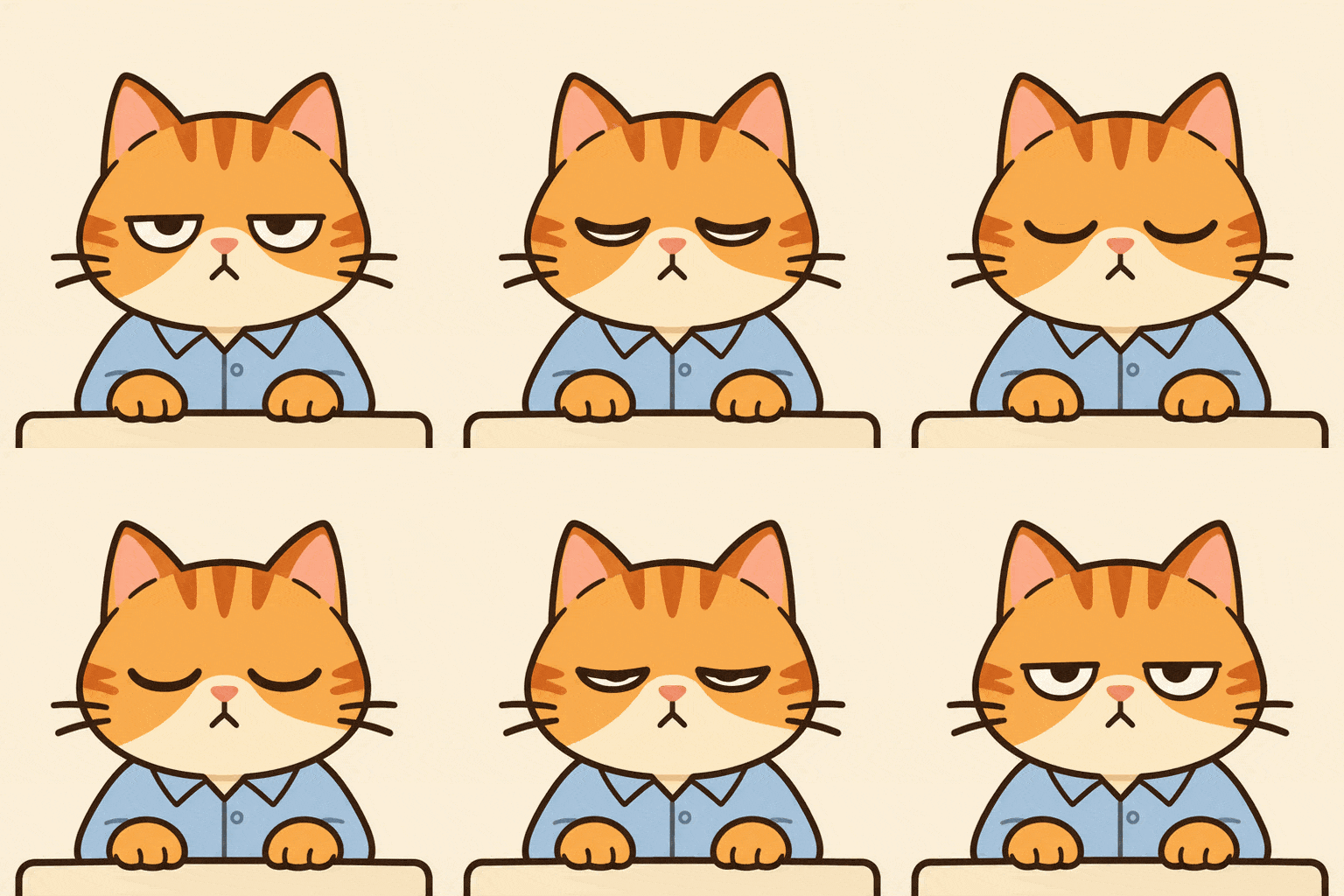
Create a square animated GIF of an original orange tabby office cat wearing a pale blue shirt, seated behind a small cream desk. Use a warm ivory background and clean 2D sticker illustration with bold outlines. The cat starts with a tired, half-lidded stare, slowly closes both eyes once, then opens them back to the original deadpan expression. Move only the eyelids; keep the ears, paws, stripes, shirt, desk and background still. Use a locked frontal camera and keep generous space around the ears. Aim for a roughly two-second repeating loop, with the closing motion easing back into the opening pose. Keep the same face proportions and lighting throughout. No text, logos or additional objects. Return one playable animated GIF.
Selfie to Chibi Victory Dance
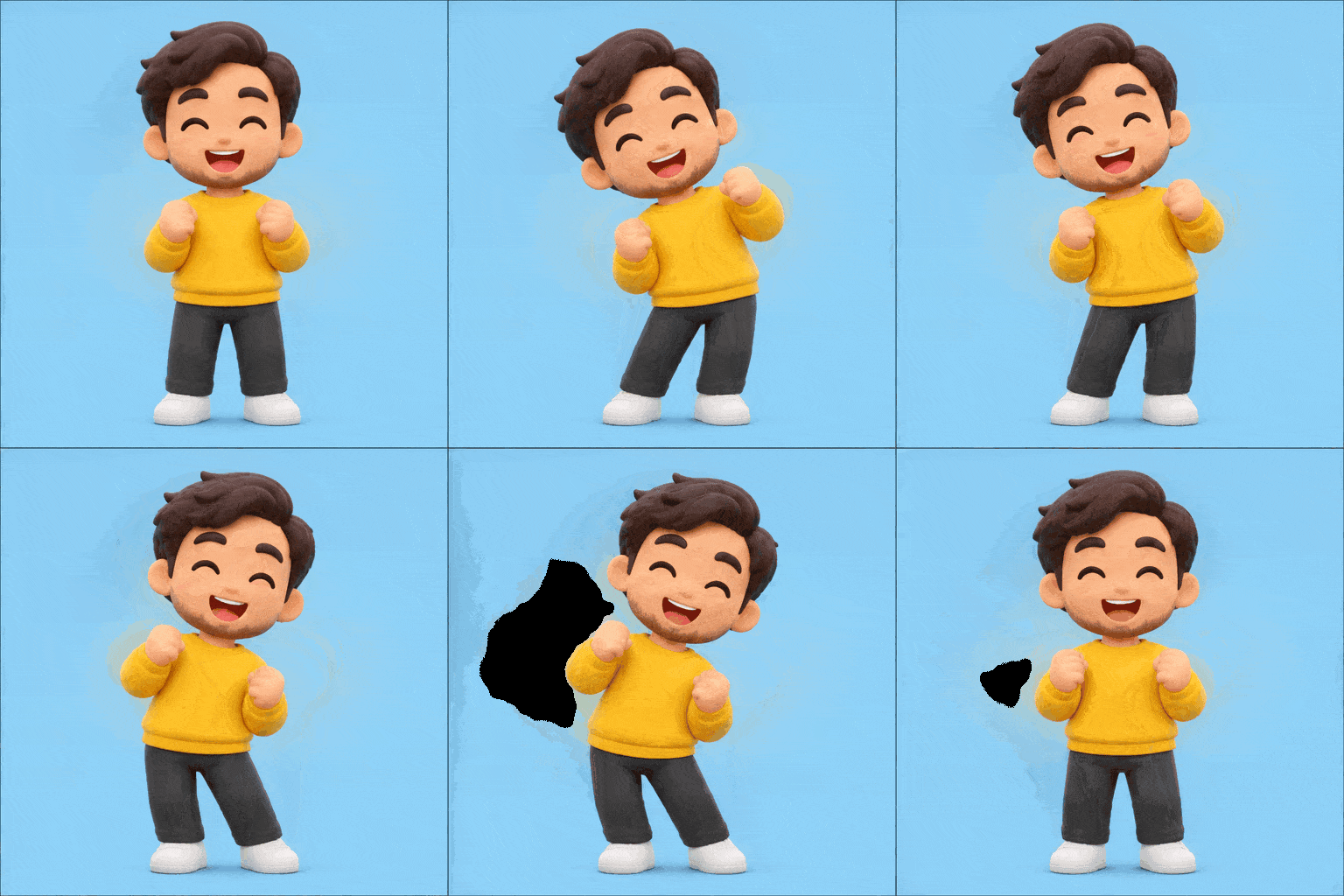
Use my uploaded photo as the identity reference and turn me into a cheerful adult chibi sticker character. Preserve my recognizable hairstyle, facial features, glasses if present, and main clothing colors. If no photo is attached, create an original adult character with short dark hair and a yellow sweatshirt. Show the whole body against a flat pastel blue background. Animate one compact victory dance: the character rocks gently from left to right with bent elbows, then returns to the centered starting stance. Keep both feet grounded, hands simple and the character scale unchanged. Use rounded 3D toy styling, soft steady lighting and a fixed front camera. Aim for a two-second loop with smooth side-to-side timing and no abrupt reset. Leave room around the hands and head. No confetti, captions, logos or scene cuts. Deliver one animated GIF.
Anime Surprise Reaction
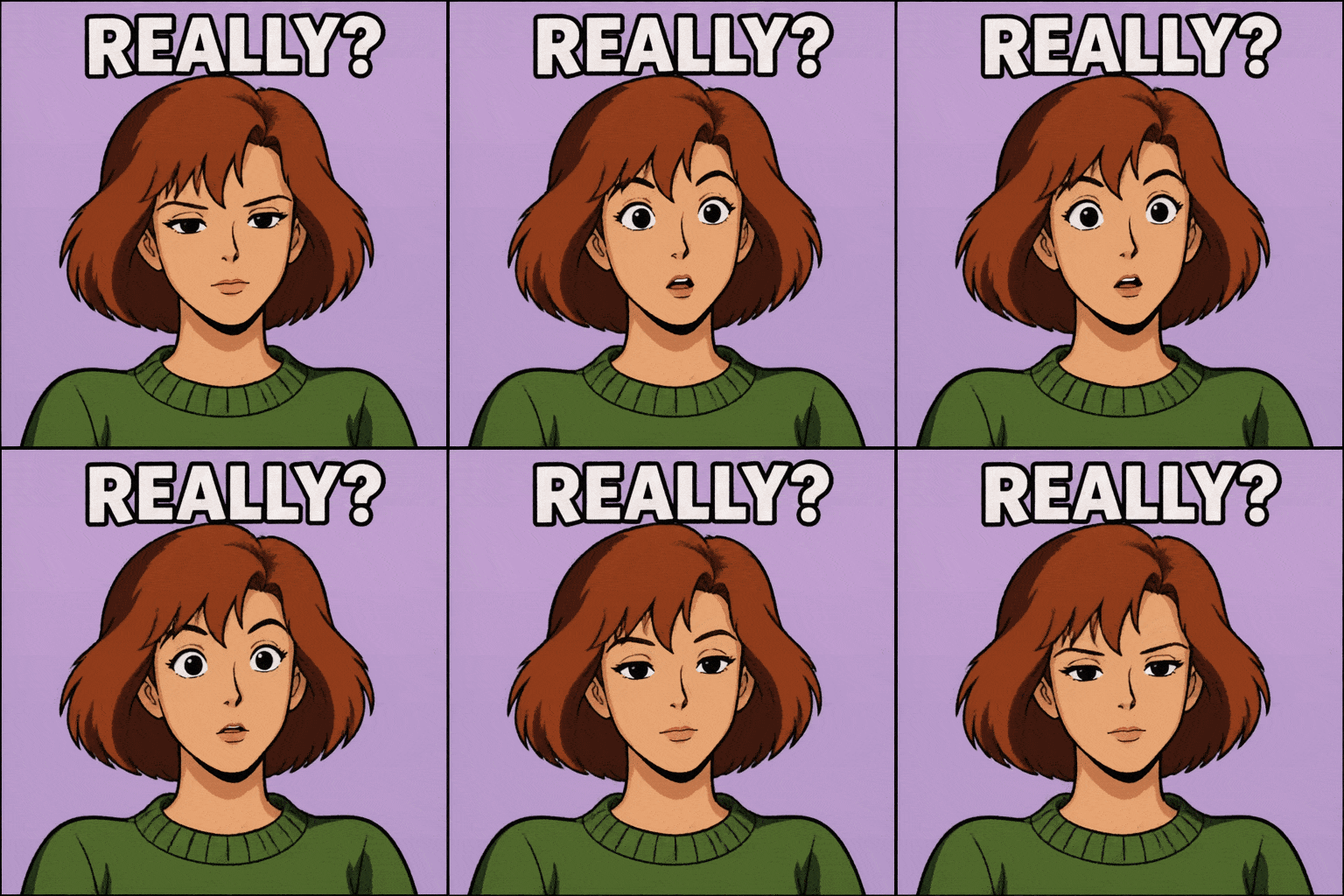
Create an animated reaction GIF in a nostalgic 1990s cel-animation look, with bold ink lines, simple shadows and a pale lilac background. If I attach a selfie, use it to guide the adult character's recognizable face and hairstyle; otherwise create an original adult with a short auburn bob and a green sweater. Frame the character from the chest up. Animate one expression cycle: neutral face, eyebrows lift and eyes widen in surprise, then the expression relaxes back to neutral. Keep the head, hair silhouette, shoulders and camera still. Put the exact caption "REALLY?" above the head in large white uppercase lettering with a dark outline. The caption must remain identical in spelling, position and shape in every frame. Aim for a short two-second seamless loop. No extra words, speed lines, flashing effects or camera movement. Output one animated GIF.
Skeptical Cat Side-Eye
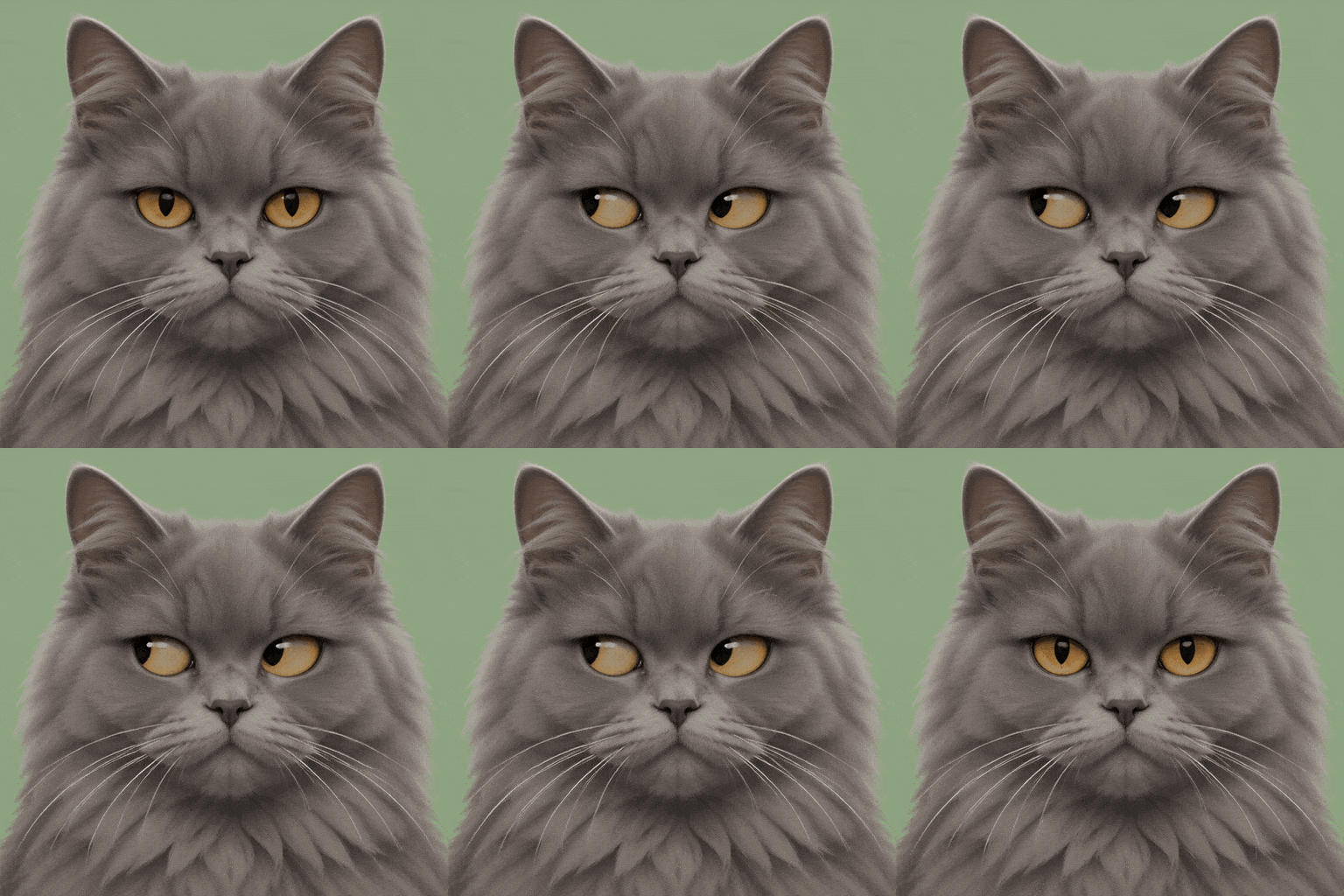
Animate a skeptical cat reaction as a square GIF. Use my uploaded cat photo if supplied, preserving its fur markings, eye color and collar; otherwise create a fluffy gray cat with amber eyes on a muted sage background. Use a clean, softly shaded illustration style. The cat faces forward and stays completely still while its eyes glance toward the left edge of the image, pause briefly, then return to center. Keep the head angle, ears, mouth, whiskers, fur pattern and body size unchanged. Frame the face and shoulders with a fixed camera. Aim for a two-second loop whose last movement settles naturally into the starting gaze. Avoid blinking, head turns, talking, text, new objects and background motion. Keep the reaction readable at a small chat-preview size. Deliver one playable animated GIF.
Curious Dog Head Tilt
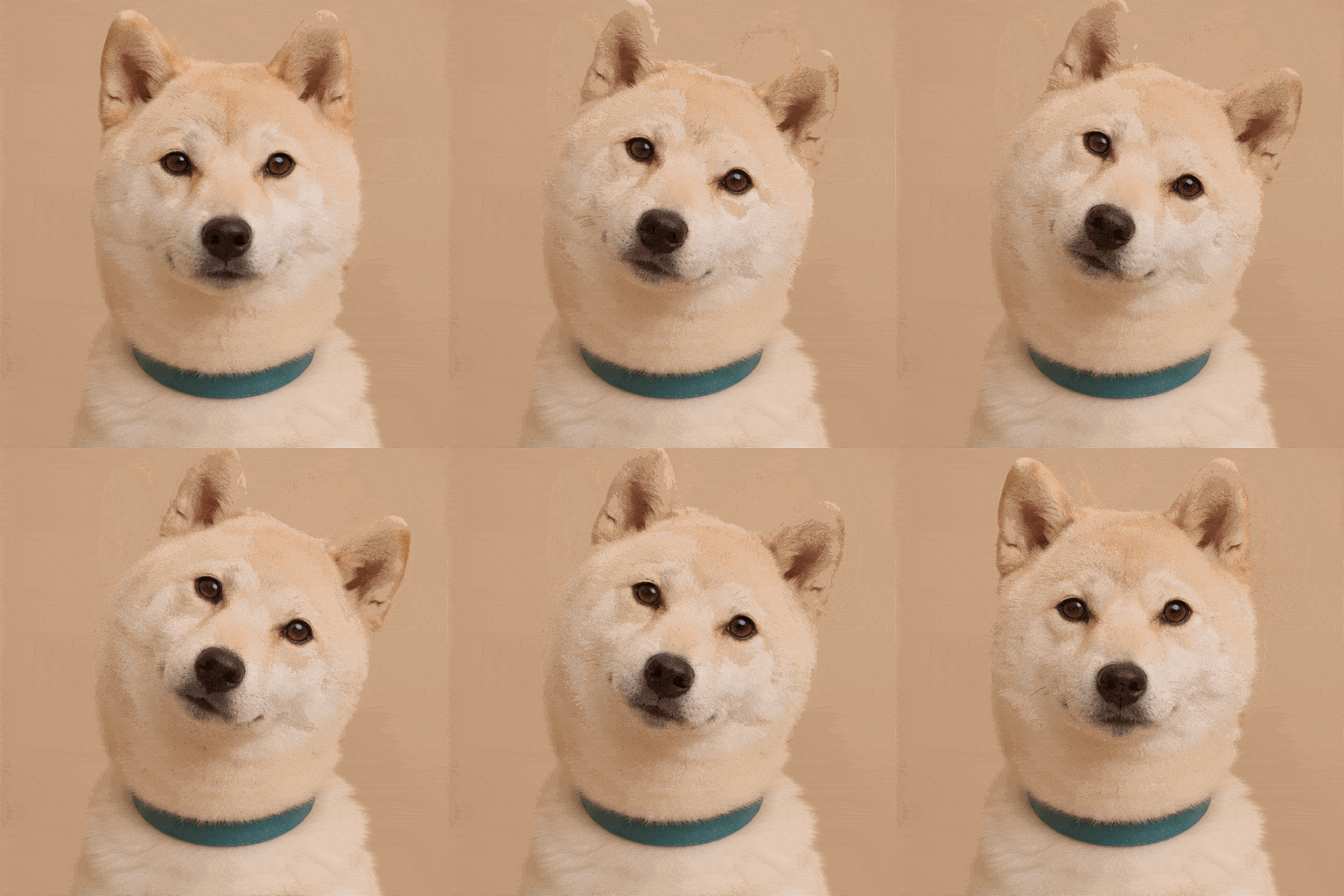
Create a gentle animated GIF from my dog photo. Preserve the same dog, fur markings, collar, eye color and background. If no photo is attached, use an original cream-colored shiba inu with a plain teal collar against a warm beige background. Show the head and upper chest in soft natural light. Animate one curious head tilt: begin upright, tilt the head slightly toward the right side of the frame, then ease back to the exact upright pose. Keep the torso anchored, eyes open and ears consistent with the small head rotation. Use a locked camera with no zoom or reframing. Aim for a relaxed two-second repeating loop. Keep the face proportions stable; do not add tongue movement, bouncing, blinking, extra limbs, captions or accessories. Return one animated GIF.
Doodle Mushroom Comes to Life
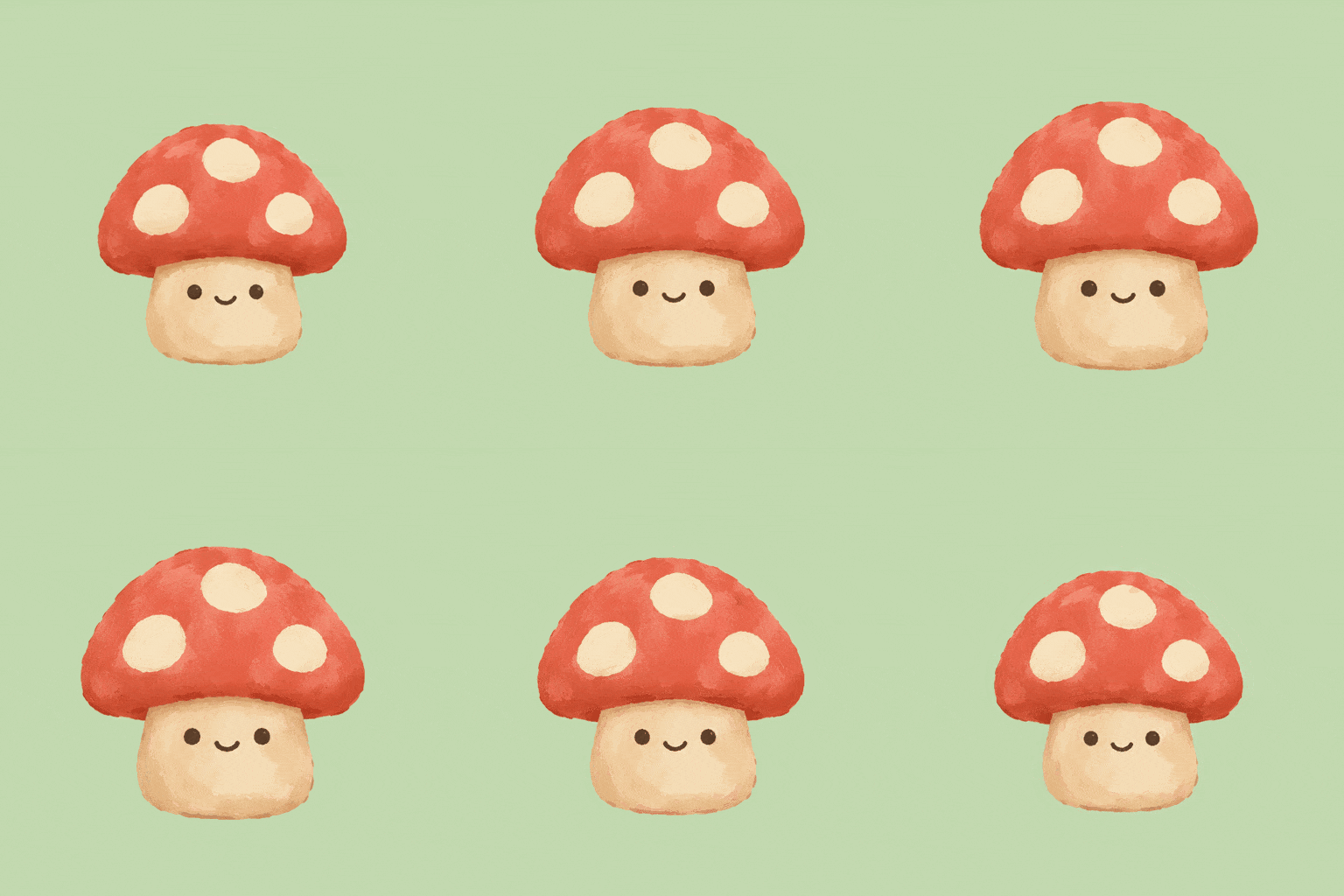
Turn my uploaded mushroom doodle into a charming animated character while preserving its recognizable silhouette and face placement. If no sketch is attached, create an original small mushroom with a coral cap, three cream spots, a short beige stem, two dot eyes and a tiny smile. Use a simple hand-painted illustration style on a flat pale green background. Animate only a gentle breathing cycle: the body expands slightly, then returns to its initial shape. Keep the bottom of the stem anchored to the same point. The cap spots, eyes, smile, palette and brush texture must stay consistent. Use a fixed camera and show the entire mushroom with generous margins. Aim for a calm two-second seamless loop. No walking, blinking, added limbs, lettering or background animation. Deliver one playable animated GIF.
Brand Mascot Welcome Wave
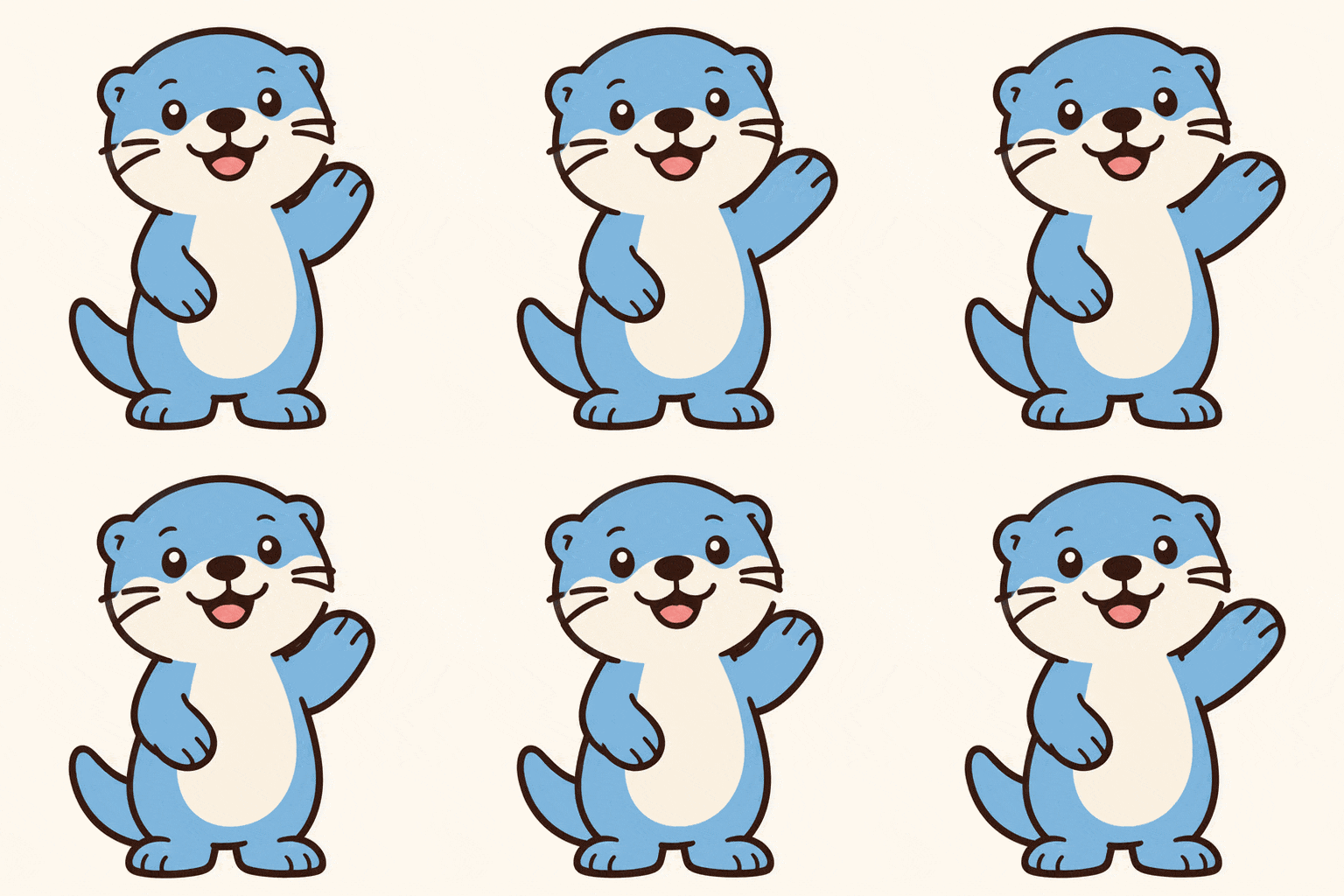
Create a friendly welcome GIF using my uploaded mascot as the visual reference. Keep its exact silhouette, face, signature colors and outfit. If no reference is provided, design an original rounded sky-blue otter mascot with a cream belly and no accessories. Show the full character on a flat warm white background in a clean, polished sticker style. Start with one paw already raised, make that paw wave gently from side to side, then return it to the starting angle. Keep the other paw, feet, body and facial expression still. Anchor the feet to the same ground point and keep the camera locked. Aim for a roughly two-second seamless repeating wave with room around the moving paw. No captions, added logos, new props, body bouncing or background changes. Deliver one animated GIF.
Cozy Coffee Steam Loop
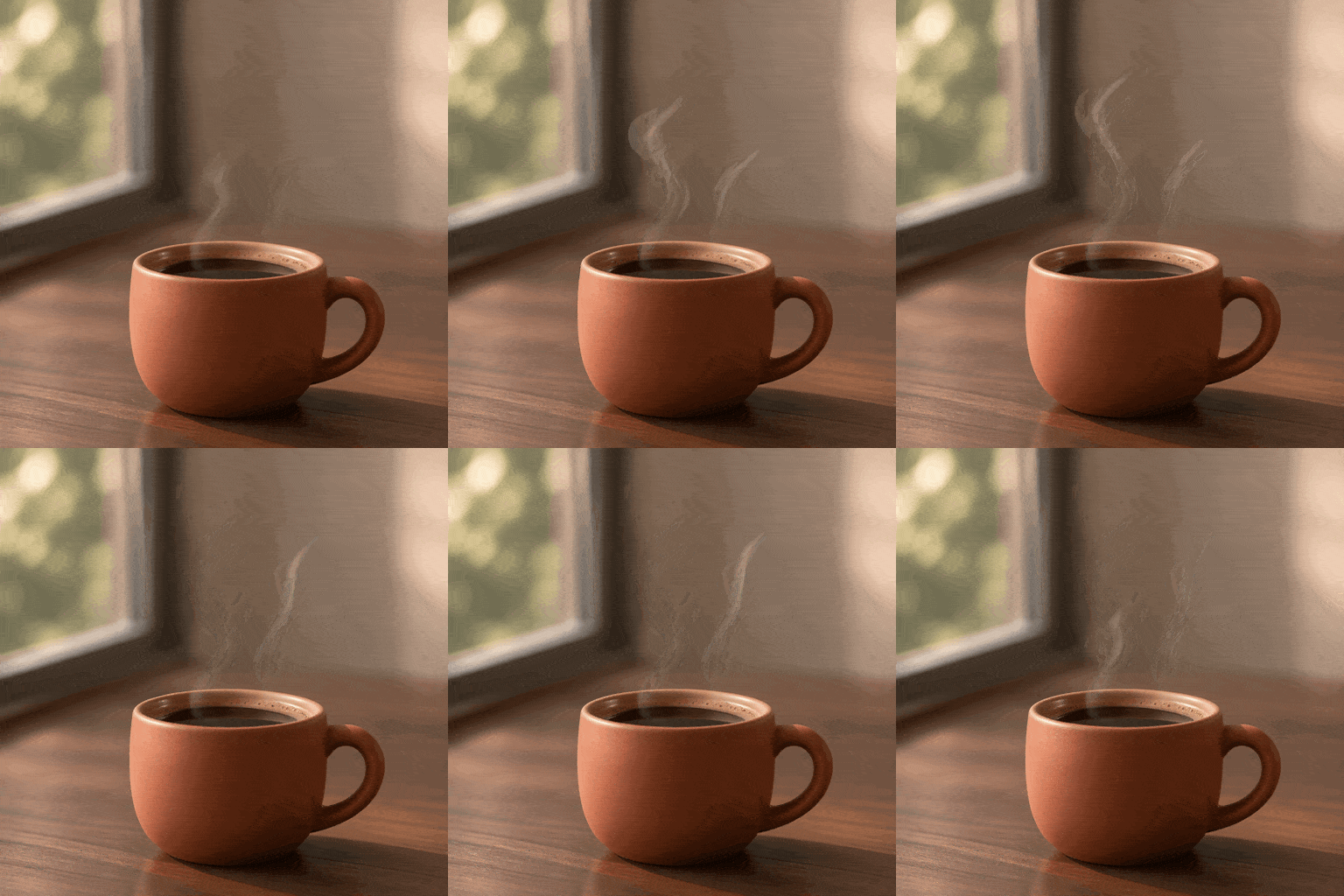
Create a cozy cinemagraph as an animated GIF. Show a matte terracotta coffee cup on a walnut table beside a softly blurred window, with warm morning light and a calm photographic look. Lock the cup, coffee surface, table, background, shadows and camera in place. Animate only two delicate translucent curls of steam rising above the cup. The steam should emerge and fade gently in overlapping cycles so there is no obvious beginning or reset. Aim for a roughly two-second continuous loop with steady exposure and subtle movement. Keep the composition square and leave clear space above the cup. Do not move the camera, ripple the coffee, add people, introduce lettering or change the light. Keep the steam restrained rather than turning it into smoke. Deliver one playable animated GIF.
Product Soft-Light Loop
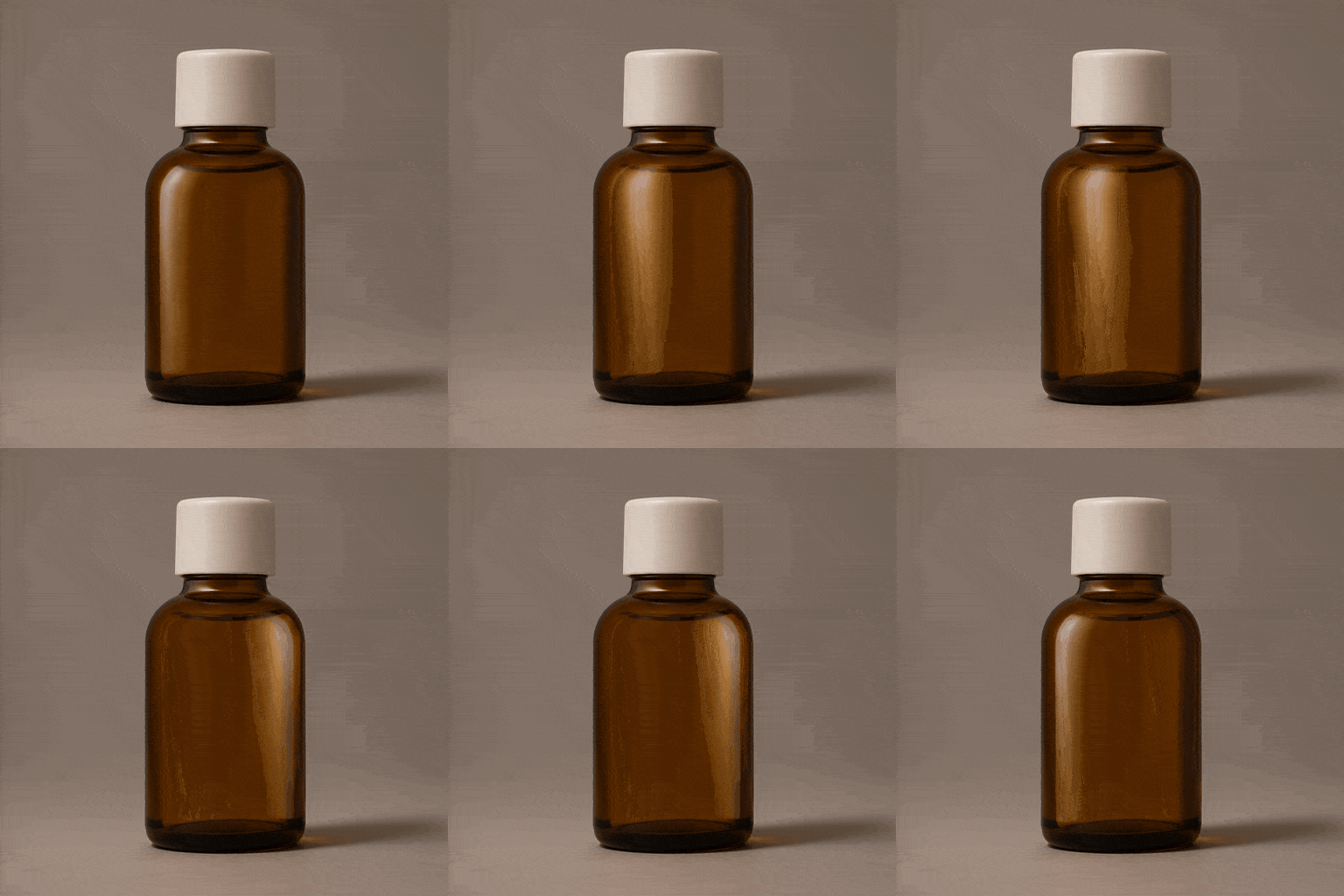
Create an understated animated product GIF using my uploaded product photo. Preserve the product silhouette, label artwork, colors and proportions. If no photo is attached, use a small unbranded amber glass bottle with a simple cream cap on a warm gray studio backdrop. Keep the product, cap, tabletop, cast shadow and camera stationary. Animate only one broad, soft highlight drifting gently across the glass from left to right and back to its original position. Aim for a two-second repeating cycle with smooth easing and constant overall exposure. The highlight must not distort the bottle or obscure a supplied label. Use a square composition with comfortable margins and a premium studio-photography look. No rotation, camera movement, particles, added text, new logos or abrupt flashes. Output one animated GIF.
Pixel Heart Power-Up Pulse
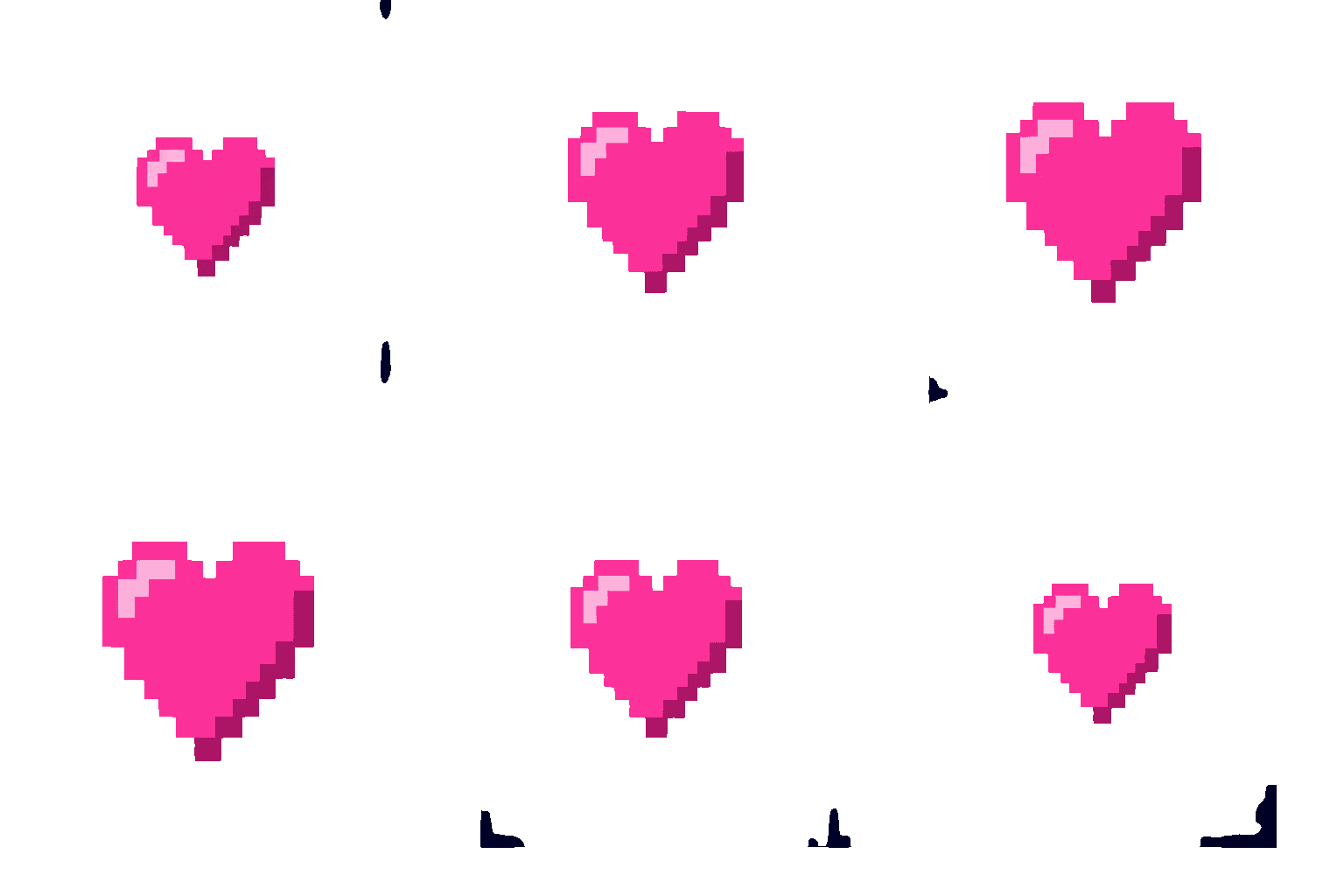
Create a retro pixel-art animated GIF of one bright pink heart centered on a flat dark navy background. Use crisp square pixels and a limited palette of pink, pale pink and deep magenta. Animate one pulse cycle: the heart grows by a small, even amount around its fixed center, then contracts to its exact starting size. Preserve its symmetrical shape and keep every frame aligned to the same pixel grid. Aim for a compact two-second repeating loop with a gentle rhythmic beat and no pause at the restart. Keep the camera and background still, with generous empty space around the heart. No anti-aliased edges, gradients, text, particles, camera shake or changing palette. Deliver one animated GIF. This is a visual loop, so keep the motion simple and readable at small sizes.
How to Create a GIF with These Prompts
Choose one moment worth repeating, then keep the motion easy to read.
Choose the Reaction or Loop
Copy a prompt that matches your goal: a quick reply, a personal sticker, a mascot greeting or a quiet product animation. Keep the first version focused on one action.
Add a Photo or Describe Your Character
Paste the prompt into Mew Design and attach a selfie, pet photo, sketch or product image if you want a personal result. Ask to preserve distinctive features, colors and proportions. Use an animation-capable model and output option available in your workspace.
Generate and Check the Loop
Request an animated GIF and watch it repeat several times. Check the face, hands, lettering, stationary background and transition back to the start. If it jumps, reduce the motion and ask for a smoother return to the opening pose.
Save and Preview at Sharing Size
Download the animation and open the saved file to confirm that it plays. Check its dimensions and file size for your destination. If a social platform requires video, export or convert a copy to a supported video format.

Explore related prompts
A Clearer Starting Point for Short GIF Animations
One Readable Reaction
Each prompt gives a face or character one main action. A blink, side-eye or small wave is easier to follow in a chat preview than a multi-scene story.
Personal References
Use your own photo or character artwork to guide the result in Mew Design. The templates name the features to preserve, from a pet’s markings to a mascot’s silhouette.
Motion with a Return Path
The prompts explain how the action leads back to its beginning. This gives the generator a specific loop to aim for instead of ending on an unrelated pose.
Simple Revisions in Chat
Describe one correction at a time: reduce the head tilt, hold the background still or keep the caption fixed. A precise request makes it easier to assess the next version.
Styles for Different Uses
Choose chibi stickers for personal replies, quiet steam for atmosphere or a restrained highlight for a product. The visual style follows what the GIF needs to communicate.
A Reusable Character Brief
Keep the same reference image, palette and framing when making a set. Change the reaction in separate generations, then compare the results for character consistency.


GPT Image 2.6 GIF Prompt FAQs
Yes. OpenAI introduced GIF creation with Images 2.6. You can describe an animation or start from an image. Check the GIF features available in your account, and ask explicitly for an animated GIF. A prompt can guide motion, but it does not guarantee an exact duration or a flawless loop.
Name the subject, one visible action, the visual style and what must stay still. Add a fixed-camera instruction and explain how the movement returns to the start. For a photo-based GIF, identify the facial features, clothing or product details to preserve. These details are more useful than simply asking for something to look animated.
Choose motion that can repeat naturally, such as a wave, blink, gentle pulse or steam curl. Describe the starting pose and the return toward it. Keep the camera and background still. Watch the finished GIF across several repetitions; if it jumps, reduce the range of movement and request a smoother transition into the first frame.
For this collection, the goal is a brief repeating moment. Keep GIF instructions focused on one subject and one action, rather than multiple shots, dialogue or a long story. Request a playable animation. A storyboard or sprite sheet is a collection of still frames and needs assembly before it becomes a GIF.
Yes, a reference image can guide the subject. Try the chibi dance, cat side-eye or dog head-tilt template. Specify which features must stay recognizable and keep the motion small. Review the result for changes to the face, fur, glasses or accessories before sharing it.
Check that your selected tool and output mode support animation. Ask for one animated GIF and verify that the downloaded file plays. Renaming a PNG to .gif does not animate it. If your tool only provides still images, use the result as a reference in an animation-capable workflow.
Use short captions with exact wording, and ask for the same font, position and letter shapes throughout. Keep the character’s outfit, palette and framing fixed. If lettering still flickers, generate the motion without text and add a static caption in an editor. If the character drifts, simplify the action and reuse the same reference image.
Transparency depends on the generator and export path. The prompts here use plain backgrounds as a predictable starting point. If your workflow supports transparency, request it and inspect the exported edges on both light and dark backgrounds. Do not assume that a white background is transparent.
These prompts aim for approximately two seconds because they describe compact actions. Treat this as a creative target, not a model specification. Check the actual downloaded duration, dimensions and file size. Start with simple motion, then adjust playback or compress the file to suit the place where you plan to share it.
Adapt the character, palette and reaction to your audience. Check the destination’s current upload requirements; some placements need a video export instead of a GIF. For a brand set, use your own mascot or product reference and review the output for consistency. For more visual ideas, explore our AI Girl Prompts, Valentine’s Day image prompts or the full AI Prompts library.

