Free OnlineY2K Halloween AI Photo Generator
How to Create Y2K Halloween Photos with AI
Add Your Selfie and Scene Idea
Build the Retro Halloween Scene
Check Your Face and Refine the Details
Frame Your Photo for Sharing

Your Face, Your Take on Y2K Horror
A Selfie as Your Starting Point
Use an uploaded photo to guide the portrait instead of describing a stranger. Ask to retain your face shape, skin tone, and hairstyle while changing the room and outfit. Review the result for likeness before sharing.
Retro Details Beyond a Color Filter
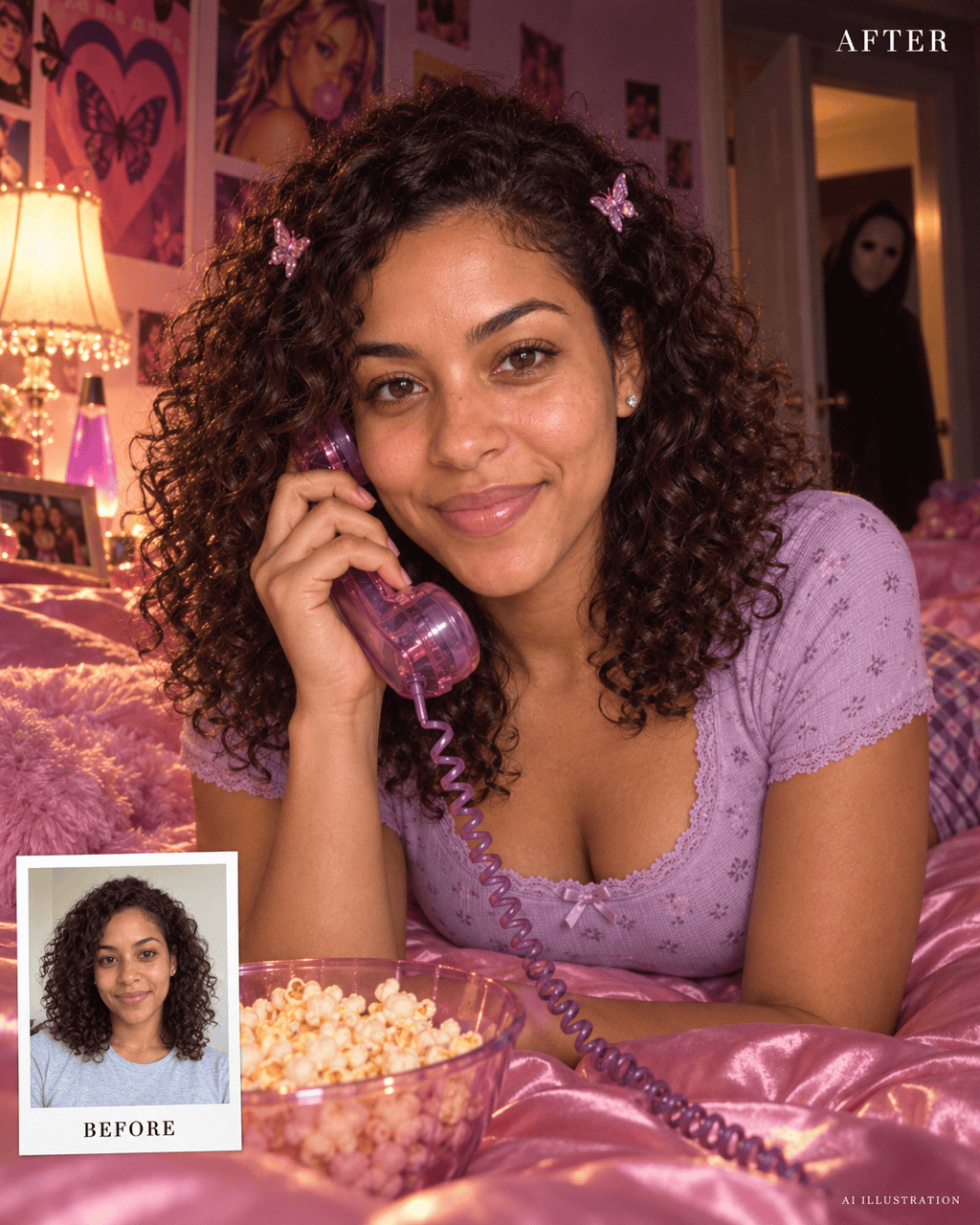
Our Y2K Halloween photo maker can reimagine the setting with a translucent phone, satin bedding, a CRT screen, and flash-lit shadows. Pick a few era-specific details so the scene feels intentional.
Choose How Spooky It Gets
Request a distant masked figure, a playful sheet ghost, or subtle vampire styling. Keep your face in focus and set the mood from cozy Halloween nostalgia to a tense horror-movie still.
Fix the Parts That Break the Illusion
Use Chat Edit for focused changes such as a more natural hand, lighter grain, or a smaller background figure. You can describe the problem directly without learning photo-editing tools.
Build a Matching October Photo Set
Try several Y2K Halloween portraits with the same reference photo and color palette. Carry the pink-and-purple mood across bedroom, gaming, and party scenes, then check each image for consistent facial details.
Try the Look with Free Credits
Sign up for free AI credits to explore a retro Halloween photo online. Generate and refine within your available credits, then download a watermark-free image when it is ready. More use may require a paid plan.
How to Get the Y2K Halloween Look Right
- Keep the Reference Clear: Choose a sharp photo with one visible face and even lighting. Avoid heavy beauty filters, sunglasses, and hair covering your eyes. Describe the features you want to retain.
- Pick a Few Period Details: A corded phone, satin bedding, butterfly clips, or a CRT screen can establish the era. Choose two or three instead of filling every corner with props.
- Separate the Two Subjects: Put yourself in the foreground and the spooky character in a distant doorway. Specify its size and position so it does not cover your face or dominate the photo.
- Check Before You Post: Inspect your face, fingers, phone cord, and reflections. If the result looks too polished, ask for subtle flash and camera grain while keeping natural skin texture.
Y2K Halloween AI Prompts to Make Your Own
Pink Satin Phone Call: Use my uploaded selfie to create a 4:5 Y2K Halloween bedroom portrait. Keep my facial features and skin tone recognizable. I am sitting on pink satin bedding with a lavender corded phone, butterfly clips, and a soft lamp nearby. Place an original masked figure in the distant doorway. Add subtle flash and grain; no gore or text.
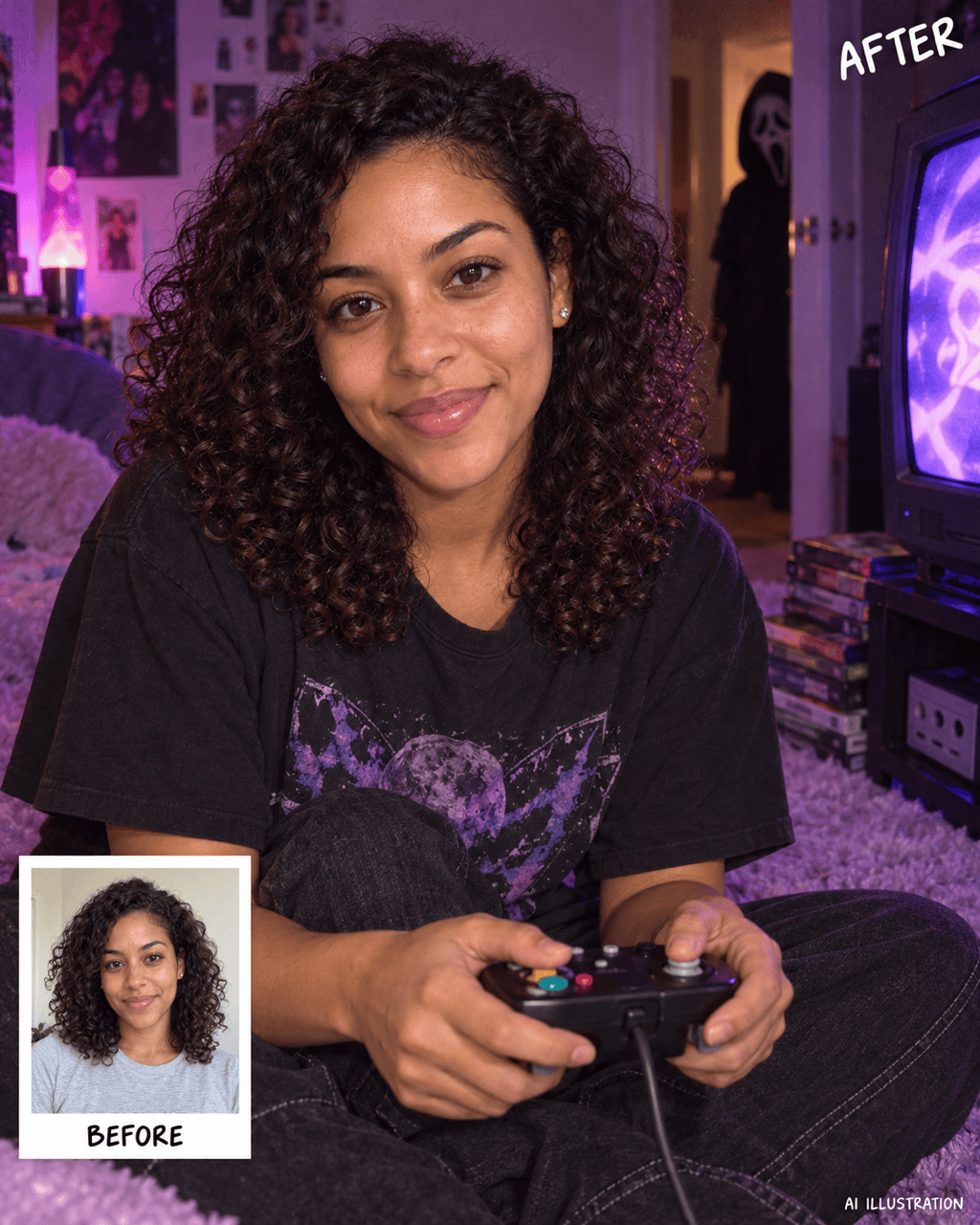
Retro Gamer After Dark: Use my uploaded selfie as the face reference. Seat me in a Y2K gaming corner wearing a loose black T-shirt, with a wired controller, CRT television, and stacked game cases. Add purple ambient light and a small masked silhouette in the open doorway. Keep my face brighter than the background and both hands natural. Make a 4:5 portrait without text.
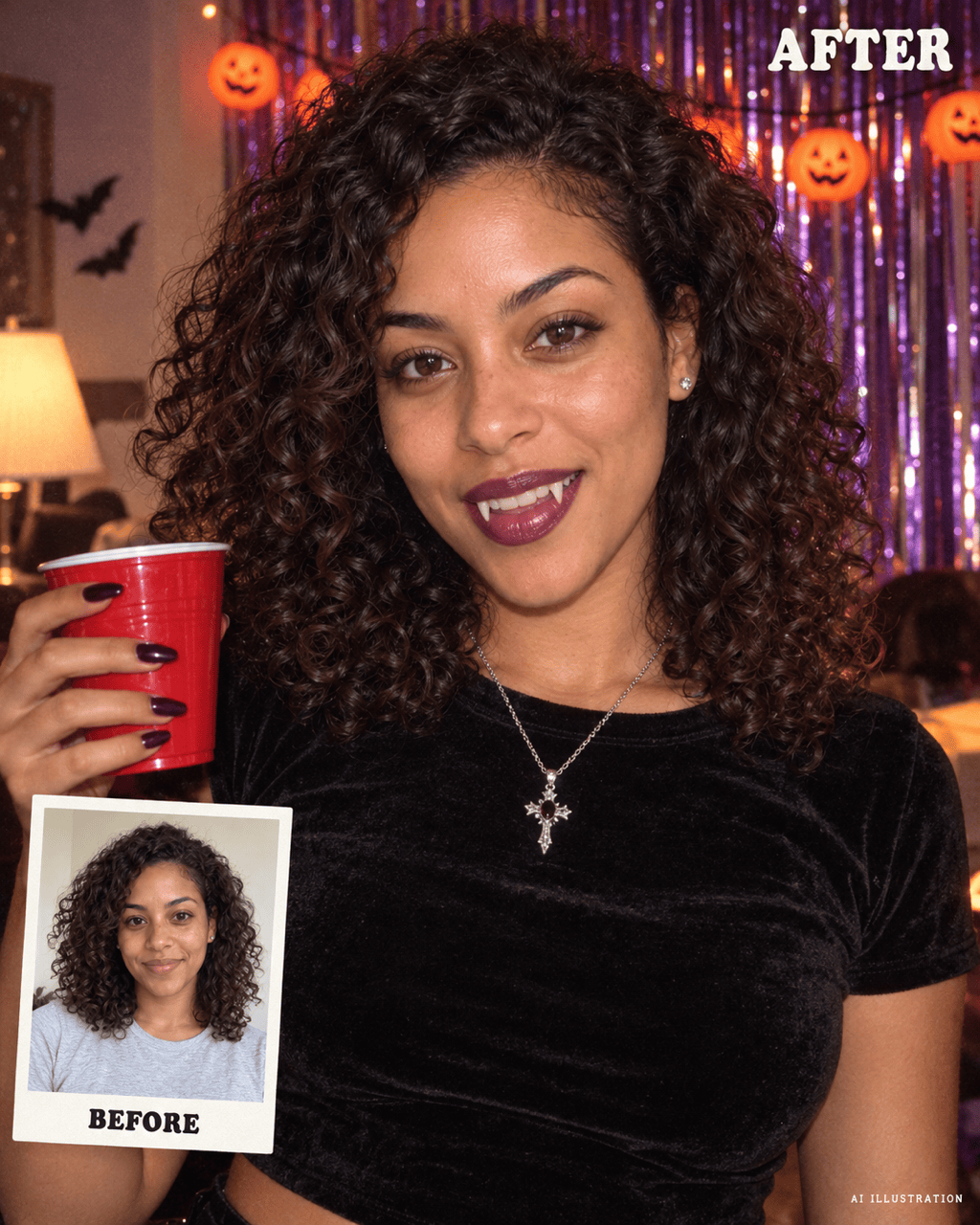
Y2K Vampire Party Portrait: Transform my uploaded selfie into a 4:5 Halloween party photo with a black velvet top, silver jewelry, subtle vampire fangs, and plum lip color. Preserve my recognizable features and natural skin texture. Use direct camera flash, metallic streamers, and an early-2000s living room. Playful costume photography, no blood or text.
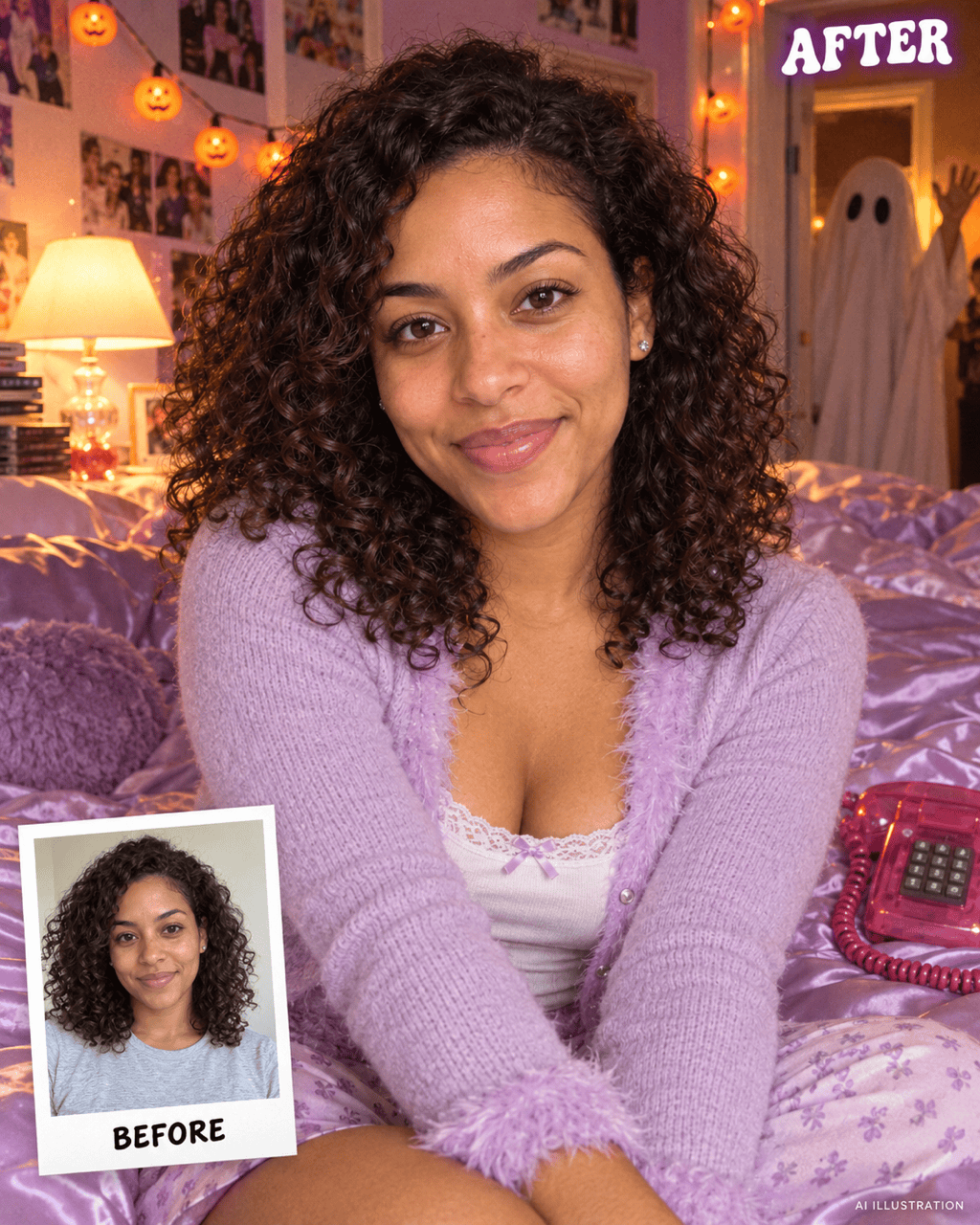
Cute Ghost Photobomb: Reimagine my uploaded selfie in a cozy Y2K bedroom with lilac bedding, a translucent phone, and orange pumpkin lights. Keep my facial features recognizable. Add a friendly sheet ghost waving from the doorway. Use soft flash and light grain. Make the mood cute rather than frightening, with a 4:5 crop and no text.
A More Recognizable Face: Revise this Halloween portrait using my original uploaded selfie. Bring the face shape, eye spacing, nose, skin tone, and hairstyle closer to the reference. Reduce heavy makeup and skin smoothing. Keep the existing outfit, bedroom, lighting direction, and background figure as close as possible.
A Taller Story Crop: Adapt this Y2K Halloween portrait to 9:16 for a Story or TikTok photo slideshow. Extend the room above and below rather than stretching my face. Keep the phone and distant doorway figure visible, leave space for a caption near the top, and retain the current color palette. Do not add text.





