Free OnlineWitch AI Photo Generator
How to Create a Witch Photo with AI
Upload a Clear Selfie
Describe Your Witch Look
Refine the Face and Details
Download Your Portrait

Your Witch Look, Down to the Last Detail
A Makeover Based on Your Photo
Use your own selfie as the starting point. Ask to retain facial features, hair, and skin tone while changing the costume and setting; review the likeness afterward.
More Than a Hat Overlay
Our AI witch filter can rework clothing, scenery, and atmosphere together. Choose a subtle accessory edit or a complete fantasy photoshoot.
Gothic, Woodland, or Playful
Explore a gothic witch portrait, an earthy forest look, or a friendly Halloween selfie. Upload a style reference to guide fabrics, colors, and mood.
Small Fixes Through Chat
Use Chat Edit to brighten the eyes, remove unwanted green skin, or simplify background props. Name the parts of the portrait you want to preserve.
A Character Without a Selfie
Prefer an original character? Describe an adult witch, the setting, and the photographic style. The AI witch photo generator also works from text.
Try a Look Before Committing
Free credits after signup let you test witch photo ideas online. Download your chosen result without a watermark; further generation depends on available credits.
Keep Your Witch Portrait Recognizable
- Start With Visible Features:Use an evenly lit, unfiltered photo of one person. Avoid sunglasses, heavy face coverings, and strong shadows.
- Separate the Face From the Costume:State which features should stay the same. Request makeup or green skin only if you want that change.
- Give the Face Enough Light:Keep the hat brim above the eyes. Ask for subtle candlelight or moonlight rather than a strong color cast across the skin.
- Review Before Sharing:Check likeness, eyes, hands, jewelry, and hat edges. AI can change facial details; use a focused follow-up to correct them.
Witch Photo Edits You Can Try
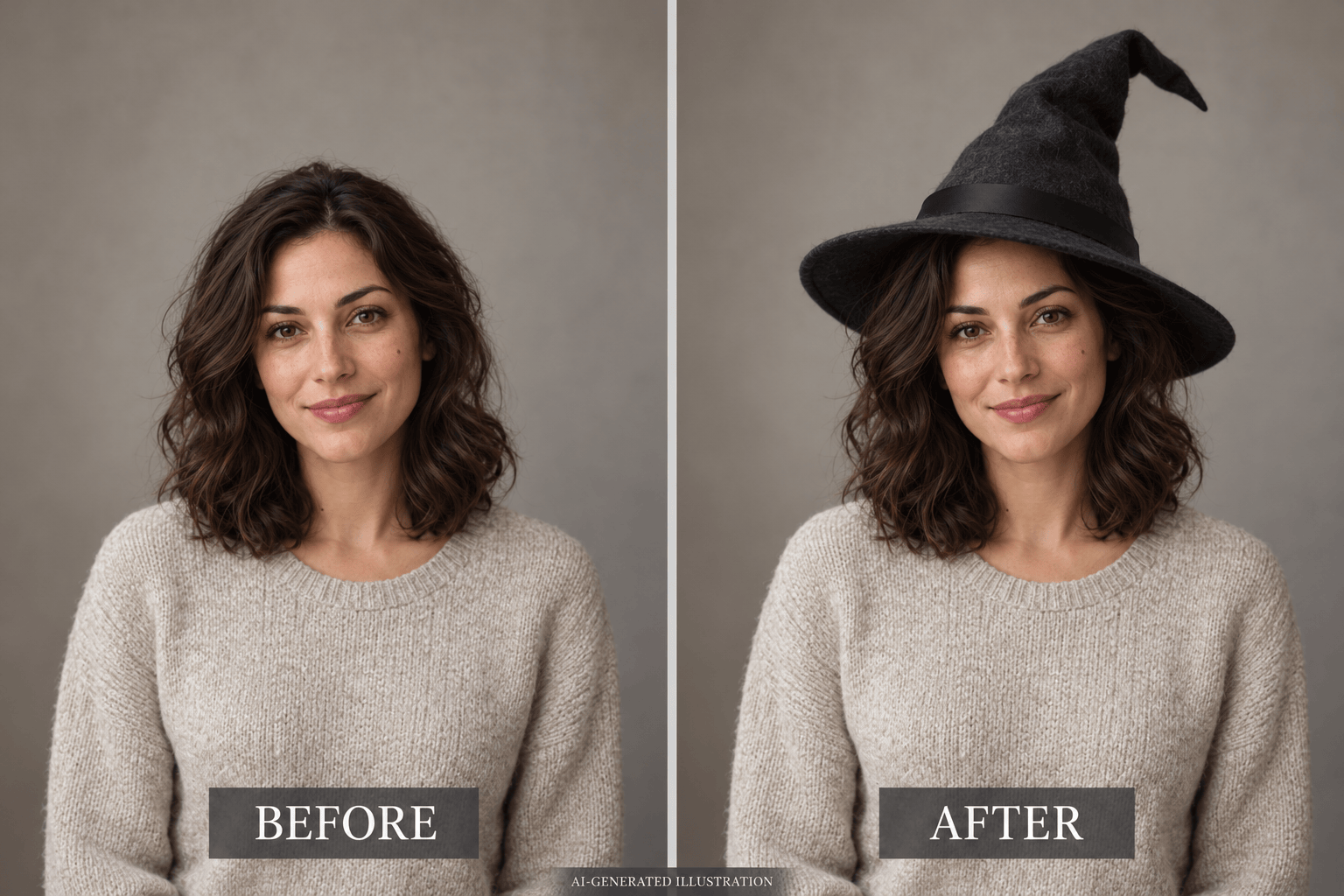
Add a witch hat to my uploaded photo. Match the hat to the head angle and existing light. Keep my face, hair, clothes, and background unchanged, with the brim clear of my eyes.
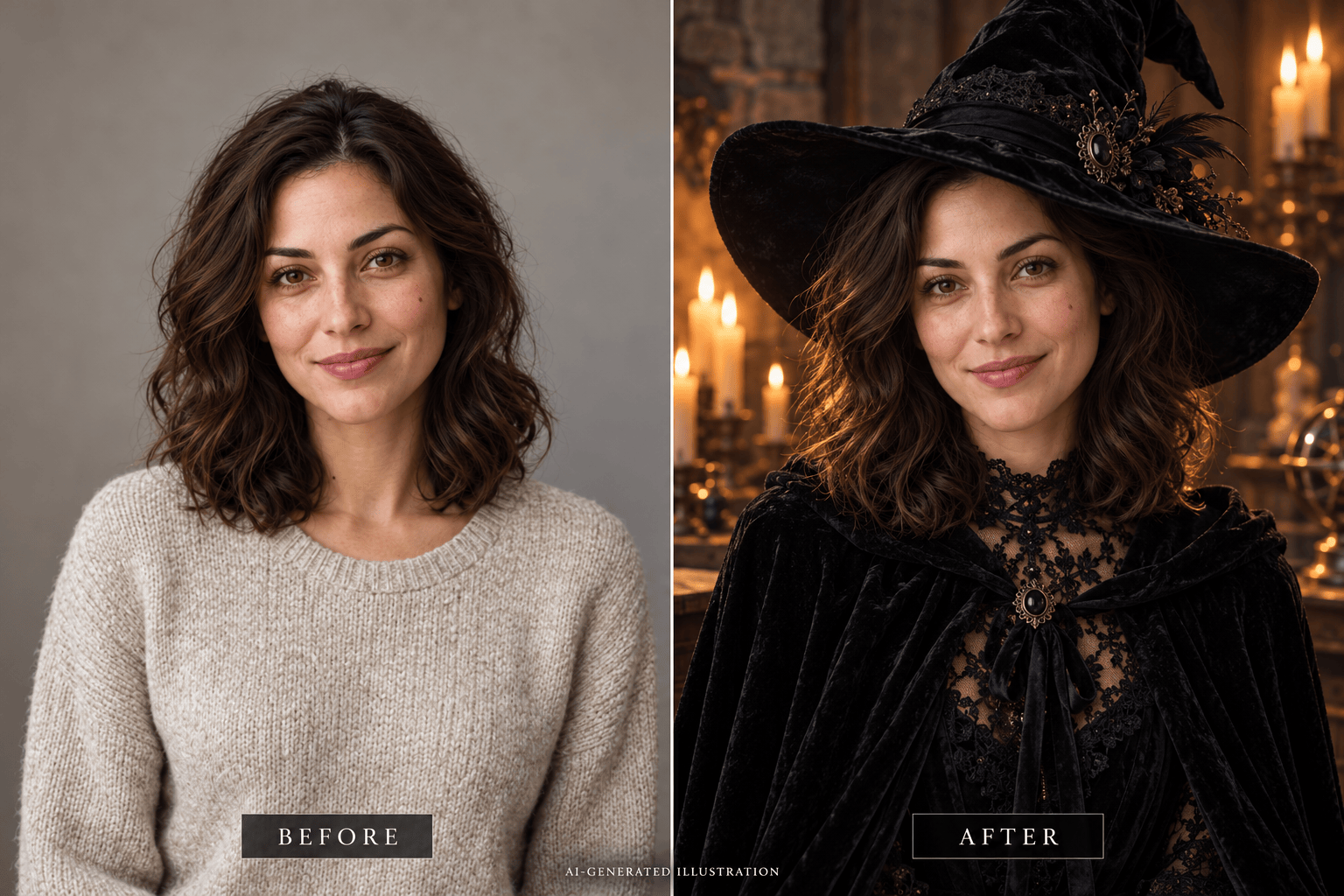
Turn my selfie into a gothic witch portrait in a candlelit stone room. Add a black lace collar and velvet hat. Preserve my facial features and natural skin tone; keep the mood elegant, not gory.
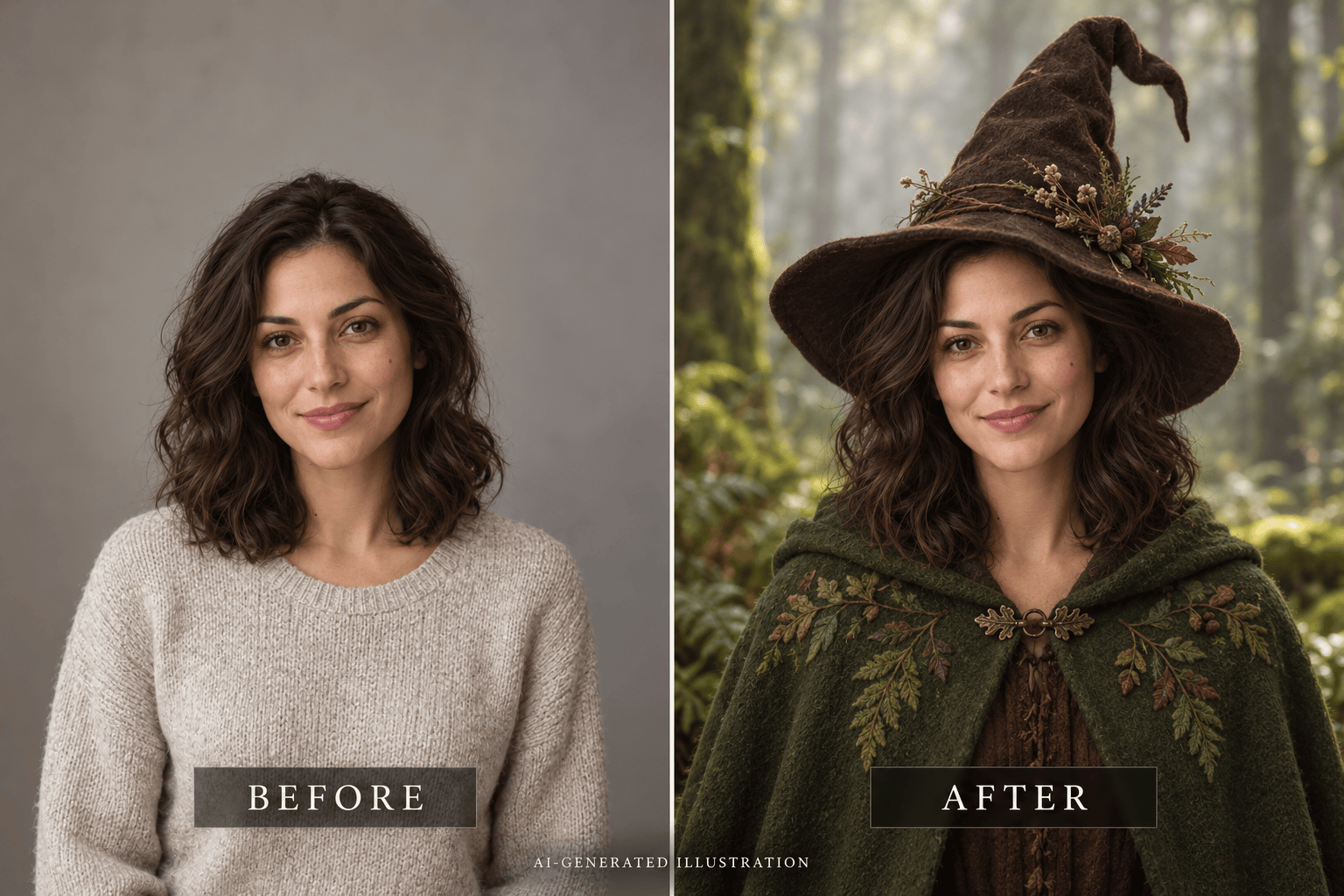
Create a forest witch photo from my selfie with a moss-green cloak, a worn pointed hat, and soft woodland light. Retain my face and hair color. Keep the background simple and the portrait photographic.
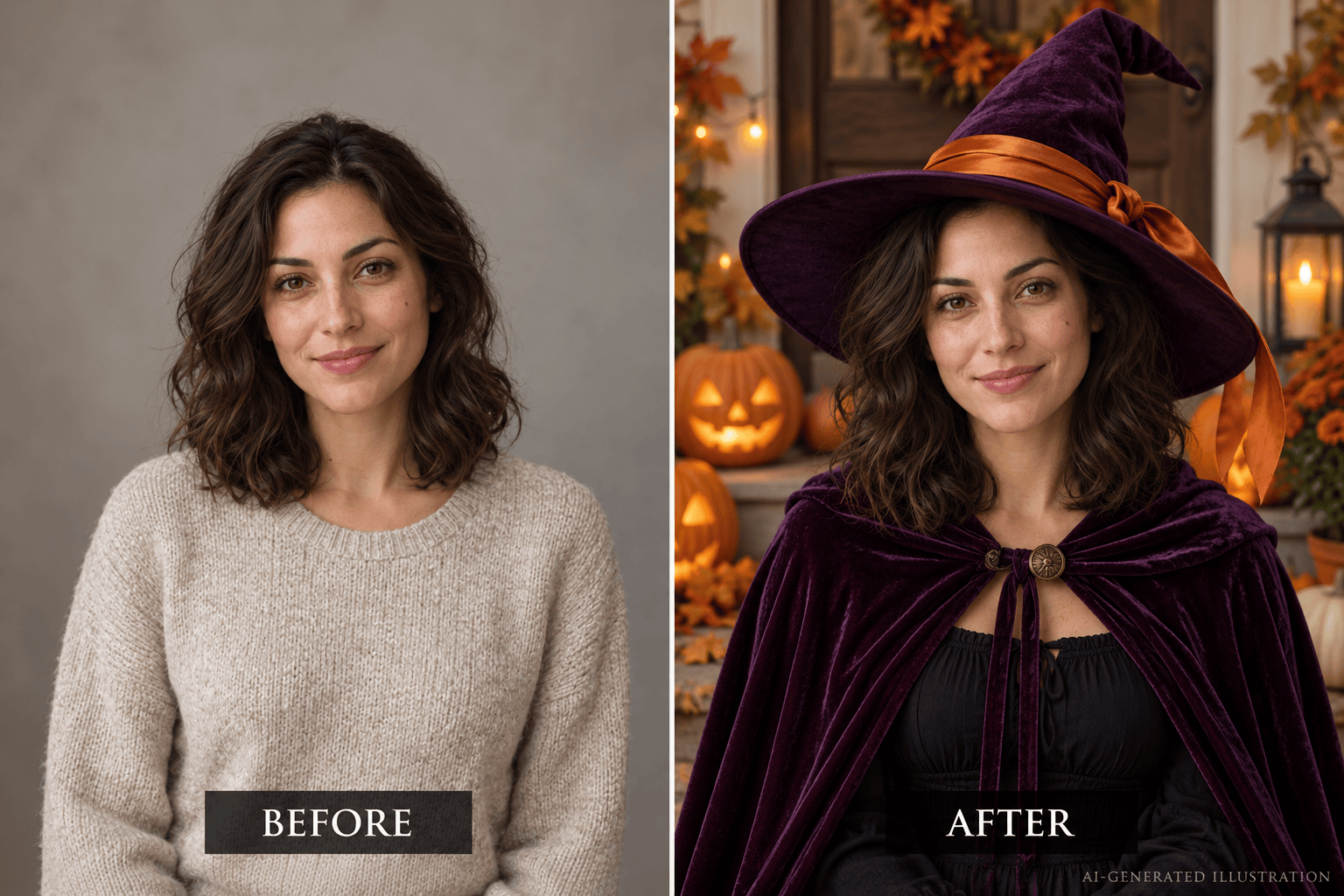
Make a playful Halloween witch selfie from my photo with a purple hat and softly glowing pumpkins. Keep my expression and natural skin tone. Use warm light and a friendly mood, without horror effects.
Adapt my witch portrait into a square profile picture. Keep my face centered, leave room above the hat, and simplify the background so the silhouette reads clearly in a small circular crop.
Refine my generated witch portrait using the original selfie as the facial reference. Restore my facial proportions and skin tone, brighten the eyes, and preserve the costume and background.





