Try on Your PhotoHalloween Makeup AI
How to Create Halloween Makeup Looks with AI
Upload a Selfie and Name Your Look
Generate Your Makeup Preview
Fine-Tune the Face Paint
Save Your Favorite Look

Find a Halloween Look That Feels Like You
Start with Your Own Face
Upload a selfie to explore makeup on your photo. Ask the AI Halloween makeup generator to retain your features, expression, and skin texture, then review the result.
Go Subtle or Go Spooky
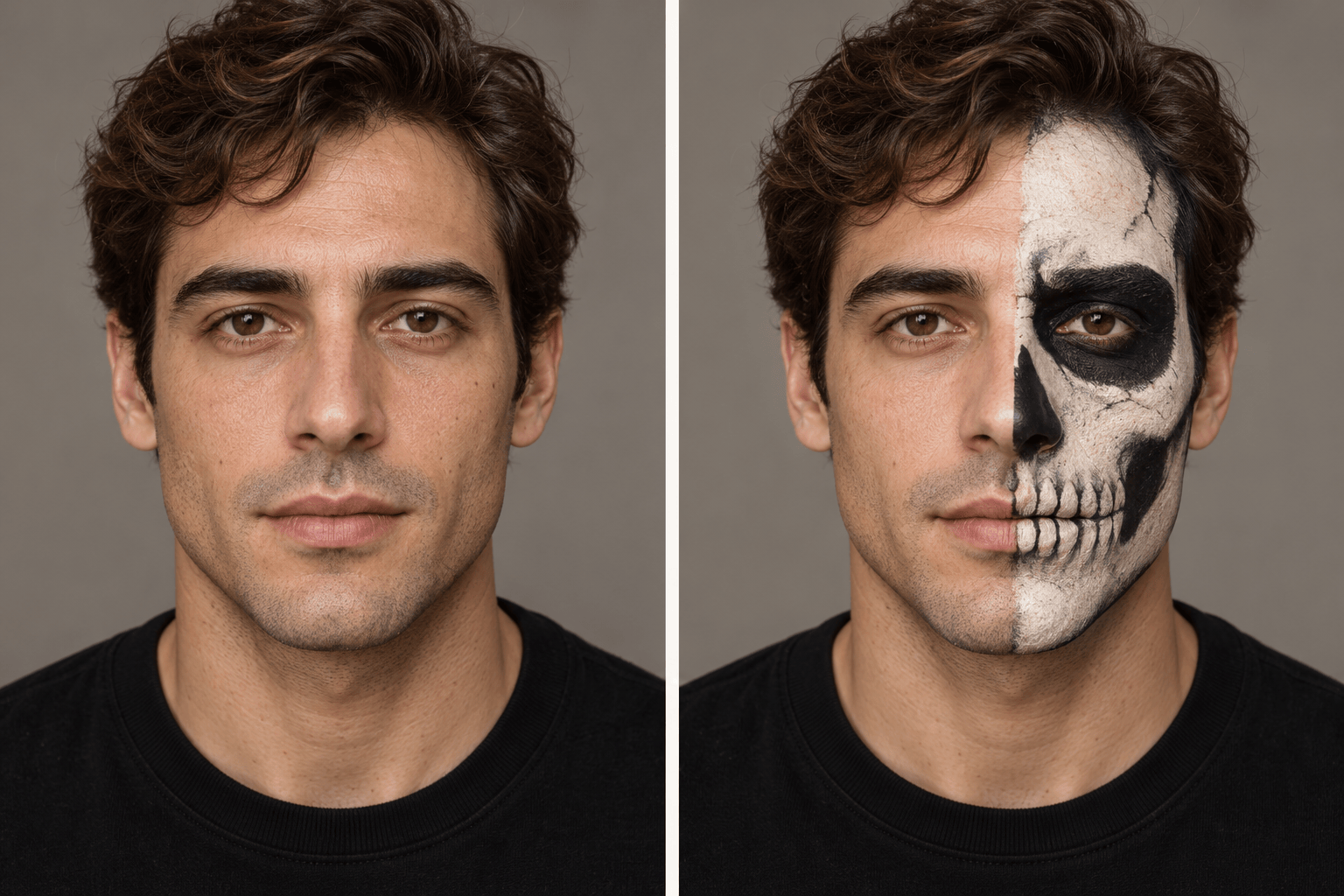
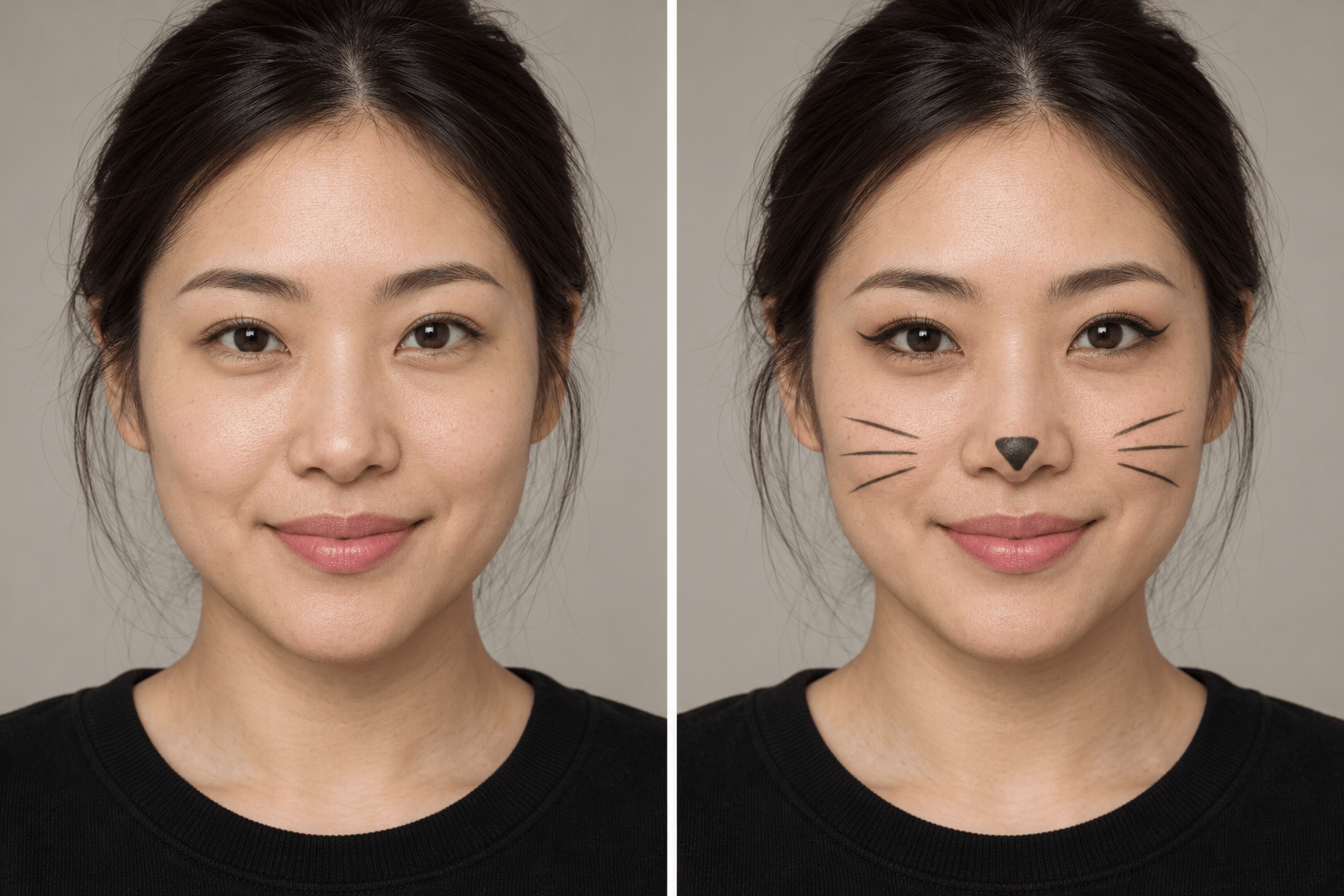
Try easy Halloween makeup ideas with a small cat nose or bold half-skull face paint. Specify the coverage and intensity instead of settling for one fixed effect.
Borrow a Makeup Direction
Add a reference image for its eyeliner shape or color palette. Explain that the reference guides the makeup while your selfie provides the face.
Compare Looks on One Photo
Request several variations from the same selfie, such as soft and dramatic vampire makeup. Keep the lighting and crop similar for a useful comparison.
Change One Detail at a Time
Use Chat Edit to adjust a lip shade or simplify face paint. Name the parts you want to keep so each revision has a clear focus.
Try Online with Free Credits
Start with free AI credits after signup. Download watermark-free images when your look is ready; further generation depends on your available credits.
Get a Clearer Halloween Makeup Preview
- Use Even Lighting: Choose a sharp photo with both eyes visible and hair away from the face. Avoid strong shadows and existing beauty filters.
- Define the Painted Area: Specify full face, half face, eyes, or lips. For an asymmetric look, say which side of the image you mean.
- Keep Skin and Expression: Ask to retain your skin tone, natural texture, and expression unless the makeup calls for a painted base. Check that the result still resembles you.
- Separate Preview from Practice: AI images show a visual concept. They do not prove that a look is easy to apply or predict how real cosmetics will wear.
Refine Your Look for the Occasion
Simplify my Halloween makeup preview for a beginner: keep one bold eye detail and a matching lip color. Remove tiny decorative lines and elaborate face paint. Keep my face and lighting consistent.
Create a subtle Halloween makeup look from my selfie for an office party. Add a small black cat nose and fine whiskers, keep my skin tone, and leave my outfit and background unchanged.
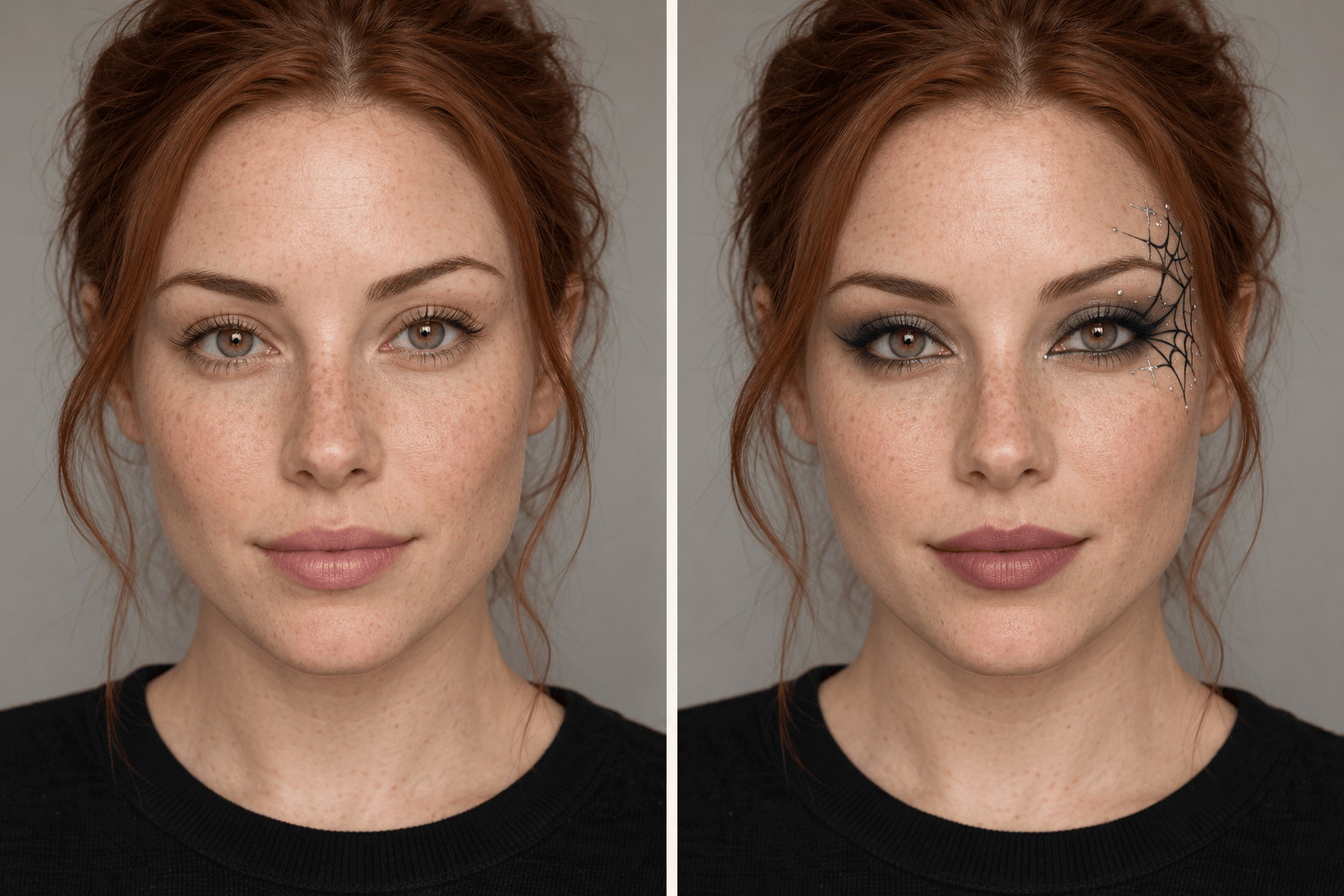
Adapt this Halloween eye makeup to my hooded eyes. Place the web detail beside the outer corner so it is visible with my eyes open. Preserve my actual eye shape and expression.
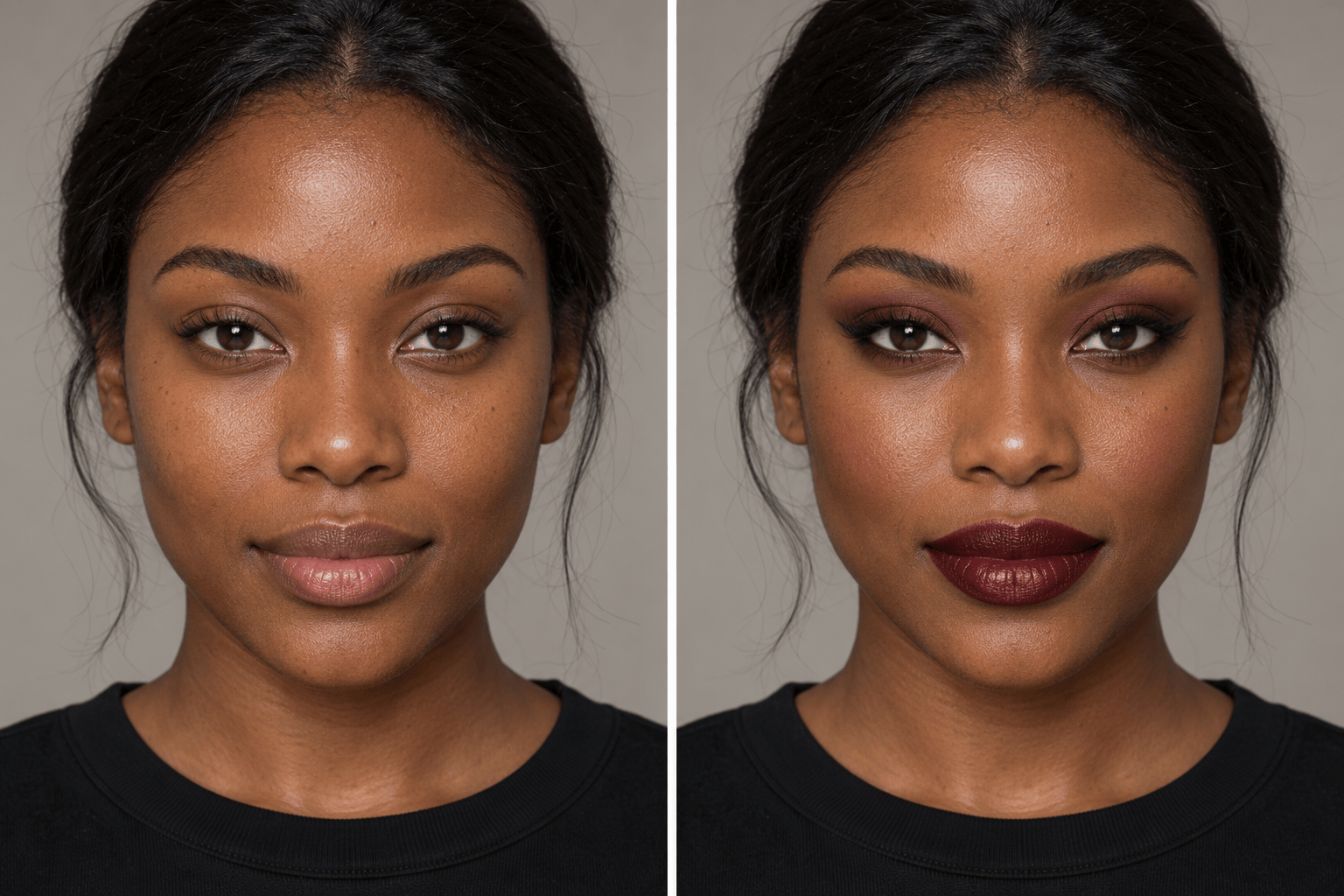
Revise the makeup preview on my dark skin. Keep my natural complexion visible outside the painted areas, use crisp silver accents, and remove any unintended pale cast. Preserve my features.
Show two versions of my vampire makeup side by side, one soft and one dramatic. Use the same selfie, pose, crop, and light so I can compare the burgundy lips and smoky eyes.
Turn my finished Halloween makeup portrait into a square profile picture. Keep the entire face and the eye makeup inside the crop, simplify the background, and add no text.





