Free OnlineGPT Image 2.6 AI GIF Generator
How to Create Animated GIFs with GPT Image 2.6
Choose the Subject and Action
Set Up a Simple Loop
Review and Refine the Motion
Download and Test the GIF

Create GIFs from Text, Photos, and Characters
GPT Image 2.6 Text to GIF
GPT Image 2.6 text to GIF turns a short idea into motion. Describe the feeling and action without drawing a timeline or preparing every frame yourself.
Image to GIF with Your References
Upload a mascot, sketch, or character reference. Specify the colors, outfit, and silhouette to preserve, then ask for a wave, blink, or celebration.
Product GIFs for Marketing
Use a restrained motion around a product: drifting steam, a soft glint, or moving fruit. Ask to keep packaging and labels still, then check them in the result.
Direct the Next Version in Chat
Tell this online AI GIF maker what to change: less movement, a calmer scene, or a clearer return pose. Refine the result through conversation.
Animated Mascots with a Reusable Style
Save your character rules, palette, and preferred animation brief as a Mew Skill. Reuse that approach for the next reaction or campaign, with less repeated setup.
Move Between Stills and Motion
Develop the artwork first, then request a GIF when movement adds value. Explore the GPT Image 2.6 image generator for the broader still-image workflow.
How to Write a Prompt for a Looping GIF
- One Main Action: Choose a wave or a blink before combining several movements. A short, readable action is easier to follow at small sizes.
- Stable Visual Anchors: Name the face, silhouette, packaging, or background that should stay consistent. Avoid unnecessary camera motion.
- A Return to the Start: Describe the final pose returning toward the first. Preview several cycles to catch a visible jump.
- A Useful First Frame: Make the opening image understandable on its own. Some destinations show only a preview or do not play animation.
GPT Image 2.6 GIF Prompts and Loop Fixes
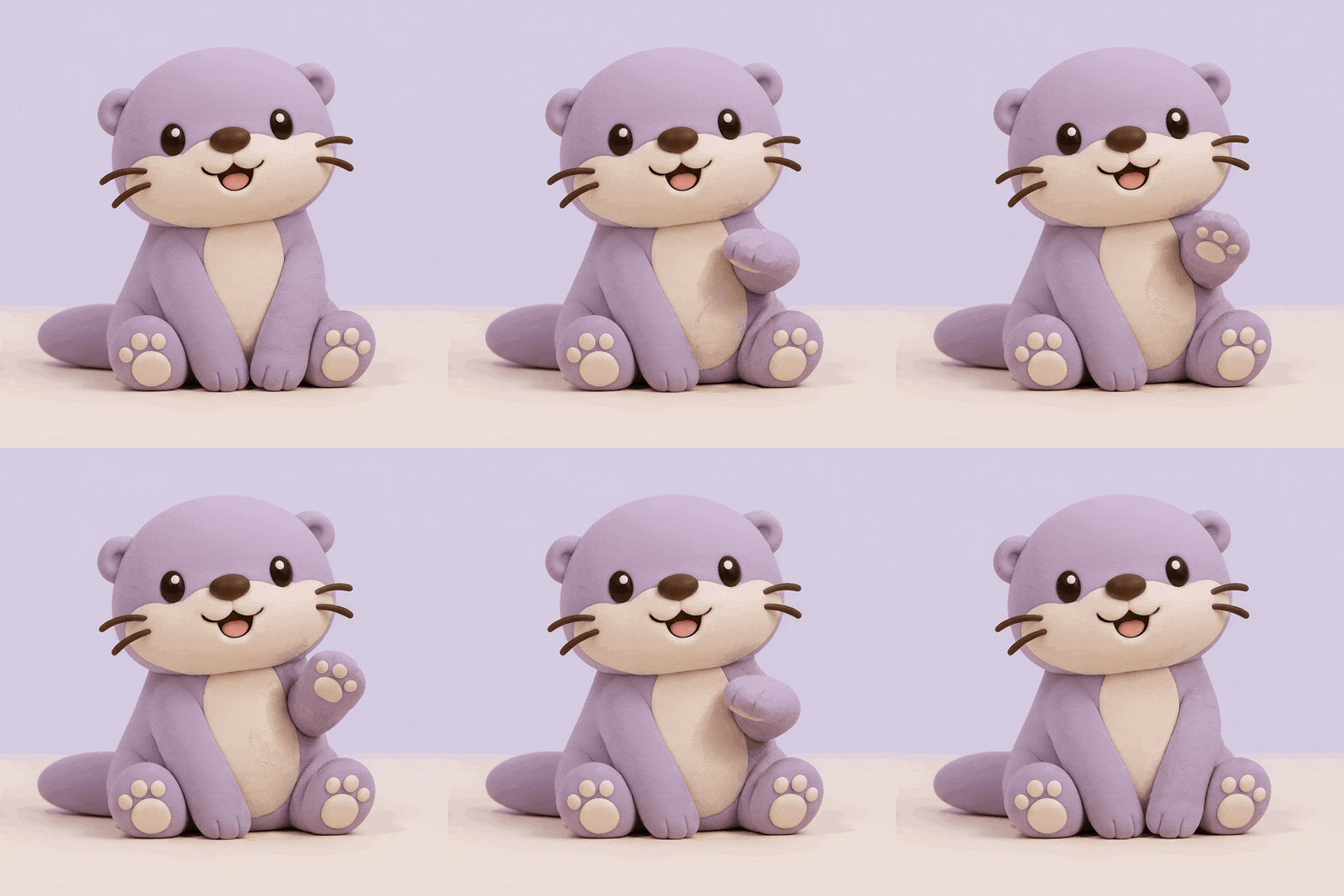
Create a looping GIF of a clay otter mascot waving one paw, then returning to its resting pose. Keep the face, body, camera, and lavender background still. Use a gentle motion and no text.
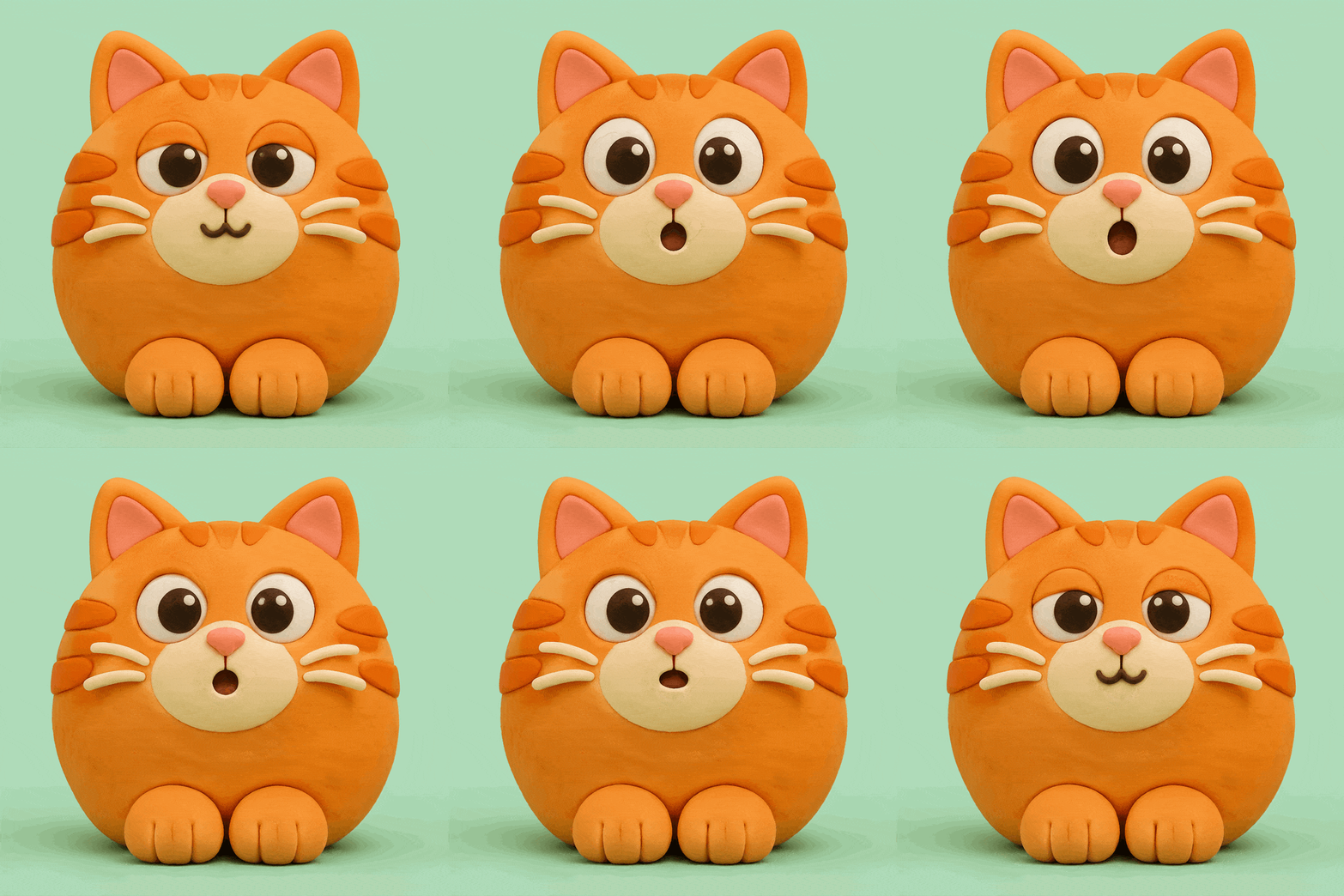
Create a reaction GIF of an orange cat that opens its eyes wider, makes a small surprised mouth, then returns to a relaxed expression. Keep the head position and mint background fixed. No captions.
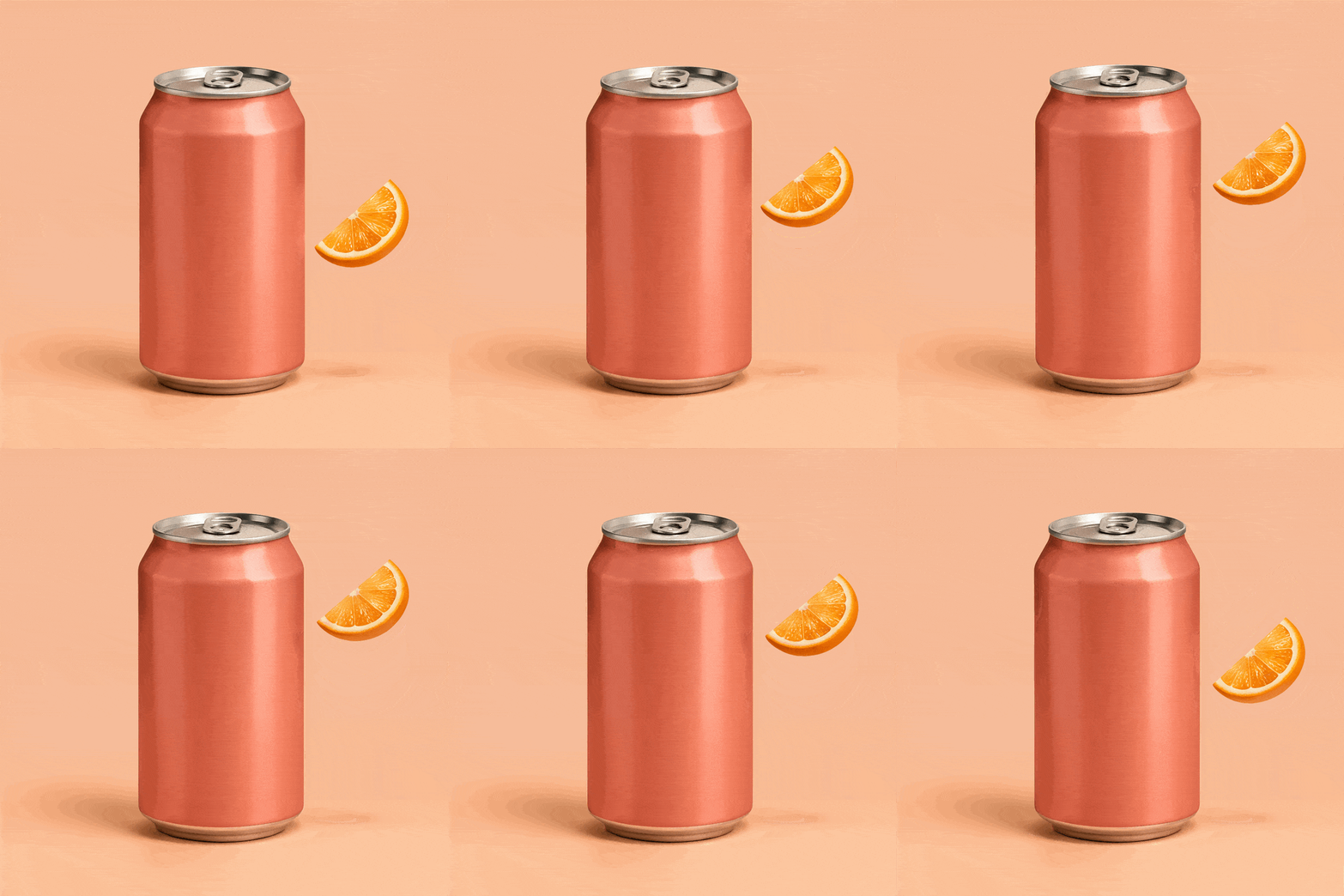
Turn my uploaded product image into a GIF. Keep the product shape, label, and camera unchanged. Animate one small detail around it, such as steam or a floating fruit slice, returning to the starting position.
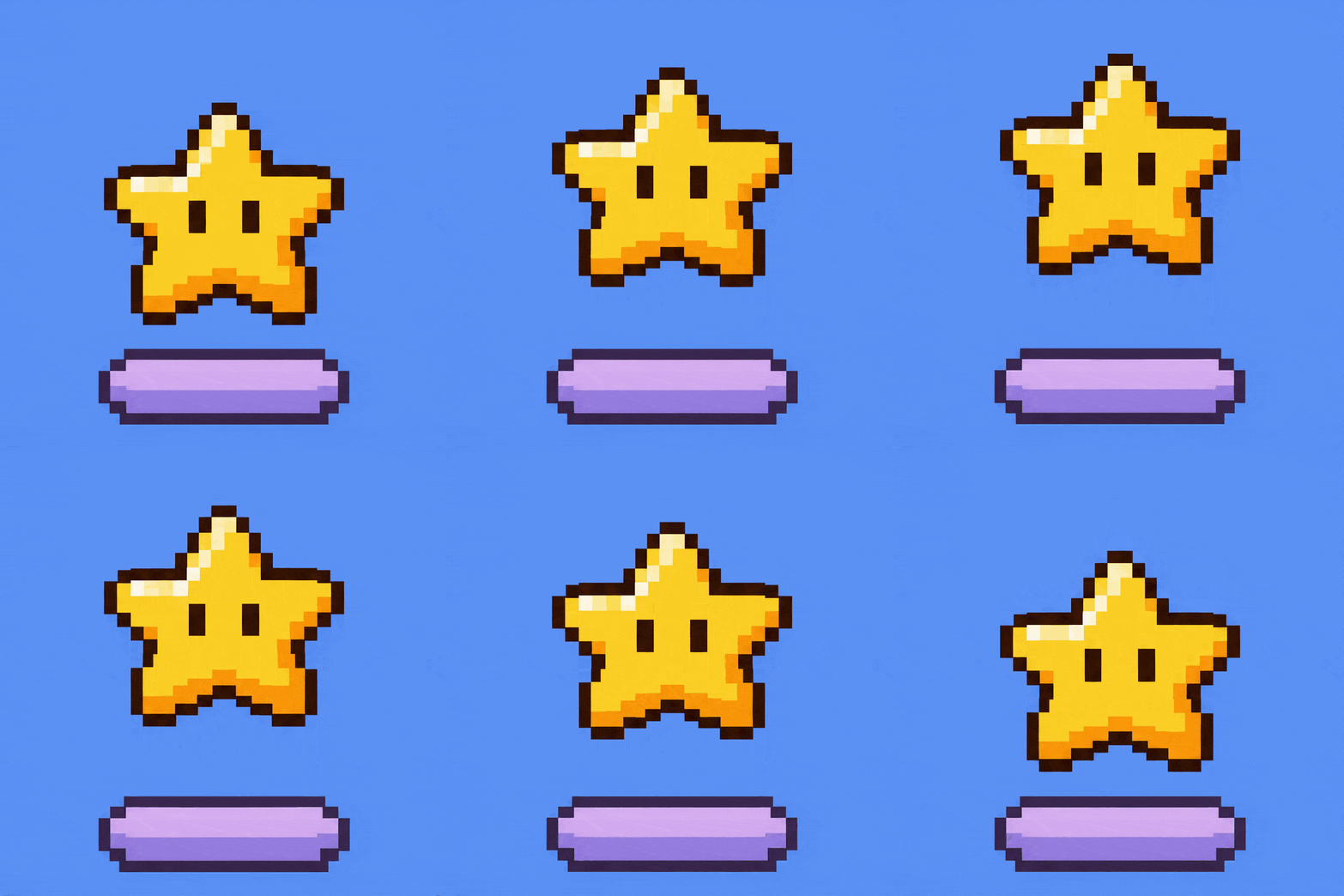
Create a pixel-art GIF of a golden star gently moving up and down above a small platform. Keep the star’s shape, face, and pixel grid consistent. Use a fixed blue background and return to the opening position.
Make a calmer version of this GIF with a smaller movement. Keep the same character and scene, and avoid flashing lights or abrupt color changes.
Rework the opening frame so the subject and expression are clear even before the animation plays. Keep that composition consistent throughout the loop.





