Create with AIBack to the Future Image Generator
How to Create Back to the Future Art with AI
Choose Your Era and Subject
Generate the First Scene
Fine-Tune the Time-Travel Details
Download Your Finished Image

Your Time-Travel Scene, Your Creative Direction
Start with a Scene, Not a Template
Describe a DeLorean arrival, a clocktower storm, or a new timeline. This online image generator builds artwork around your idea.
Put Yourself in the Adventure
Upload a clear portrait and request a Back to the Future-inspired poster from your photo. Review the face and ask for adjustments if the likeness drifts.
Explore Different Eras and Styles
Try cinematic realism, painted 1980s adventure art, or a clean illustration. Change the setting and palette without rewriting your whole idea.
Give Your Poster Its Own Title
Use the Back to the Future poster maker to add your own title and tagline. Supply exact wording and refine placement through chat.
Fix the Details That Break the Scene
Ask Chat Edit to correct a misshapen door, remove extra wheels, or change period clothing. Review each revision before moving on.
Compose for the Screen or Wall
Request a vertical poster, a phone background, or a wide desktop wallpaper. For a print-focused project, explore our AI wall art generator.
How to Make the Scene Feel Like Back to the Future
- Keep the Era Coherent: Use period cars and storefronts for 1955, flying traffic for a future scene, or dusty timber buildings for 1885. Mix eras only when the contrast is intentional.
- Choose Recognizable Details: A gull-wing DeLorean, clocktower, hoverboard, or glowing time circuits can anchor the image. Avoid crowding every reference into one scene.
- Set the Framing: Leave quiet space for wallpaper icons or a poster title. State whether you want a close-up portrait or a full car in view.
- Check Before Exporting: Inspect hands, wheels, doors, perspective, and lettering. Ask for a focused correction while keeping the composition you like.
Back to the Future AI Prompts to Try
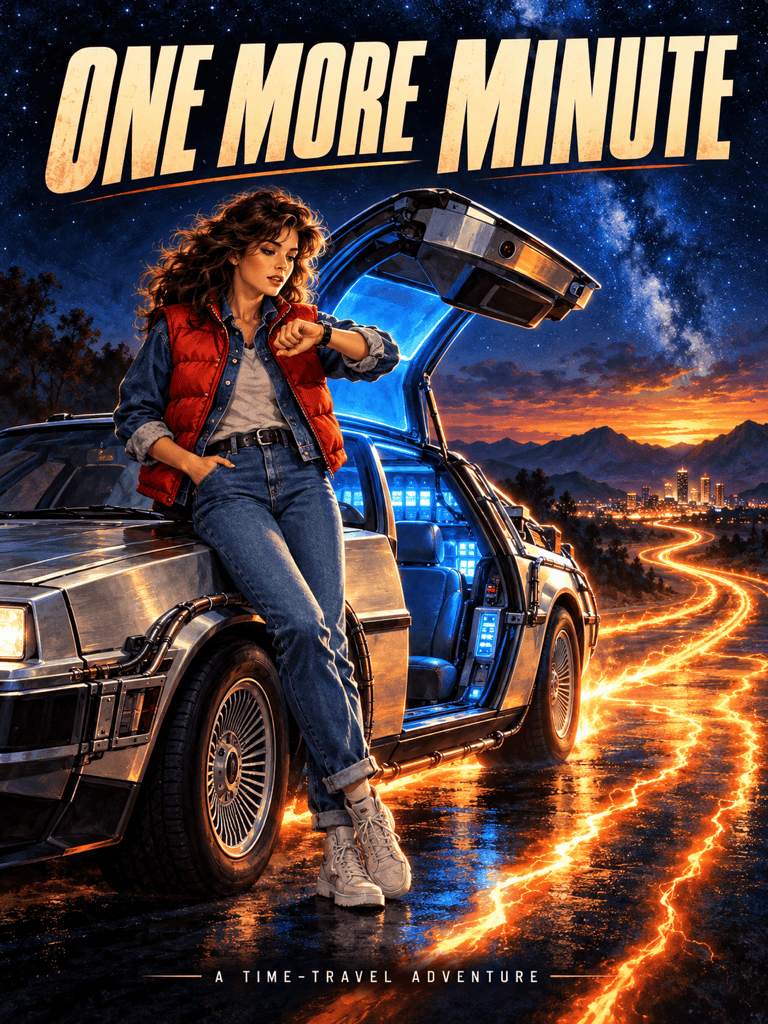
Create a vertical Back to the Future-inspired fan poster. A DeLorean waits below a stormy clocktower, with blue lightning and orange tire trails. Add my title, “ONE MORE MINUTE,” in clear lettering. Use an original layout.
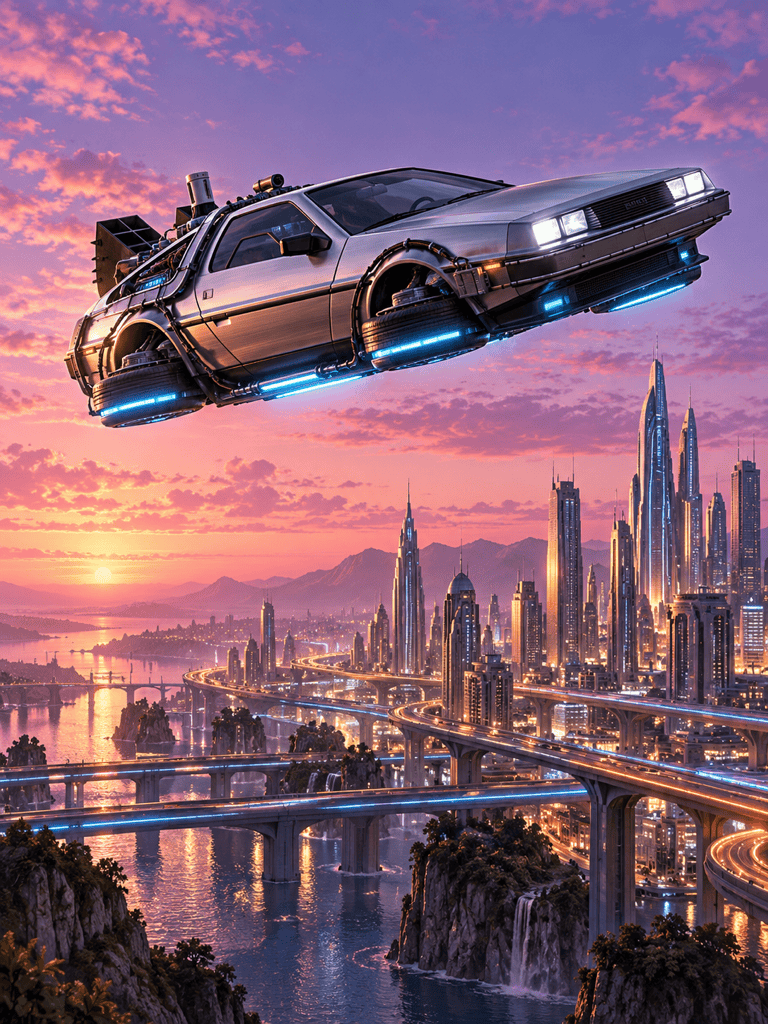
Generate a wide Back to the Future wallpaper with a flying DeLorean above a futuristic city at dusk. Keep the car on the right and leave the left side calm for desktop icons. No text.
Use my uploaded portrait to create a time-travel adventure poster. Keep my facial features recognizable, add a red vest and a stainless-steel time machine, and use dramatic evening light. No title.
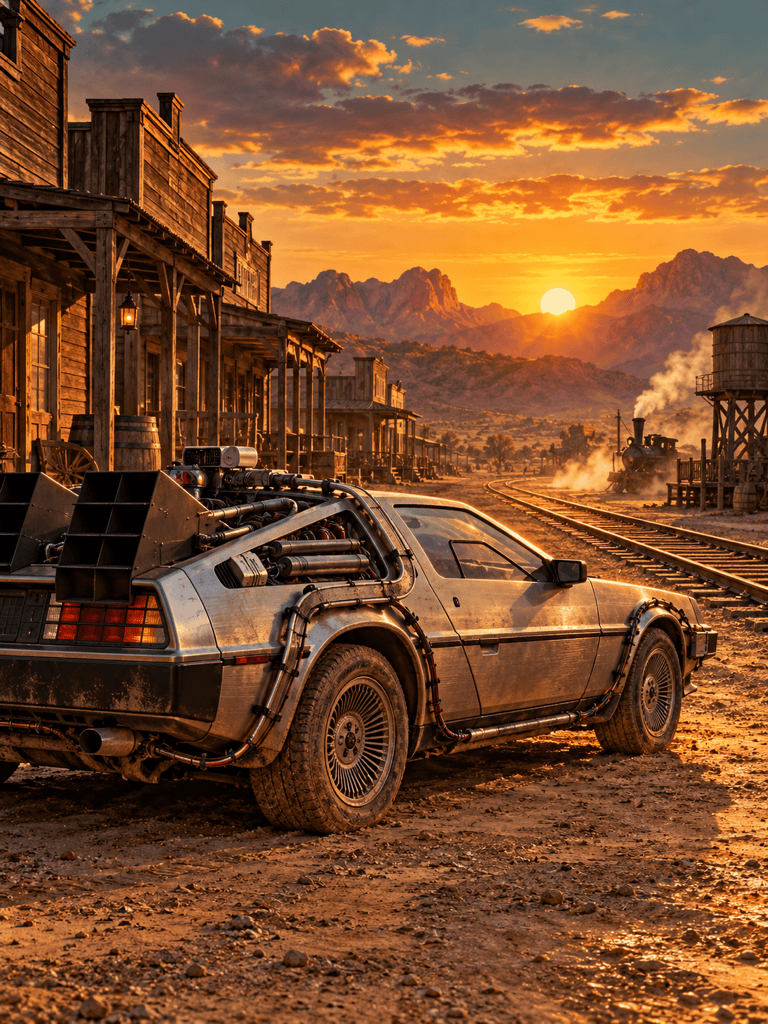
Create DeLorean AI art in an 1885 Western town. Show timber storefronts, dusty wheels, warm sunset light, and distant railway tracks. Keep the car as the focal point; no modern buildings.
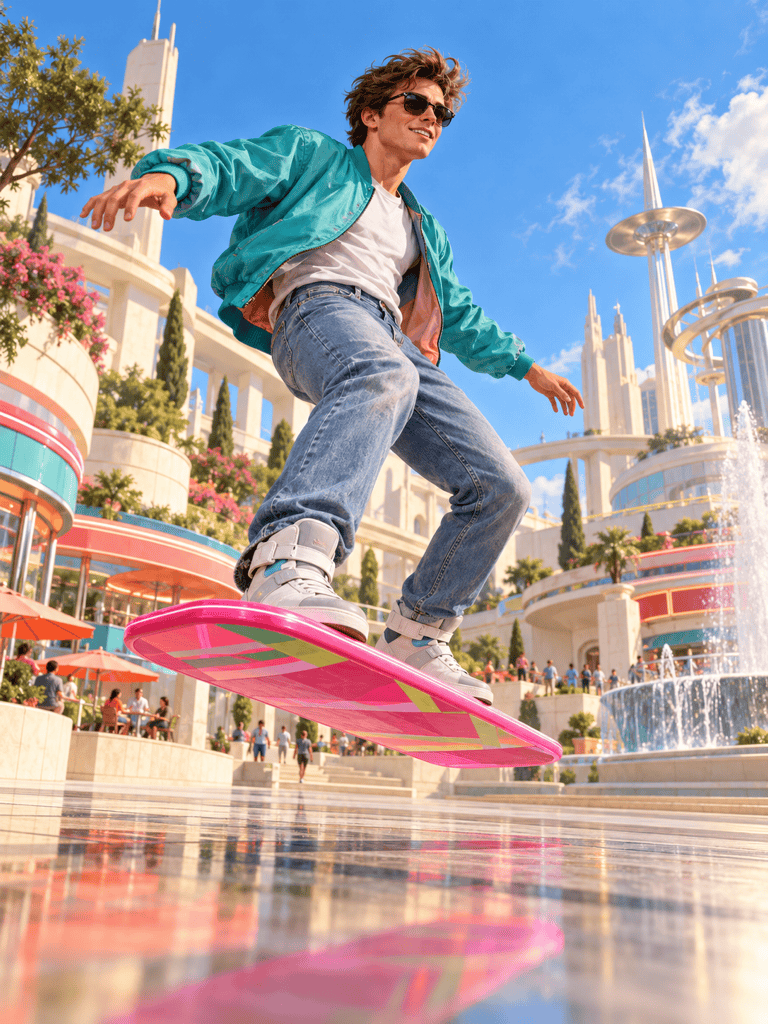
Create an illustrated hoverboard chase in a bright retro-futuristic town square. Use a low viewpoint, a clear silhouette, and energetic movement. Keep the background simple and omit text.
Create a minimalist phone wallpaper inspired by Back to the Future. Place a small DeLorean and two glowing tire trails near the bottom, with a deep blue sky and generous empty space above. No text.





