See Your Yard ReimaginedAI Yard Makeover
How to Create a Yard Makeover with AI
Show the Yard and Its Boundaries
Give the Space One Main Job
Correct the Parts That Drift
Save a Concept You Can Discuss

Explore Changes Before You Change the Yard
Start with the Yard You Have
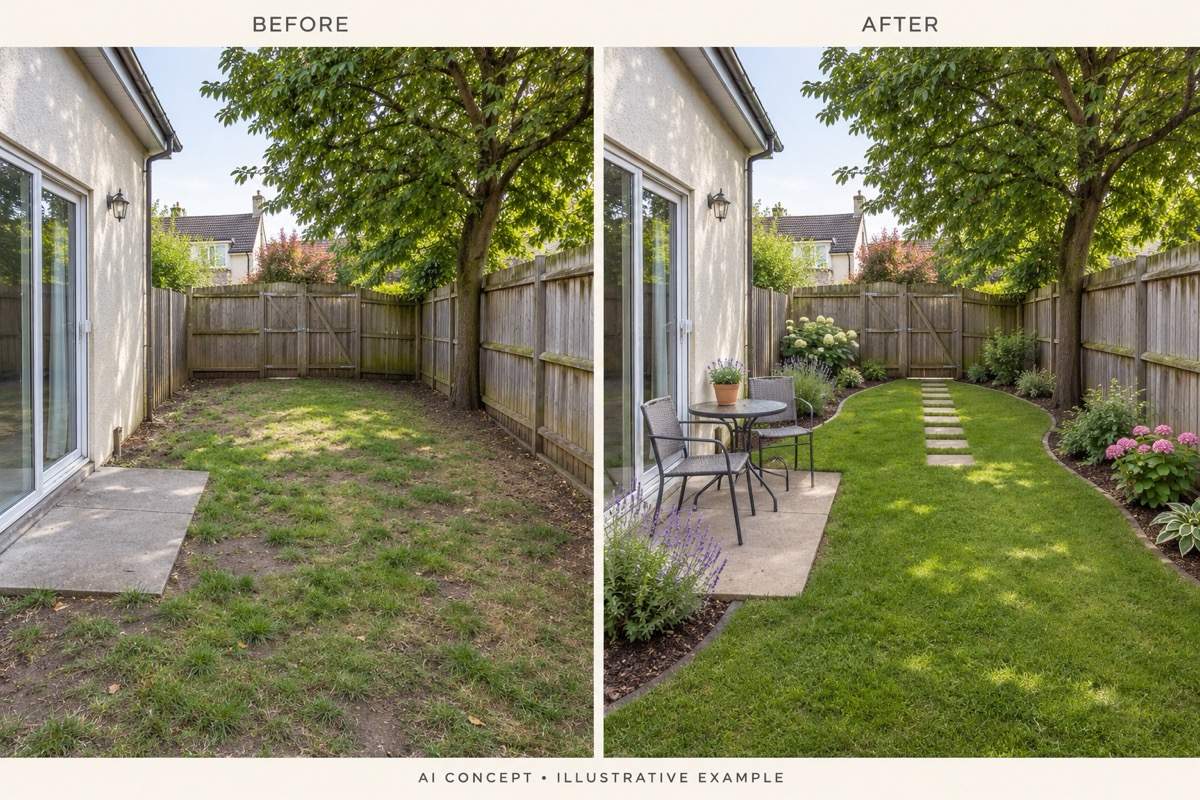
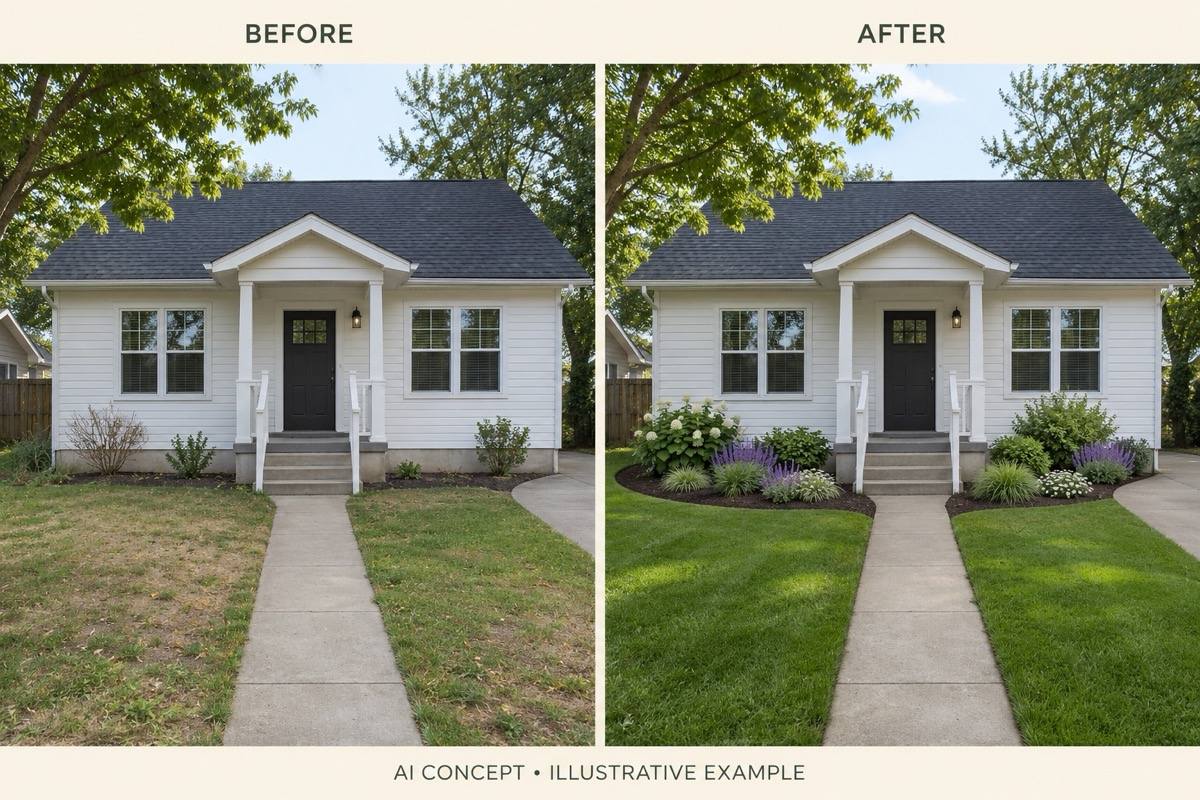
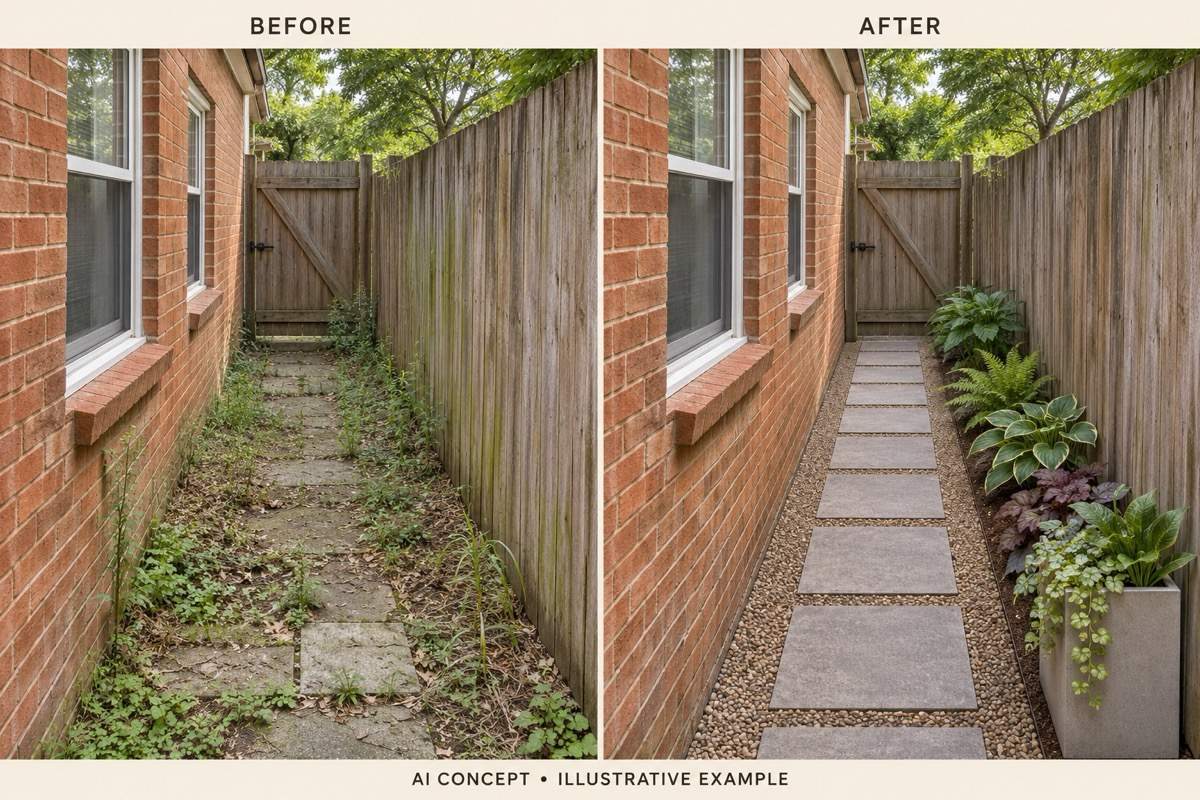
AI landscape design from a photo puts new beds, paths, and seating into a familiar view. Tell the editor which existing features should stay, then check their placement in the result.
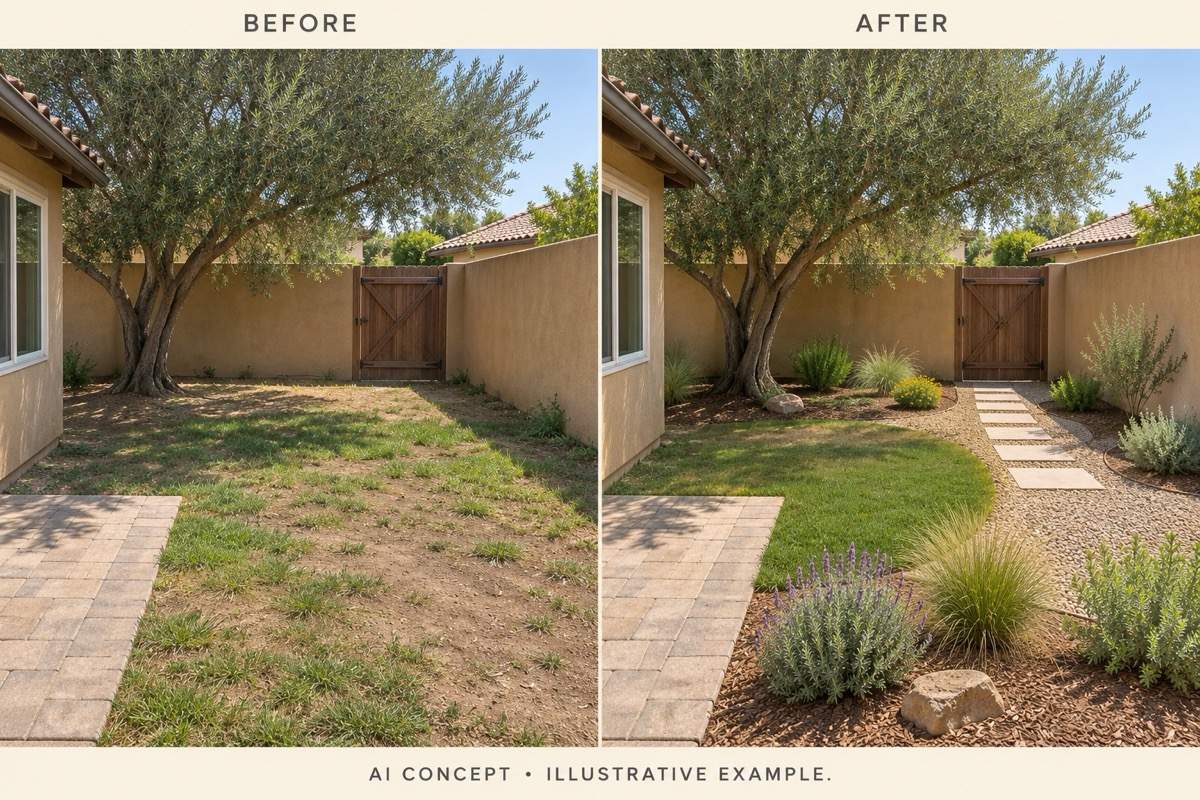
Compare Lawn, Gravel, and Planting
Explore a low-maintenance yard design or a greener garden from the same source image. Compare the look and use of the space before choosing a direction.
Revise a Patio Without Rebriefing Everything
Keep refining in the same conversation. Request a smaller seating area, a different paving color, or more open ground instead of describing the whole yard again.
Bring a Garden Reference Along
Upload a garden image you like alongside your yard photo. Ask to borrow its materials or planting style while keeping your own space as the layout reference.
Choose How the Photo Is Reworked
Select an available image model yourself, or let Mew Auto choose for your photo and requested changes. Access leading image models in one workspace, with new releases added promptly.
Take the Idea to a Landscaping Conversation
Export watermark-free yard concepts as PNG or JPG. Use them to explain the look you want; the images are visual references, not measured construction drawings.
What to Show Before You Redesign Your Yard
- Photograph the Whole Area:Include the ground and boundaries in good light. Avoid extreme wide-angle distortion and objects that hide the area you want to change.
- Separate Fixed Features from New Ideas:Name the house, fence, trees, paving, and access routes to retain. Describe additions separately so a planting refresh does not become a full rebuild.
- Add Real Conditions:Mention location, observed sun or shade, approximate dimensions, and upkeep preferences. A photo alone cannot establish soil, drainage, or plant suitability.
- Check More Than the Overall Look:Compare door positions, fence lines, slopes, and furniture scale with the source photo. Confirm actual dimensions and local plant choices before buying materials.
Keep Your Yard Makeover Practical
Restore the house and fence to match my original yard photo. Keep their positions, shapes, and colors. Change only the planting beds and retain the current camera angle.
Revise this small backyard makeover so the patio takes up less space. Use a compact table and chairs, keep open ground, and leave a clear route from the door to the gate.
Simplify this low-maintenance yard concept. Use fewer planting groups, defined bed edges, and less lawn. Keep the existing patio and avoid adding a pond or elaborate flower beds.
Show a backyard makeover on a budget by keeping the existing fence, paving, and mature trees. Limit the visual changes to refreshed beds, mulch, and movable seating. Do not add a new deck or pool.
Revise my front yard concept to keep the entrance easy to reach. Leave the existing walkway unobstructed, lower the planting near windows, and keep the driveway clear.
Create two yard design concepts from my uploaded photo: one with soft cottage-style planting and one with a simple modern layout. Keep the house, fence, main tree, and viewpoint consistent for comparison.





