Preview Your Home WithAI Window Design
How to Create Window Designs With AI
Show the Entire Opening
Choose the First Change
Compare, Then Correct
Save Your Shortlist

Compare Window Details in Your Own Space
Your Facade as the Starting Point
Photo-based AI window design puts new frames beside your existing brick, siding or wall color, making the style easier to judge than an isolated catalog image.
Frame Colors Worth Comparing
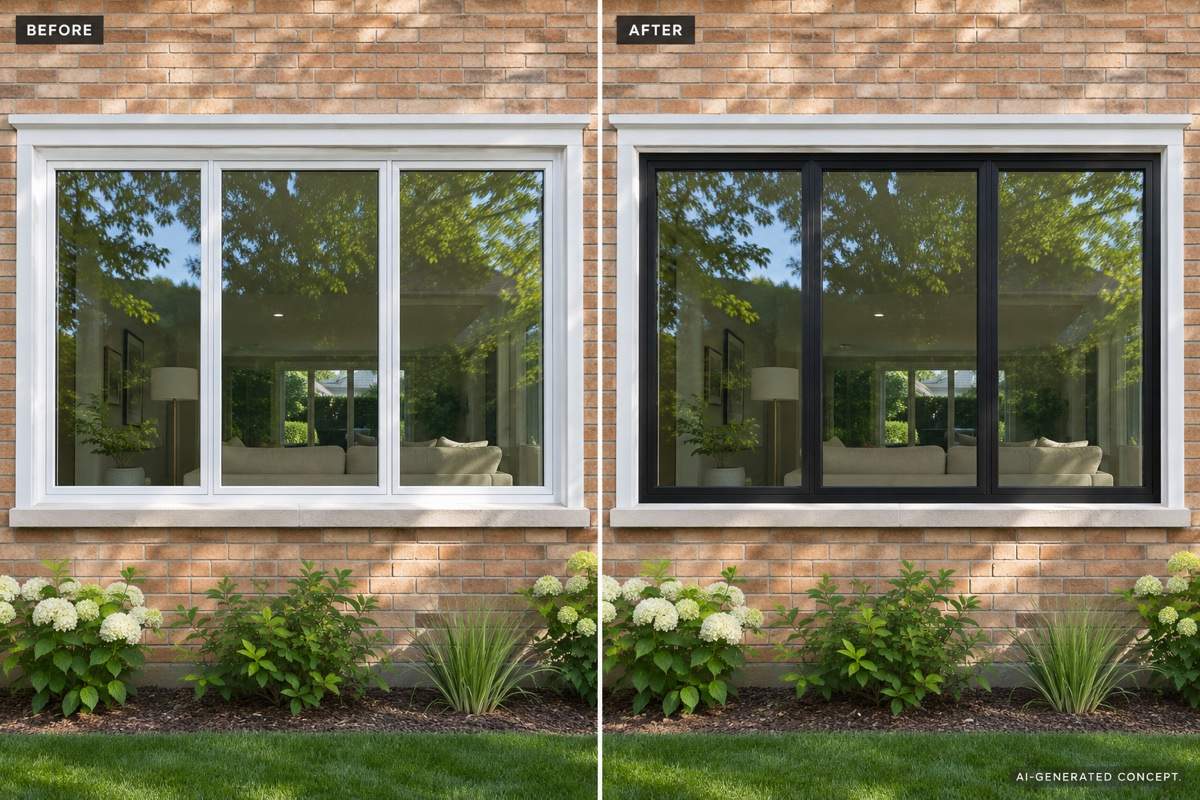
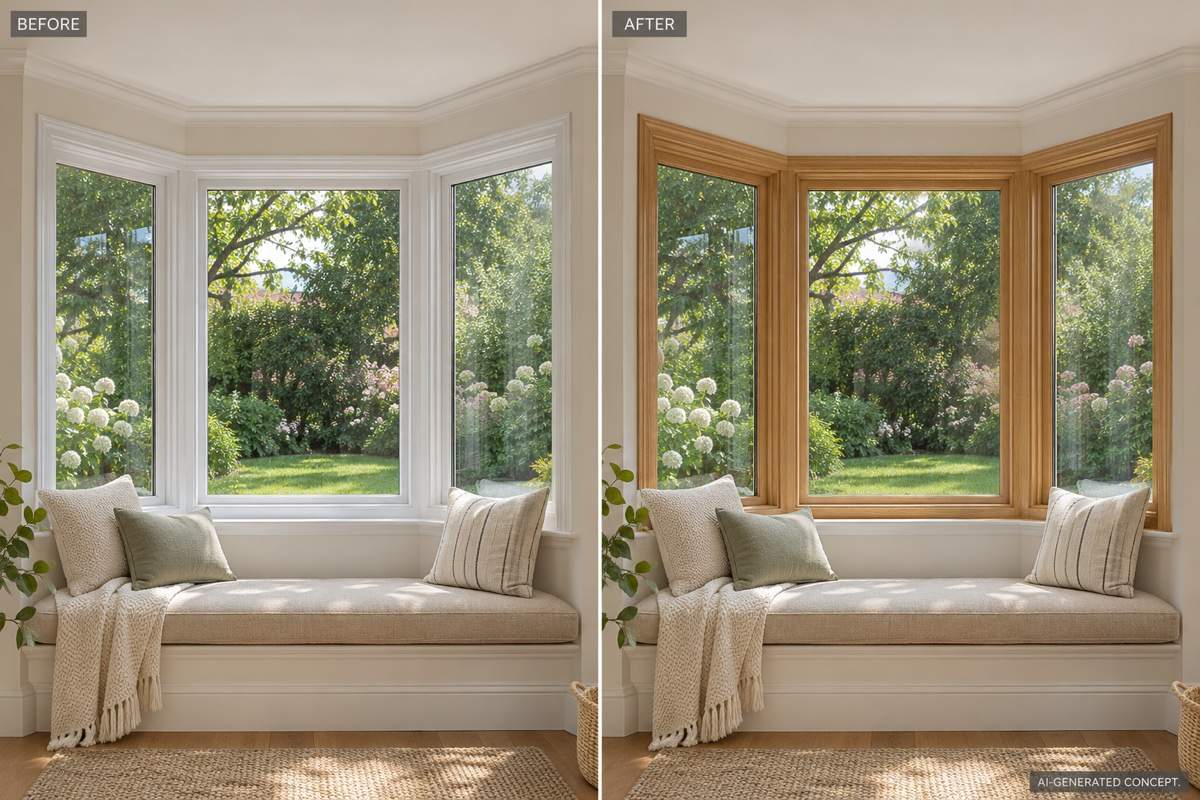
Try black aluminum, white uPVC or warm wood looks. This online AI window visualizer helps you explore their visual effect without building a 3D model.
Glass and Grilles in Context
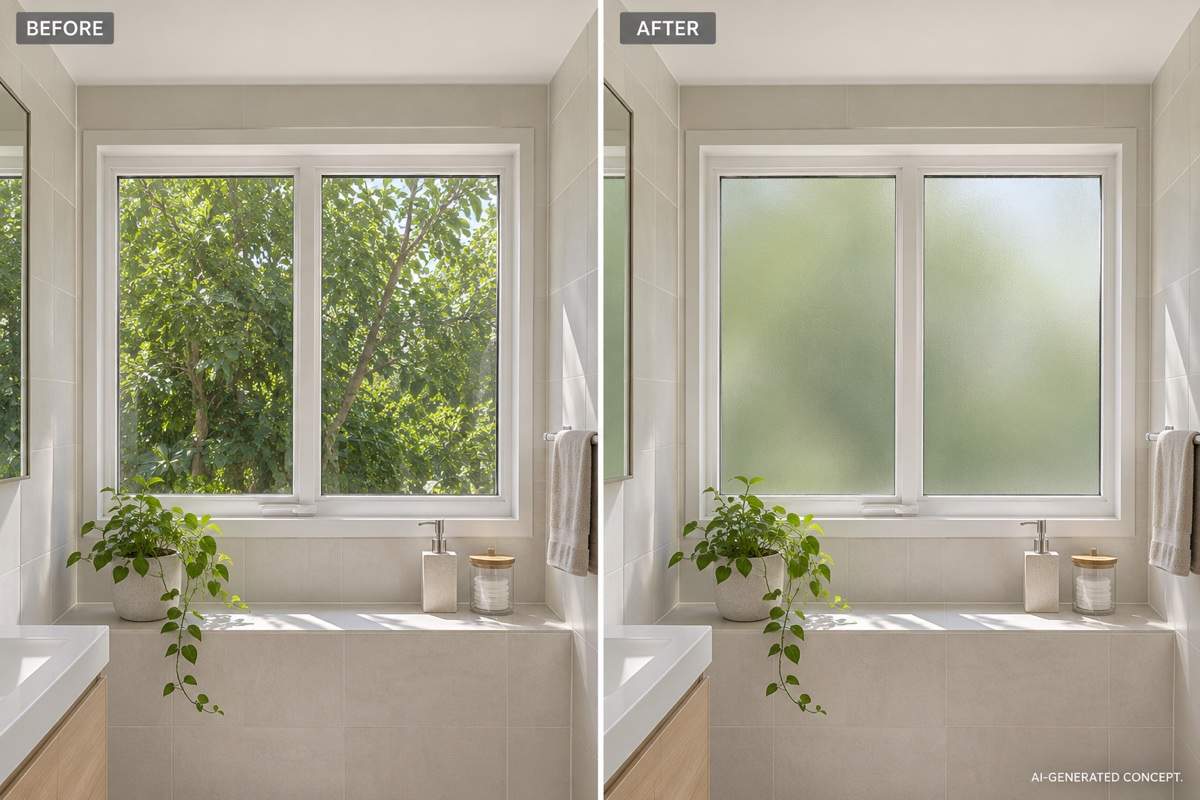
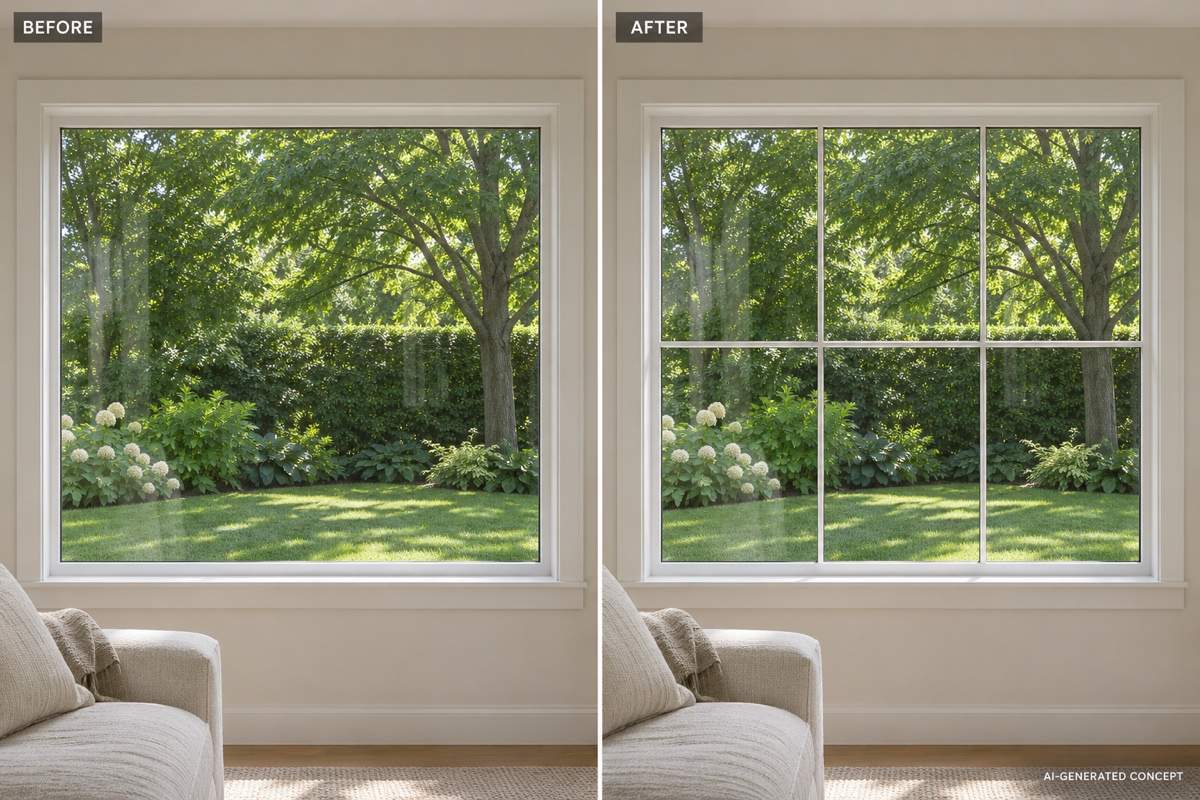
Preview plain panes, decorative grids or frosted glass. Describe the pattern and placement so the design focuses on the detail you are deciding.
Focused Revisions Through Chat
Ask for slimmer-looking frames or fewer grille bars with Chat Edit. Tell the editor which surrounding details to preserve, then check the new image against the source.
Model Choice for Photo-Led Edits
Select an available image model yourself, or let Mew Auto choose one for your photo and requested changes. Mew Design adds new leading image models as they launch.
A Visual Brief You Can Share
Export watermark-free PNG or JPG concepts for a renovation discussion. Keep the original photo alongside your preferred option to explain exactly what you want changed.
Keep the Window Change Easy to Judge
- Photograph the Boundaries:Include all four edges, the sill and some surrounding wall. Move curtains aside and avoid strong glare that hides frame details.
- Separate Style From Structure:Color, finish and grille patterns are appearance choices. A larger opening, a new bay or floor-to-ceiling glazing is a separate renovation concept.
- Name the Right Grid:Decorative grilles divide the look of the glass. An exterior security grill is a separate metal barrier; say which one you mean.
- Check What the Image Cannot Prove:A render cannot confirm dimensions, ventilation, insulation or security. Ask a qualified supplier or installer to assess the proposed window before ordering.
Six Window Changes to Explore
On my uploaded exterior photo, change only the window frames to matte black aluminum. Keep the existing openings, pane divisions, brickwork and camera angle. Show a realistic black-frame window concept.
Restyle the frames of my existing bay window in natural oak. Keep the three-part bay shape, seat, curtains and garden view. Show warm wood grain without changing the room.
Preview frosted glass in my bathroom window. Keep the frame, opening, tiles and fittings unchanged. Show the glass treatment in the same daylight, without adding curtains.
Add a simple rectangular decorative grille pattern to the glass in my uploaded window photo. Keep the outer frame and wall unchanged. Use thin, evenly spaced bars, not an exterior security grill.
Create a modern sliding kitchen window concept in my photo, with two glass panels and a slim white frame. Keep the opening, sink, countertop and backsplash in their existing positions.
Generate a living room concept with an arched window, warm white walls and understated wood trim. Show the full opening in daylight. Treat this as new-design inspiration, not a measured renovation plan.





