Free OnlineAI Wig Try On
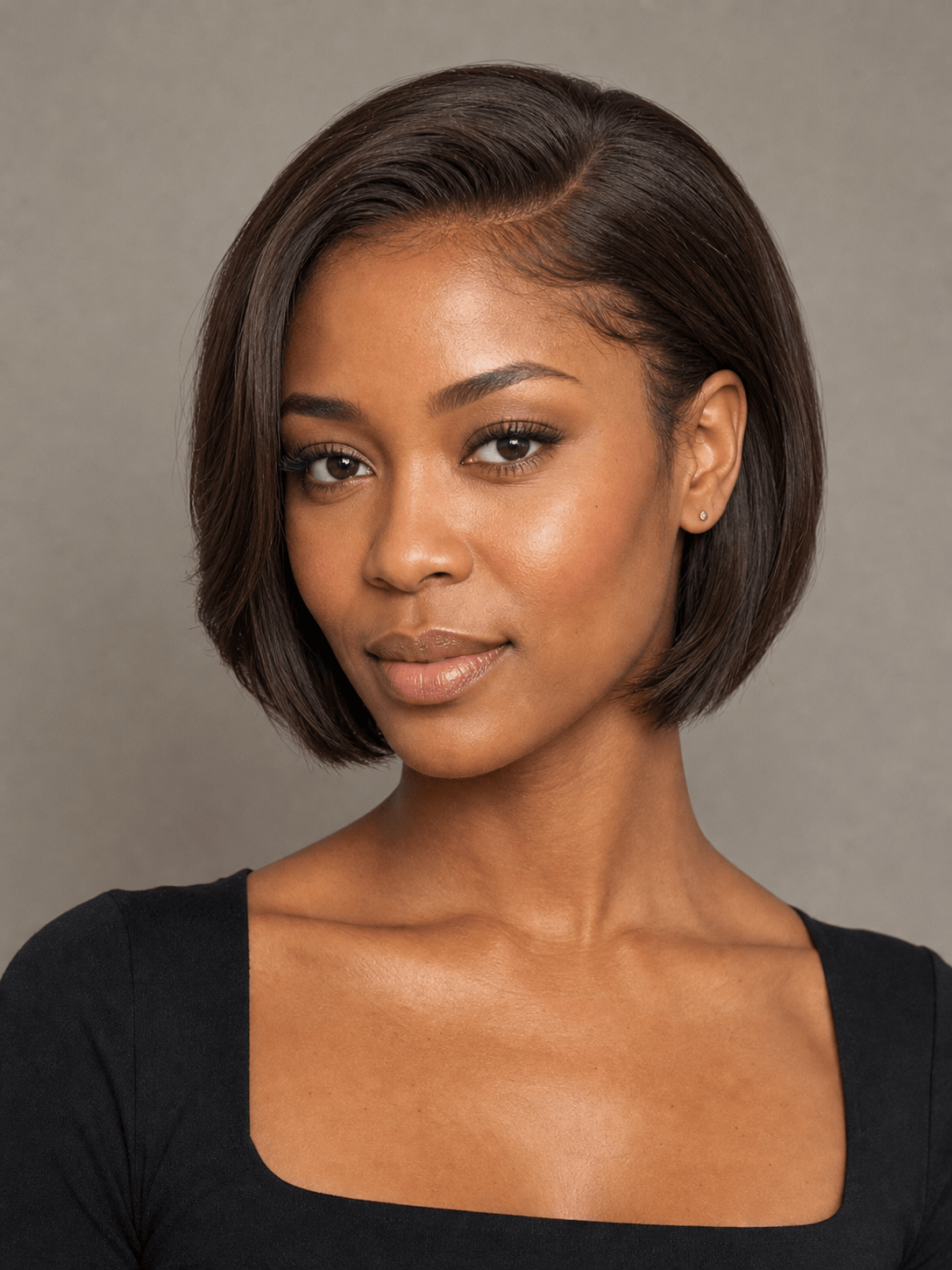
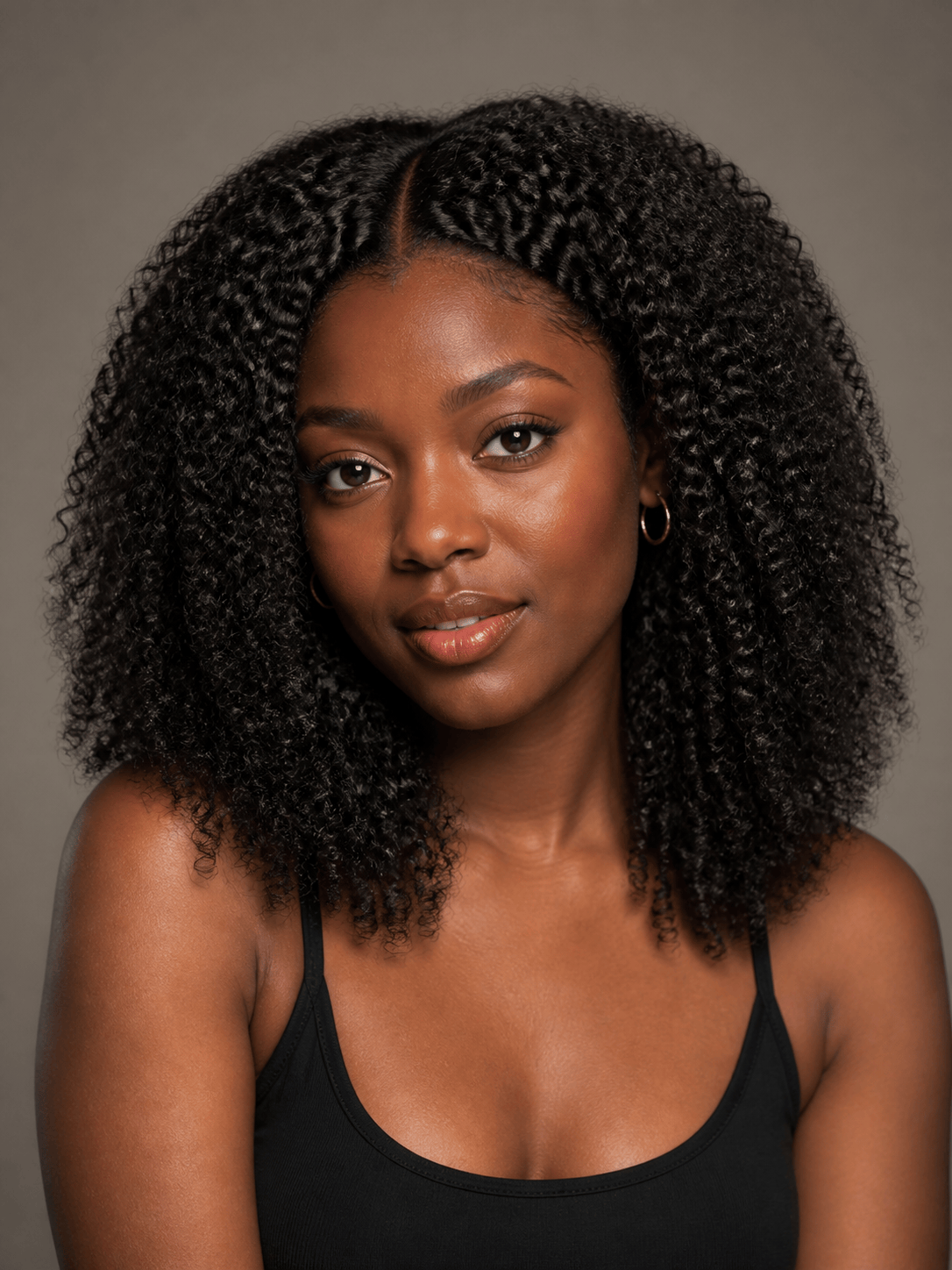

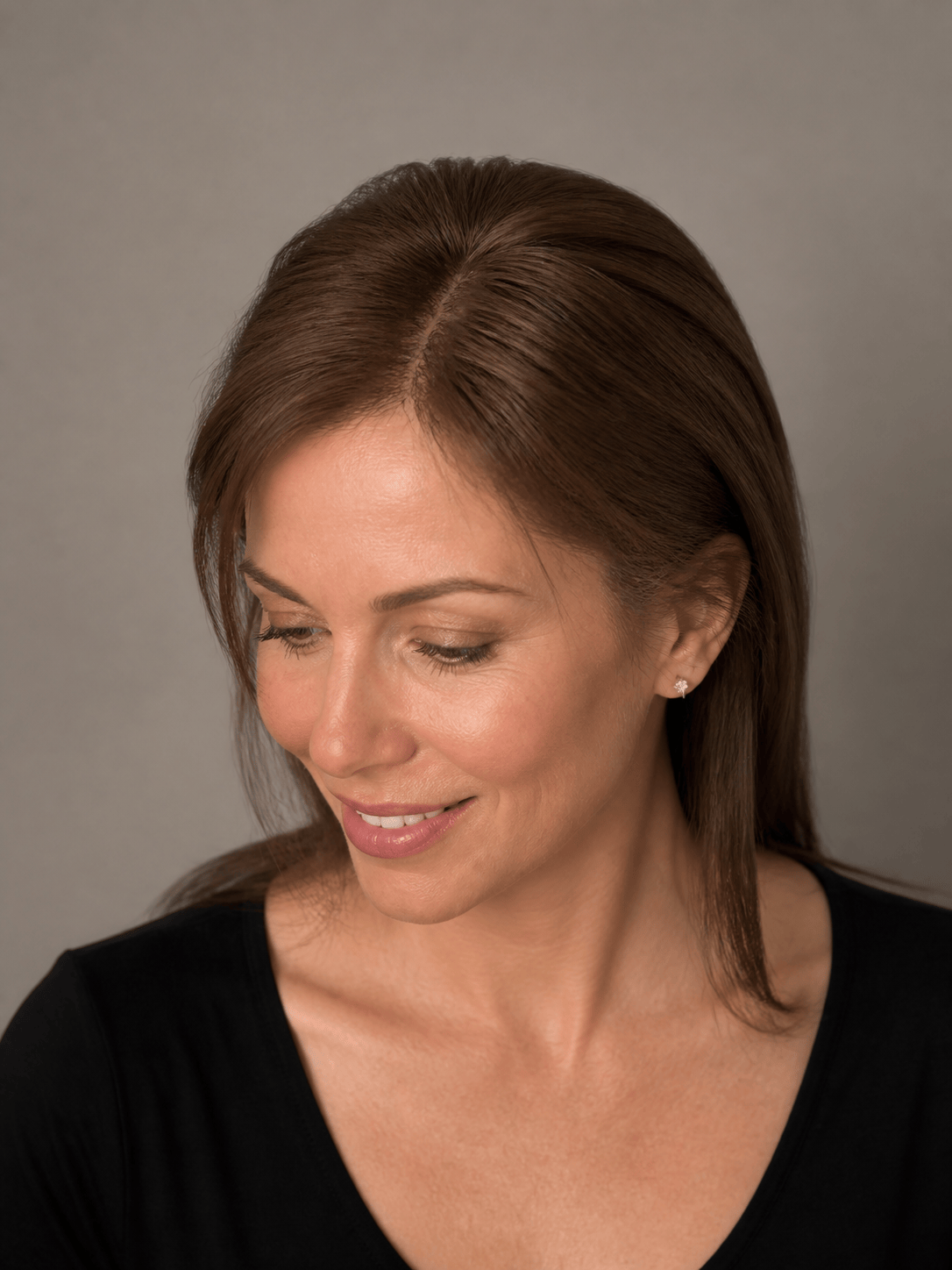
How to Try On a Wig with AI
Prepare a Clear Portrait
Add the Wig or Hairpiece
Describe Coverage and Placement
Compare, Correct, and Save

Wig Previews That Focus on the Details You Judge
Reference the Wig You Are Considering
Use a retailer photo, product screenshot, catalog image, or transparent cutout instead of settling for a generic hairstyle preset. Mew Design can use the visible wig silhouette as a guide for your preview.
Guide Hairline and Face Framing
For a virtual lace front wig try on, describe the hairline height, lace transition, part, baby hairs, temples, fringe, and which strands should frame the face without covering important features.
Keep Texture and Color Dimensional
Specify straight, body wave, loose curl, kinky-coily, locs, braids, or another texture, plus root, highlight, and tip colors. Ask for strand definition and natural tonal depth instead of flat painted hair.
Preserve the Person Beneath the Style
Keep facial features, skin tone, expression, makeup, head angle, clothing, jewelry, crop, and background consistent so you can judge the wig rather than a redesigned identity.
Repair Common Try-On Artifacts
Use Chat Edit when the hairline looks too straight, lace appears opaque, ears disappear, curls repeat, long strands break at the shoulders, a topper edge shows, or shadows do not match the portrait.
Build Comparisons for Shopping or Sales
Use free AI credits after signup to create consistent variations by style, length, colorway, or product. Export watermark-free PNG or JPG images for shopping notes, consultations, social posts, and ecommerce concepts.
How to Prompt AI for a Natural Wig Preview
- Prepare the selfie: Use a centered, front-facing image in even light. Show the full crown and shoulders, tie long hair back, remove hats, and avoid filters or dramatic side angles.
- Define the product: Name lace-front or glueless construction, cap silhouette, length, density, parting, bangs, curl or braid pattern, root color, highlights, and details that must stay recognizable.
- Map the blend boundary: Explain where the hairline, topper base, bangs, clips, or toupee should begin; what natural hair remains visible; and how strands pass in front of or behind ears, face, neck, and shoulders.
- Inspect before deciding: Compare hairline, part, lace, colorway, curl or braid pattern, length, density, and silhouette with the real item. Regenerate or edit any detail that drifts.
AI Wig Try-On Prompts for Six Real Decisions
Lace-front shopping preview: Apply the chestnut lace-front wig from @[product image] to @[portrait]. Keep identity, makeup, cream sweater, pose, and background unchanged. Use a soft center part, realistic scalp visibility, a lightly irregular hairline, 16-inch loose waves, and subtle lace blending at the forehead.
Coily texture comparison: Put the deep-black kinky-coily wig from @[wig photo] on @[selfie]. Preserve the face, skin tone, earrings, and head angle. Keep the rounded silhouette, defined small coils, natural shrinkage, moderate density, visible temples, and soft strand shadows around the cheeks and shoulders.
Bob and color decision: Show @[portrait] with the honey-blonde bob from @[reference]. Preserve the person's features and black blazer. Match the dimensional dark roots, warm highlights, curtain bangs, chin-length ends, and smooth bend, with the hair tucked behind one ear for a clear side-by-side shopping comparison.
Hair topper preview: Blend the medium-brown crown topper from @[topper image] into @[portrait]. Keep the person's front hairline and lower natural hair visible. Add coverage only across the top and crown, match the side part and fine straight texture, preserve the root shade, and hide the attachment boundary without adding extra length.
Clip-in bangs preview: Add the wispy clip-in fringe from @[bangs reference] to @[selfie]. Keep the original hair length, color, face, and background. Position the piece behind the natural hairline, use an airy center opening, blend the side pieces at the temples, and avoid a dense straight edge across the forehead.
Ecommerce wig model series: Use @[model photo] to create four consistent product images with the same face, head angle, crop, lighting, black top, and neutral background. Apply @[wig1], @[wig2], @[wig3], and @[wig4] separately, preserving each silhouette, part, texture, length, and colorway for catalog comparison.





