Free OnlineAI Hair Color Changer
How to Try a New Hair Color with AI
Upload a Clear Portrait
Describe the Shade Precisely
Generate Your Virtual Try-On
Compare, Refine, and Save

Why Mew Design Works for Virtual Hair Color Try-On
Edit Your Own Photo, Not a Generic Model
Upload your portrait and describe only the change you want. The image-to-image workflow makes this online hair color simulator useful for personal shade decisions.
Protect the Details That Make You Look Like You
Ask Mew Design to keep your face, haircut, hair length, texture, expression, clothes, and setting unchanged while recoloring the visible hair.
Test More Than Flat, Single-Color Filters
Prompt for root shadows, face-framing highlights, balayage, ombré, money pieces, gray blending, or two-tone placement instead of settling for a uniform overlay.
Guide the Result with a Color Reference
Upload a salon inspiration photo as a visual reference, then explain which shade and placement to borrow without copying the reference person’s face or hairstyle.
Fine-Tune Color in Conversation
If the first result feels too warm, dark, bright, or saturated, click Chat Edit and request a targeted adjustment without starting your AI hair color try-on again.
Compare Salon Ideas Before You Commit
Use free AI credits after signup to explore several natural or fantasy colors, then save watermark-free PNG or JPG references for a salon consultation or personal mood board.
How to Prompt an AI Hair Dye Simulator
- Name the shade and undertone: Use specific language such as cool ash brown, warm honey blonde, neutral espresso, copper auburn, or smoky lavender.
- Explain the placement: Say whether you want all-over color, shadow roots, highlights, balayage, ombré, gray blending, a money piece, or split dye.
- Protect your identity and texture: Ask the tool to keep your face, cut, length, curl pattern, skin tone, pose, clothing, lighting, and background unchanged.
- Refine one variable at a time: After the first preview, adjust warmth, brightness, saturation, root depth, or highlight density so you can compare meaningful options.
Hair Color Try-On Prompts for Real Decisions
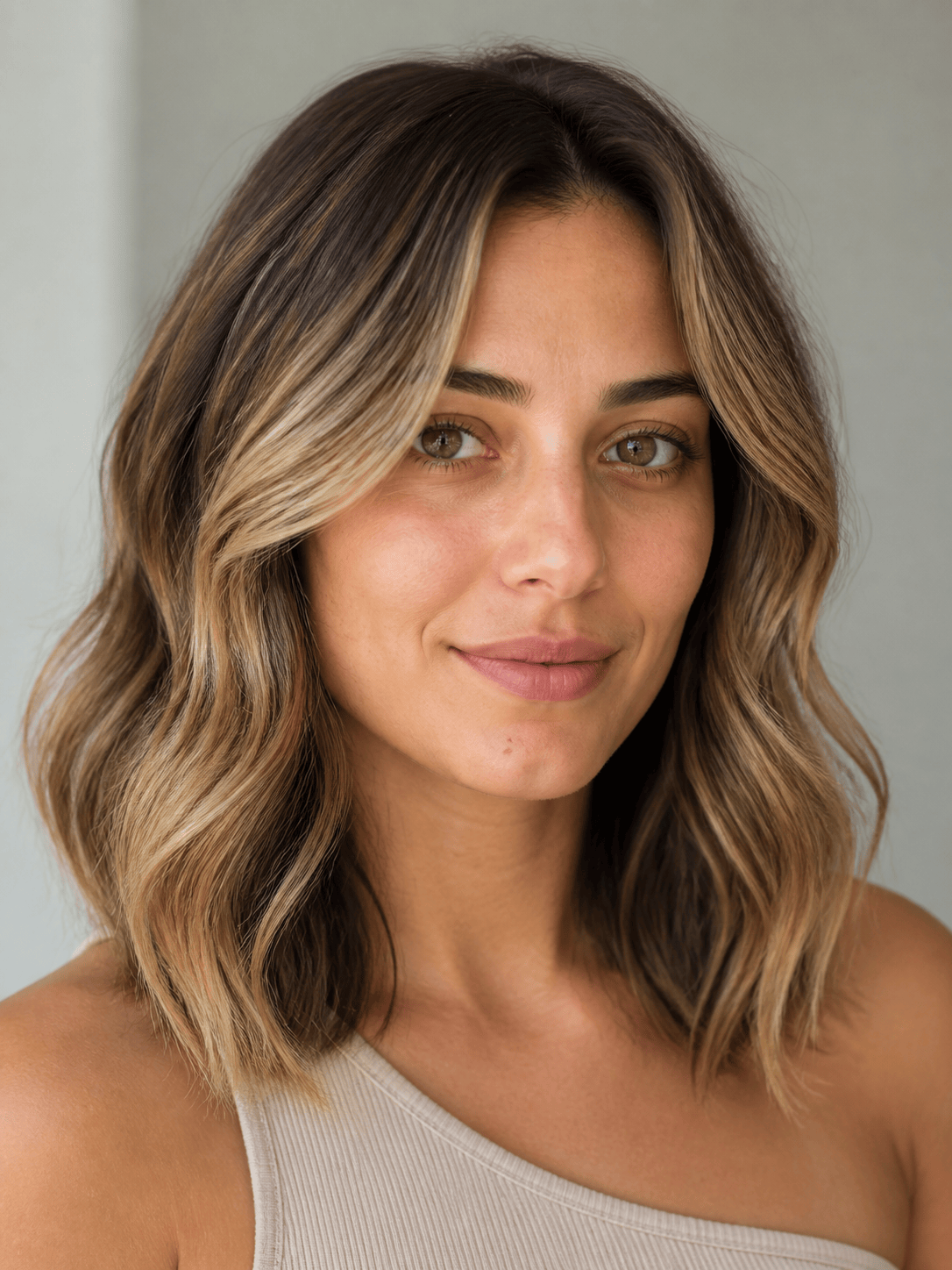
Natural Blonde Preview: Change only my hair color to a lived-in honey blonde with a medium-brown shadow root and fine beige highlights around the face. Keep my face, haircut, waves, and background unchanged; maintain realistic strand texture.
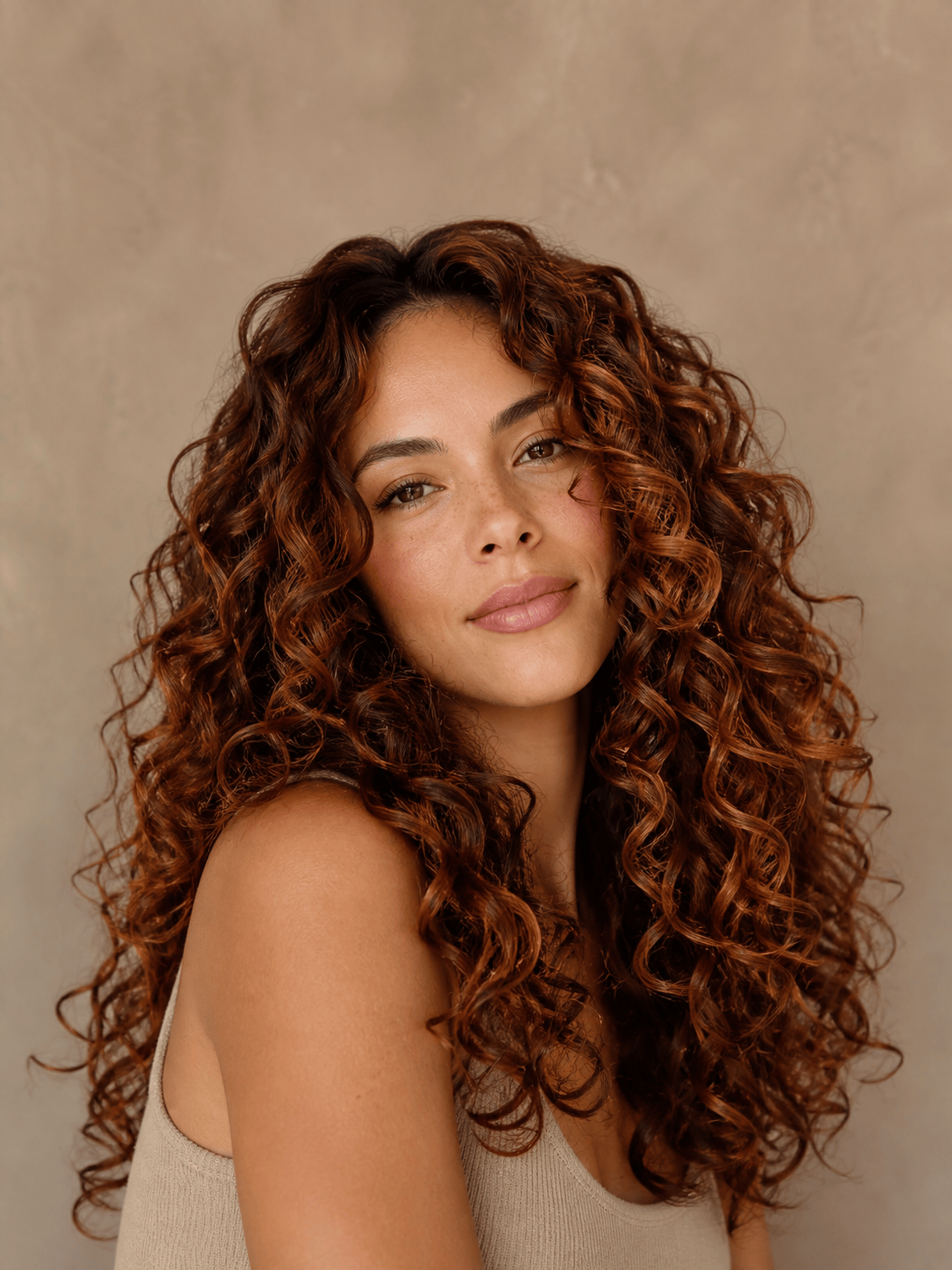
Copper Balayage on Curls: Apply warm copper balayage from mid-lengths to ends, with deeper auburn roots and subtle golden ribbons. Preserve my curl pattern, volume, face, skin tone, outfit, pose, and lighting.
Dark-Hair Color Test: Recolor my hair to glossy blue-black with a cool undertone and subtle midnight-blue highlights visible only in the light. Keep the hairstyle, hairline, texture, facial features, and background exactly the same.
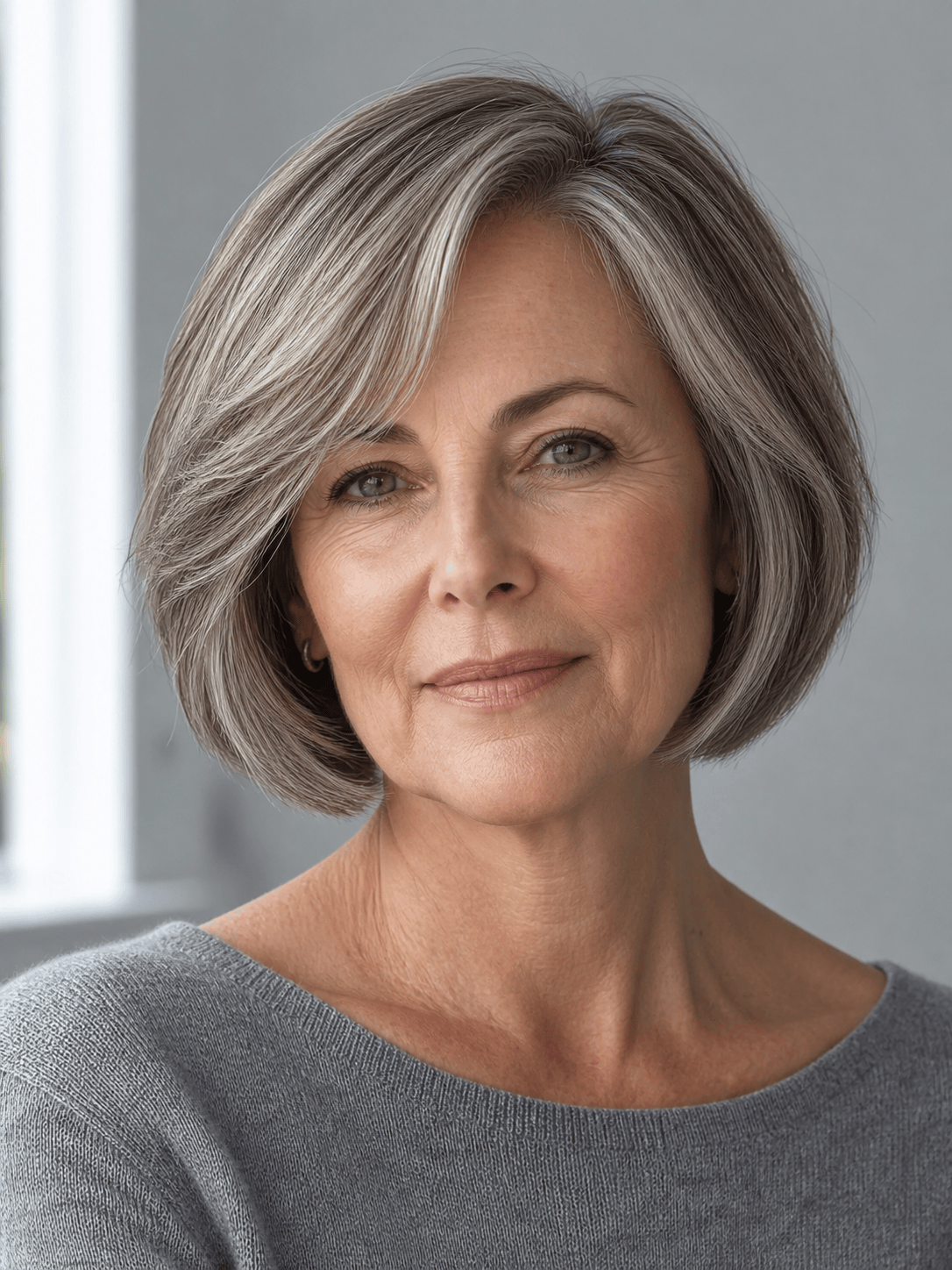
Gray Blending Preview: Blend my natural gray into a soft silver and ash-brown dimensional look with lowlights near the crown. Do not make me look younger or change my face, bob haircut, skin texture, clothing, or setting.
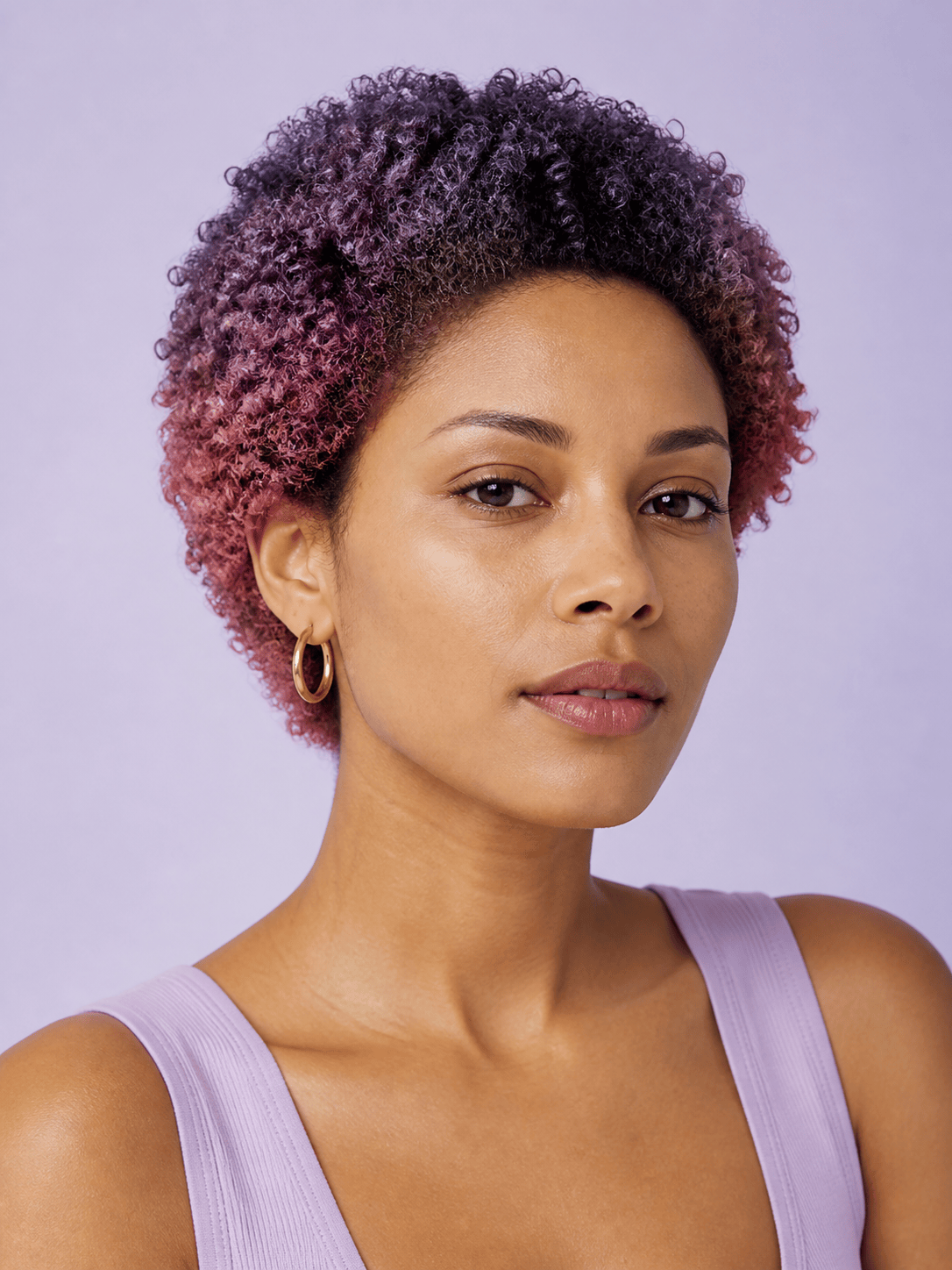
Fantasy Ombré: Create a smooth ombré from my natural dark roots into muted lavender and dusty rose ends. Keep the transition salon-realistic and preserve my short coily texture, face, pose, and background.
Salon Comparison Set: Using the same portrait and unchanged haircut, create four separate hair color previews: chestnut brown, caramel balayage, copper auburn, and cool mushroom brown. Keep identity, framing, lighting, and texture consistent across every version.





