Free OnlineAI Weapon Generator
How to Create Weapon Concept Art with AI
Describe the Item’s Role and Shape
Generate a Complete Item View
Adjust the Details That Matter
Check the Item at Its Display Size

Weapon Concept Art for Games, D&D, and Fantasy Stories
Generate Fantasy Swords, Axes, Bows, and Staffs
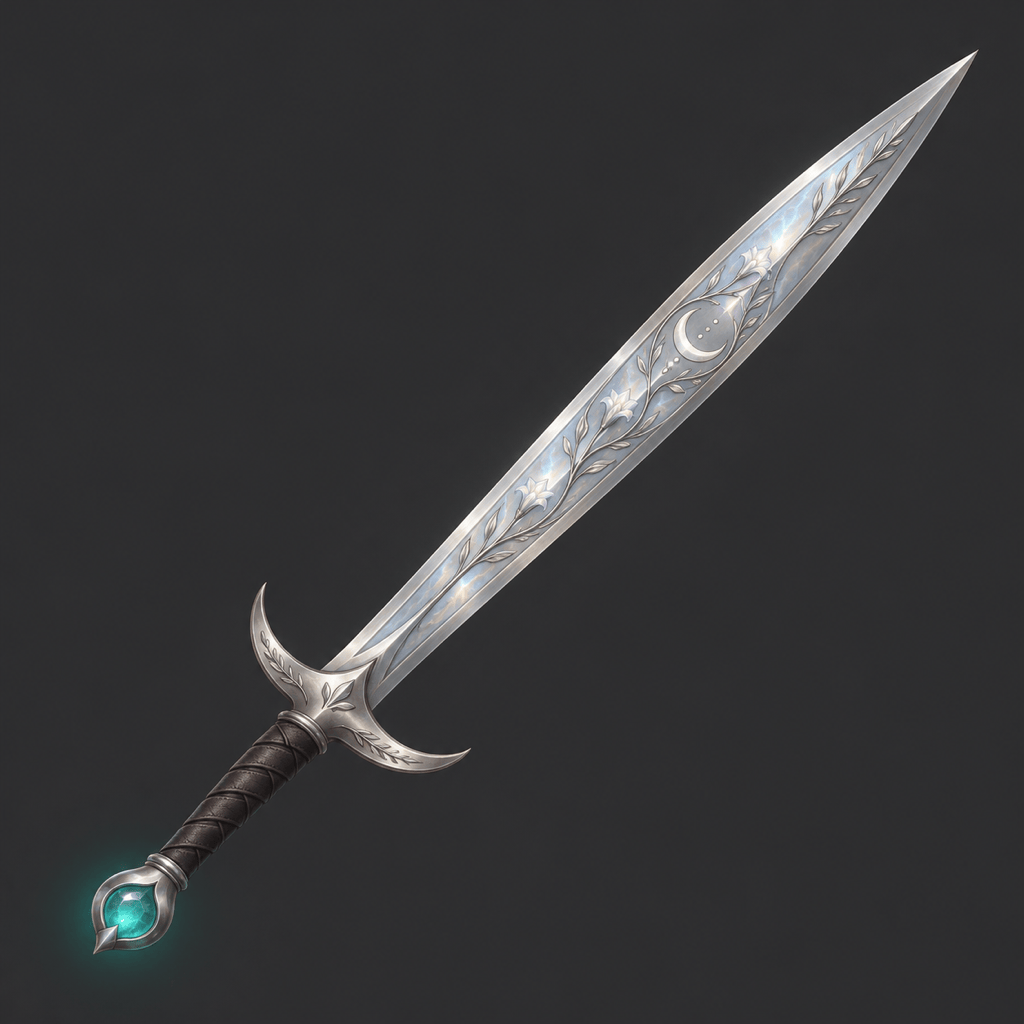
Use this fantasy weapon generator to picture a character’s signature item or a new piece of RPG loot. Combine a weapon type with materials such as carved oak, dark steel, crystal, or bone. Add one story detail—a moon emblem, chipped edge, or glowing stone—to distinguish the design.
Turn a Weapon Sketch into Concept Art
Upload your own outline and tell the AI weapon creator which shapes to keep. Describe the surfaces, palette, and lighting you want to add. This helps when a sketch already captures the right silhouette but needs a clearer presentation for an art brief or tabletop handout.
Change Blade Shapes, Materials, and Effects
Use Chat Edit to simplify a guard, replace metal with crystal, or reduce a glow that hides the blade. Name the part to change and the details to preserve. Compare each revision with the chosen concept, especially where the blade, guard, and grip meet.
Choose a Model for Pixel Art or Detailed Renders
Describe the finish you need, from bold pixel clusters to painted metal and wood. Select a preferred image model or let Mew Auto choose according to your prompt. Mew Design offers the latest leading image models in one workspace and adds new releases promptly.
Create Transparent RPG Weapon Icons
Generate an isolated weapon, then ask to remove the background for an inventory mockup or item-card layout. Export PNG to retain transparency. Check thin bowstrings, narrow blade tips, and magical glows against the final interface background before using the image.
Design Matching Weapon Sets for a Faction
Build a sword, bow, and staff around the same palette, materials, and motif. Use a shared reference and keep the viewing angle and lighting consistent across the set. Save these design rules as a reusable Mew Skill when you regularly create equipment for the same world.
How to Get Clear Weapon Shapes and Readable Item Icons
- Keep the Whole Item Visible: Ask for the tip, guard, grip, and pommel to fit inside the frame with space around them.
- Separate the Materials: Name the material of each major area. A steel blade and leather grip read more clearly than an all-over metallic texture.
- Limit the Effects: Choose one glow color and keep it away from important edges. Sparks should not hide the weapon’s shape.
- Match the Final Display: Use bold shapes for small inventory icons. Save fine engraving and surface wear for larger concept illustrations.
Fantasy, Sci-Fi, and RPG Weapon Prompts to Try
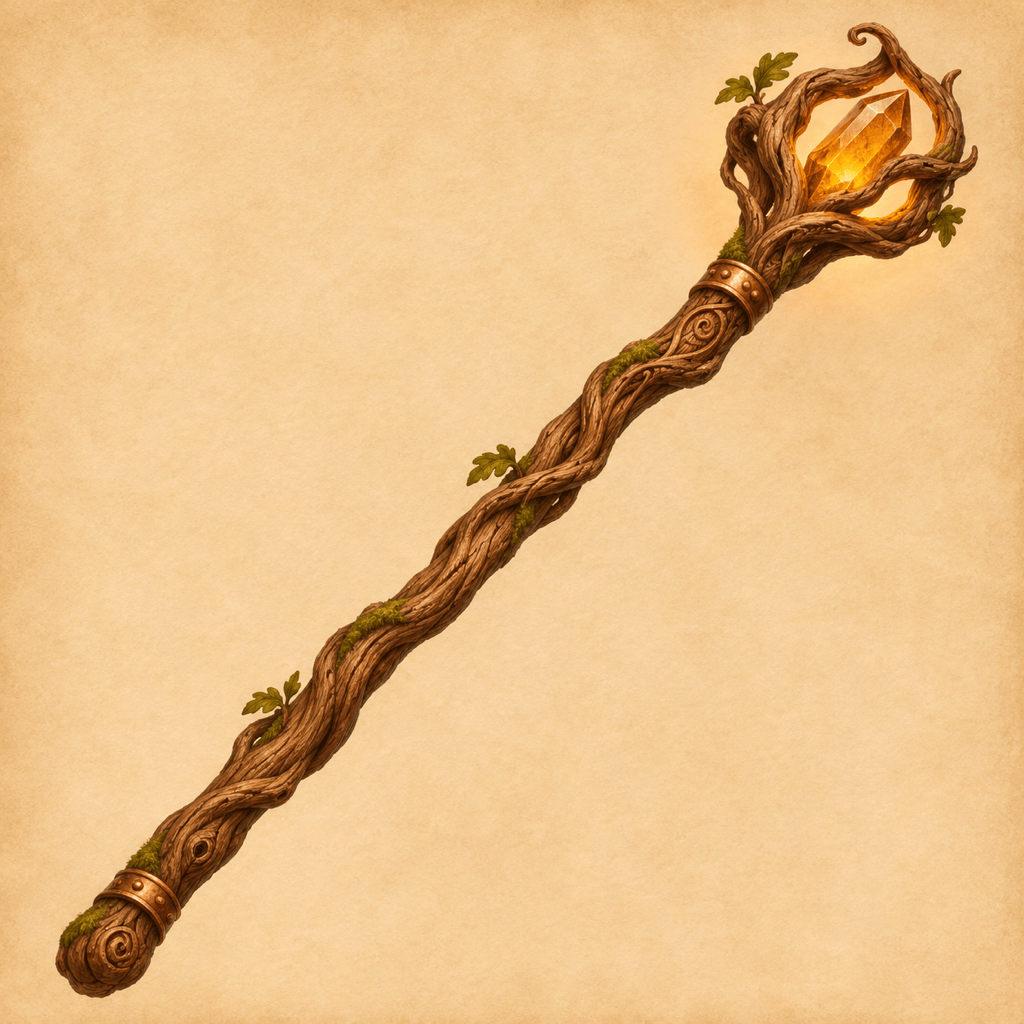
Create D&D weapon art for a homebrew treasure handout: an ancient oak staff holding an amber crystal, carved roots, warm parchment background. Show the entire staff alone, with no text or game statistics.
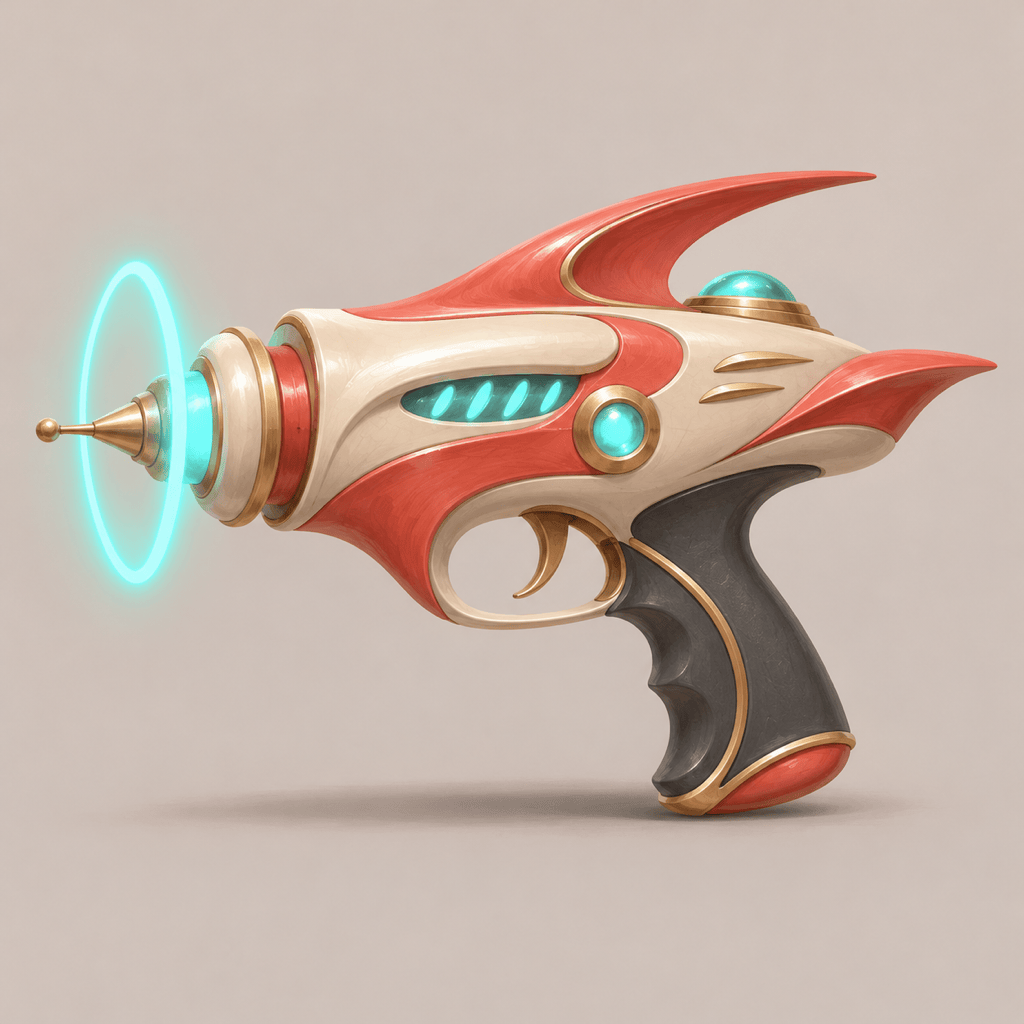
Generate sci-fi weapon concept art of a fictional energy blaster with an ivory shell, coral panels, and a floating cyan ring. Show the complete prop in side view on light gray, with no labels.
Design an anime fantasy sword with an oversized crescent blade, deep blue enamel, and a gold ribbon motif. Use crisp cel shading, a readable silhouette, and an uncluttered background.
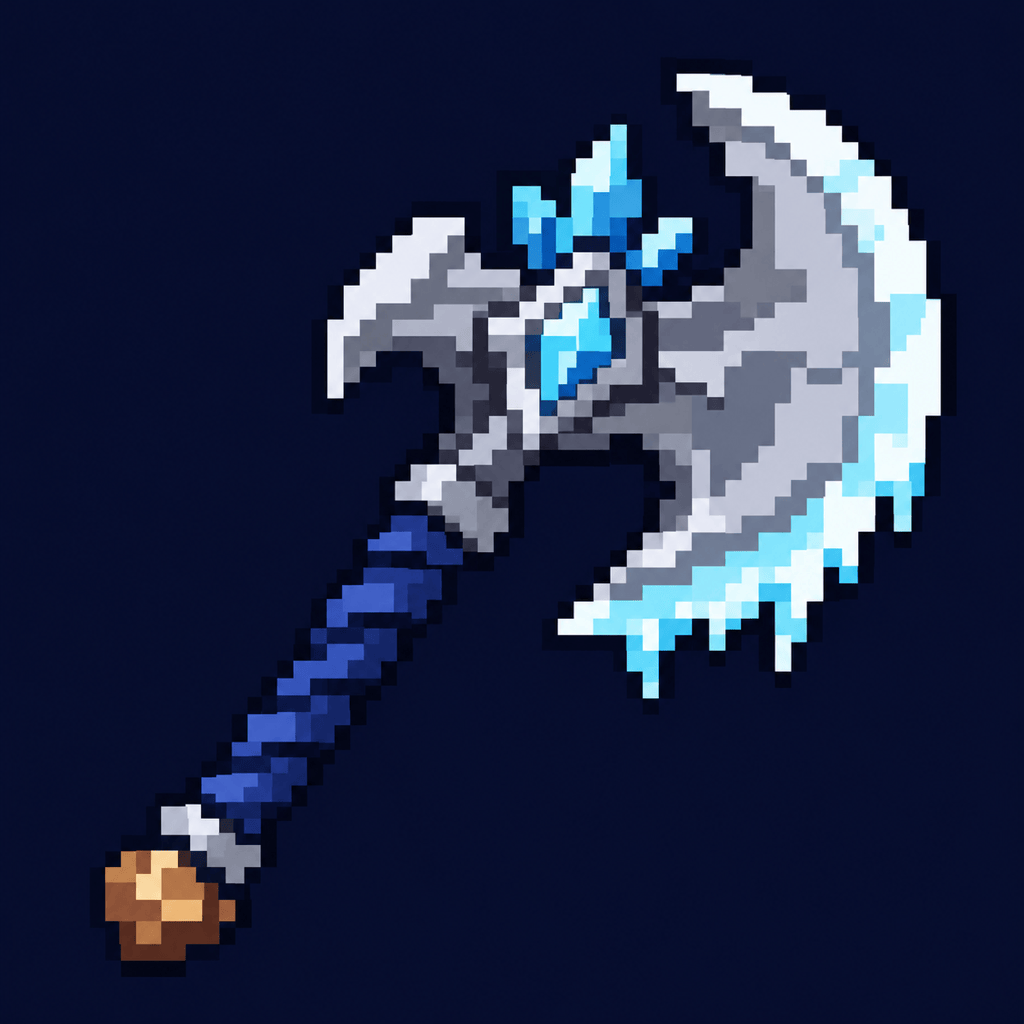
Create pixel-art RPG weapon icons: one frost axe centered on a square dark background, limited blue-gray palette, bold pixel clusters, and no text. Keep the outline readable at thumbnail size.
Create a matching sword, bow, and staff for a forest faction. Repeat pale wood, green stone, and copper accents. Arrange three separate full-item illustrations with consistent lighting and no overlap.
Create a clean side-view illustration of a fictional ceremonial spear for a 3D artist’s visual reference. Show the whole silhouette, distinct materials, and neutral lighting, with no perspective distortion or dimension labels.





