Free OnlineAI Waist Slimmer
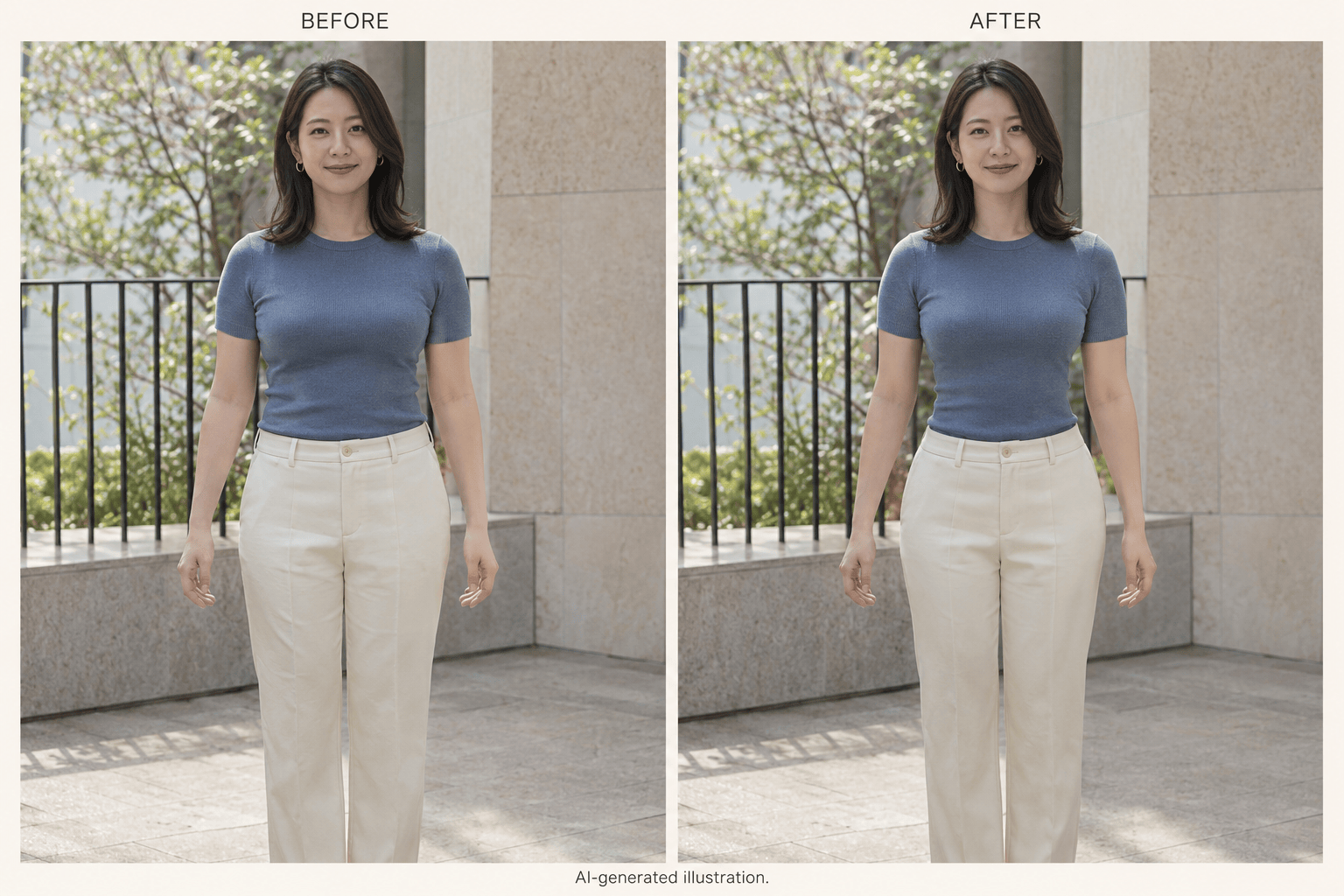
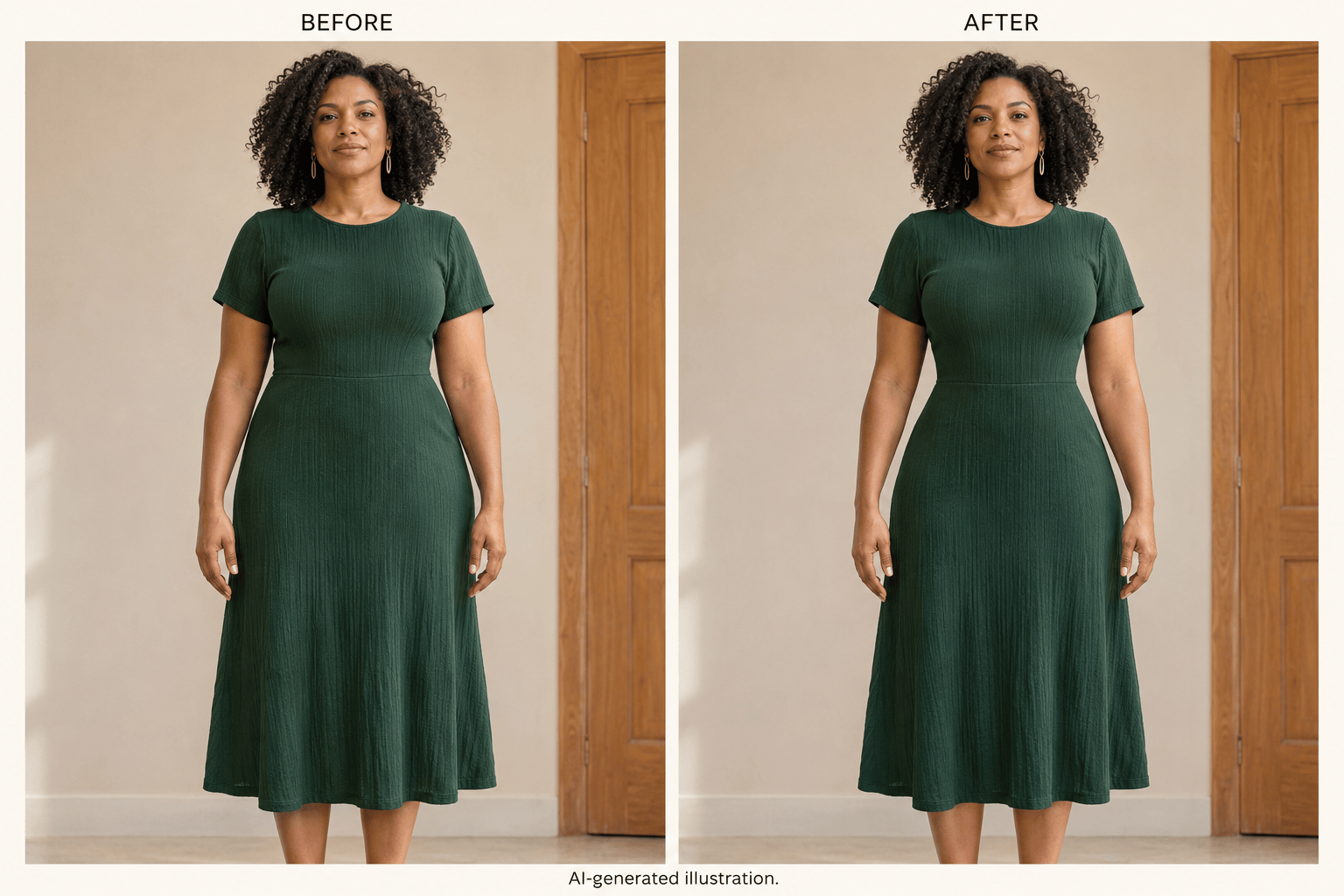
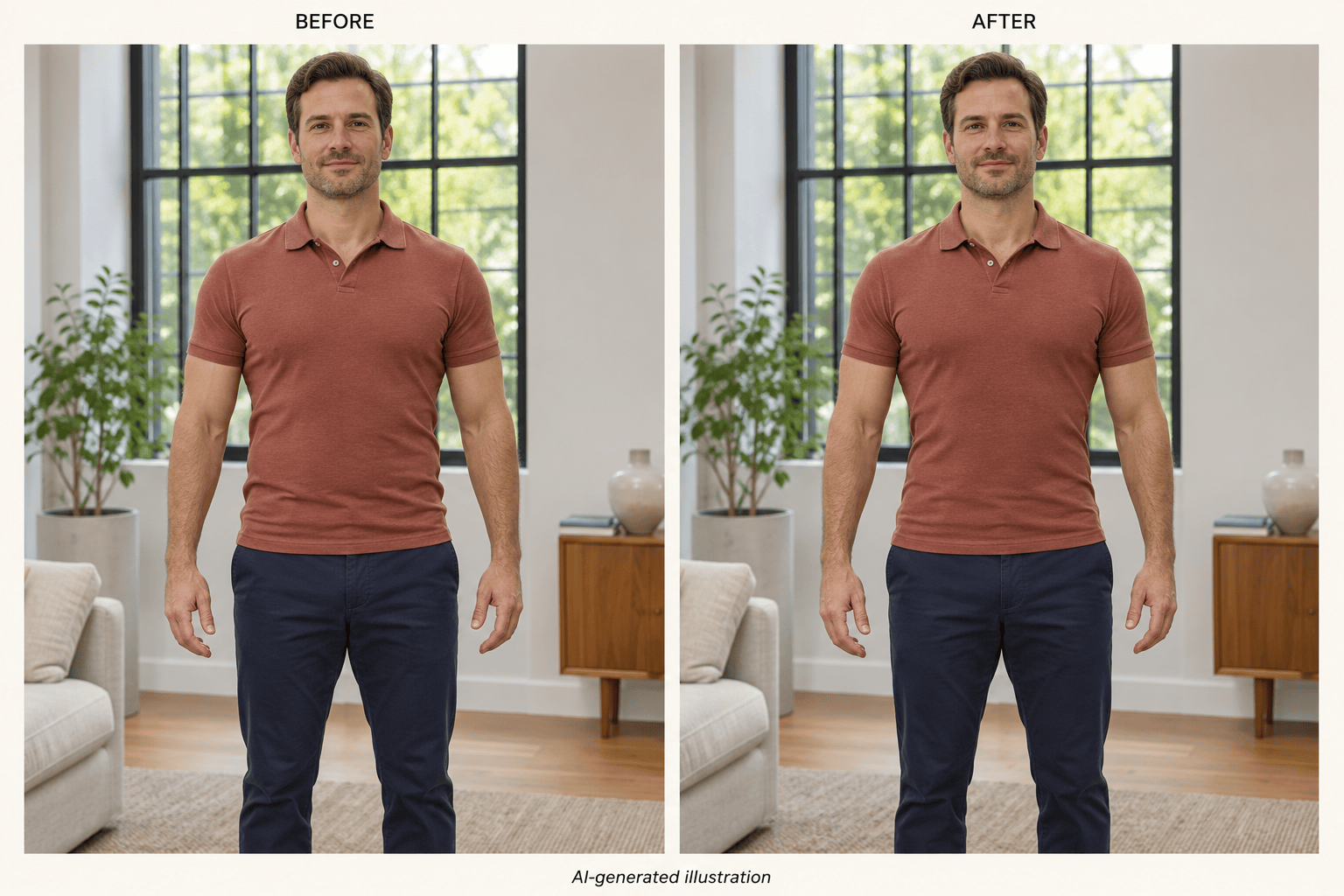
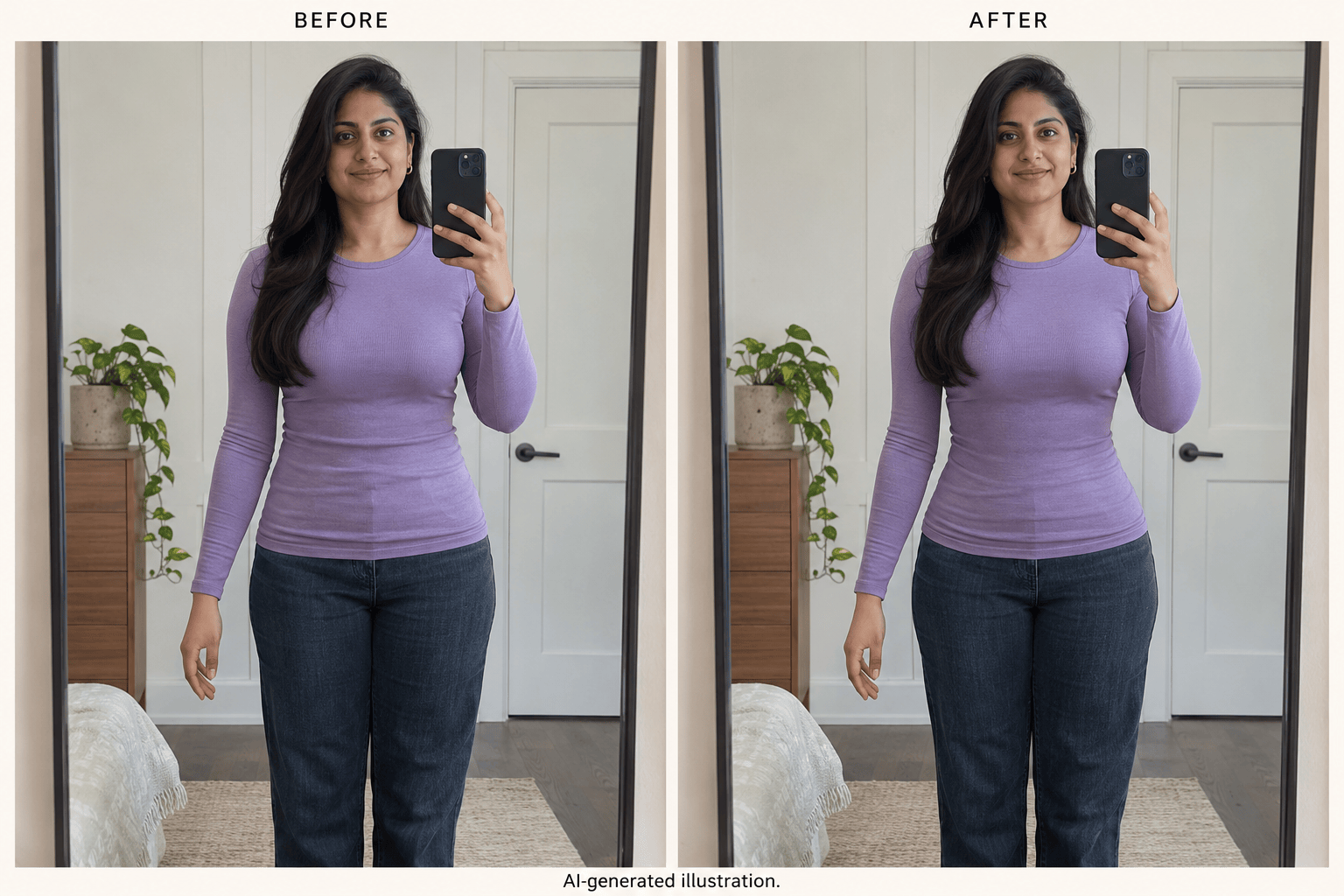
How to Slim Your Waist in a Photo with AI
Upload a Photo with a Visible Waist
Describe the Shape You Want
Refine the Waist and Surrounding Details
Compare and Download Your Photo

An Online Waist Editor for Natural Photo Retouching
Slim Your Waist in Portraits and Outfit Photos
Use your favorite full-body portrait, dress photo, or mirror selfie as the starting point. Our online AI waist editor adjusts the visible waistline from your photo and instructions.
Adjust How Much You Slim the Waist
Tell the waist slimming photo editor whether you want a subtle adjustment or a more defined outline. If the first result goes too far, ask to bring it closer to the original.
Specify What Should Stay the Same
Include the face, shoulders, hips, pose, and garment details in your request. These instructions guide the edit; compare the result with your original to check what was preserved.
Correct Details Through Chat
A bent railing or stretched print can make an edit obvious. Use Chat Edit to request a focused correction while keeping the waist adjustment you prefer.
Choose a Model for Your Photo Edit
Access leading image models in one workspace, with new releases added regularly. Select your preferred available model, or use Mew Auto to choose based on your source photo and instructions.
Try Waist Slimming Online for Free
Try waist slimming online with free credits after signup. Export the result as a watermark-free PNG or JPG, and keep the original for comparison.
Waist Editing Tips for Natural-Looking Photos
- Choose a Clear Outline: Fitted clothing and arms slightly away from the torso make the waist easier to see. Loose layers or crossed arms can hide the area you want to edit.
- Keep Proportions in View: Judge the waist against the shoulders and hips. Ask for a milder result if the silhouette looks pinched or the torso appears stretched.
- Inspect Nearby Lines: Check doorframes, mirrors, railings, and tiles when editing a waist without distorting the background. Request a correction if a straight edge bends.
- Check Fabric and Hands: Zoom in on waistbands, buttons, prints, fingers, and shadows. These details can shift during an edit and may need a separate revision.
Fix Common Waist Photo Editing Problems
Reduce the waist slimming in this edited photo. Use my original photo as the reference and bring the waist closer to its original width. Keep the shoulders and hips unchanged.
Correct the bent doorframe and railing beside the waist in my edited photo. Use the original background as the reference and retain only the subtle waist adjustment.
Restore the fabric pattern, buttons, and waistband from my original outfit photo. Keep the mild waist edit, with continuous seams and no stretched print.
Restore the hand and fingers beside the waist from my original photo. Keep the pose unchanged and reduce the waist adjustment if needed to avoid overlapping edges.
Make a subtle waist adjustment in my uploaded men’s portrait. Keep the chest, shoulders, hips, and clothing texture unchanged, without adding muscles or changing the pose.
Edit only the waist of the person I identify in this group photo. Keep everyone else, their clothing, and the background unchanged. Ask me to identify the person if it is unclear.





