Free OnlineAI Clothes Changer
How to Change Clothes in a Photo with AI
Upload Your Images
Describe or Reference the Outfit
Generate the New Outfit
Download or Refine
A Smarter AI Clothes Changer for Real Editing Needs
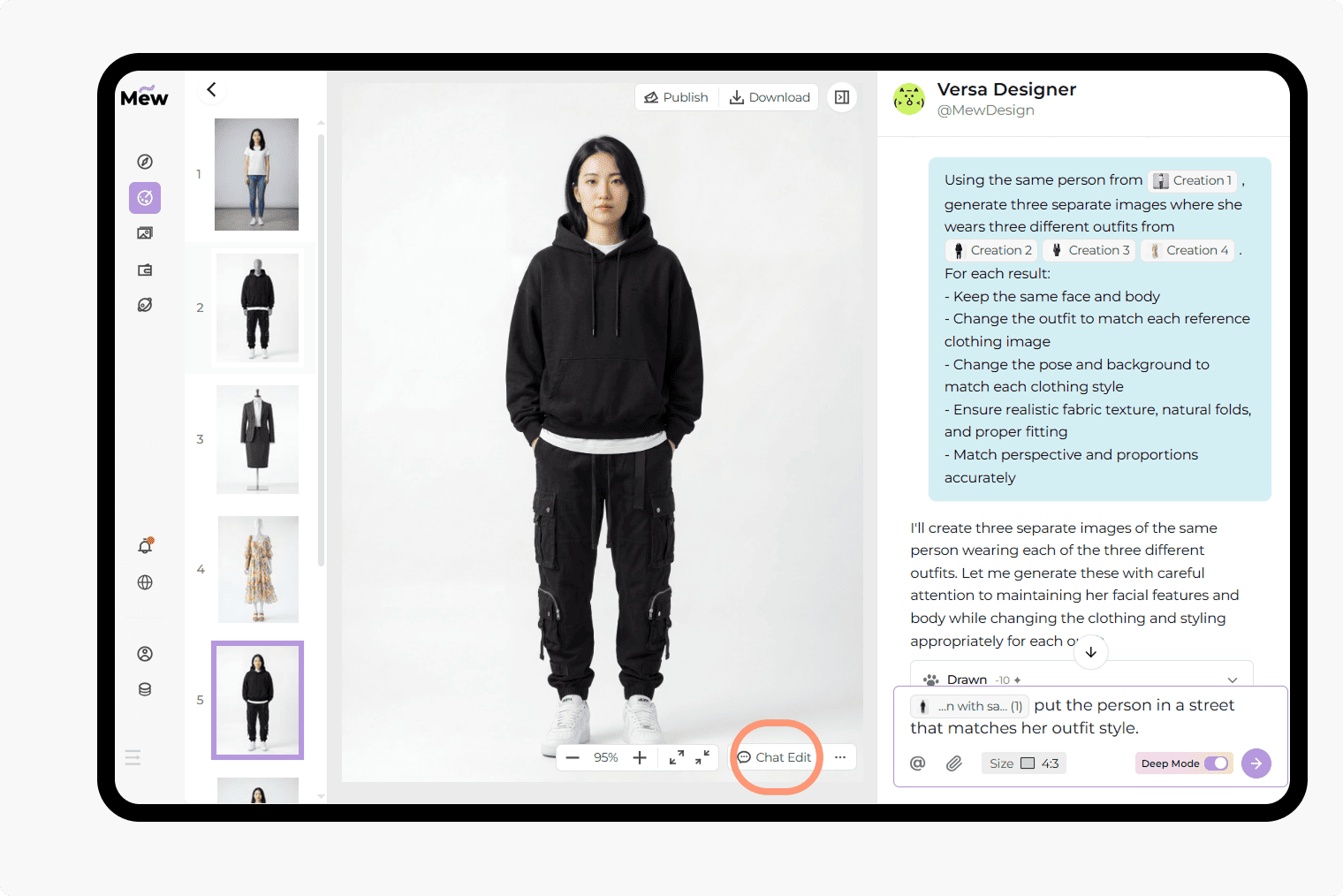
Change Clothes in a Photo by Talking to AI
Describe what you want or reference images directly. This chat-based workflow makes it easy to perform AI clothes swap and detailed outfit edits.
Keep Identity Consistent Across Edits
Maintain facial features and body shape while changing outfits. Ideal for realistic AI virtual try-on and profile updates.
Flexible Control Over Pose and Styling
Not all outfits fit the same pose. You can keep everything unchanged or allow posture, styling, and even makeup to adjust naturally to match the new outfit.
Text and Image Guided Outfit Editing
Use text descriptions, reference images, or both to guide the result. This gives you more control when replacing clothing and helps the AI better match style, fit, and context.
Multi-Image Outfit Generation with Deep Mode
Upload one person and multiple outfit images to generate several looks at once. Mew Design Deep Mode creates multiple results in one run while keeping identity and visual consistency.
Free to Try, Without Watermark
Get started with free credits after signup. You can change clothes in photos, generate outfits, and download images without watermarks, making it easy to test ideas before committing.
Where an AI Clothes Changer Fits Your Workflow
- E-commerce: Create product images with different outfits or styles without hiring models or arranging new photoshoots
- Virtual try-on: See how specific clothes look on a person before buying or publishing content
- Social media: Improve profile photos or create more polished, styled content for posts and branding
- Fashion design: Explore outfit ideas, compare styles, and quickly test different combinations
What You Can Do with Our AI Clothes Changer [+Prompt Examples]
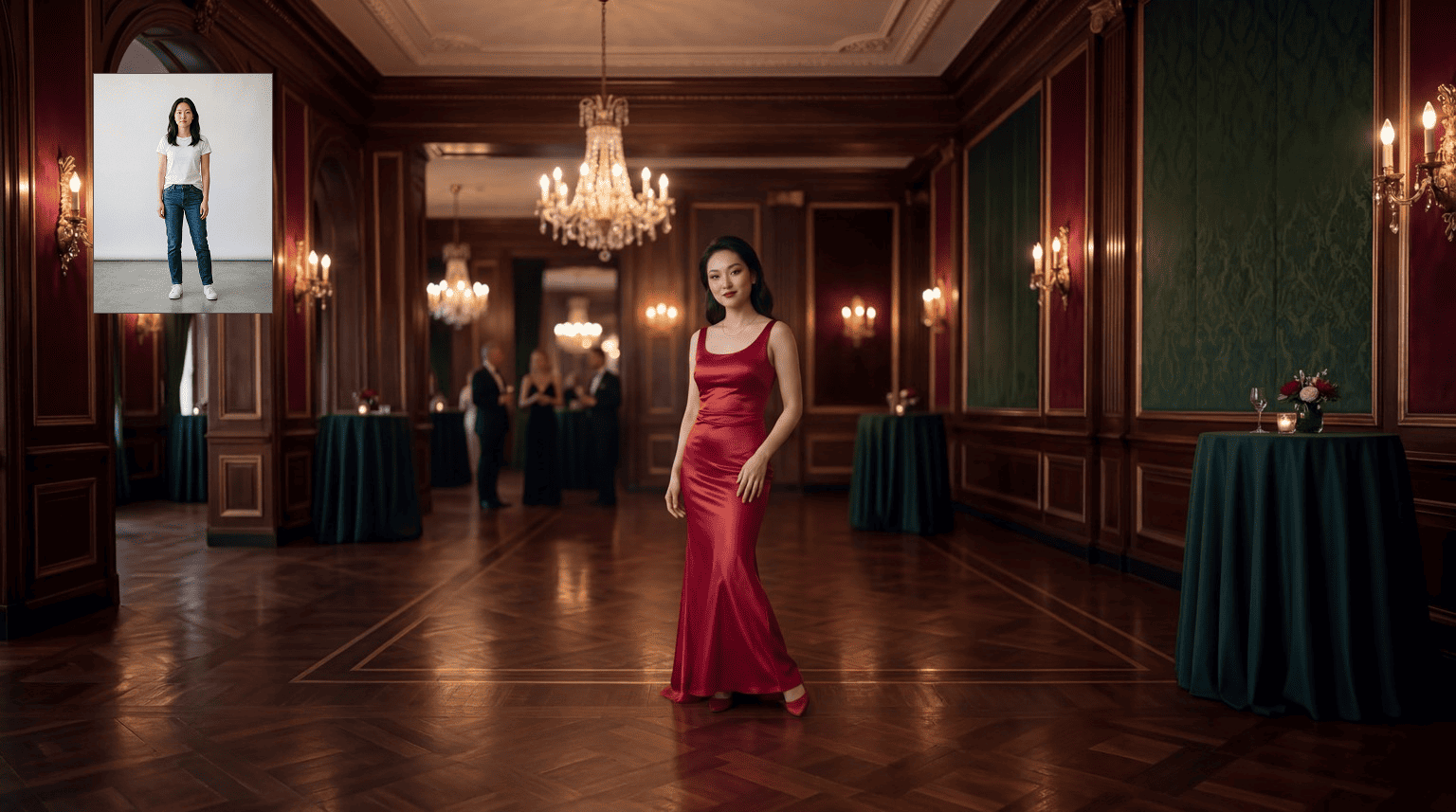
Text-to-Outfit: Change clothes in a photo using a text prompt. Prompt Example: “Change the outfit in the @[uploaded image] to a black evening dress, smooth fabric, adjust pose slightly for elegance, keep facial features unchanged, realistic lighting”
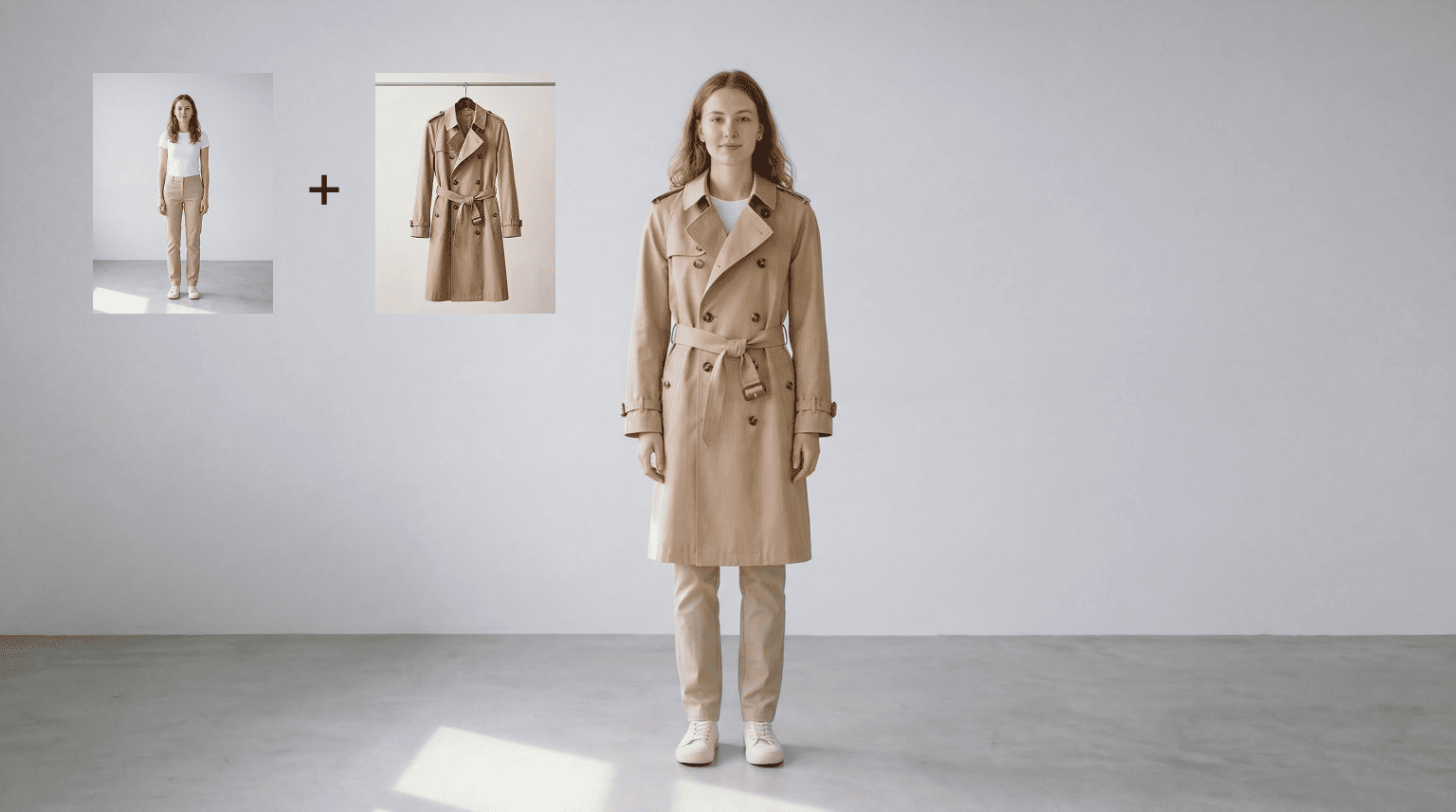
Image-to-Outfit: Replace clothes using a reference image. Prompt Example: “Make @[person] wear the clothes from @[outfit image], adapt fit naturally, keep face and body features unchanged”
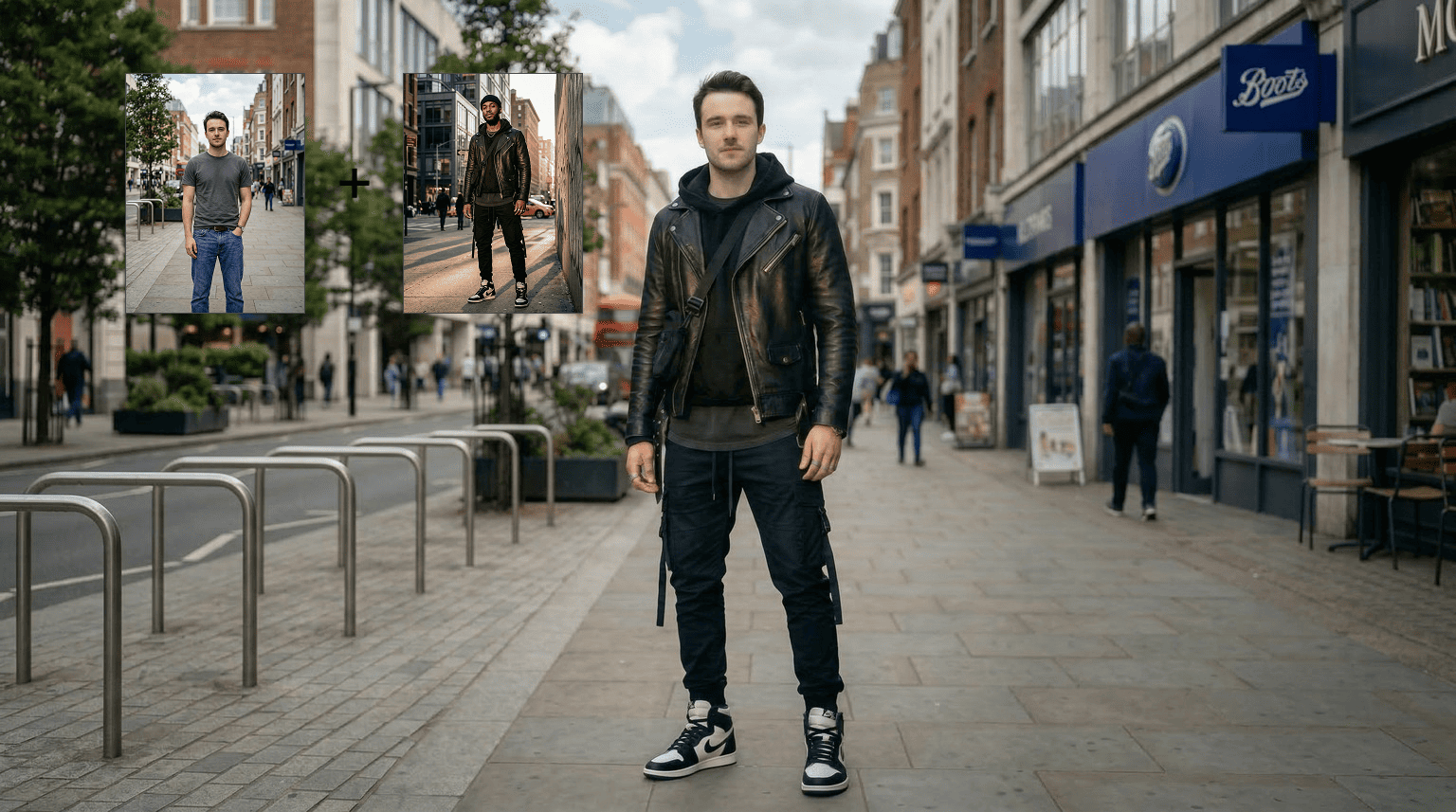
Person-to-Person Outfit Swap: Swap outfits between people. Prompt Example: “Apply the clothes from @[person image B] to @[person image A], keep person A’s facial and body features unchanged, adjust posture if needed”
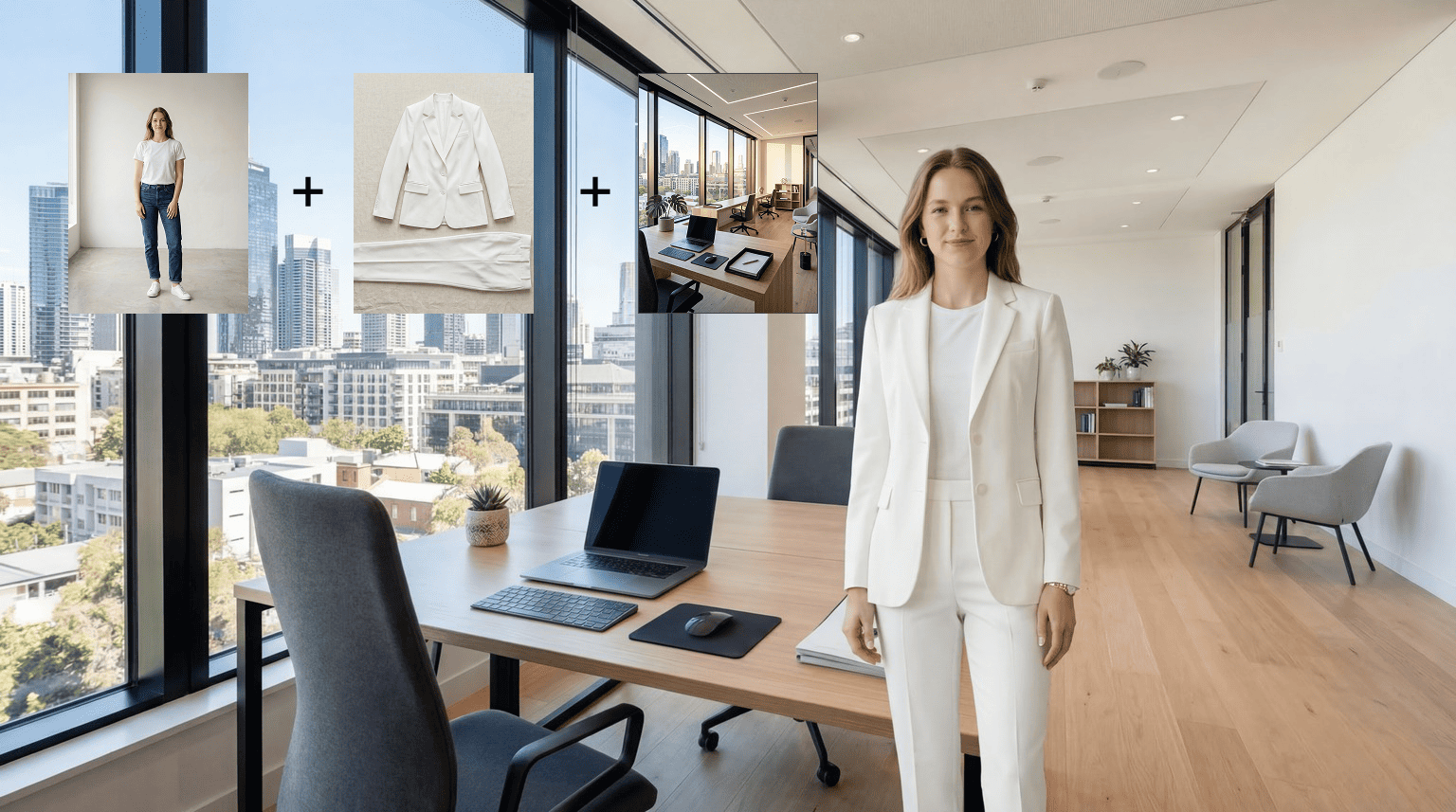
Outfit + Scene Transformation: Change clothes and place the person in a new setting. Prompt Example: “Change outfit to a formal suit and place the person in an office, adjust pose and lighting to match, keep identity consistent”
Multiple Outfit Variations: Generate multiple looks from one person and several outfit references. Prompt Example: “Use @[person] and apply outfits from @[outfit1], @[outfit2], @[outfit3], generate separate images, keep face and body features consistent across all results”
AI Virtual Try-On: Preview outfits realistically before using them. Prompt Example: “Try on a beige trench coat, adjust posture naturally, keep facial features unchanged, realistic texture and lighting”





