Your Photo, Your Story,AI Vogue Cover Generator
How to Create a Vogue-Style Cover with AI
Choose Your Cover Photo
Set the Issue and Headlines
Direct the Final Details
Download Your Cover

A Fashion Cover Built Around You
Start with a Familiar Face
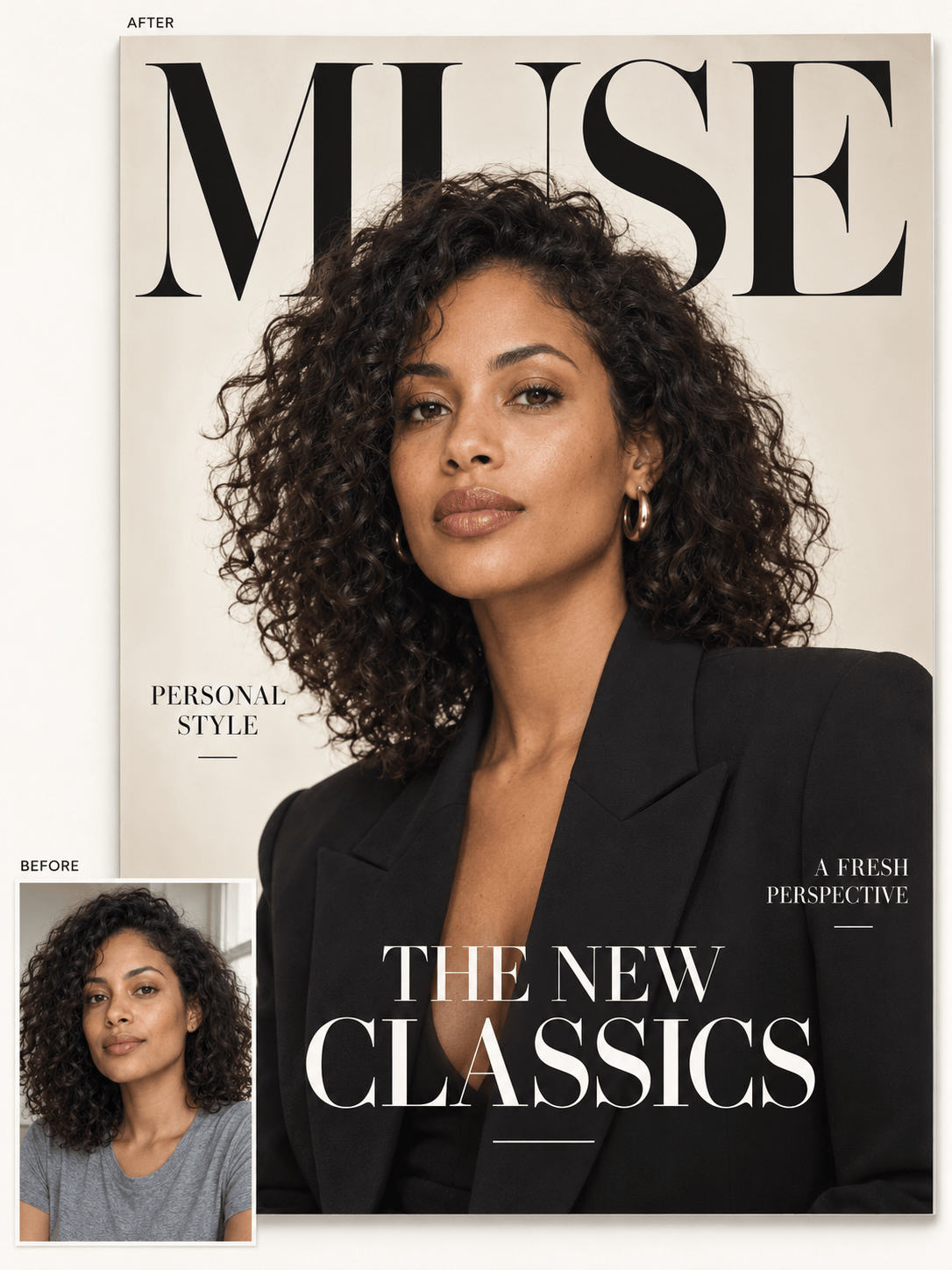
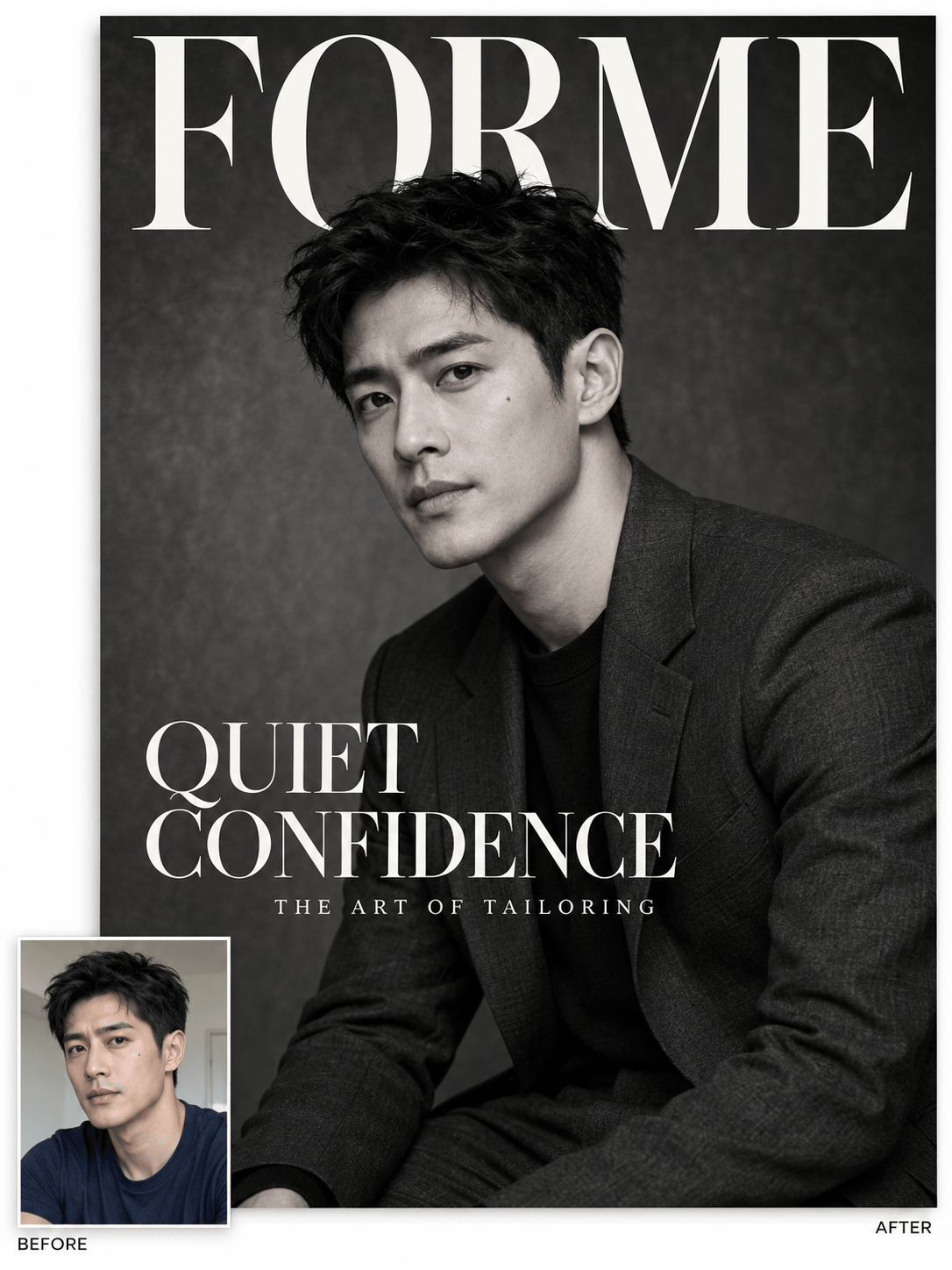
Create a Vogue-style cover from your photo instead of settling for a generic model. Ask to retain your facial features and skin tone while changing the styling, then compare the result with the original.
Make the Headline Yours
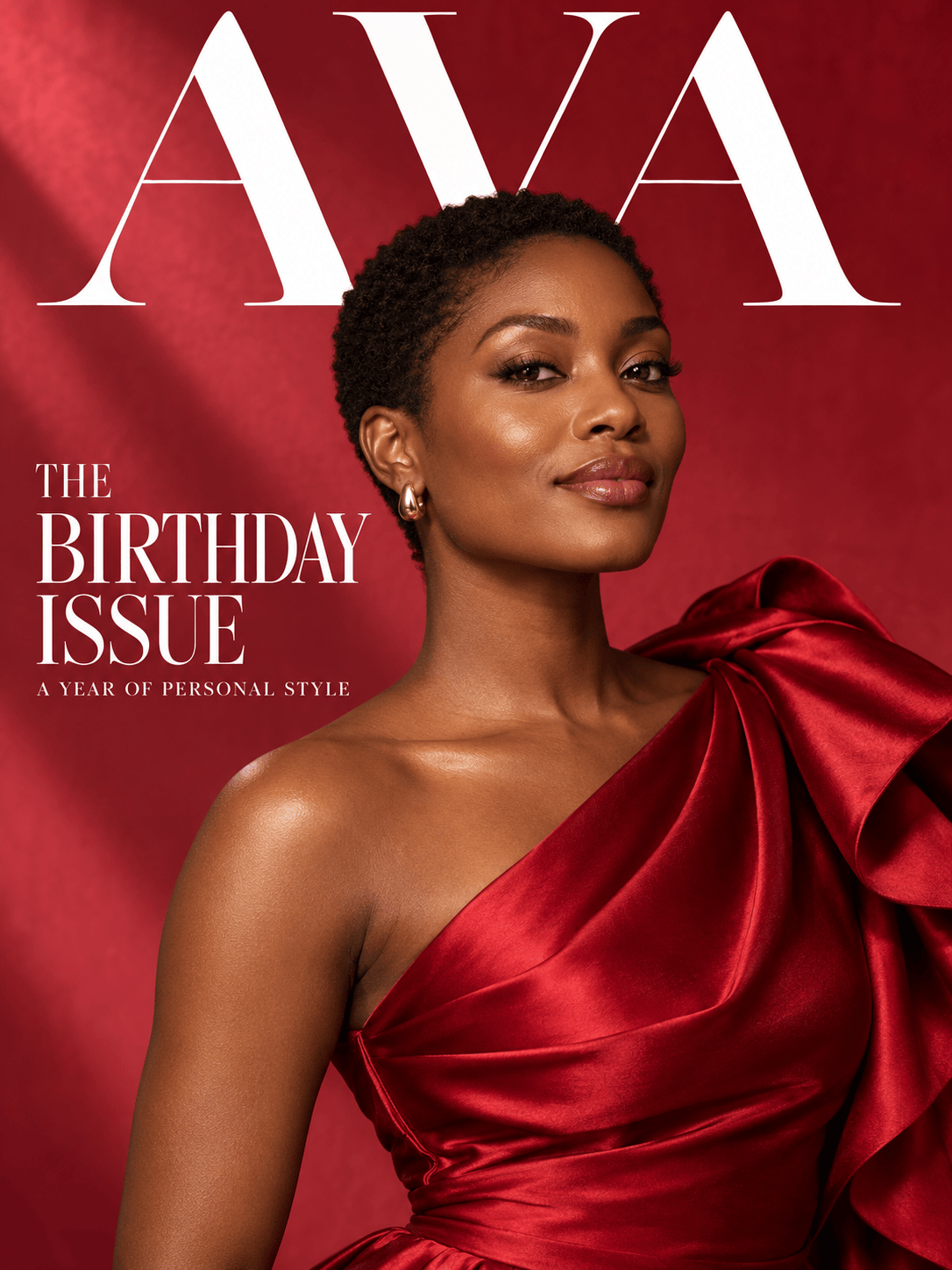
Add your own magazine name, birthday message or issue theme. This AI magazine cover maker can arrange short cover lines around the portrait, with a clear reading order and space for the face.
Explore the Editorial Look
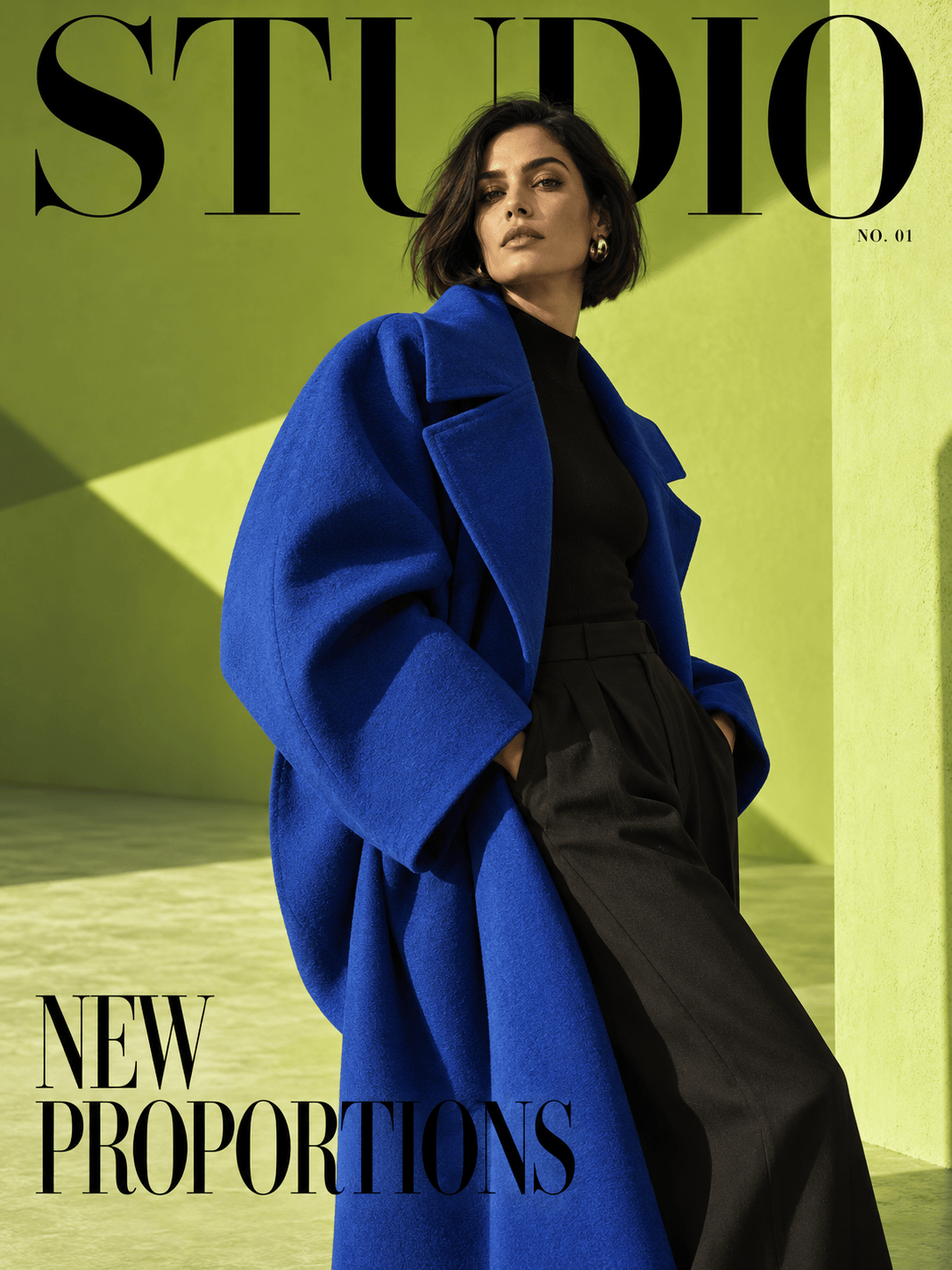
Try soft studio light, sharp monochrome or a bold color story. Upload a visual reference to guide the mood, and explain whether it should influence the clothes, lighting or layout.
Refine the Cover in Conversation
Tell Chat Edit to reduce an oversized masthead, shift a cover line or remove a distracting prop. Keep the instructions specific so each revision has a clear purpose.
Create Without a Photoshoot
No portrait to upload? Describe an original adult model, outfit and scene. Generate a fashion editorial cover from text for a moodboard, a fictional issue or a design concept.
Try a Personal Cover First
Explore this online cover maker with free AI credits after signup. Generation and editing use credits, and finished designs can be exported without a watermark.
Make the Cover Read Like a Magazine
- Leave Room for Type: Choose a photo with space above the head and beside the shoulders. A tight selfie may need a wider crop or a simpler headline layout.
- Separate the Text Roles: The masthead is the magazine name. Make one story headline prominent and keep supporting cover lines shorter and smaller.
- Quote the Exact Words: Supply names and headlines exactly as they should appear. Check spelling, repeated letters and small text before you share the cover.
- Keep the Person Recognizable: Say what to preserve in the photo and what may change. Editorial lighting should support the portrait; it should not hide the face behind shadows or lettering.
Fine-Tune Your Cover for the Occasion
Revise this fashion cover to look more like my reference portrait. Restore the original facial proportions and natural skin tone. Keep the current outfit, masthead wording and background.
Correct the main cover headline to exactly "THE NEW CLASSICS". Remove any duplicate letters or extra words. Preserve the portrait and the remaining cover text.
Move the cover lines away from the eyes and mouth. Keep the magazine name at the top, retain one strong main headline and give the smaller lines more breathing room.
Make a black-and-white version of this Vogue-style cover. Keep detail in the face and dark clothing. Use contrasting headline text that stays readable over the portrait.
Turn this portrait into a birthday magazine cover. Use "AVA" as the masthead and "THE BIRTHDAY ISSUE" as the main headline. Add warm red accents and keep the person recognizable. Do not invent an age or date.
Adapt this magazine cover for a 4:5 social post. Recompose the image instead of cutting off the masthead. Keep the face and main headline inside the frame, and remove minor cover lines if space is tight.





