Free OnlineAI Vintage Logo Generator
How to Make a Vintage Logo with AI
Choose the Era and Trade
Generate Badge and Wordmark Options
Tune the Texture and Type
Export for Brand Applications

Why Choose Mew Design as Your AI Vintage Logo Generator
Period-Specific Direction
Mew Design can follow a chosen era, trade, and badge structure so the result feels intentional instead of generically old.
Retro Typography Control
Generate serif, script, condensed, arched, or hand-lettered looks while keeping the brand name clear enough for modern use.
Badge and Seal Layouts
Create circular seals, ribbon marks, stamp-style emblems, apparel labels, and product-badge compositions with balanced hierarchy.
Texture You Can Adjust
Ask for subtle ink wear, engraved linework, faded color, or a cleaner vector-style finish depending on where the logo will appear.
Reference Image Support
Upload packaging, signage, apparel labels, or historic references and tell the AI which vintage cues to carry into a new mark.
Print and Digital Exports
Export PNG, JPG, or PDF files for labels, storefront mockups, social media, menus, and client presentations.
What Makes a Good AI Vintage Logo Prompt
- Pick a format: Ask for a seal, ribbon badge, stamp, arched wordmark, script lockup, or classic emblem.
- Control the aging: Specify light distressing, engraved detail, faded ink, or a clean retro look if readability matters.
- List required text carefully: Include founding year, location, slogan, or product category only if it can stay readable.
- Refine the hierarchy: After generation, ask for clearer type, simpler icons, less texture, or a stronger central badge.
Vintage Logo Prompts for Heritage Brands
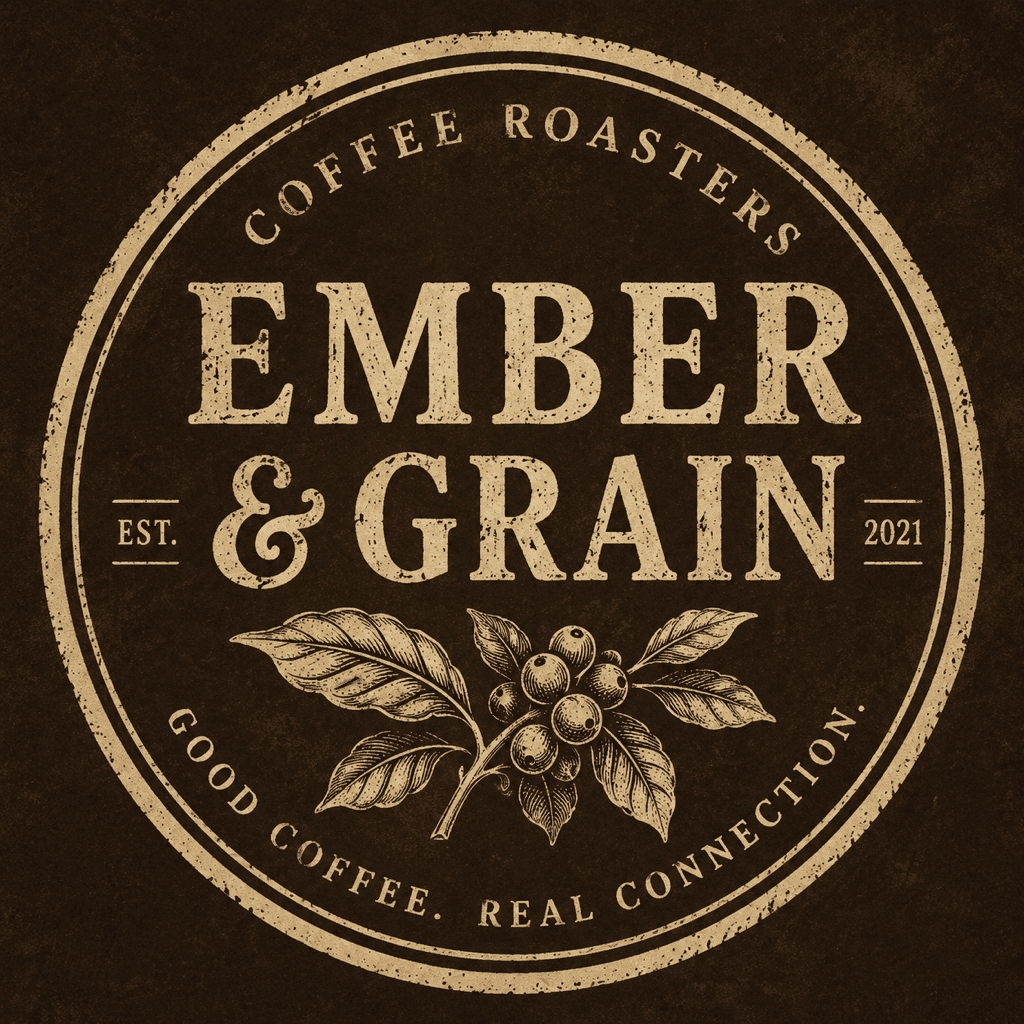
Create a vintage coffee shop logo for Ember & Grain. Use a circular badge, coffee branch icon, cream and dark brown colors, and distressed serif lettering.
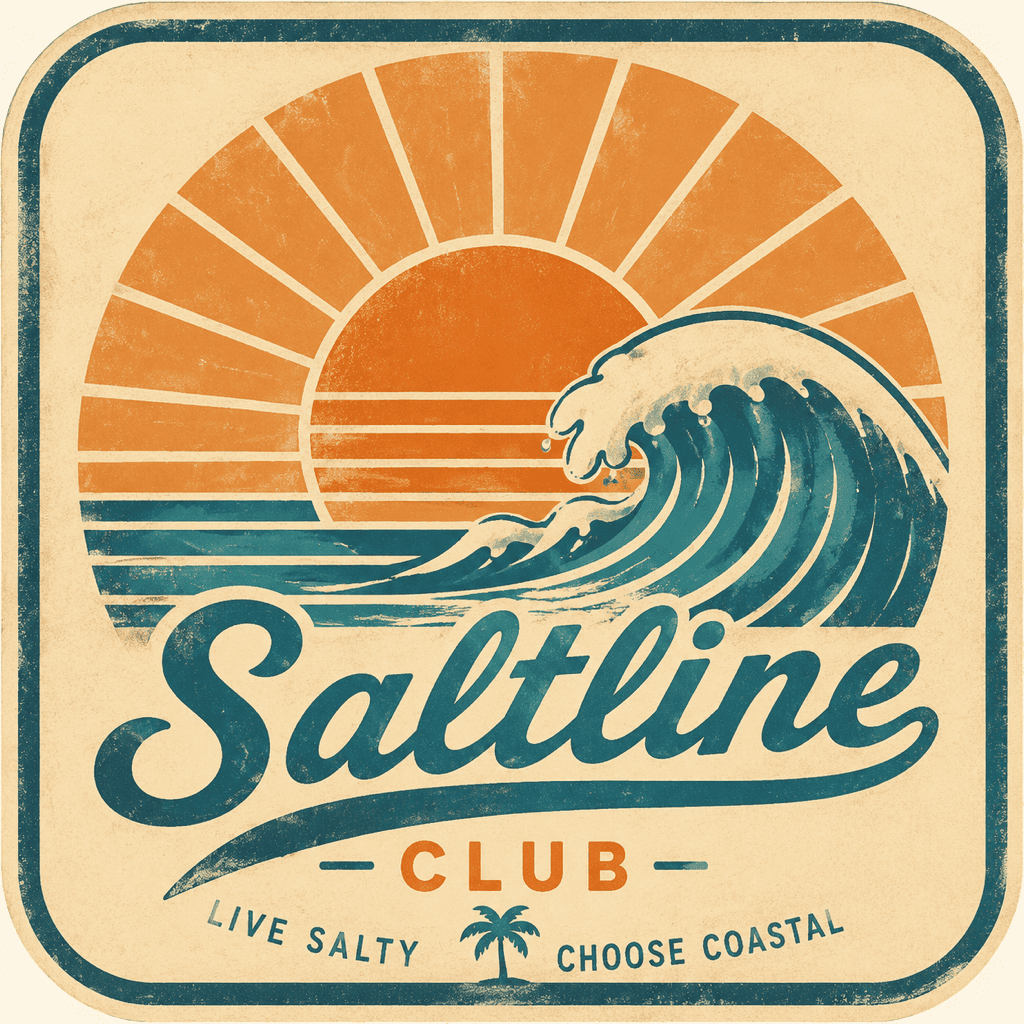
Design a retro surf brand logo for Saltline Club. Use a sun, wave, and script wordmark, faded orange and teal, and a 1970s apparel label feel.
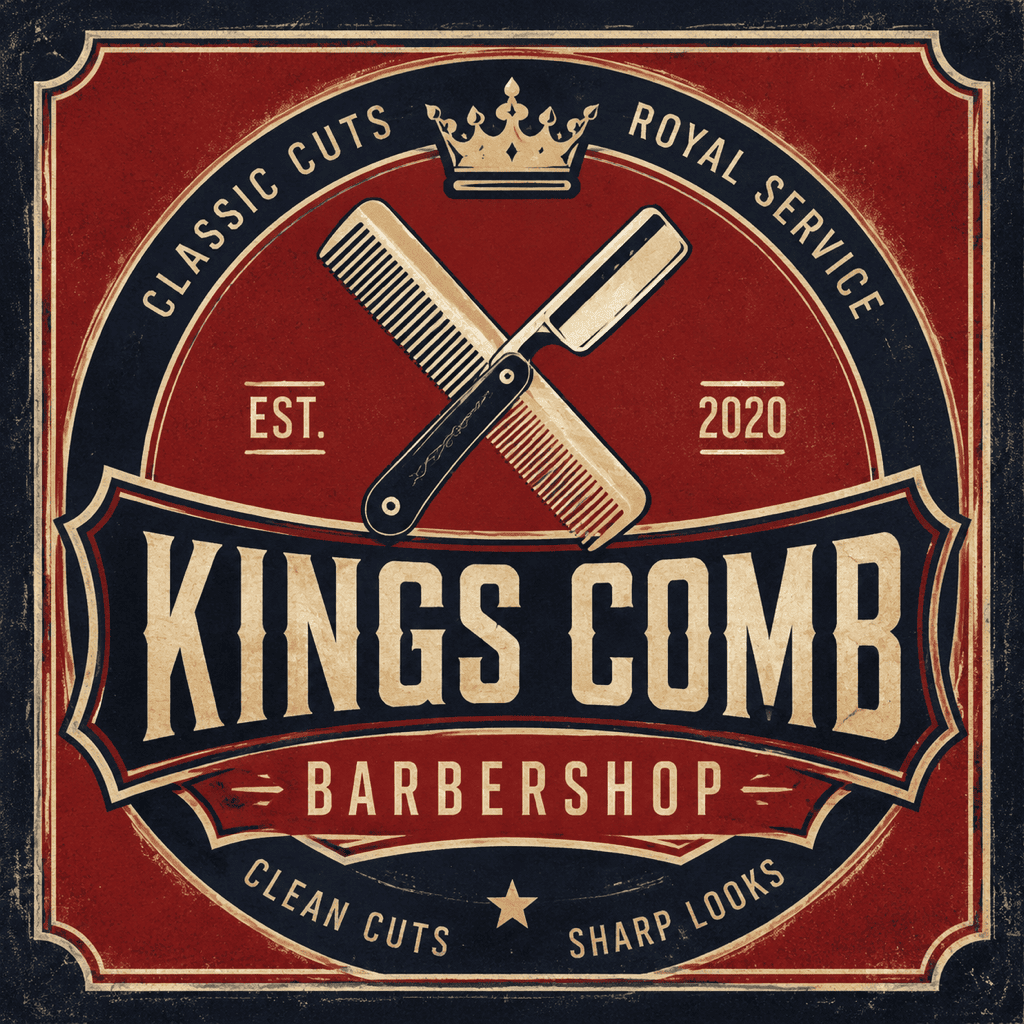
Make an old-school barbershop logo for Kings Comb. Use crossed comb and razor icons, red and navy badge layout, and classic condensed typography.
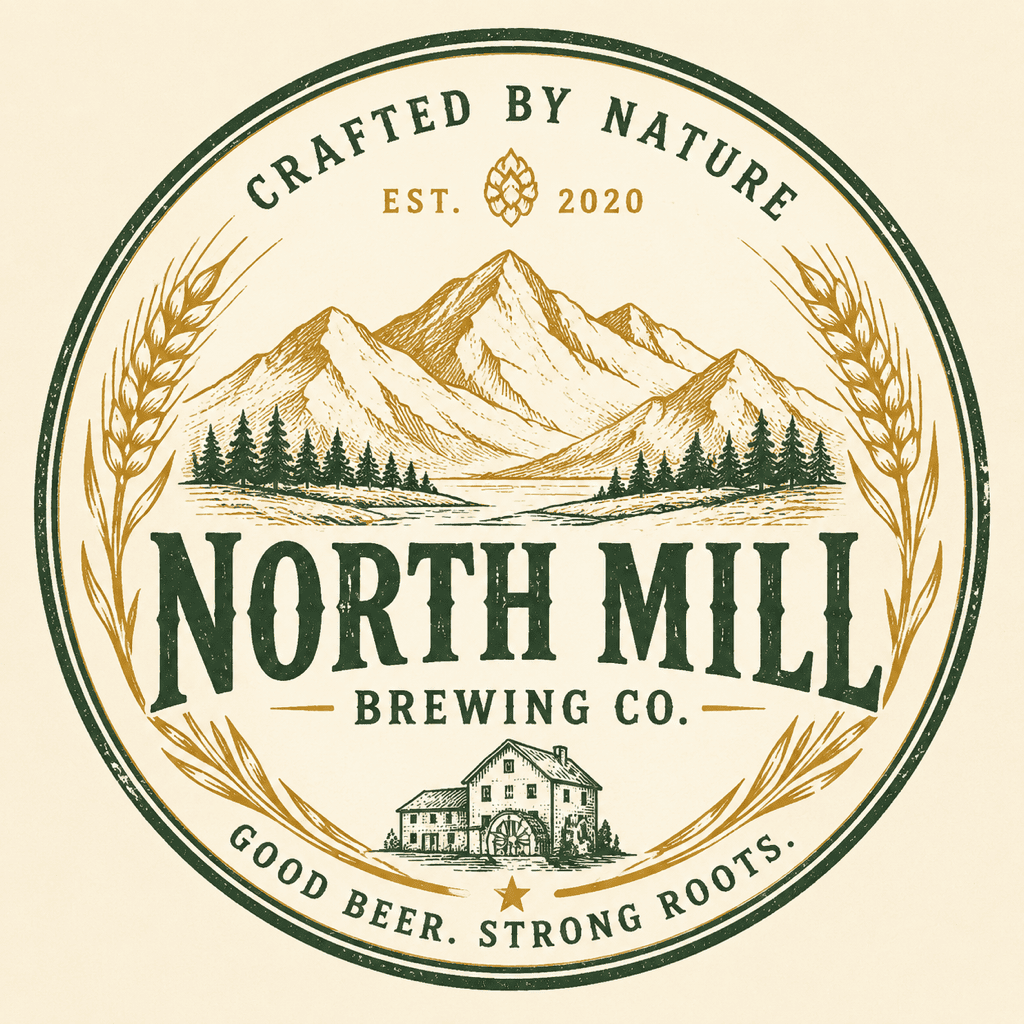
Create a heritage brewery logo for North Mill. Use wheat, mountain line art, warm gold and forest green, and a stamp-style emblem.
Design a vintage motorcycle club logo for Iron Mile. Use winged wheel icon, black and cream palette, rough texture, and bold arched lettering.
Generate a classic bakery logo for Honey Street. Use a small bee and ribbon badge, soft yellow and brown, hand-drawn retro typography.





