Free OnlineAI Viking Filter
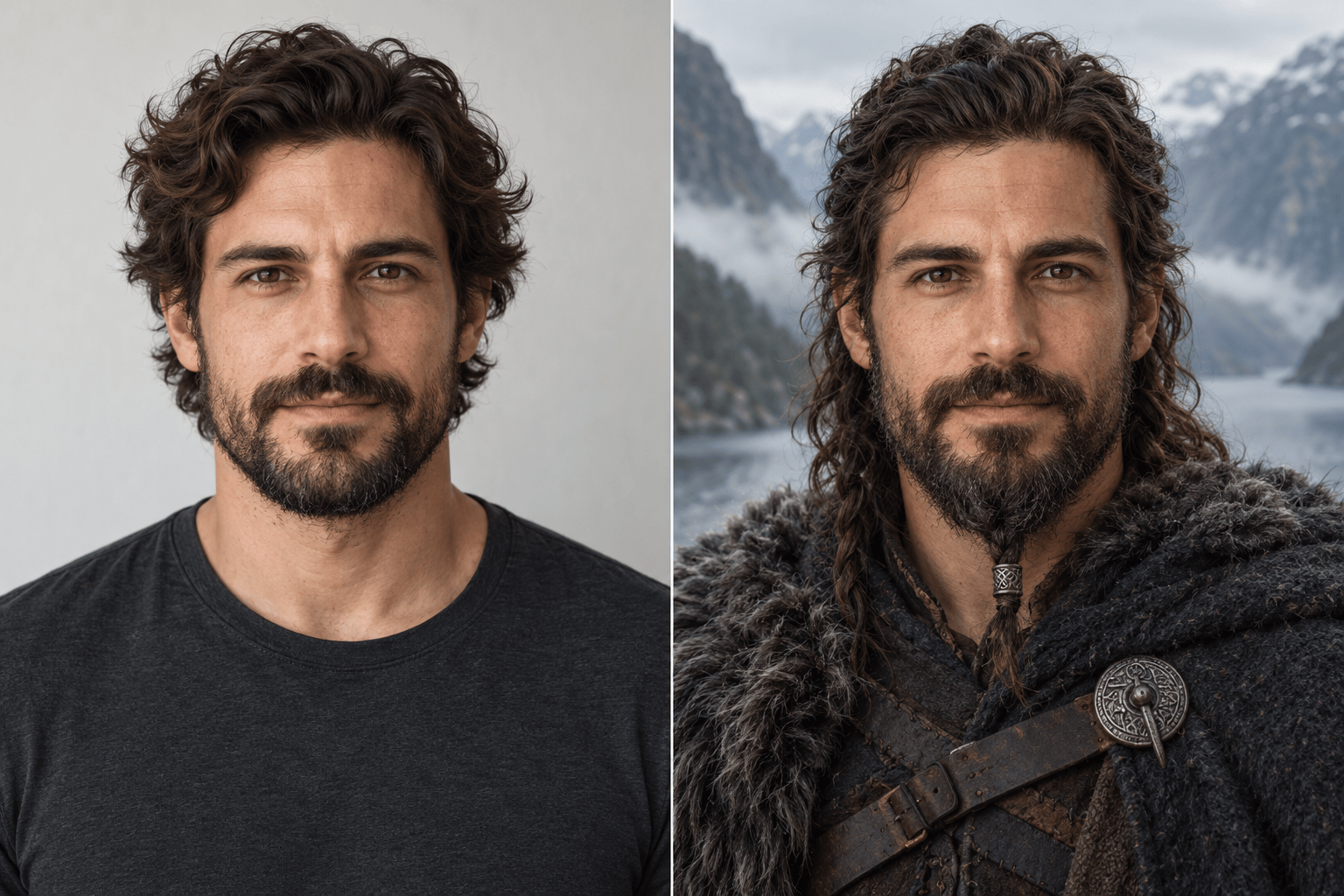
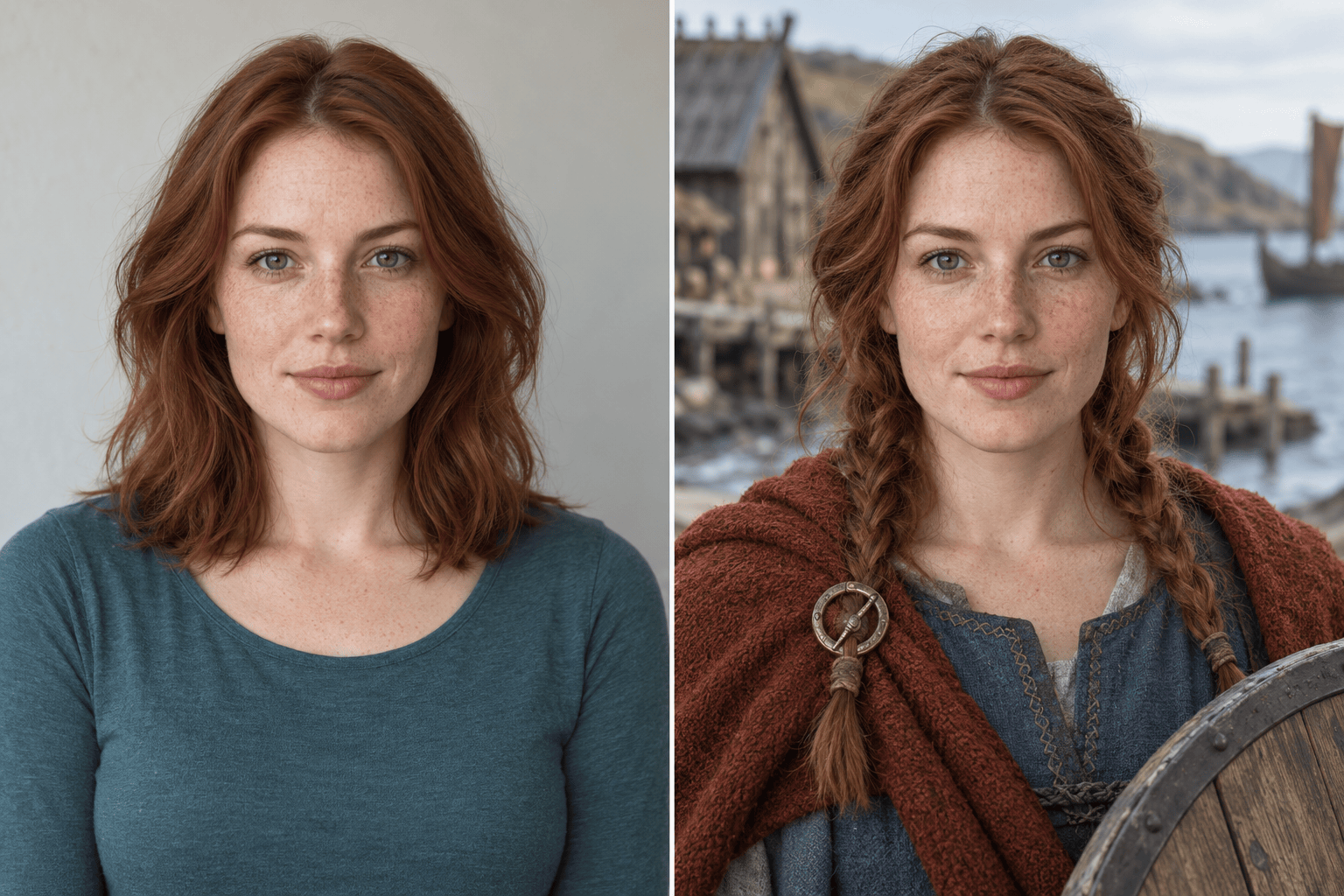
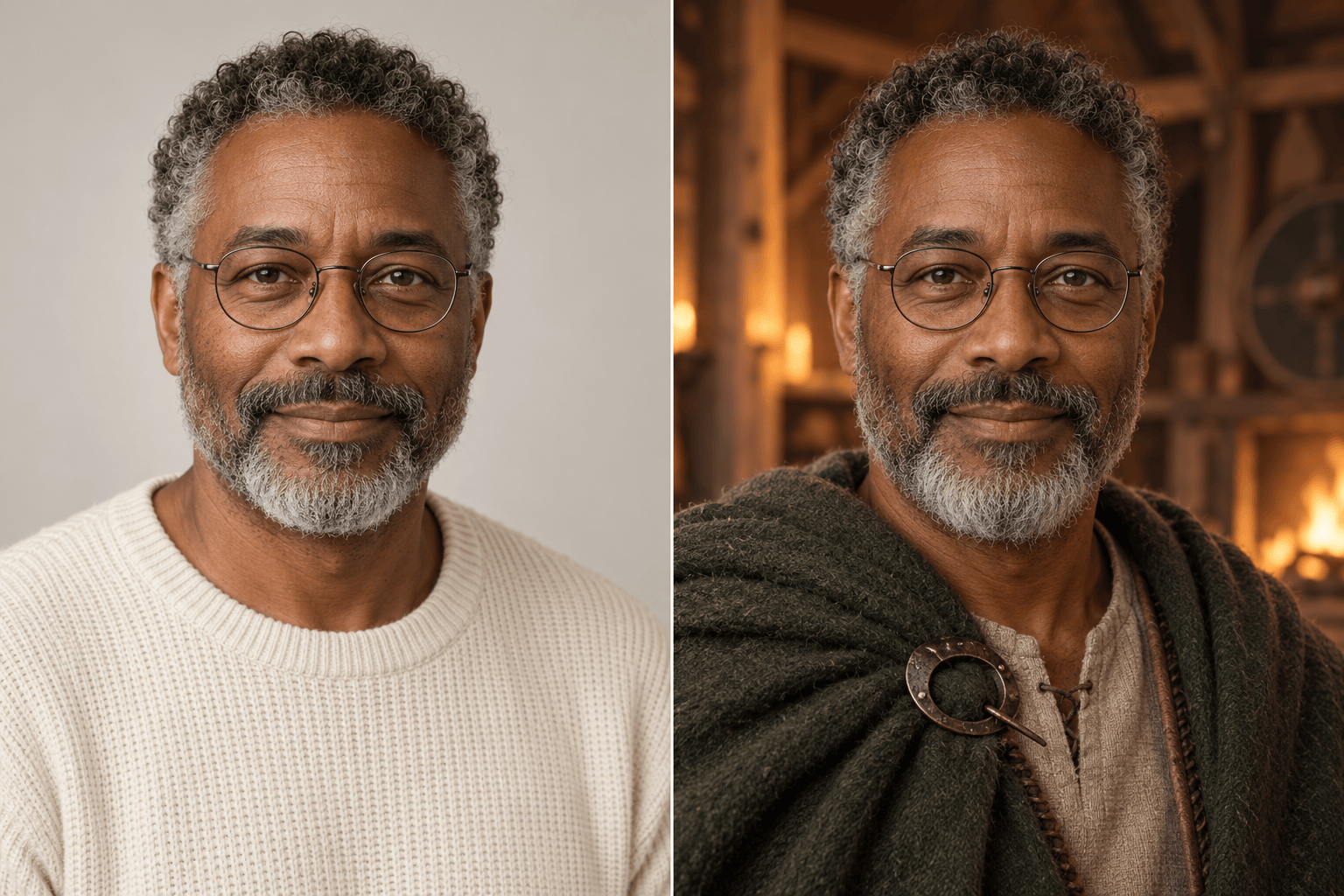
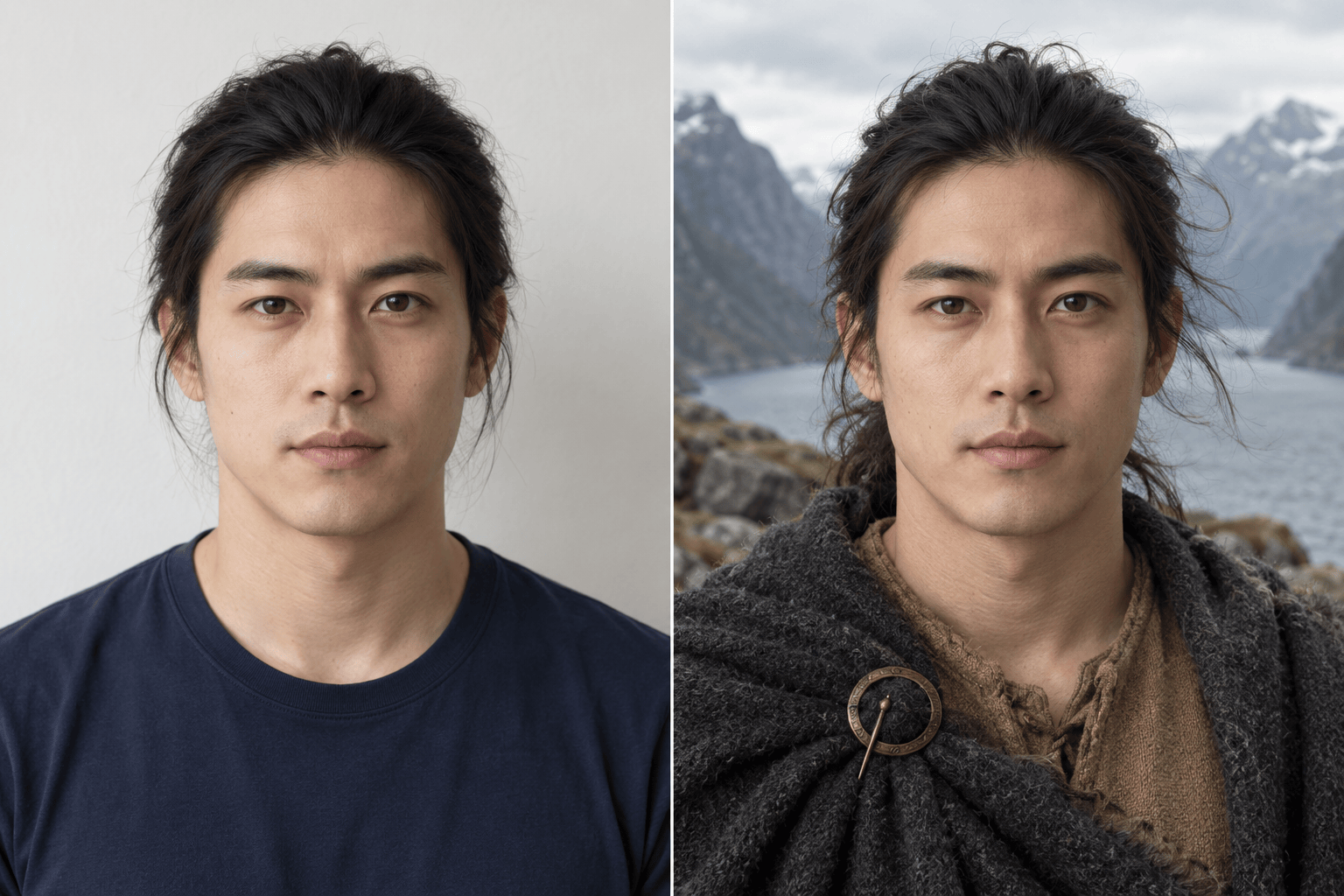
How to Create a Viking Portrait with AI
Upload a Clear Selfie
Choose Your Viking Look
Refine the Face and Clothing
Download Your Portrait

Your Face, Your Take on a Viking Portrait
Start from Your Own Photo
Our AI Viking generator uses your uploaded portrait as a visual reference. Ask it to retain your facial features while changing clothing and scenery.
Choose the Details Yourself
A Viking filter for women or men should follow your preferences. Specify braids, loose hair, a beard, or a clean-shaven look instead of accepting one fixed costume.
Refine One Detail at a Time
Use Chat Edit to soften harsh shadows or remove an unwanted helmet. Name the parts you want to keep while requesting a focused change.
Explore Different Settings
Try a coastal village, misty fjord, or candlelit hall. Upload a style reference when you want a particular color palette or costume direction.
Make an Avatar That Reads Clearly
Create a Viking avatar from your photo with a simple background and an unobstructed face. Request a square version for your social or gaming profile.
Try It Online with Free Credits
Sign up to test the workflow with free AI credits. Generation and chat edits use credits; you can download finished portraits without a watermark.
Choose a Photo That Still Looks Like You
- Show One Face: Use an individual portrait. Crop out other people and avoid sunglasses, heavy beauty filters, or deep shadows.
- Name What Should Stay: Mention your age, expression, hair color, or glasses if those details matter to your likeness.
- Choose the Level of Fantasy: Ask for simple wool and linen for a grounded look, or dramatic armor for fantasy. Treat the result as creative styling, not a historical reconstruction.
- Check Before Sharing: Compare the eyes, nose, and jaw with your source photo. Check hair edges, jewelry, and any visible hands before downloading.
Fine-Tune Your Viking Photo
Bring the face closer to my uploaded selfie. Match the original eye shape, nose, jawline, age, and skin tone. Keep the Viking clothing and background.
Refine my female Viking portrait with practical layered clothing and two loose braids. Keep my facial features and expression; remove heavy face paint.
Adjust the Viking beard to a short, natural shape that leaves my mouth visible. Keep my hair color and face shape. Avoid oversized braids or beard ornaments.
Make this Viking portrait less theatrical. Replace oversized armor with a linen tunic and wool cloak, remove helmet horns, and use soft daylight.
Turn this portrait into a square Viking profile picture. Center my face, leave space around my head for a circular crop, and simplify the background.
Replace the background with a misty Nordic fjord. Keep the person and outfit as close to the current image as possible, with soft light on the face.





