Free OnlineAI Vector Art Generator
How to Create Vector-Style Art with AI
Choose the Asset and Its Destination
Define a Visual System
Generate, Compare, and Simplify
Export the Concept and Finish the Vector

Art Direction for Cleaner Vector-Style Concepts
Start from an Idea, Not Anchor Points
Describe a subject and its job in ordinary language. Our AI vector art generator turns that brief into a visual starting point before you spend time drawing paths or searching stock libraries.
Guide the Style with References
Upload a permitted sketch, palette, icon, or brand reference and explain what it should guide. The online AI vector art maker can follow color, line, or composition cues while you request an original result.
Control Shape and Detail in Chat
Ask Chat Edit for fewer colors, heavier outlines, smoother corners, a clearer silhouette, more open negative space, or a flatter treatment. Focused changes help make the artwork easier to review and later vectorize.
Build a Coherent Graphic Family
Create related icons, stickers, or illustrations around one shared palette, stroke weight, perspective, and corner system. Restate those rules across each prompt and compare the set at the same scale.
Prepare Isolated Design Assets
Request a plain background or tell Mew Design to remove it when you need a clean subject for a slide, product mockup, social post, or tracing workflow. Inspect fine edges before using the file downstream.
Try Concepts Free, Without a Watermark
Sign up for free AI credits, explore vector illustration ideas online, and export approved PNG or JPG concepts without a watermark. Native SVG paths are not currently generated, so complete final vector production separately when required.
How to Prompt AI for Cleaner Vector Art
- Name the Asset Type: Say whether you need an icon, sticker, logo-mark concept, editorial illustration, pattern motif, badge, or web graphic. Each needs a different amount of detail and background treatment.
- Describe the Shape System: Choose geometric or organic forms, sharp or rounded corners, solid fills or monoline outlines, and a consistent stroke weight instead of relying only on the word vector.
- Limit Color and Detail: Set two to five colors, request strong contrast and open negative space, and remove tiny textures, complex lighting, and unnecessary objects that would create cluttered paths later.
- State the Size Test and Avoid List: Mention the smallest display size or print use. Ask for no text, gradients, mockups, watermarks, trademarked marks, or extra decoration unless they are essential to the concept.
AI Vector Art Prompts for Real Design Assets
Geometric App Icon: Create a square vector-style icon concept for a private journaling app. Combine a folded page and a small crescent moon into one simple symbol, navy and pale lavender, flat solid fills, rounded geometry, strong negative space, readable at 24 px, no letters, gradients, mockup, or outer rounded-square frame.
Startup Logo Mark Concept: Design an original logo-mark direction for a renewable-energy analytics company. Use three ascending bars that merge into one abstract sunbeam, charcoal and electric lime, crisp geometric construction, one-color fallback in mind, centered on plain cream, no company name, stock lightning bolt, trademarked symbol, or 3D effect.
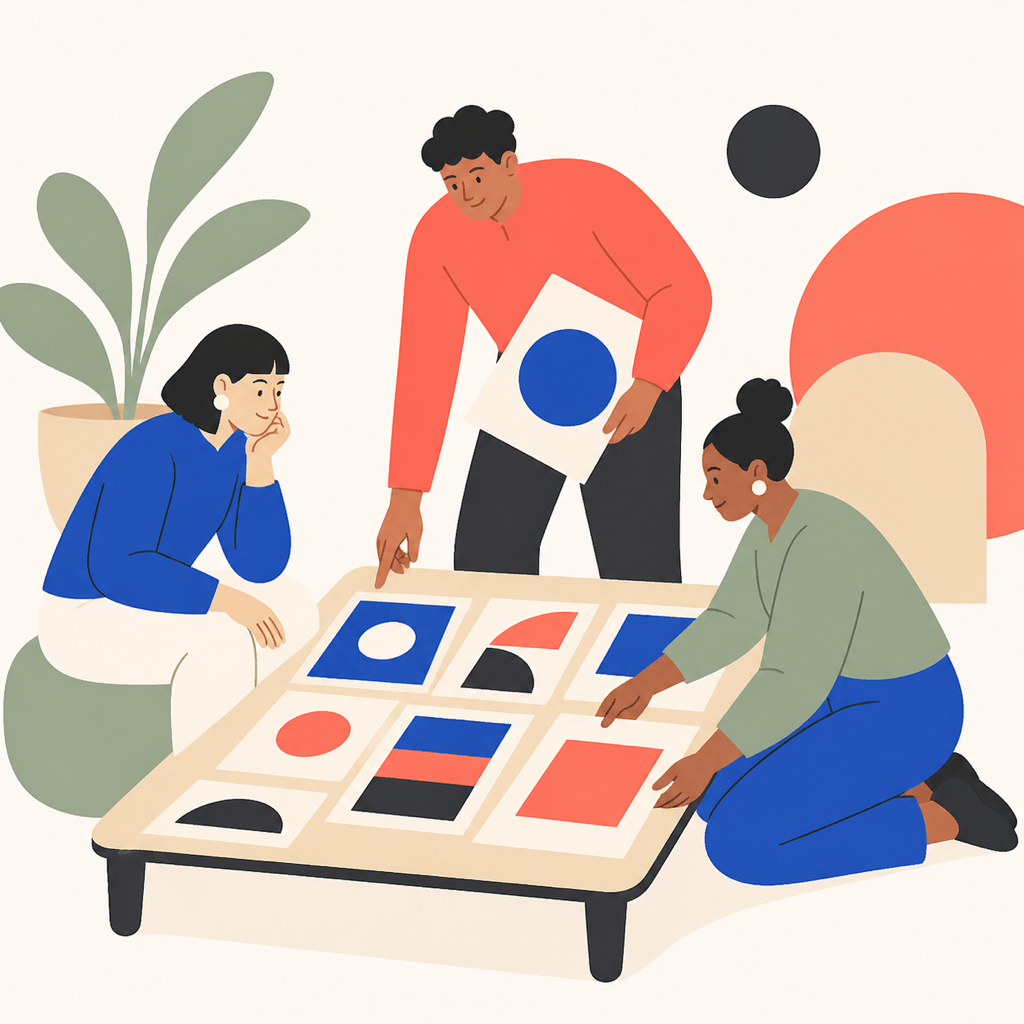
Editorial Team Illustration: Make a horizontal flat vector-style editorial illustration of three colleagues arranging cards on a launch plan. Simplified human figures, clear gestures, cobalt, coral, sand, and charcoal palette, consistent rounded shapes, minimal facial detail, generous whitespace, no labels, UI text, logos, or photorealistic shading.
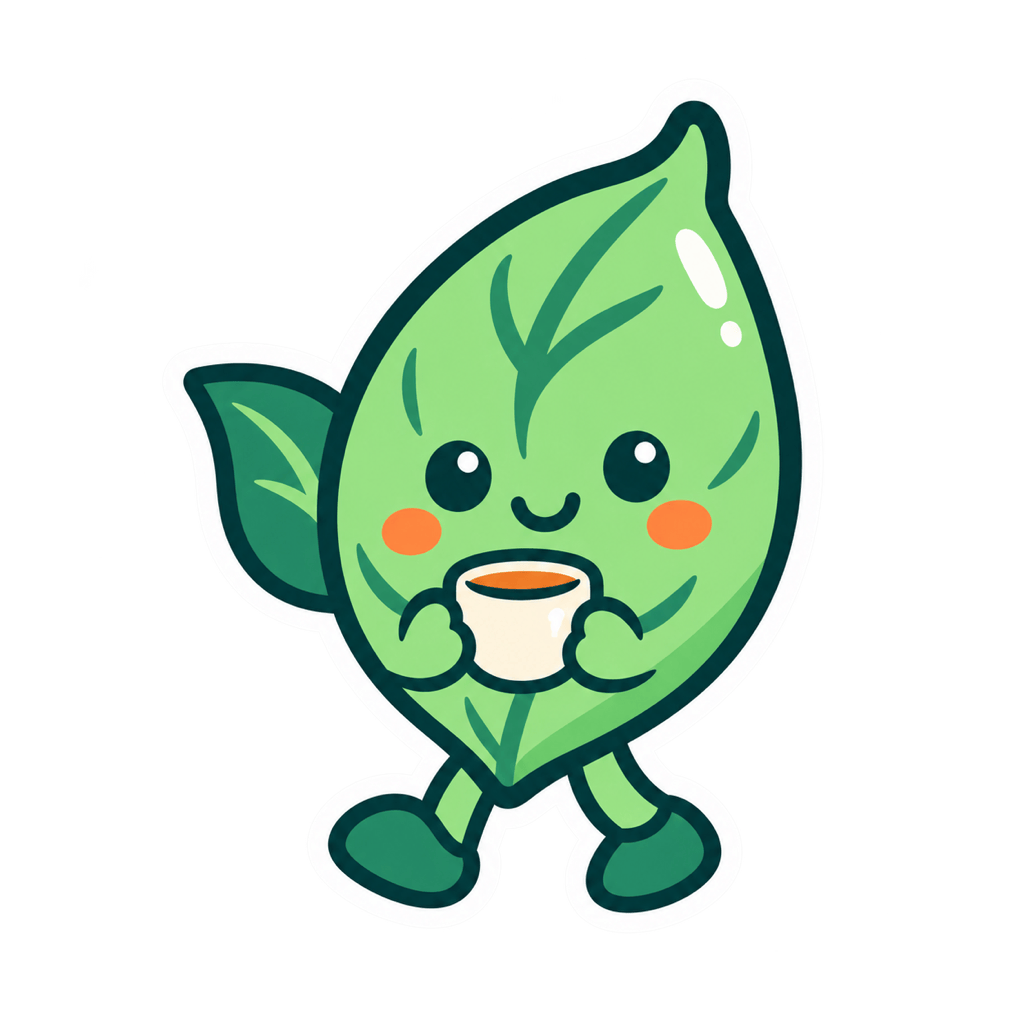
Sticker Mascot: Create a cheerful tea-leaf character holding a small cup for a cafe sticker concept. Bold dark outline, compact silhouette, mint, cream, and warm orange fills, one simple highlight, white border around the subject, no brand name, speech bubble, gradients, or product mockup.
Finance Article Graphic: Create a clean square editorial vector-style scene about household budgeting: one person sorting three abstract coin tokens into labeled-looking but text-free containers, calm blue and gold palette, simple flat shapes, balanced negative space, no currency logos, numbers, lettering, shadows, or tiny details.
Botanical Packaging Motif: Draw a repeat-ready visual motif of olive branches, small blossoms, and curved stems. Flat two-color line-and-fill style, even spacing, consistent stroke weight, simple closed shapes, ivory background, no text, border, photographic texture, or realistic shadows.
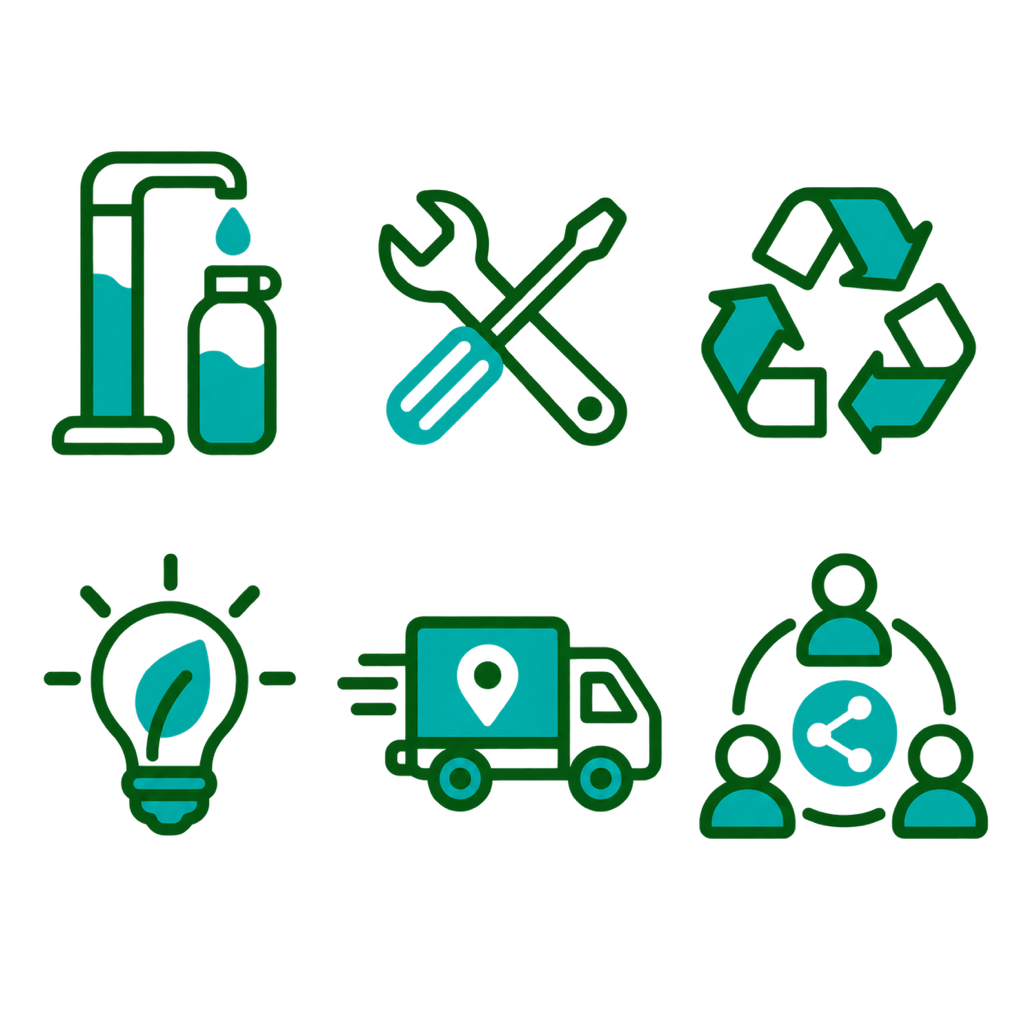
Consistent Icon Family: Generate six sustainability icon concepts in a strict 3-by-2 grid: refill, repair, recycle, low energy, local delivery, and shared use. One visual system, equal padding, matching rounded corners, two-tone forest green and teal, medium monoline strokes, no words, duplicate symbols, gradients, or perspective changes.
Retro Travel Badge: Create a circular vector-style badge concept for an imaginary coastal trail. Simplified cliff, rising sun, and wave shapes, muted navy, rust, cream, and sea green, bold screen-print look, clean silhouette, no place name, date, distressed microtexture, brand mark, or mockup.





