Free to Try OnlineAI Unblur Image
How to Unblur a Photo with AI
Start with the Original File
Point Out the Blur
Check the Important Details
Save the Version That Looks Right

A Blur Fix You Can Guide Through Chat
Give Soft Photos a Clearer Direction
Describe missed focus or a moving subject in everyday language. Mew Design uses your uploaded image and request to create a revised version.
Tell AI What Defines the Subject
When you unblur photos online, specify the features that matter: a smile, a product silhouette, or a pet’s markings. Check that the revision respects them.
Keep Background Blur Intentional
Ask to sharpen the subject while leaving a softly blurred background alone. Separate unwanted softness from the depth of field you want to keep.
Dial Back Harsh Sharpening
Use Chat Edit to request softer edge contrast or more natural texture. You can refine a heavy-handed result with a focused follow-up.
Take Clearer Photos into Your Work
Download PNG or JPG for social posts or product listings. Review labels, colors, and shapes before using an edited photo to represent a real item.
Test a Photo with Free Credits
Try the online AI photo blur remover with free credits after signup. Exports are watermark-free; further edits and available resolution depend on your workflow and plan.
Which Blurry Photos Are Worth Trying?
- Look for Remaining Detail: Start where outlines and features are still visible. Severe blur gives AI less reliable information to work with.
- Separate Blur from Pixelation: Motion blur leaves trails; missed focus looks soft; compression can leave blocks. Describe the visible problem instead of asking for maximum sharpness.
- Protect Intentional Softness: Name the subject to sharpen. A background that was deliberately out of focus does not need the same treatment.
- Know When to Stop: Reject invented faces, lettering, or textures. A clearer-looking reconstruction is not proof of the original detail.
Choose a Fix for Your Blurry Photo
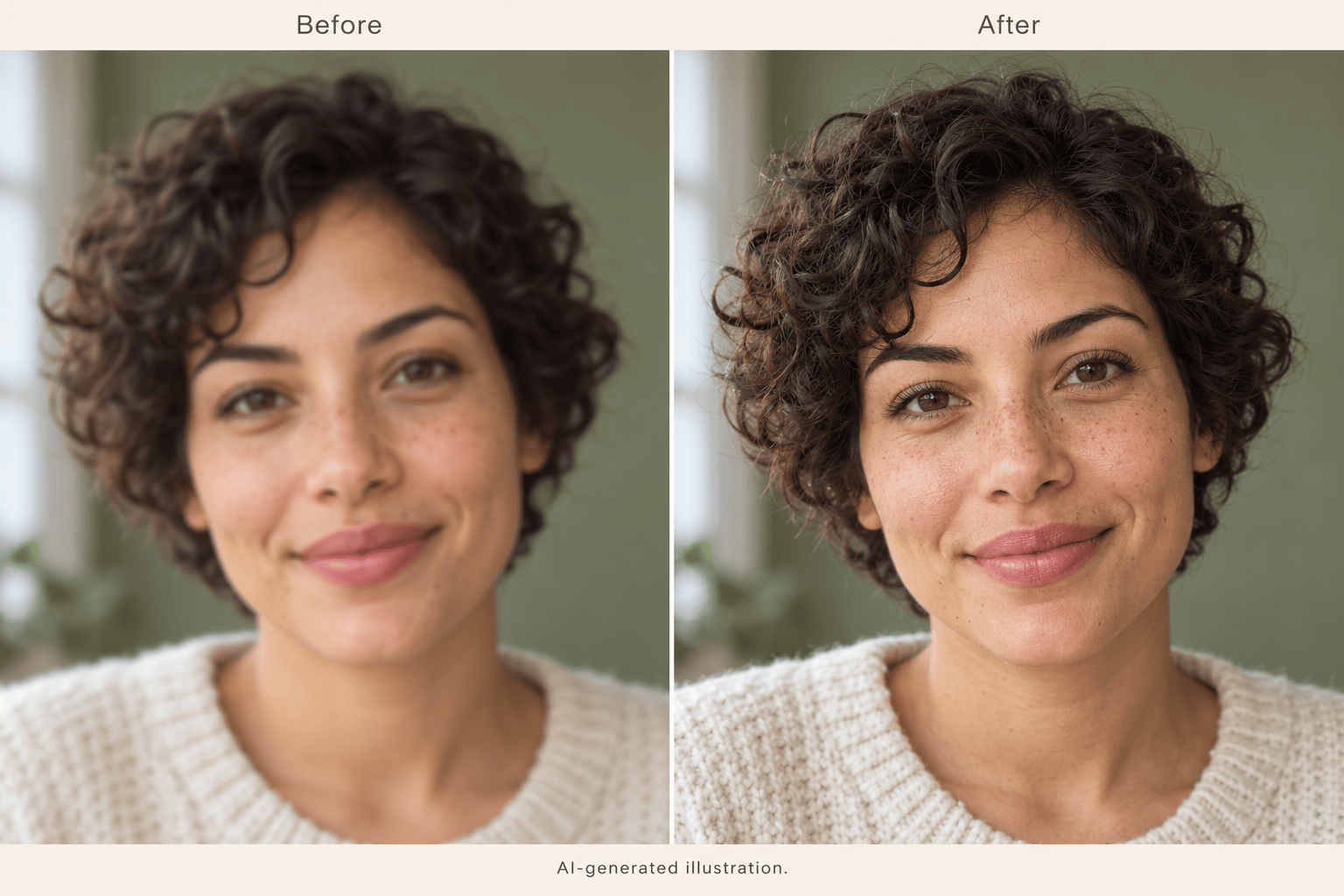
Sharpen the soft focus in my uploaded portrait. Keep the expression and facial proportions, retain skin texture, and avoid beauty retouching.
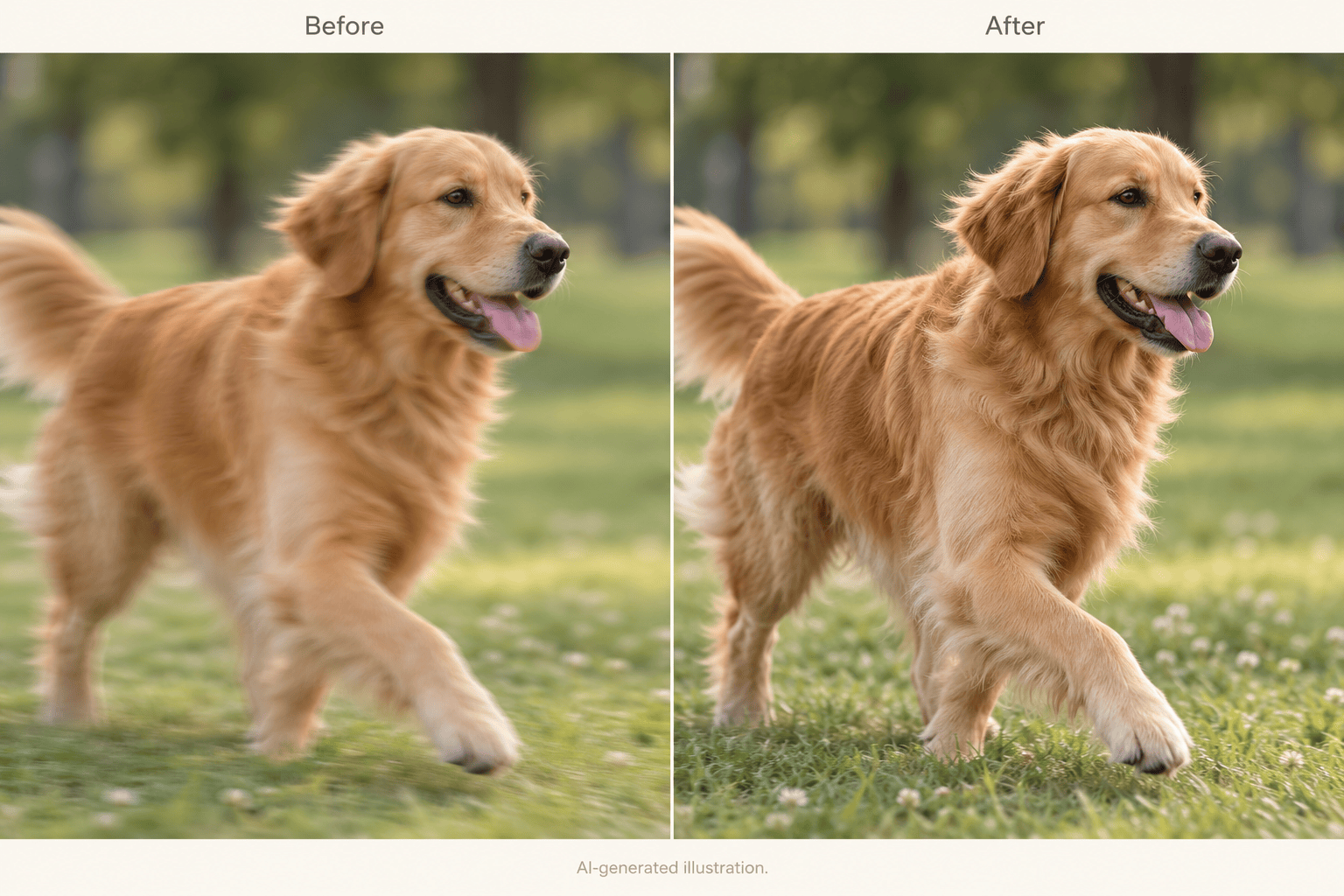
Reduce the light motion trails around the moving subject in this photo. Preserve its pose and outline; leave the background and composition unchanged.
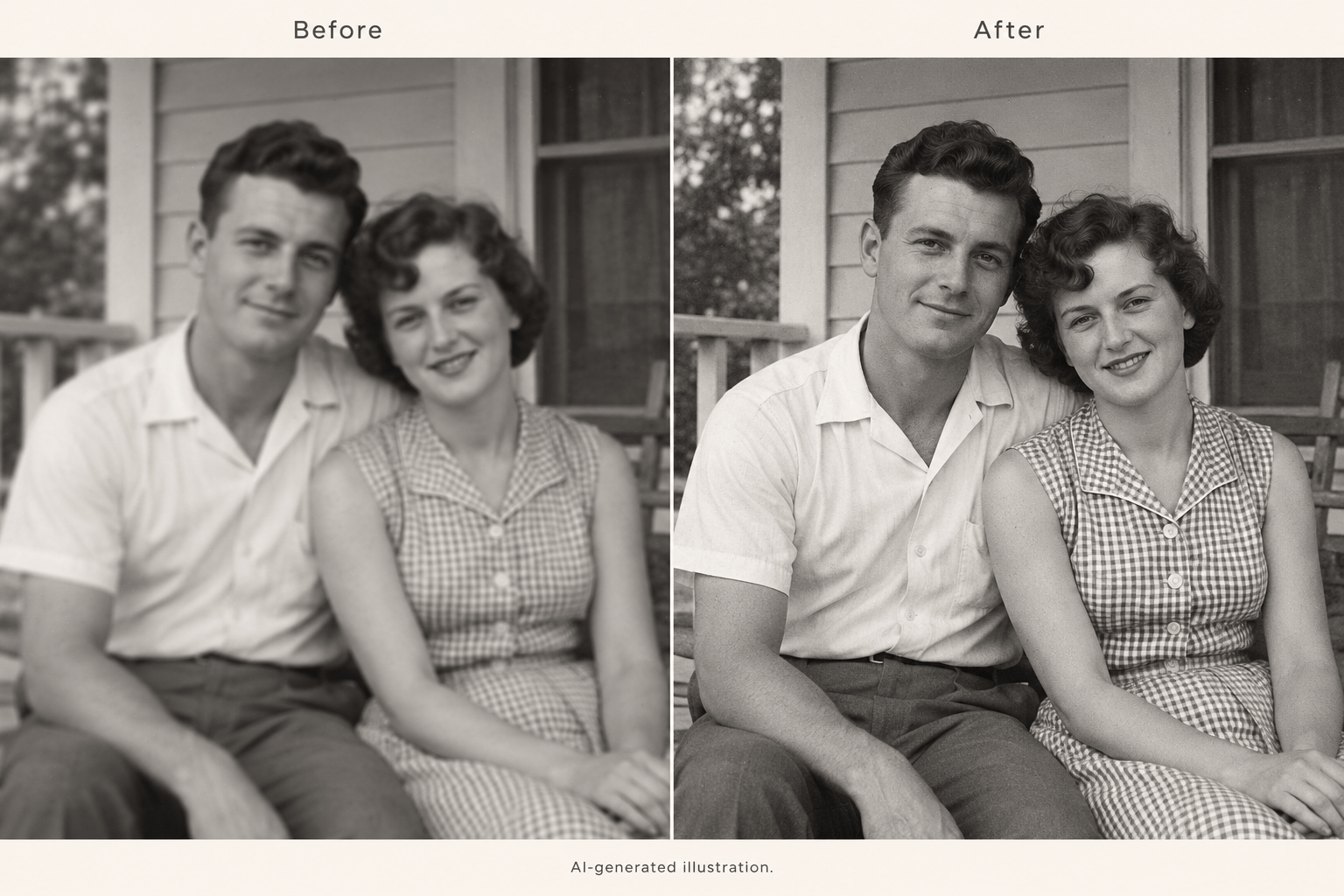
Make this soft old photo easier to view. Keep the monochrome tones, age, expressions, and original grain. Do not colorize or modernize it.
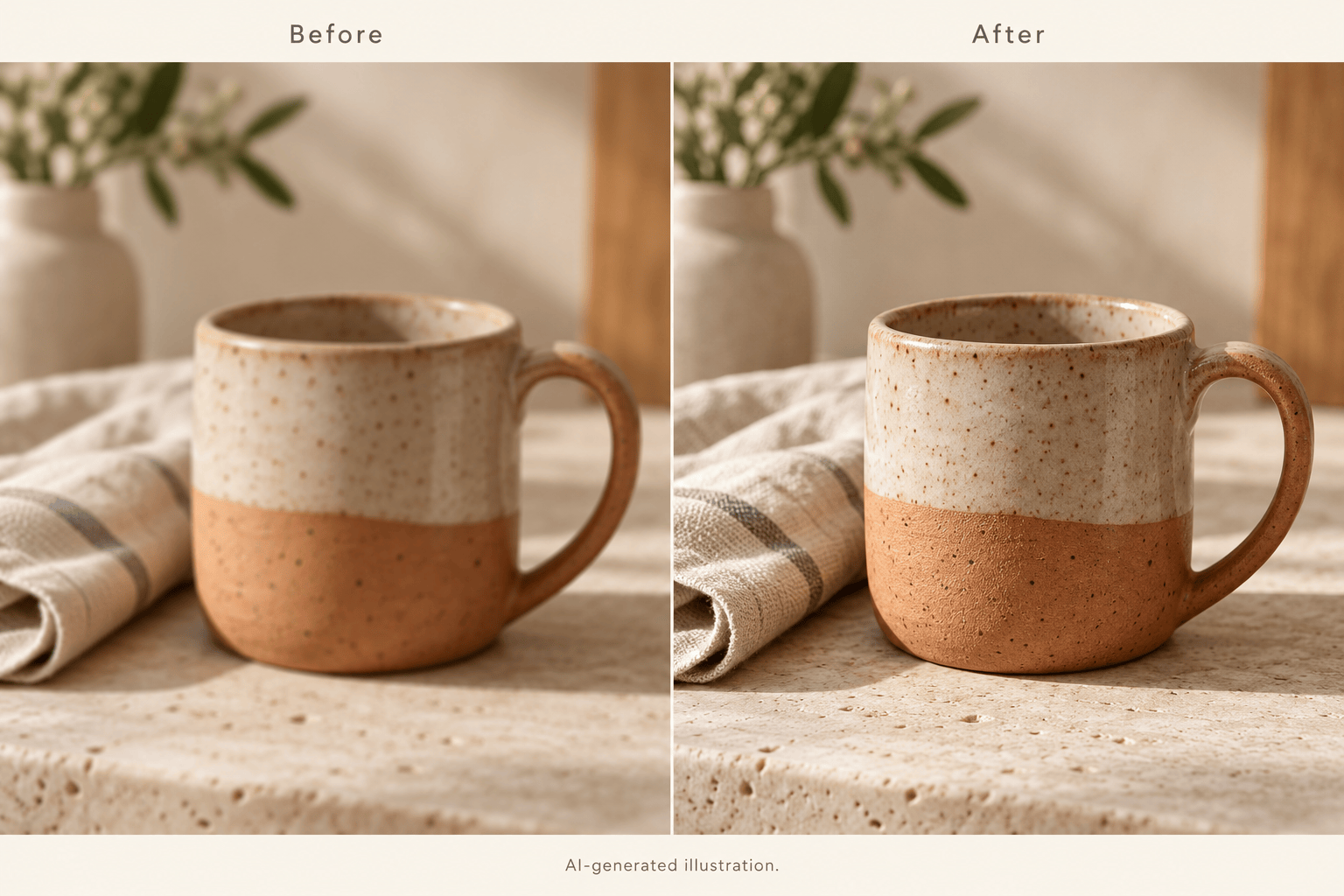
Clarify the visible edges of this product photo. Preserve its shape, color, material, and markings. Do not replace the background or invent label text.
Improve the subject’s focus in this shallow-depth-of-field photo. Leave the background bokeh soft and keep the original crop and lighting.
Reduce the bright outlines and brittle texture in this sharpened image. Use my original photo as the reference and make the correction more subtle.





