Free OnlineAI Twitch Banner Generator
How to Create a Twitch Banner with AI
Define Your Channel Signal
Plan the 5:2 Header
Generate With Your Identity
Preview, Refine, and Export

A Twitch Banner Maker Built Around Channel Identity
Turn a Channel Idea Into Art Direction
Describe the games, conversations, music, or creative work your audience comes for. Mew Design reads the full brief and turns it into a visual direction instead of making you assemble a generic template.
Compose for Twitch's 5:2 Header
This online Twitch profile banner maker can create wide 1200×480 concepts with clear focal points, controlled edge detail, and enough breathing room for a header that scales across browser widths.
Bring Your Stream Identity
Upload your own avatar, logo, or mood reference to guide the palette and art direction. Reuse the same visual cues across your banner, panels, overlays, and other channel graphics.
Keep Names and Details Readable
Give the AI your exact username, tagline, schedule, or handle. Layout-aware generation helps establish a clean hierarchy so short channel details do not disappear into busy gaming artwork.
Fix Crops and Hierarchy in Chat
If a mascot is too close to an edge or the username needs more contrast, click Chat Edit and describe the change. Refine the existing design without rebuilding the banner from zero.
Explore More Than One Channel Mood
Use the free AI Twitch banner generator to test neon esports, cozy streaming, fantasy VTuber, retro pixel, or minimal creator directions. Compare variations and download a watermark-free PNG or JPG.
How to Prompt AI for a Twitch Profile Banner
- Write the Text Exactly: Put the username, tagline, schedule, and handles in quotation marks. Keep the copy short enough to scan behind the channel interface.
- Define the Channel World: Name the content niche, audience, mood, palette, and one or two original motifs, such as celestial foxes, pixel maps, or botanical shapes.
- Protect the Focal Area: Ask for compact essential content and decorative outer edges. Preview the result on desktop, mobile, and narrow browser widths because Twitch scales profile banners responsively.
- Reference Only Usable Assets: Upload your own avatar or logo and describe how it should appear. Use original or licensed game art, characters, fonts, and team marks before publishing.
Twitch Banner Prompts for Different Streamer Brands
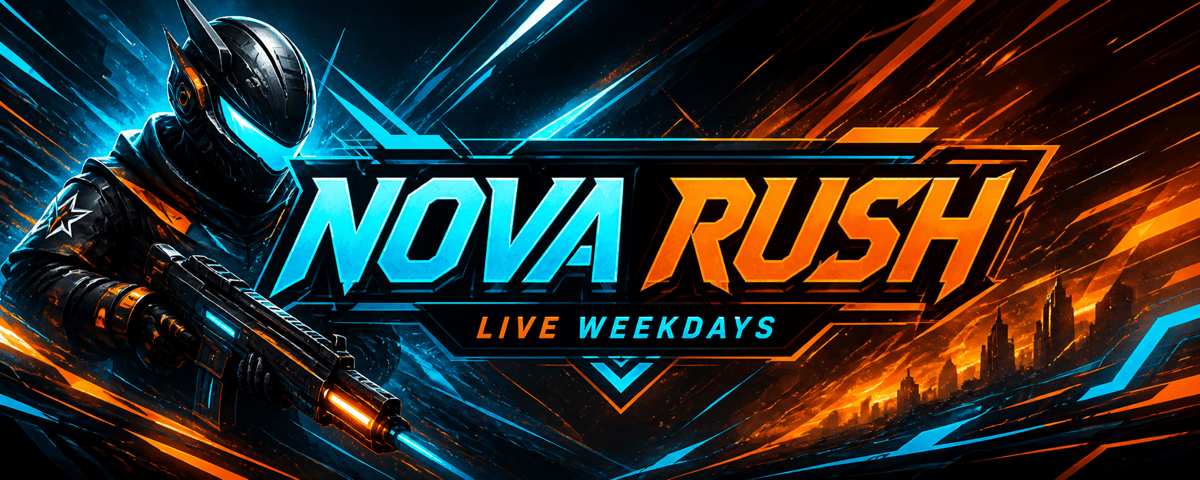
Design a high-energy 1200×480 gaming Twitch banner for 'NOVA RUSH,' a competitive sci-fi FPS streamer. Use angular cyan and electric orange light trails, an original helmeted silhouette, and bold condensed typography. Add the small line 'LIVE WEEKDAYS.' Keep all essential text compact, outer edges atmospheric, and include no game logos or copyrighted characters.
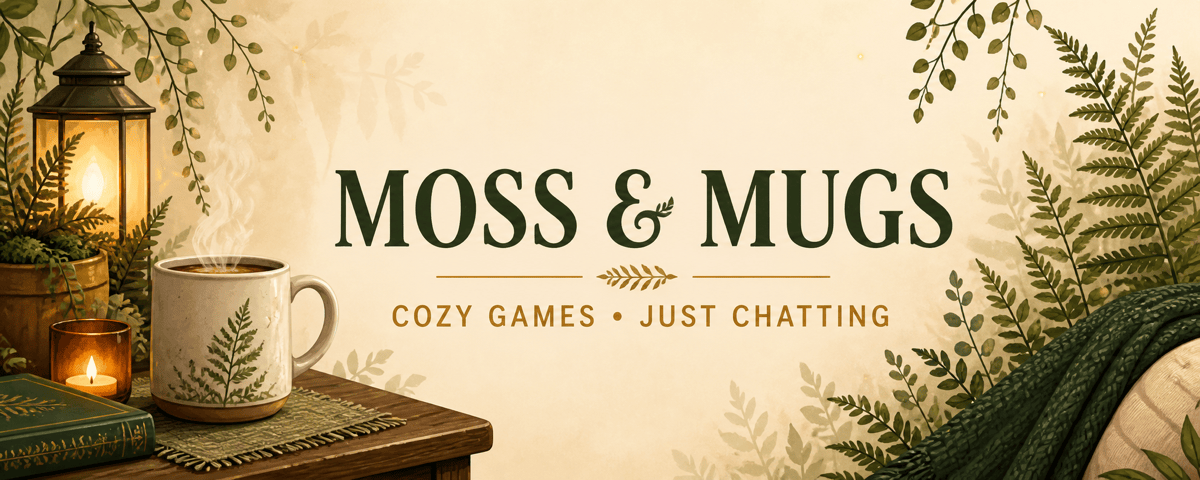
Create a cozy Twitch profile banner for 'MOSS & MUGS,' a variety and Just Chatting channel. Use warm cream, forest green, and amber with an illustrated mug, fern shapes, and soft lamplight. Add 'COZY GAMES • JUST CHATTING' once beneath the name. Make the 5:2 layout calm, readable, and uncluttered.
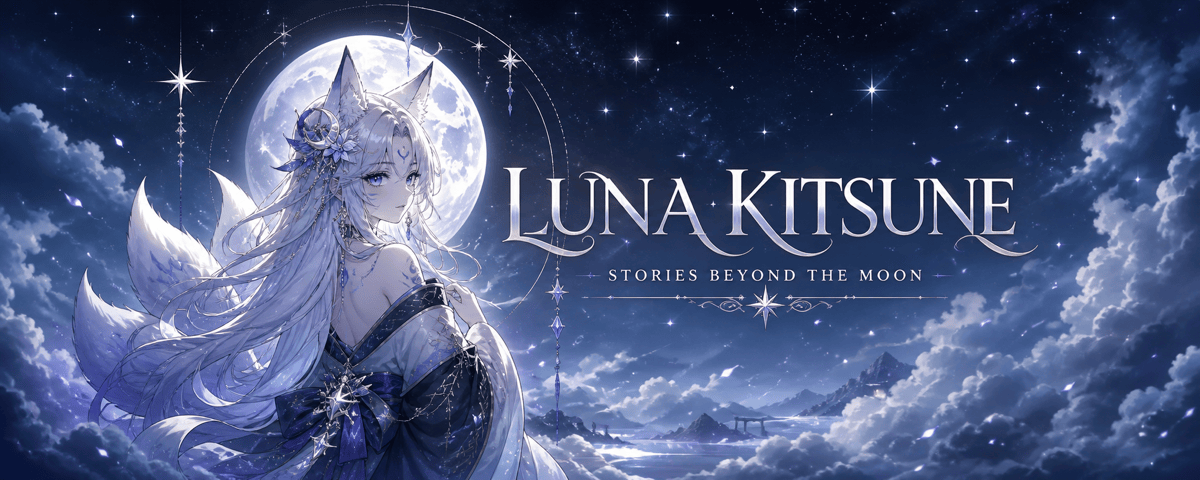
Make a fantasy VTuber Twitch banner for 'LUNA KITSUNE.' Feature an original celestial fox-spirit avatar with moonlit clouds, silver-blue stars, and violet accents. Use elegant display type for the name and the small tagline 'STORIES BEYOND THE MOON.' Keep the character and text clear inside a crop-resilient 1200×480 composition.
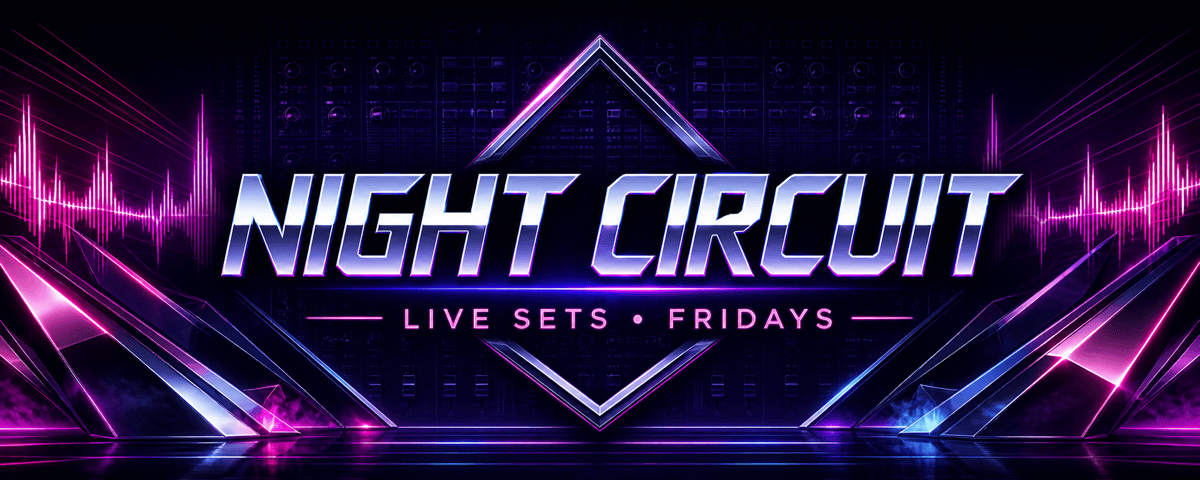
Generate a synthwave Twitch channel banner for electronic music streamer 'NIGHT CIRCUIT.' Use a midnight gradient, magenta sound waves, chrome geometric forms, and a subtle mixing-console pattern. Add 'LIVE SETS • FRIDAYS' in clean uppercase type. Avoid music brand logos and keep decorative detail away from the main text.
Create a retro pixel-art Twitch header for speedrunner 'PIXEL SPLIT.' Show an original side-scrolling city route, timer-inspired shapes without real UI branding, and a teal, yellow, and charcoal palette. Put the channel name at the center of the 5:2 layout with the small line 'RUNS • ROUTES • RECORDS.'
Design a temporary Twitch profile banner for the charity stream 'PLAY FOR PAWS.' Use friendly original animal mascots, energetic blue and coral accents, and the exact details 'AUG 24 • 12-HOUR STREAM.' Reserve clear room for the organizer's uploaded logo, keep the callout readable, and avoid dense fine print.





