Free OnlineAI SWOT Analysis Generator
How to Create a SWOT Analysis with AI
Describe your SWOT analysis brief
AI generates your SWOT matrix
Refine the SWOT analysis details
Export and use

Why Choose Mew Design as Your AI SWOT Analysis Maker
Generate SWOT Analysis from Text or URLs
Describe your business, paste notes, or add a website URL. Mew Design organizes available information into a clear AI-generated SWOT analysis.
Built for Strategy, Not Just Templates
Instead of filling a static SWOT analysis template, you can explain your goal and let the AI structure insights around your real context.
Clear Four-Quadrant Matrix Design
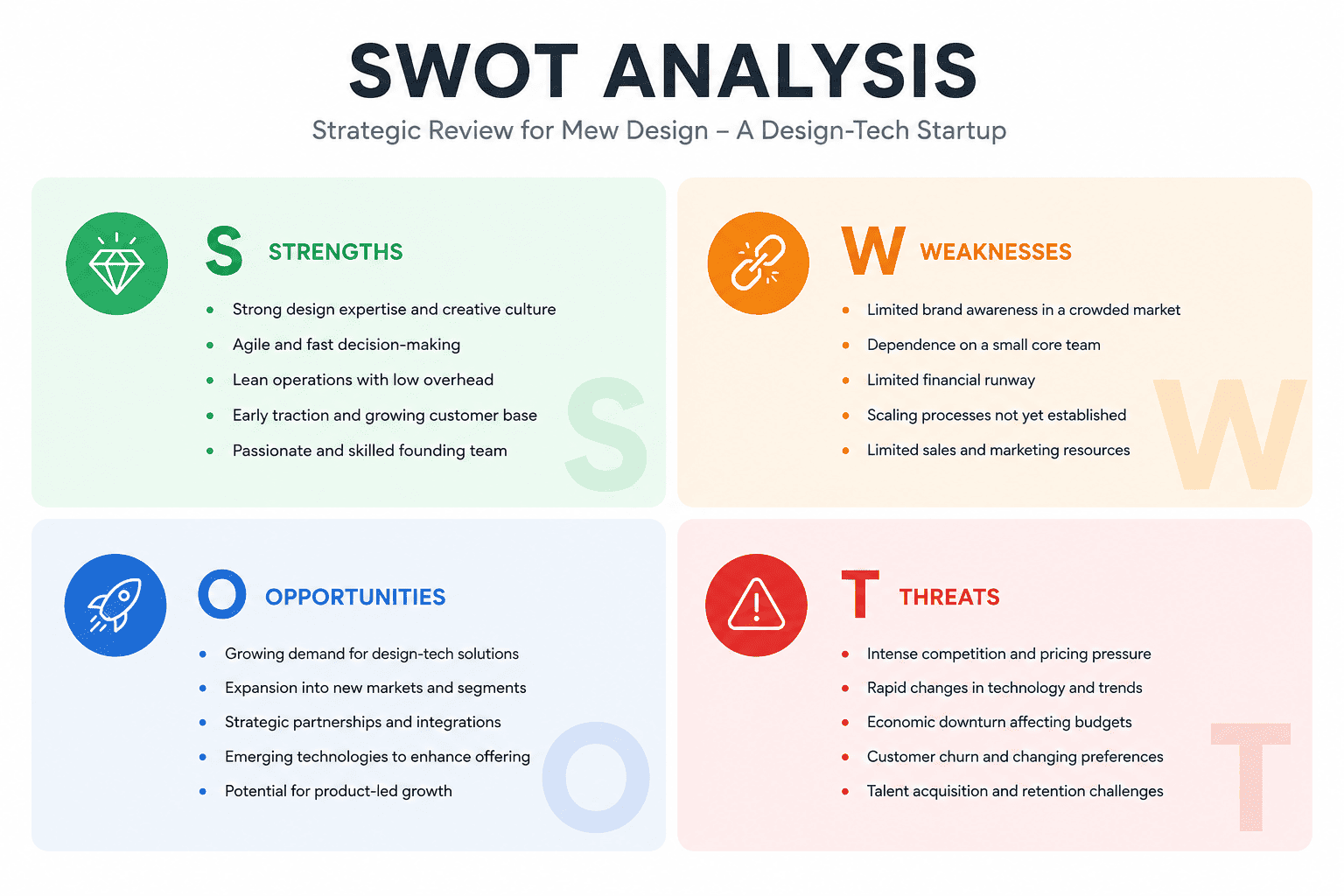
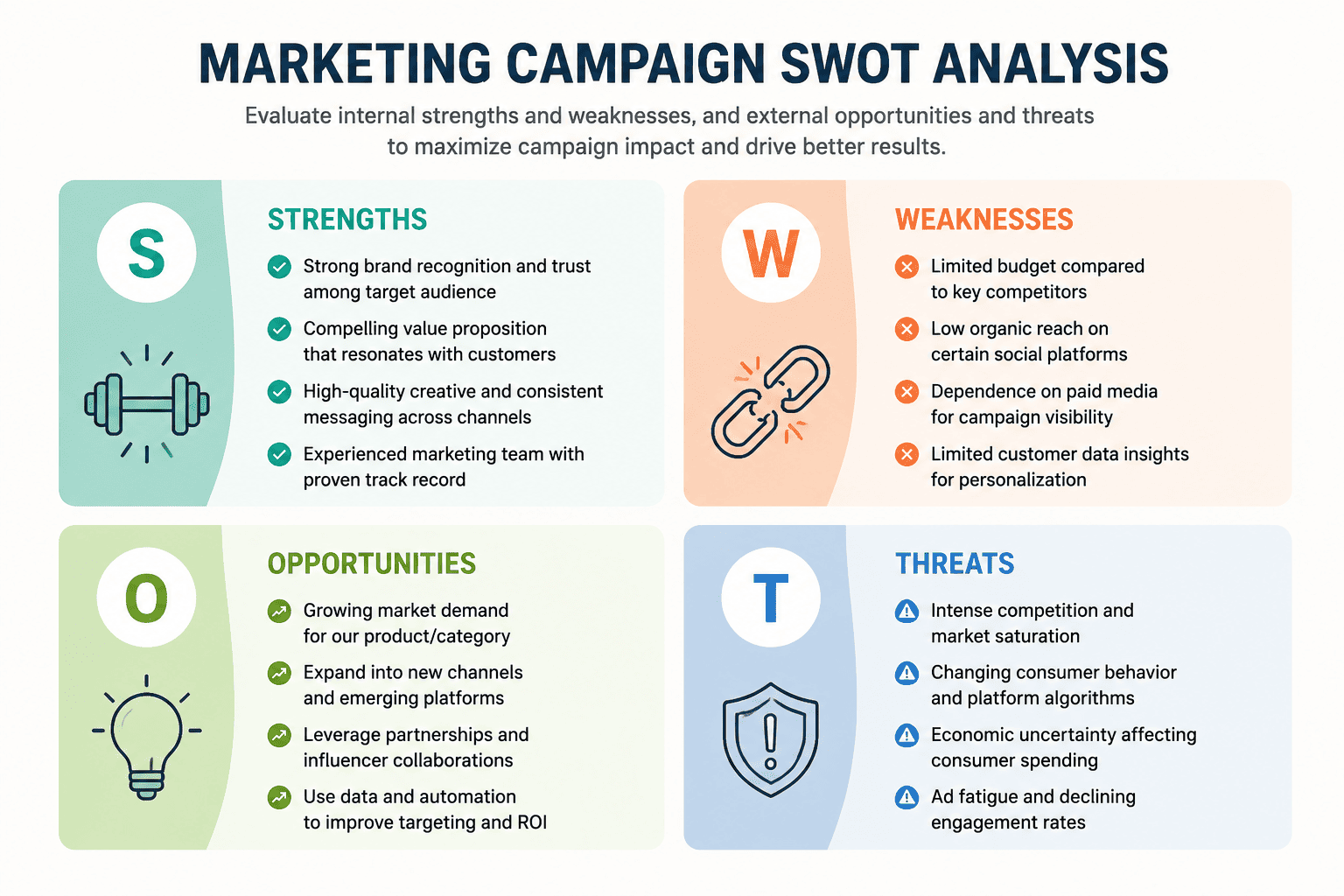
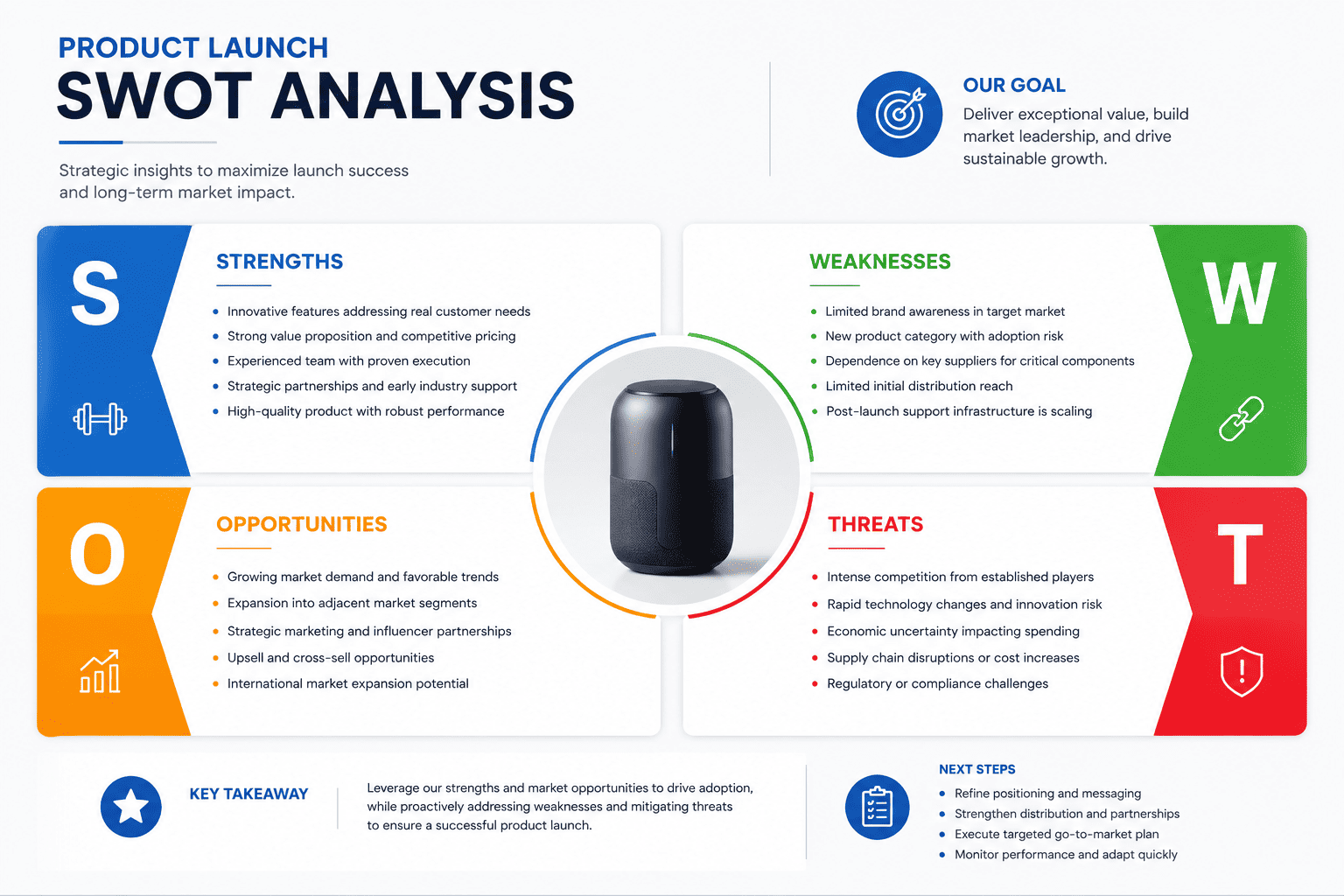
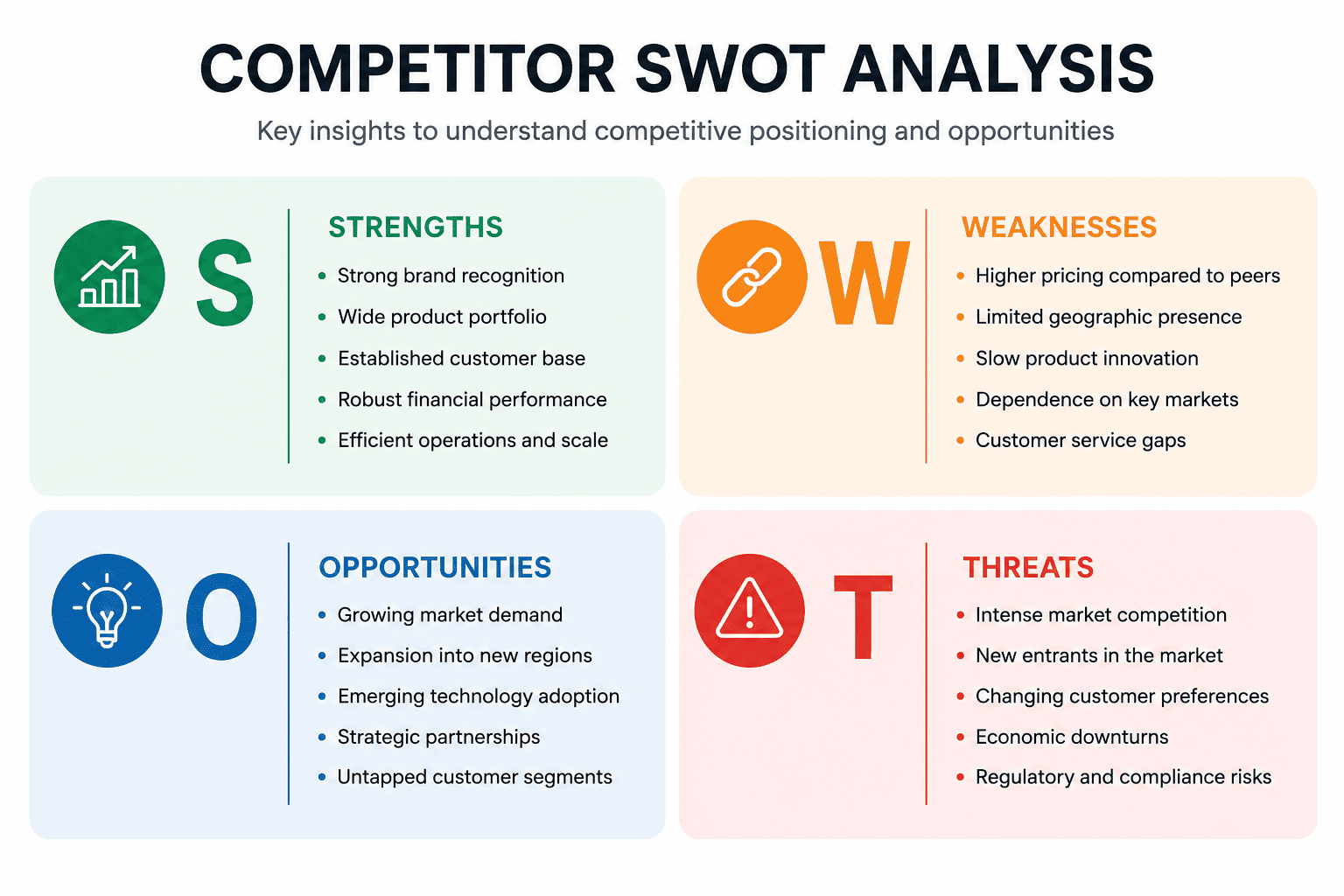
Our AI SWOT Analysis Generator creates readable SWOT matrices with balanced spacing, clear labels, and concise bullet points for strengths, weaknesses, opportunities, and threats.
Refine Insights Through Chat Edit
Need stronger opportunities or more specific threats? Chat with the AI design agent to improve wording, depth, examples, or strategic focus.
Match Reports, Slides, and Brand Style
Upload logos, brand colors, or reference designs to create SWOT analysis visuals that fit your business reports, pitch decks, or classroom materials.
Free to Start, Easy to Export
New users who sign up receive free AI credits, which can be used to test this AI SWOT analysis generator for free.
What Makes a Good AI SWOT Analysis Prompt
- Analysis Subject: Name the company, product, campaign, project, market, or personal goal you want to analyze.
- Business Context: Add useful details such as audience, industry, competitors, pricing, market stage, location, or website URL.
- Strategic Focus: Explain what the SWOT should support, such as a business plan, product launch, marketing strategy, investor pitch, or career planning.
- Output Style: Mention whether you want concise bullet points, a visual SWOT matrix, a presentation-ready layout, or a more detailed report-style format.
AI SWOT Analysis Prompt Examples You Can Modify and Use
Create a SWOT analysis for a startup called [company name]. Business type: [brief description] Target audience: [target customers] Current stage: [idea / MVP / early revenue / growth stage] Competitors: [main competitors] Focus on product strengths, operational weaknesses, market opportunities, and competitive threats. Create a clear 2x2 SWOT matrix suitable for a startup pitch deck.
Generate a SWOT analysis for launching [product name]. Product description: [describe the product] Target users: [target audience] Launch market: [region or industry] Key competitors: [competitor names] Include internal strengths and weaknesses related to product readiness, pricing, brand awareness, and team capacity. Include external opportunities and threats related to market demand, competition, timing, and customer adoption.
Create a SWOT analysis for the marketing strategy of [brand/company name]. Current marketing channels: [SEO, email, social media, paid ads, partnerships] Goal: [increase leads / improve brand awareness / enter a new market] Audience: [target customers] Use concise bullet points and create a professional SWOT matrix for a marketing planning meeting.
Create a competitor SWOT analysis using this website URL: [paste competitor website URL]. Focus on visible positioning, messaging, product offering, pricing signals, audience, and content strategy. If some information is not available, keep the analysis based only on the visible content and avoid unsupported claims. Design the output as a clean SWOT matrix for internal strategy discussion.
Create a personal SWOT analysis for my career development. Current role: [your role] Career goal: [target role or industry] Skills: [key skills] Challenges: [current obstacles] Opportunities: [certifications, networking, market trends, internal promotion] Use a clear and practical tone. Organize the output into strengths, weaknesses, opportunities, and threats for career planning.
Create a SWOT analysis for a local business. Business type: [restaurant / café / retail store / service business] Location: [city or neighborhood] Customers: [target audience] Current challenge: [competition, low awareness, pricing, staffing, seasonality] Focus on practical insights that can support business planning, local marketing, and operational decisions. Use a clean visual SWOT matrix layout.





