OnlineAI Supergirl Generator
How to Create Supergirl Art with AI
Describe Your Version of Supergirl
Generate the First Scene
Fine-Tune the Heroic Details
Download Your Finished Artwork

Give Your Supergirl Art a Clear Creative Direction
Explore More Than One Art Style
Compare realistic Supergirl AI art with bold comic shading or an anime interpretation. Describe the medium and lighting to steer the look.
Start from a Visual Reference
Upload a sketch or photo to guide your Supergirl image. Explain whether the reference is for the pose, face, costume, or overall style.
Revise the Details Through Chat
Use this online AI Supergirl generator to request a longer cape, calmer expression, or simpler skyline. Review each edit for unintended changes.
Compose for Your Screen
Request a tall phone wallpaper or a wide desktop scene. Leave space for the clock or icons, and keep the face clear of the crop.
Reuse a Successful Art Direction
Turn your preferred colors, rendering style, and framing rules into a Mew Skill for future scenes. It reduces repeated briefing without guaranteeing identical characters.
Separate the Character from the Scene
Ask to remove the background for a transparent character image. For outlined designs, continue with our AI sticker generator.
What to Include in a Supergirl Art Prompt
- Costume and Identity: Describe the hair, suit, cape, and emblem you want. For a particular version, provide a reference and name the details to keep.
- Pose and Framing: Choose hovering, flying, or standing. Say whether you want a close-up or full body so hands, boots, and cape have room.
- Style and Light: Pick a main style such as comic, anime, or realistic. Add a clear lighting direction instead of mixing conflicting styles.
- Output and Review: Specify the intended use and crop. Check fingers, emblem shape, cape attachment, and costume colors before downloading.
Supergirl AI Art Ideas to Try
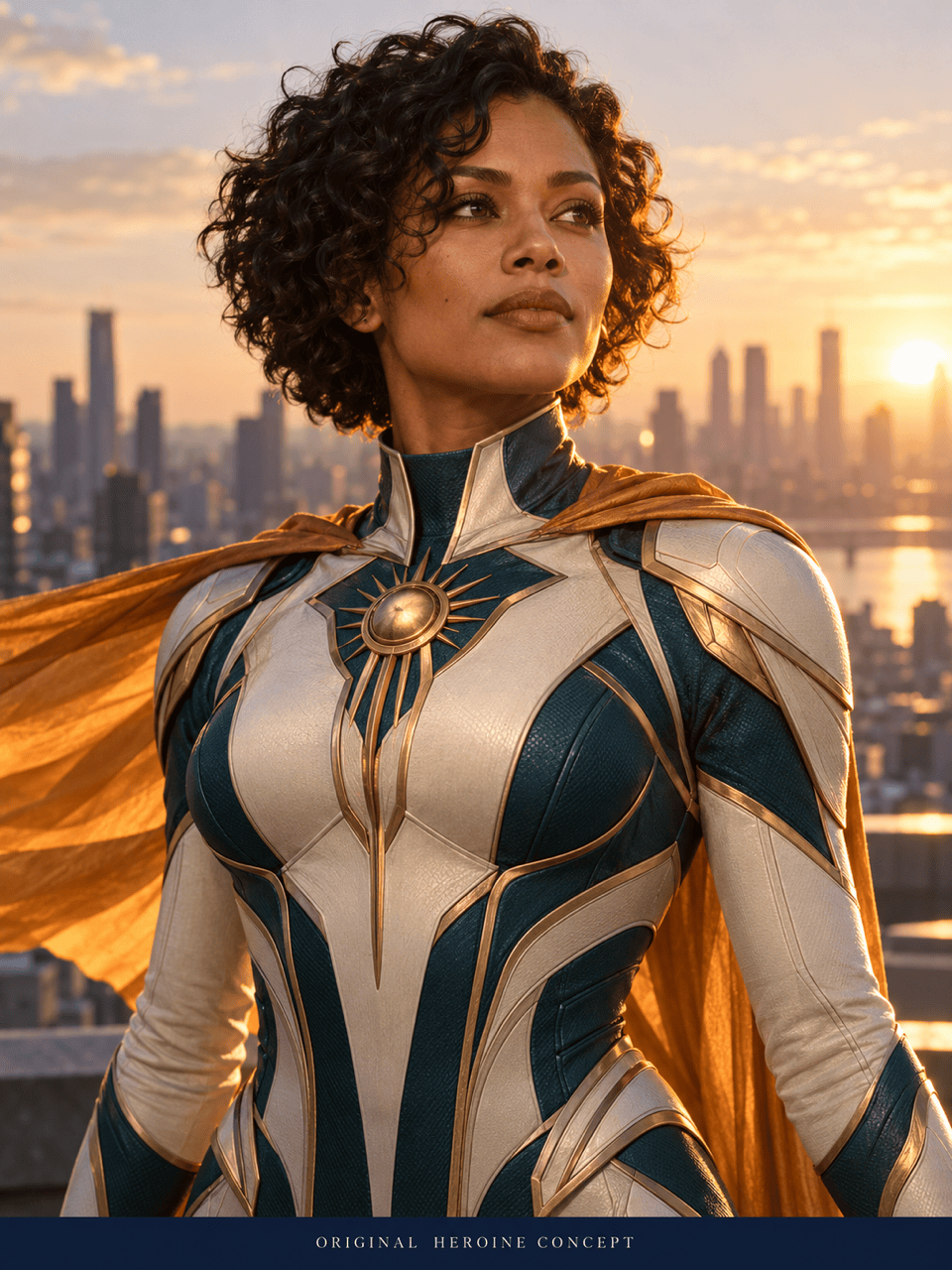
Create a realistic Supergirl portrait of an adult heroine on a rooftop at golden hour. Use natural skin texture, a blue suit, and a red cape. Frame her from the waist up against a softly blurred city. Use an original face, not an actor’s likeness.
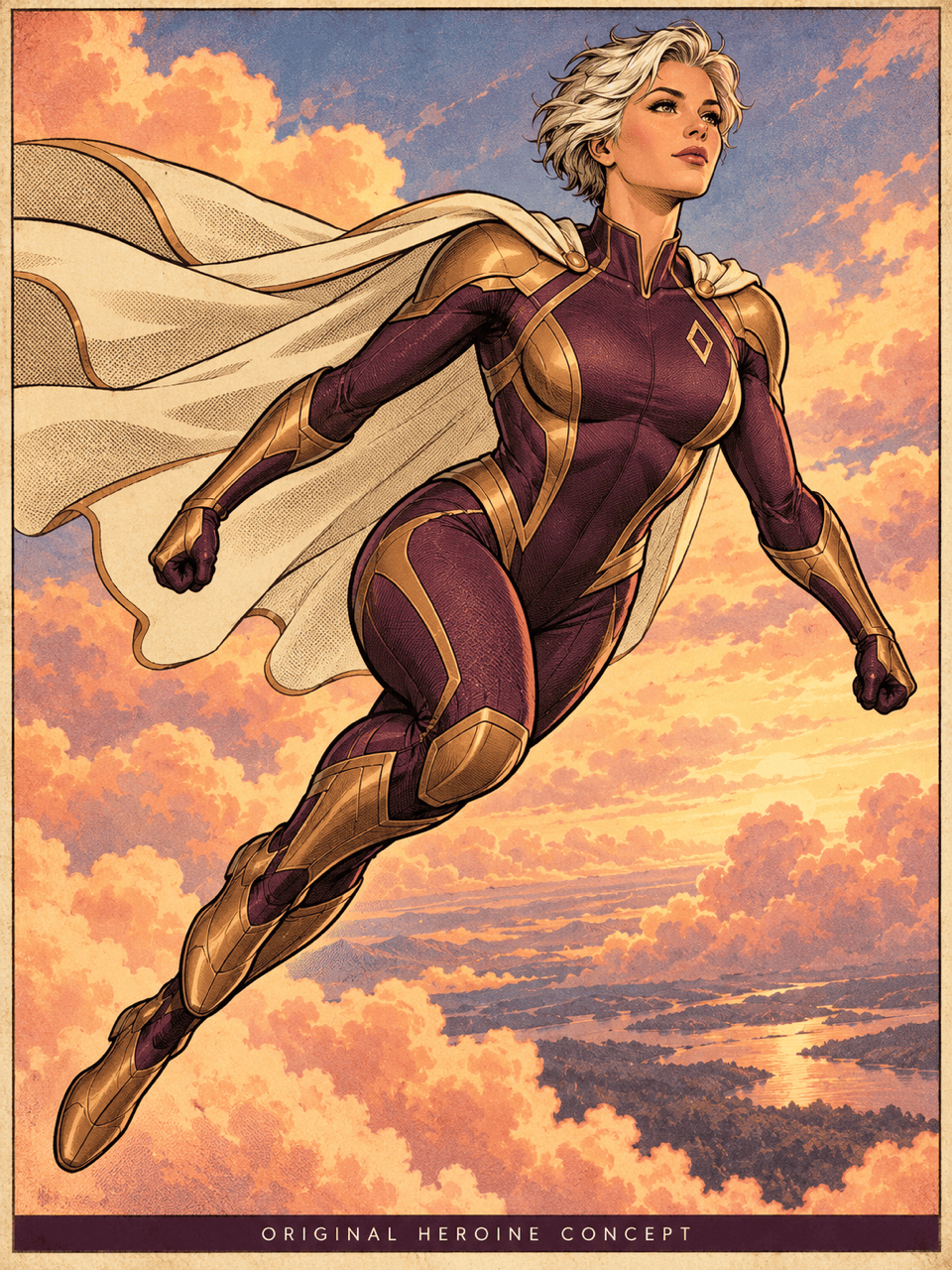
Create a full-body Supergirl flight scene in classic comic style. Use bold ink outlines, halftone shading, and a sweeping red cape. Show both hands and boots clearly against bright clouds. No lettering.
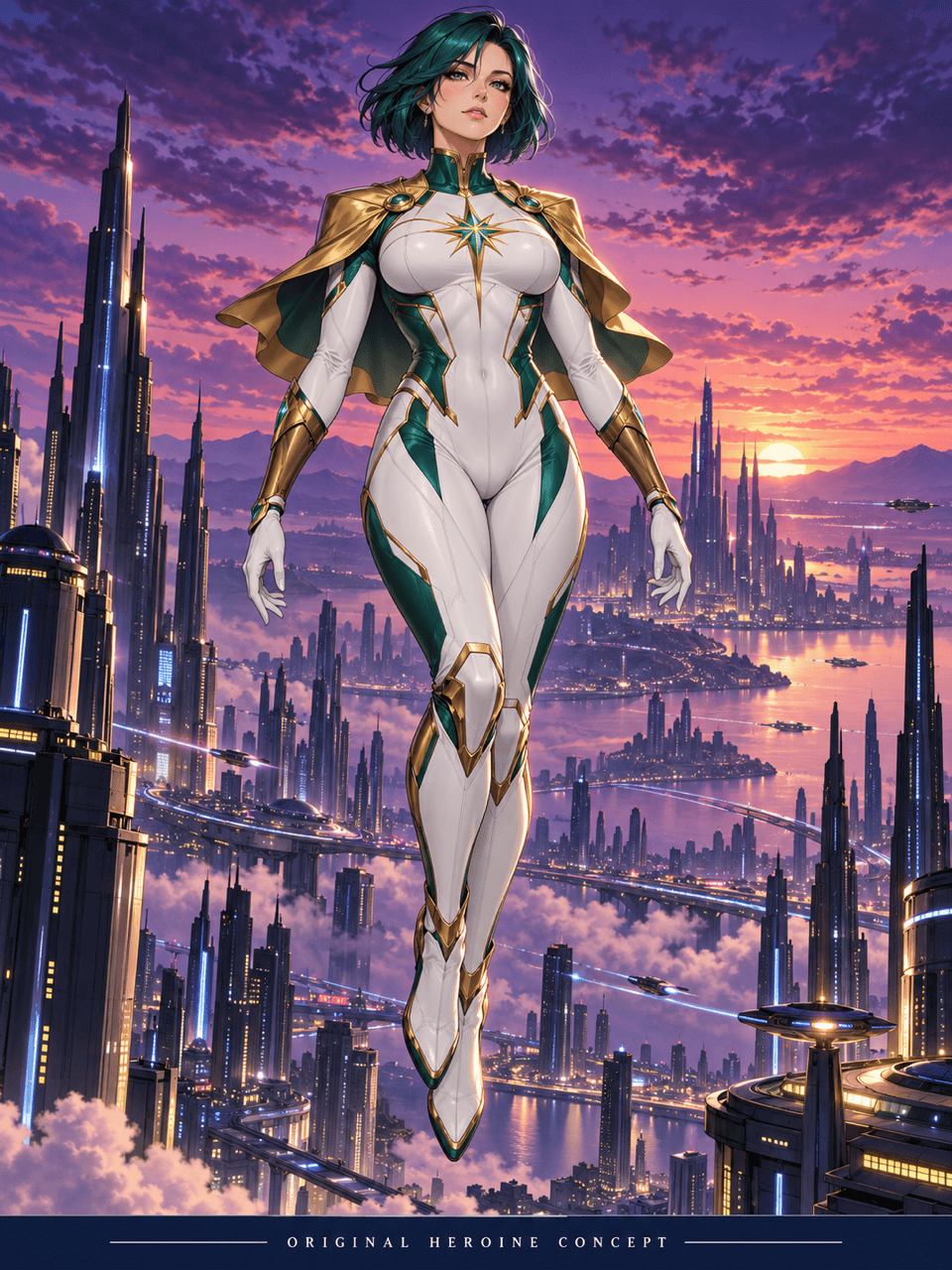
Generate anime Supergirl fan art with an adult heroine floating above a futuristic city at dusk. Use crisp linework, cel shading, a blue suit, and a red cape. Keep the expression confident and the silhouette clear.
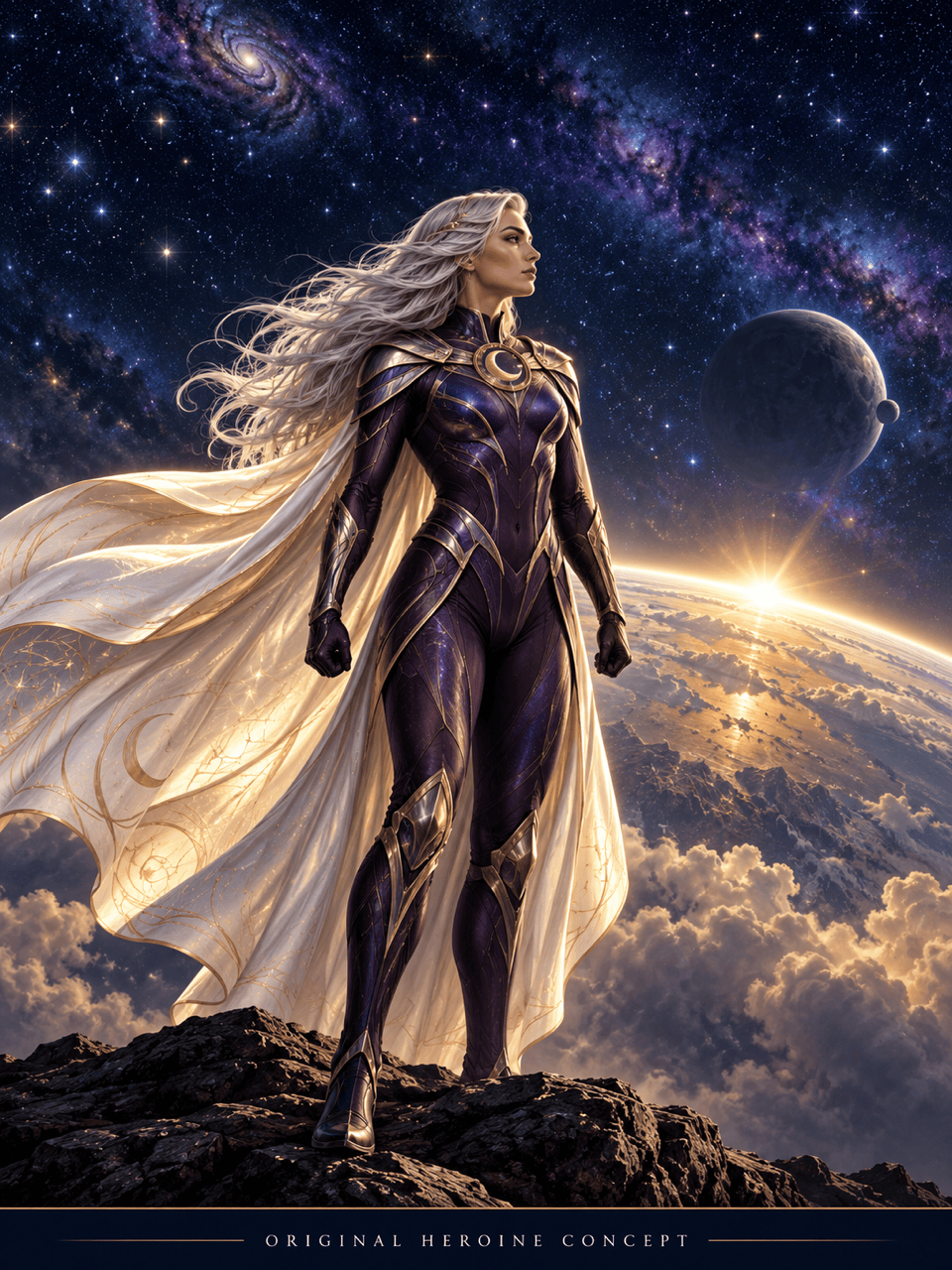
Create an AI Supergirl wallpaper for a phone in 9:16. Place the adult heroine below the upper third, with a flowing cape and distant stars. Leave a calm area at the top for the clock. No text.
Use my uploaded adult portrait as a reference for a Supergirl-themed image. Keep the facial features as close as possible, add a blue superhero suit and red cape, and place the subject above a city. Use realistic lighting.
Refine this Supergirl image: correct the visible hands, make the chest emblem clearer, and keep the suit blue and cape red. Preserve the face, pose, lighting, and background as closely as possible.





