Free OnlineAI Sofa Generator
How to Design a Sofa with AI
Define the Sofa's Job
Set the Form and Materials
Generate the Sofa Concept
Refine and Export

A Sofa Design Tool Built for Real Creative Decisions
Start with a Seating Brief
Describe how the sofa should feel and function, not just a style label. Mew Design translates seating capacity, room type, comfort, silhouette, and mood into a coherent visual direction.
Turn Sketches into Sofa Concepts
Upload a hand sketch or reference image and explain what it should guide. The custom sofa generator can use it for proportions, curves, upholstery direction, or construction cues while developing a new concept.
Compare Upholstery and Finish Ideas
Keep the sofa form steady while testing linen, leather, velvet, boucle, wood, metal, and different colorways. This makes AI sofa design useful for material reviews and early client choices.
Explore Modular and Sectional Layouts
Use the online AI sectional sofa generator to explore L-shaped, U-shaped, chaise, corner, and reconfigurable arrangements. Request alternatives for a small apartment or a larger family room.
Review the Product or the Room
Generate a clean studio view to judge arms, cushions, seams, and base details, then create a contextual interior image to evaluate scale and style. For chairs, tables, beds, and storage, explore the broader AI furniture design generator.
Revise the Same Idea in Chat
Do not restart every time a detail feels wrong. Use Chat Edit to request a firmer seat, slimmer arms, softer corners, warmer fabric, a different leg finish, or a cleaner product backdrop.
What Makes a Strong AI Sofa Design Prompt
- Name the Use and Size: State the room, seating capacity, daily behavior, approximate width, and whether you need a loveseat, sectional, sleeper, chaise, or modular sofa.
- Control the Silhouette: Describe the back height, arm shape, seat depth, cushion count, base, legs, curves, and overall profile instead of relying on a style word alone.
- Specify Materials and Color: Name the upholstery, texture, frame or leg material, finish, and palette. If you have a sketch, fabric swatch, or mood board, upload it as a visual reference.
- Choose the Review View: Ask for an isolated studio render for product critique, a close detail for seams and materials, or a room scene for scale, lighting, and interior compatibility.
AI Sofa Prompts for Popular Design Directions
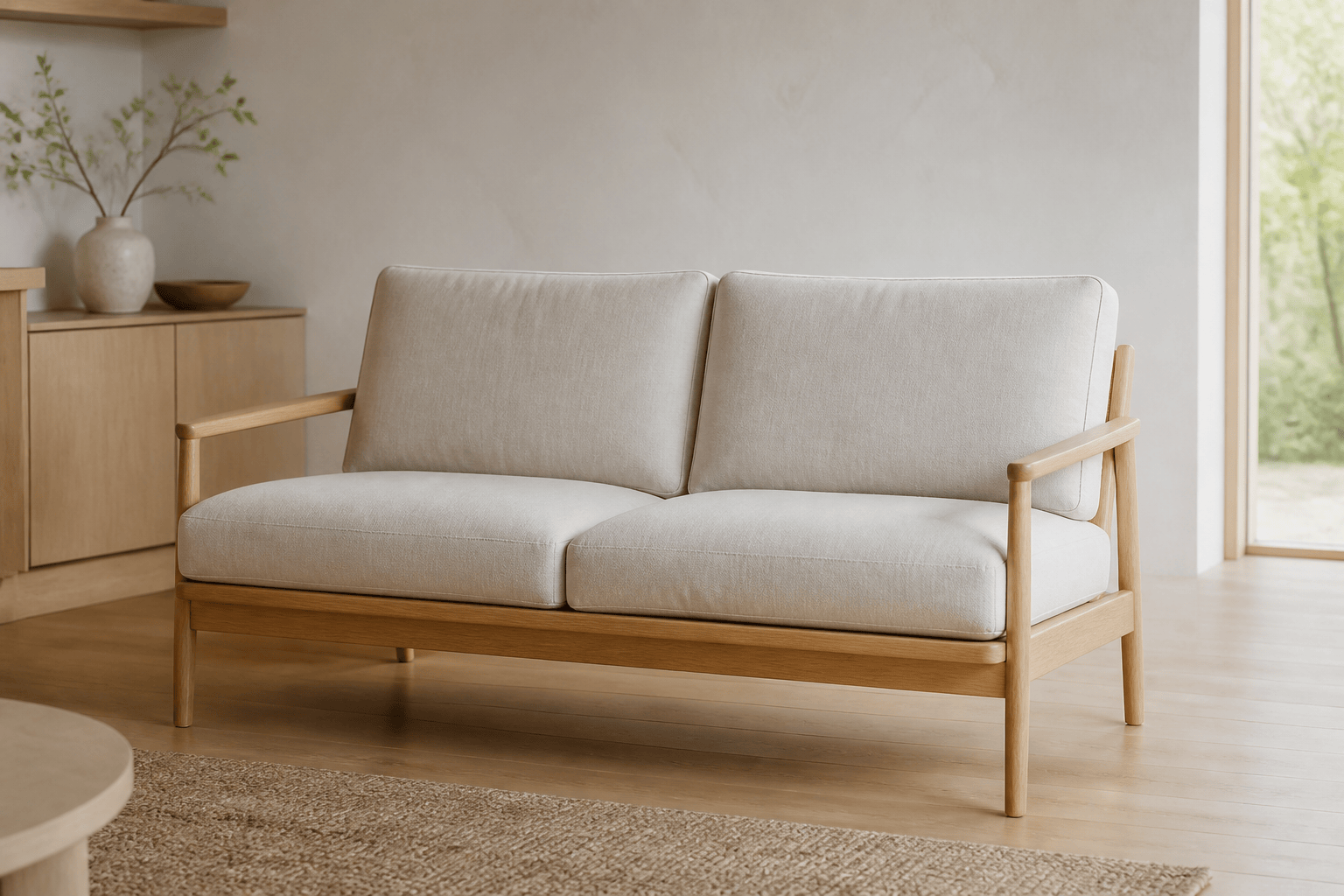
Small-Apartment Japandi Sofa: Design a compact two-seat sofa for a small apartment. Use a light oak exposed frame, low clean-lined back, slim arms, removable beige linen cushions, and calm Japandi proportions. Show a realistic three-quarter product view in a bright neutral living room at believable scale.
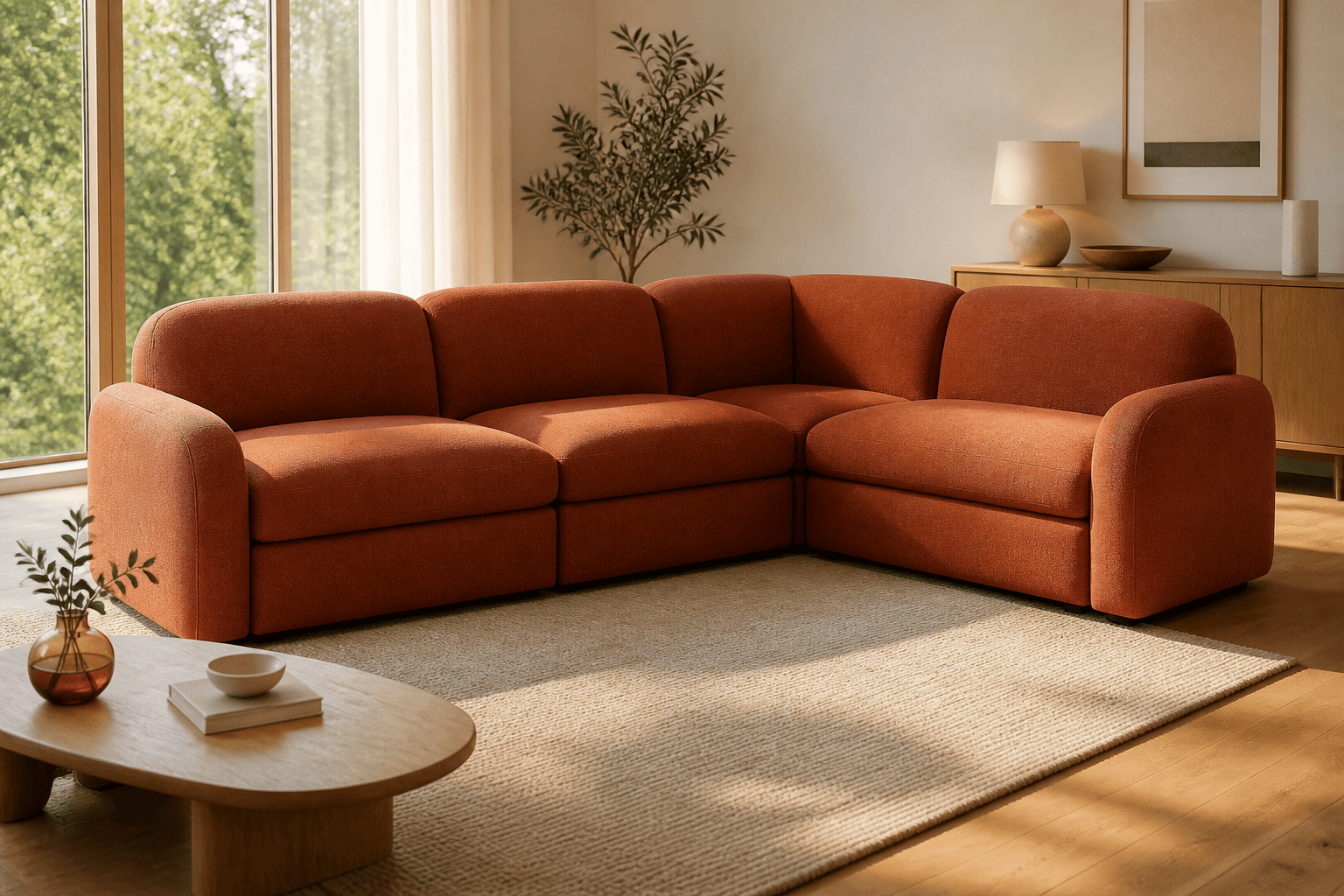
Modular Family Sectional: Create a four-piece modular sofa with three seats and one corner unit. Use rounded backs, deep medium-firm cushions, washable rust performance fabric, hidden connectors, and recessed black feet. Show an L-shaped arrangement in a warm contemporary family room.
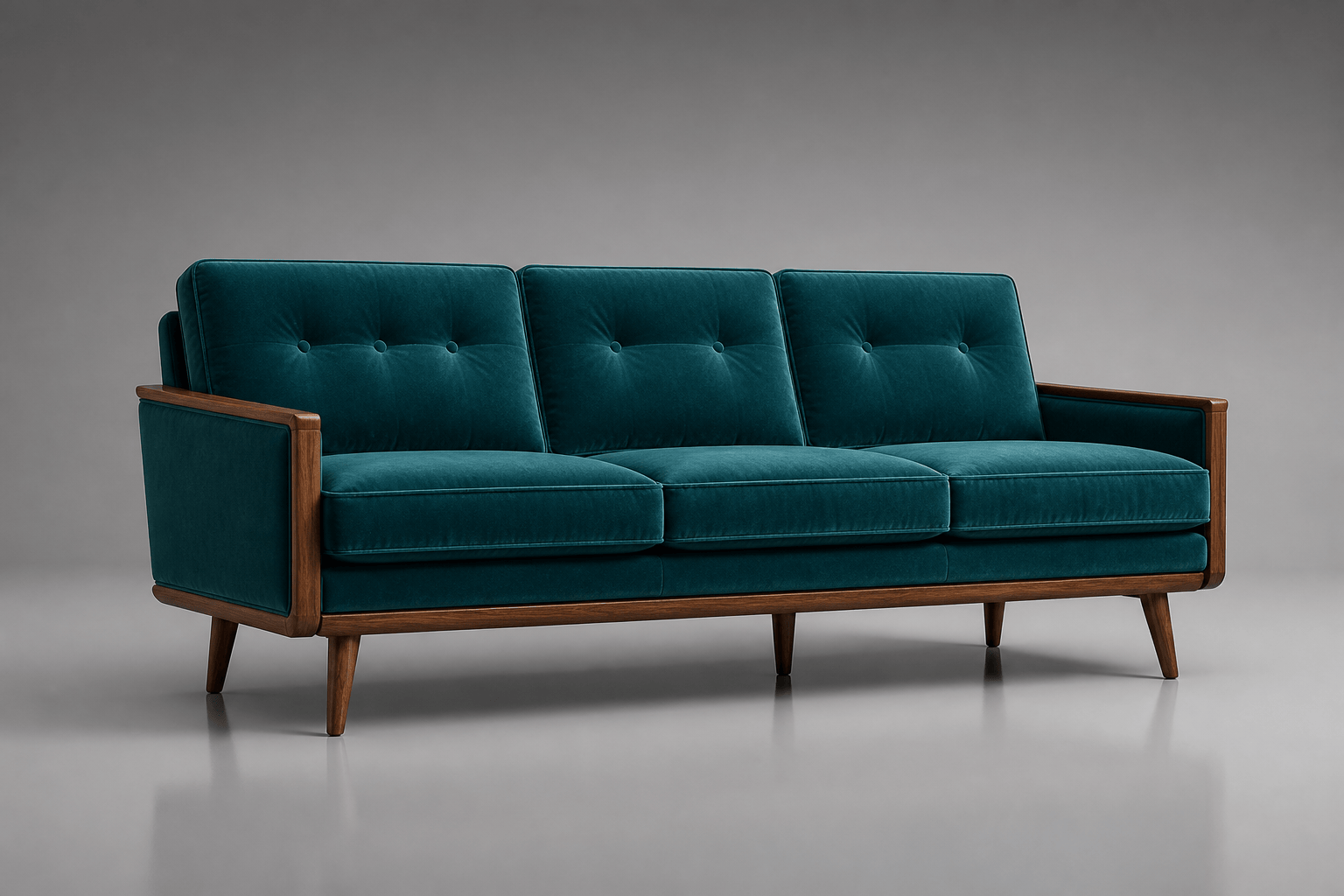
Mid-Century Couch Concept: Generate a three-seat mid-century modern couch with a structured walnut frame, tapered legs, slim track arms, tufted teal velvet cushions, and balanced 1960s proportions. Isolated front three-quarter product render with a soft gray studio backdrop.
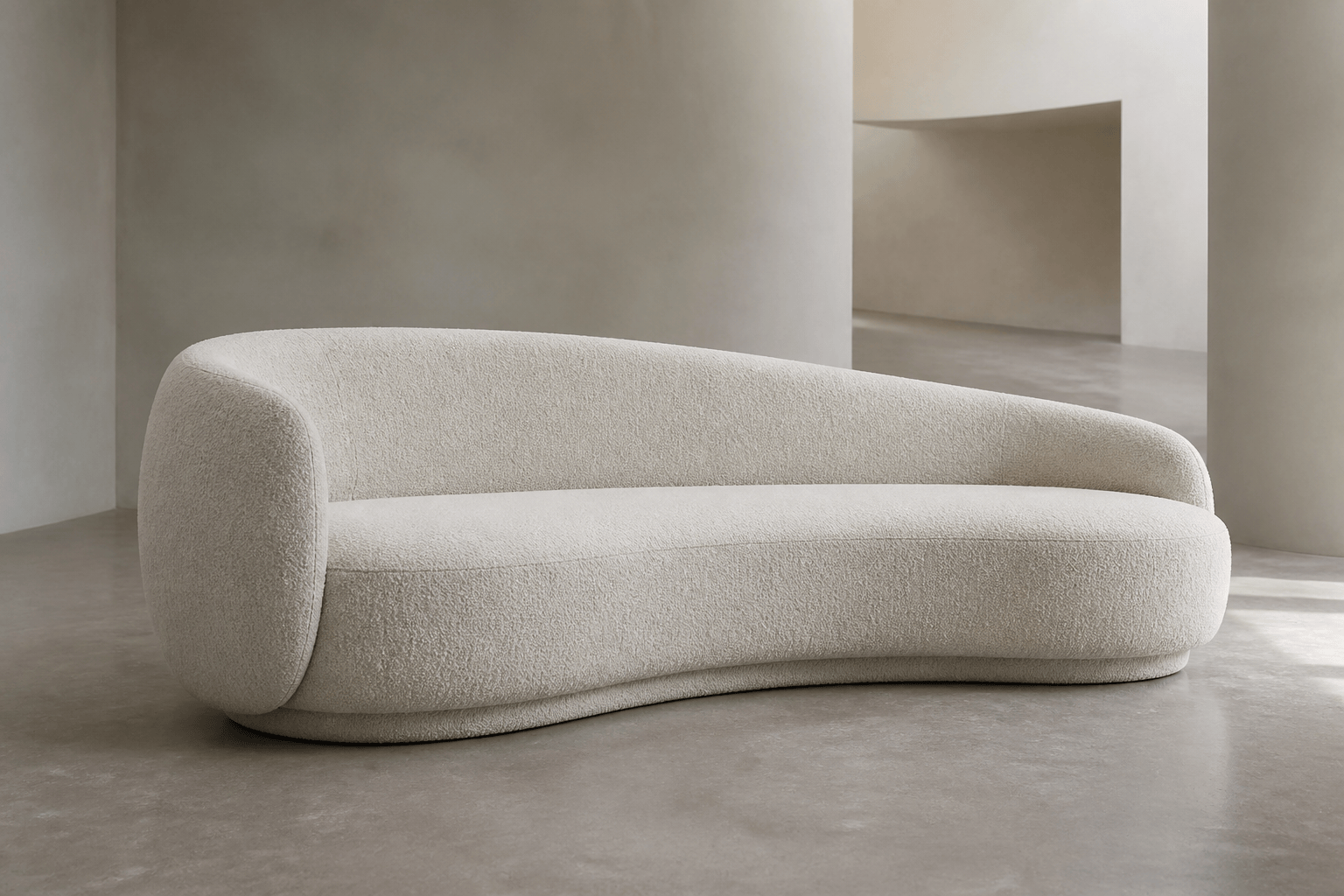
Curved Boucle Statement Sofa: Design a sculptural curved sofa for a hotel lounge. Use an ivory boucle finish, continuous rounded back, generous seat, concealed plinth base, and refined organic-modern proportions. Place it in a minimal gallery-like interior with diffused skylight.
Sofa Design from a Sketch: Use my uploaded sofa sketch as the form and proportion reference. Develop it into a three-module low sofa with soft wedge-shaped backs, removable moss-green wool covers, broad seats, and brushed-steel connectors. Preserve the sketch silhouette and show one isolated concept render.
Ecommerce Sofa Color Series: Create a clean studio product image of a contemporary three-seat sofa with rounded arms, two bench cushions, pale ash legs, and textured performance fabric. Keep the exact form consistent and generate separate sand, olive, terracotta, and charcoal color variations for a catalog mood board.





