Free OnlineAI Smile Generator
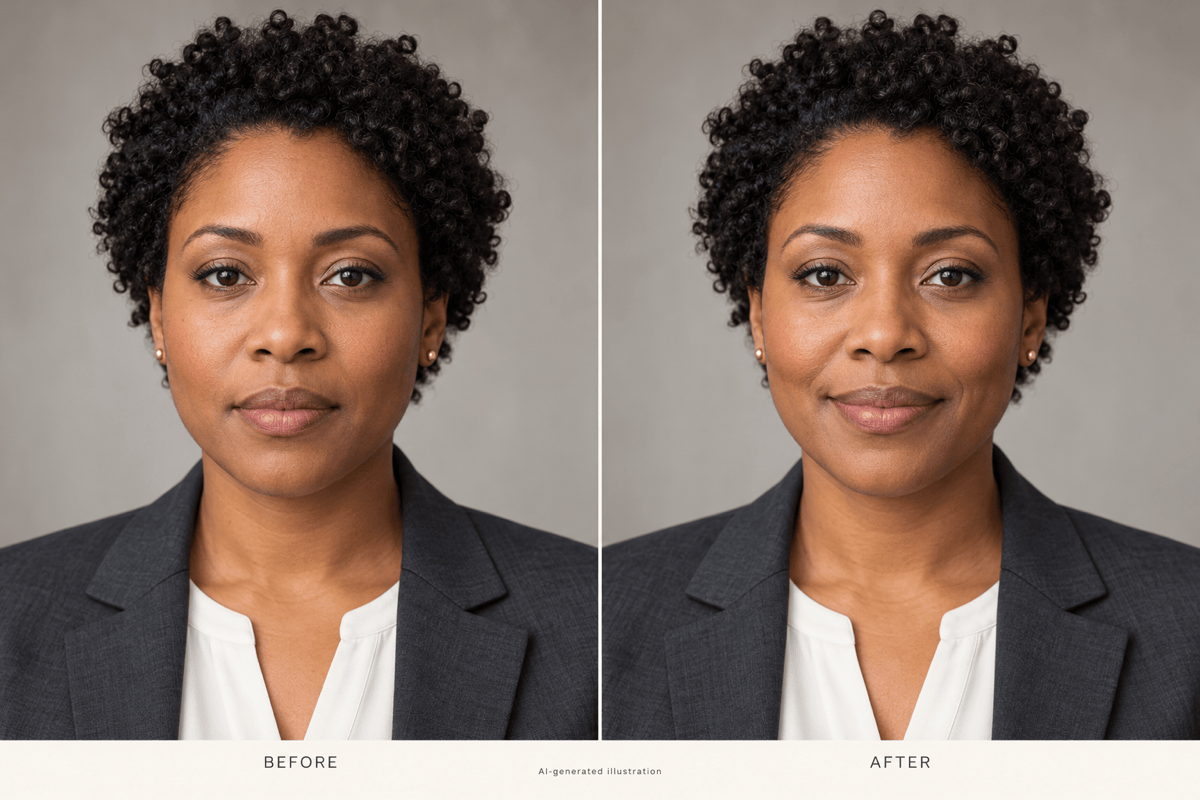
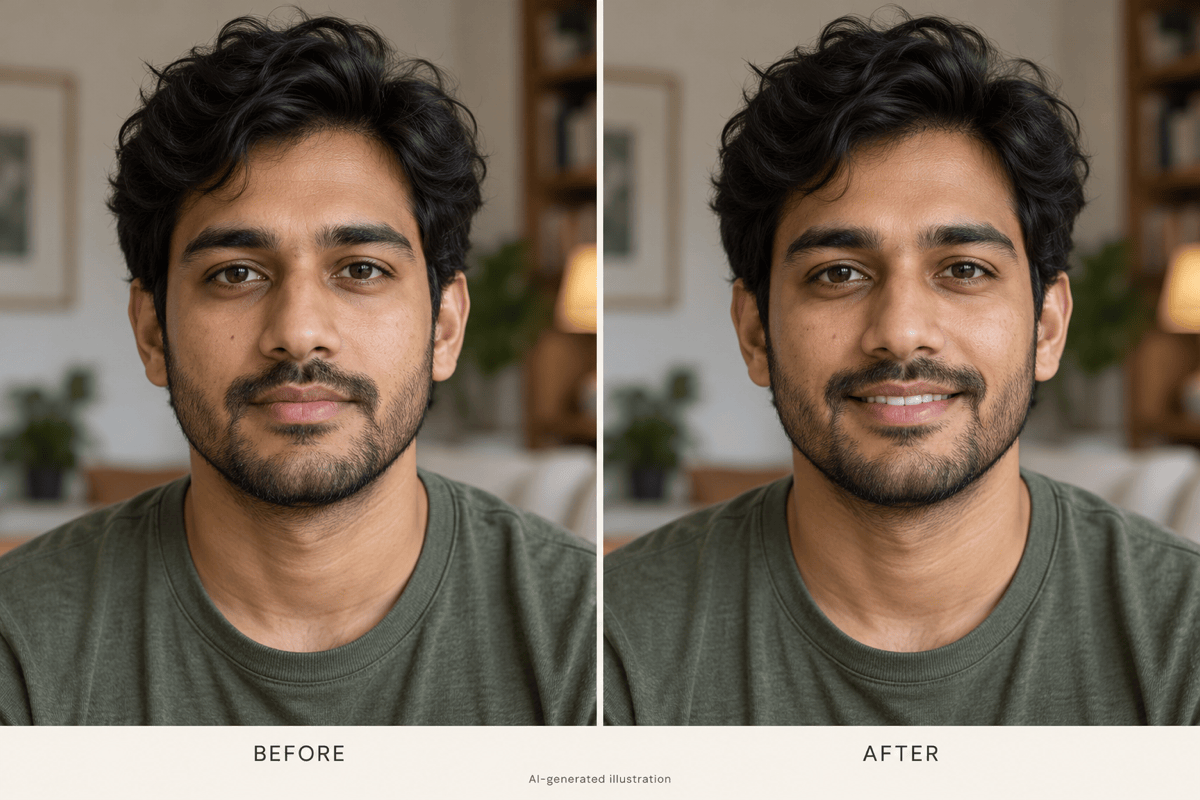
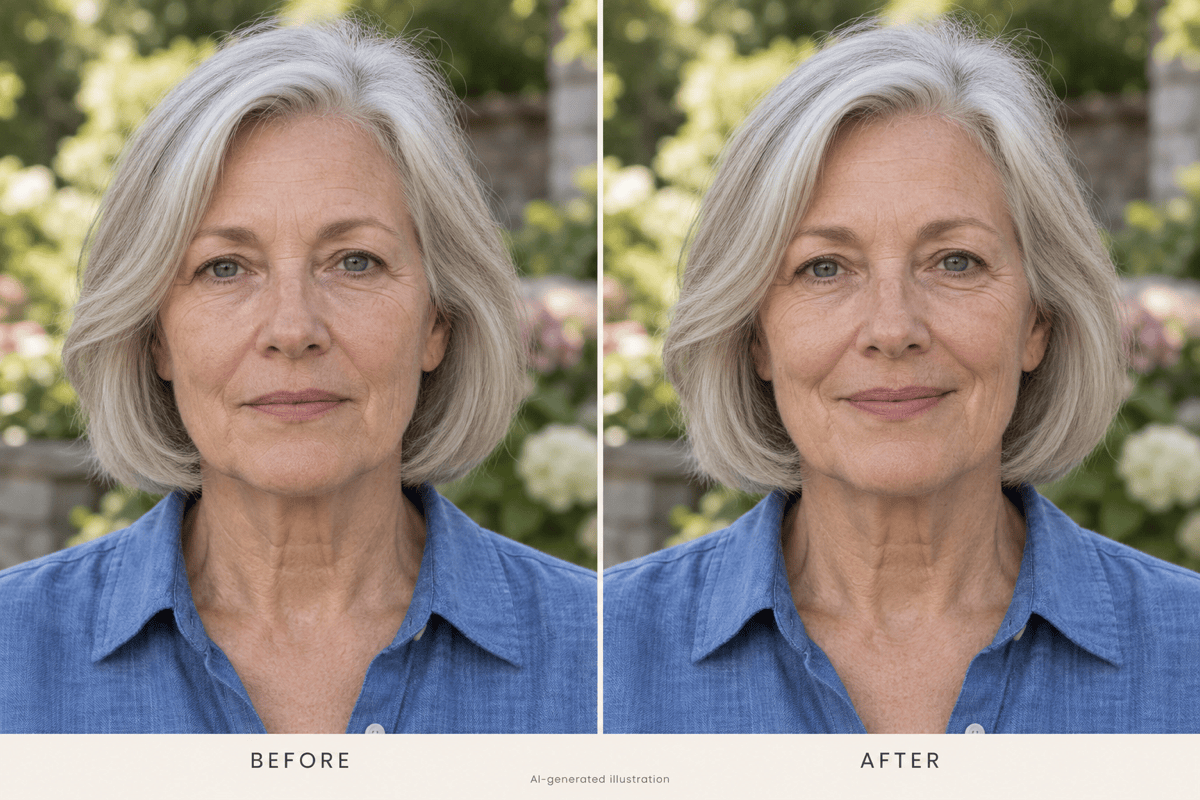
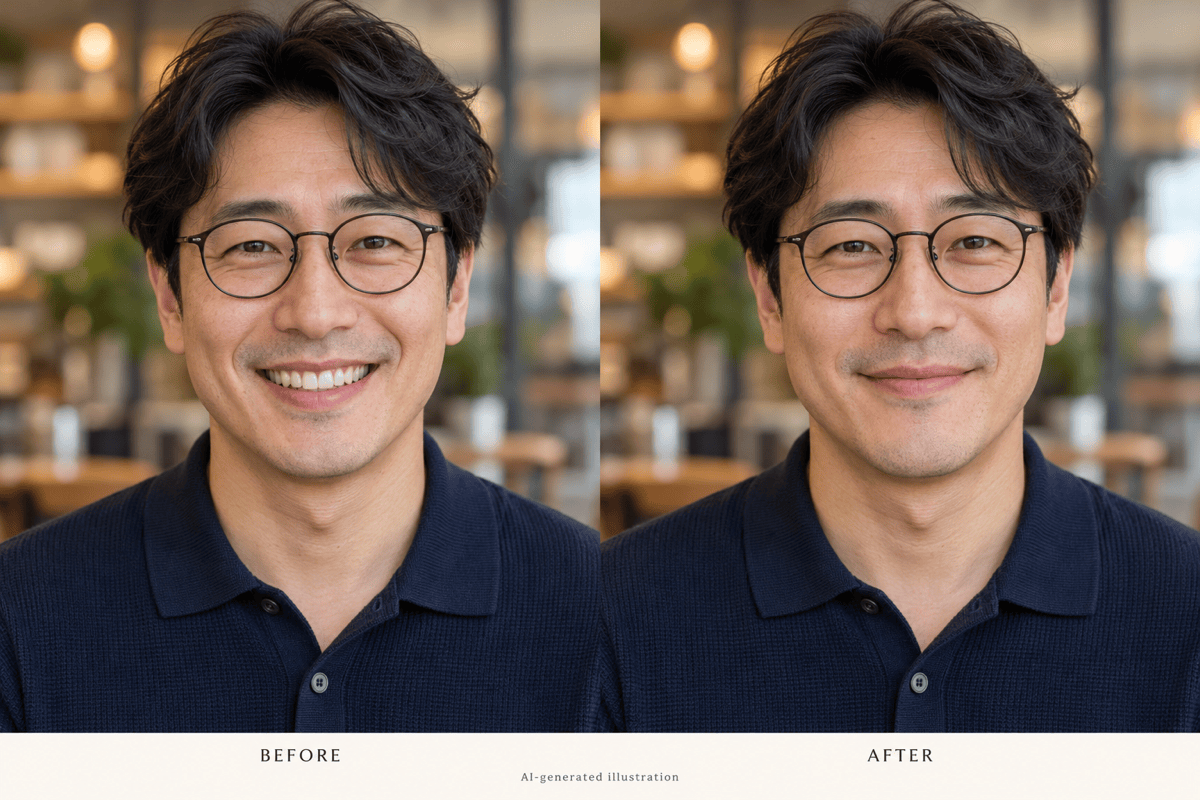
How to Add a Smile to a Photo with AI
Upload Your Portrait
Create a Smiling Version
Fine-Tune the Expression
Check and Download

A Smile That Fits Your Photo
Start from the Shot You Like
Keep working with your own portrait. This AI smile editor supports image uploads, so you can request an expression change without planning a new photo shoot.
Choose How Much You Smile
Ask for closed lips, a hint of teeth, or a warmer grin. Plain-language instructions give your AI smile filter a more specific direction.
Adjust More Than the Mouth
If the smile feels forced, use Chat Edit to request a smaller change to the mouth and cheeks. Review the eyes too, so the expression feels balanced.
Bring a Smile Reference
Upload another photo of yourself as a visual reference. Explain which photo to edit and which shows the smile you prefer.
Compare Subtle Variations
Request a gentle smile and a slightly broader version. Compare both at profile-picture size to choose the expression that suits your photo.
Try It Online with Free Credits
Use the AI smile generator online in your browser. New accounts receive free AI credits, and you can export your chosen photo without a watermark.
How to Keep an Added Smile Looking Natural
- Use a Clear Face: Choose even lighting and a front-facing or slightly turned portrait. Blur, deep shadows, and covered lips make the edit harder.
- Specify the Mouth: Say whether the lips should stay closed or teeth should show. A mild smile is a useful starting point for a professional headshot.
- Check the Details: Look for odd tooth shapes, uneven lip edges, or eyes that no longer match the expression. Review skin texture and face shape too.
- Keep a Reference: Compare against your original photo. If recognizable features drift, restart from it with a smaller expression change.
Small Fixes for Common Smile Edits
Closed-mouth smile: Edit my uploaded photo with a small smile and gently raised mouth corners. Keep the lips together and show no teeth.
Smile looks too wide: Reduce the grin in this edited photo. Relax the cheeks and keep the mouth closer to its shape in the original.
Teeth look artificial: Make the visible teeth less bright and less exposed. Avoid a uniform white strip, and keep the smile understated.
Eyes and smile do not match: Soften the smile and gently relax the eye area. Keep my eye shape and avoid an exaggerated squint.
Face looks different: Use my original portrait again. Add only a slight smile, retaining my facial proportions, age, and skin texture.
One person in a group: Add a subtle smile only to the person on the left in my uploaded photo. Keep the other faces and the setting unchanged.





