Free to Try OnlineAI Slim Body
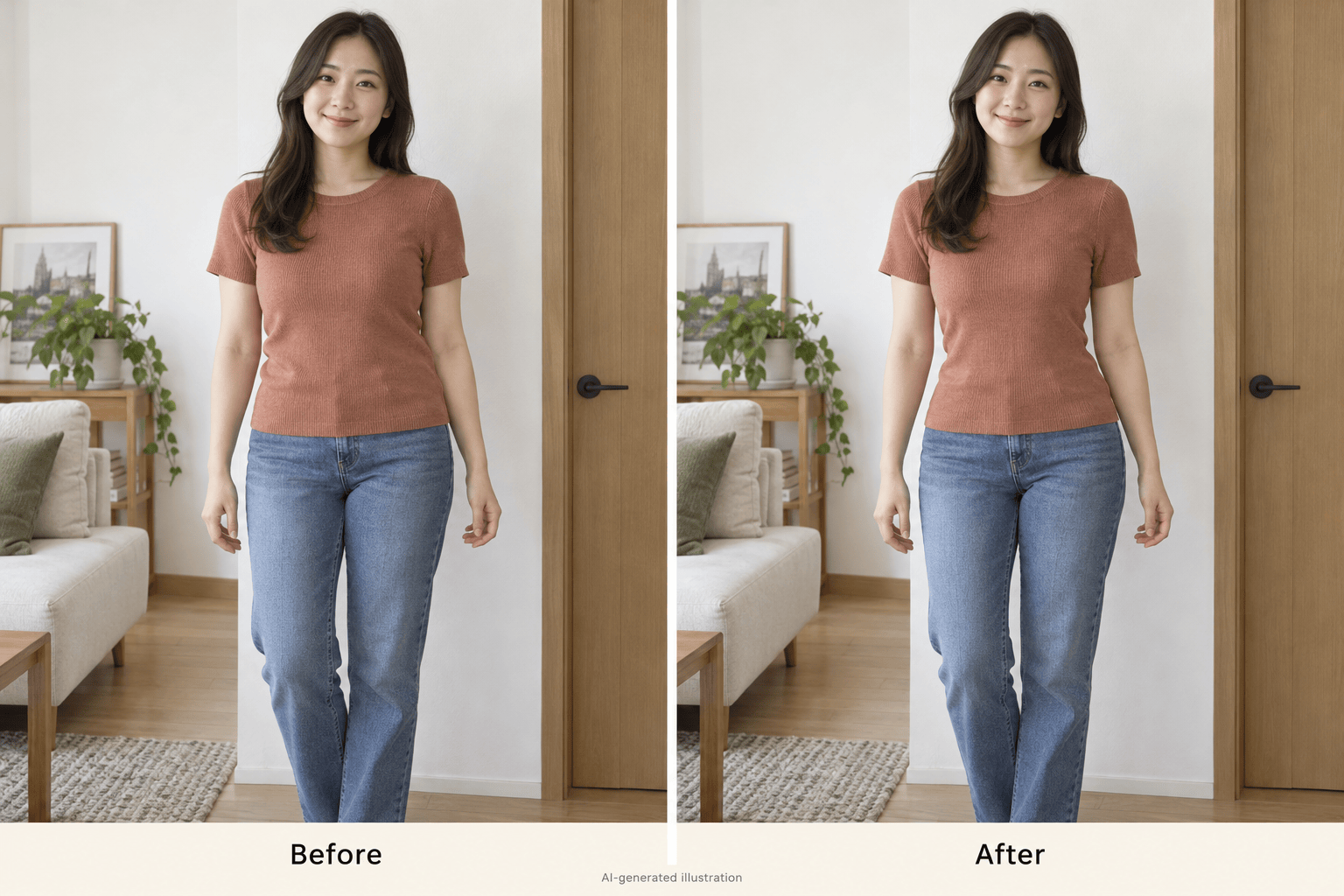
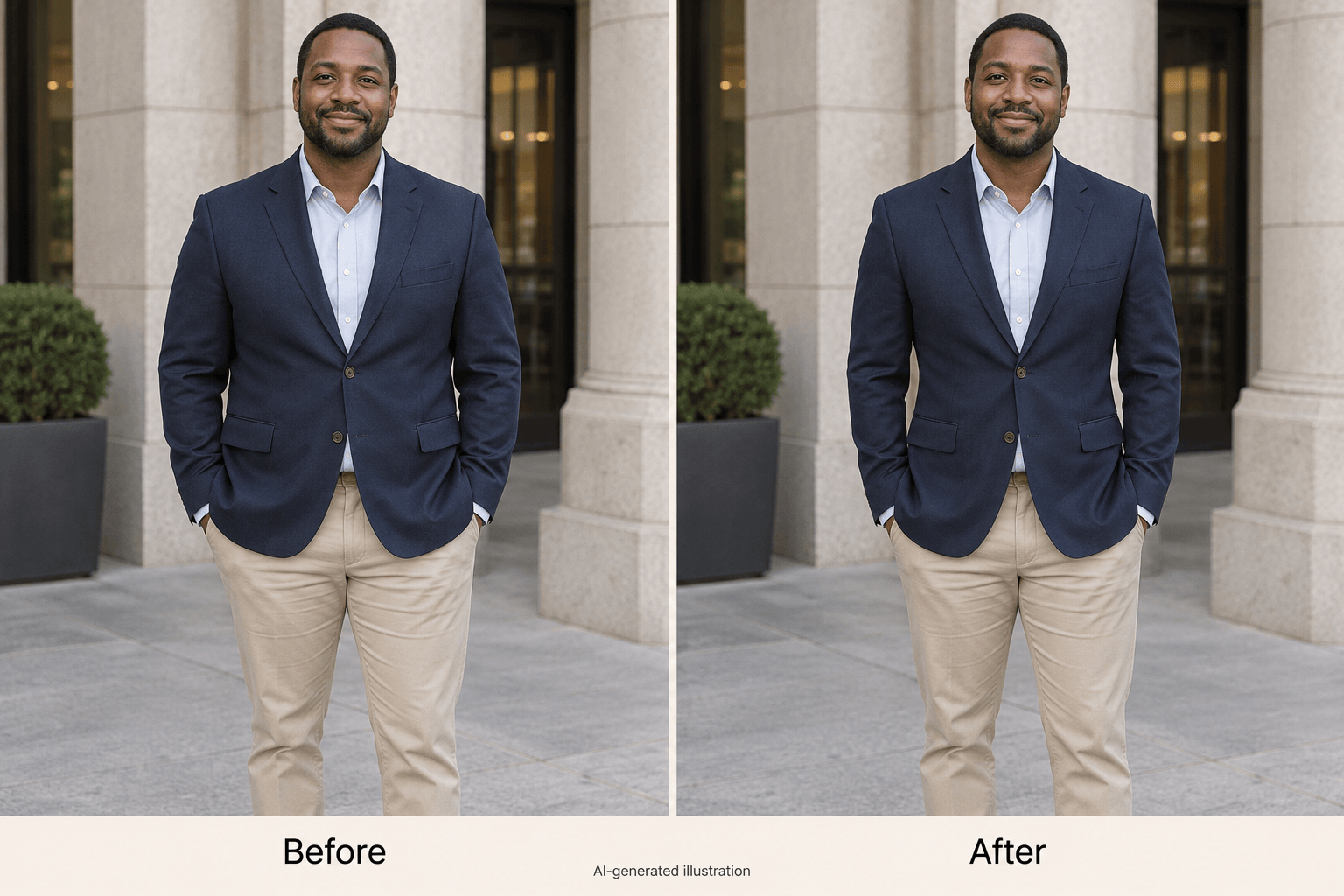
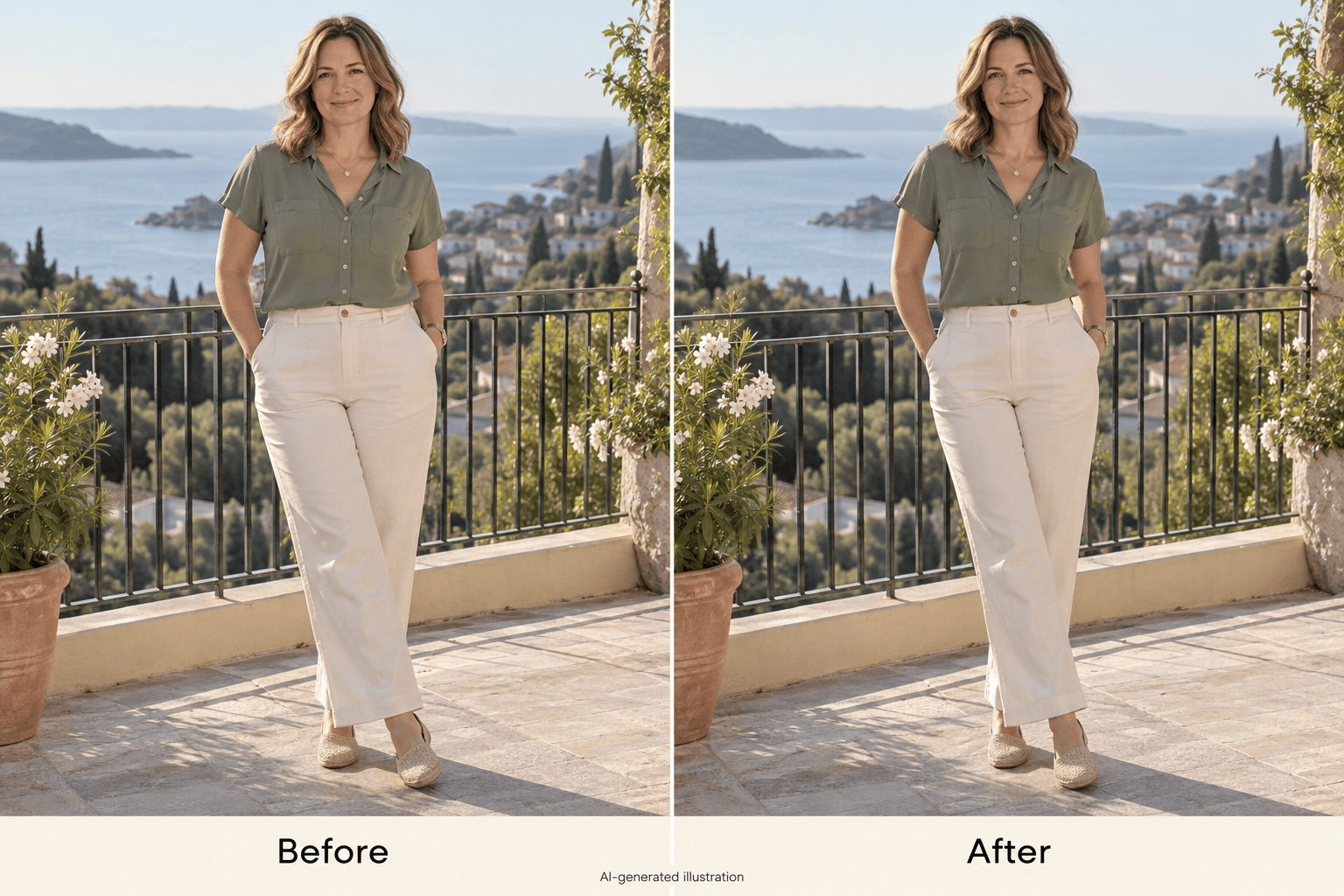
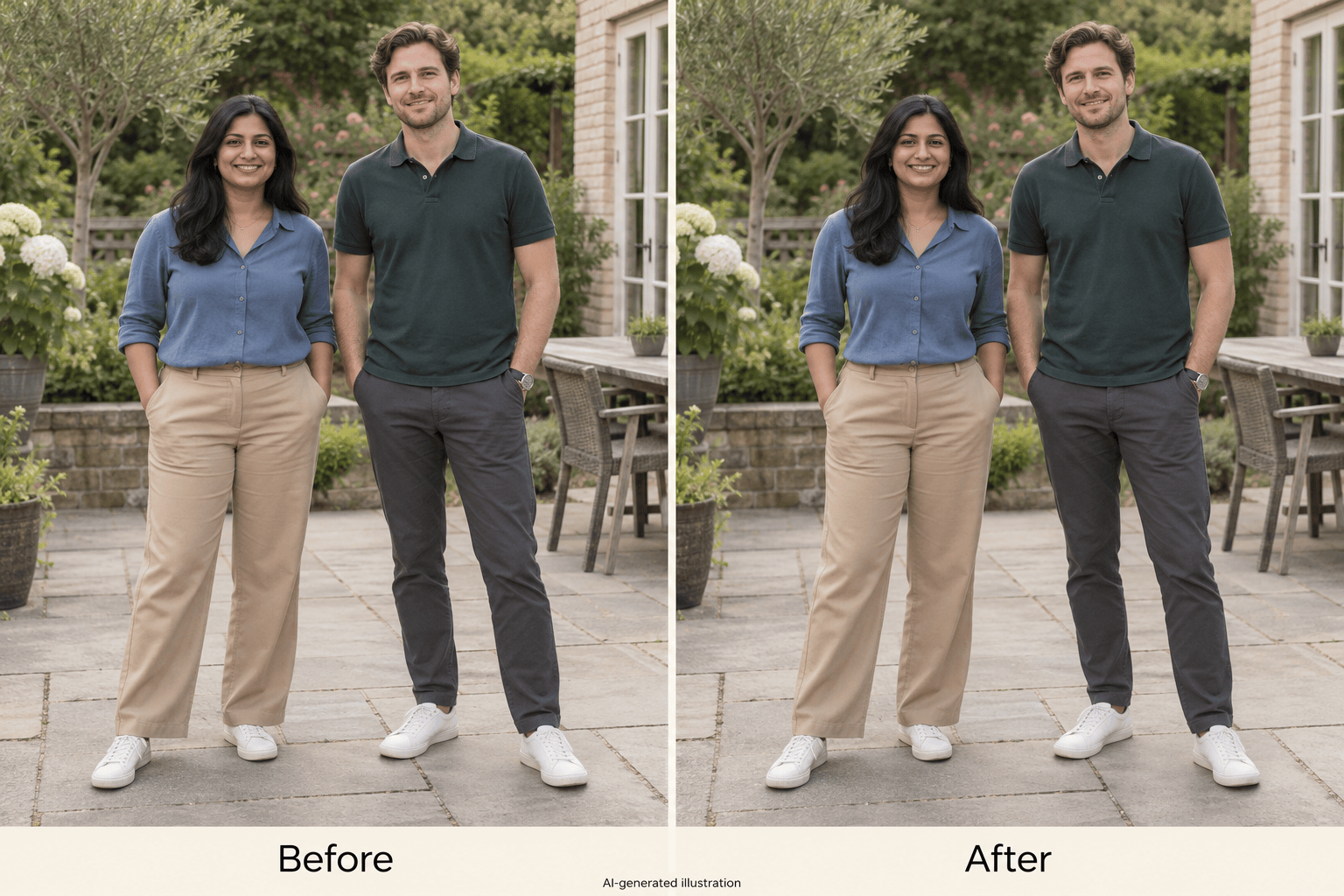
How to Edit Body Shape in Photos with AI
Upload a Clear Portrait
Describe the Adjustment
Compare and Refine
Save Your Chosen Version

Body Photo Editing You Can Direct in Words
Start with Your Own Photo
Use this online AI body editor on a portrait, outfit photo, or travel shot. Your uploaded image provides the reference for the edit.
Choose the Area to Adjust
Ask to slim a waist in a photo or make a small change to the arms. Name the area and describe the result instead of learning a reshape brush.
Give Clear Preservation Instructions
Tell the agent to retain your face, clothing details, and surroundings. These instructions guide the edit; review the result for unintended changes.
Dial Back an Overdone Edit
Click Chat Edit and ask for a gentler adjustment. You can refine the silhouette without writing a new brief from scratch.
Compare Different Versions
Request a lighter alternative and compare it with the first edit. Choose the version that fits the look you want.
Try It with Free Credits
Test AI slim body editing with free AI credits after signup. Export your chosen photo as PNG or JPG without a watermark; further use depends on your credits.
How to Keep Body Slimming Edits Natural
- Show the Outline: Choose even lighting and a visible body outline. Crossed arms, heavy blur, and loose layers can make the requested area harder to edit.
- Limit the Change: Name one area first. For full-body slimming, ask for a modest adjustment with the original height and pose retained.
- Inspect Nearby Details: Zoom in on doorframes, railings, hands, seams, and patterns. Ask for a correction if any of them bend, blur, or shift.
- Treat It as a Photo Edit: A reshaped picture is a creative edit, not a prediction of weight loss. The gallery uses AI-generated before-and-after illustrations, not verified customer results.
Targeted Fixes for Body Editing Problems
Reduce the waist adjustment in my edited photo. Use the original upload as the reference and keep my hips, shoulders, face, and height unchanged.
Make a modest full-body slimming edit to my uploaded photo. Keep my original height, limb lengths, posture, and head size. Avoid an exaggerated waist.
Revise this body edit using my original face. Preserve my expression, skin texture, hairstyle, and facial proportions; change only the requested body area.
Fix the background distortion near my edited waist. Use the original photo to restore straight doorframes, railings, and floor lines without increasing the slimming effect.
Restore the clothing details from my original photo. Keep the fabric pattern, seams, buttons, and sleeve edges coherent around the small body adjustment.
In my uploaded group photo, slightly adjust only the waist of the adult standing on the left. Keep the other people, their faces, and the background unchanged.





