Free OnlineAI Skin Generator
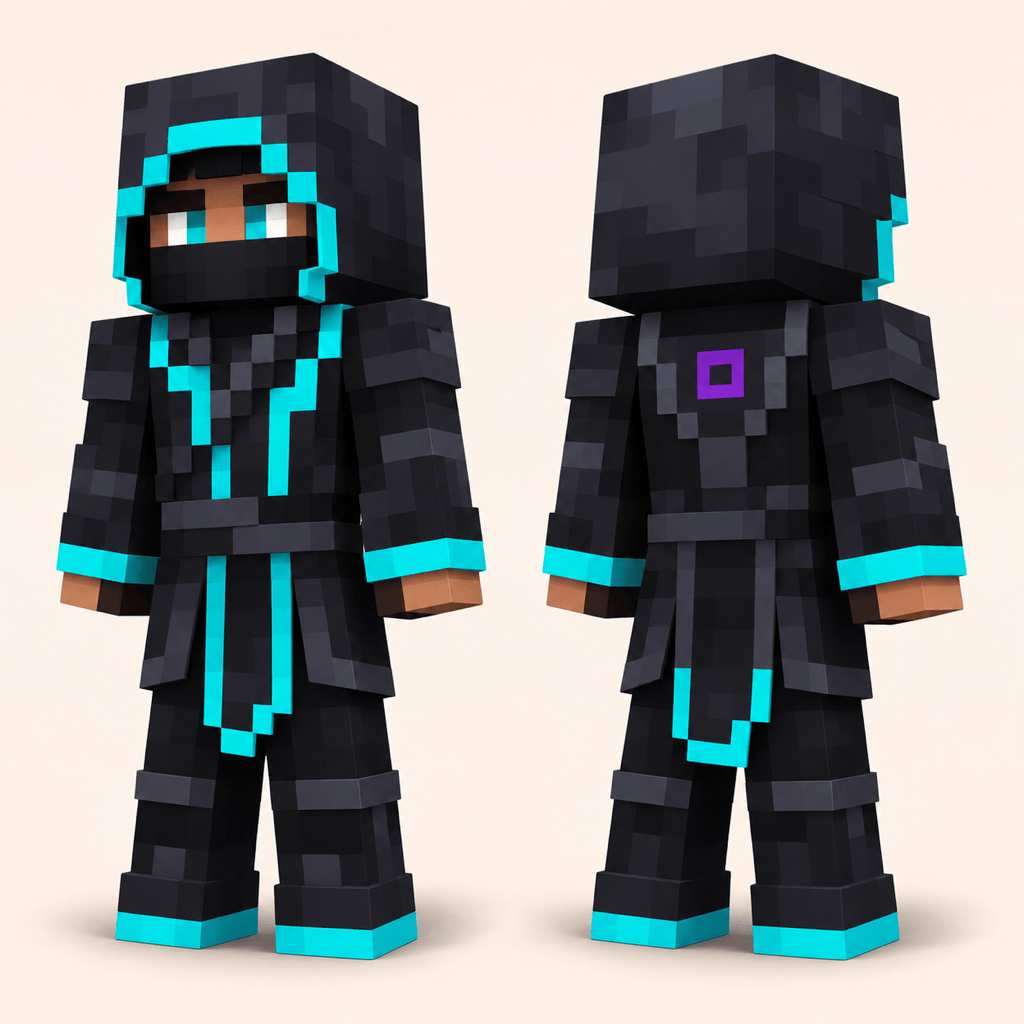
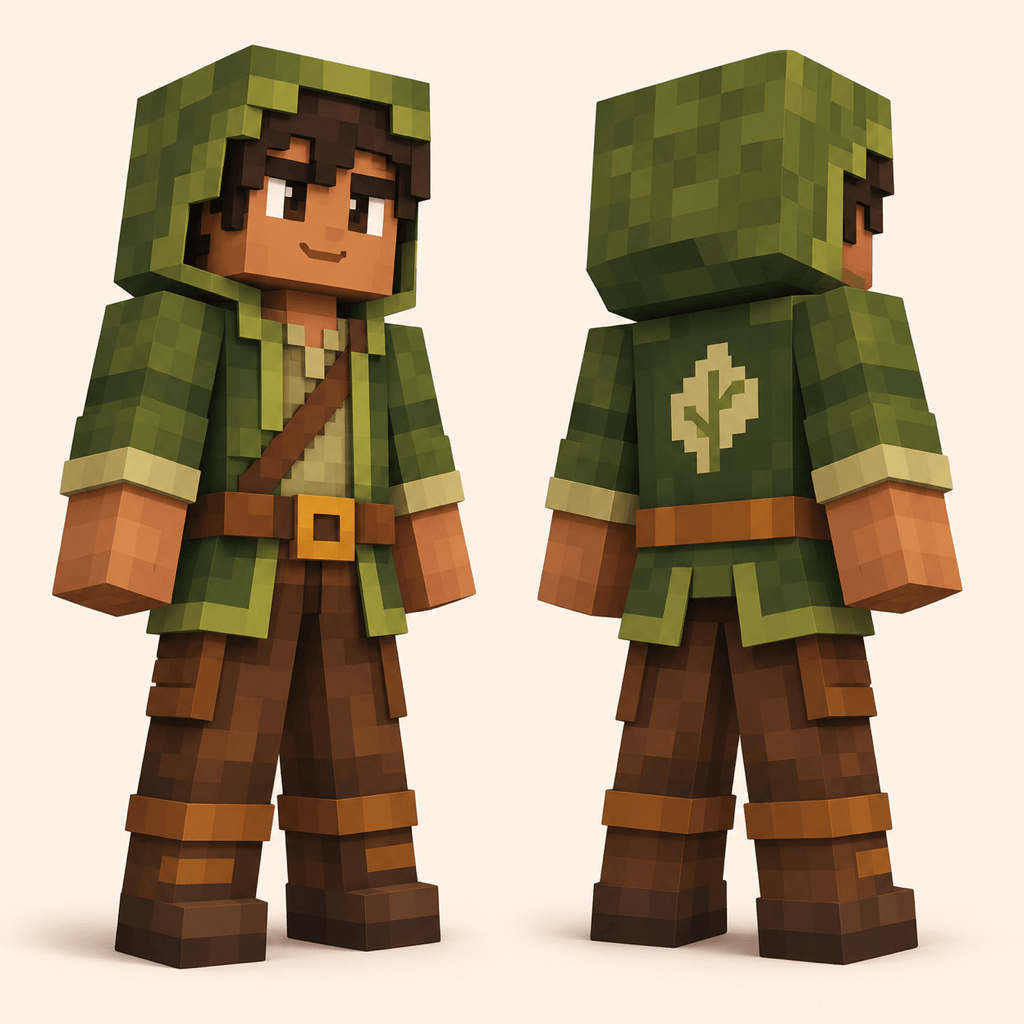
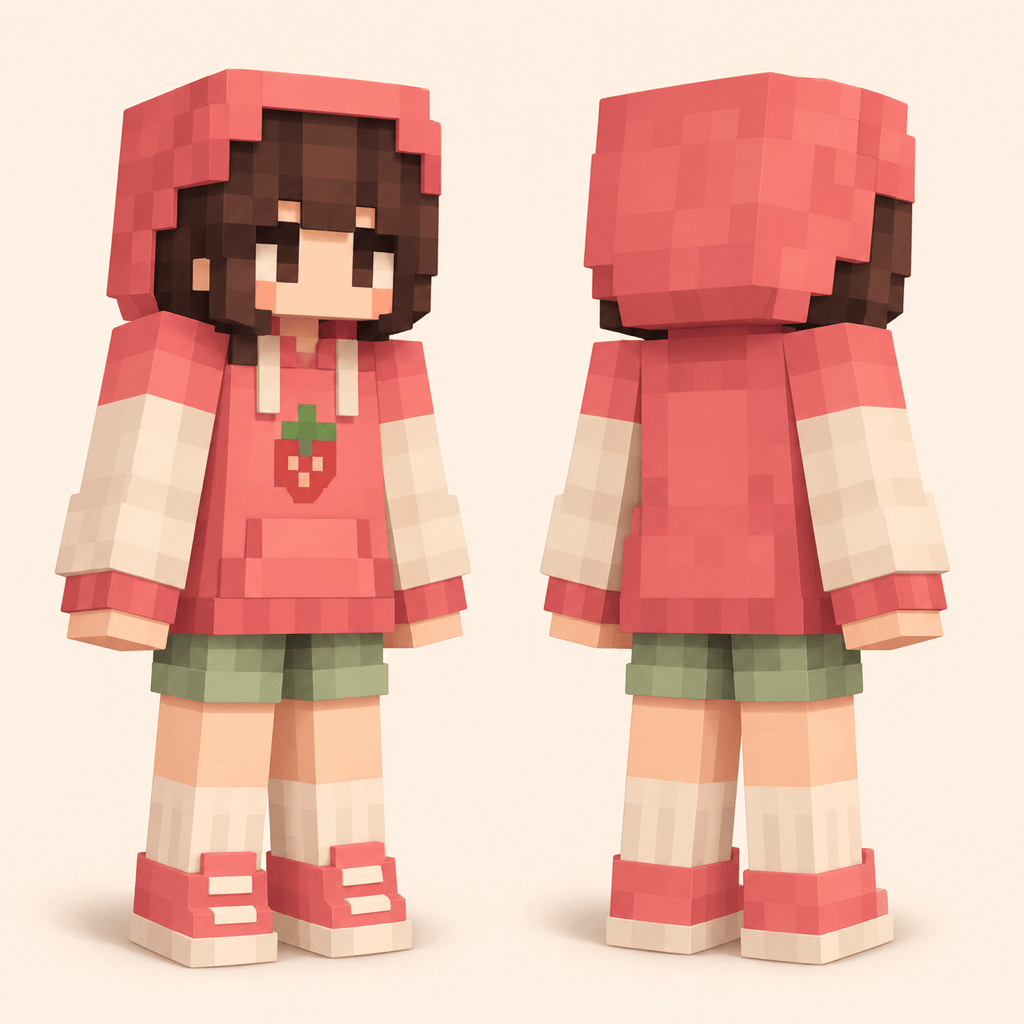
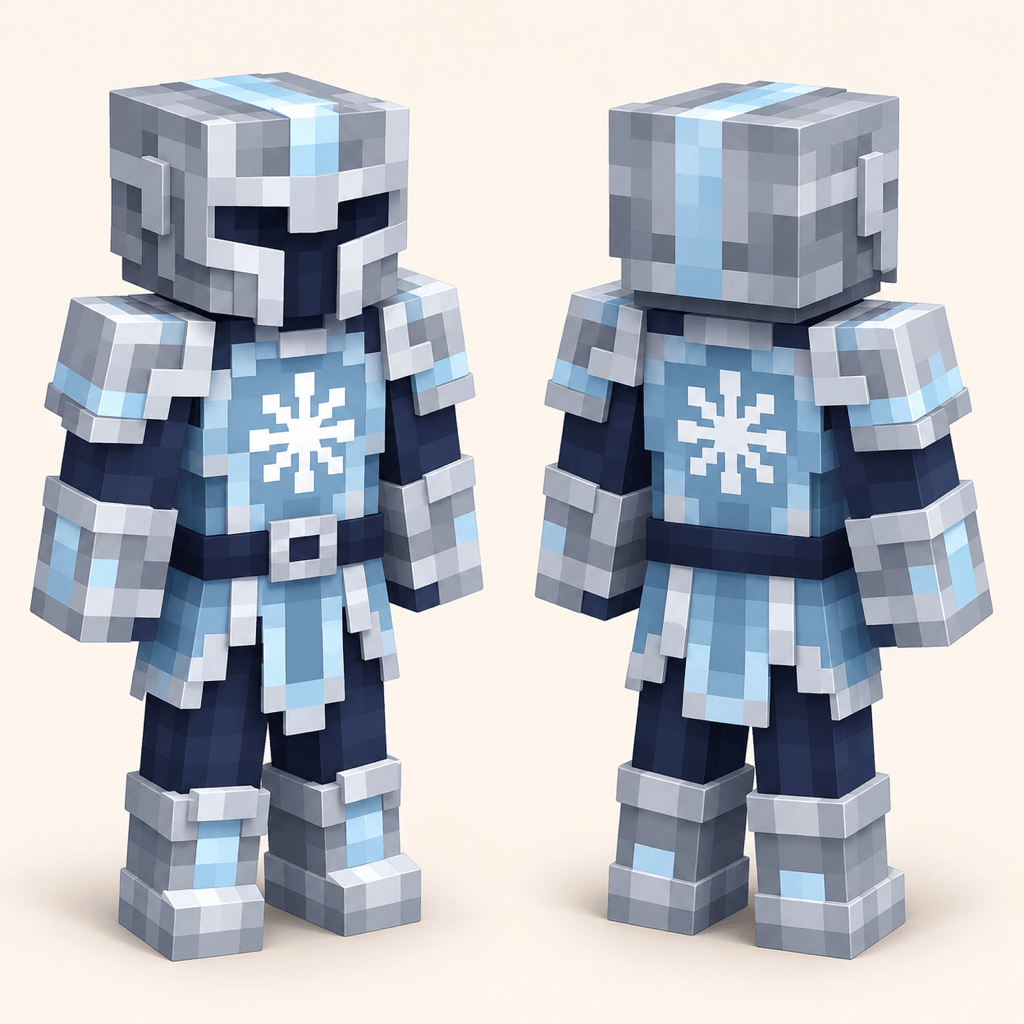
How to Create a Skin Design with AI
Describe Your Character
Generate the First Look
Refine the Details
Export Your Design Reference

Why Use Mew Design for Custom Skin Designs
Turn Text into a Skin Design
Use our AI skin creator to turn a character role and a few colors into an outfit concept. Compare silhouettes and color blocks before detailed pixel work.
Create a Skin Concept from a Photo
Upload a drawing or photo to guide hair, clothing, and palette. A skin concept from a photo gives you a personal starting point; review details the image does not show.
Change One Detail Through Chat
Ask Chat Edit to simplify sleeves, recolor boots, or replace an emblem. Describe what should stay the same so each revision has a clear target.
Build a Related Character Series
Explore team uniforms or seasonal outfit variations. Save a successful palette and design method as a Mew Skill to reduce repeated briefing on future concepts.
Choose How Your Concept Is Generated
Select an available image model yourself, or let Mew Auto choose for your pixel art or reference-led brief. Mew Design brings leading image models into one workflow and adds new releases promptly.
Try Ideas with Free Signup Credits
Test the AI skin generator online with free AI credits after signup. Export watermark-free concept images when ready; further generation depends on your available credits.
How to Design Better Minecraft Skin Concepts
- Choose the Arm ShapeSpecify classic or slim proportions before comparing outfits. When building the final texture, use the matching template in your skin editor.
- Make Color Blocks CountFavor a few contrasting colors and one signature detail. Tiny text, complex gradients, and crowded accessories are harder to translate into pixels.
- Design the Back, TooDescribe the back of the hood, jacket, and hair. Check that cuffs, hems, and accent colors match across views.
- Separate Artwork from the Skin FileA character picture is not an unwrapped skin texture. Resizing artwork to 64×64 does not map it onto the character; build and preview the texture in a dedicated editor.
Minecraft Skin Ideas and Customization Requests
Create an original anime-inspired Minecraft skin concept: silver hair, a navy school jacket, red cuffs, and dark trousers. Use expressive pixel eyes and simple color blocks. Show front and back views on a plain background; avoid copying an existing character.
Use my uploaded photo as a reference for a block-style skin concept. Carry over the hairstyle, glasses, and main outfit colors. Invent a simple matching back view and show the full character. Treat this as concept art, not a playable skin file.
Design three coordinated skin concepts for a building team: engineer, explorer, and gardener. Keep a shared teal-and-charcoal uniform, but give each role one distinct accessory and accent color. Show each character separately at the same scale.
Add a back-view concept to this character design. Continue the jacket hem, sleeve stripes, hair color, and boot pattern consistently. Keep the existing front view and use a plain background so I can compare both views.
Simplify this skin concept for a small pixel grid. Replace tiny decorations with larger color blocks, keep the face recognizable, and increase contrast between the jacket and trousers. Preserve the main palette and character identity.
Create an autumn variation of this skin concept. Keep the face, hair, outfit shape, and emblem; change the clothing palette to rust, cream, and dark brown. Match the new colors in the front and back views.





