Free OnlineAI Shoe Try On
How to Try On Shoes with AI
Choose a Clear Base Photo
Add the Shoe Reference
Map the Fit and Scene
Inspect, Correct, and Export

On-Foot Previews Built Around Footwear Details
Reference the Pair You Want
Use a retailer photo, product screenshot, catalog shot, or transparent cutout instead of a generic footwear preset. Mew Design can follow the visible silhouette, paneling, sole, colorway, and closures.
Keep Stance and Perspective Grounded
The base photo guides foot position, leg angle, crop, floor plane, and light direction. Describe whether the view is front, side, or three-quarter so the shoes sit naturally instead of floating or twisting.
Describe Construction and Materials
Guide the AI sneaker try on with toe-box shape, midsole thickness, outsole edge, tongue, eyelets, laces, heel counter, mesh, suede, leather, canvas, patent finish, buckles, or straps that matter.
Preserve the Outfit Around the Shoes
Keep the person, body proportions, pose, socks, trousers, skirt, accessories, background, and crop consistent. Correct occlusion helps hems fall over boots and sandal straps pass around the foot believably.
Repair Common Footwear Artifacts
Use Chat Edit when a pair has two left shoes, mirrored marks, repeated laces, melted toe boxes, missing heels, mismatched soles, floating shadows, extra footwear, or inconsistent materials.
Create Shopping and Ecommerce Variants
Use free AI credits after signup to compare pairs, colorways, outfits, model directions, or campaign settings. Export watermark-free PNG or JPG images for shopping boards, PDP concepts, ads, and social posts.
How to Prompt AI for a Realistic Shoe Try-On
- Prepare the base photo: Show both feet, ankles, and the floor in even light. Avoid crossed legs, cropped toes, motion blur, strong reflections, deep shadows, or objects hiding the current footwear.
- Define the product: Name sneaker, boot, heel, loafer, or sandal; then specify toe, upper, sole, heel, shaft, tongue, laces, straps, hardware, material, color blocks, and recognizable details.
- Match view and occlusion: Choose a reference angle close to the visible feet. Explain which hems, socks, ankles, straps, or shoe openings sit in front and which parts remain hidden.
- Review the physical cues: Compare scale, left and right sides, foot entry, toe and heel structure, sole contact, perspective, material response, shadows, colorway, and small product details with the source.
AI Shoe Try-On Prompts for Six Real Decisions
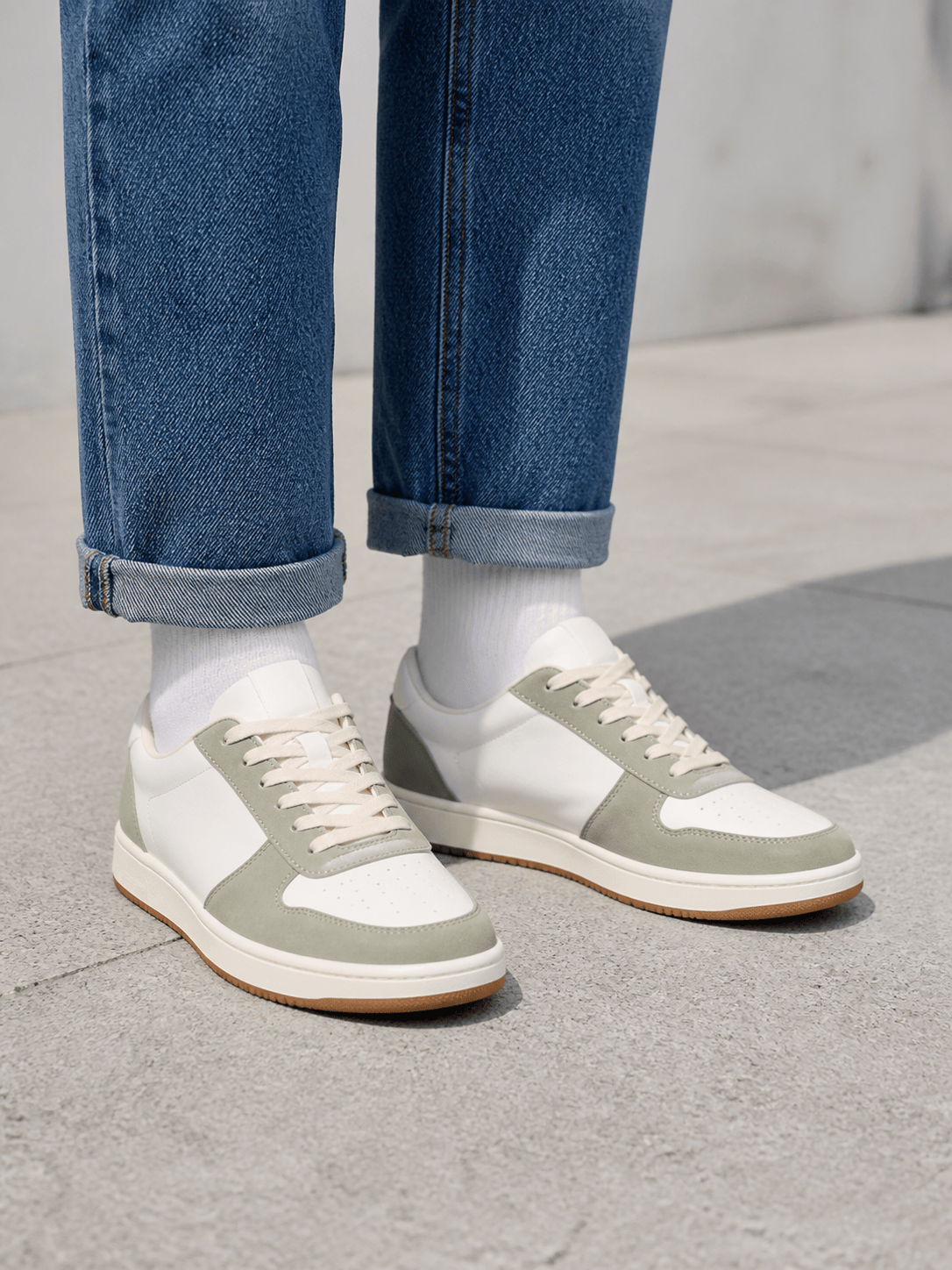
Sneaker shopping comparison: Apply the white-and-navy low-top sneakers from @[product image] to @[outfit photo]. Preserve the adult person's stance, cuffed chinos, gray socks, sidewalk, and daylight. Match the lateral panel shape, white laces, navy heel tab, cream midsole, and gum outsole; keep both soles flat with natural contact shadows.
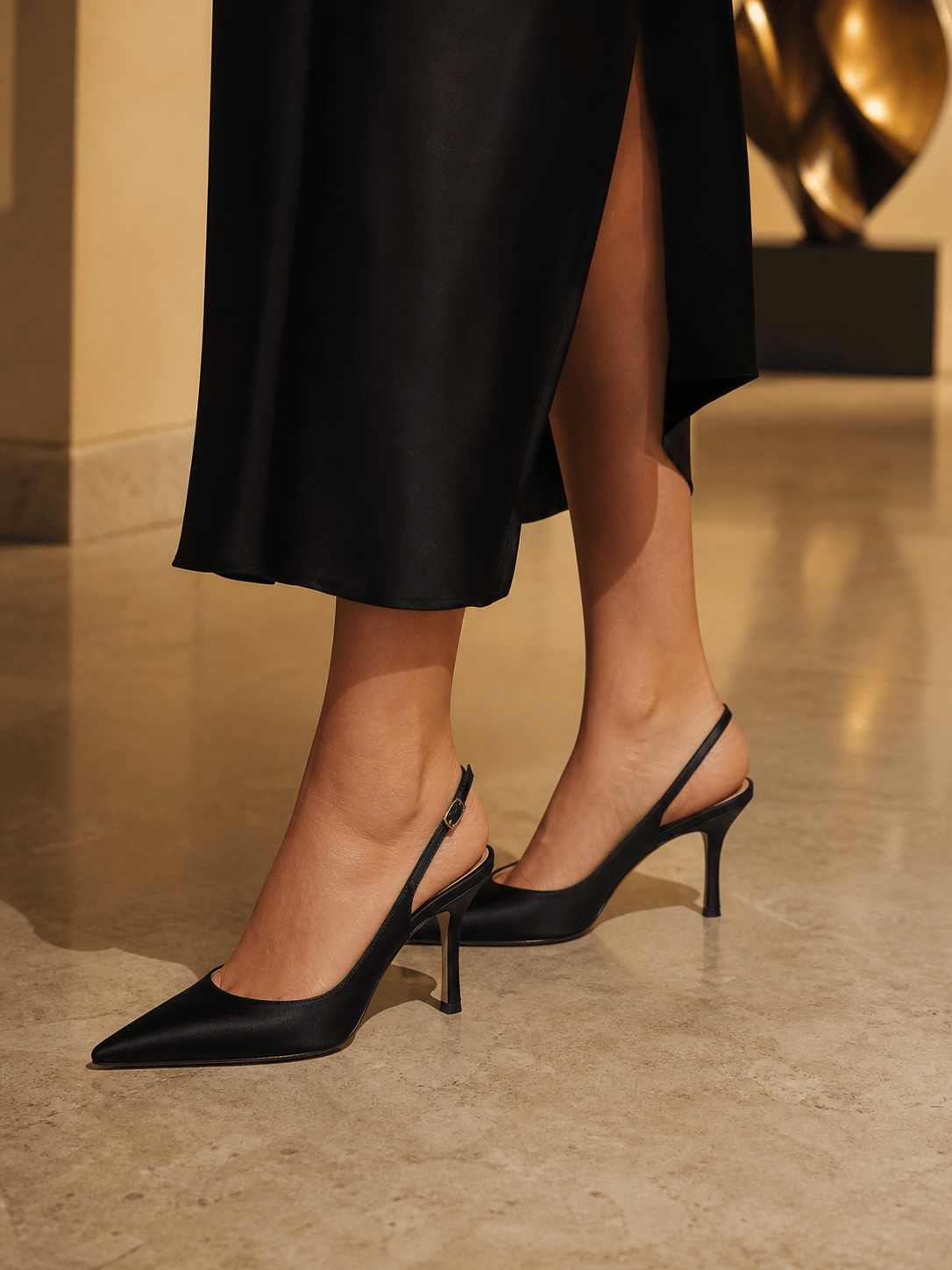
Wedding heel preview: Put the black pointed-toe slingback heels from @[heel reference] on @[portrait]. Keep the midi dress, skin tone, pose, marble floor, and warm indoor light. Preserve the 65 mm heel, narrow slingback strap, small silver buckle, satin finish, pointed toe, and correct strap placement around each heel.
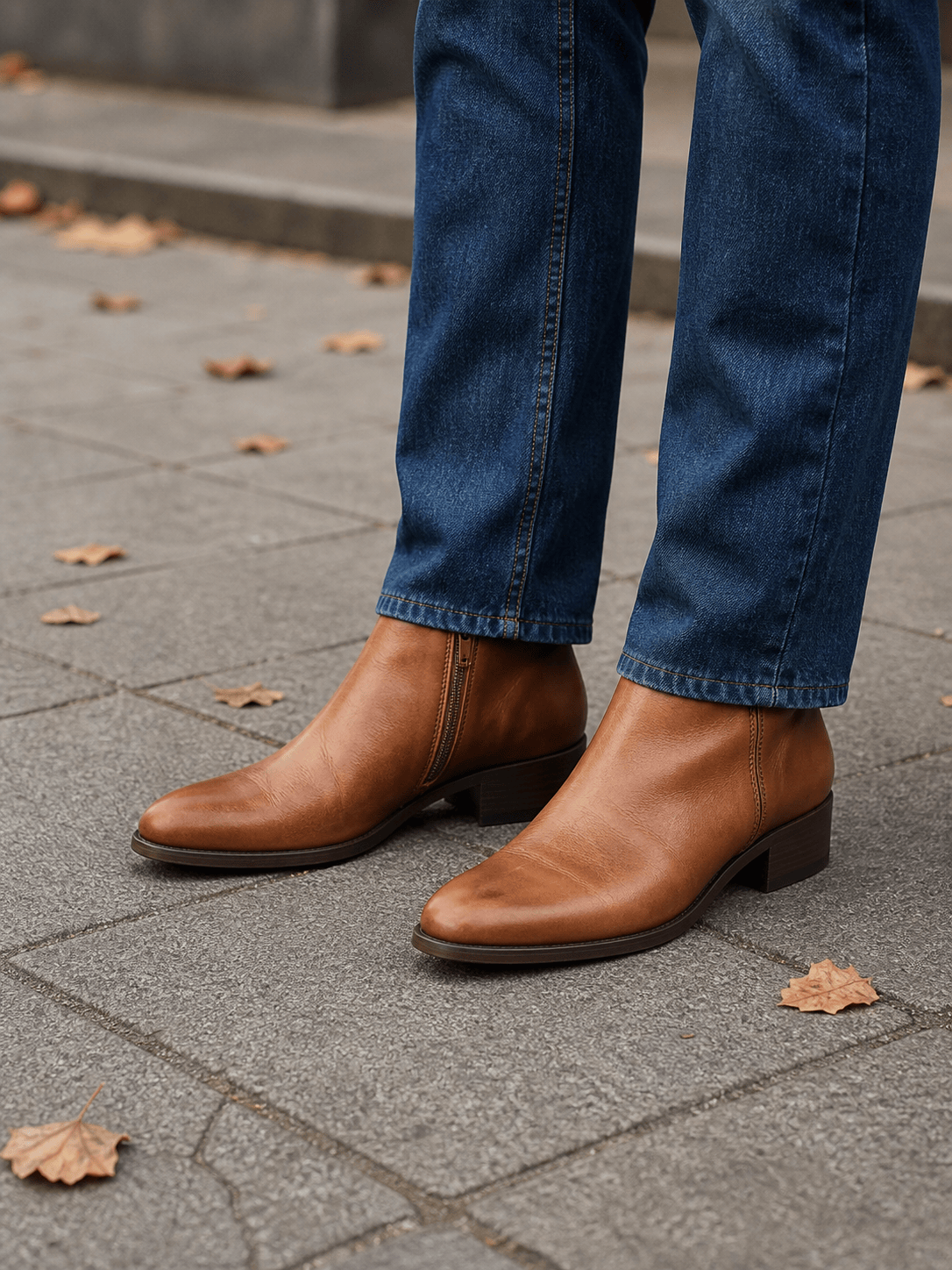
Ankle boot outfit check: Replace the current footwear in @[street photo] with the cognac leather ankle boots from @[boot photo]. Keep the straight denim hems falling slightly over the shafts. Preserve the almond toe, side zip, stacked heel, welt seam, leather grain, and dark outsole with grounded autumn-street shadows.
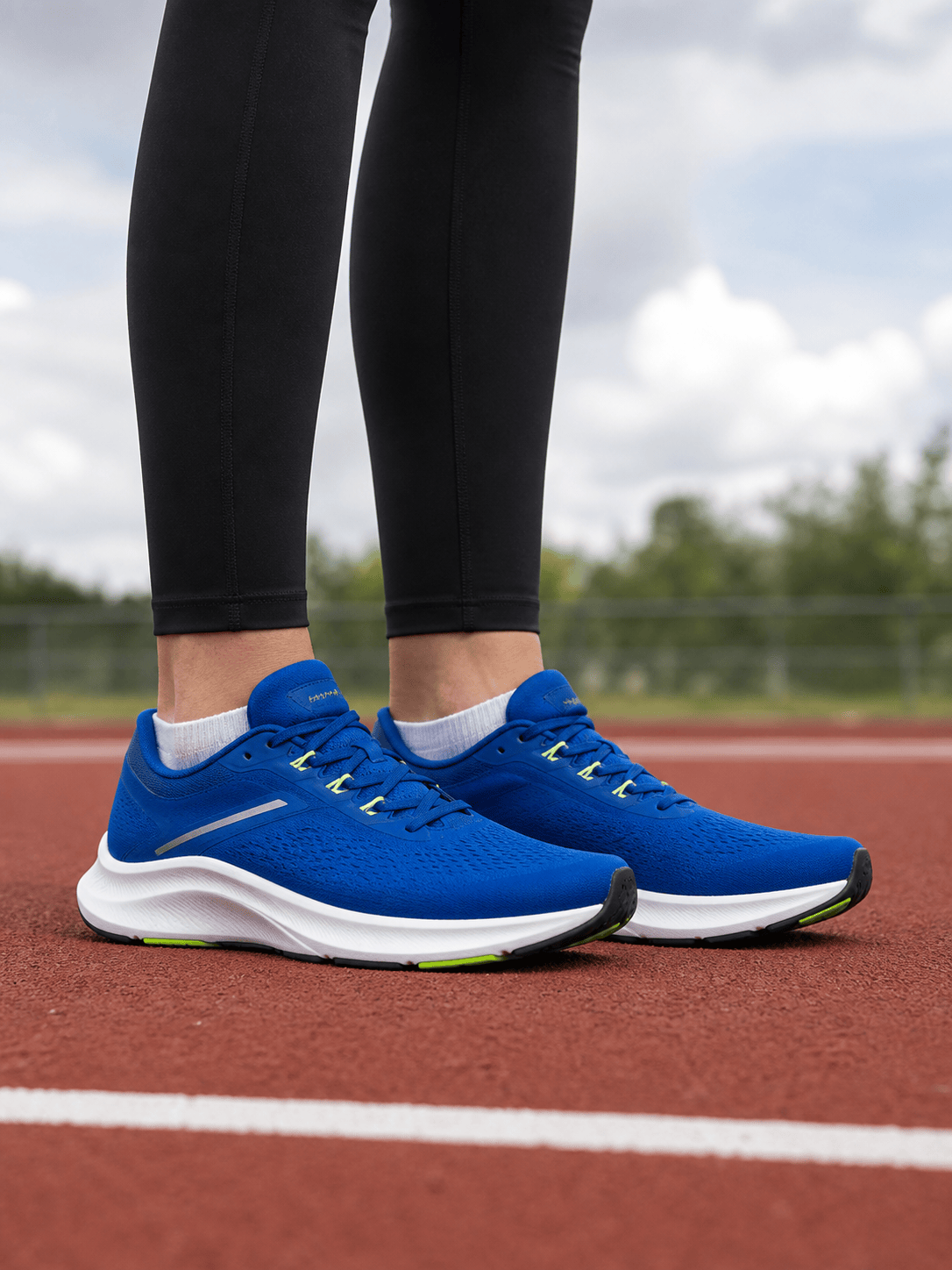
Running shoe colorway: Show @[runner photo] wearing the cobalt-and-lime road shoes from @[shoe reference]. Preserve the standing pose, black leggings, ankle socks, track surface, and overcast light. Match the mesh upper, reflective strips, curved foam midsole, rubber pods, tongue, laces, and separate left-right logo orientation.
Sandal strap check: Add the tan leather two-strap sandals from @[sandals image] to @[summer outfit]. Preserve the adult feet, linen trousers, seated pose, terrace floor, and sunlight. Route each buckle strap over the correct part of the foot, keep toes naturally visible, and align the flat sole and cast shadow with the floor.
Ecommerce on-foot series: Use @[model image] to create four consistent shoe-on-foot product images with the same adult model, stance, cropped black trousers, studio background, camera height, and light. Apply @[shoe1], @[shoe2], @[shoe3], and @[shoe4] separately while preserving each silhouette, material, sole, closure, and colorway.





