Free OnlineAI Shoe Generator
How to Design Shoes with AI
Define the Shoe Brief
Generate the First Concept
Tune Materials and Details
Export the Shoe Concept

A More Flexible AI Shoe Design Workflow
From Footwear Brief to Visual
Describe a runner, loafer, boot, heel, sandal, or experimental sneaker in natural language. The online AI shoe generator turns construction, palette, and mood notes into a focused concept.
Sketch and Reference Guidance
Upload a hand sketch, sole reference, material swatch, or existing shoe image. Mew Design can use the visual input to guide proportions, panel placement, texture, or presentation style.
Material and Colorway Exploration
Compare leather, suede, mesh, ripstop, knit, recycled textile, rubber, and translucent finishes. Create AI-generated sneakers in several colorways without redrawing the concept each time.
Focused Edits Through Chat
Revise the toe, collar, lacing, overlays, heel counter, or outsole in conversation. Clear edit instructions help keep the rest of the AI shoe design stable while one detail changes.
Polished Product-Style Renders
Create clean studio imagery with detailed materials using advanced models such as GPT Image 2.5. Generate related views or variations for one coherent concept direction.
Free Credits and Clean Exports
Sign up for free AI credits, test different footwear directions, and export watermark-free PNG or JPG images. Use them to communicate ideas before technical development begins.
How to Write an Effective AI Shoe Prompt
- Start With the Silhouette: Choose a low-top, high-top, running shoe, basketball shoe, boot, loafer, sandal, heel, or another clear category. Add toe shape, collar height, and sole profile.
- Build the Upper and Sole: Name the mesh, knit, leather, suede, canvas, ripstop, or molded components. Explain panel placement, lacing, cushioning, tread, and material finish where they matter.
- Set the Colorway and Mood: Define two or three main colors and their placement. Add a direction such as technical, minimalist, retro, luxury, playful, outdoor, or futuristic.
- Control the Product View: Request one complete shoe, a three-quarter side angle, visible upper and outsole, studio lighting, safe margins, and no logo or text. Mention an uploaded sketch or swatch when using a reference.
AI Shoe Design Prompts to Try
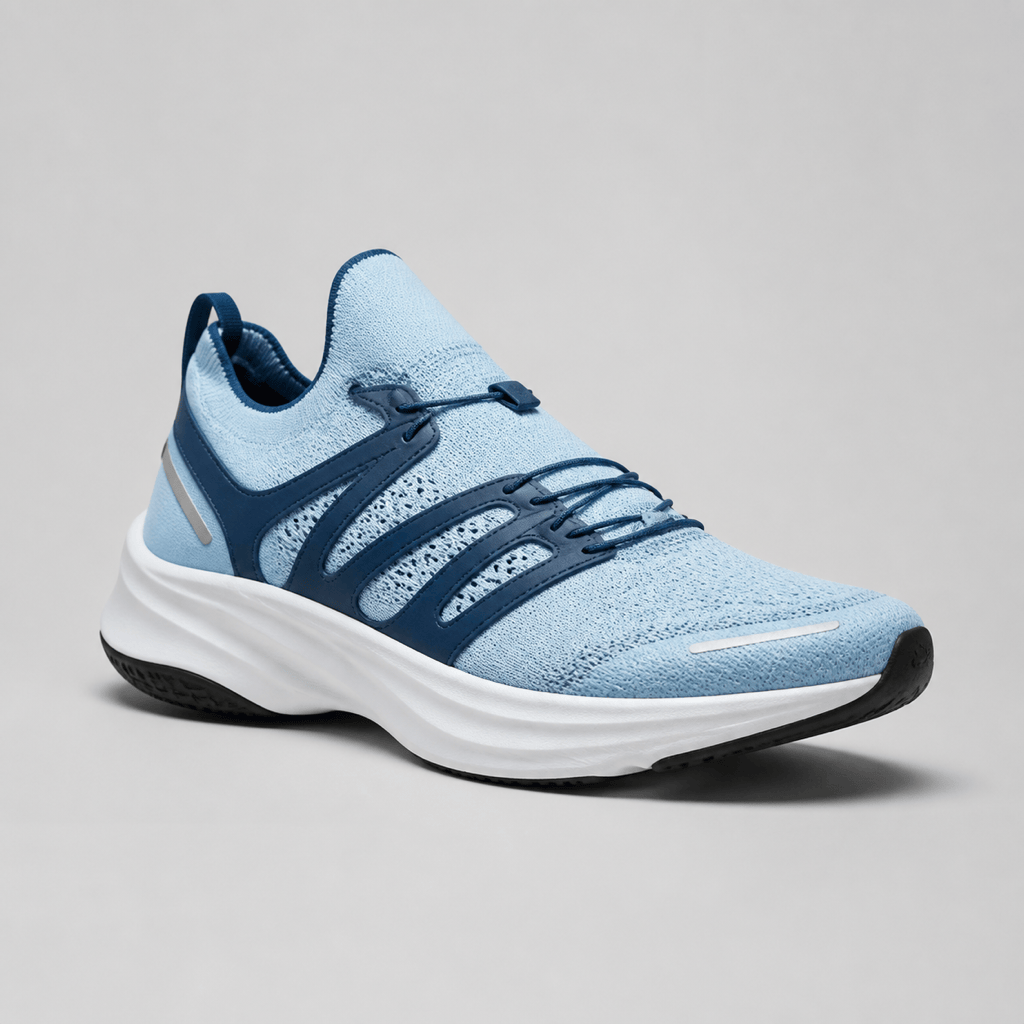
Performance Running Shoe: Design a lightweight road-running sneaker with a breathable ice-blue knit upper, welded navy support bands, slim reflective details, a responsive white foam midsole, and black rubber traction zones. Dynamic but believable silhouette, one complete shoe, three-quarter side view, clean studio product render, no logo or text.
Sustainable Casual Sneaker: Create a unisex low-top sneaker concept made from natural canvas, recycled beige mesh, cork accents, and a speckled recycled-rubber sole. Rounded toe, minimal panel count, olive and sand colorway, soft daylight product photography on a warm neutral background, no branding.
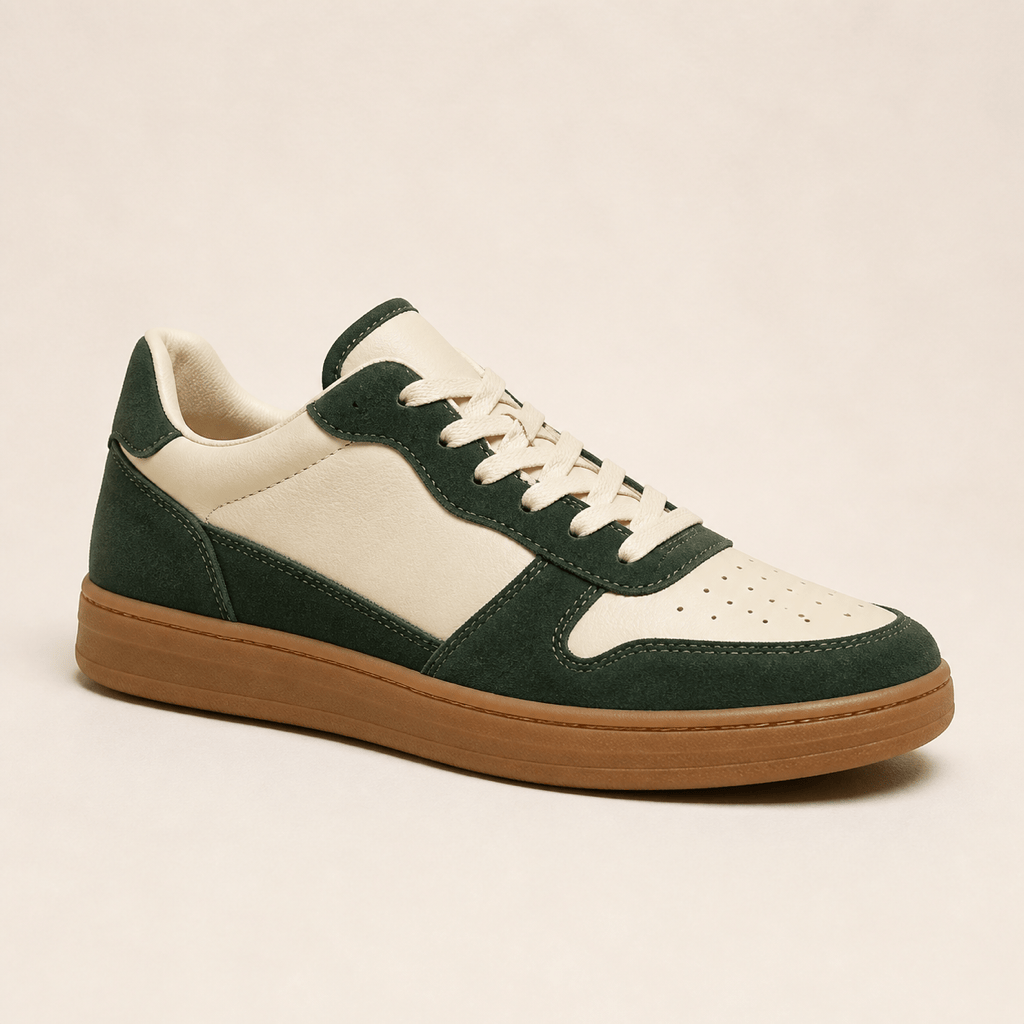
Premium Streetwear Sneaker: Generate an original cream leather and deep forest suede low-top with precise tonal stitching, a padded collar, flat cotton laces, subtle perforations, and a clean gum cupsole. Refined luxury streetwear mood, three-quarter side profile, catalog lighting, no logo or text.
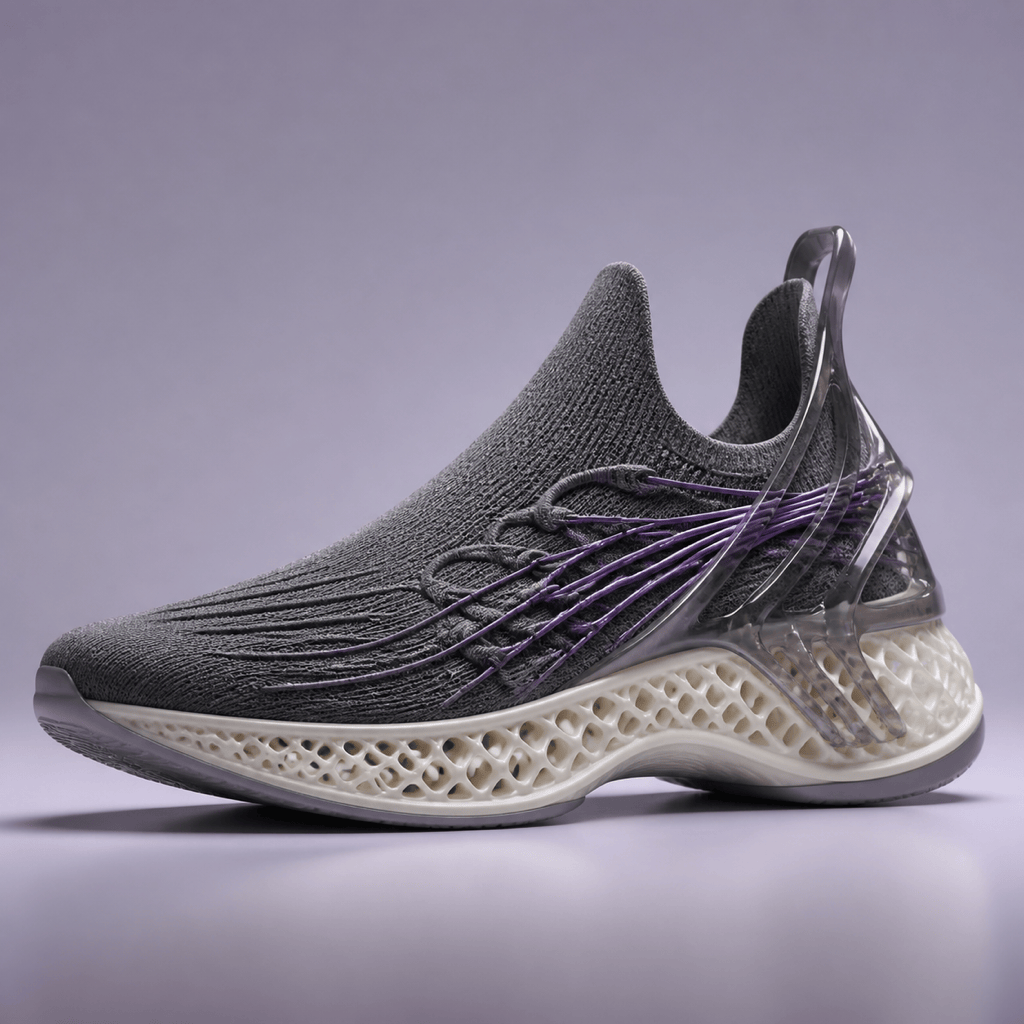
Sketch to Realistic Render: Turn @[shoe_sketch.png] into a realistic sneaker concept while preserving its curved side panel and low-profile sole. Use matte silver mesh, translucent smoke overlays, violet laces, and a milky rubber outsole. Show the full shoe on a pale gray studio background without adding logos.
Basketball Shoe Concept: Design a supportive mid-top basketball sneaker with a breathable black mesh base, crimson containment panels, an external molded heel counter, wide forefoot cushioning, and a grippy radial outsole. Athletic proportions, dramatic three-quarter product view, dark gradient studio set, no brand marks.
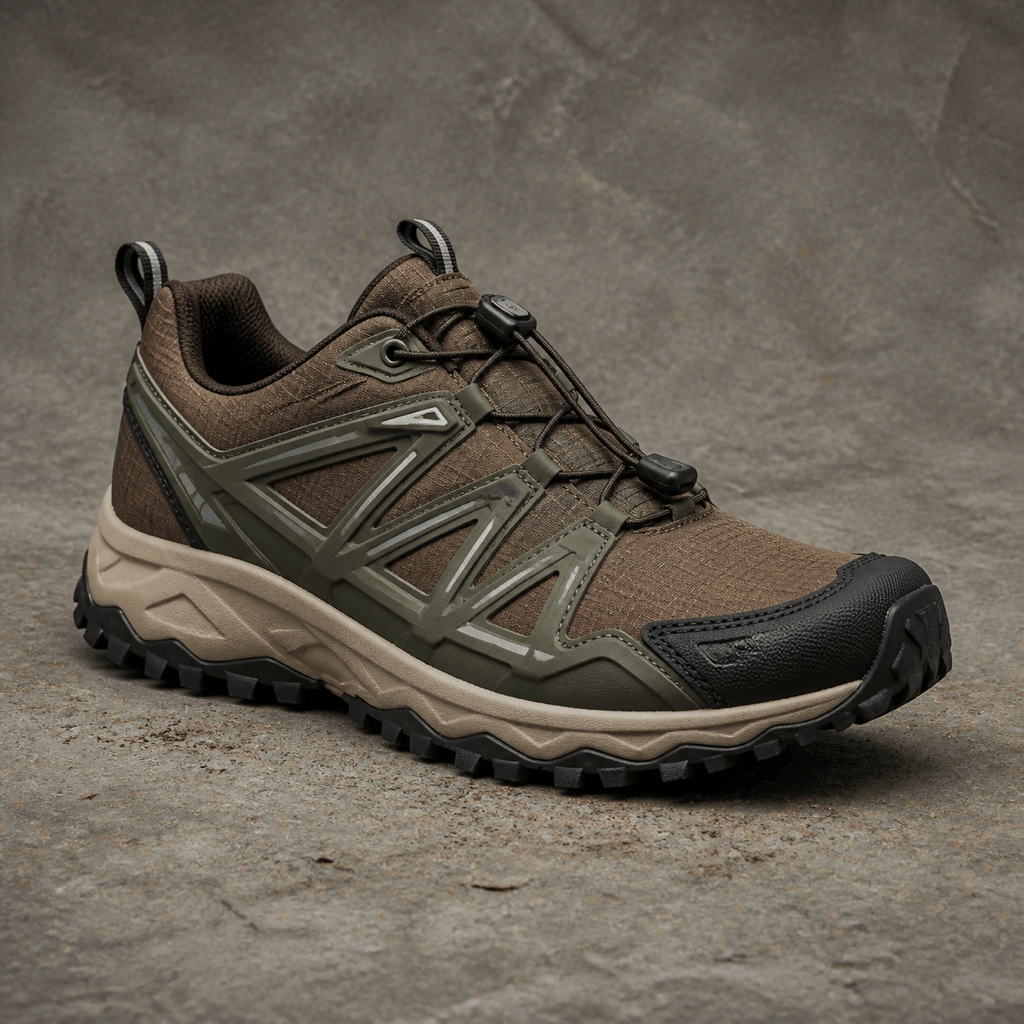
Trail Footwear Concept: Create a rugged trail shoe with an earth-brown ripstop upper, protective rubber toe cap, moss-green overlays, quick-pull lacing, cushioned midsole, and deep multidirectional outsole lugs. Durable all-weather mood, complete shoe in side three-quarter view, neutral studio background, no logo or text.





