Free OnlineAI Screen Generator
How to Create App Screens with AI
Define the Screen Job
Generate the First Interface
Review States and Consistency
Chat Edit and Export

Why Use Mew Design for UI Screen Exploration
Screen-Aware Visual Hierarchy
A checkout, analytics dashboard, login page, and settings screen need different structures. This online AI screen maker translates the screen job into suitable sections, controls, and emphasis.
Consistent Multi-Screen Directions
Generate coordinated interface concepts for a small flow, such as onboarding, home, details, and confirmation. Multi-image generation helps keep the visual language related across versions.
Reference-Led UI Styling
Upload a wireframe, screenshot, logo, or color reference to guide the composition. The AI UI generator can use that visual input without forcing you to describe every stylistic detail.
Conversation-Based Iteration
Refine the screen with direct requests instead of rebuilding it. Use Chat Edit to adjust component density, navigation, copy emphasis, color, or a specific interface state.
Concepts for Mobile and Web
Create portrait mobile screens, tablet layouts, or responsive web dashboard concepts. State the target device and canvas in the prompt so the hierarchy fits the destination.
Free Visual Prototyping Start
Try the free AI screen generator online with signup credits, explore multiple directions, and download watermark-free visual exports before investing in final production design.
What to Include in an Effective UI Screen Prompt
- Map the Task: Explain the action users take, what information they need first, and what success looks like on this screen.
- List the UI Parts: Specify navigation, cards, fields, filters, tables, buttons, or status messages that must appear. Include exact display text only when it matters.
- Set Platform and State: Name iOS, Android, tablet, or web, plus the relevant empty, loading, error, populated, or confirmation state.
- Guide the Visual System: Describe density, accessibility contrast, palette, type personality, and reference assets. Then request one targeted change at a time in Chat Edit.
App Screen Prompts for Real Product Scenarios
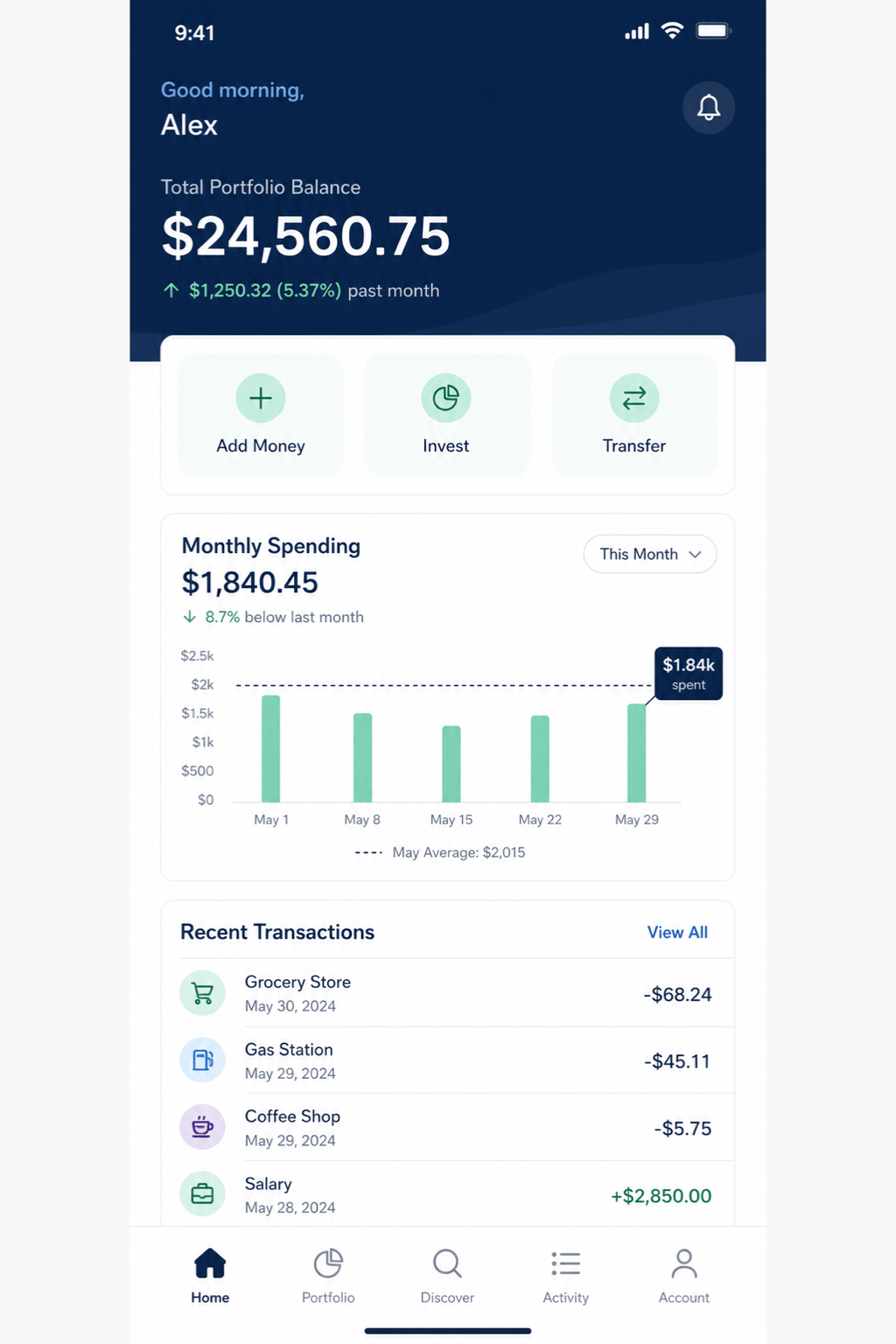
Mobile Banking Home: Design a high-fidelity iOS home screen for a community bank. Show checking and savings balances, deposit and transfer actions, recent transactions, a fraud alert banner, and five-item bottom navigation. Use accessible navy, white, and teal with a trustworthy visual tone.
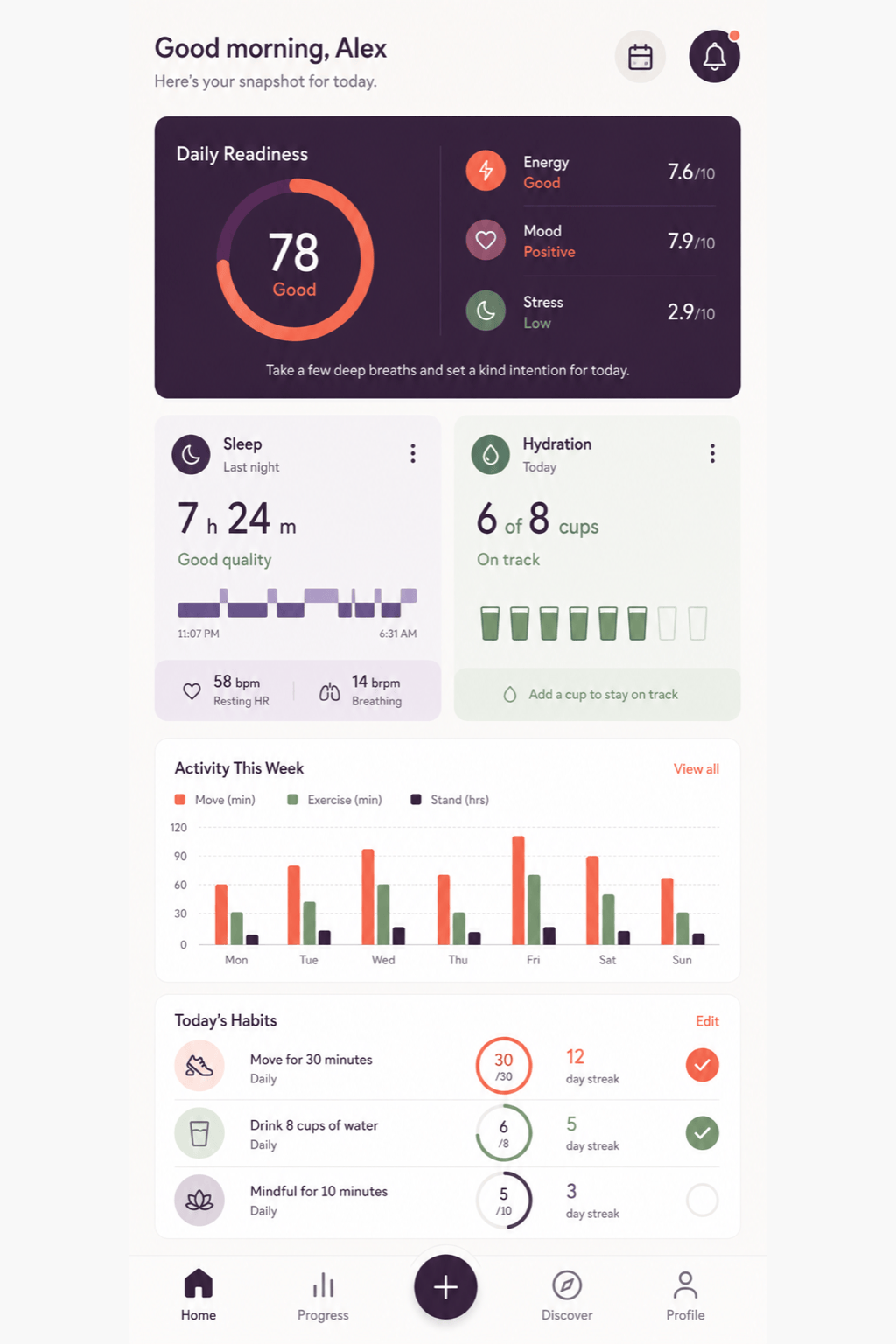
Fitness Empty State: Create an Android workout dashboard for a new user who has not logged a session. Include a weekly goal card, an empty activity chart, a prominent 'Start Workout' button, and a short onboarding hint. Use energetic coral accents without making the screen feel crowded.
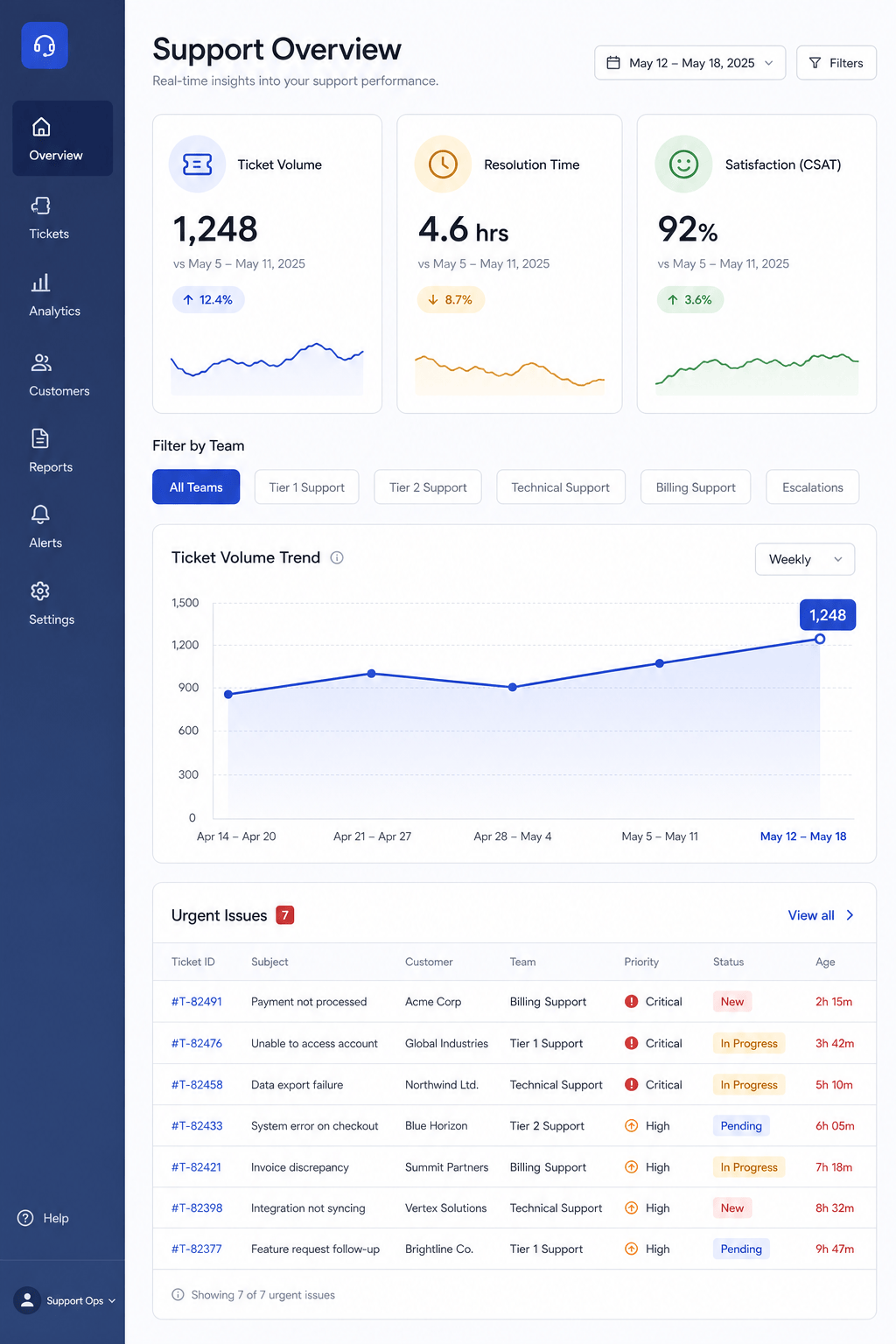
SaaS Analytics Dashboard: Generate a tablet dashboard for a B2B support platform. Include ticket volume, resolution time, satisfaction score, a trend chart with labels, team filters, and an urgent-issues list. Use compact spacing and a neutral enterprise palette.
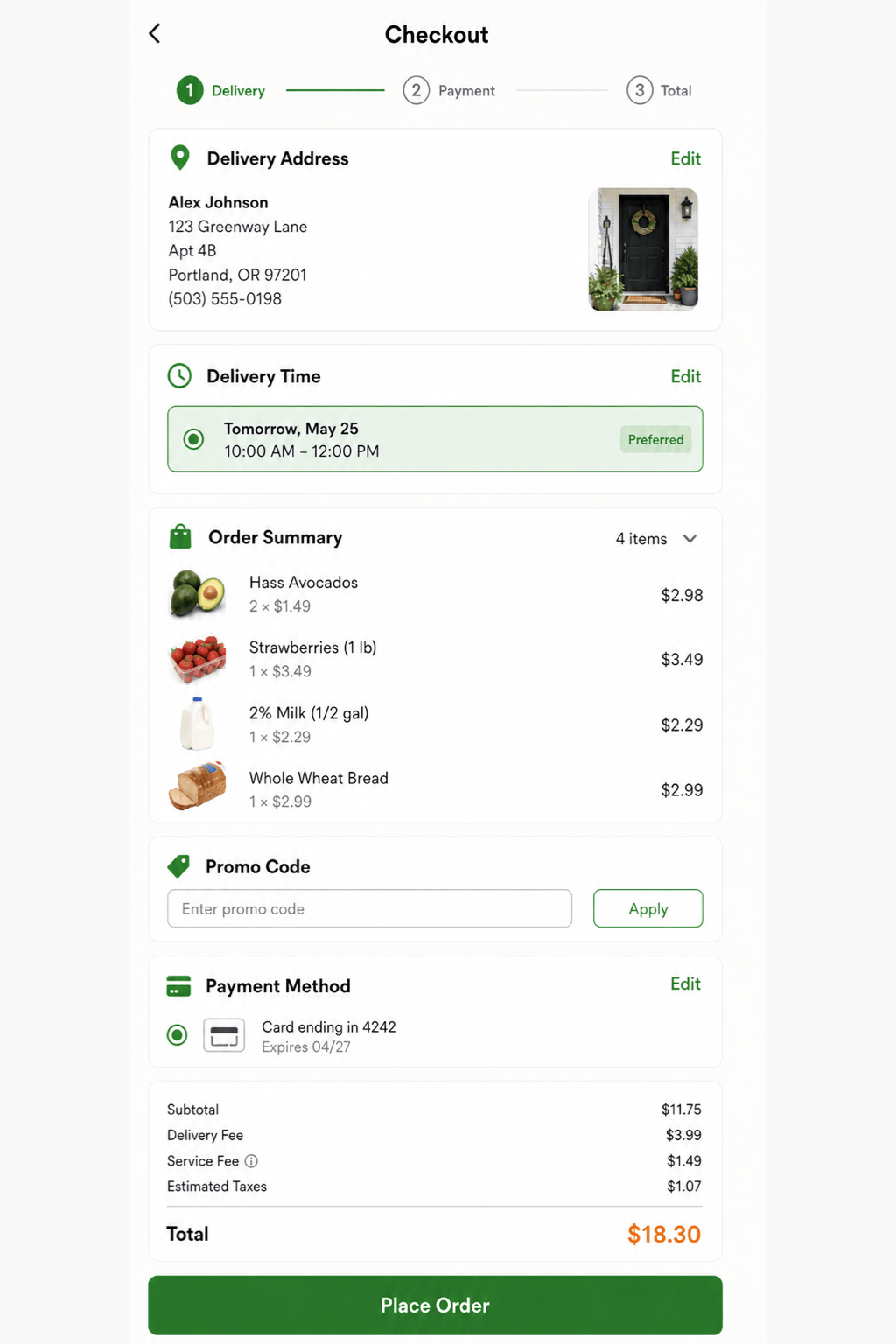
Grocery Checkout: Design a mobile checkout screen with delivery address, time-slot selector, item summary, promo code, payment method, fees, total, and a sticky 'Place Order' CTA. Make errors and editable fields obvious without using alarming colors everywhere.
Travel App Search: Create a mobile flight-search screen for flexible travelers. Include origin, destination, date range, passenger count, cabin selector, recent searches, and a price-calendar entry point. Use a light, optimistic visual style and clear field states.
AI Login Screen: Make a responsive web login screen for a healthcare portal. Include email, password, show-password control, forgot-password link, single sign-on option, privacy note, and support link. Prioritize accessibility, calm colors, and an unambiguous primary action.





