Free to Try OnlineAI Room Redesigner
How to Redesign Your Room with AI
Upload Your Room Photo
Choose a Design Direction
Adjust One Detail at a Time
Compare and Download

AI Room Redesign from Your Own Photo
Redesign Living Rooms and Bedrooms
Use your own photo for an AI living room redesign or bedroom makeover. Explore a new look in a familiar space instead of starting from a blank image.
Design Around Existing Furniture
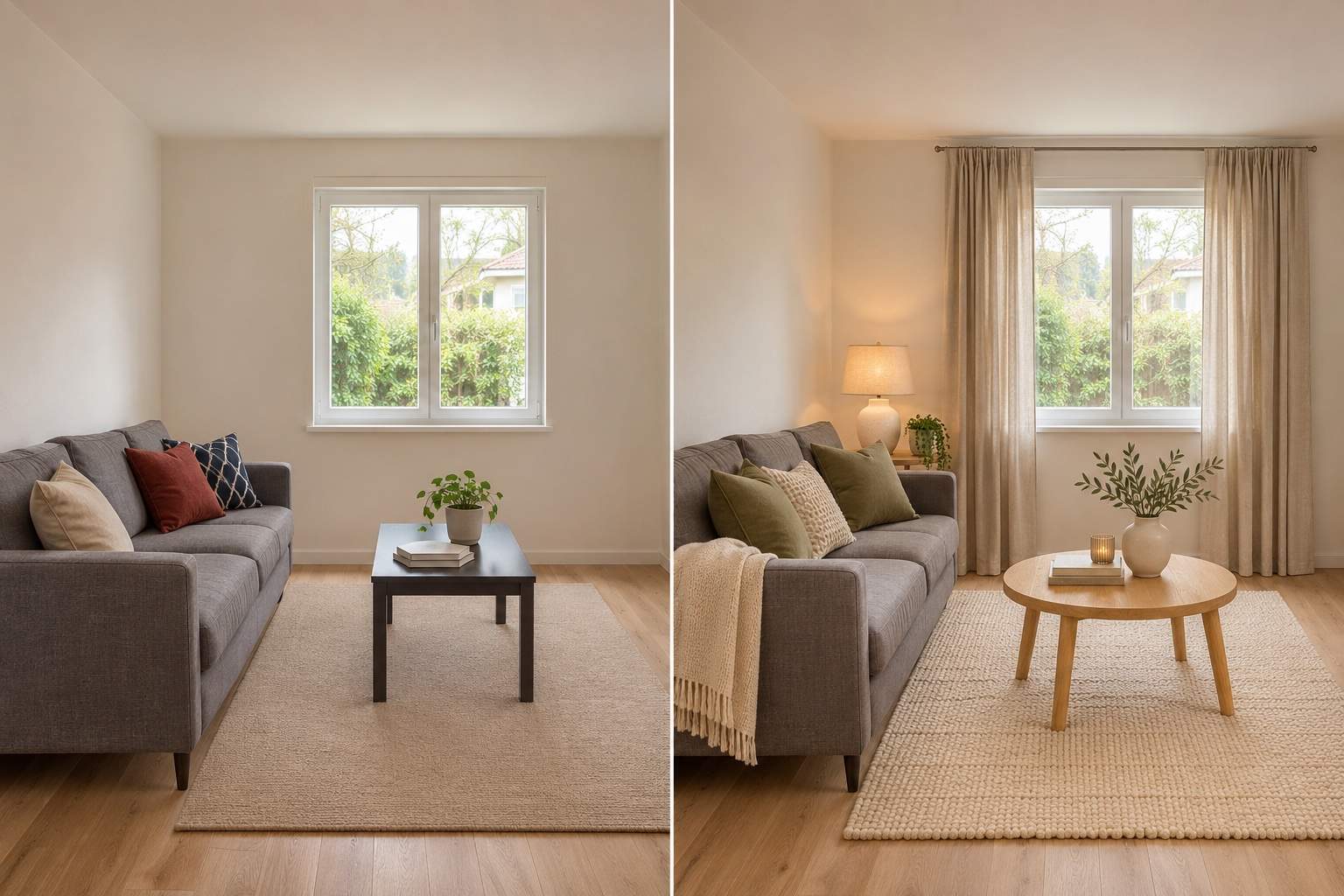
Ask the AI room designer to keep your sofa, bed or dining table while changing nearby decor. Review the result: exact preservation is not guaranteed.
Compare Interior Design Styles
Try Japandi, Scandinavian or a warmer modern look. Upload a style reference and specify which colors, textures or lighting you want to borrow.
Change Curtains, Rugs and Wall Colors
Use Chat Edit to try new curtains, a different rug or another wall color. Focus your AI room makeover on the details you want to change, from a soft furnishings update to a new color scheme.
Choose an Image Model for Your Room Design
Select an available image model, or let Mew Auto choose one for your photo and requested changes. Access leading image models in one place as new releases are added.
Download and Share Your Room Makeover
Export a watermark-free PNG or JPG to discuss colors and finishes with a housemate or designer. Use it as a visual reference, not a measured plan.
Tips for Keeping Your Room Layout in AI Redesigns
- Show the Space Clearly: Use an evenly lit photo with straight vertical lines. Avoid an ultra-wide view that stretches the room; keep doorways and furniture visible.
- List What Must Stay: Name the furniture, flooring and fixed features you want to keep. Separate these from the changes you allow.
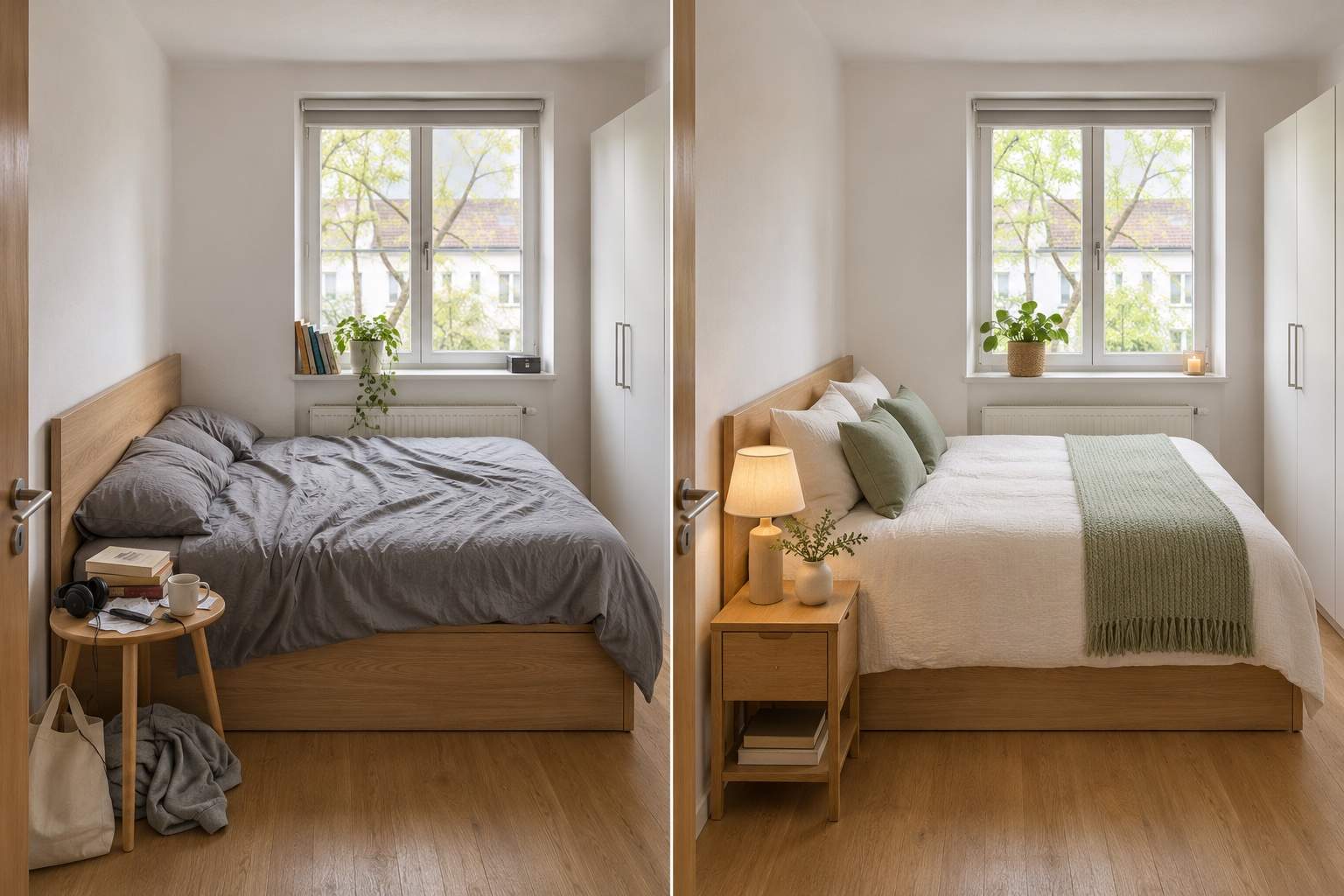
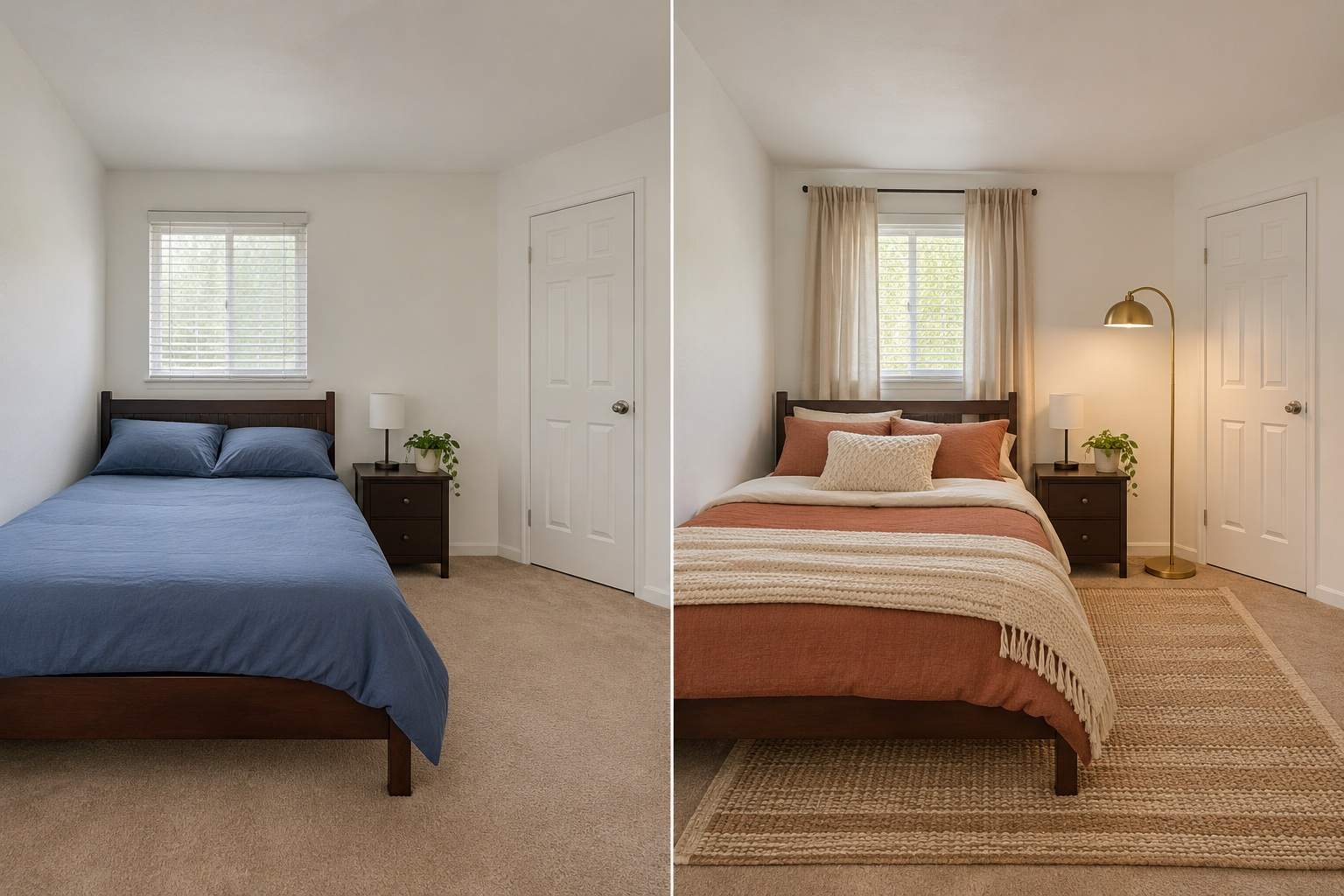
- Define a Realistic Scope: For a rental, request movable decor and no permanent changes. For a small room, ask for slimmer furniture without enlarging the space.
- Check Before You Commit: Look for moved windows, blocked doors and distorted furniture. Request a focused correction, then verify measurements and material samples in person.
AI Room Makeover Ideas for Small Rooms, Rentals and More
Redesign my uploaded living room around the existing gray sofa. Keep its shape and position. Add a warm rug, linen curtains and muted green cushions; preserve the walls, windows and floor.
Give my small bedroom a calm Scandinavian makeover. Keep the bed, wardrobe, windows and room size. Try light bedding and compact bedside furniture, leaving the doorway clear.
Refresh my rental bedroom with a rug, bedding, freestanding lamp and curtains. Keep the wall color, floor and existing furniture. Do not add built-ins, drilling or permanent changes.
Furnish my empty room as a cozy home office with a desk, chair and freestanding storage. Keep all walls, windows and doors in their original positions. Leave a clear walking route.
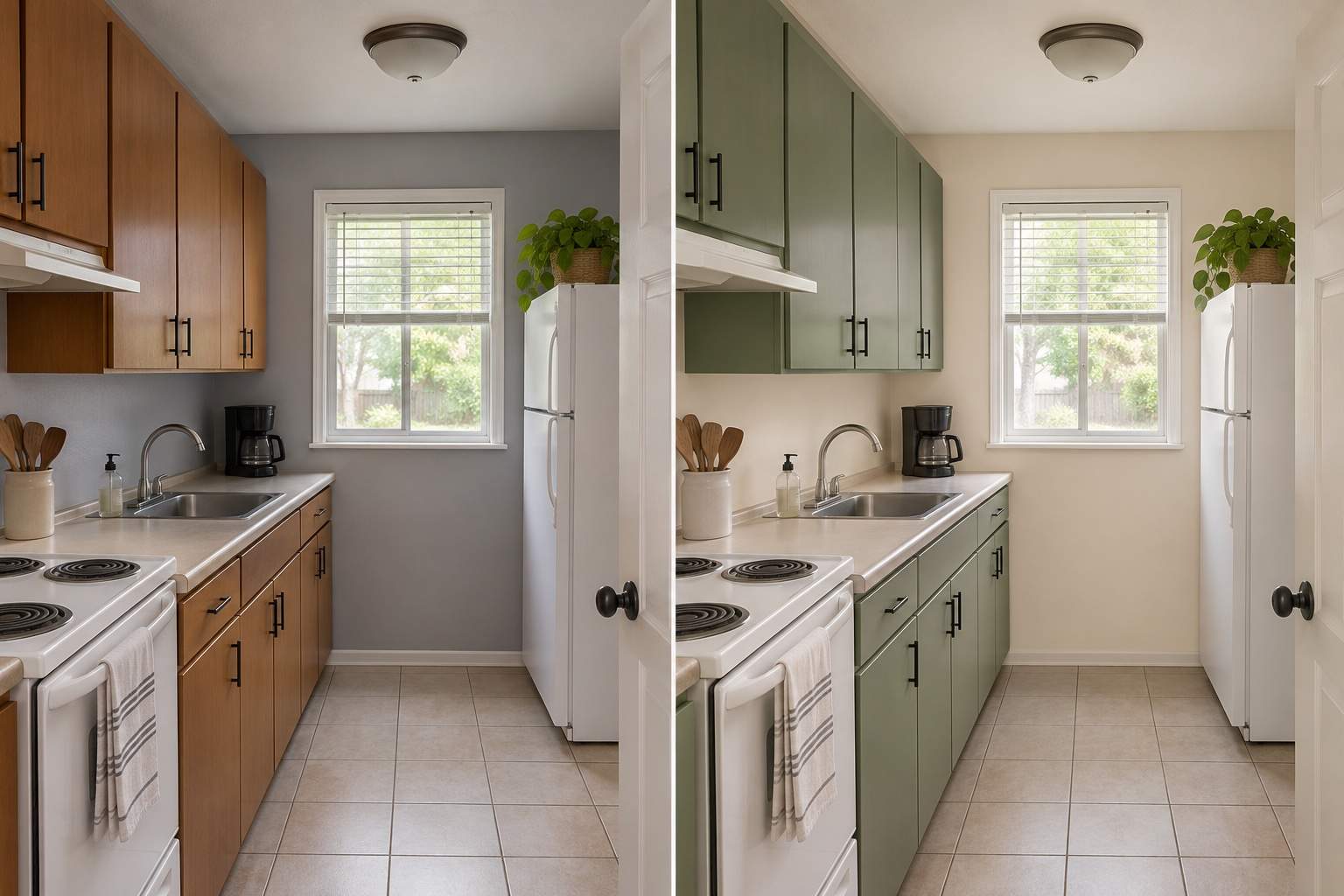
Preview a kitchen refresh in my photo with sage cabinet fronts and warm white wall paint. Keep the cabinet arrangement, countertop, sink, appliances, windows and floor unchanged.
Correct the last redesign using my original room photo. Restore any moved windows or doors and the original room proportions. Keep the new decor where possible without blocking openings.





