Free OnlineAI Room Decorator
How to Create Room Decorating Ideas with AI
Show the Room as It Is
Set the Scope of the Refresh
Compare the Details That Matter
Save a Direction Before Shopping

AI Room Decorating for Living Rooms, Bedrooms, and Rentals
Decorate Around Existing Furniture
This online AI room decorator accepts your photo as the starting point. Request a focused refresh around the sofa, bed, or flooring you want to keep, then check the result for unwanted changes.
Try Japandi, Scandinavian, or Boho Decor
Describe a style or upload a reference image. For Japandi, try restrained colors, natural wood, and simple textiles; for Scandinavian decor, explore light tones and practical furnishings; for boho, experiment with woven textures, plants, and pattern. Apply the direction to your room rather than copying another floor plan.
Compare Wall Colors, Rugs, and Curtains
Use AI room decorating to compare choices in the same setting: a cream rug or a patterned rug, sage walls or warm white, sheer curtains or heavier fabric. Start each variation from the same room photo and change one category at a time so you can judge which combination works.
Refine a Room Makeover with Chat Edit
Use Chat Edit to ask for lighter curtains, fewer accessories, or the original coffee table. A specific correction helps you refine a useful concept without rewriting the whole brief.
Choose an Image Model for Your Room Photo
Mew Auto selects a suitable model for your photo and instructions. Eligible paid plans also offer manual model selection, with leading image models and new releases added to the same workspace.
Test Room Decor Online Before Buying
Try a room refresh with the free AI credits provided to new accounts. Use a preview to decide which decor changes to investigate before ordering furniture or accessories. Generation consumes credits, and the free plan includes standard downloads; check the current plan limits before requesting more variations.
How to Decorate a Room from a Photo Without Replacing Everything
- Keep the Room Readable: Use one level photo with even light. Avoid panoramas, heavy filters, and objects hiding the furniture you want to keep.
- Name the Non-Negotiables: Identify the existing bed, sofa, floor, doors, and windows. Say which finishes and furniture positions should remain unchanged.
- Limit the Changes: For a rental, request removable decor and no drilling or repainting. For a low-budget room makeover, keep the large furniture and test changes to cushions, bedding, rugs, or lamps. State which items you are willing to buy; the image does not confirm prices or availability.
- Check Scale Outside the Image: AI previews can alter proportions or invent details. Verify furniture dimensions, door clearance, and paint samples in the actual room.
Small Bedroom, Rental, and Living Room Decorating Ideas
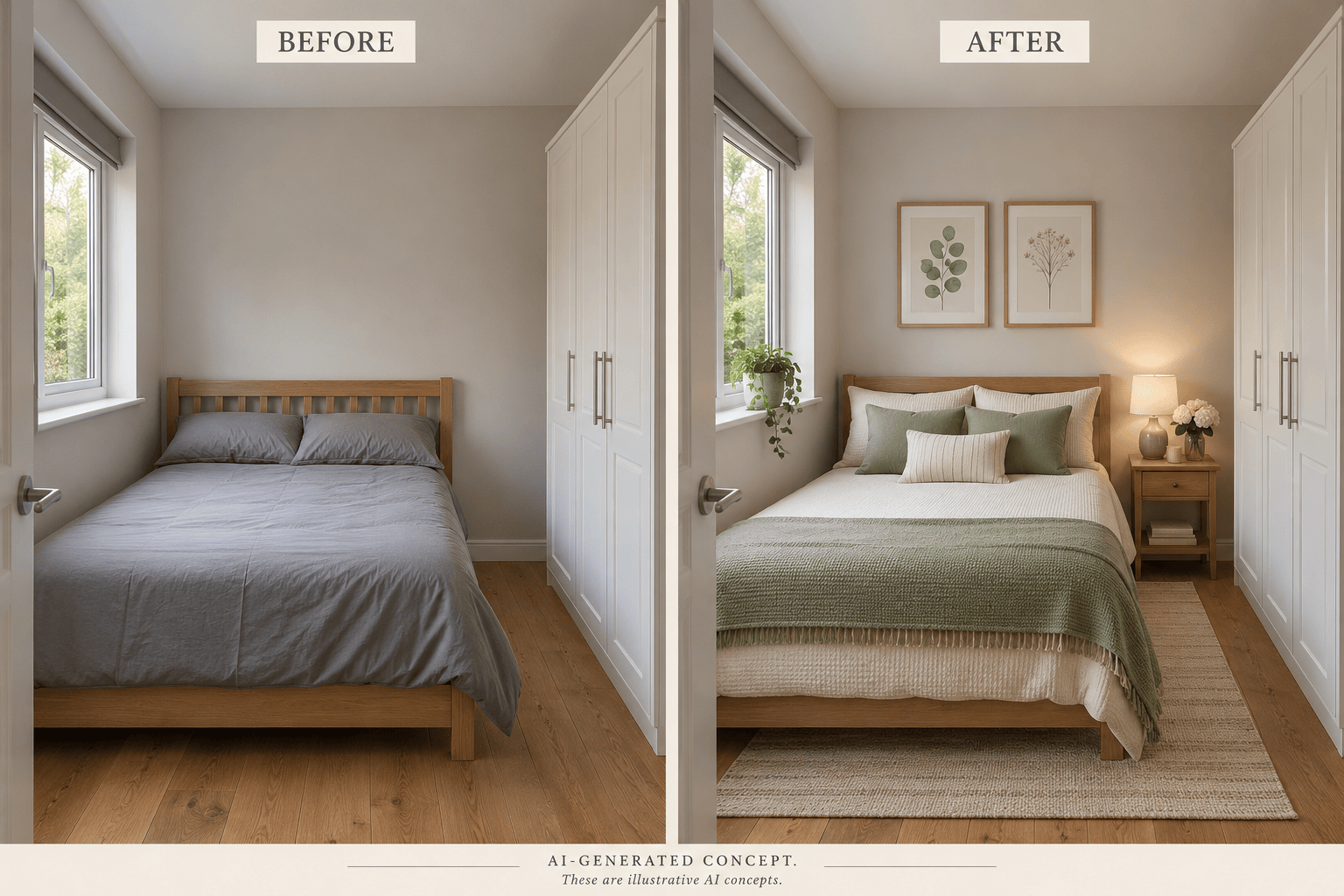
Refresh my small bedroom photo without changing the bed, wardrobe, or room dimensions. Use pale bedding, a simple rug, and compact lamps. Keep the wardrobe doors and the route beside the bed clear.
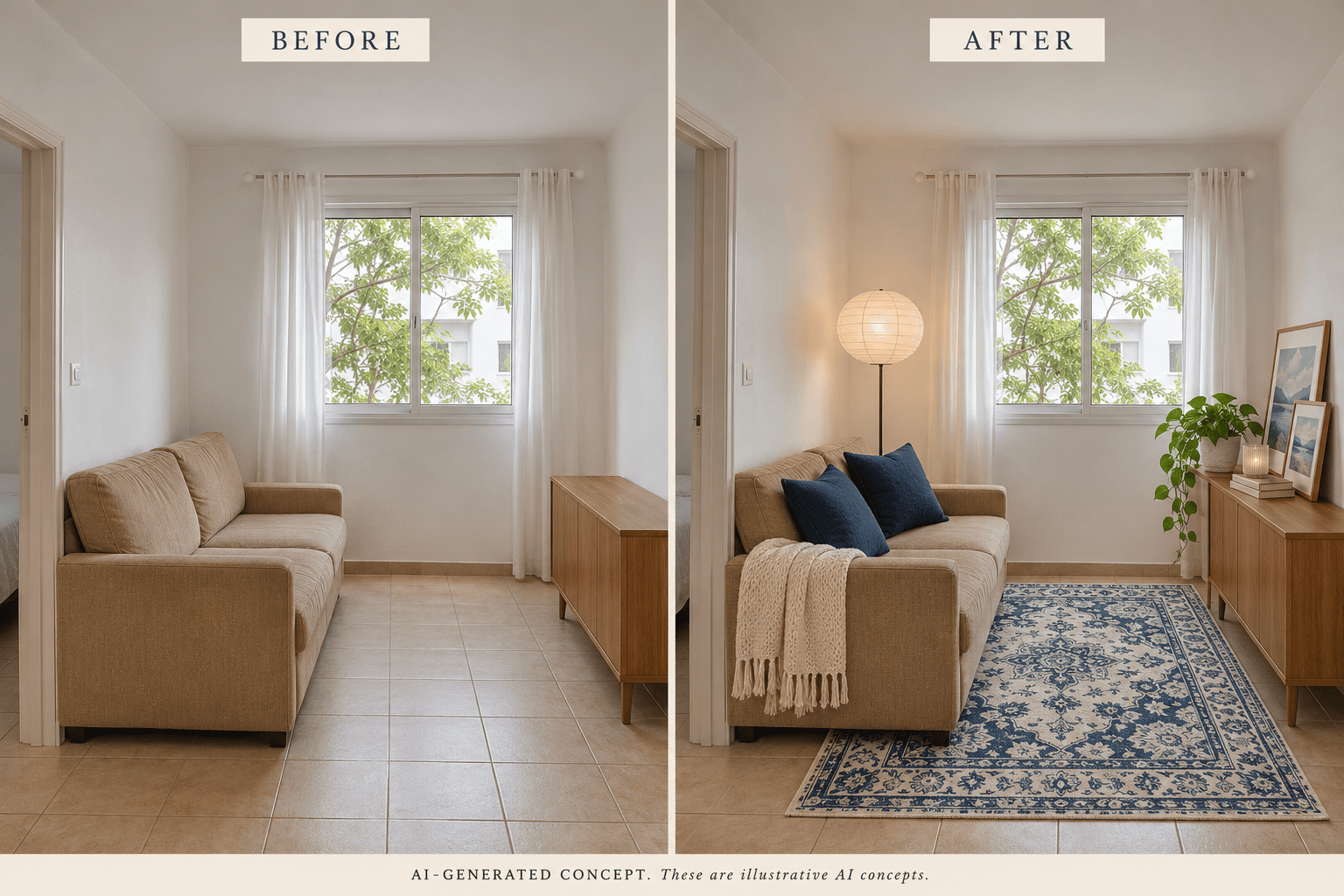
Decorate my rental living room using removable accessories only. Keep the white walls, floor, sofa, and existing curtain fittings. Add cushions, a rug, and freestanding lighting; no drilling or built-ins.
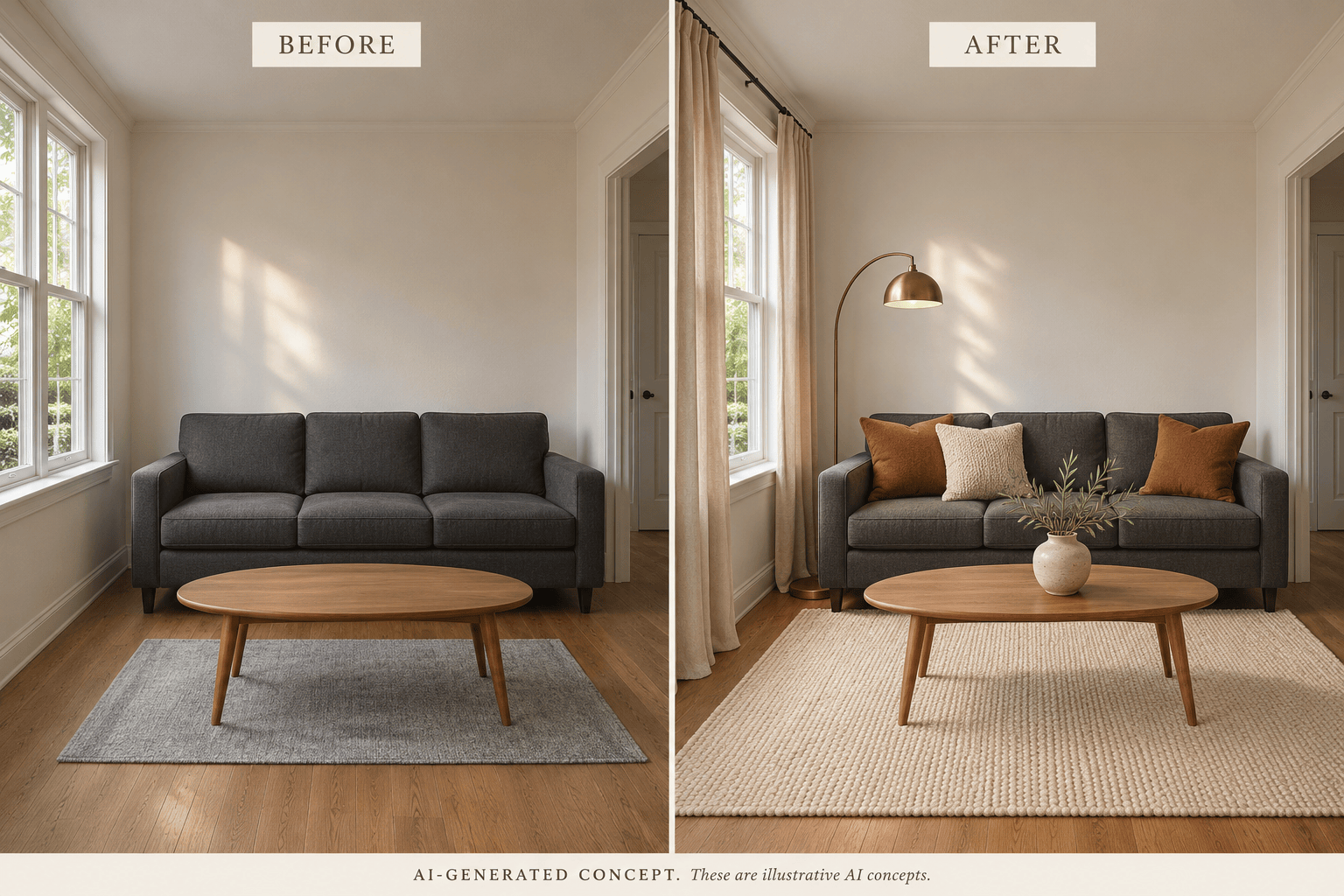
Build a warm neutral living room around my existing dark sofa. Keep its shape, color, and position. Try a cream rug, textured cushions, and an amber lamp without replacing the other main furniture.
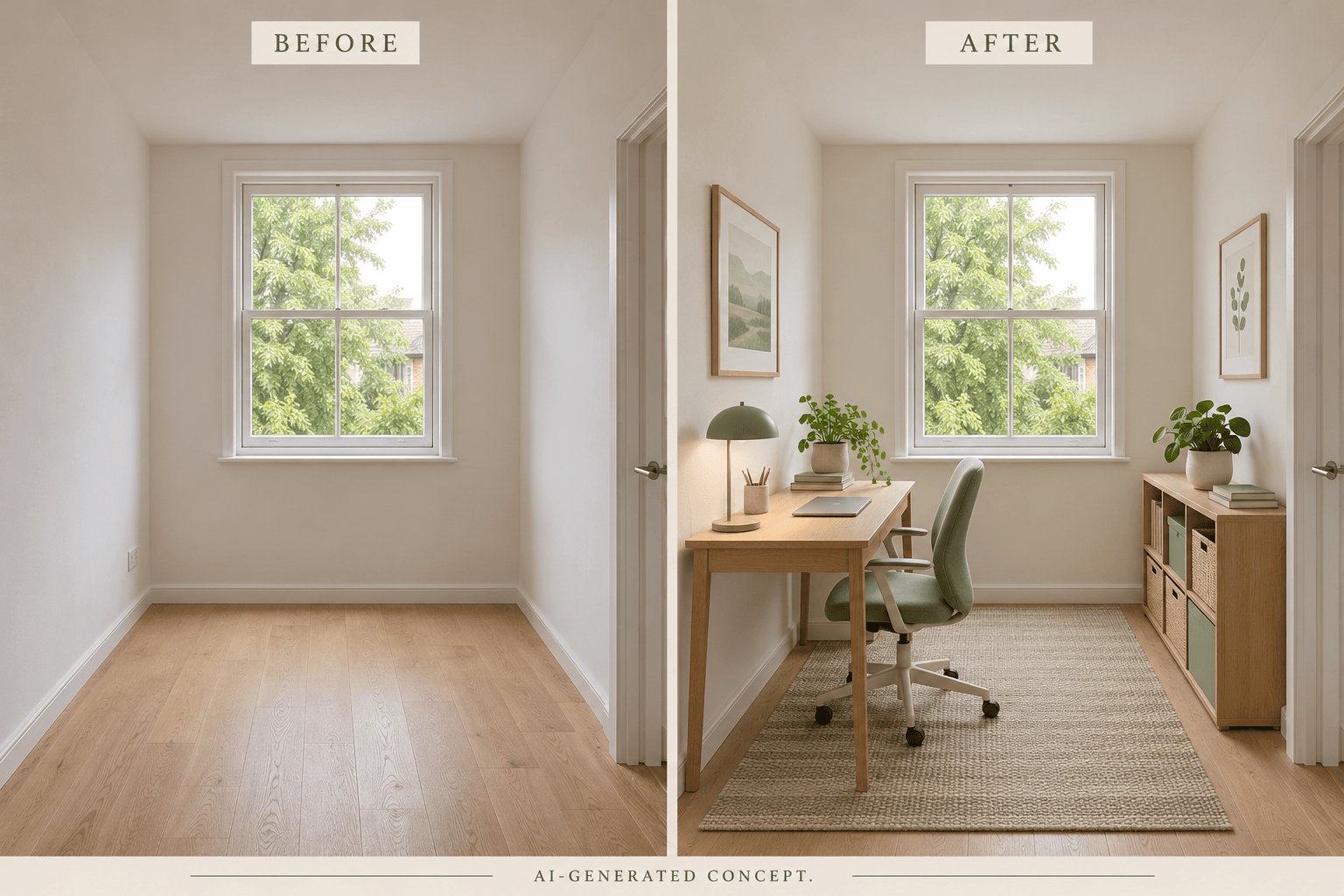
Furnish this empty room photo as a calm home office. Preserve the windows, doors, floor, and camera angle. Add a compact desk, chair, storage, and a rug, leaving a clear route from the door.
Show a sage-green wall color in my bedroom photo. Change only the painted walls; keep the ceiling, trim, furniture, bedding, and lighting as close to the original as possible.
Correct the previous room preview using my original photo. Restore the original window and sofa proportions. Keep the new rug and cushions, remove the extra chair, and leave the doorway unobstructed.





