Free OnlineAI Ring Design Generator
How to Design a Ring with AI
Define the Ring and Its Purpose
Specify Stones, Setting, and Band
Generate Views and Compare Variations
Refine and Prepare for Review

Why Mew Design Works for Ring Concept Exploration
Start with Everyday Ring Language
You do not need CAD commands or perfect jewelry terminology. Describe “a delicate oval solitaire with a low profile” and let the AI ring design workflow turn the intent into a visual direction you can assess.
Build from a Sketch or Reference
Upload a rough drawing, gemstone photo, family-ring image, or mood reference you may use. Explain which silhouette, proportion, or detail to preserve and ask for an original interpretation rather than a copy of a branded piece.
Compare the Decisions That Change a Ring
Test stone shapes, halo or bezel treatments, prong counts, pavé density, shank profiles, shoulder details, metals, and finishes while keeping the main concept recognizable across variations.
Request Useful Top and Side Views
A beautiful face-up image can hide a tall setting or bulky gallery. Ask this online AI ring generator for top, three-quarter, side, and macro views to communicate the intended profile more clearly before technical development.
Correct Details Through Chat Edit
Continue from the first concept instead of rewriting the entire brief. Ask for a narrower band, fewer accent stones, a warmer metal, a smoother bezel, a lower basket, or a neutral product background.
Create Clear Visuals for Conversation
Generate polished concepts for proposals, moodboards, client approvals, and early product presentations. Export watermark-free PNG or JPG files after generation, then use a jeweler or CAD specialist for production-ready 3DM, STL, dimensions, and engineering checks.
How to Prompt AI for a Ring You Can Evaluate
- Name the ring architecture: Choose solitaire, halo, three-stone, cluster, bezel, tension-inspired, eternity, bypass, signet, or another direction, then describe the side profile and stack compatibility if they matter.
- Control stone and setting details: Specify the center stone color and cut, accent-stone arrangement, prong count, halo, pavé, bezel, milgrain, or engraving. Use relative scale unless exact dimensions are essential for the concept.
- Describe the band and finish: Mention metal color, polished or brushed finish, band width, taper, split shank, shoulders, edge profile, and whether the overall form should feel delicate, substantial, vintage, organic, or geometric.
- Ask for views that answer questions: Use top and three-quarter views for visual balance, a side view for setting height and gallery cues, and a macro or neutral product view for materials. Ask for one clear ring unless a comparison is intentional.
AI Ring Design Prompts for Distinct Ring Types
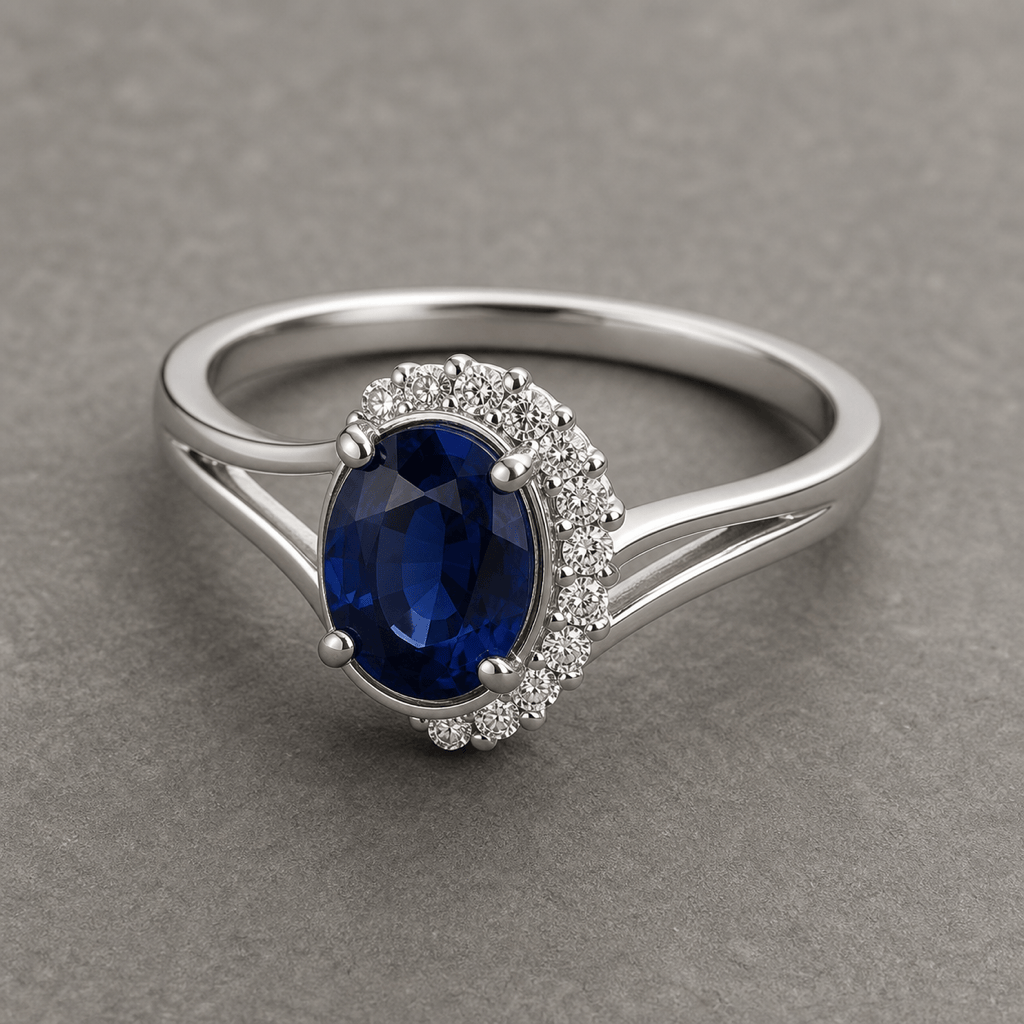
Custom Engagement Ring: Create an original platinum engagement ring with an elongated oval blue sapphire, four claw prongs, a subtle hidden halo, and a thin knife-edge band. Show top, three-quarter, and side views on a neutral studio background; elegant, low-profile, no logo or text.
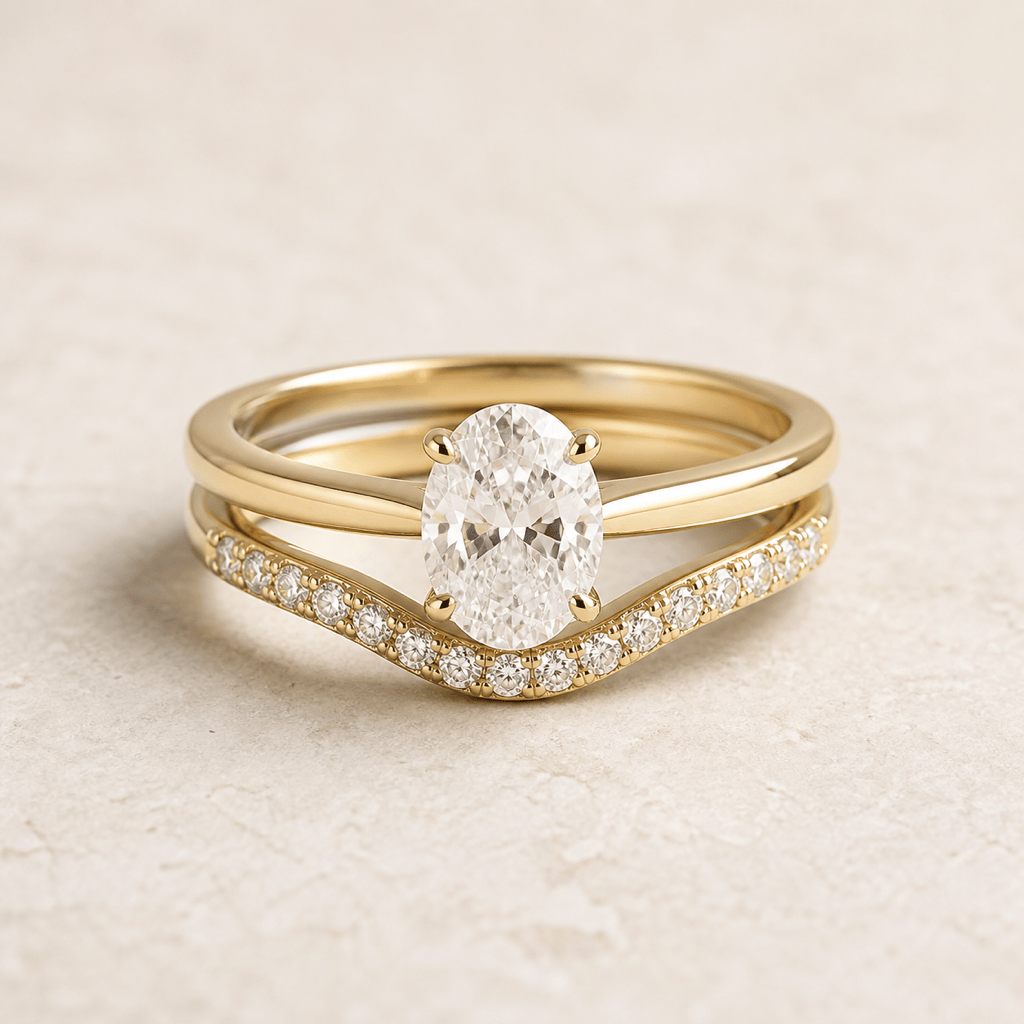
Matching Wedding Stack: Design a warm 18k yellow-gold wedding set with a low cathedral solitaire and a curved pavé band that nests around it. Keep the gap minimal, show both rings together and separately, and use realistic macro product lighting.
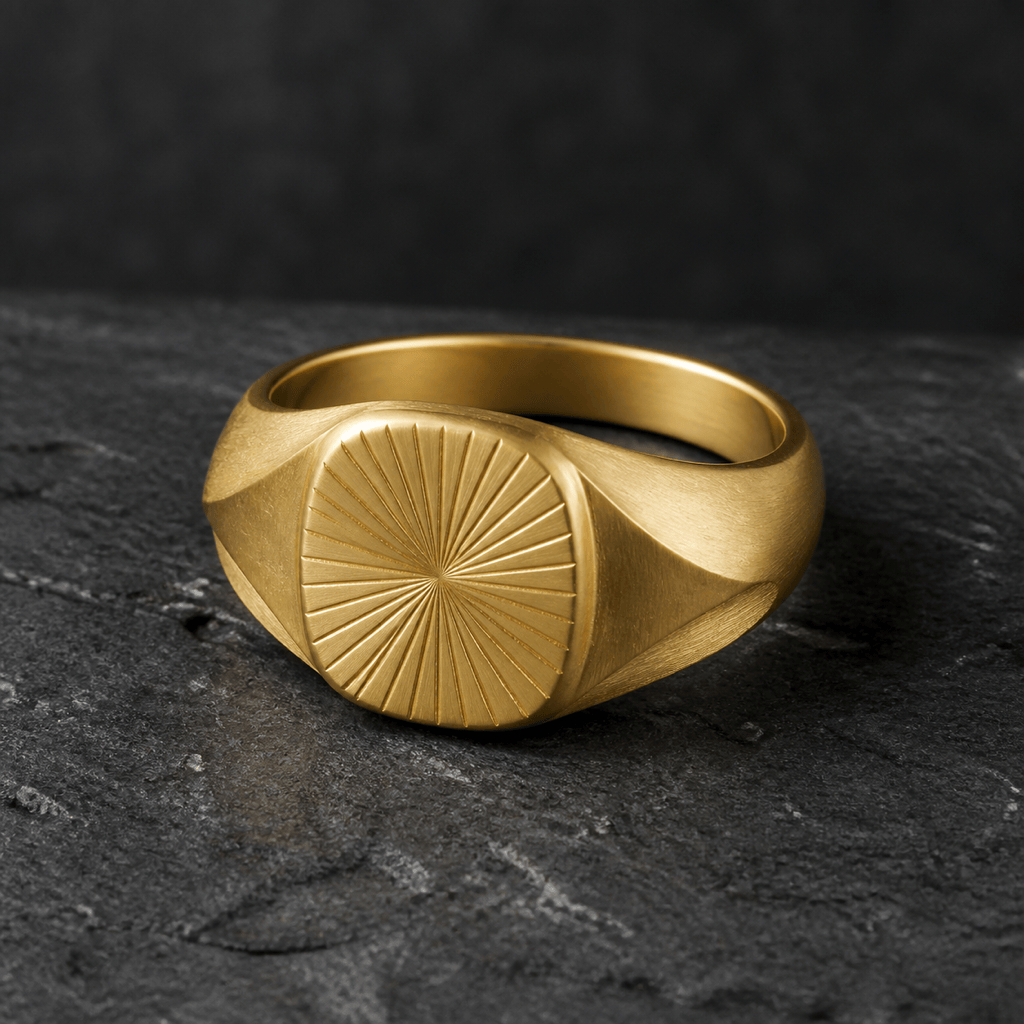
Modern Signet Ring: Create a gender-neutral brushed gold signet ring with sculptural shoulders and an original geometric sunburst engraving. Bold but wearable proportions, three-quarter and top views, dark slate surface, no initials, crest, brand mark, or extra jewelry.
Birthstone Ring: Design a delicate rose-gold family ring with three small bezel-set birthstones—garnet, aquamarine, and peridot—arranged asymmetrically on a softly waved band. Show a clean product render with believable scale and restrained sparkle.
Alternative Wedding Band: Generate a matte black titanium wedding band with a narrow offset channel of tiny black diamonds and a softly beveled edge. Substantial comfort-fit profile, minimal masculine styling, top and side macro views, no hand or text.
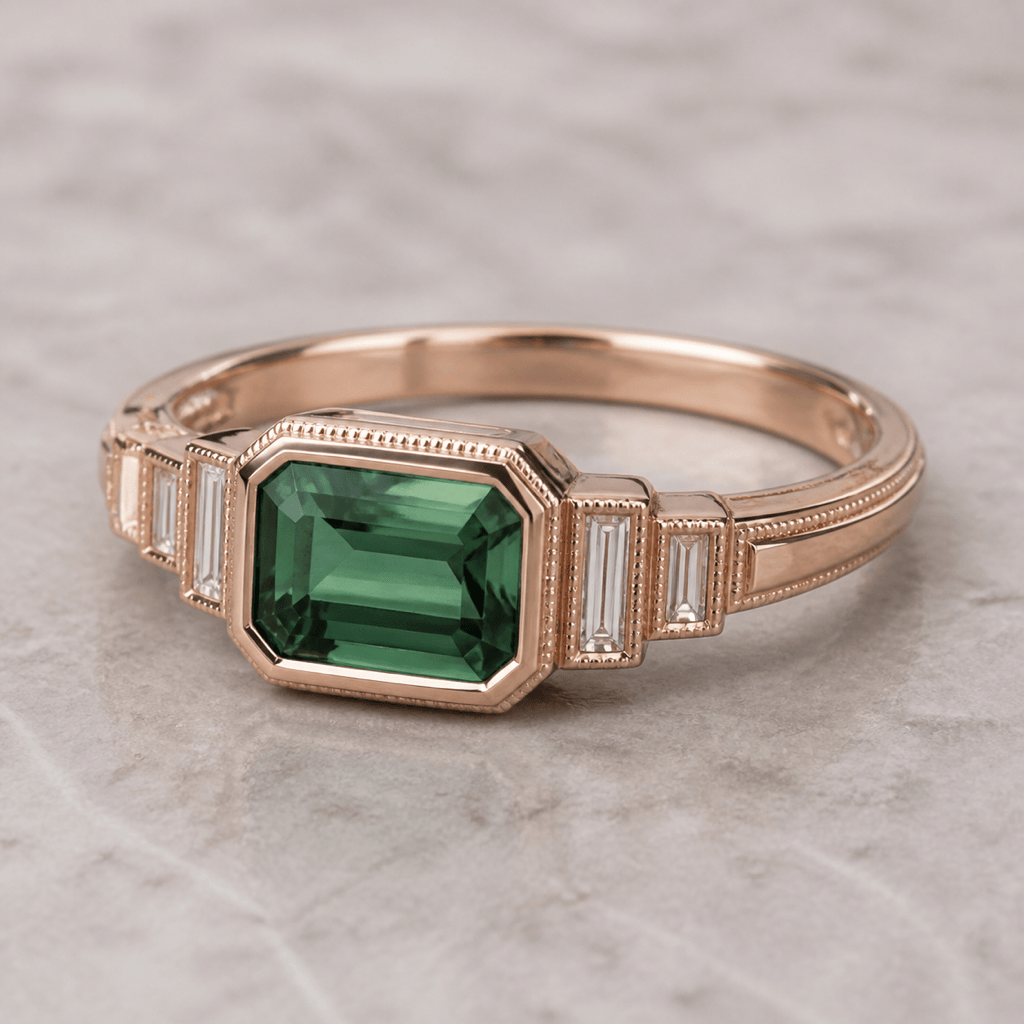
Jeweler Client Concept: Turn this permitted rough sketch into an original Art Deco ring direction: emerald-cut green tourmaline, stepped white-stone shoulders, rose-gold bezel, fine milgrain, and a low geometric gallery. Preserve the sketch silhouette and compare polished versus satin finishes.





