Free OnlineAI Jewelry Generator
How to Create Jewelry Concepts with AI
Define the Piece and Purpose
Describe Materials and Construction Cues
Generate and Compare Directions
Refine, Export, and Validate

From Loose Jewelry Idea to Presentation-Ready Concept
Brief the Piece in Plain Language
Describe an engagement ring, pendant, cuff, earrings, brooch, or collection idea without drawing every detail. Mew Design turns the brief into a visual direction you can evaluate.
Start from a Sketch or Reference
Upload a permitted hand sketch, rough drawing, gemstone photo, or mood reference. Explain what to preserve and what to reinterpret so the result remains original and useful.
Direct Metals, Gems, and Settings
Compare platinum, gold, silver, polished or brushed finishes, colored stones, different cuts, and visual setting styles such as bezel, halo, pavé, or prong.
Explore More Than One Design Family
Test minimalist, Art Deco, botanical, vintage, geometric, sculptural, or avant-garde directions before committing time and budget to detailed development.
Correct Details with Chat Edit
Ask for a narrower band, smaller center stone, warmer metal, fewer accent stones, a different drop length, or a cleaner background without rebuilding the whole prompt.
Create Visuals for Review and Presentation
Generate clean product views, macro details, editorial flat lays, or on-model concept images for moodboards and client conversations. Export PNG or JPG; use jewelry CAD for production geometry.
Prompt the Piece Like a Jewelry Design Brief
- Name the piece and wearer: Say whether you need an engagement ring, pendant, studs, drop earrings, cuff, brooch, bridal set, or gender-neutral collection concept.
- Specify material and setting: Include metal color and finish, gemstone type and cut, plus a visual setting direction such as solitaire, bezel, halo, prong, pavé, or channel.
- Control proportion and view: Describe band width, center-stone scale, symmetry, chain weight, drop length, and top, side, three-quarter, macro, flat-lay, or on-model framing.
- Set realism and exclusions: Request believable reflections, facets, connections, shadows, and scale; exclude extra stones, duplicate pieces, warped chains, broken prongs, text, logos, and watermarks.
AI Jewelry Design Prompts You Can Customize
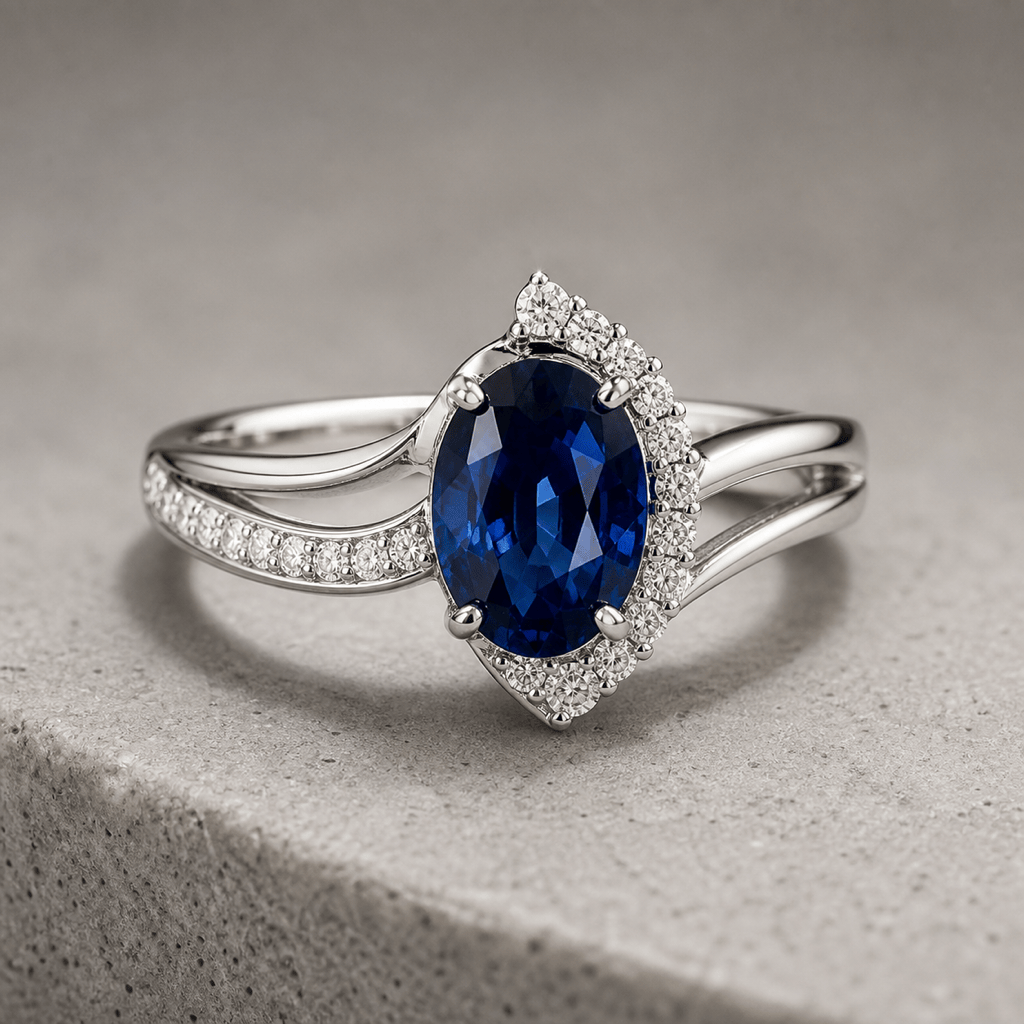
Custom Engagement Ring: Create an original platinum engagement ring concept with an oval blue sapphire, asymmetric diamond halo, and split shank. Macro three-quarter view plus a small side-view study, controlled studio reflections, neutral background, no brand motifs or text. Concept image only, not production CAD.
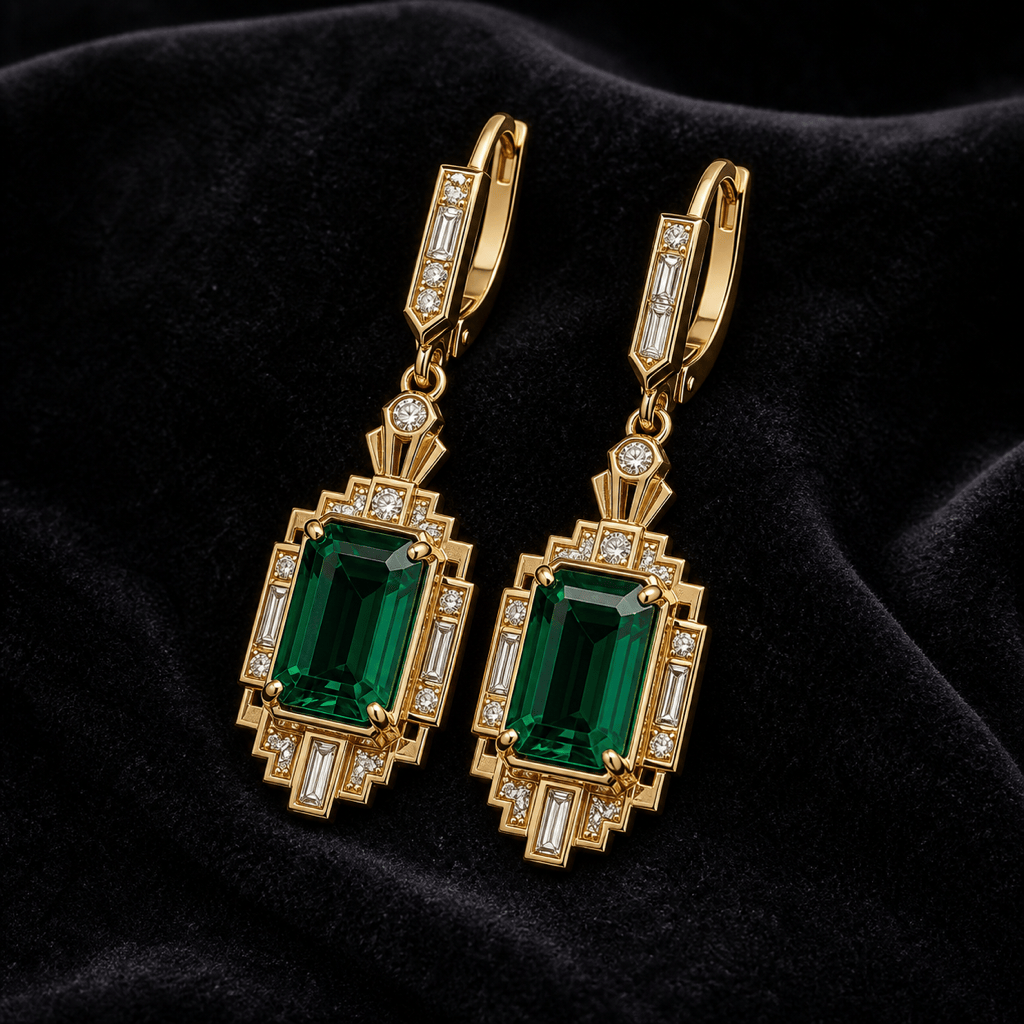
Art Deco Earrings: Design a coordinated pair of yellow-gold drop earrings with emerald-cut green stones, stepped white-stone accents, clean geometric symmetry, and secure-looking connections. Display on charcoal velvet with soft rim light, premium product photography, no logo or watermark.
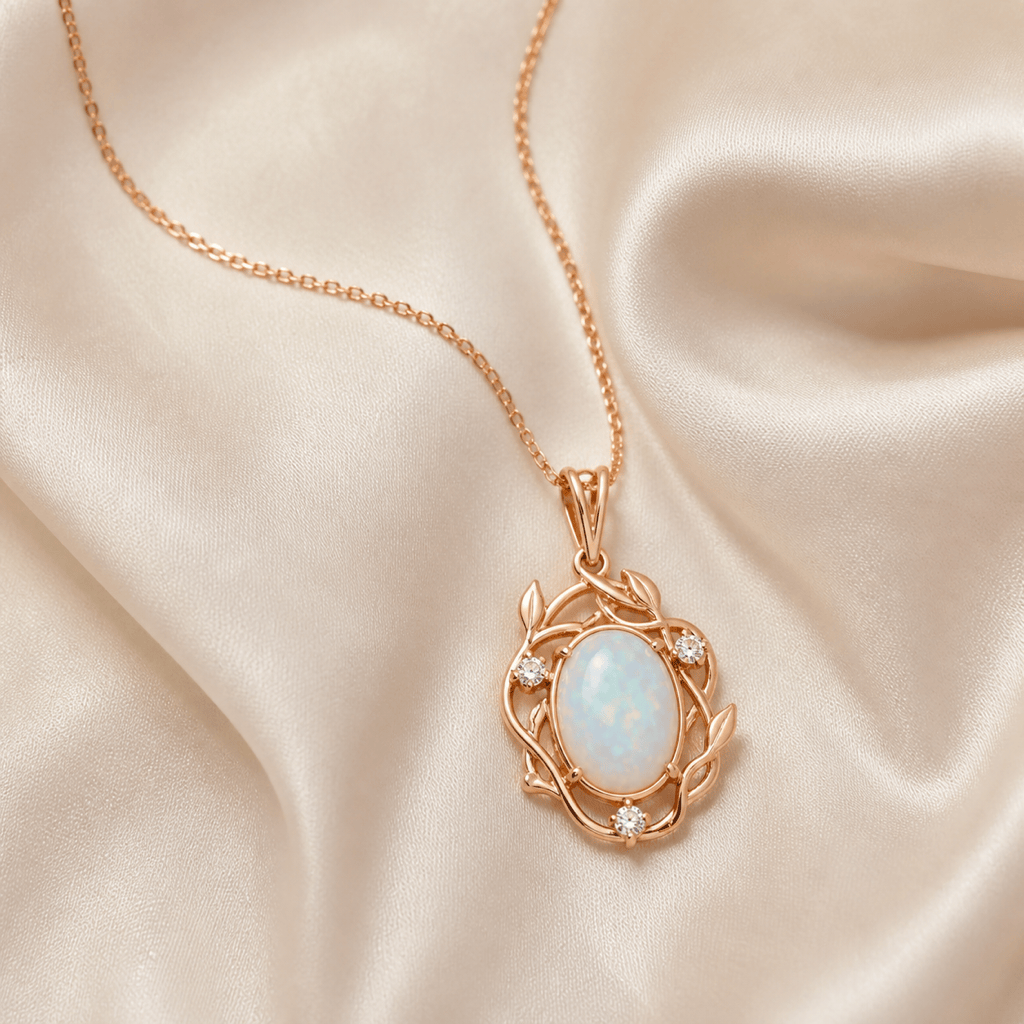
Botanical Pendant: Generate a rose-gold pendant necklace with a luminous oval opal framed by delicate vine-like openwork and three tiny accent stones. Fine chain arranged naturally on ivory silk, top-down editorial flat lay, realistic links, restrained reflections, no lettering.
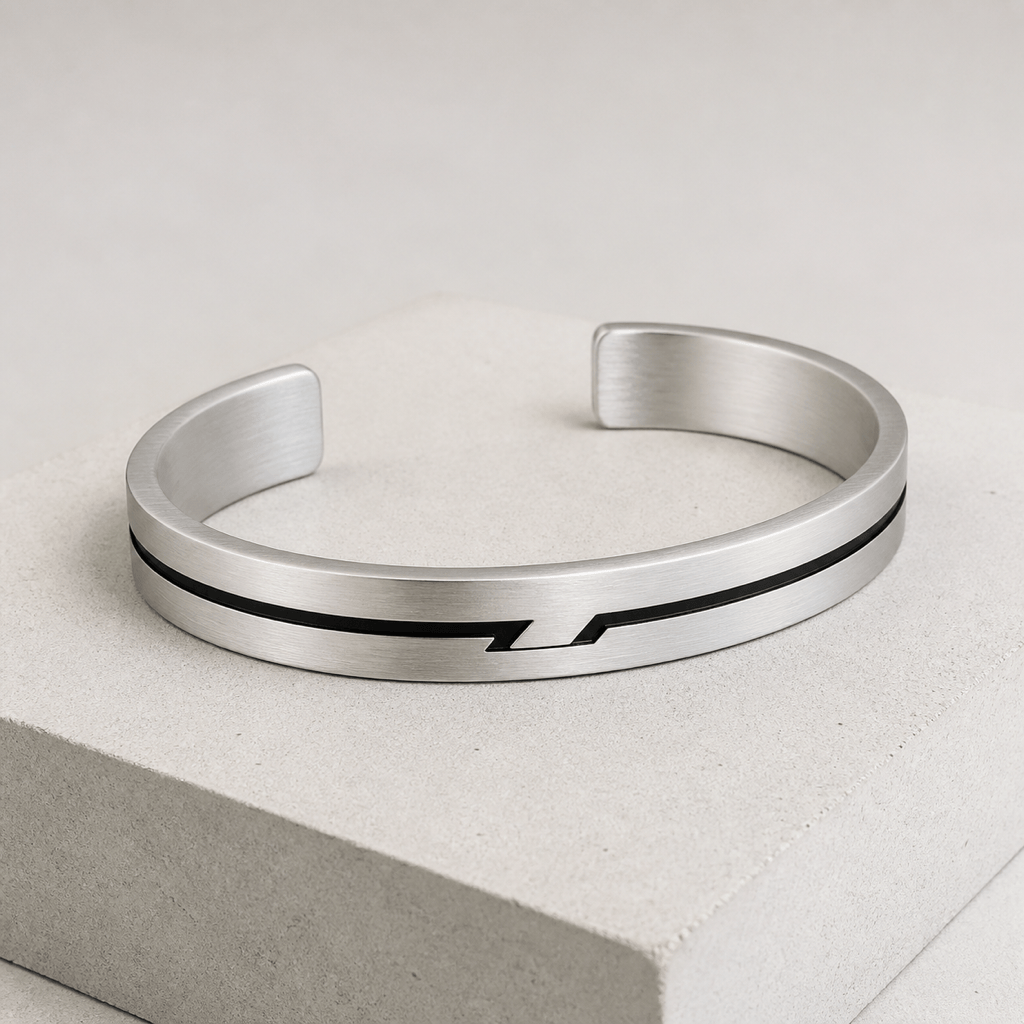
Gender-Neutral Cuff: Create a brushed sterling-silver cuff bracelet with a slim black onyx inlay, subtle geometric relief, open negative space, rounded wearable edges, and a modern architectural feel. Three-quarter product view on pale concrete, one piece only, no branding.
Sketch to Jewelry Render: Turn my uploaded authorized ring sketch into an original polished concept. Preserve the pear-shaped center stone, low-profile silhouette, and tapered band; render in 18k yellow gold with a bezel-style visual direction. Show top and side views and do not invent extra stones or copy a known designer setting.
Jewelry Marketing Mockup: Create an editorial on-hand concept image featuring my uploaded authorized ring reference. Keep the ring design visually consistent, show believable scale on an adult hand, warm natural skin texture, soft window light, shallow depth of field, and no extra jewelry, distorted fingers, text, or logos. Treat this as a marketing draft, not an exact virtual fitting.





