Turn Your Photos into Game CharactersAI PS2 Filter
How to Create a PS2-Style Photo with AI
Upload a Photo and Describe the Look
Generate the Retro Version
Check the Face and Background
Download Your Game-Style Photo

Your Photo, Your Take on the PS2 Look
Start with Your Own Photo
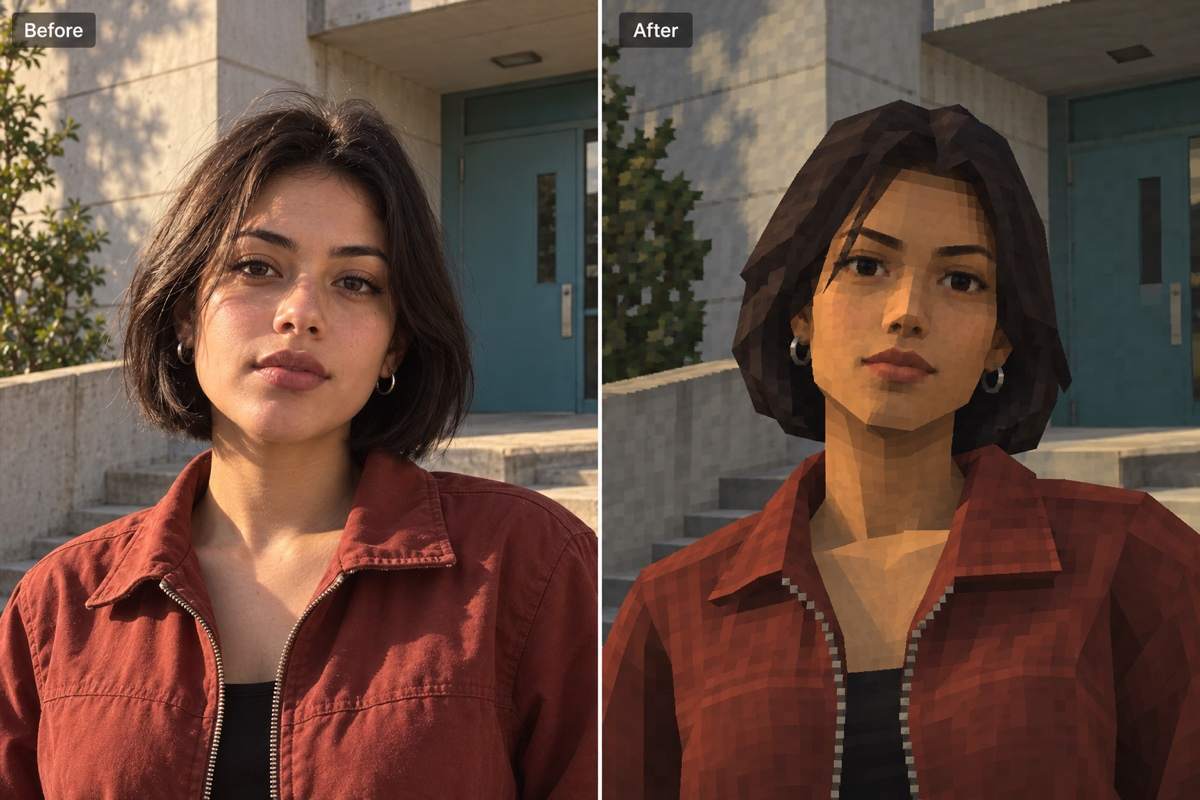
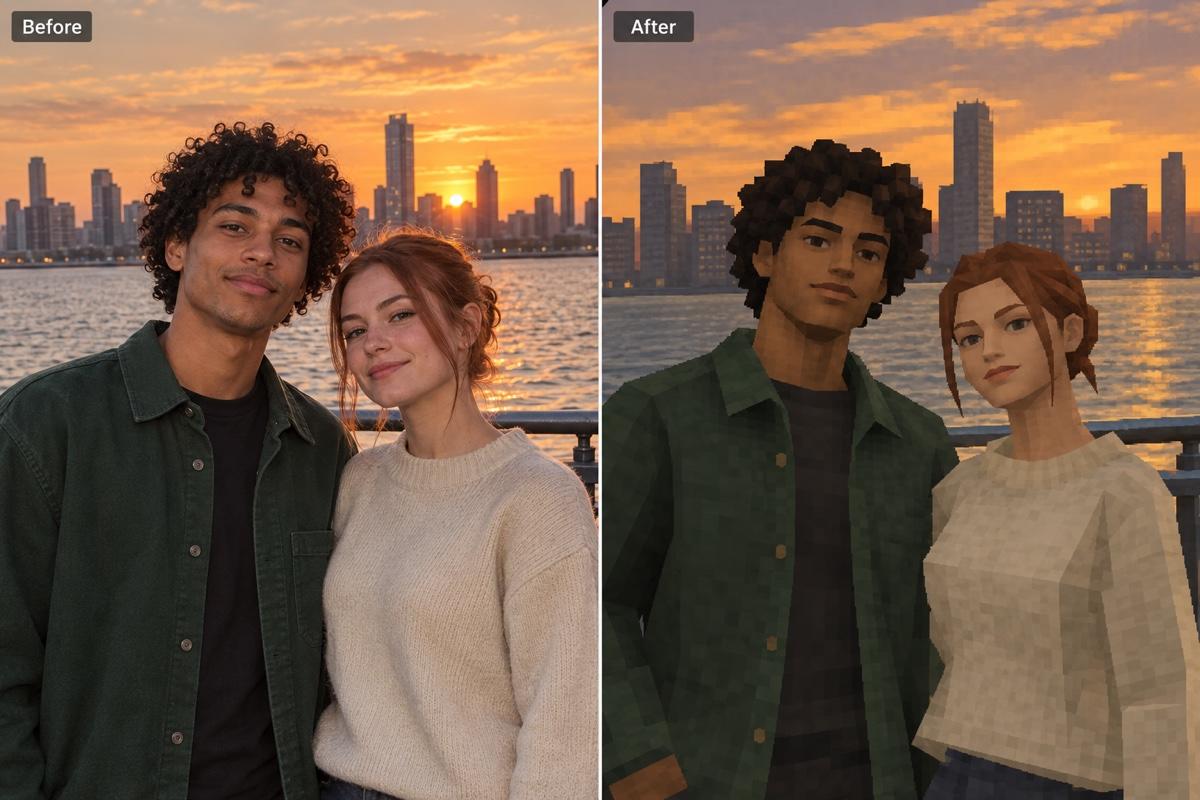
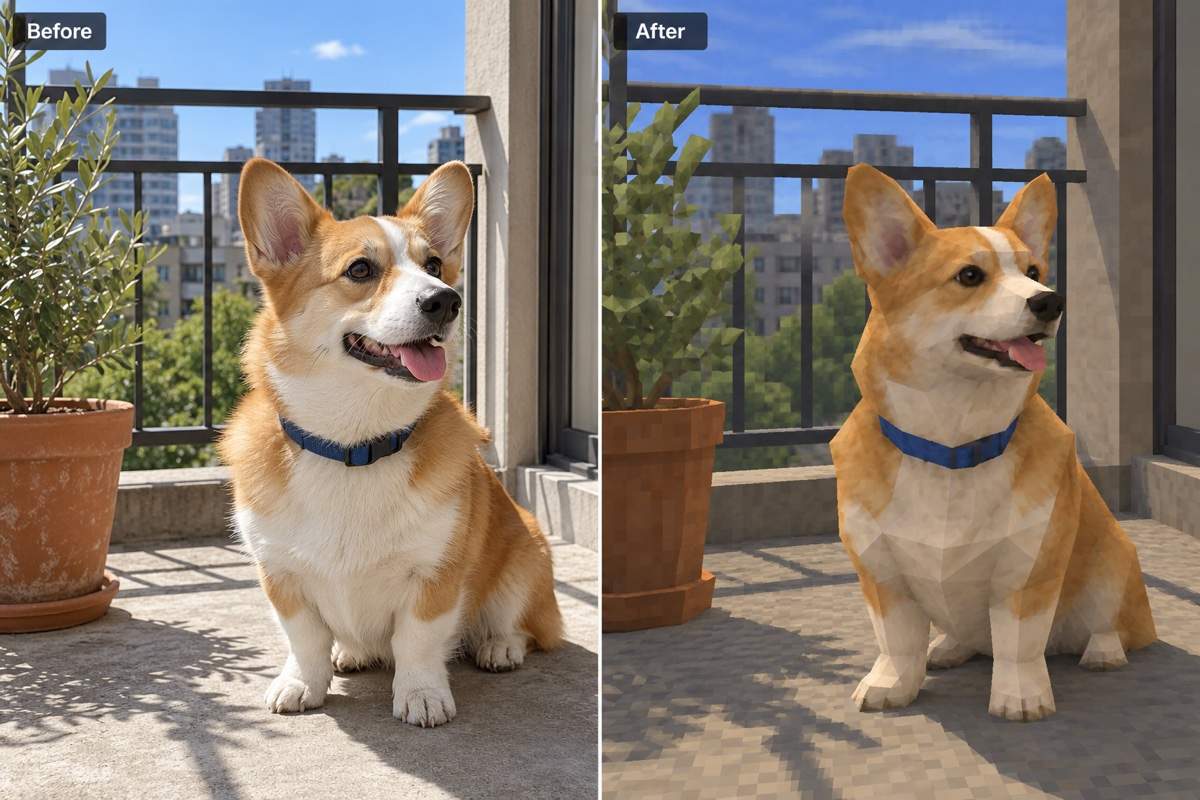
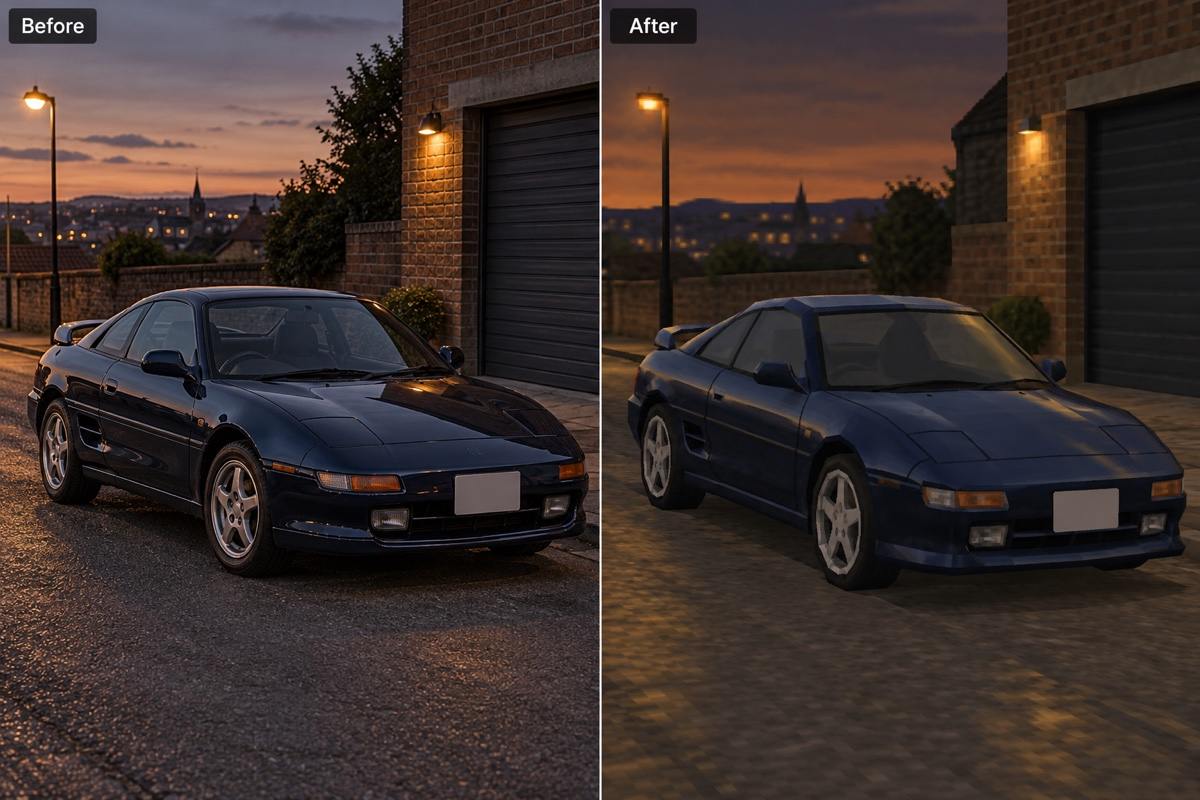
Use this PS2 photo filter with a selfie, couple shot, pet or car. Your upload guides the subject, pose and composition.
Adjust the Retro Finish
Ask for simpler geometry, softer textures or less glossy skin. Shape the early-2000s look through chat instead of settling for the first result.
Bring the Background into the Game
Carry the effect into streets, rooms and scenery, so the subject and surroundings feel part of the same game world.
Show the Mood You Mean
Upload a style reference to guide a brighter adventure portrait or a darker cutscene. Tell Mew Design which colors and lighting you want to borrow.
Make a PS2 Profile Picture
Request a centered face and space around the head for a small avatar. Adapt the result into YouTube channel art when you need a wider layout.
Try the Effect with Free Credits
Test the AI PS2 filter online with free credits after signup. Generation and edits use credits; check your balance before trying more variations.
What Makes a Photo Look Like a PS2 Game?
- Choose a Clear Source: Use a visible face or a distinct silhouette. Heavy blur, hidden features and crowded groups make details harder to preserve.
- Think Early 3D: Ask for simplified shapes and lower-detail textures. Adding a pixel grid alone will not create the same console-era feel.
- Name the Features to Keep: Point out your expression, hair, outfit or pet markings. Check these against the original after generation.
- Direct the Whole Scene: Describe the background and lighting as well as the subject. Request one focused correction at a time.
Refine Your PS2 Effect with These Fixes
Make this retro portrait look more like my uploaded photo. Restore the original facial proportions, hairstyle and expression while keeping the PS2-style textures.
This image looks too modern. Simplify the geometry, reduce fine texture detail and remove glossy skin highlights. Keep the face readable and the pose unchanged.
Restyle the photographic background as an early-2000s game environment. Keep the street layout and camera angle, and match its lighting to the character.
Brighten the face in this dark game-style portrait. Keep the moody setting, but make the eyes and expression visible without adding modern cinematic effects.
Refine this PS2-style pet using my original photo. Restore its coat markings, ear shape and proportions, with simplified fur textures instead of individual hairs.
Keep my car’s original body shape, paint color and wheel placement. Use low-detail reflections and a retro racing-game street while preserving the camera angle.





