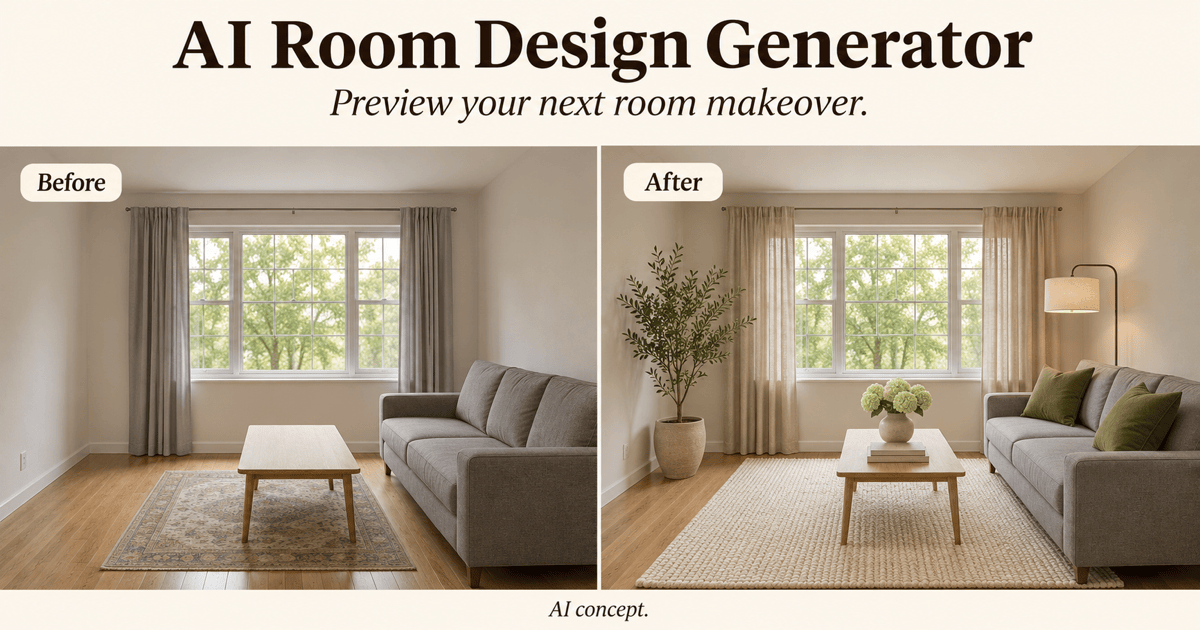
See Your Backyard withAI Pool Design
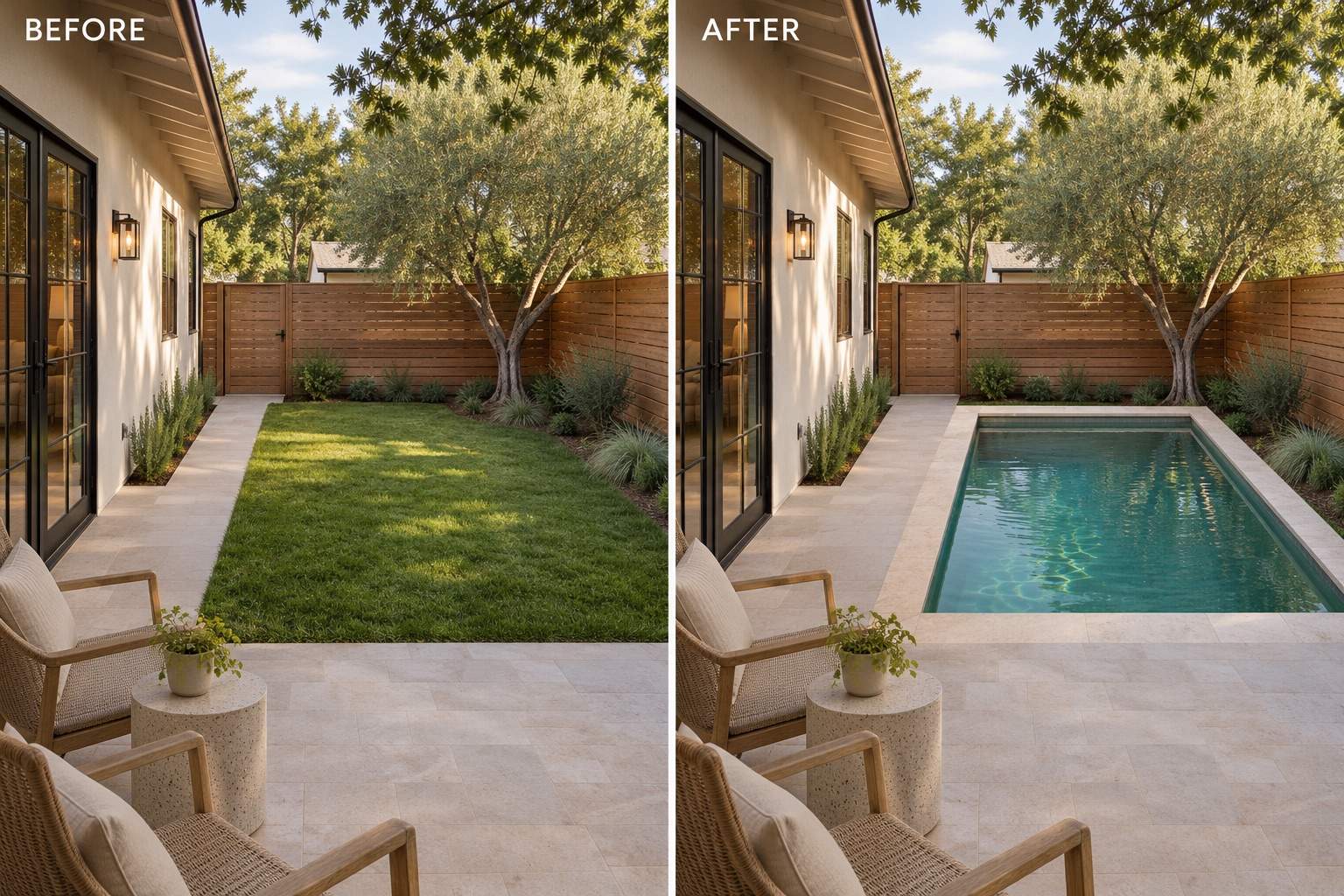
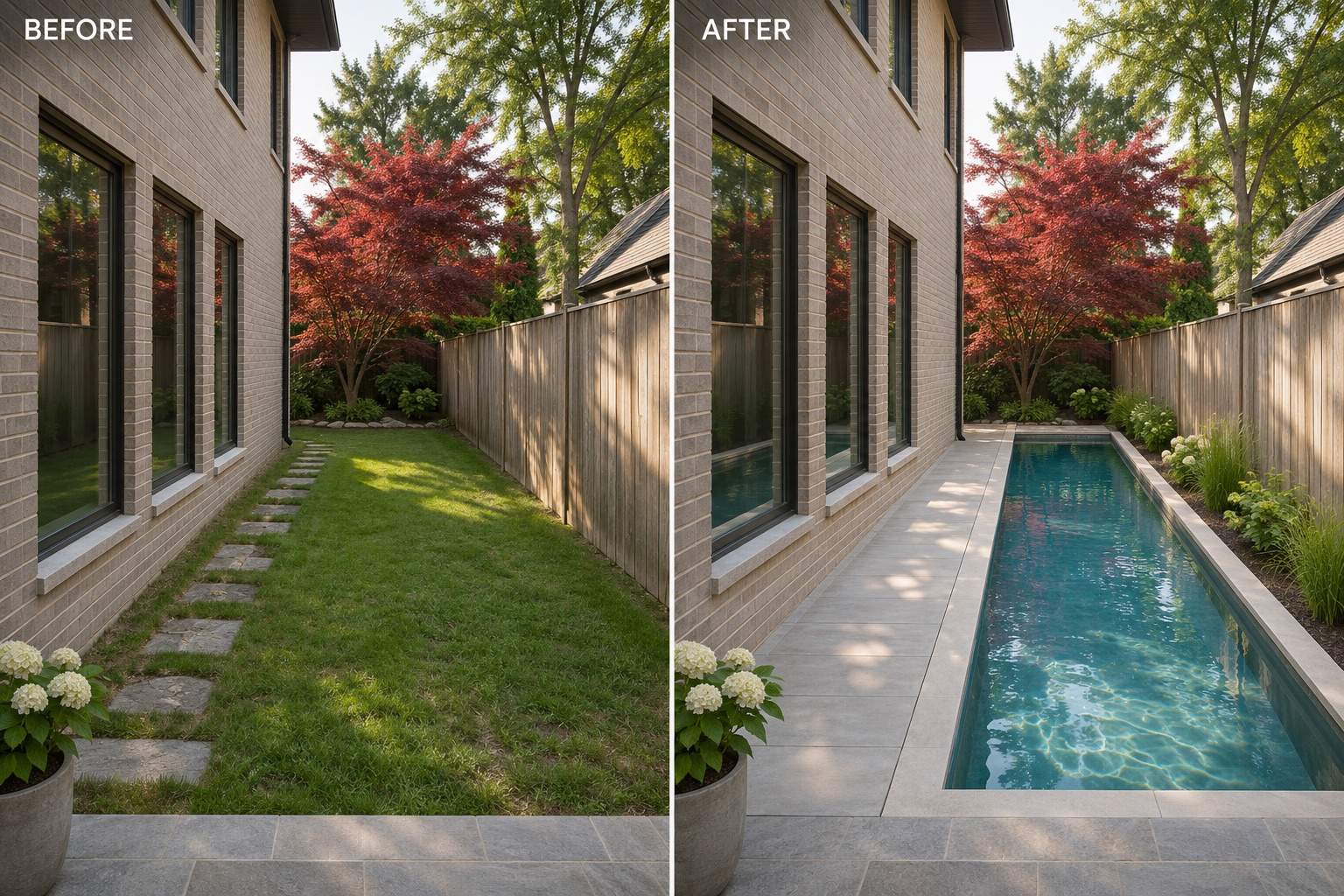
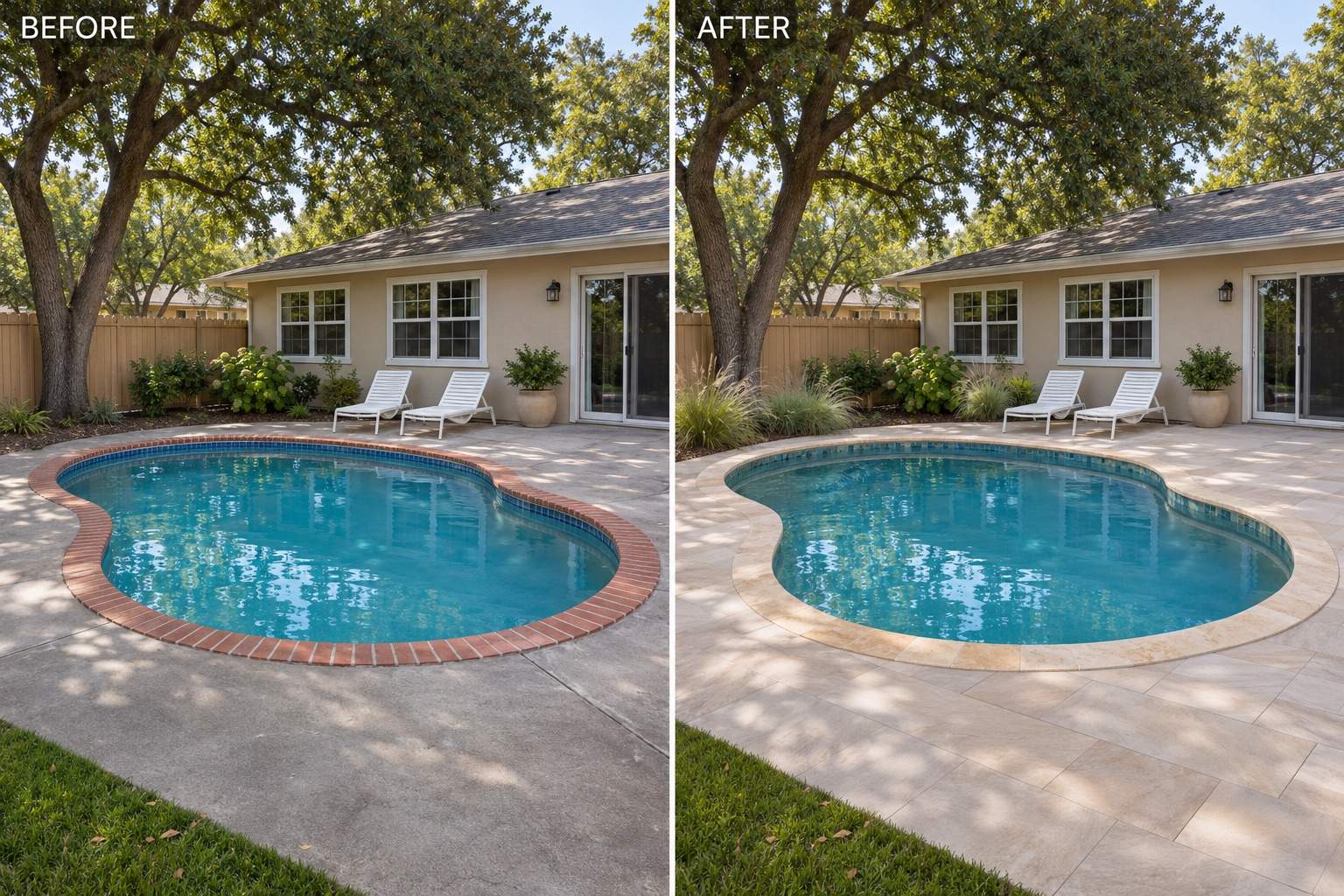
How to Create a Pool Design with AI
Show the Whole Yard
Place the Pool in Context
Change One Decision at a Time
Save a Concept to Discuss
An AI Pool Designer for New Pools and Remodels
Use Your Own Backyard as the Starting Point
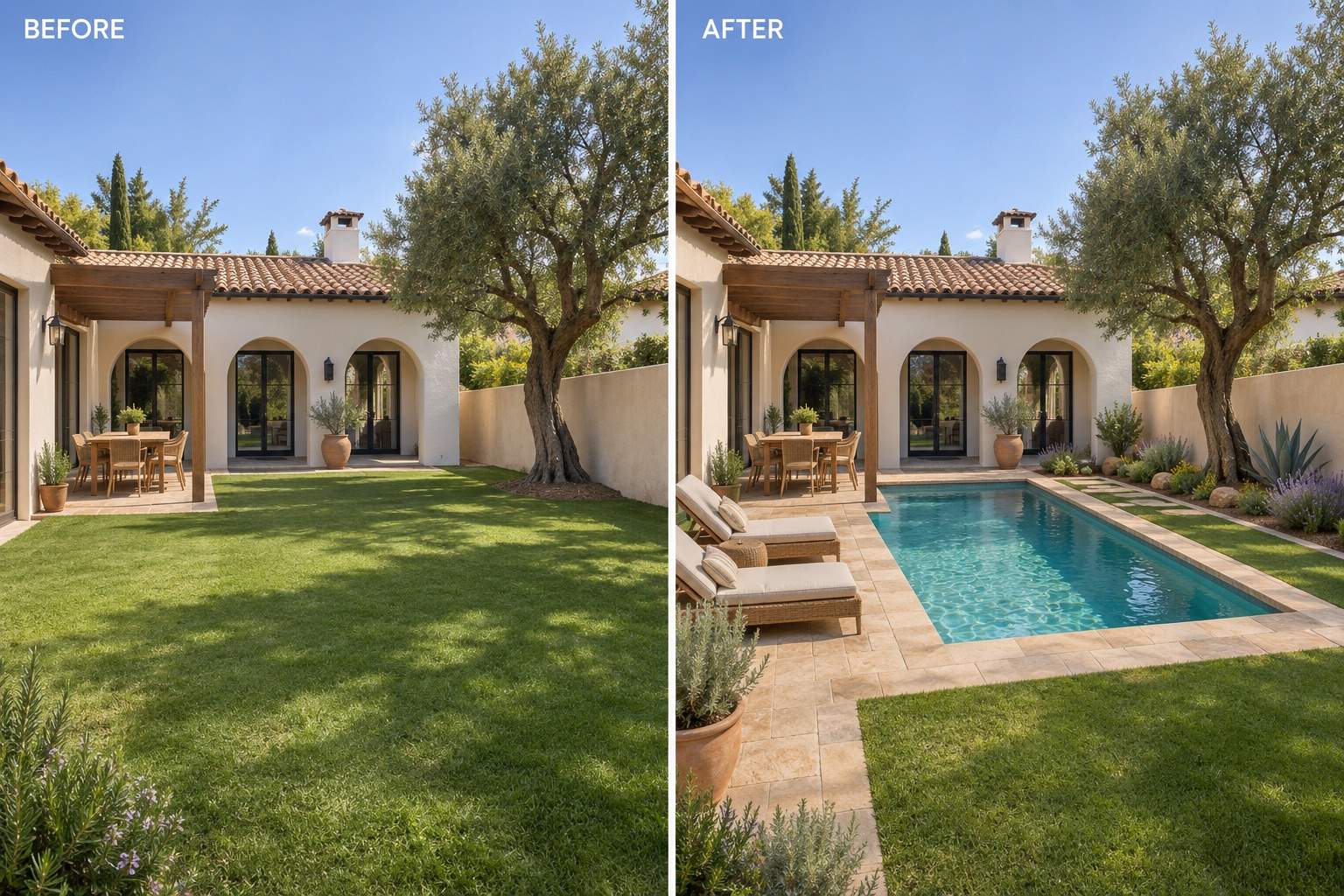
Photo-based AI pool design helps you explore a pool alongside your existing home and patio. Describe what must remain; review each result for unwanted changes.
Test Shapes Before Choosing Finishes
Use the AI pool designer to compare a compact rectangle, a curved pool, or a long swimming lane. Keep the same photo and brief to make the differences easier to judge.
Coordinate Water, Decking, and Planting
Explore pool and landscape design together. Ask for paving, pool-edge materials, seating, and planting that suit the house rather than choosing each element in isolation.
Revise a Remodel Without Starting Over
Upload an existing pool photo and ask for new tile, coping, or decking. Chat Edit lets you refine the visual direction while requesting that the pool outline stays unchanged.
Choose How Your Concept Is Generated
Use Mew Auto to select a suitable model for your yard photo and request, or choose an available image model on a supported plan. Mew Design adds new leading image models as they launch.
Bring a Clearer Brief to Your Builder
Save the pool concept as a PNG or JPG to explain your preferences. Watermark-free standard downloads help you share ideas; image dimensions do not establish real-world measurements.
Prepare Your Photo for a Useful Pool Preview
- Keep the Context: Include doors, boundaries, and access routes. A close-up of grass gives little guidance about placement.
- Reserve Space Around the Pool: Identify the route from the house to the gate, the dining area, and any lawn you want to keep. Ask for a smaller pool if the first concept crowds these spaces. Compare usable deck space as well as the water shape.
- Compare Materials Together: Request two versions with the same pool layout: one with pale stone paving and one with a timber deck. Compare each with the house exterior and pool tile. Check actual material samples for texture, heat, and wet-surface suitability before making a purchase.
- Compare with the Original: Check that doors, fences, trees, and paths have not moved. The examples above are AI-generated illustrative comparisons, not completed construction projects.
AI Pool Design Ideas for Small Yards and Remodels
Using my yard photo, explore a small backyard plunge pool. Leave room for two chairs and a clear route to the gate. Keep the house and boundaries unchanged.
Preview a narrow lap pool along the long side of my yard. Keep the patio doors accessible and retain a strip of planting beside the fence. Preserve the camera angle.
Refresh my existing pool with pale coping, blue-green tile, and simple planting. Keep its current shape, location, and surrounding buildings. Do not add another pool.
Create a pool-and-spa concept from my backyard photo. Place the spa near the pool and retain an open dining area. Keep the house and fence in their original positions.
Show an above-ground pool with a timber deck in my yard photo. Include visible steps and railings as visual elements. Keep the site boundaries; do not turn it into an inground pool.
Generate a Mediterranean pool concept from text: a rectangular pool, warm stone terrace, olive trees, and a shaded seating area beside a stucco house. Show a realistic garden-level view.