Free OnlineAI Pin Generator
How to Create Custom Pin Designs with AI
Describe the pin concept
Generate a small-format draft
Tune details with Chat Edit
Export for mockups or production

Why Choose Mew Design as Your AI Pin Generator
Small-design awareness
This online AI pin generator keeps silhouettes simple, contrast strong, and text minimal so the artwork can survive enamel-pin scale.
Enamel and badge styling
Generate metal rims, hard-enamel color blocks, lapel badge layouts, mascot shapes, and sticker-like merch concepts from one prompt.
Quick collectible variations
Explore cute, retro, gothic, kawaii, sports, club, and event pin directions without redrawing every option manually.
Upload references and mascots
Bring in a logo, mascot sketch, brand palette, or reference image so the AI enamel pin maker can keep the design consistent.
Edit by describing changes
Refine the outline, simplify tiny details, remove text, change plating color, or create a matching set through plain-language chat.
Useful export paths
Create polished pin mockups for campaign pages, maker briefs, Kickstarter rewards, team merch, or shop listing previews.
What Makes a Good AI Pin Design Prompt
- Choose a shape: Round, heart, shield, banner, mascot silhouette, bottle cap, or custom die-cut.
- Simplify the artwork: Pins work best with bold outlines, limited colors, and clear negative space.
- Control text carefully: Use one short word or skip text if the pin is small.
- Mention production cues: Add metal color, hard enamel, soft enamel, rubber clutch, backing card, or set packaging when useful.
Pin Design Prompts You Can Modify
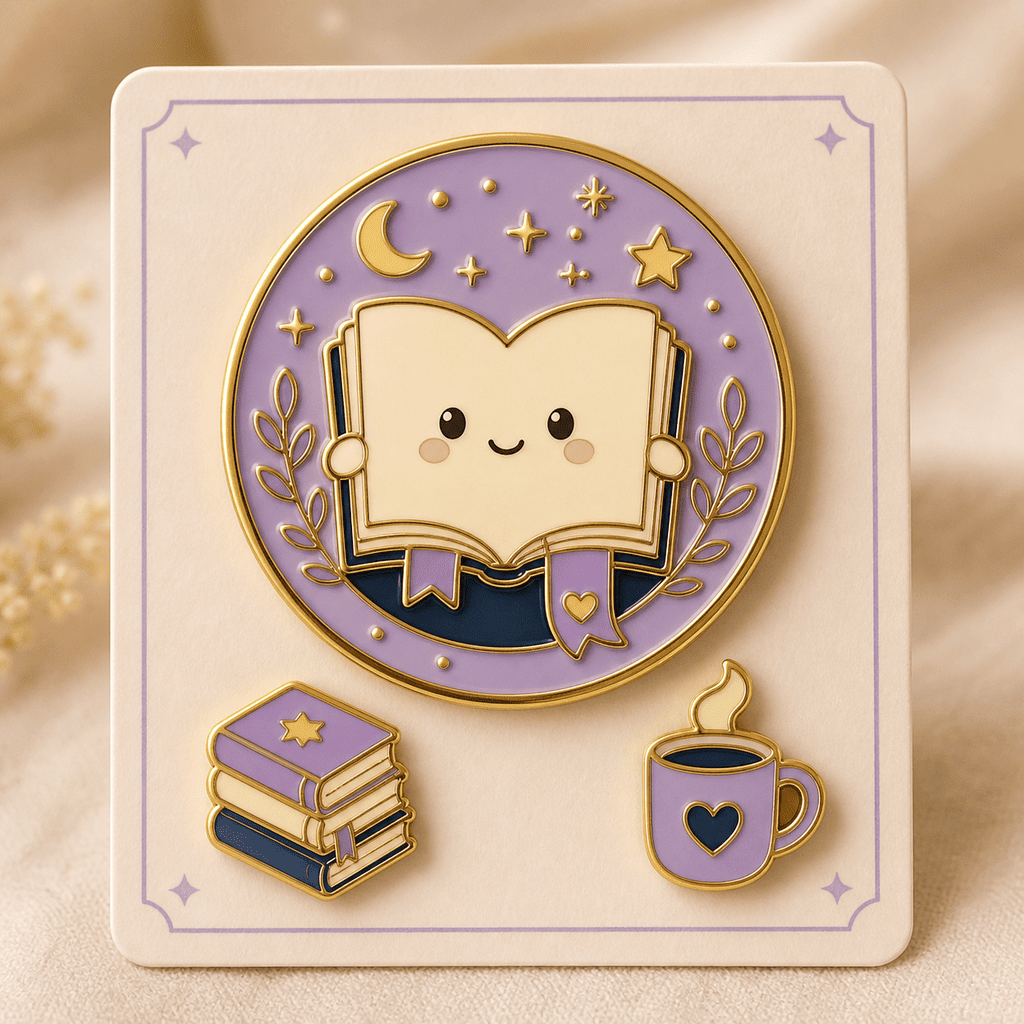
Create a cute enamel pin for a book club, round gold rim, open book mascot, tiny stars, three enamel colors, and no small text.
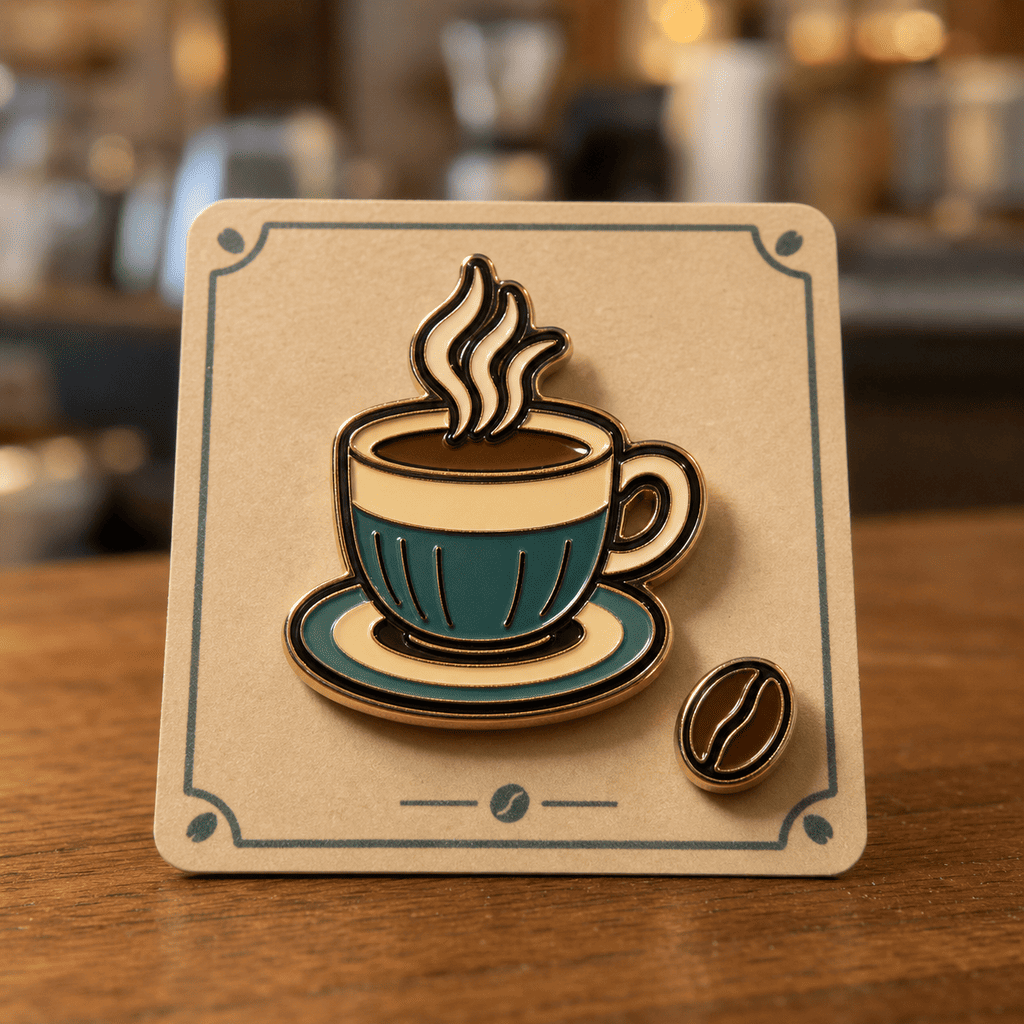
Design a retro coffee shop lapel pin with a die-cut cup silhouette, cream and teal enamel, dark metal outline, and a simple steam icon.
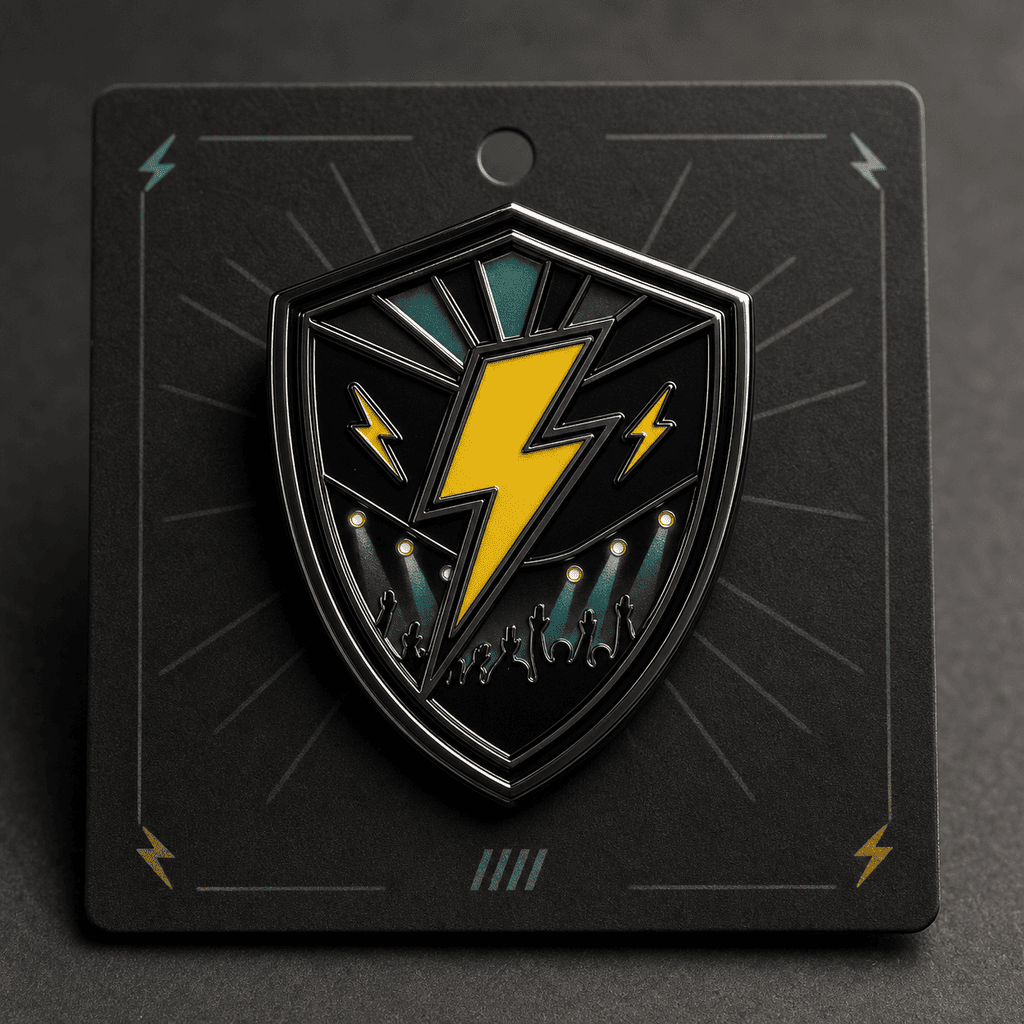
Make a limited-edition event badge pin for a music night, shield shape, bold lightning icon, black nickel metal, and one short abstract wordmark.
Create a kawaii cat mascot pin set with three expressions, pastel enamel fills, thick outlines, and matching backing-card mockup styling.
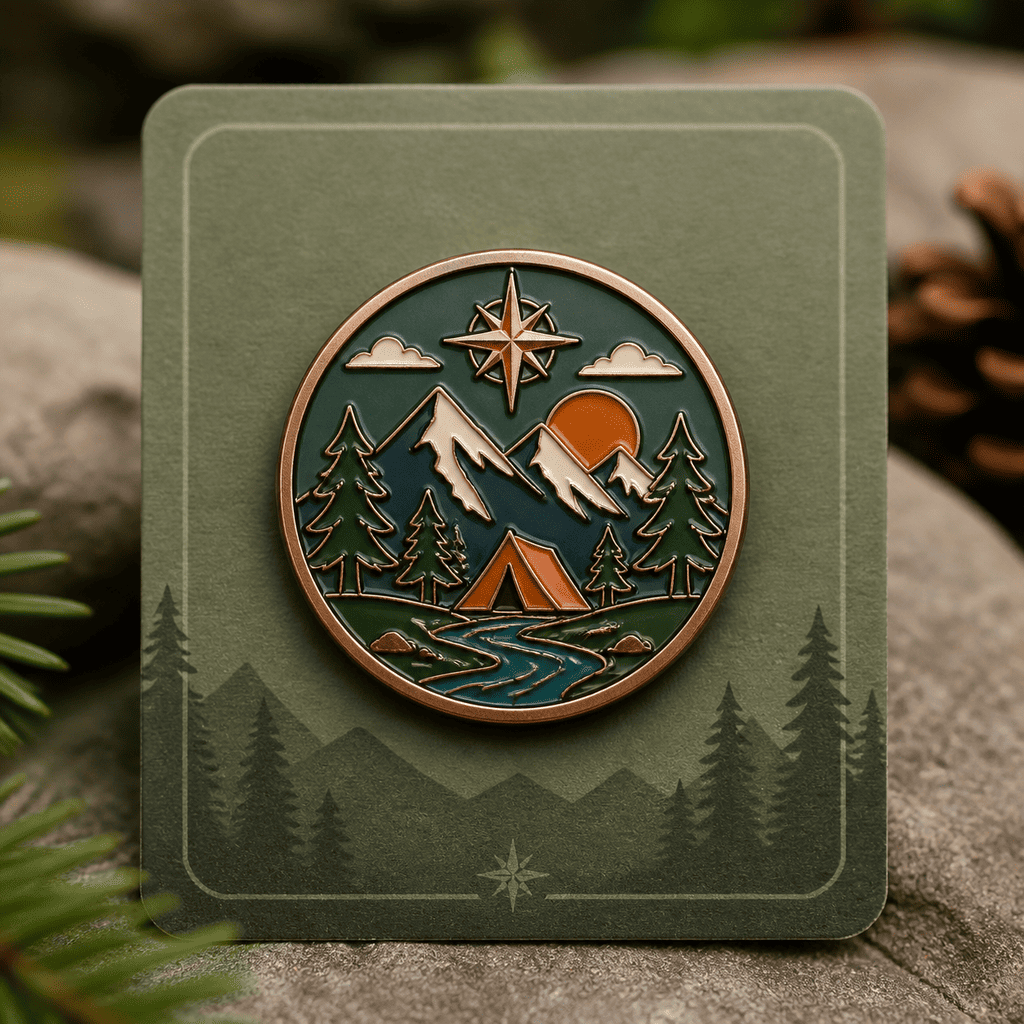
Design an outdoor club pin with mountain silhouette, compass detail, forest green enamel, copper rim, and a collectible patch-like mood.
Create a creator merch pin shaped like a tiny camera, with simple lens details, bright enamel colors, and clean e-commerce mockup lighting.





