Free OnlineAI Photo to Painting
How to Create a Painting From a Photo with AI
Upload a Clear Photo
Create the Painted Version
Compare and Refine
Download Your Artwork

Make the Painting Feel Like Your Photo
Your Photo Sets the Direction
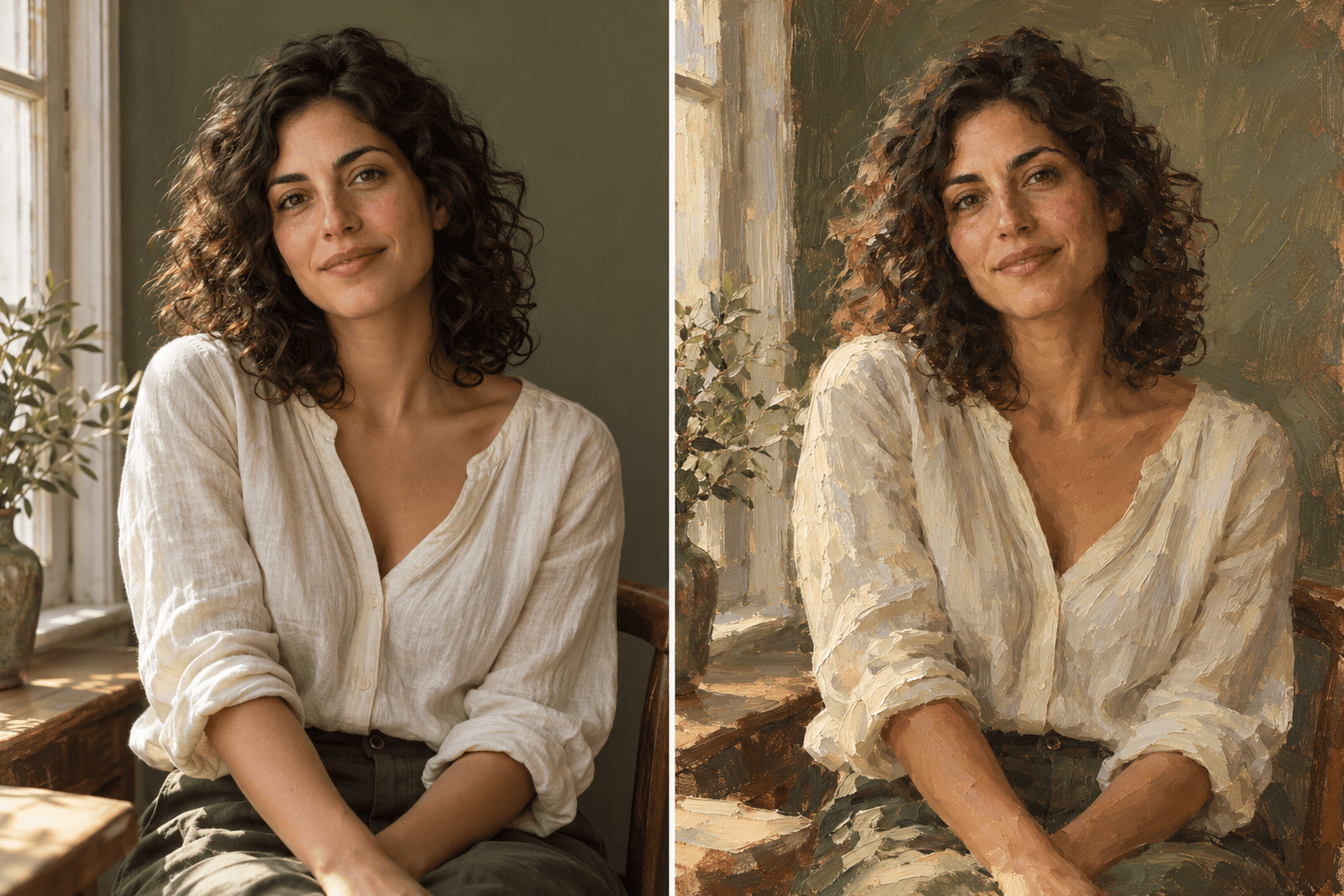
Upload your own image and name the details that matter: a smile, a pet’s markings, or the shape of your home. Use them to guide the transformation.
Choose the Brushwork
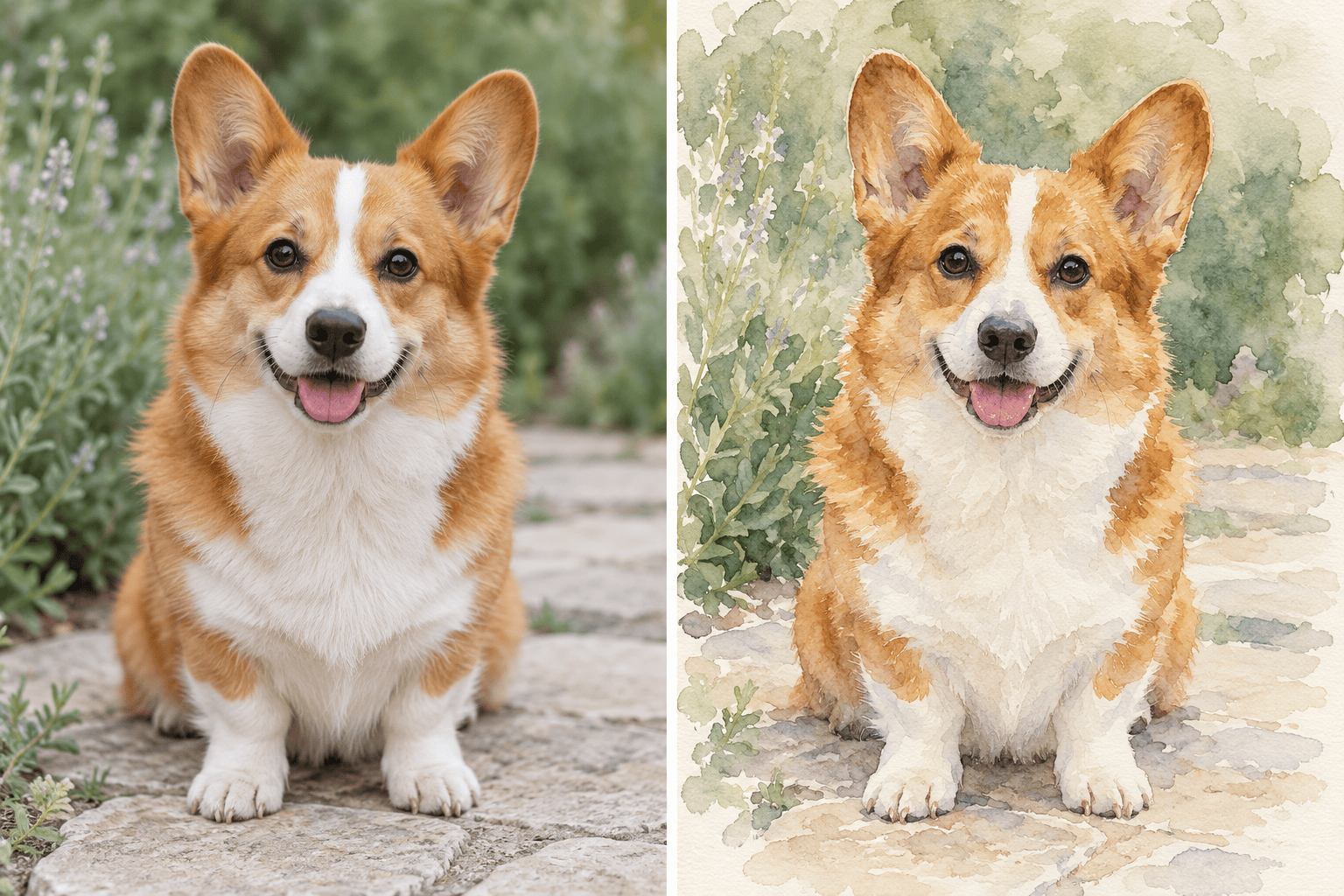
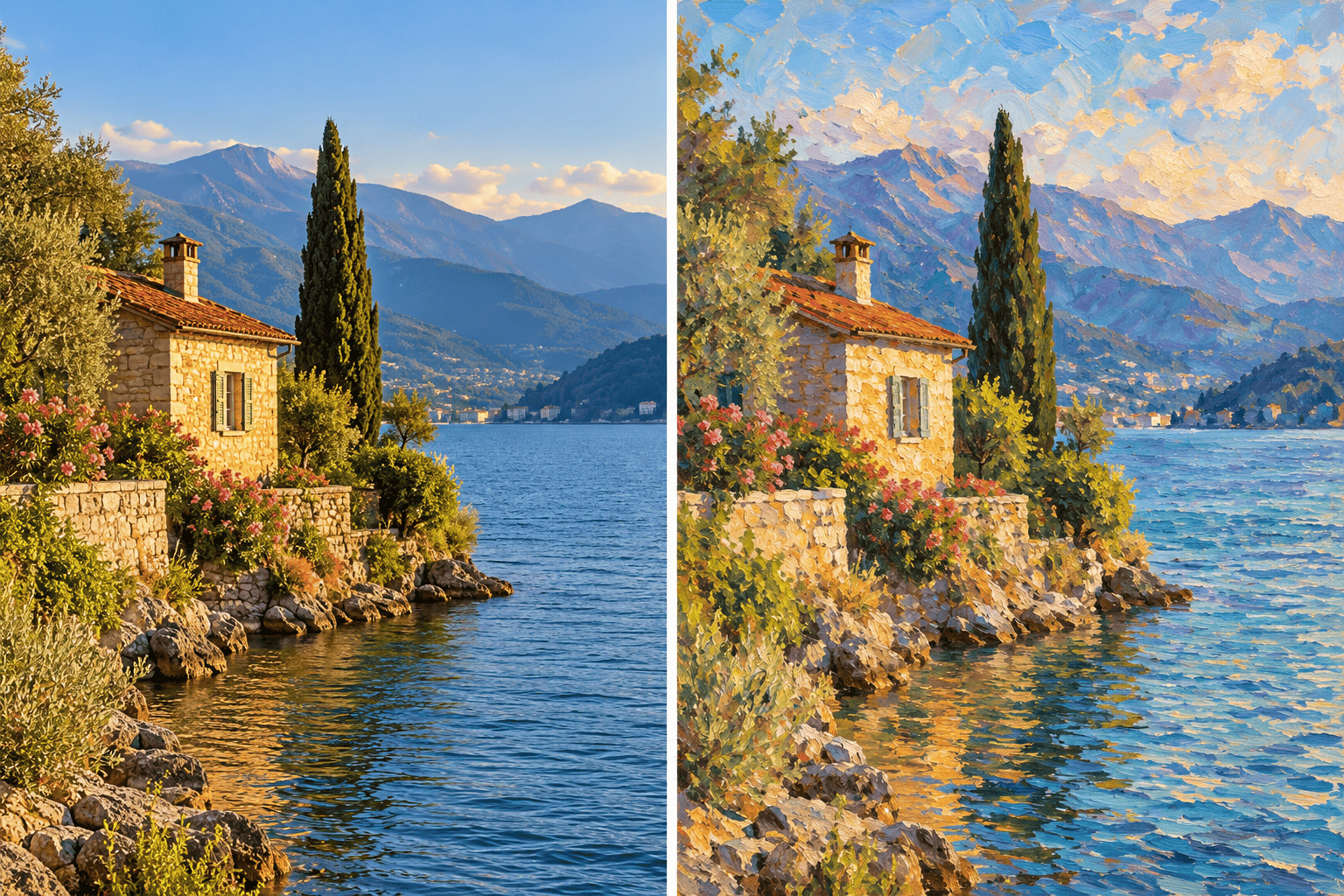
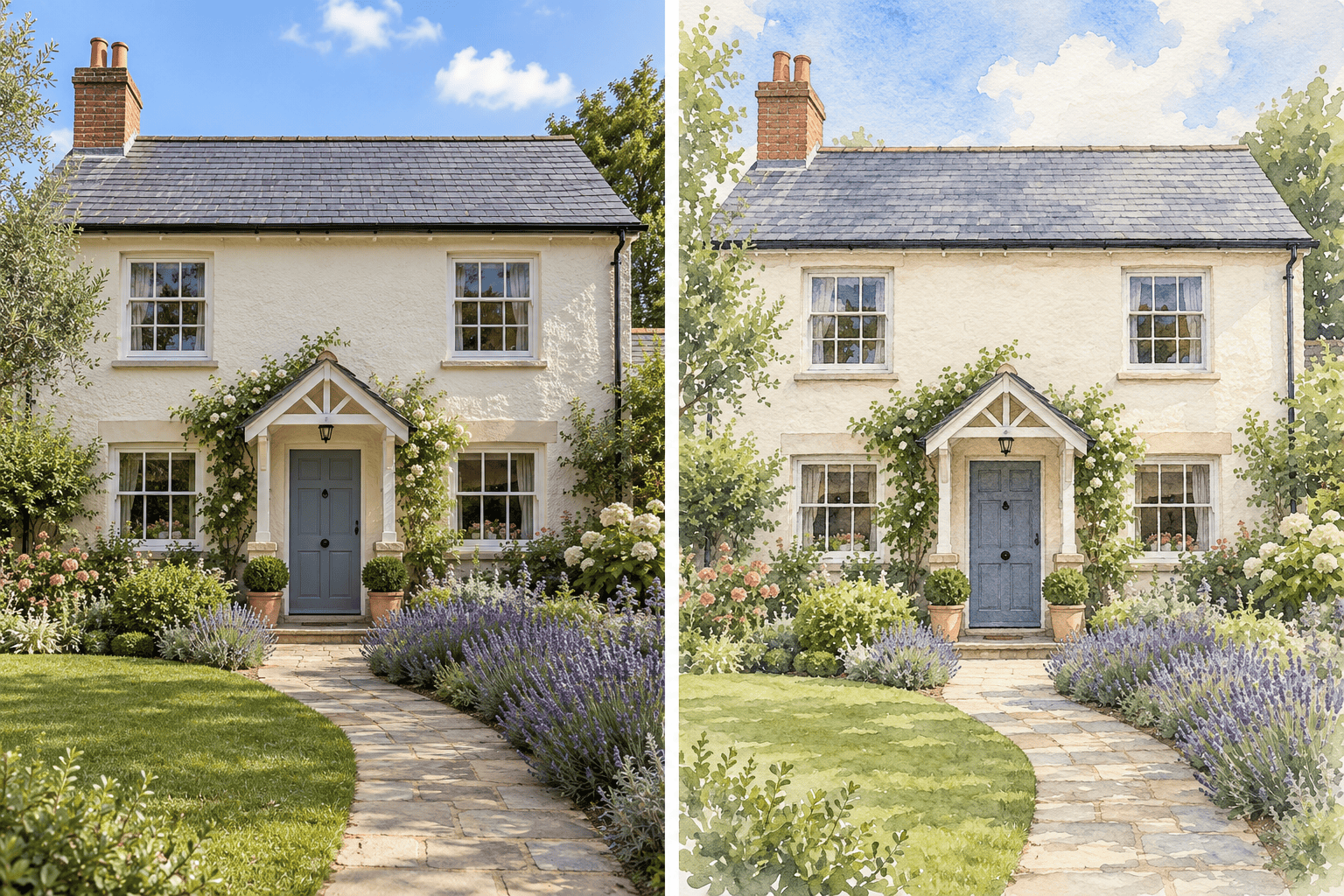
Convert a photo to an oil painting with layered strokes, or ask for a watercolor with translucent washes. Describe the finish instead of relying on a single preset.
Correct Details in Chat
Our AI photo to painting workflow stays editable through conversation. Use Chat Edit to request a closer likeness or gentler texture, then review the new version.
Bring a Style Reference
Upload a painting reference alongside your photo. Explain that one image supplies the subject and the other guides the palette, edges, and brushwork.
Build a Coordinated Set
Try related treatments for family portraits or travel photos. For recurring projects, save your preferred palette and painting workflow as a reusable Mew Skill.
Keep a Digital Copy
Download watermark-free PNG or JPG artwork for cards, sharing, or print preparation. For a coordinated display, explore our AI wall art generator.
Choose a Photo That Paints Well
- Start Sharp: Use the original photo when possible. Blurred eyes, heavy filters, and tiny faces leave less detail for the painted version.
- Match the Medium: Oil suits rich color and textured portraits. Watercolor suits airy pet portraits and house illustrations. Impressionist brushwork suits light-filled landscapes.
- Name What Must Stay: Call out facial proportions, fur patterns, rooflines, or the horizon. Say whether the background may change.
- Check the Likeness: Compare eyes, mouth, hands, and important objects with the photo. AI may reinterpret details; request a focused correction before exporting.
Fix Common Photo-to-Painting Problems
Restore the likeness in my painted portrait using the uploaded photo. Bring the face shape, eye spacing, and smile closer to the original. Keep the current oil-painting palette and background.
Make this photo-to-watercolor result look more like watercolor: translucent washes, soft pigment blooms, and visible paper. Keep the subject’s outline clear and avoid thick oil-paint texture.
Refine this painted pet portrait against my uploaded photo. Match the fur markings, ear shape, and eye color more closely. Keep the gentle watercolor background.
Simplify the busy background in this painting from my photo. Keep the people and their positions, remove distracting small objects, and use quiet painted shapes behind them.
Refine this house watercolor using my uploaded photo. Correct the roofline, window positions, and front door. Keep the soft painted garden and leave out any invented lettering.
Keep the horizon and main landmarks of my landscape photo. Give the painted version more visible, directional brushstrokes and softer distant shapes without adding new mountains or buildings.





