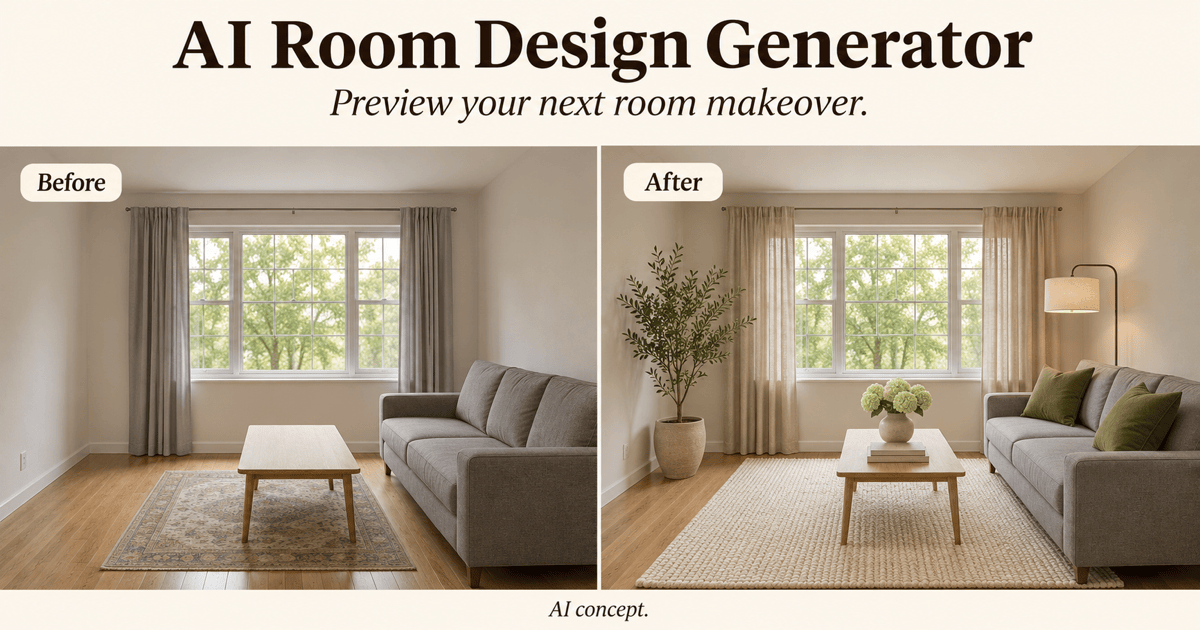
Free OnlineAI Patio Design
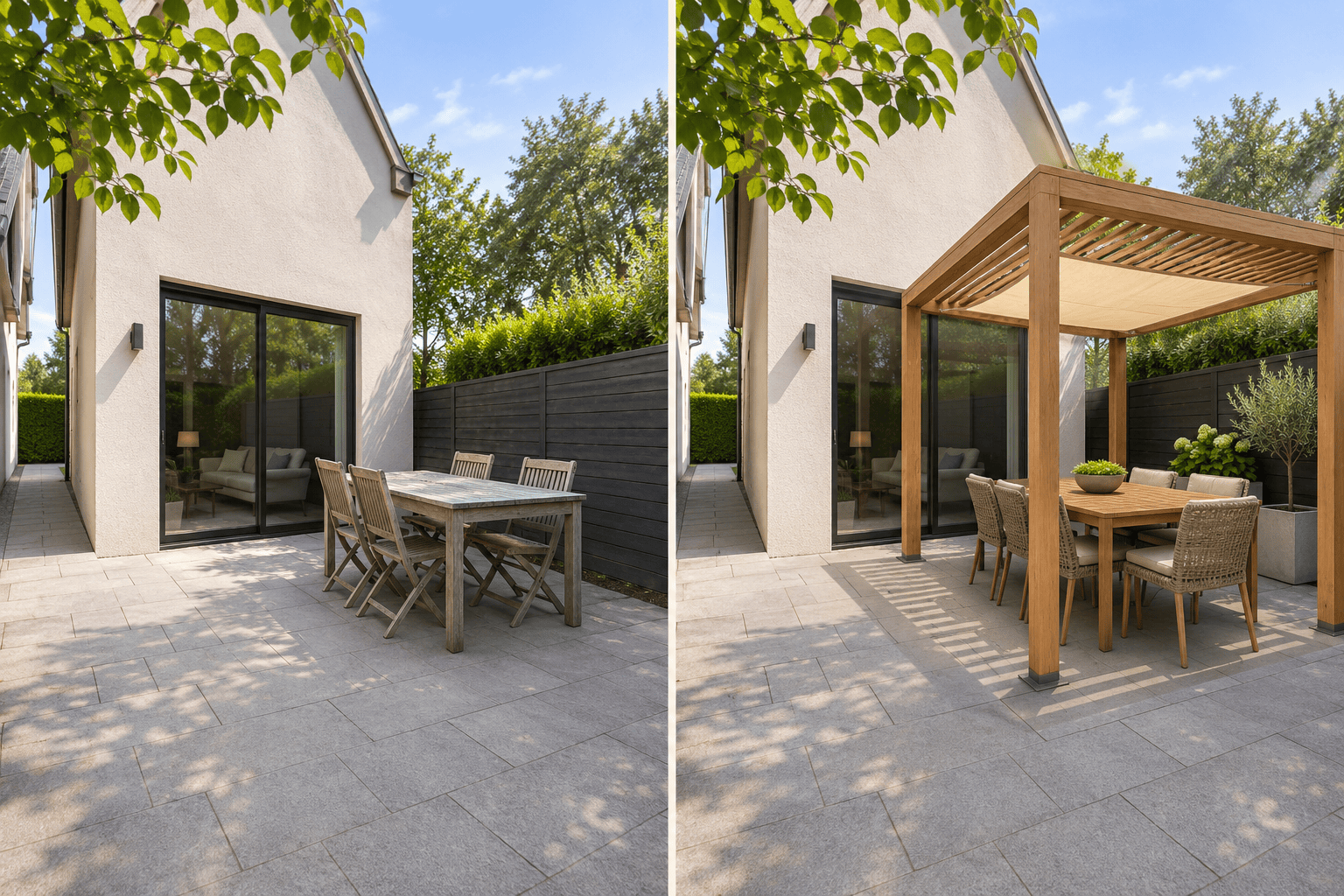
How to Create a Patio Design with AI
Show Your Existing Patio
Choose What to Change
Refine the Layout in Chat
Download Your Patio Design

AI Patio Design for Layouts, Pavers, and Shade
Redesign Your Patio from a Photo
Create an AI patio design from a photo instead of imagining how a generic inspiration image fits. Identify what should stay, then review the result for unwanted changes.
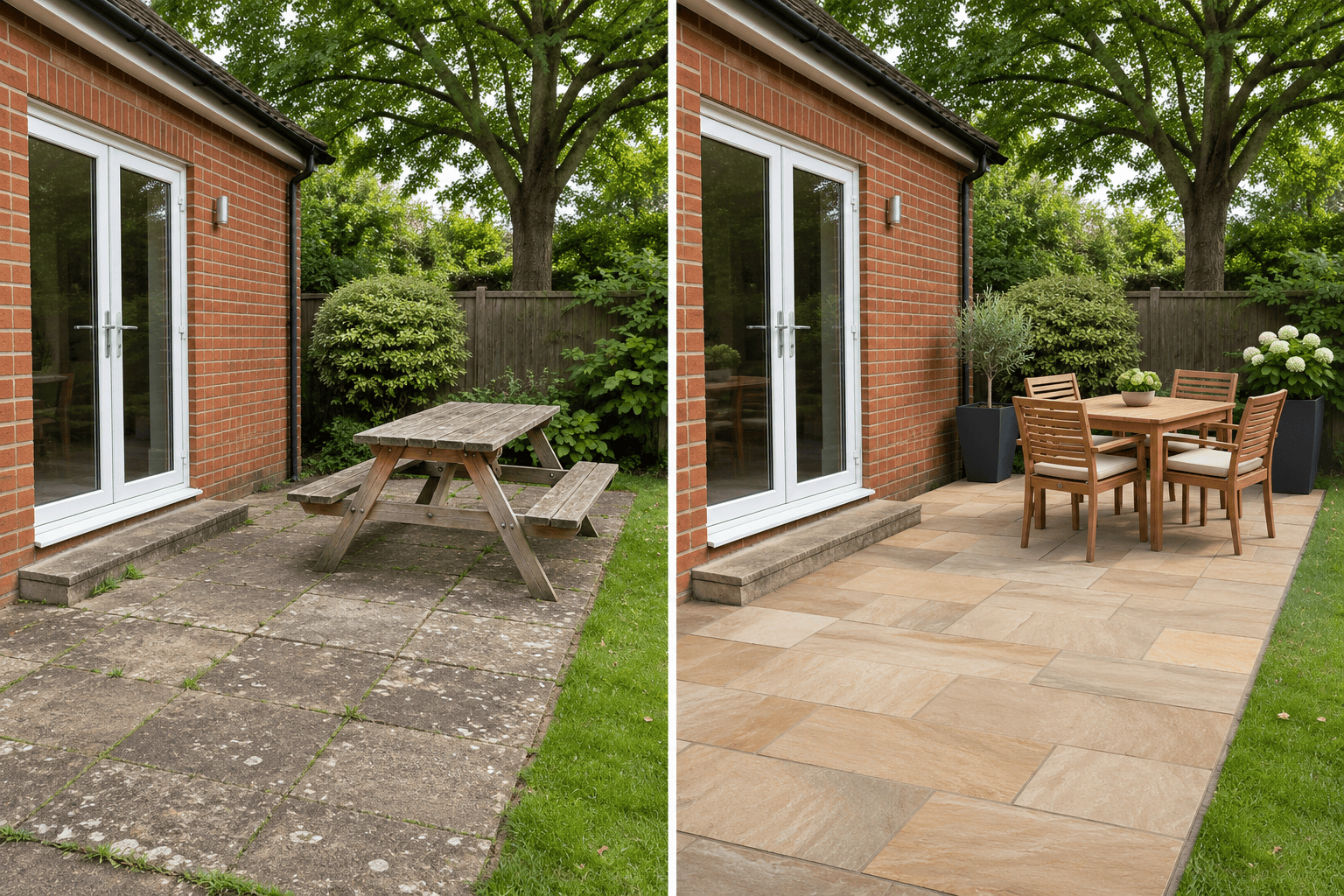
Compare Patio Pavers and Stone
Preview concrete pavers, natural stone, or a refreshed existing slab beside your house. Keep the furniture similar between versions to judge the surface more easily.
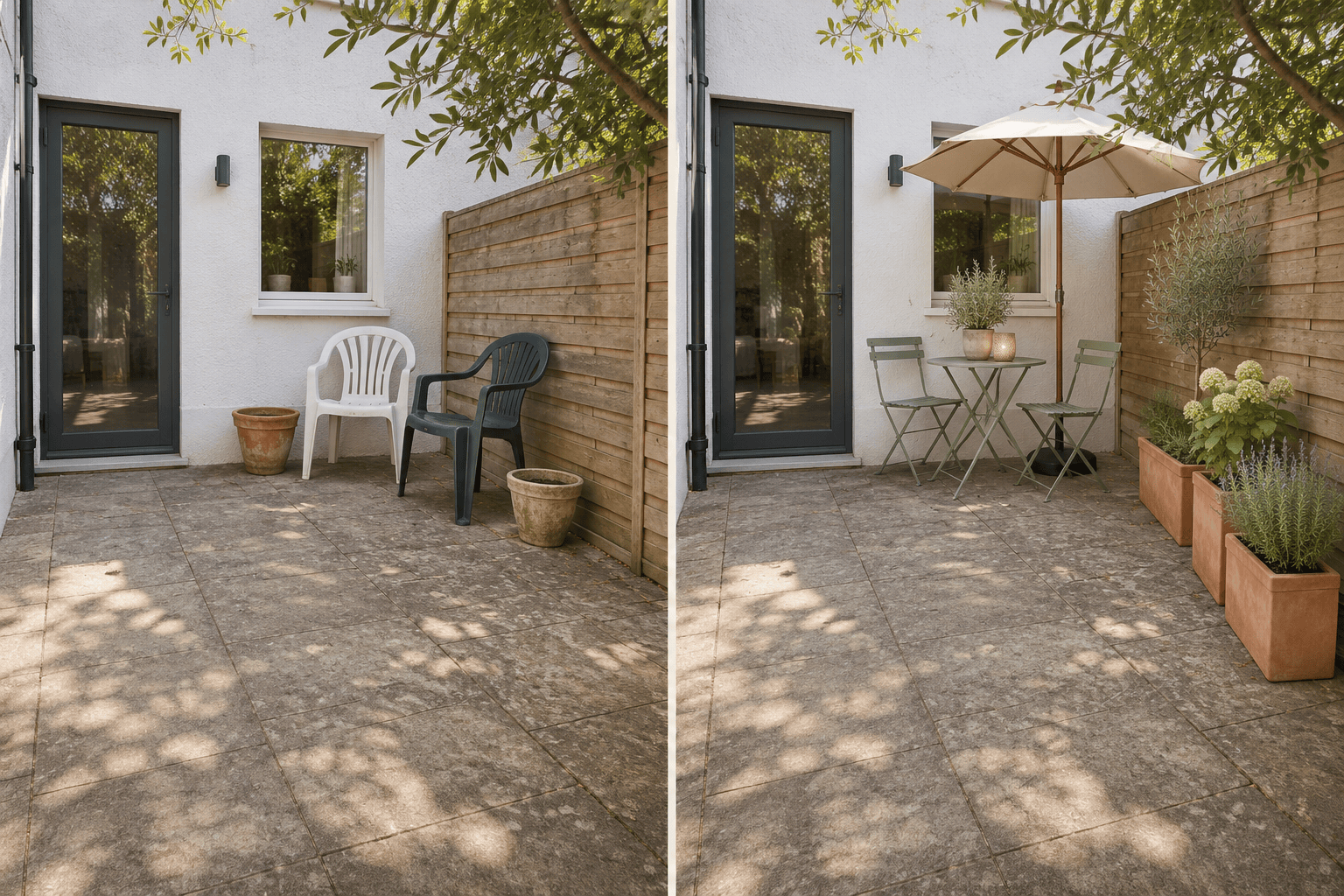
Explore Small Patio Layouts
Explore small patio design ideas with compact seating, planting at the edges, and an open route to the door. Adjust the concept through conversation.
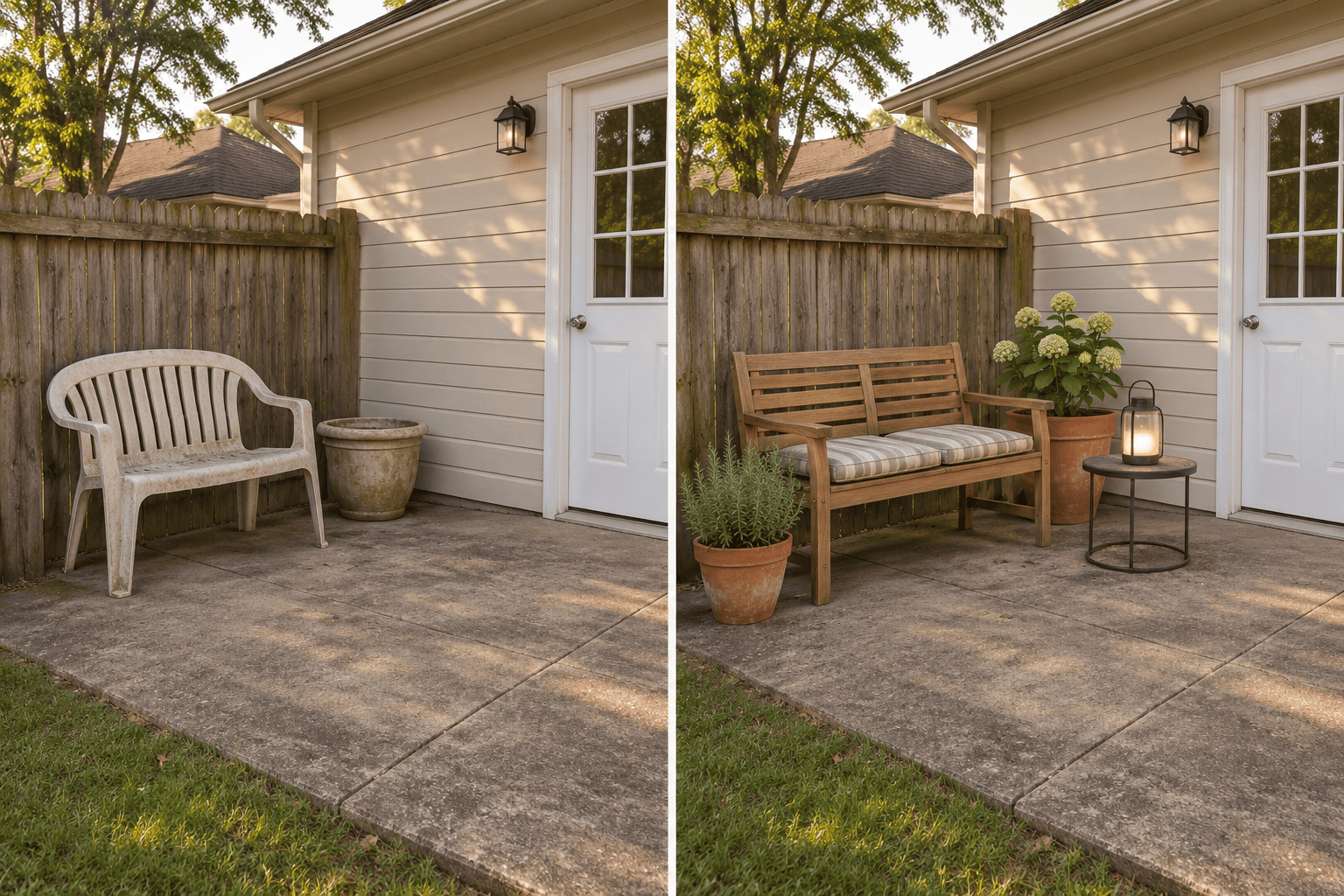
Plan a Patio Makeover on a Budget
Ask the AI patio designer for a furniture-only makeover before exploring new paving. Compare modest changes with a fuller renovation without treating images as cost estimates.
Select a Model for Patio Photo Edits
Select an image model yourself or let Mew Auto choose one for your photo and brief. Access the latest leading image models in one workflow as new releases are added.
Download Patio Concepts to Share
Save patio design variations as watermark-free images. Show the materials, seating arrangement, and atmosphere you prefer while leaving construction details to site-specific planning.
What to Include in Your Patio Design Brief
- Show the Whole Space:Use a clear photo taken from a corner. Include patio edges, steps, doors, and fixed features; avoid a close-up of furniture.
- Separate Keep from Change:List the existing paving, trees, walls, and furniture to retain. Name additions separately so a simple refresh does not become a full rebuild.
- Explain How You Use It:Mention the number of seats, dining or lounging needs, sunny areas, privacy concerns, and budget priorities. Measurements guide the brief but do not make the image a scale drawing.
- Check Before You Choose:Compare the result with your photo. Look for shifted doors, oversized furniture, blocked routes, or altered boundaries, then ask for a focused correction.
Patio Design Ideas for Small Spaces, Pavers, and Shade
Small patio: Redesign my uploaded space with a two-seat bistro set and narrow planters. Keep the existing footprint and doorway. Leave a clear walking route rather than filling every corner.
Budget refresh: Keep my concrete patio and existing fence. Change only the loose furniture, cushions, containers, and portable lighting. Avoid new paving, built-in seating, and structural work.
Paver comparison: Create two patio concepts from my photo, one with warm-toned pavers and one with cool gray slabs. Keep the furniture, patio outline, and camera angle similar for comparison.
Shaded dining: Show my patio with a dining table and freestanding pergola concept. Keep the house and door locations. Place posts away from the main walking route and keep the garden accessible.
Privacy and planting: Add movable screening and planters along the exposed edge of my patio. Keep the gate usable and preserve daylight around the seating. Do not enlarge the patio.
No-photo inspiration: Generate a modern ground-level patio beside a brick house, with a compact lounge, warm stone paving, and container plants. Show a realistic eye-level concept rather than a technical plan.