Free OnlineAI Painting Generator
How to Create a Painting with AI
Choose Your Starting Point
Build a Painterly Brief
Generate and Refine
Review the Artwork and Export

Painting Controls Beyond a One-Click Filter
Paint from Text, Photos, or References
Use the AI painting maker for a new text-led composition or upload a permitted portrait, pet, object, or landscape photo. References can guide content and visual direction while your prompt defines the intended result.
Describe Real Medium Cues
Go beyond a style label. Request oil-paint impasto, visible canvas tooth, transparent watercolor washes, granulation, matte gouache blocks, layered acrylic strokes, or polished digital brushwork to establish a more convincing surface.
Direct Composition and Likeness
Specify the focal subject, viewpoint, crop, depth, negative space, and value structure. When using an AI painting generator from a photo, list the recognizable traits and scene relationships that should remain stable.
Make Targeted Changes in Chat
Use Chat Edit to warm the light, simplify the background, adjust one color, move the focal point, restore pet markings, or repair a small area. Focused instructions make each revision easier to evaluate.
Compare Variations and Build a Series
Generate alternate palettes, crops, media, or moods from one idea. Keep the subject and compositional rules consistent to develop a coordinated set of portrait paintings, landscapes, story illustrations, or concept art.
Try Painting Ideas Online for Free
Sign up for free AI credits, experiment with an online AI painting generator, and export watermark-free PNG or JPG images. The result is a digital painting-style image, so check pixel dimensions and test your chosen print process before producing large wall art.
How to Write a Clear AI Painting Prompt
- Describe the Medium: Name material cues such as thick impasto, dry-brush edges, transparent washes, watercolor blooms, matte gouache, or layered digital brushwork.
- Structure the Composition: Set the viewpoint, crop, focal point, horizon, foreground-to-background depth, negative space, and final aspect ratio before adding decorative detail.
- Control Color and Light: Choose a dominant temperature, limited palette, light direction, contrast level, time of day, and shadow color to create a coherent mood.
- Preserve and Review: For a photo, list the face, pose, markings, silhouette, or layout to keep. Then inspect anatomy, edges, textures, repeated forms, stray lettering, and accidental signatures.
AI Painting Prompts for Text and Photos
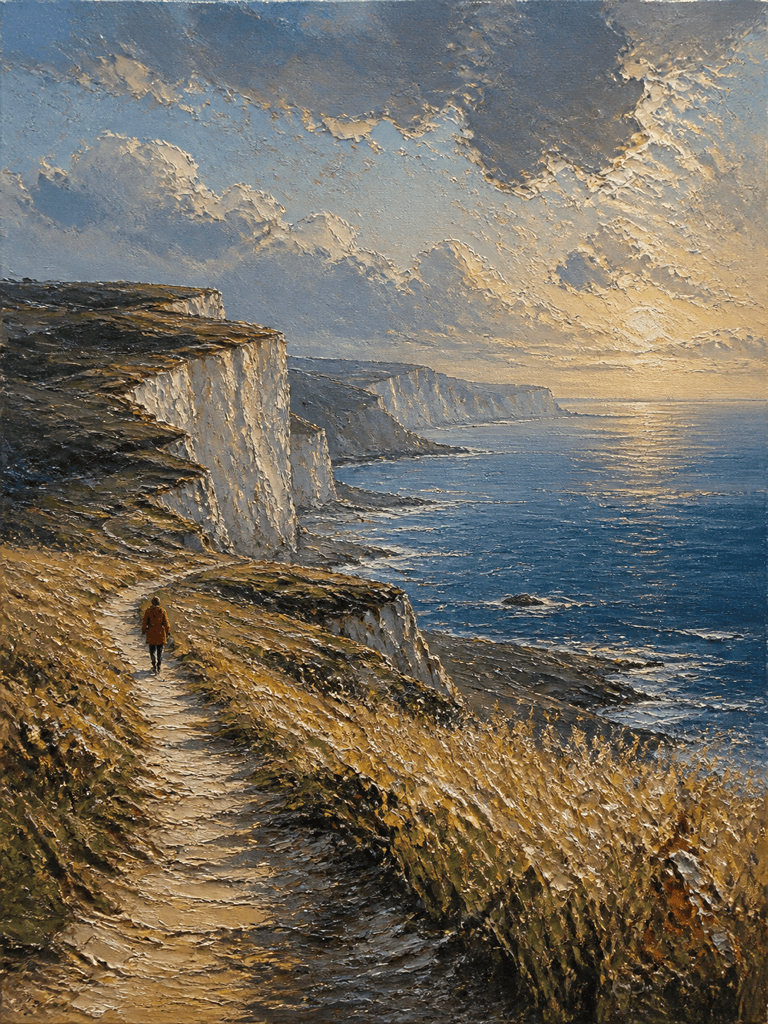
Impasto Coastal Oil Landscape: Paint a 3:4 view of chalk cliffs above a storm-cleared sea at golden hour. Put a winding path in the foreground and a tiny red-coated walker near the left third. Use thick palette-knife impasto on grasses and rocks, layered blue-gray strokes in the distance, warm rim light, and a restrained ultramarine, ochre, sage, and rust palette. No text, frame, watermark, or signature.
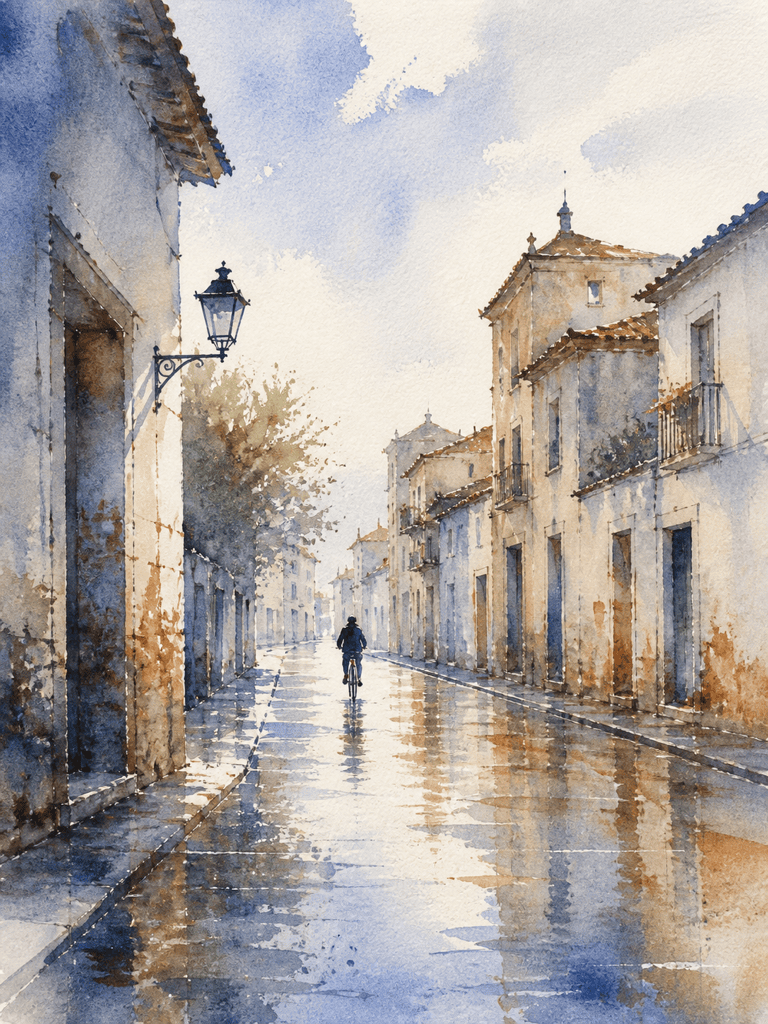
Rainy Watercolor Street: Create an airy watercolor painting of a quiet old-town street after rain, viewed at eye level with one cyclist in the middle distance. Use transparent cobalt and burnt-sienna washes, soft wet-on-wet reflections, subtle granulation, a few crisp architectural edges, generous white paper, and a cool early-morning mood. 3:4 portrait, no readable signs, logos, text, or signature.
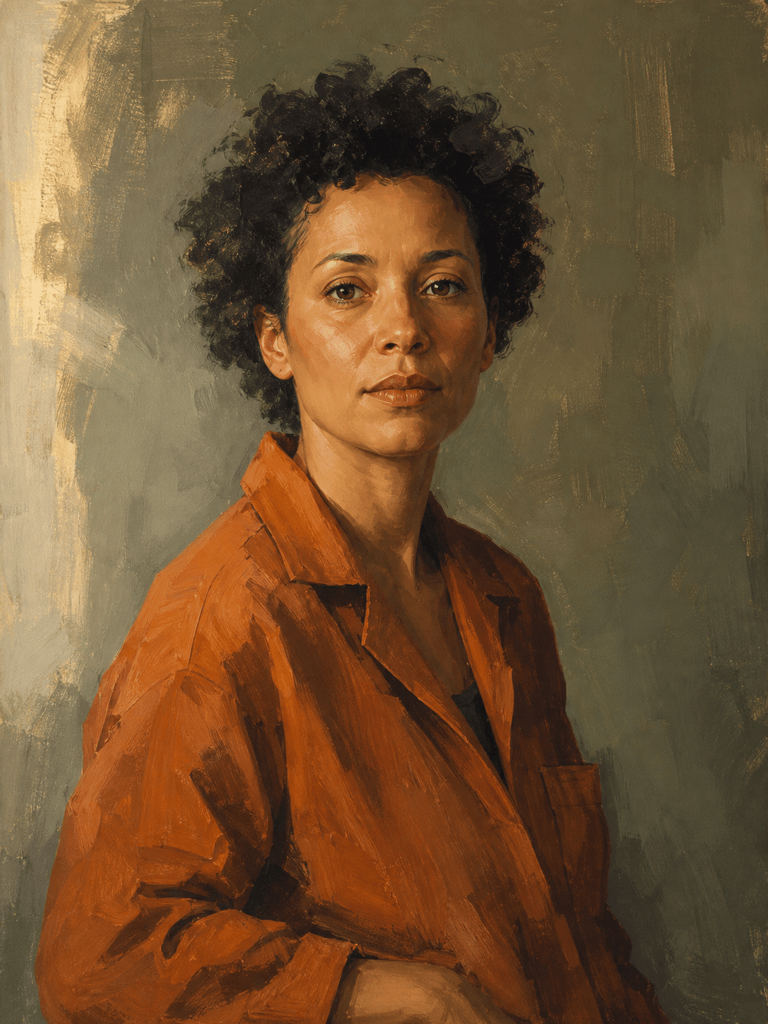
Photo to Oil Portrait: Turn my permitted photo of an adult into a dignified waist-up oil portrait. Preserve the person's facial features, natural proportions, hairstyle, expression, and three-quarter pose. Replace the background with a muted olive studio wall; use soft window light, warm skin tones, thin glazed shadows, and restrained visible brushwork in the clothing. 3:4 portrait, no beautifying changes, jewelry additions, text, or signature.
Matte Gouache Woodland Illustration: Paint a curious red fox crossing a moonlit fern clearing for a storybook spread. Use simplified organic shapes, opaque matte gouache layers, softly textured edges, deep forest green, muted coral, cream, and indigo, with one bright firefly trail guiding the eye. Friendly rather than photorealistic, balanced 3:4 composition, no text, border, or signature.
Modern Acrylic Wall Art: Create a vertical abstract acrylic painting based on overlapping arches, tide-pool shapes, and one off-center circle. Use bold opaque strokes, subtle scraped layers, visible canvas texture, terracotta, cobalt, sand, charcoal, and cream, with quiet negative space and a balanced asymmetrical rhythm. Print-oriented 3:4 artwork, no frame, room mockup, letters, logo, or signature.
Dramatic Still-Life Painting: Create a dark, classical-inspired oil still life with two pears, a folded linen cloth, a blue ceramic bowl, and a single lemon peel on a wooden table. Use a triangular composition, one warm side light, deep transparent shadows, controlled highlights, fine glazing on the ceramic, and looser strokes in the background. 3:4 portrait, no labels, text, frame, or signature.
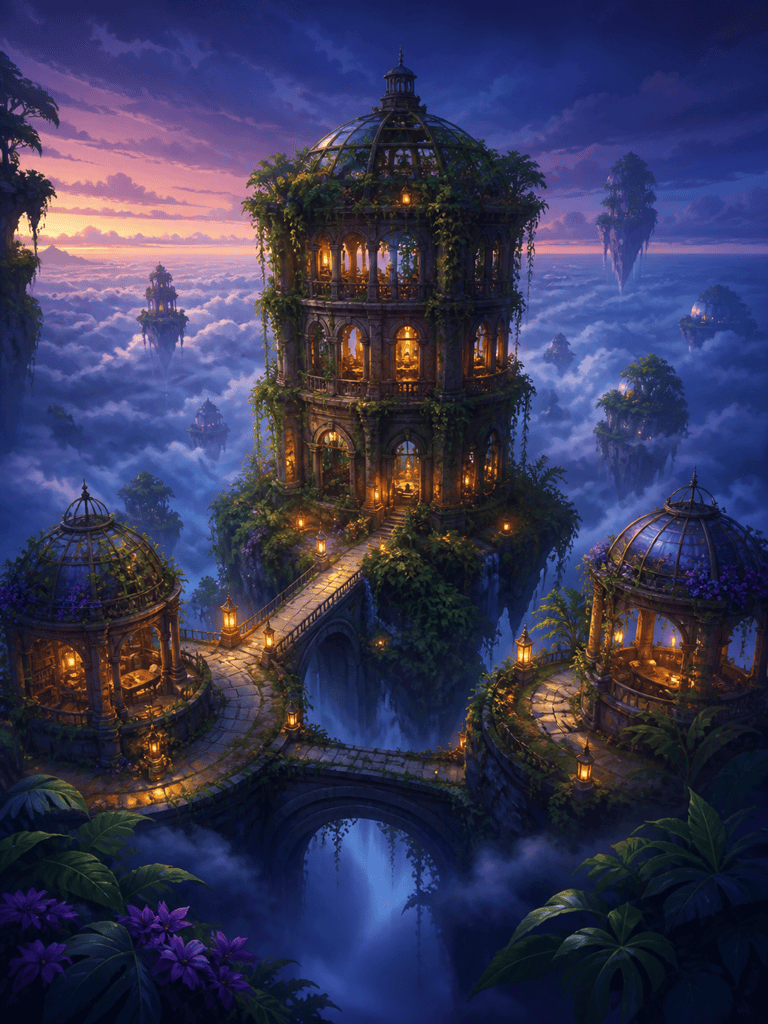
Luminous Fantasy Digital Painting: Paint a floating botanical library above a cloud sea at twilight, connected by narrow stone bridges and lit by small amber lanterns. Establish a clear central tower, atmospheric depth, painterly digital brushwork, teal-violet shadows, warm focal lights, and a sense of quiet wonder. Cinematic 3:4 concept art, coherent architecture, no characters close-up, text, logo, or watermark.
Watercolor Pet Portrait from Photo: Transform my permitted pet photo into a loose watercolor portrait while preserving the animal's eye color, ear shape, muzzle, and distinctive chest marking. Keep the head angle and gentle expression; simplify the background to pale sage washes with soft blooms. Use a few crisp details around the eyes and nose, visible white paper, 3:4 portrait, no collar text, signature, or decorative frame.





